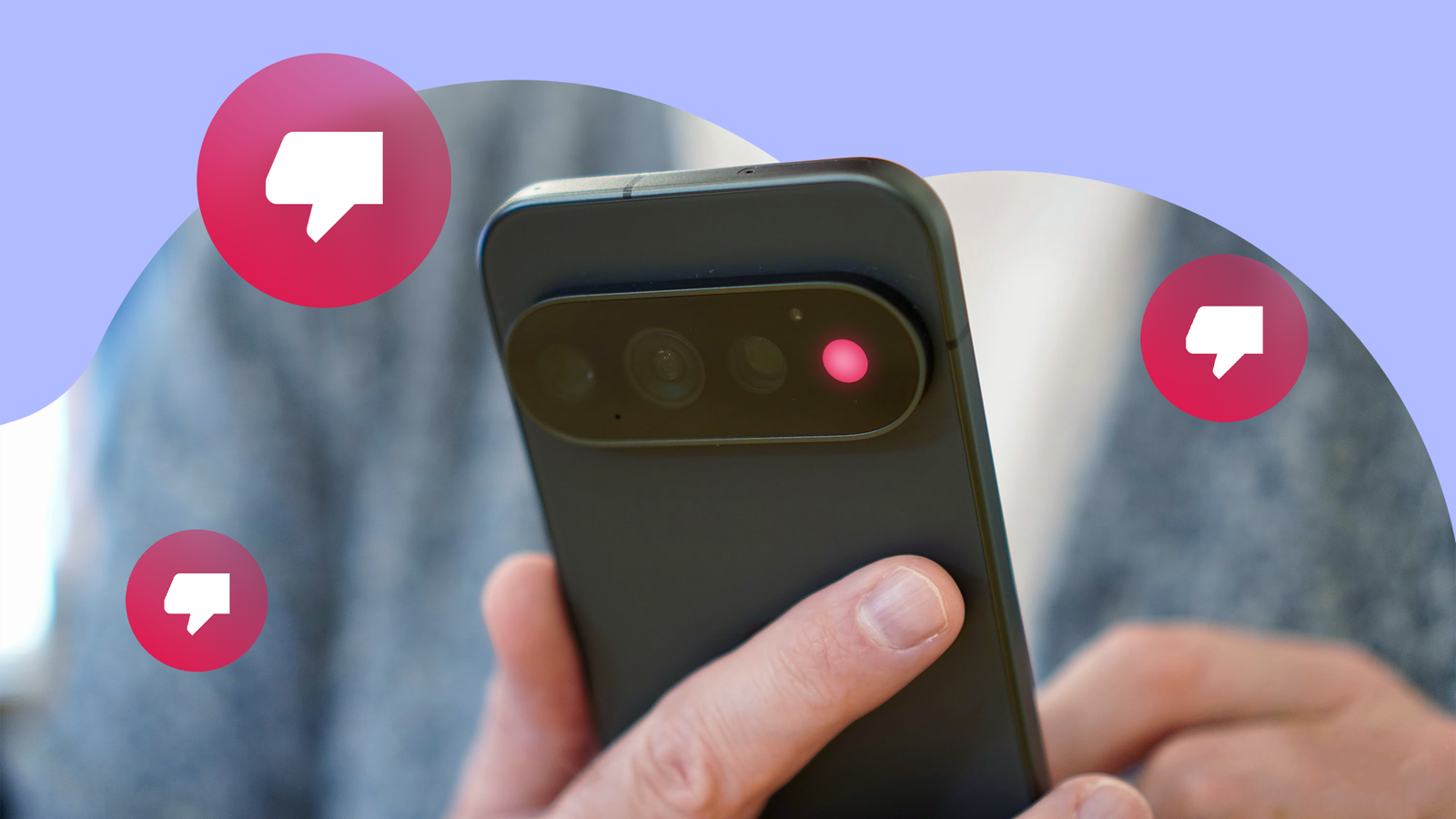
Before Google's official launch of the Google Pixel 11 models a couple of weeks ago, I genuinely hoped they'd be so good this year that I'd finally switch to a Pixel handset. I finally tried them, and I've changed my mind.
I'm not saying that the current Pixel 11 models are bad for everyone. That would be wrong, and I usually don't make such sweeping comments about any gadgets that at least try to impress users.
The Pixel 11 lineup clearly did, but it failed miserably.
Although the Pixel 11 lineup offers more than its predecessors, while trying the handsets, I felt many of its headline features were strong contenders for the most useless Pixel feature ever.
They all sound cool on paper, but they were poorly executed. I'm particularly disappointed with HiLight, a feature that would've become both handy and cool if Google implemented it well.
Instead, the HiLight feature became the most useless Pixel feature ever. Here is why I think so.
Pixel's HiLight isn't anything new, but the idea still sounds cool
It feels primitive by today's standards


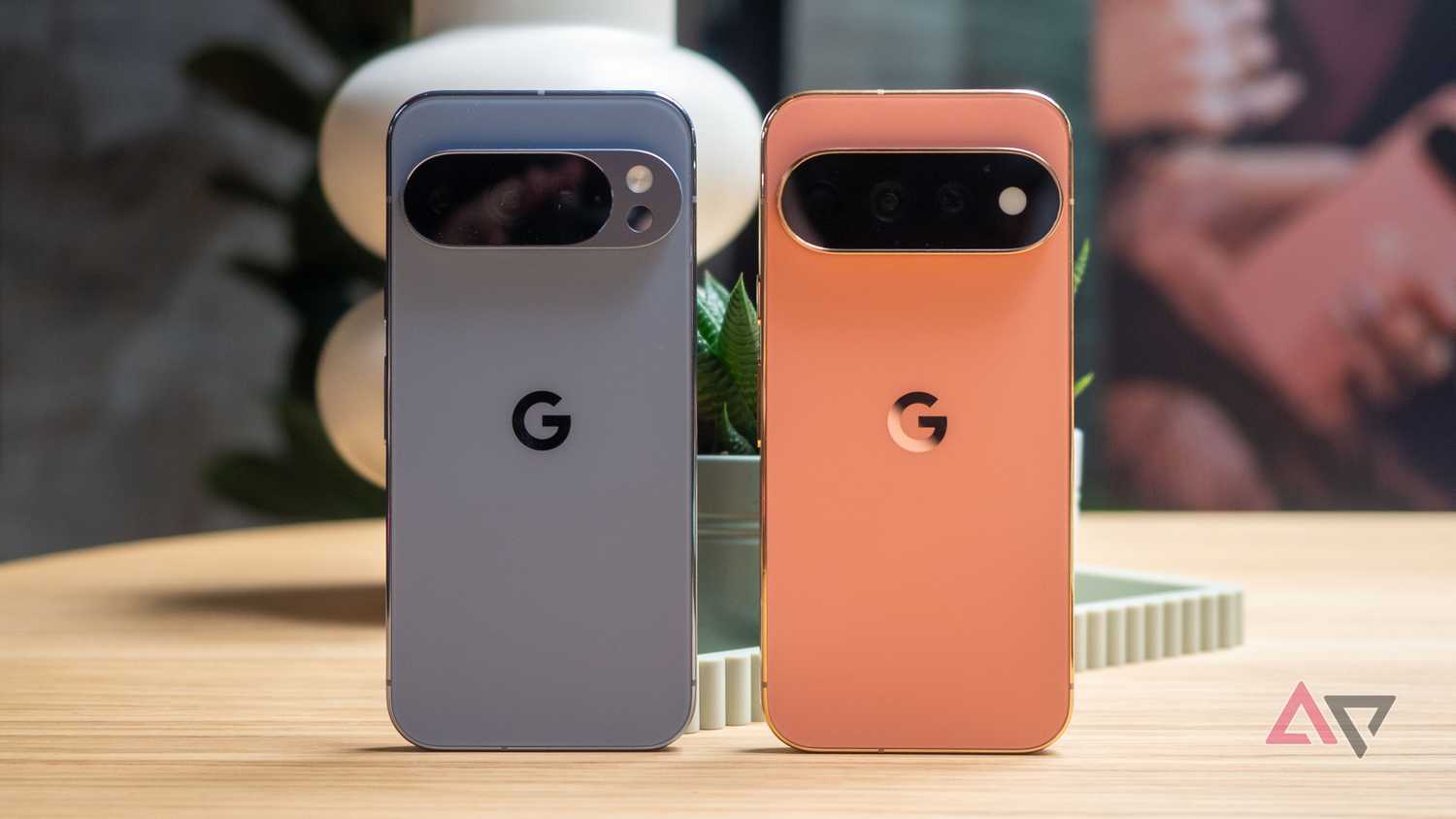
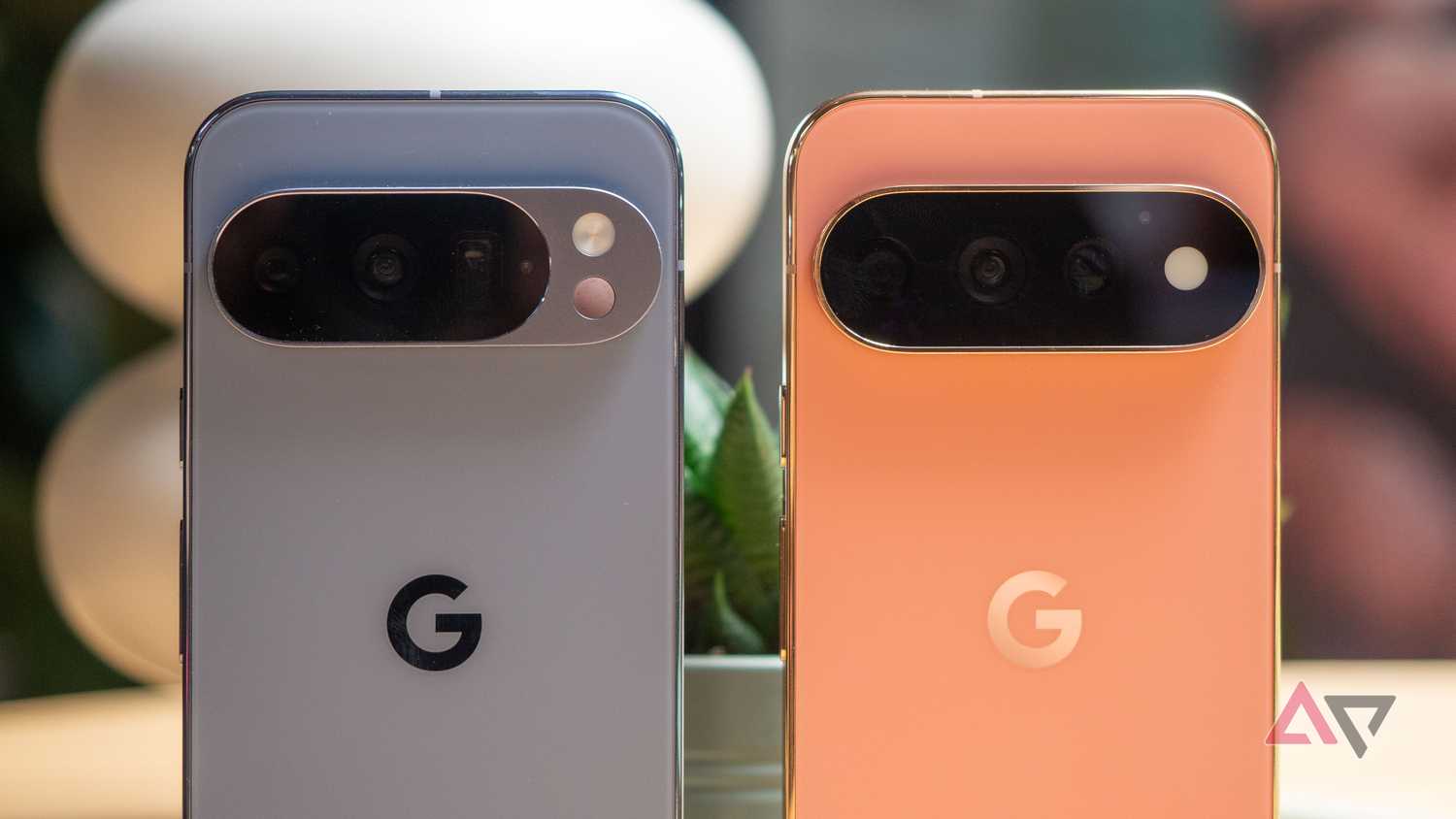
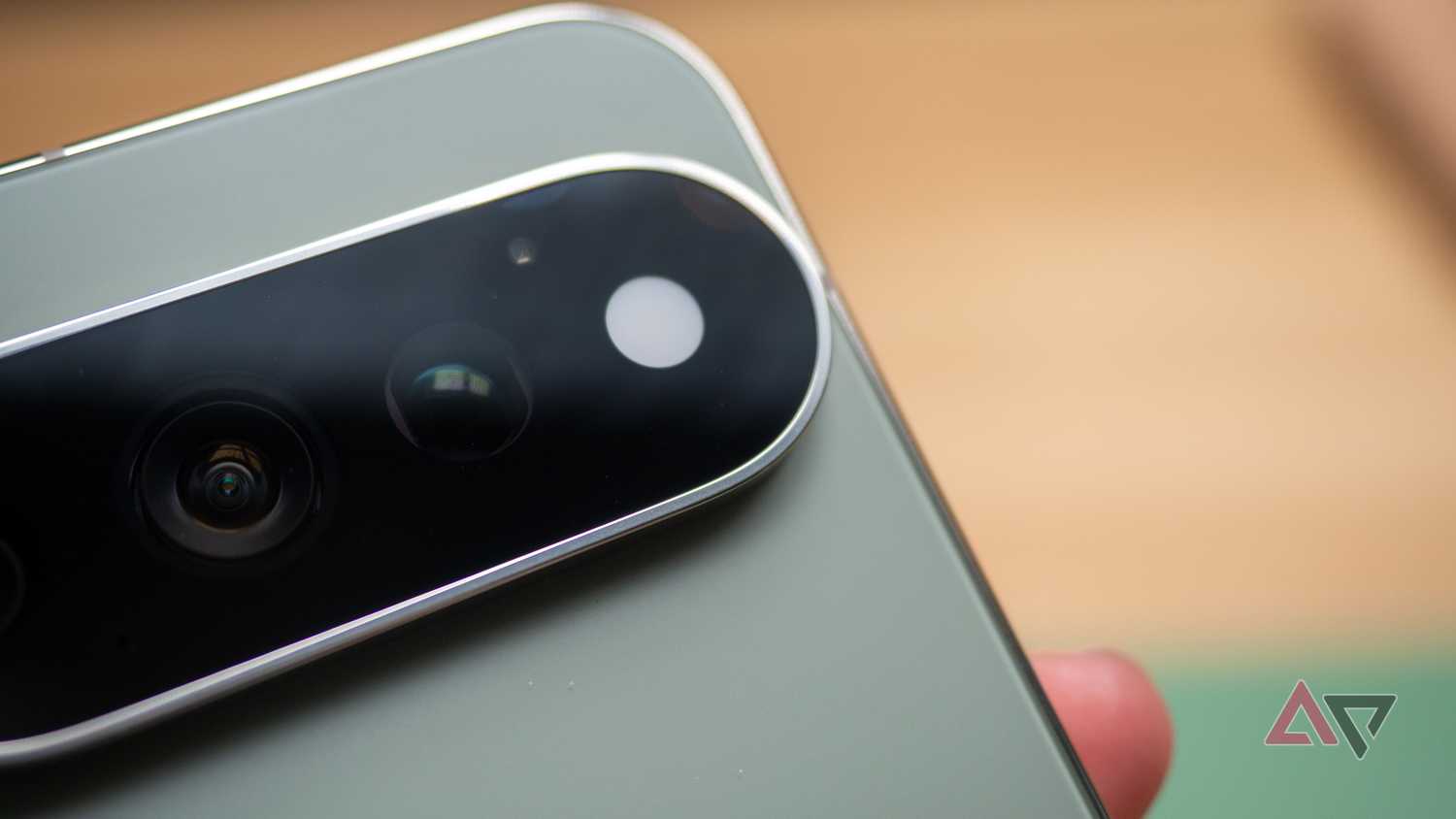
I wasn't blown away when I first saw the HiLight feature making the LED on the back of the Pixel 11 Pro glow. I saw something very similar when I was in high school, flexing my Nokia 5233 to my friends.
The "Menu" key at the bottom lit up on the Symbian-powered Nokia 5233 when I missed events like incoming calls or unread messages. This was 16 years ago, and a lot has changed since then, but the idea refused to die.
I'm glad it hasn't. While we no longer have buttons on the bottom of a phone like the ones on the Nokia 5233, phone makers have come up with other innovative ways to add a notification light.
My OnePlus 7 Pro had something called Horizon Light, a feature that illuminated the curved edges of the handset when I received a notification. I liked it during my time with Nokia, I liked using it on the OnePlus 7 Pro, and I still like the idea.
I would've said I liked using HiLight on the Pixel 11 if Google had done a good job implementing it. While the notification light looks cool, Google's implementation feels more primitive than the one in the Nokia 5233. It's not as innovative as the one in the OnePlus 7 Pro, either.
Pixel's HiLight is pure hype material with little substance
It doesn't deserve to replace an important sensor on the Pixel
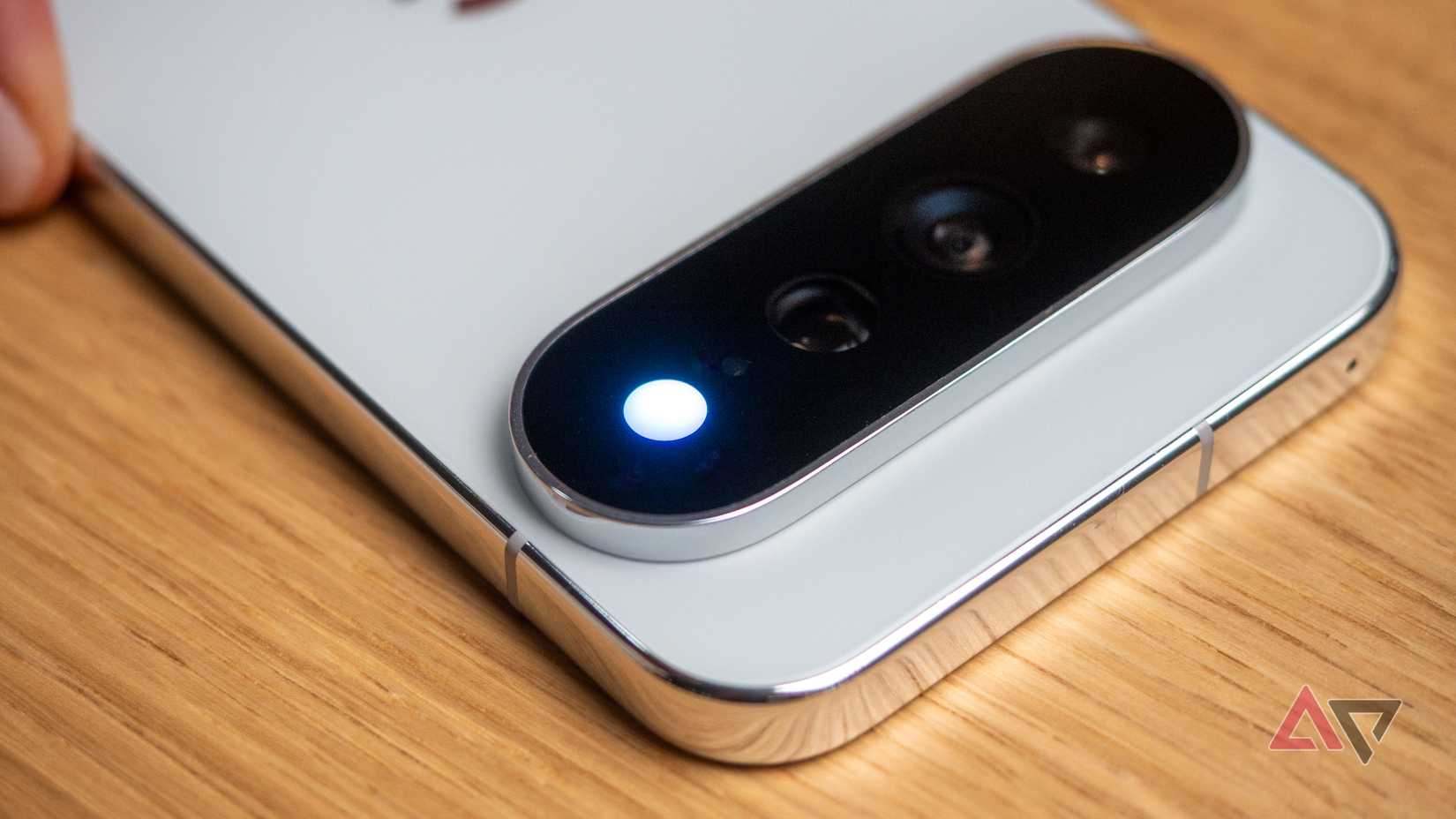
I place my phone screen down most of the time to avoid distractions. This is when I'm talking to someone or watching or reading something. Another reason I like it face down is because I worry that something might drop on my phone and break the screen.
That's why I like its placement. The LED notification light on Pixel 11 Pro models sits on the back of the device, near the camera module. Unfortunately, that's all that I liked about the tiny LED light.
It supports only two types of notifications. The light glows when you are or receive a call from your favorite contacts. That's all it can do right now.
What if I want the light to glow when I receive a Slack notification on my Pixel 11? HiLight can't help here because it doesn't work with other apps.
I don't remember the last time I talked to someone about something important over a phone call. The Gemini one is a pure gimmick, and nothing else.
When I speak with Gemini and the light glows, it looks nice, but this won't last long. It isn't practical, either.
Don't take my word for it. Ask yourself how often you speak with Gemini while placing your Pixel screen down. I have never done that, and I never will, just to see different glowing effects when Gemini listens and responds.
This is lazy. Google could've waited a little more and launched HiLight with support for all kinds of notifications, or at least until it worked with all chat and productivity apps.
If a vibe coder can unlock the HiLight LED to make it work with any number of apps and notifications this quickly, I wonder what stopped Google from doing it?
I'm not losing hope in Pixel's HiLight feature
The third-party HiLight Studio app shows how Google should've implemented the feature in the first place. I'm hopeful Google will take cues from it and make HiLight better than it is today.
In the next big Feature Drop, which is expected to arrive in December, HiLight will support one more notification type. In addition to calls, it'll also let you make it glow when you receive messages from your favorite contacts.
But I need more, and I want Google to do it next year.