
I use both for my daily commute, and they've become essential apps.
They've saved me countless hours from traffic jams and let me discover new places when I'm traveling.
But I still need certain apps, since no navigation app can do everything. They are as essential as navigation apps and should be on everyone's phone.
PlugShare should always be on your phone if you drive an electric vehicle
The most handy app for EV users
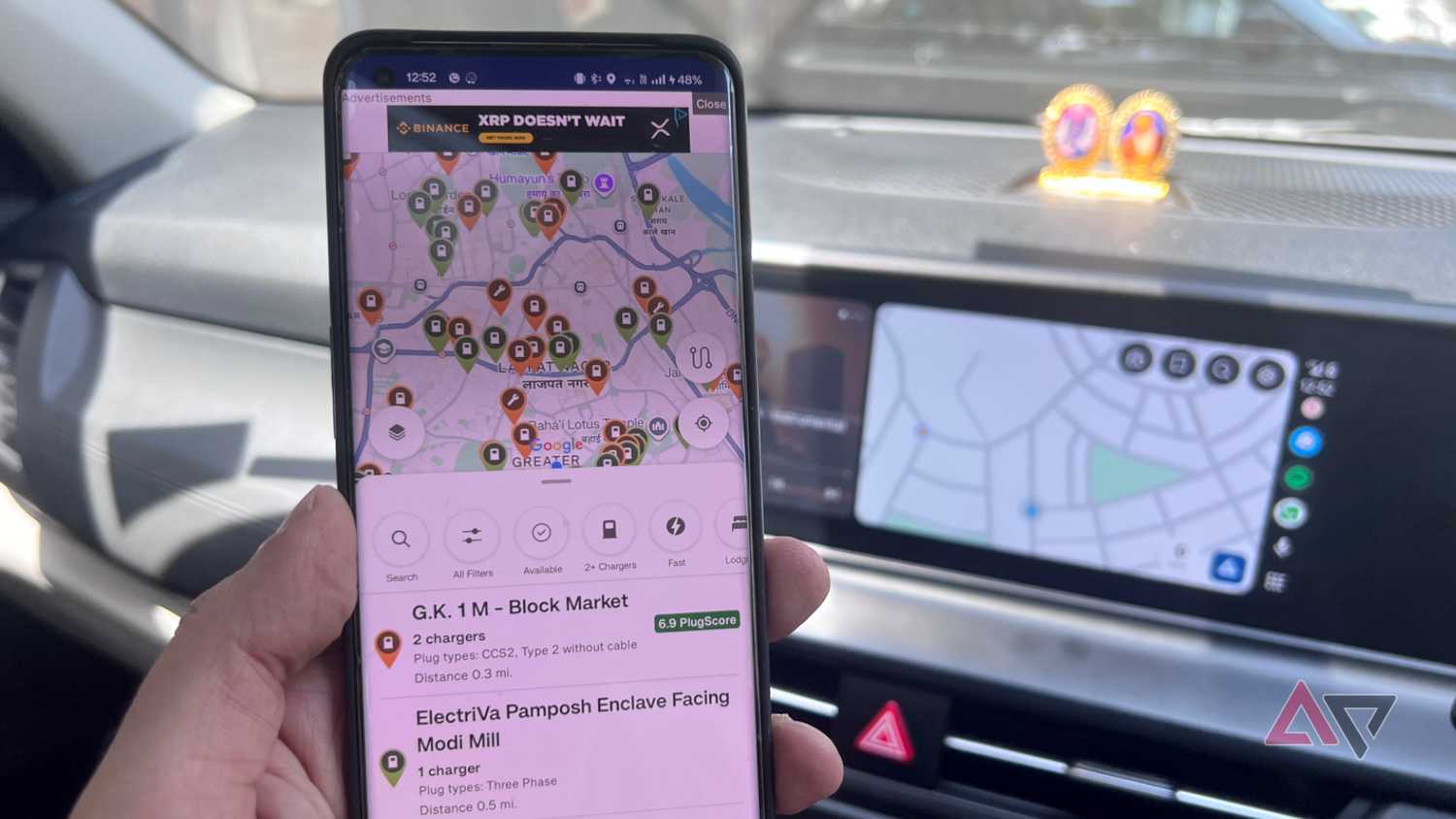
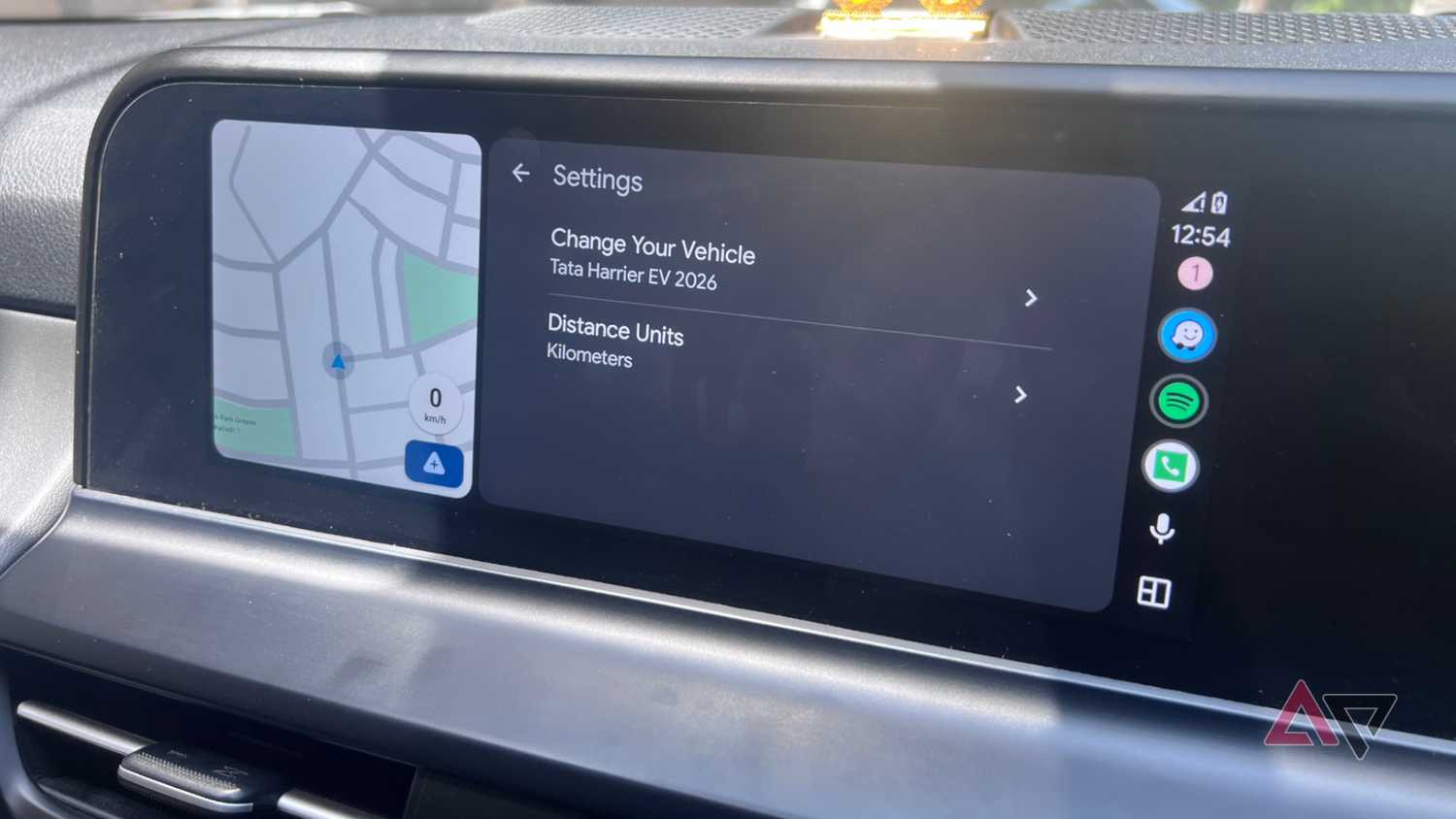
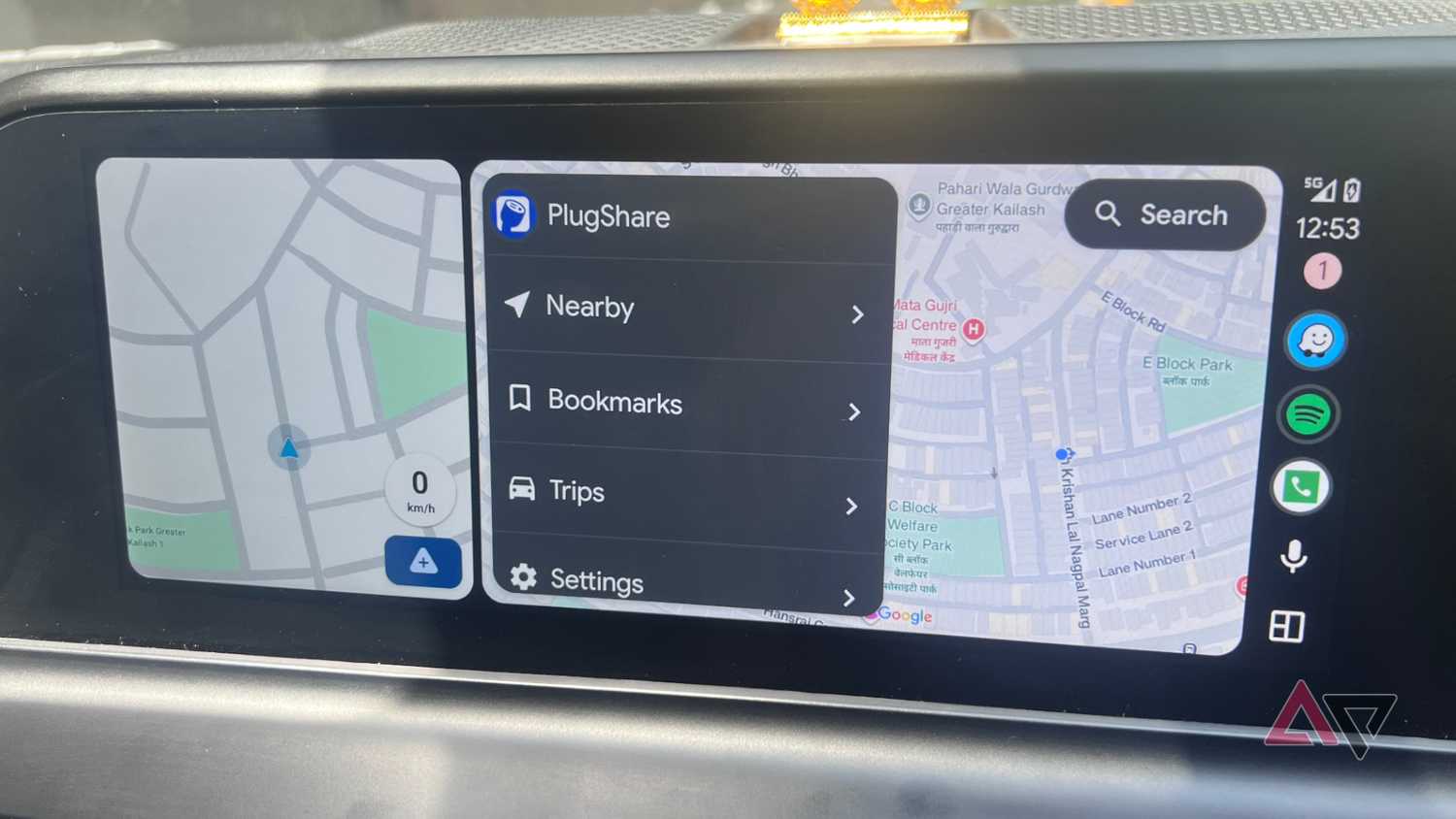
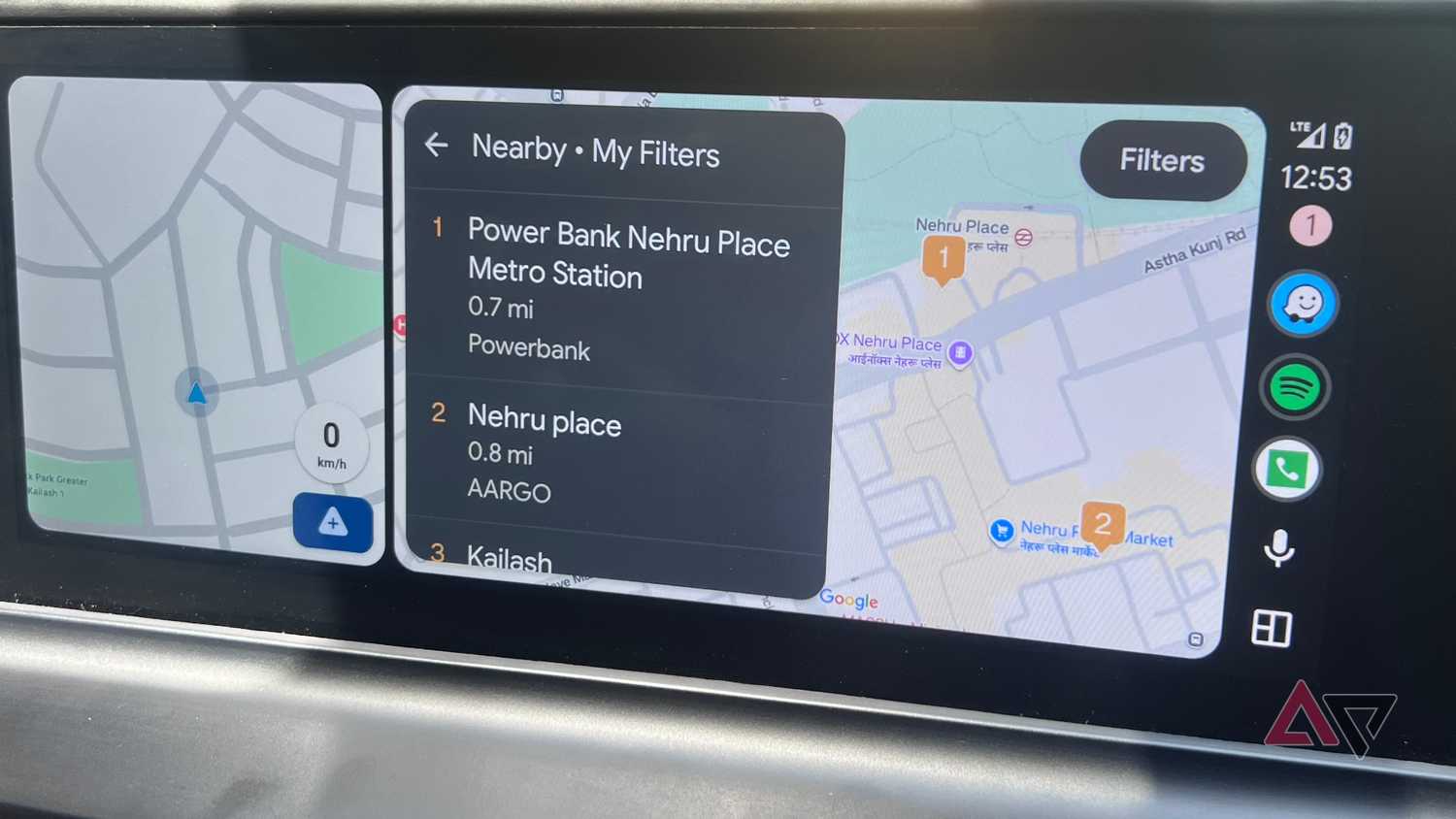
You can add basic EV information such as car model, plug type, and speed preferences, but both apps are still basic at finding charging stations.
That's where PlugShare comes in: like Waze, it uses community-sourced information about charging stations and what they offer.
The community is very active and keeps charging station information up to date regularly. You can find a charger that fits your needs and get additional information through PlugShare's review system.
After I enter my EV's key information, I can use the search filters to find a charging station with amenities and fast-charging capabilities near me.
PlugShare works best when you enter your EV’s details such as supported charging speeds, car model and year, and plug type.
Connector types include CCS, NACS, CHAdeMO, and J1772, which you can find in your car's manual or on the labels near the charging port.
If it weren't for PlugShare, I would have been stranded on the highway for hours, but thanks to the app, I found a fast charger and made it home in time.
The PlugShare Android app is also robust, and you can navigate to a charging station with a single tap. Best of all, it's completely free to use, and the subscription is affordable and removes unobtrusive ads.
Save fuel costs in this economy
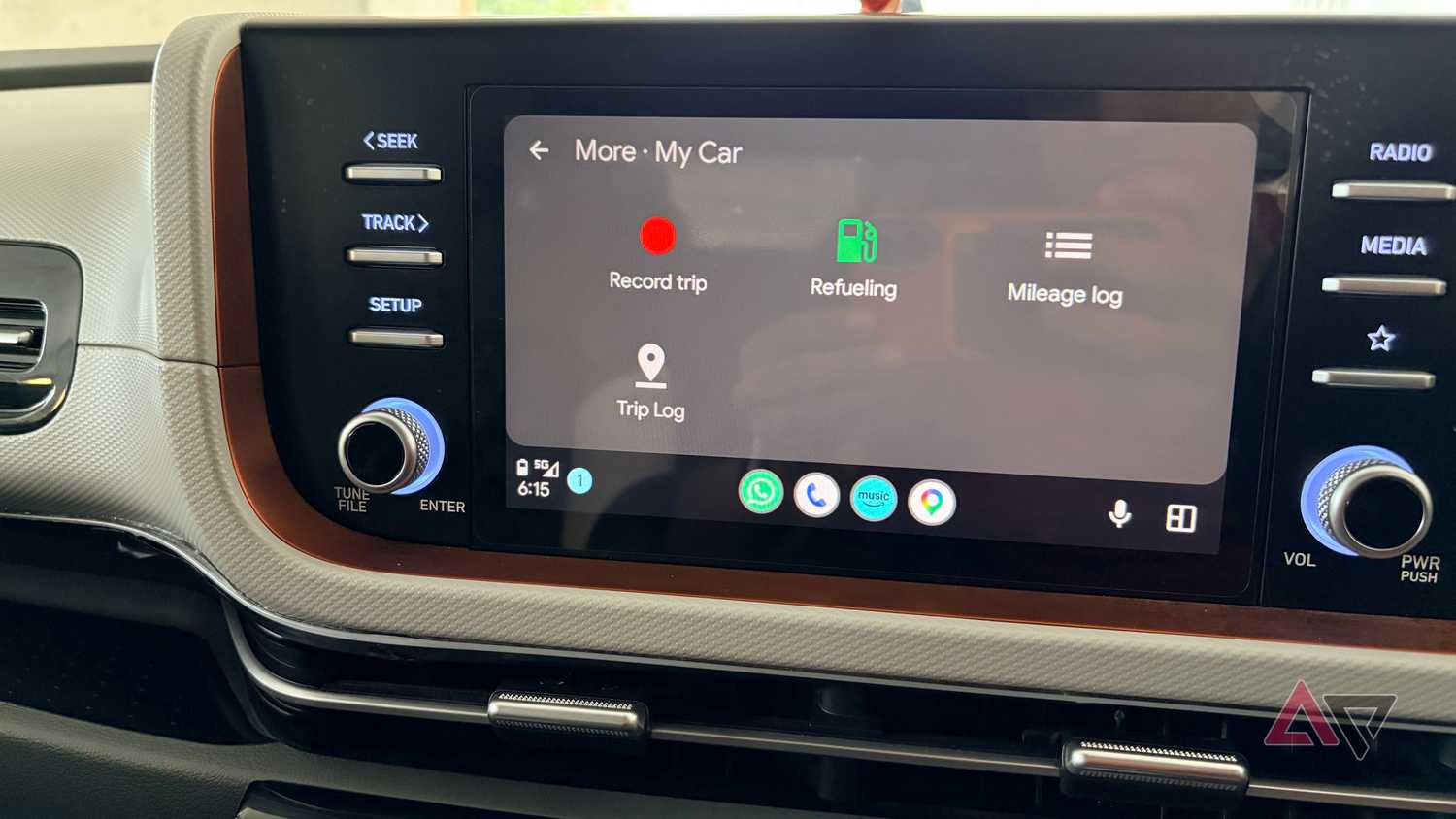
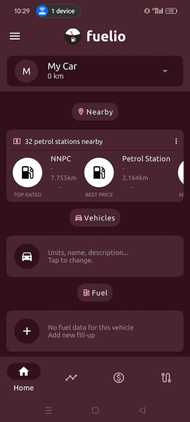
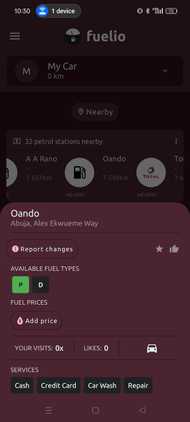
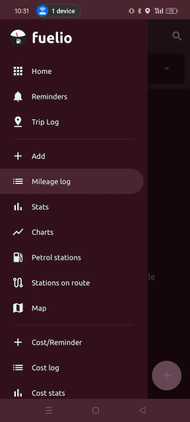
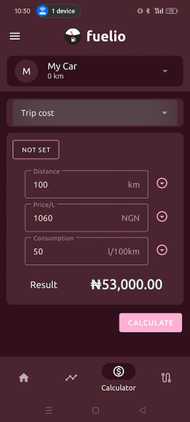
Fuel prices have risen to the stratosphere, and saving money on gas can make all the difference.
While Google Maps and Waze show nearby gas stations, neither does a great job showing real-time gas prices. Waze has crowd-sourced prices, but they aren't updated frequently and can differ when you arrive at the gas station.
But like PlugShare, Fuelio is a community-driven app that turns my car into something of an accountant. You can check prices at nearby stations in the app and log fill-ups from the .
The app uses the price information to show other users, but it also tracks consumption and spending.
All of these features are available in the free version, but if you want charts, reminders, and weather alerts, consider a Pro subscription.
While I have used Waze to find cheaper gas and have been successful, Fuelio lets me analyze my driving habits and shows me whether I'm getting more efficient over time.
I've cut down on spending with better driving practices and by finding the cheapest gas. Electric Vehicle users can also use this app to track kWh electricity costs and charge batteries as cost-effectively as possible.
I reserve parking spots beforehand with SpotHero to save time
Making finding parking easy in cities
Even though I get hints about parking spaces in Waze and Maps, I still can't reserve a spot or compare garage prices to save a buck.
But with SpotHero's , I can reserve a spot and get directions to the facility from the app. It's a massive time saver, since I no longer circle the street looking for a parking spot.
I usually book by phone and hand off navigation to Waze or Maps. What's neat is that SpotHero supports parking passes from the head unit.
There have been times when I've wasted over 15 minutes trying to find a parking spot at peak hours, but with this app I no longer have to.
SpotHero is handy in cities or when you're going to busy areas such as malls, airports, downtown, or anywhere street parking isn't always available.
Some Android Auto apps deserve to be on my phone
If it weren't for these three apps, I'd rely on the default navigation apps to find fuel, charging stations, or parking spaces.
But with these three apps, I've saved time and money because they offer better information than .
Hopefully, both navigation apps will add similar features, but for now I cannot drive without them.