
While I still have , there's one thing that Android Auto does better: offering support for a more versatile array of apps.
Apple locks up its walled garden with iron gates. Google lets developers do a lot more.
For example, I've been delighted to find I can watch YouTube videos or load up Chrome to stream videos from my Plex server using Android Automotive (AAOS).
That's recently been extended to Android Auto, and it's not the only great new feature you can enjoy while waiting to pick up your kids or watching your EV charge levels slowly rise.
Google has finally opened up the world of gaming on the dashboard. While it's been toying with it in beta for about a year, it opened the floodgates earlier this month.
You can now enjoy an impressive gaming experience while parked in your car, although like other apps, games must be updated with Android Auto support before they'll appear on your dash, and AAOS versions remain separate.
That makes the options a bit limited right now, although we'll undoubtedly see more titles pop up in the coming weeks. Even so, some fun titles are already on deck to get you started.
A console-quality 3D kart racer
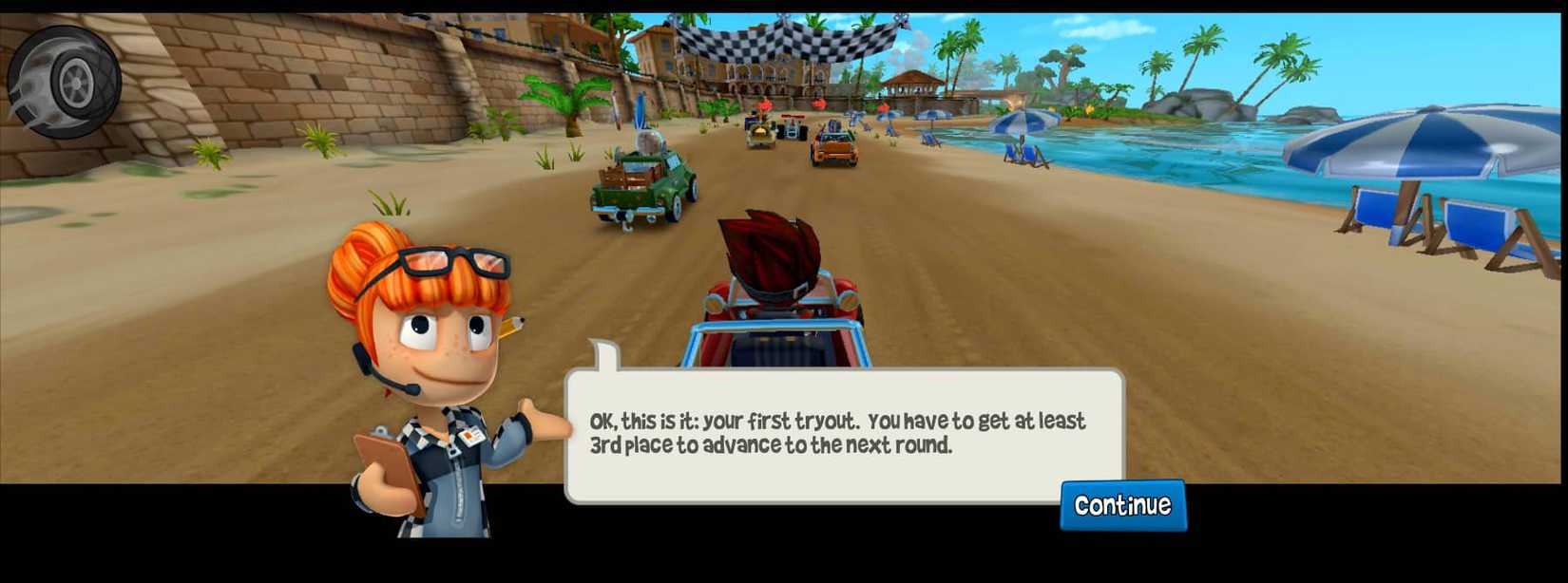
Built in the spirit of Mario Kart, this is a "pick-up-and-play" style game that's great for killing a couple of minutes with a quick run.
It also saves your game state seamlessly, so you won't lose your progress when you shift out of park (which will automatically close the app).
It's a bit awkward to play on a touchscreen, but you can pair nearly any Bluetooth controller with your Android smartphone — and even some cars for the AAOS version.
However, that only works with higher-end EV brands like Polestar and Volvo, and while a special "Tesla edition" of the game lets players turn using the car's physical steering wheel, AAOS automakers aren't about to let Android touch the driving systems.
The AAOS version is sleeker, fills the full display, and runs more smoothly. But for the best experience, you'll want a controller, which will leave most folks reaching for the Android Auto version.
Great for the drive-thru line
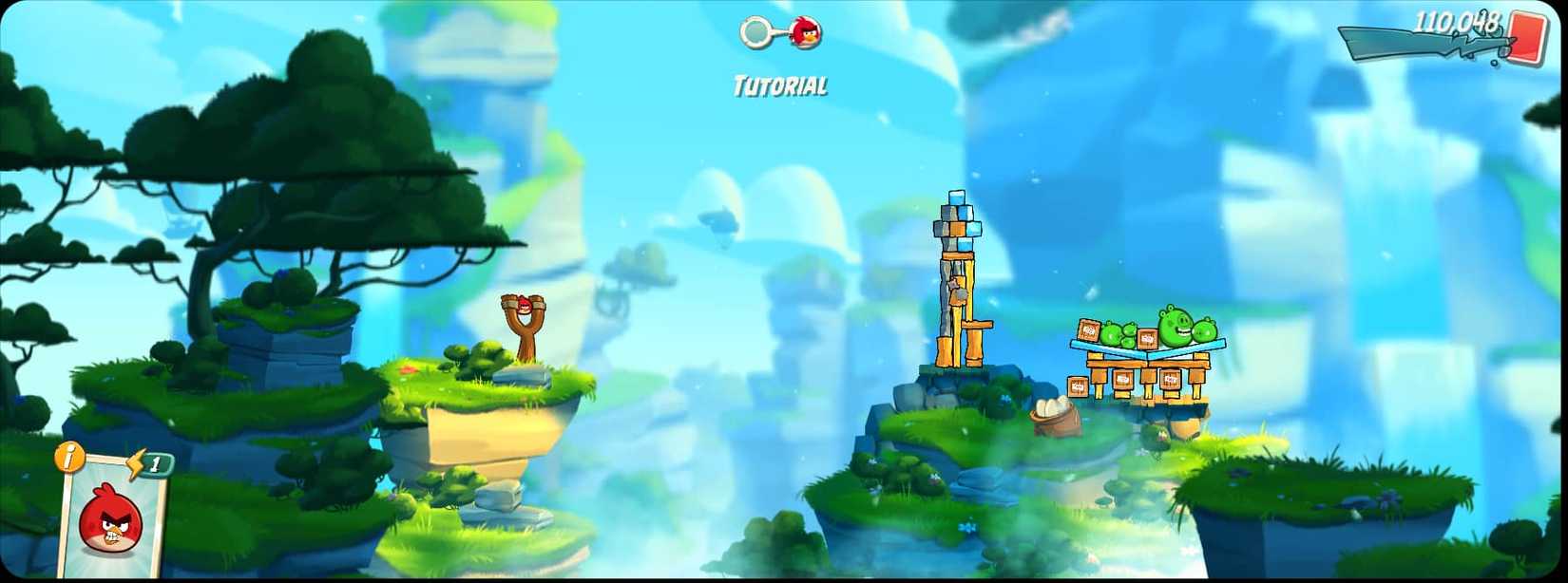
The Angry Birds franchise needs no introduction, and if there's one game that's a perfect fit for a car's infotainment screen, it's the classic bird-flinger.
I found it especially fun on my 12.3-inch widescreen, with plenty of horizontal space for an extended playing field.
The touch controls scale nicely for the larger display. Just pull back, aim, and fling to send your bird off and (hopefully) take out a few pigs.
While the classic game isn't available for Android Auto, Angry Birds 2 works seamlessly. It's the same version you may have on your smartphone, so the latest update should appear on your dashboard.
You'll need to grab Angry Birds for Automotive if you want the AAOS version. It's a remake of the classic 2012 Angry Birds game, beautifully tailored for in-car play.
It's a paid download, but it's only a couple of bucks and comes with no in-app purchases or pop-up video ads. You also get all the original episodes, with over 390 levels.
Both played well on my dashboard, but the AAOS version provides the better experience, making it well worth the small price of admission.
The ultimate waiting-in-the-car game
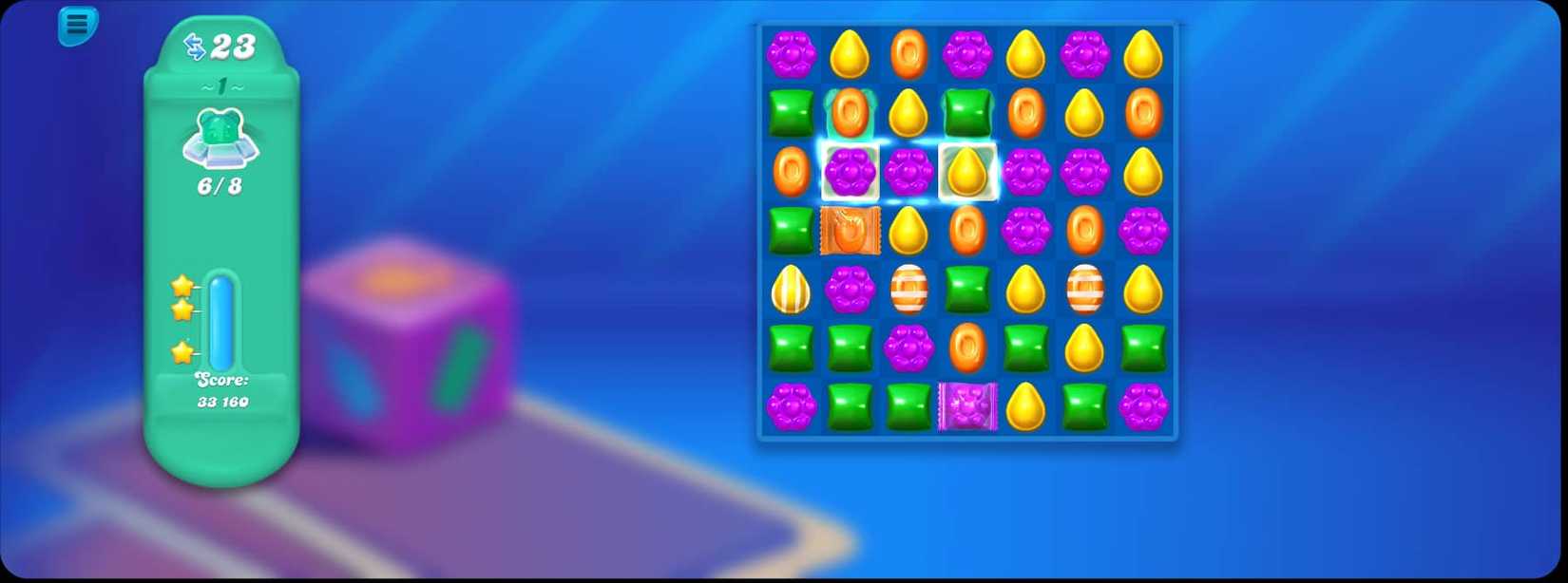
Another game that needs no explanation is also a flagship title Google has used to showcase the new era of Android Auto gaming.
Unlike the others on this list, Candy Crush Soda Saga is exclusively an Android Auto title right now — there's no AAOS equivalent — but it's a great way to kill some time while waiting for your EV to charge.
Like other Android Auto titles, you'll have to be in park to play it (a good thing after my wife discovered it on our dashboard), but it otherwise plays as you'd expect. It also syncs with the progress on your phone, since it's the same app.
Keep the little ones entertained
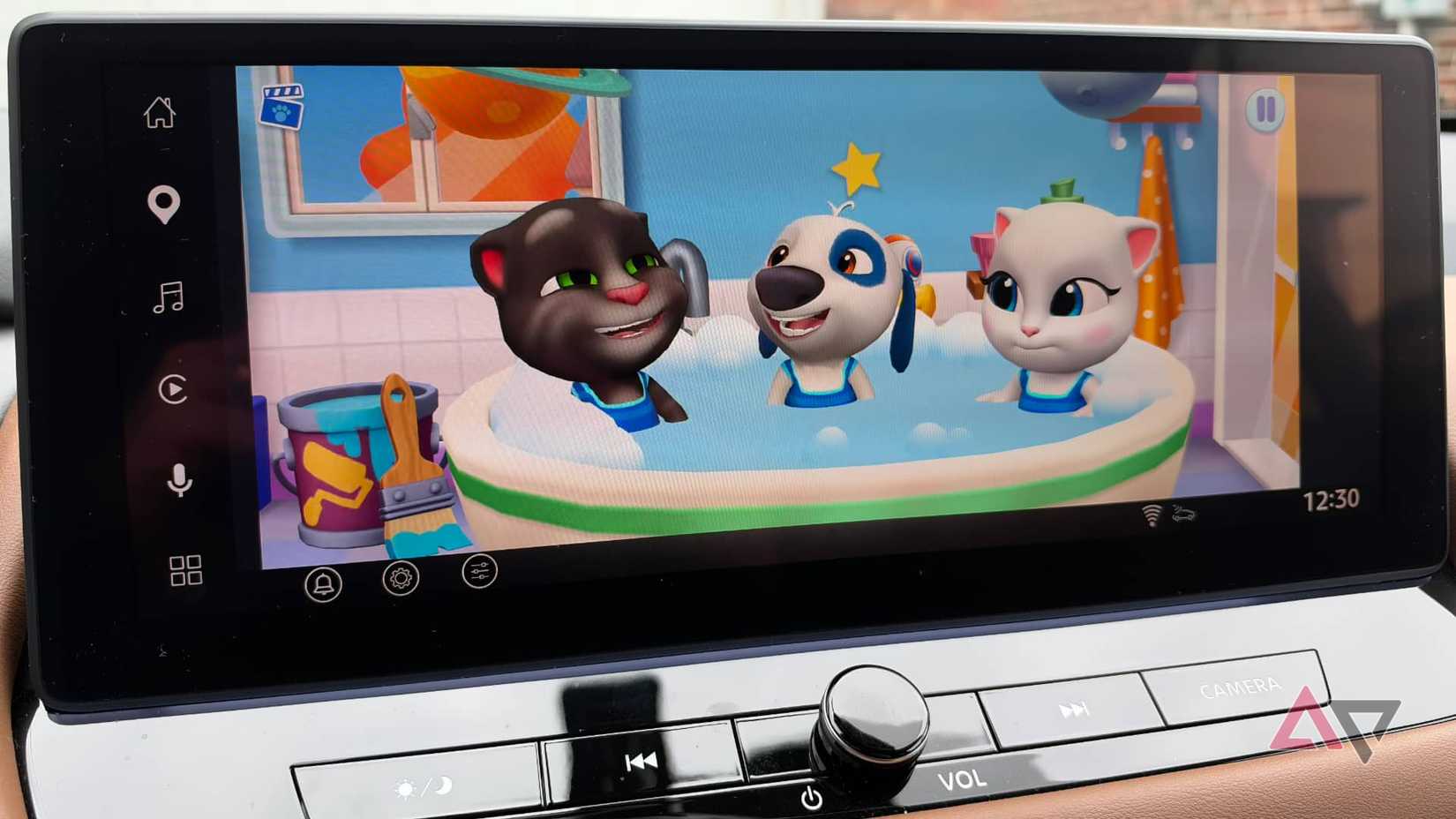
If you're a parent, you know how challenging it can be to keep your young children amused when there are no highway signs whizzing by to distract them. Outfit7 has you covered with My Talking Tom Friends, available for Android Auto and AAOS.
This virtual pet sandbox works the same way on the infotainment screen as it does on their tablets, so there's no learning curve. It's also a unified app with all six main "friends" — Tom, Angela, Hank, Ginger, Ben, and Becca — included.
Kids can enjoy all the familiar activities: caring for their virtual pets, customizing their house, exploring town, and playing a collection of mini-games.
As with all other games, this only works when the car is in park, so bring the tablet along for longer trips. Still, booting it up on your dashboard is a great way to buy a few minutes of peace while running errands around town.
The instant arcade
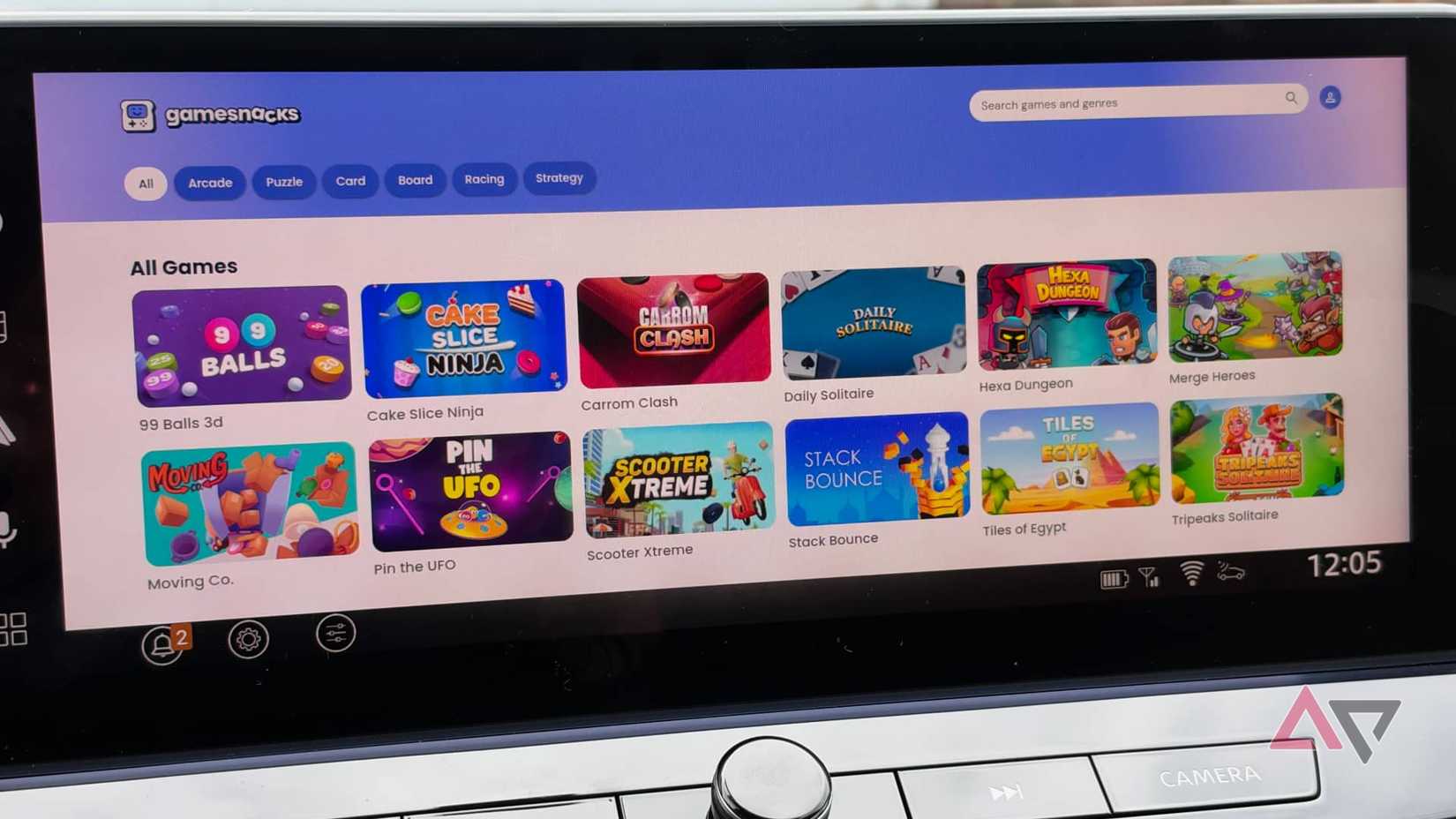
Lastly, GameSnacks is a collection of a dozen or so bite-sized HTML5 games that stream from Google's servers.
It's arguably a proof of concept for Google, but GameSnacks includes fun titles, including Chess and Retro Drift in the Android Auto version, and 99 Balls 3D and Scooter Xtreme in the AAOS version.
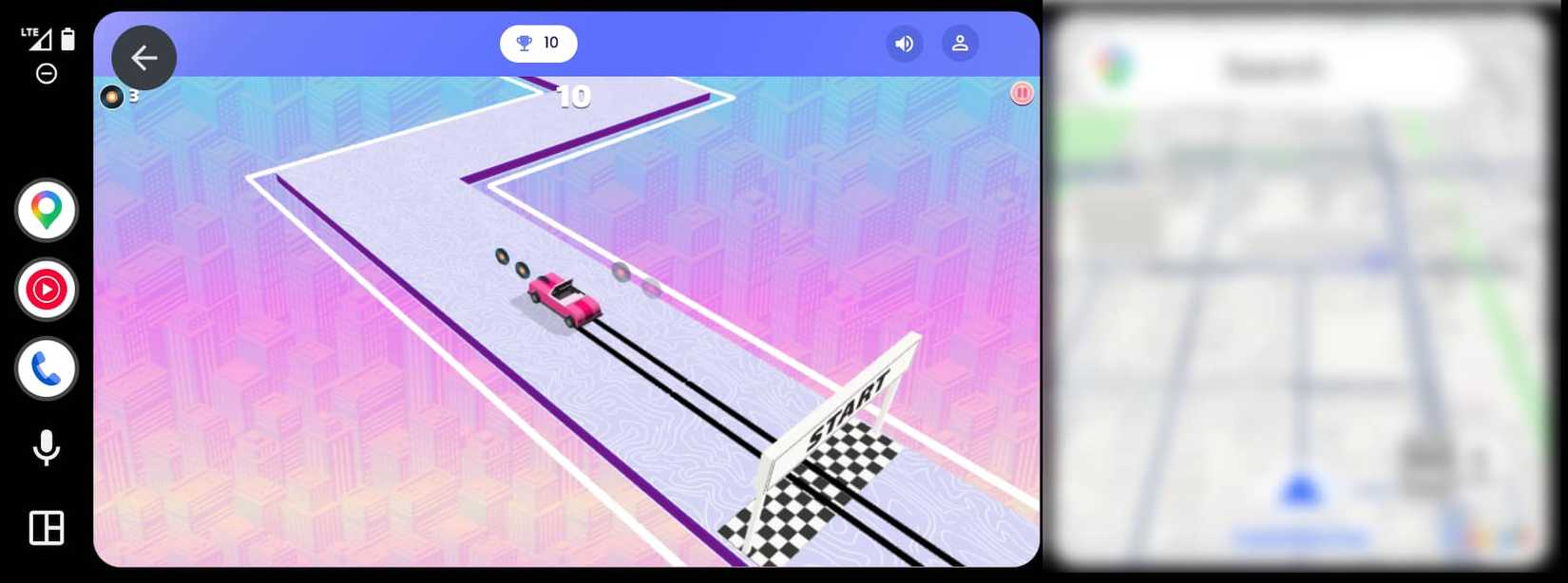
This is where the biggest gap between the two platforms shows: they have entirely different game libraries.
GameSnacks for AAOS sports a different set of titles that run faster, smoother, and take up the entire screen with a higher resolution.
Meanwhile, the Android Auto version of GameSnacks currently runs in the two-third panel, with Google Maps pinned to the side, although Google appears to be working on an update to fix that.
Gaming on the road
Being able to game in my car is delightful, even if it is somewhat fragmented. Still, it's the early days, and we'll undoubtedly see more titles and better integration as developers jump on board and refine the experience.
The biggest challenge is that your mileage will vary depending on what you drive. The difference between Android Auto and AAOS — especially for controller support — will often force you onto one platform over another, even when your favorite games are available on both.
Having a library of games available on my infotainment display certainly beats staring at my phone screen . I've already tossed a Bluetooth controller in my glove compartment for the next time I find myself waiting for my wife to come out of the mall.