
This morning, I asked Gemini to reorder my usual Starbucks without opening the app.
An hour later, I was triaging my inbox the old-school way because I don't trust an AI to read the tone of an urgent email.
That's what looks like right now. They're great at some tasks and hopeless at others.
I learned that by handing Gemini and Claude every tedious job my phone threw at me and watching which ones came back done and which didn't.
Eight months in, here are the errands I let Claude and Gemini handle, and why they earned the job.
Gemini orders my usual takeout
Repeat orders only

Reordering my usual is the most boring thing I do on my phone. I open Uber Eats or DoorDash, find the restaurant, pick the same items I ordered last week, and add my customizations.
That's a dozen taps with zero decisions, which makes it the perfect job to hand off.
When I ask Gemini to reorder my usual, it runs the app in a virtual window. I can watch it work through DoorDash to a full cart without me touching anything.
I keep this strictly to rigid routines because Google rations the feature hard. Free accounts get five requests a day, and an AI Pro subscription raises that to 20.
Spending one of those on browsing a menu I've never seen would be a waste, and an open-ended job gives the agent more room to guess wrong.
Gemini runs my smart home even when I'm not talking to it
Set it once and forget
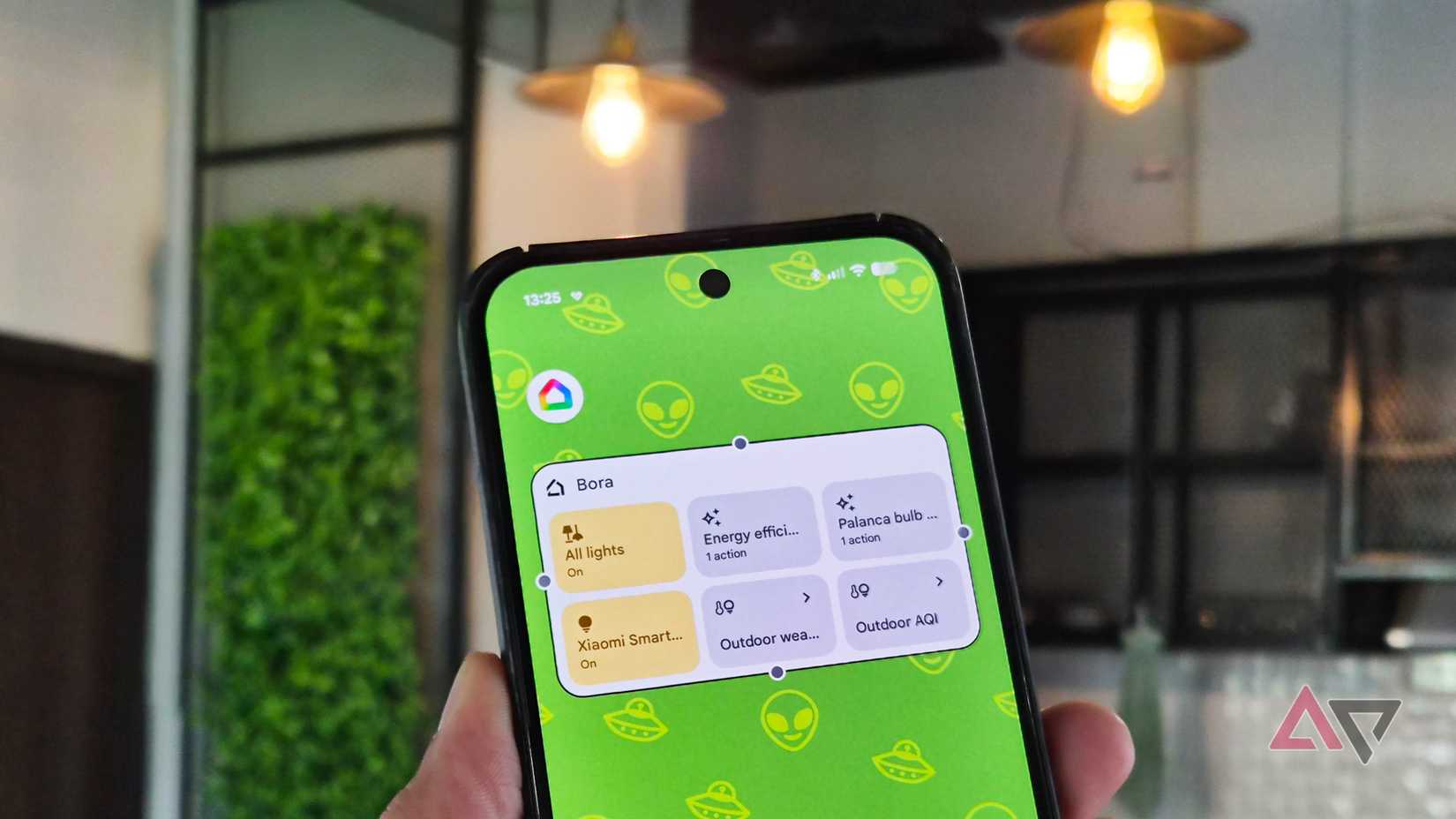
Gemini can be chatty sometimes, but it hasn't fumbled a routine yet. All it takes is one message, and Gemini switches the lights or sets the thermostat.
Not to mention, telling it "it's too bright in here" dims the lights without me naming a single bulb. That's handy, but it's still me giving orders one at a time. I wouldn't call that agentic.
Things got more interesting after I quit micromanaging it. Nowadays, I describe a goal, and Gemini builds the automation for me.
It picks what should trigger it, the conditions it should check, and the actions it should take. I only have to look over the draft before I save it.
My home basically runs on its own. If I want to, I can stay completely out of the loop. However, it isn't free.
Building automations this way needs a Google Home Premium subscription, and anything involving camera triggers needs the pricier Advanced plan.
Gemini kept mixing up my files, so Claude took over the digging
Don't give me the wrong document with the right confidence

Personal Intelligence should be Gemini's best lookup tool. After you connect your Google apps, it can reason across them and pull specific details out of your files and photos.
I wanted it for the scattered stuff, like a figure buried in a project document or the date of a trip I'd only ever photographed.
It found things, but not always the right ones. Sometimes Gemini mixed details from two documents. Worse, it sounded so sure when it was wrong.
I had to open the original file to check and ended up doing the search twice. For anything involving my documents, Claude does this job better.
Claude now sorts my Google Drive, so I don't have to
All thanks to the Model Context Protocol (MCP)
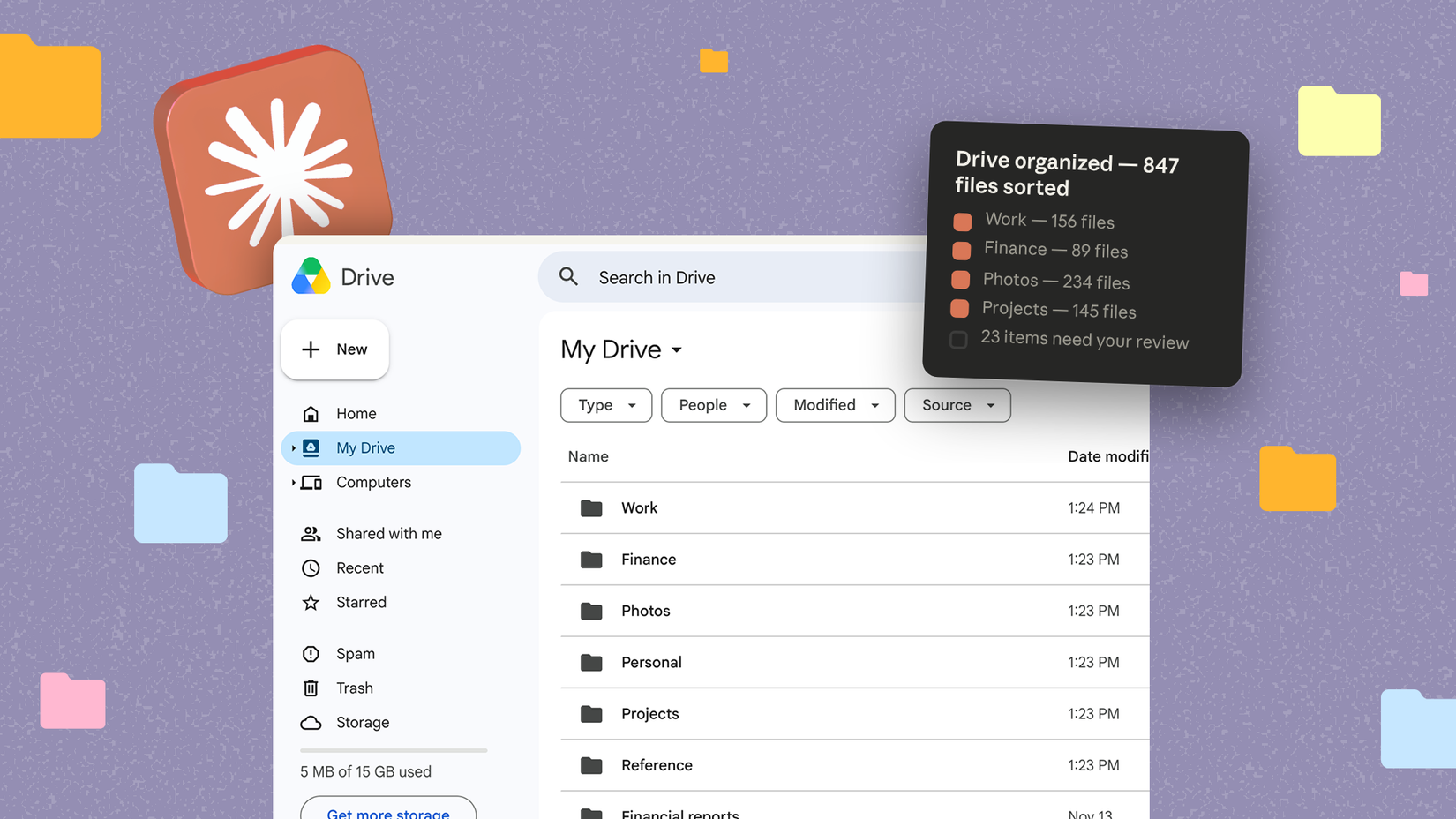
I can't stand the Google Drive app. It's tiring to even look at. Google's Organize files tool only suggests folders for loose files, and only on the web, so it doesn't solve my problem.
Claude makes things easier. I sometimes ask Claude to help me clean up my Drive. One message moves old drafts into an archive or finds and sends duplicates to the trash.
A real assistant, minus the salary
Claude handles Google Calendar the same way. I ask Claude what my afternoon looks like, then get the answer in text instead of a week view with overlapping colored blocks.
When plans change, I ask Claude to move a meeting, and it updates the event for me. One message replaces a long press, a drag, and a prayer that I dropped it on the right day.
Your list may look different from mine
Don't think of what I wrote as a rulebook. It's what eight months of handing my phone to Gemini and Claude taught me.
Your list will probably look different. Someone with a messier Drive might never trust an agent near it. The only way to find out is to try.
Pick the chore you hate most, give it to an agent for a week, and see whether you spend more time checking its work than you saved.
Worst case, you're back to tapping through the app, which is where you started.