All my colleagues and friends rely on Google Docs to create and view documents. I'm a Google Docs convert because of these people. They pushed me to try it, and I found it simpler and smoother than Word.
This was my initial impression of Google Docs, but after using it for many years, I discovered plenty of areas where Google Docs works better than Word.
A couple of days ago, Google added one more feature to Google Docs that you won't find in Microsoft Word. Although I never expected it, Google added native support for Markdown (.md) files in Google Docs.
When I learned about it, I immediately saw it as Google giving my Obsidian notes a new dimension without officially saying it. So, I wasted no time in bringing Google Docs and Obsidian closer together.
I linked my Obsidian notes to Google Docs, and here are five reasons behind it.
Resume working on your Obsidian notes in Google Docs
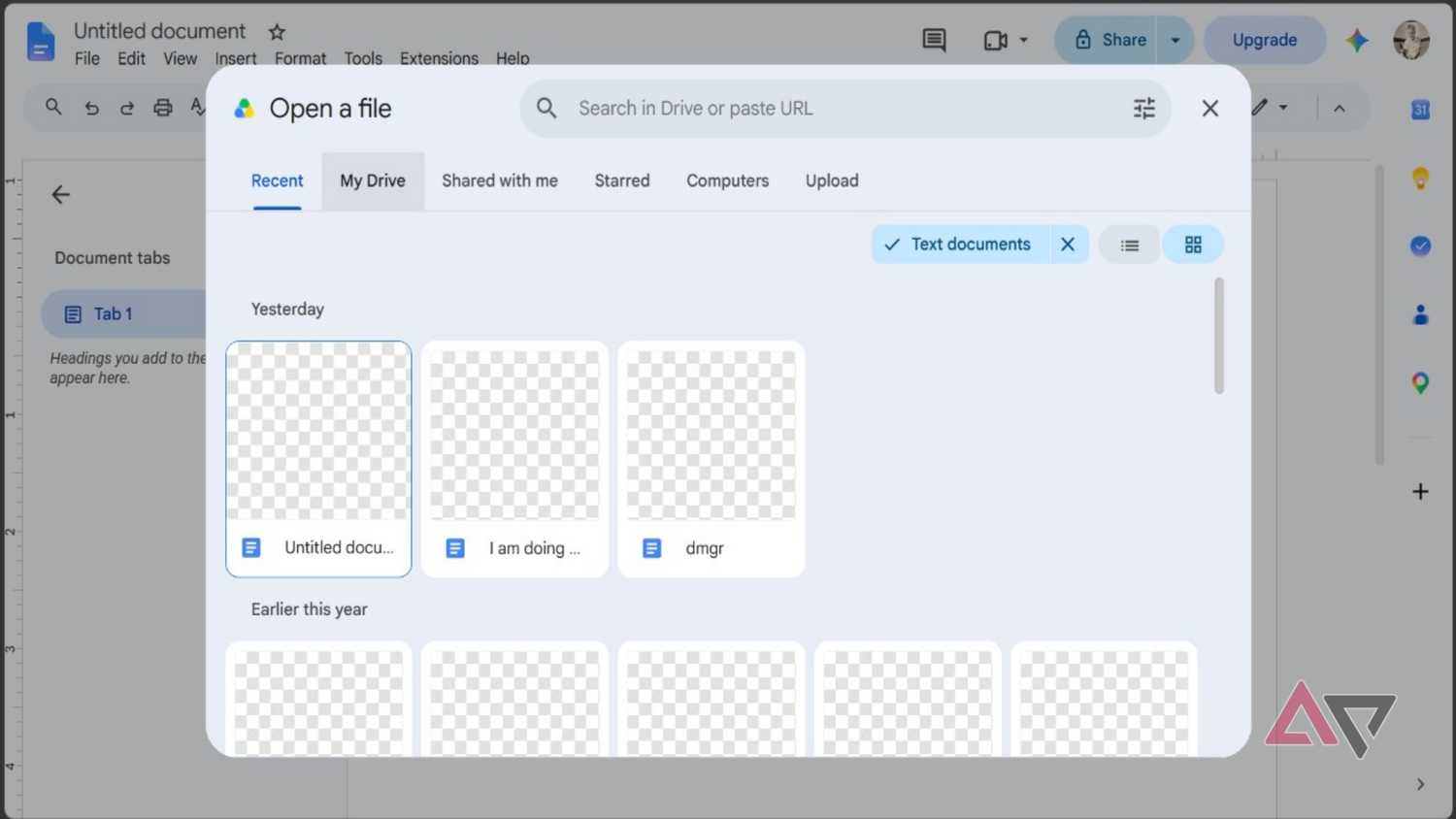
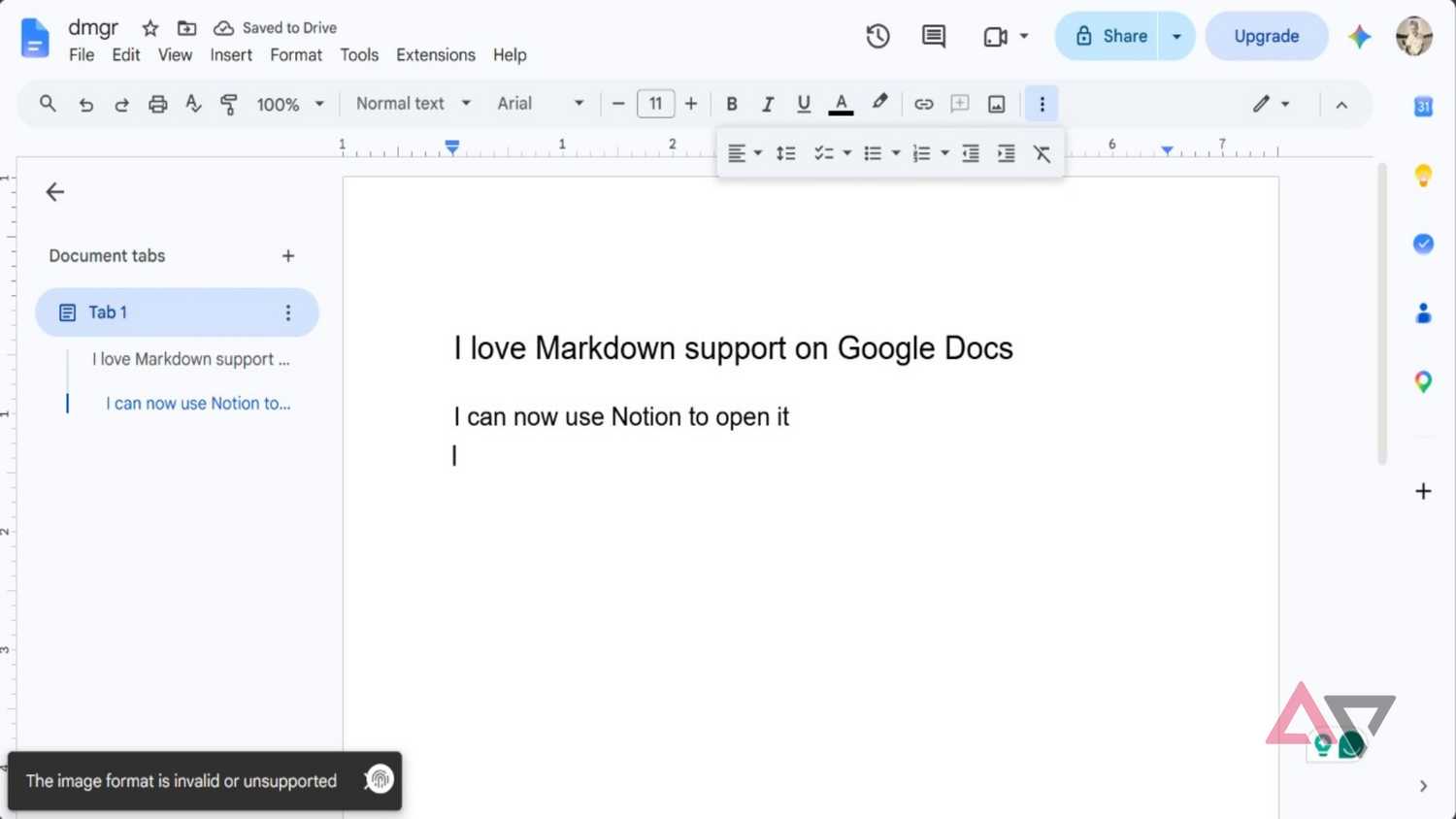
Google Docs can finally handle Markdown files natively. This means you can open a Markdown file just like how you'd open any other document on Google Docs. You can also view and edit those files in Google Docs.
So, if your Obsidian app crashes for some reason, you still have options. You can complete your pending work in those Markdown files using Google Docs. You can also save those Markdown files in Google Drive, and then take rendered previews from it.
I can finally collaborate on Obsidian notes without the app
Google Docs supports all major platforms
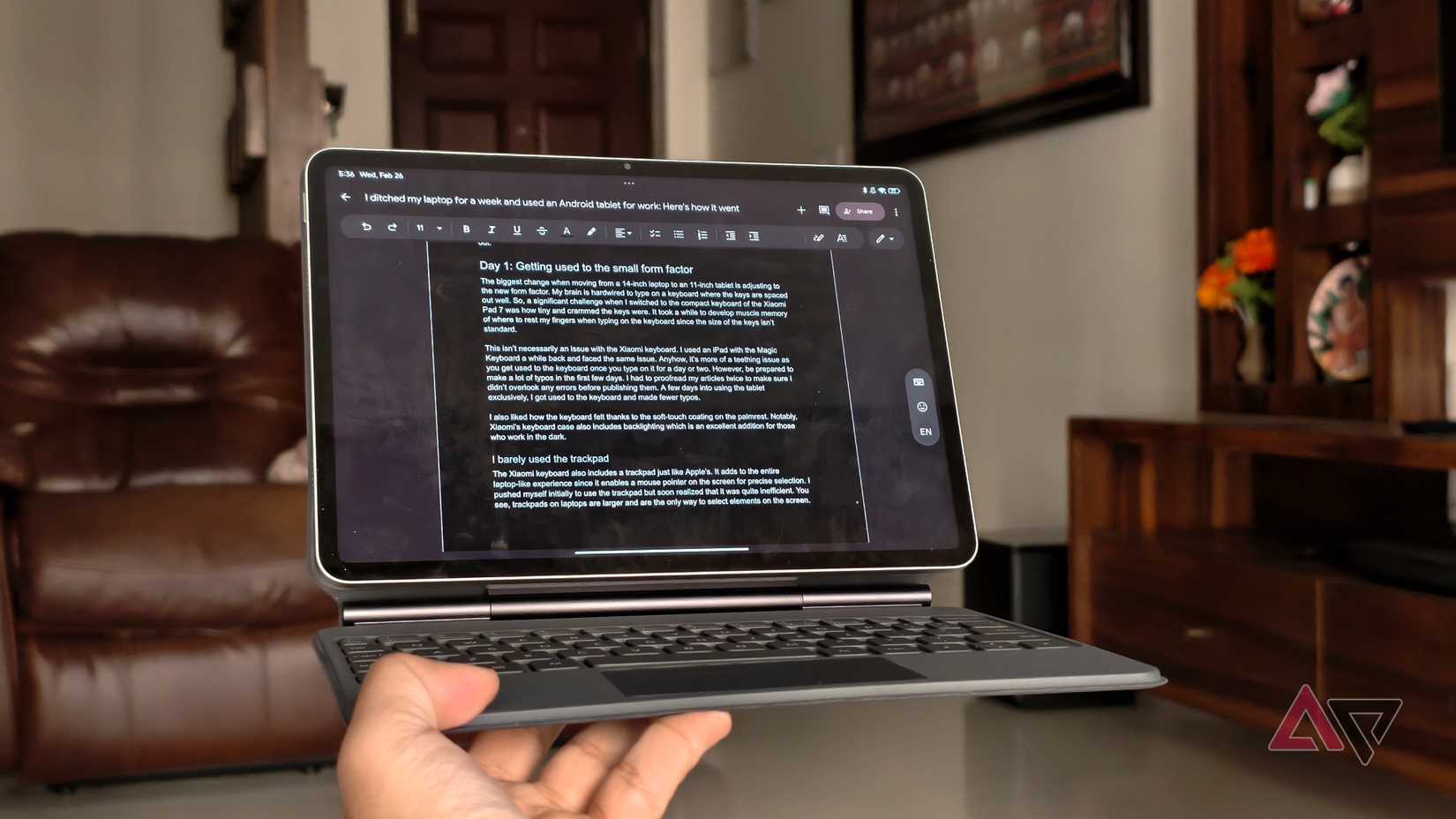
Google Docs is more popular than Obsidian and has a larger user base. I know people who haven't even heard of Obsidian, but they daily.
So, when I need to collaborate on something with many non-tech-savvy colleagues, I always use Google Docs. But now, I don't have to think about this. My Obsidian notes are now useful for more people.
I can create a note in Obsidian and then open the Markdown file in Google Docs to collaborate with whoever I want.
All collaborators can suggest changes in the file by adding comments, if they have the required permission, and make real-time edits, just like they do on regular .
This is the biggest advantage of Markdown file support in Google Docs, as it eliminates the need to rely heavily on a single platform.
Google Docs doesn't change the character of your Obsidian notes
It doesn't change anything by default
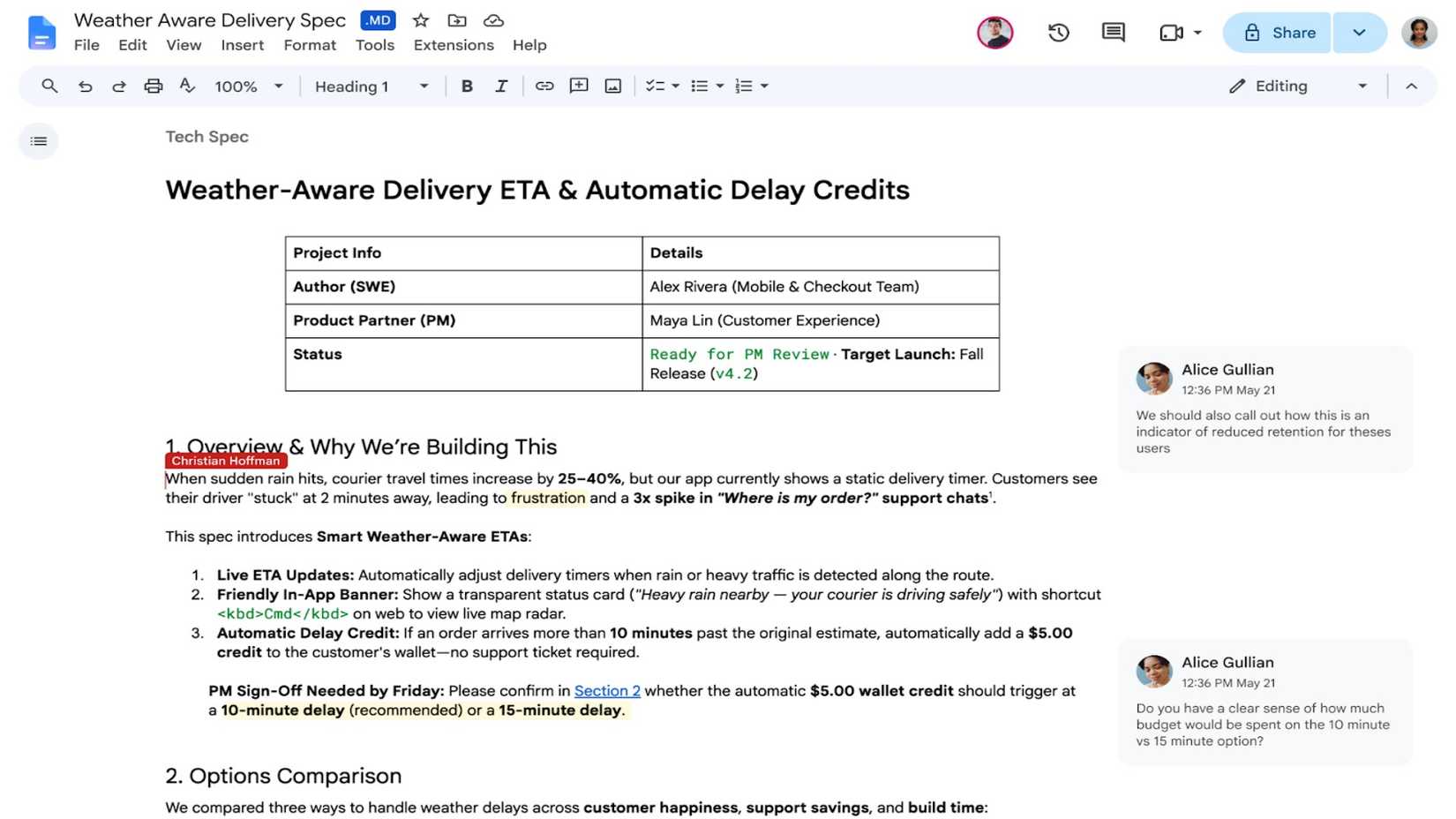
Markdown isn't anything new in Google Docs. In 2024, in one Workspace update, Google added the ability to import Markdown files as a .doc in Google Docs. The biggest problem with this conversion was that it would often alter the formatting.
But now, with native Markdown file support, it won't convert Obsidian's Markdown files to Docs if you open them in Google Docs. The file's character remains unchanged.
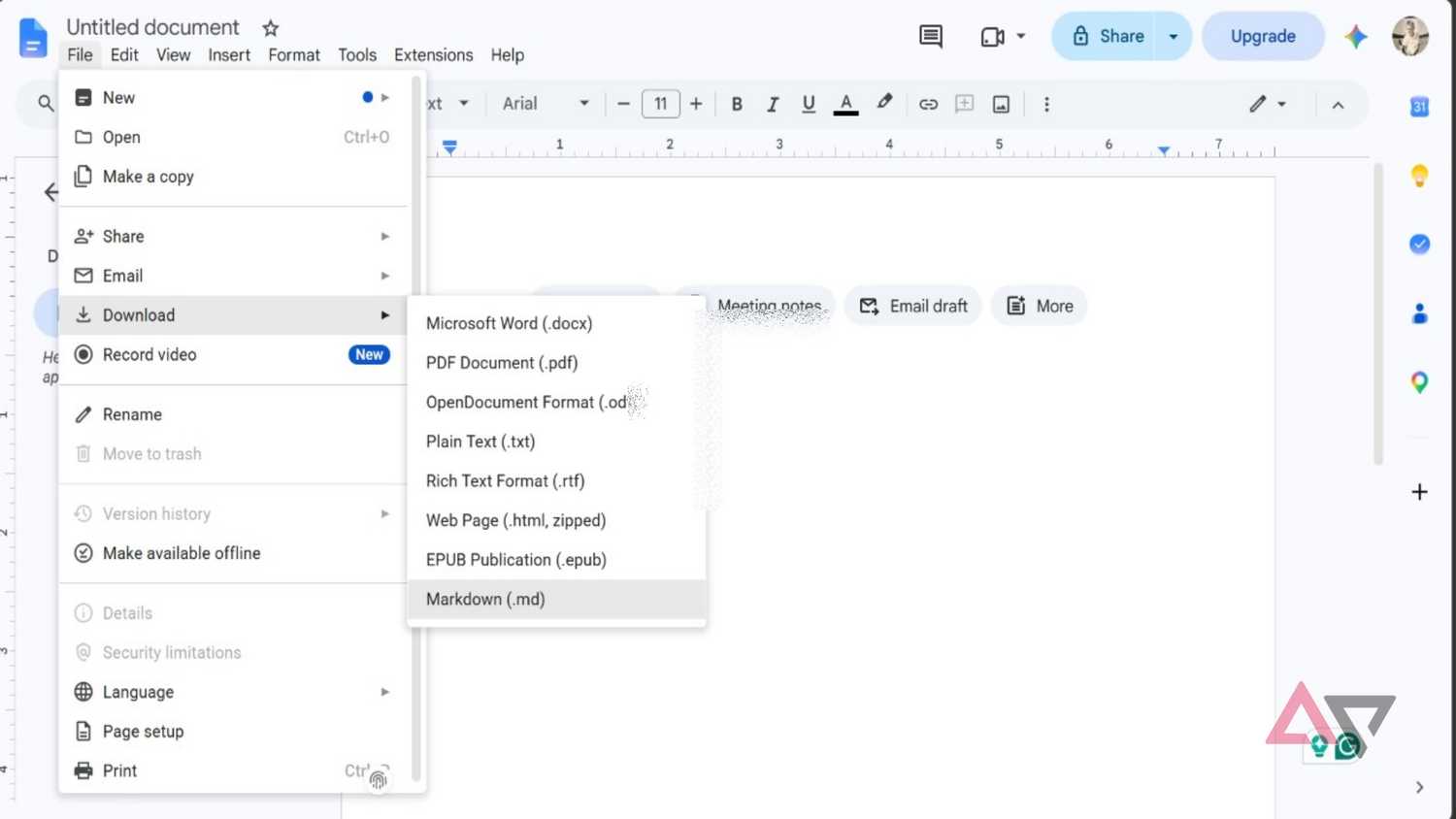
After making changes to the file, you can download the file in whatever format Google Docs supports. You can export as PDF, .docx, .txt, .epub, and more.
Google Docs has now become a solid conversion tool for all your Obsidian notes. If someone doesn't have access to Obsidian or Google Docs, you can convert the file to PDF and share it.
Keeping a different version of your Obsidian notes
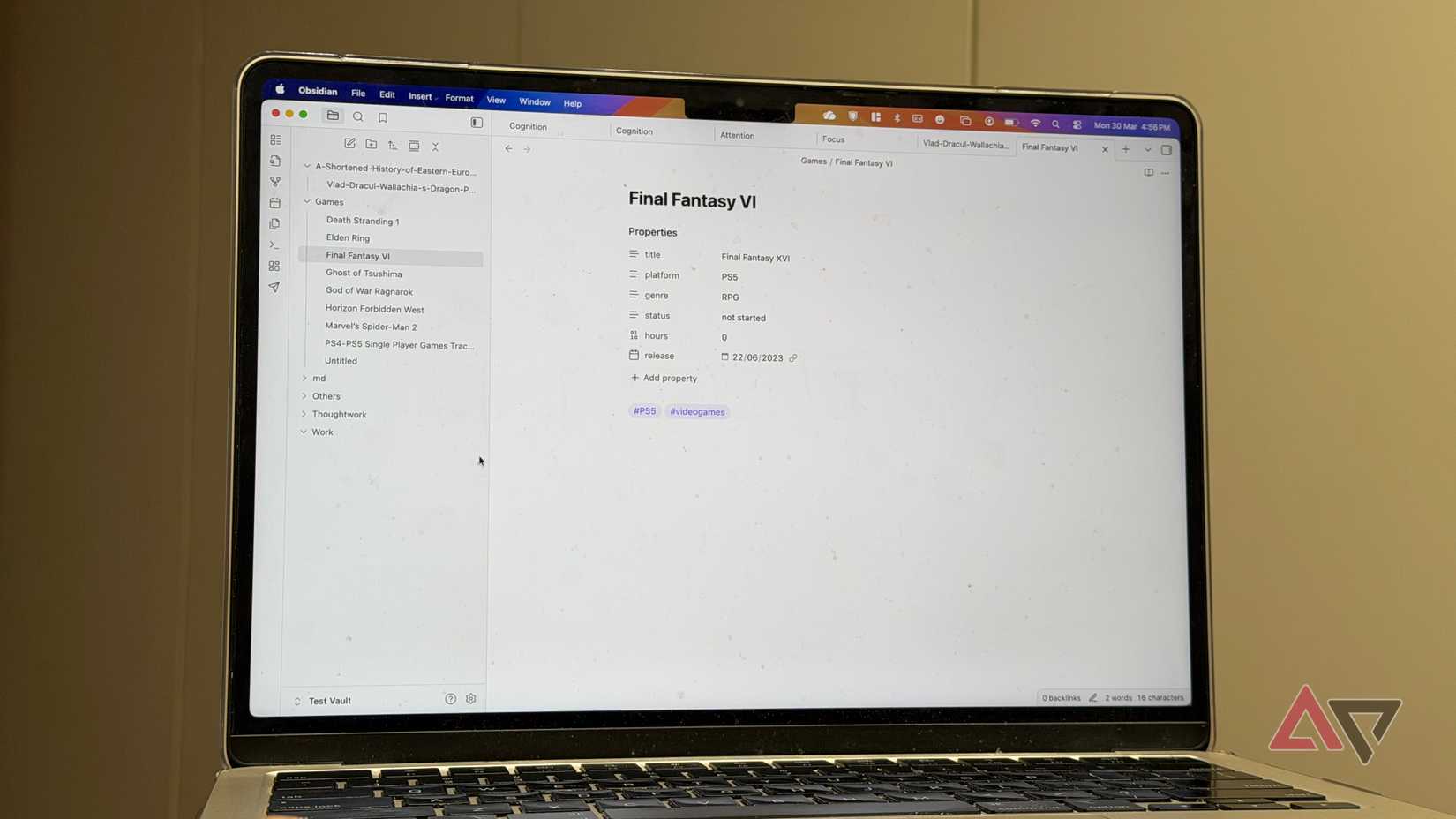
Native support for Markdown files for Google Docs means you can make a separate version of your Obsidian notes. After you open and edit those files, you can save them to a different location on your PC.
If you want to save it as Markdown, choose the option after hovering your mouse over the option. I don't keep a different version of all my Obsidian notes, but I do it more often than not.
I can connect Gemini to my Obsidian notes
And I don't need the Obsidian app for this
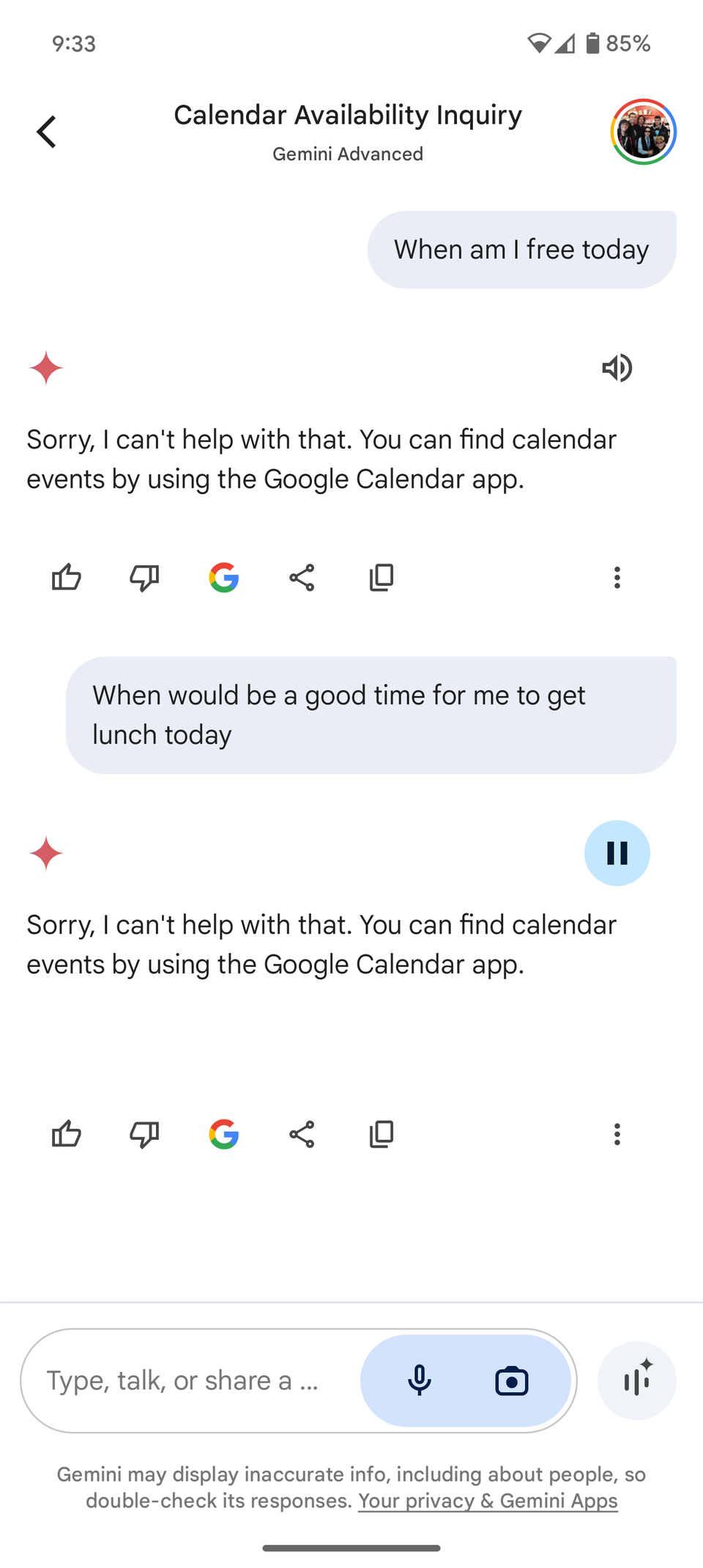
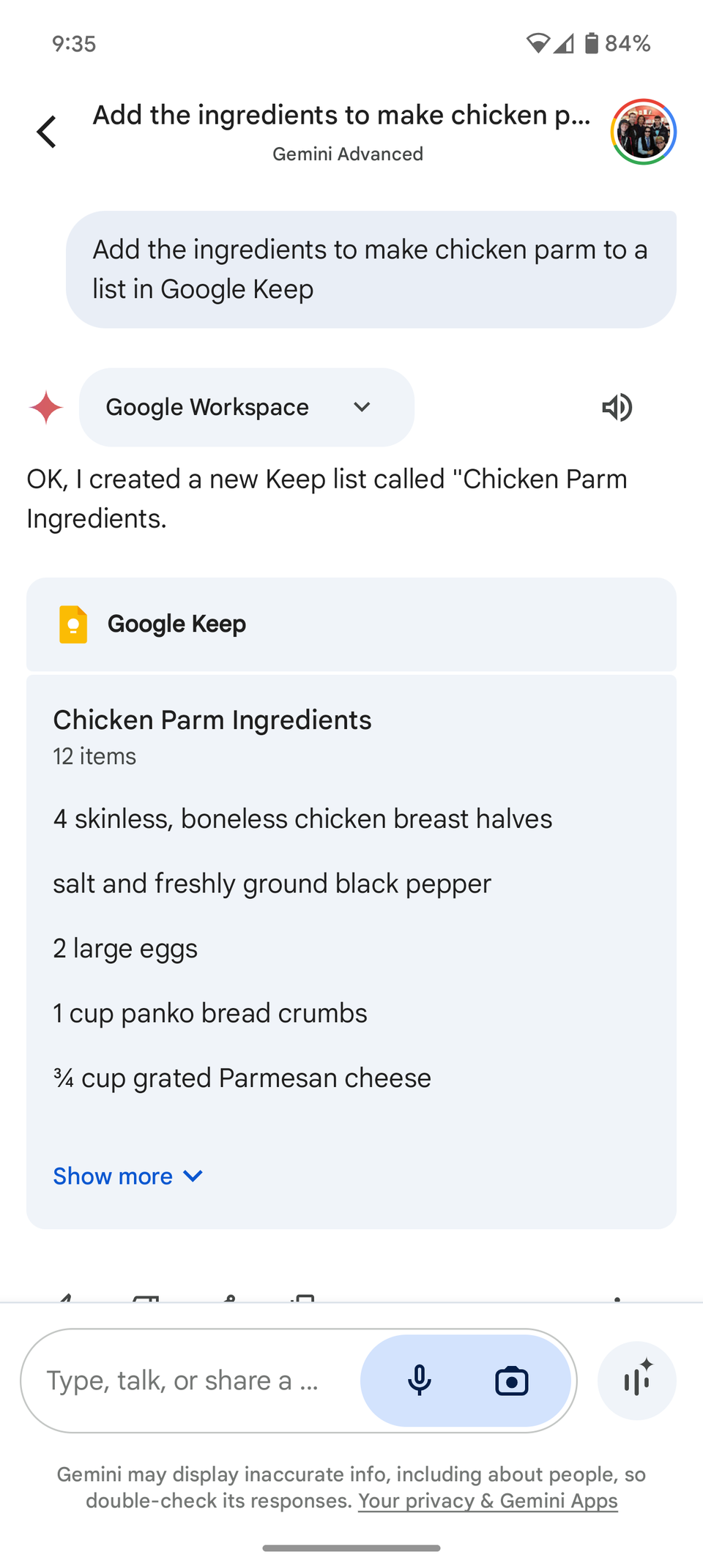
After creating a different version of Obsidian notes using Google Docs, I can ask Gemini to ask several questions about them. I can also ask it to summarize and make changes by using a prompt in Gemini.
For this work, you need to save those notes on Google Drive. You can use Gemini on both the desktop and your phone to ask questions about those files if you have Google Workspace apps enabled in the Connected apps setting.
Here is how I enabled Markdown support on Google Docs
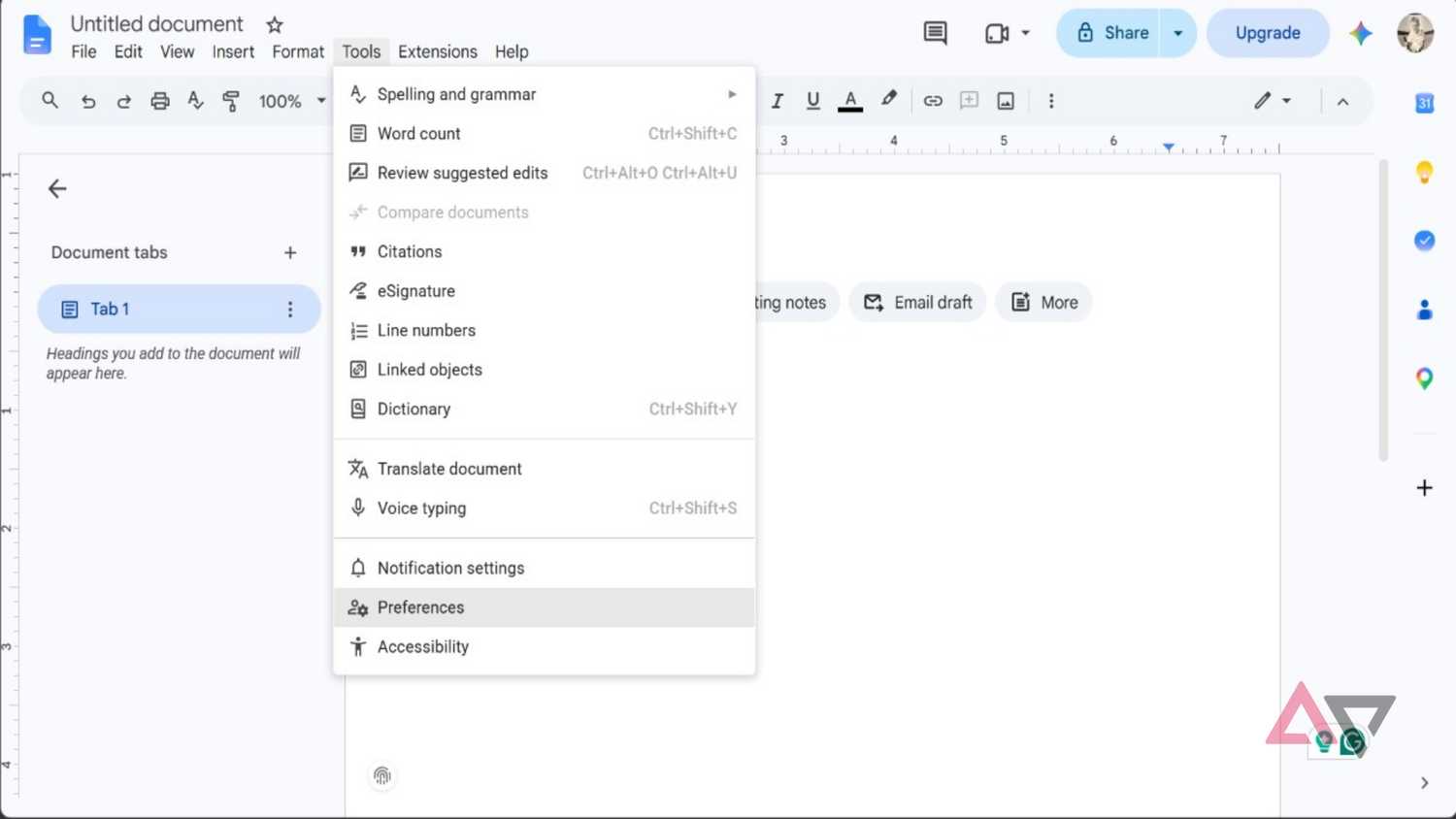
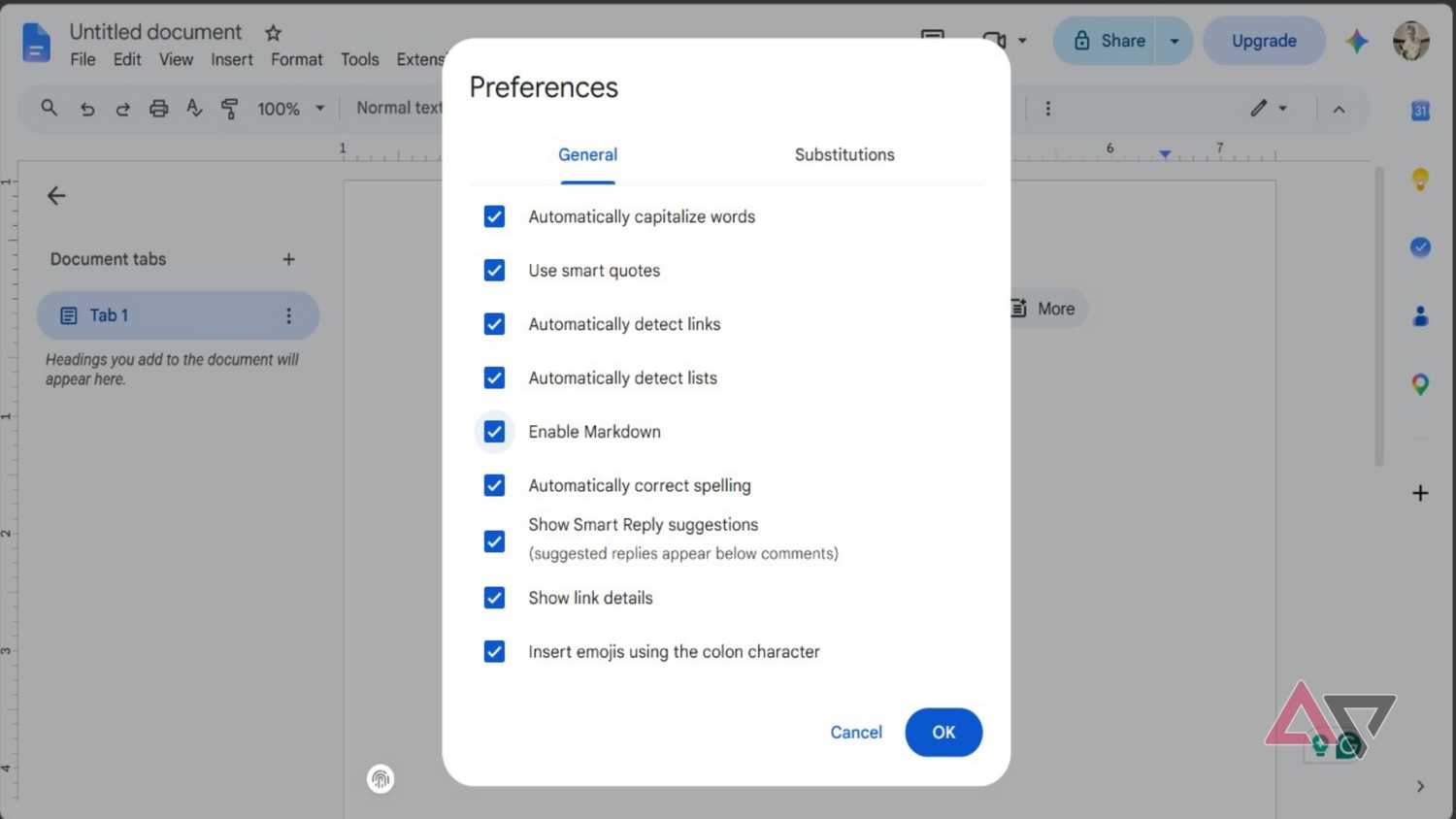
Markdown support isn't enabled by default in Google Docs; you need to turn it on manually. However, this isn't a that you need to dig deep into settings to enable.
To enable Markdown, open Google Docs on your computer, click , select , and then check the box next to the option. That's all you need to do to turn Google Docs into a full-blown Markdown document editor.