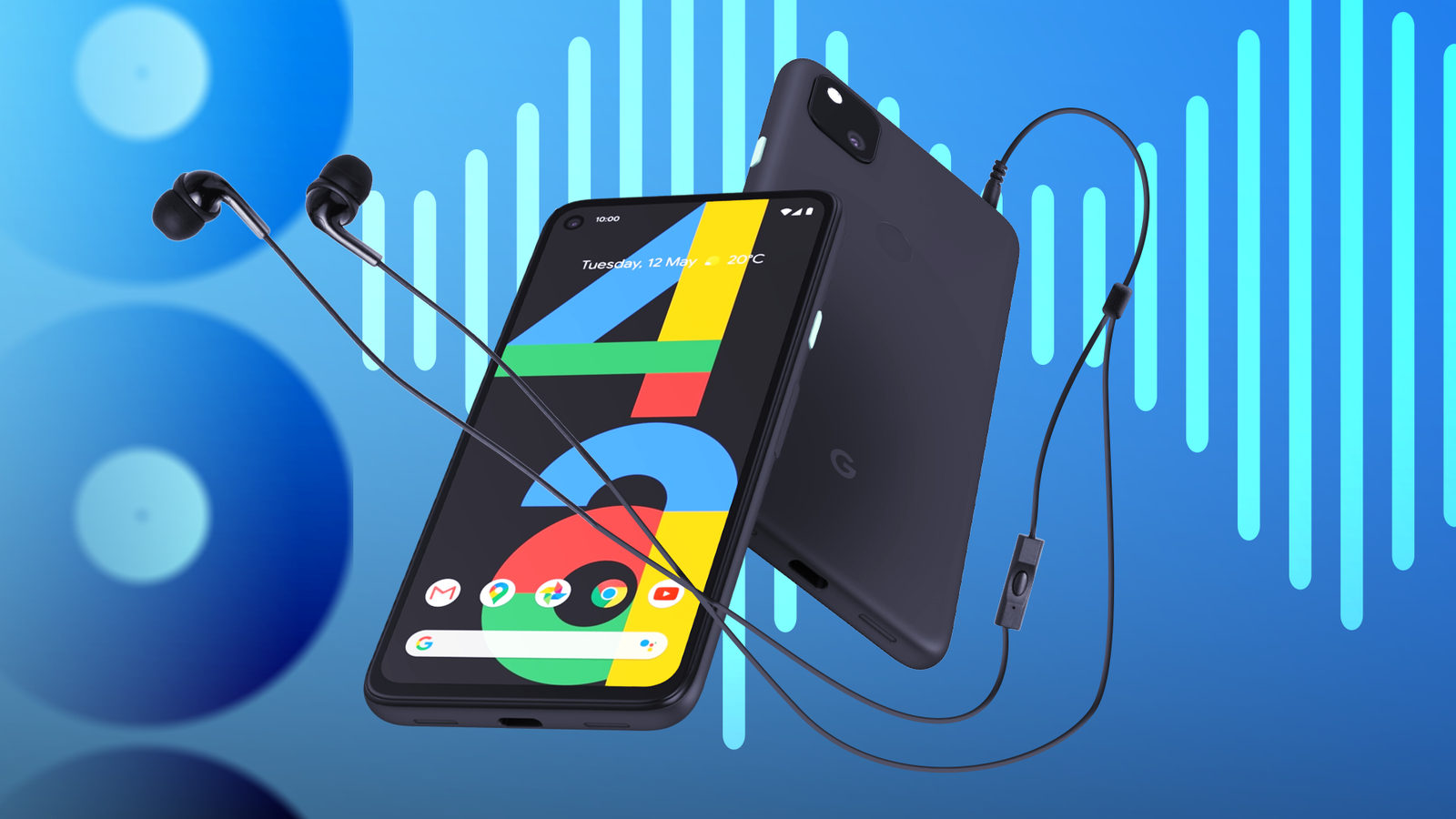
I sorely miss dedicated music players like the iPod, and it's one reason I invested in an Android DAP (Digital Audio Player).
I love how it delivers high-fidelity audio, especially with FLAC and other lossless formats.
But the HiBy R4 isn't exactly portable, and I wanted something that I could use for my daily walks and workouts.
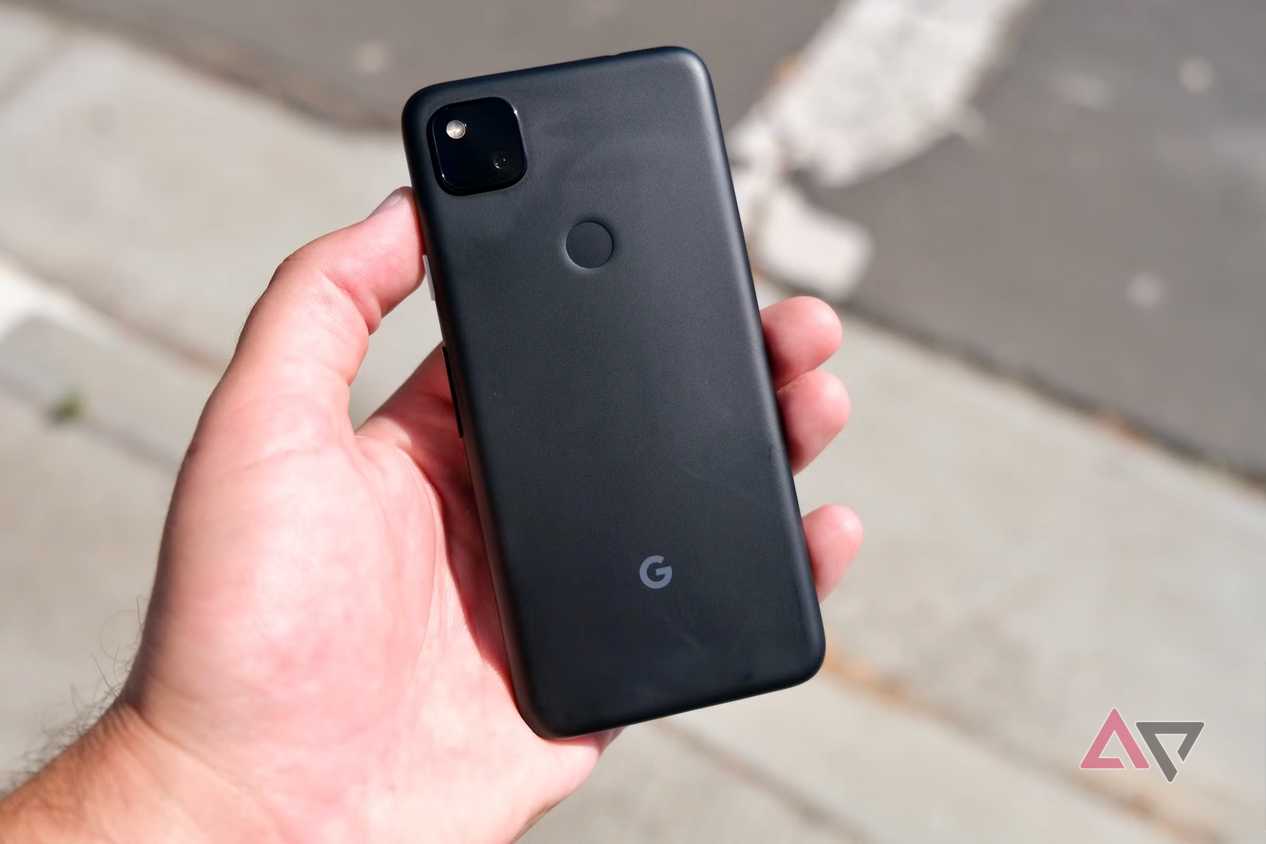
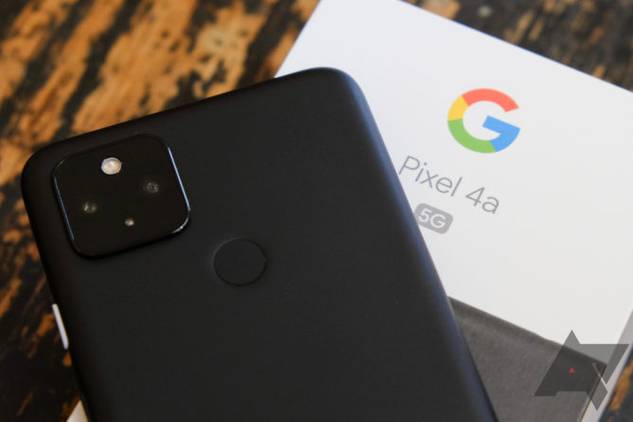
That's when I remembered I had a Pixel 4a in my drawer, in perfect working condition.
Why a Pixel 4a is an excellent replacement for an iPod
Old phones can still serve a purpose
I still listen to music using wired earphones, and no matter what people say, I notice a massive difference in audio quality.
This remains especially true for older recordings that weren't produced on a laptop like modern music.
Even though I have one of the best portable , I still prefer to use a 3.5mm headphone jack.
Plus, I've destroyed a few USB-C ports using dongles, so it was best I steered away from breaking another.
I'm not a big fan of dongles that dangle out of my pocket when I'm out and about. While wireless TWS earphones have improved in audio quality, they still can't match a wired connection.
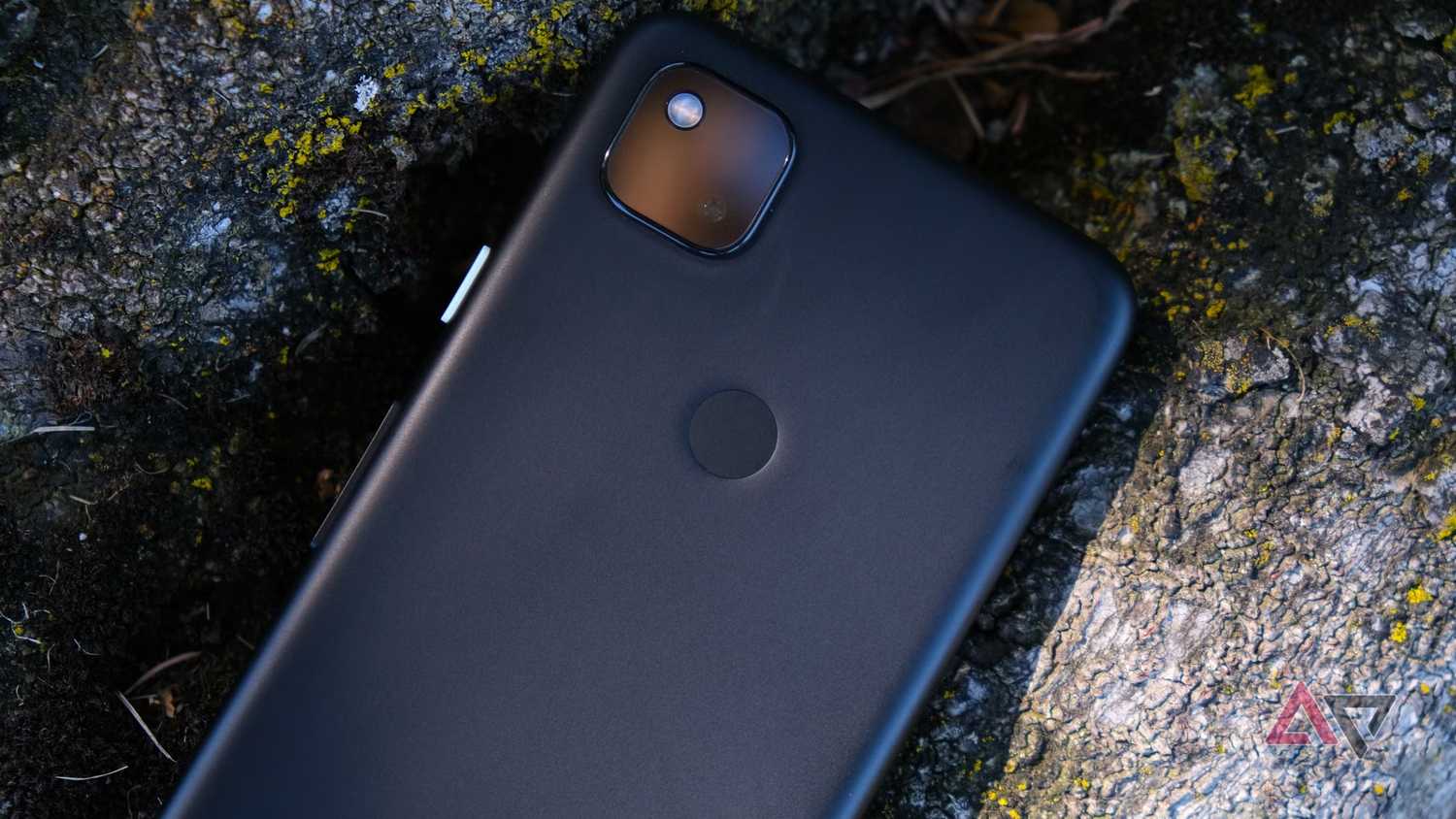
When I remembered I had a Pixel 4a in my drawer with a headphone jack, I decided to turn it into a music player.
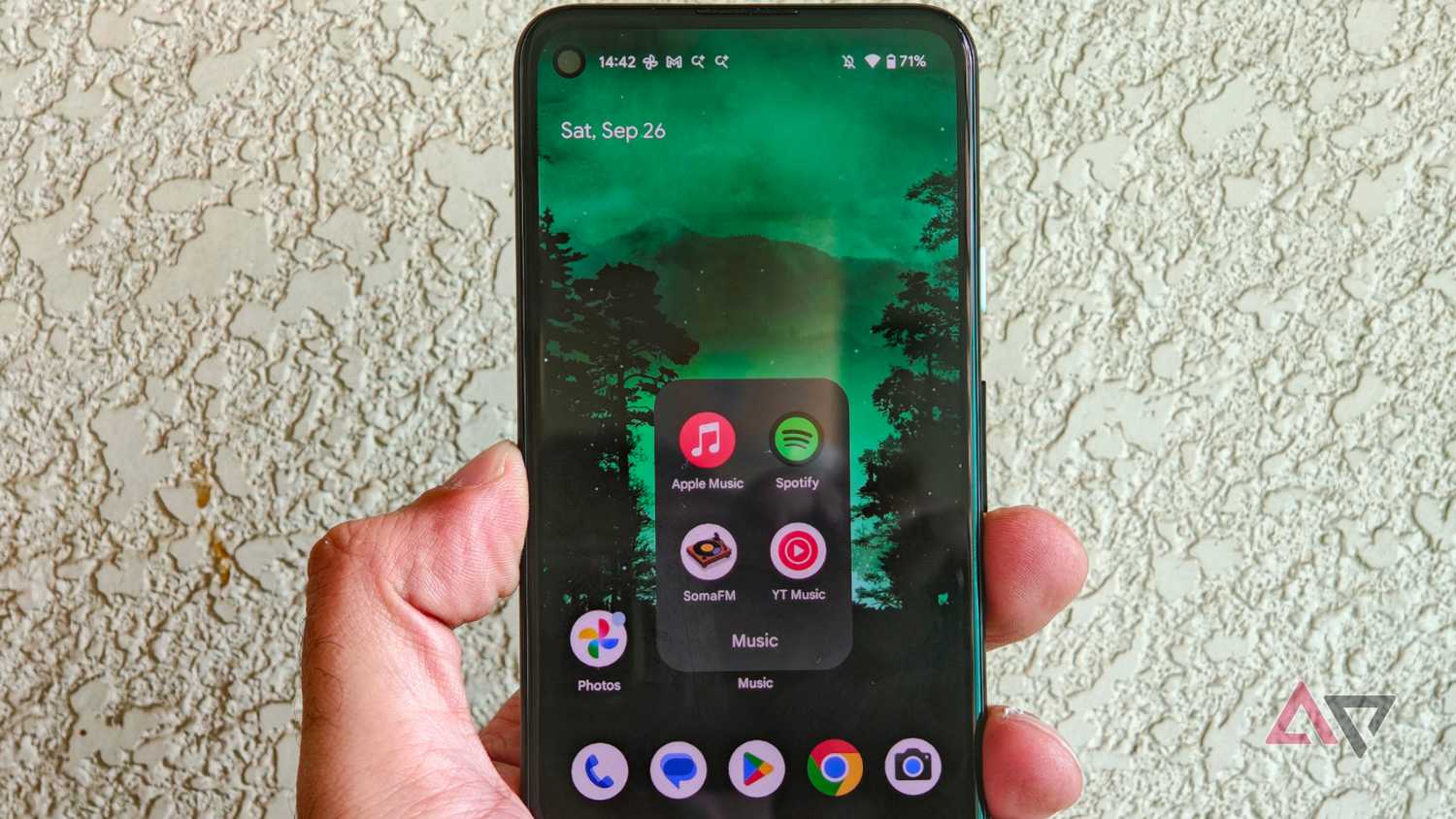
After downloading all of my streaming apps and music, my Pixel 4a is now essentially an iPod.
I connect my In-Ear monitor (IEM) to the headphone jack, press play, and ignore the world around me.
If you haven't used the Pixel 4a, it's a small smartphone with a 5.81-inch OLED display that fits perfectly in most hands.
The Pixel 4a no longer gets security patches or Android version updates. It runs Android 13, which most music and radio streaming apps still support.
It's only slightly larger than an iPod touch, weighs less than most modern smartphones, and has that clean Pixel Android experience we all love.
But for it to be a true portable music player, the Pixel 4a needs a DAC good enough for casual listening.
I'm happy to say the onboard DAC is impressive for the countless budget-friendly IEMs that I own.
Sure, it doesn't match up with my HiBy R4 by any means, but it is more than good enough for runs and casual listening.
The Pixel 4a also isn't officially rated for Hi-Res audio, but for my use, it doesn't matter. What matters is the zero-latency connection, clean lossless audio, and the freedom to add all sorts of music files.
If this sounds familiar, it's because this is the same experience you get from a classic iPod.
Although Pixel 4a has only 128GB of internal storage and no memory expansion slot, it was more than enough for me to load up my favorite playlists.
But I did have to offload quite a few images, unnecessary system apps, and unused Google services to free up storage space for offline listening.
How I used my Pixel 4a like a classic iPod
Bringing back the late 2000s
If you convert a Pixel 4a into a dedicated music player as I did, you will reminisce about the good old days of iPods right away.
First, I transferred FLAC files from my desktop to the phone's internal storage. It reminded me of the days when I used to transfer music to iPods, though a bit differently.
I didn't have to deal with proprietary software like iTunes to transfer music; I could drag and drop files into my desired folder.
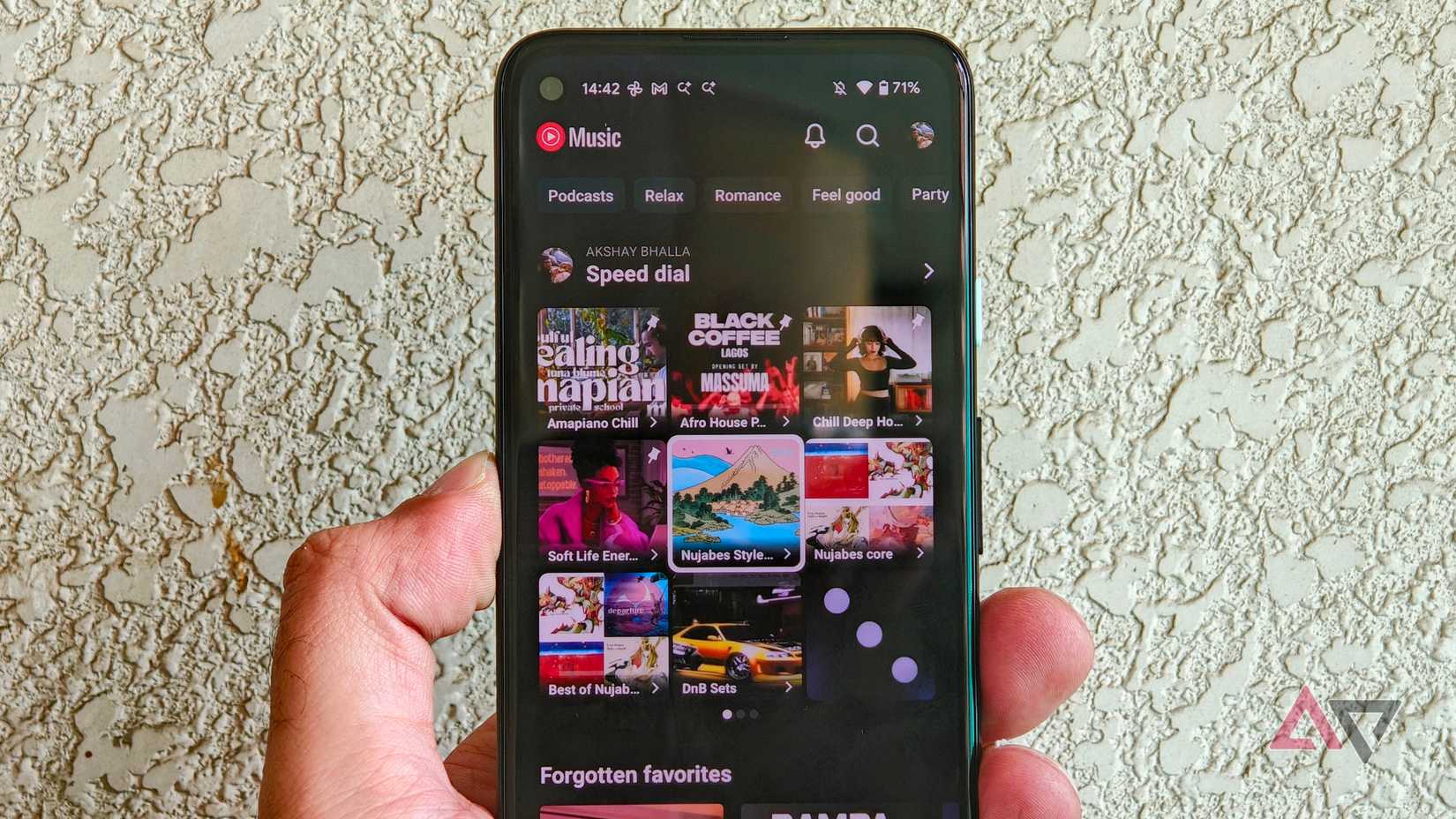
But since the Pixel 4a has a decent USB-C port, the transfer didn't take too long. After the transfer, I used Poweramp for all my music playback.
But the Pixel 4a has one clear advantage over any iPod ever made. I can stream music using data while on the go. This gave me more freedom to listen to music that I didn't have on my phone or stream internet radio from apps like SomaFM.
I also downloaded lossless tracks of songs that I didn't have in my library from streaming apps. When you stack everything together, the Pixel 4a is a more comprehensive music player than a dedicated music player.
Most Android DAPs, like my HiBy R4, can only stream music via Wi-Fi, which isn't really ideal for a true portable music player.
But on the Pixel 4a, I don't face that problem.
This makes a huge difference when you want to listen to music without being tethered to your local library. But after I converted my Pixel 4a into a music player, I also discovered that it can be my dedicated Android Auto device.
When I drive, I don't like to talk on the phone and prefer to listen to music when I can.
I even for other music apps like vRadio and SomaFM.
But since the Pixel 4a has my entire local music library and streaming apps, I didn't hesitate to make it my Android Auto device, either.
The one major caveat could be the Pixel 4a's 3,140mAh battery. If you plan to use the Pixel 4a as a regular smartphone and an audio device, it won't last long.
Since I only use it as a music player, the Pixel 4a surprisingly lasts a long time. That's because no other apps are installed that need constant syncing or background services running.
Why you should consider converting an old phone into a music player
If you have an old smartphone that still works, consider converting it into a music player.
Many IEMs come with a USB-C connection for a direct, plug-and-play experience, or you can invest in an affordable DAC dongle.
Either setup is excellent for users who prefer a distraction-free listening experience.