
One enterprising Redditor has discovered how to get Google Assistant back, even after Google officially shut it down last month.
This shows that although Google has patched Google Assistant out of its operating system, the servers are still live. So, this is great news for anyone who prefers using Google Assistant to the — but it's worth keeping in mind this will only last until Google turns off the servers for good.
Getting Google Assistant back is simple and easy
It will only take a few minutes
Google Assistant's days were numbered the moment Gemini rolled into release, and Assistant's time on Android came to an end last month, as it was closed off from all actively updated Android devices. Right now, it's not possible to switch from Gemini to Google Assistant, as Google has removed the ability to do so.
Except, you can, as Redditor u/Seanykun- has discovered.
By uninstalling all the updates from the Google app and reverting to the original version your phone shipped with, you can get the ability to switch back to Google Assistant again. If you're interested in doing this, here are the steps.
- Head to your app, and then > .
- Tap the three-dots in the top-right corner, and then tap Uninstall updates.
- Now, head to the Google Play Store, and search for the Google Assistant app, even if you already have it.
- Install the app if you don't have it, then tap .
- Now you should be able to switch from Gemini to Google Assistant again.
- You will likely also want to turn off updates for your Google app, which you can do from the Google Play Store.
- Search for the Google app, open its Play Store page, and untick the Enable auto-update option under the three-dot menu.
This will change your default digital assistant to Google Assistant, so it'll be bound to the side key like Gemini otherwise would be. I got this working on my , and most of the comments in the original post are thanking the original poster, so it's safe to say this will work across a wide range of Android phones.
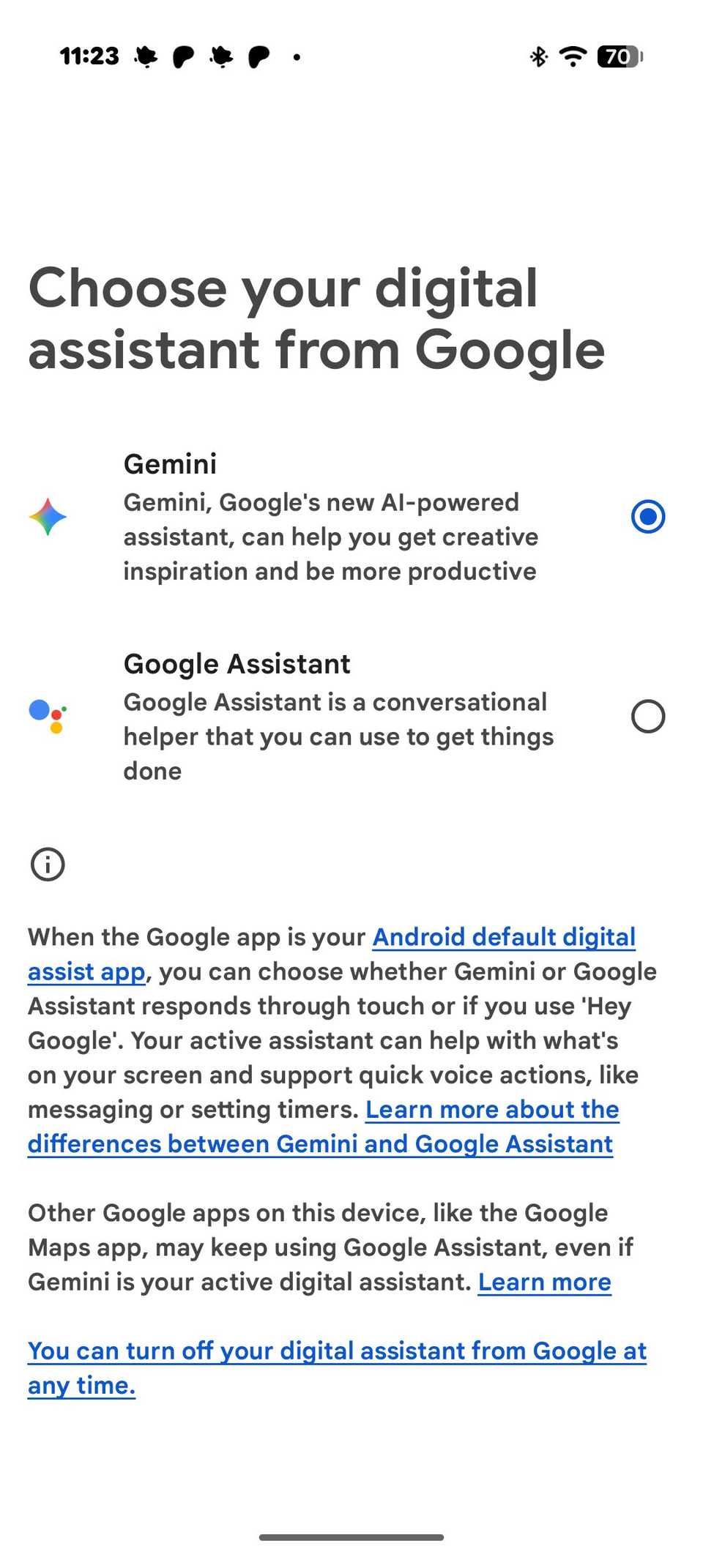
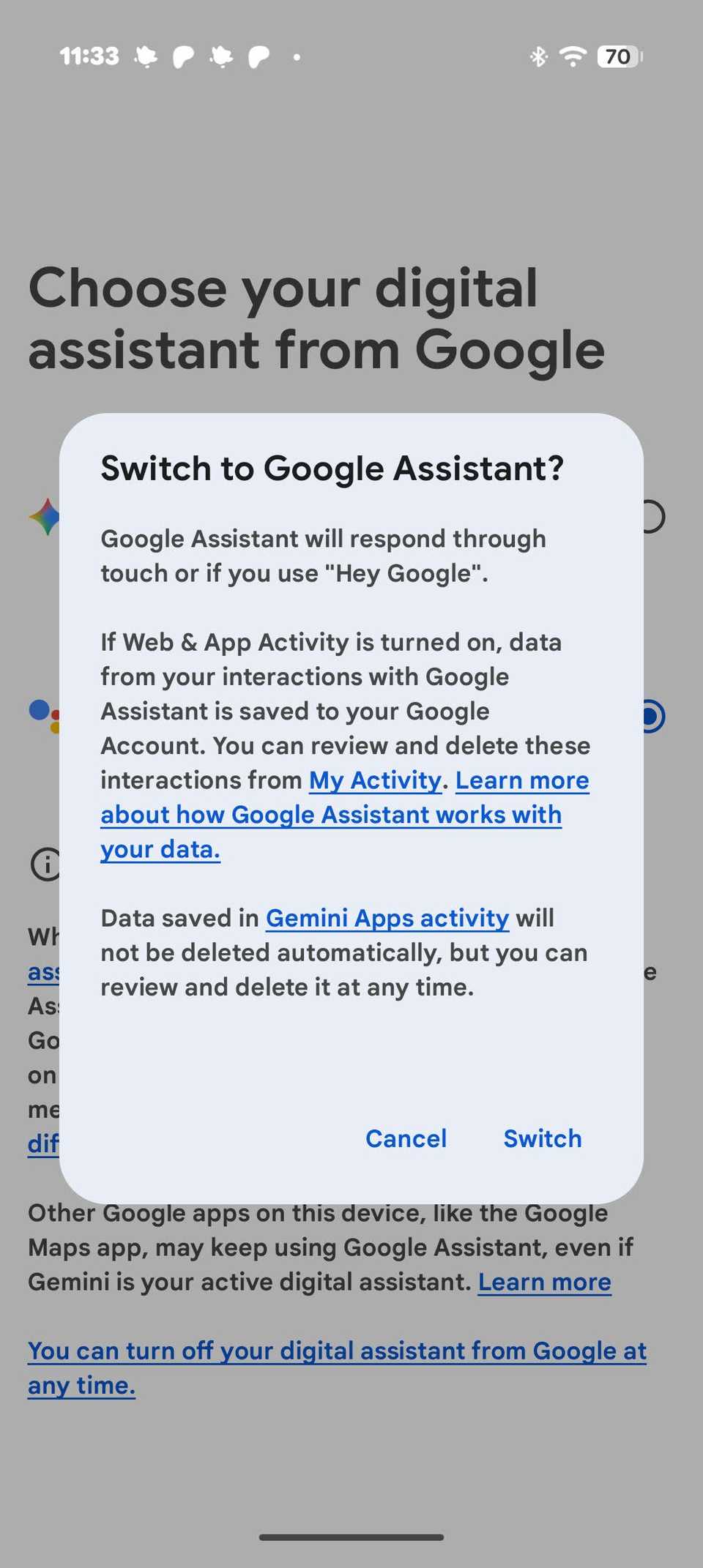
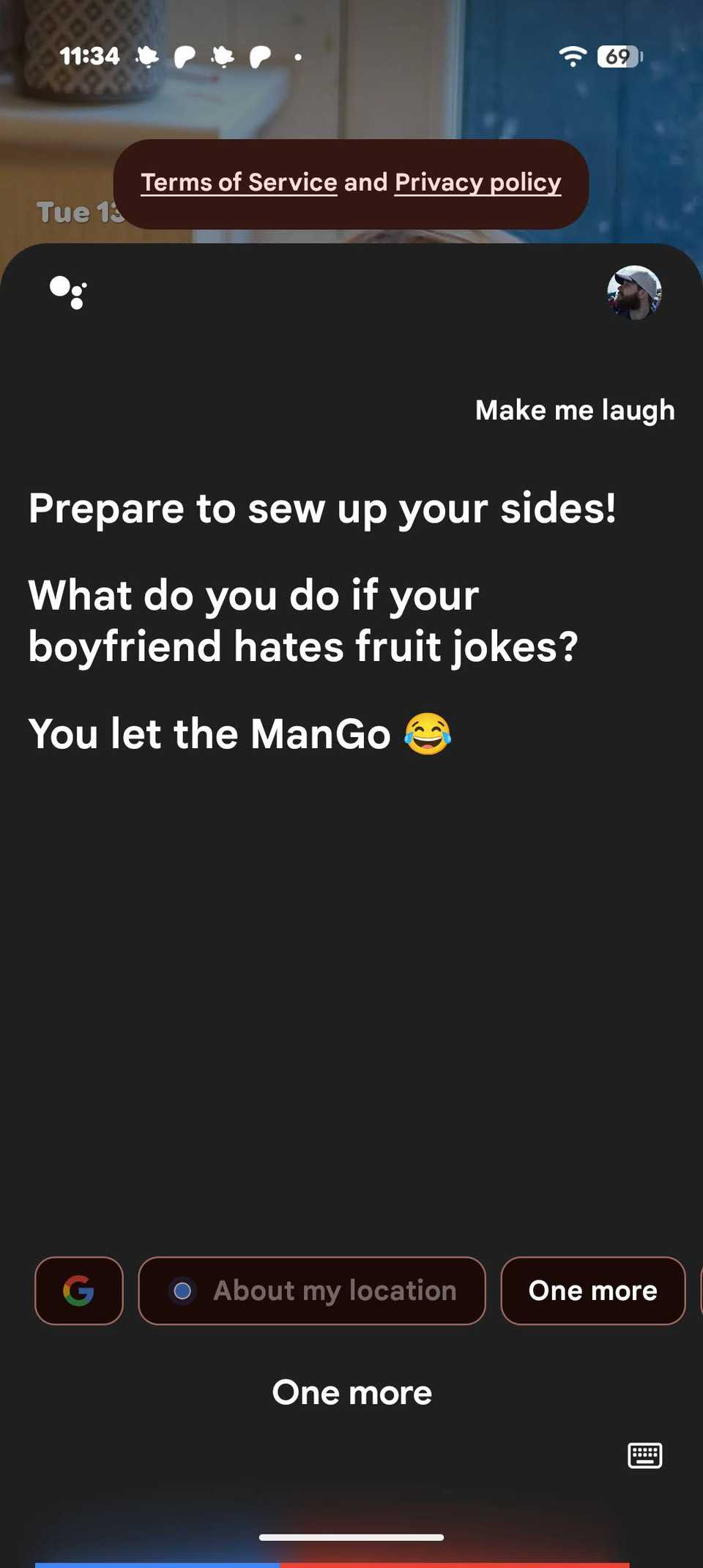
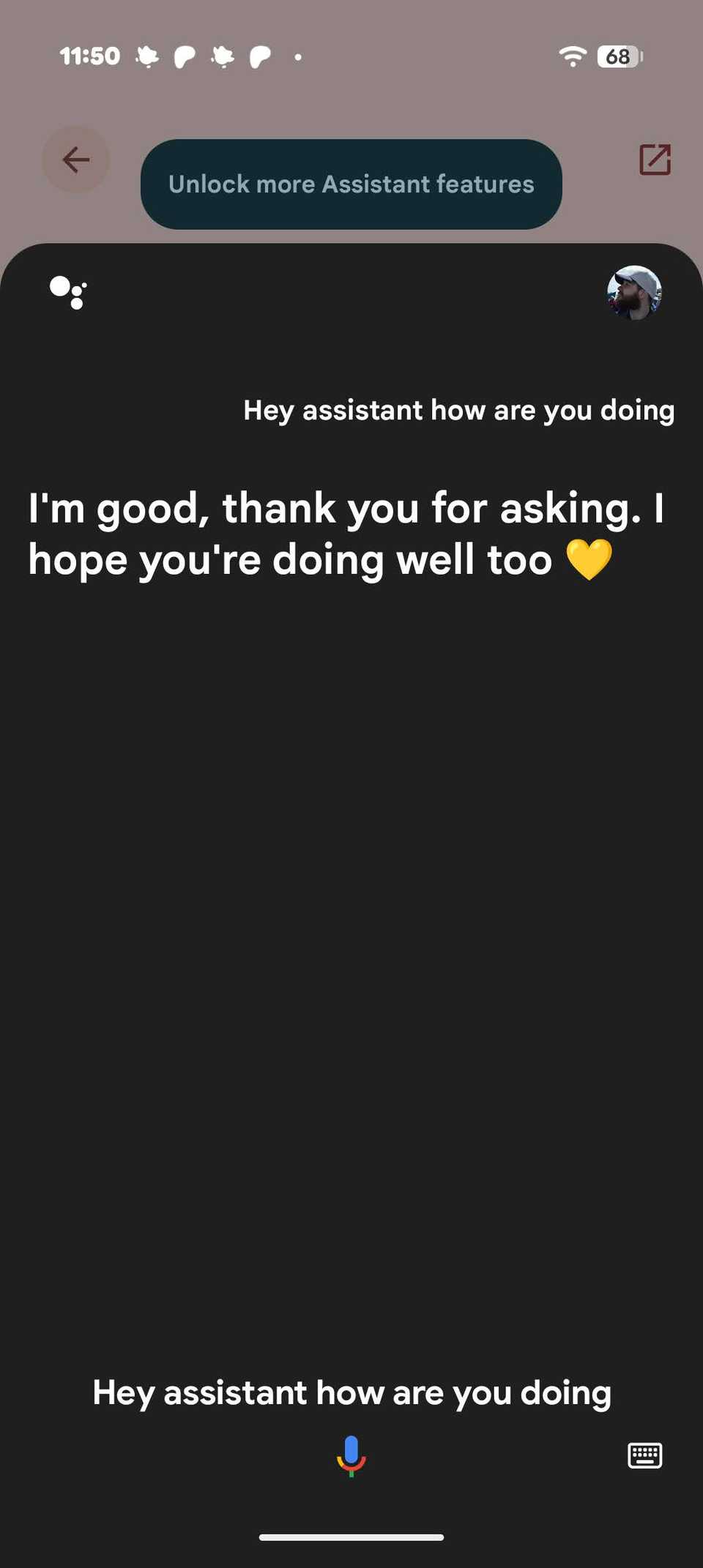
However, while I got Google Assistant to work with my side key, for some reason it refused to activate to the "Hey Google" or "Okay Google" hotwords, so functionality may be limited.
This is a massive win for Google Assistant fans, who were crushed when Gemini was forced on them. Google Assistant may not be as advanced as Gemini, but a number of users have expressed their dissatisfaction at Gemini's performance in tasks that Assistant was more than capable of.
However, while this is great for now, it's unlikely to last. While Google may not be able to stop this from happening on individual Android phones, it's only a matter of time before it shuts down the Assistant servers for good.
Hopefully, seeing how far fans are willing to go to get Google Assistant back may prompt Google into thinking twice about shutting Assistant off for good. A legacy version for fans would be a great olive branch to those who're still disappointed by its decision. This is unlikely, but still possible.
We have contacted Google for comment about this story, and will update when we hear back.