Switching from Chrome to another browser on Android is a tall order and takes some trial and error to find one that works for you.
That's what I've been doing for the past few weeks, and I landed on a browser that became my default.
But it wasn't as straightforward as I thought, since some contenders offered something unique and interesting, which made the choice much harder.
I tested Brave, Arch Search, Iceraven, Bare, and Firefox to see if they could replace Chrome
Every browser had incredible features to offer
After testing various browsers, I concluded that each one had some form of ad-blocking that gives it an edge over Chrome.
Some browsers are more privacy-focused than others, while some offer extension support like Chrome's desktop counterpart.
Any of these browsers could be a great alternative to Chrome and become your next default browser if their unique features appeal to you.
Bare browser is a refreshingly minimal browser
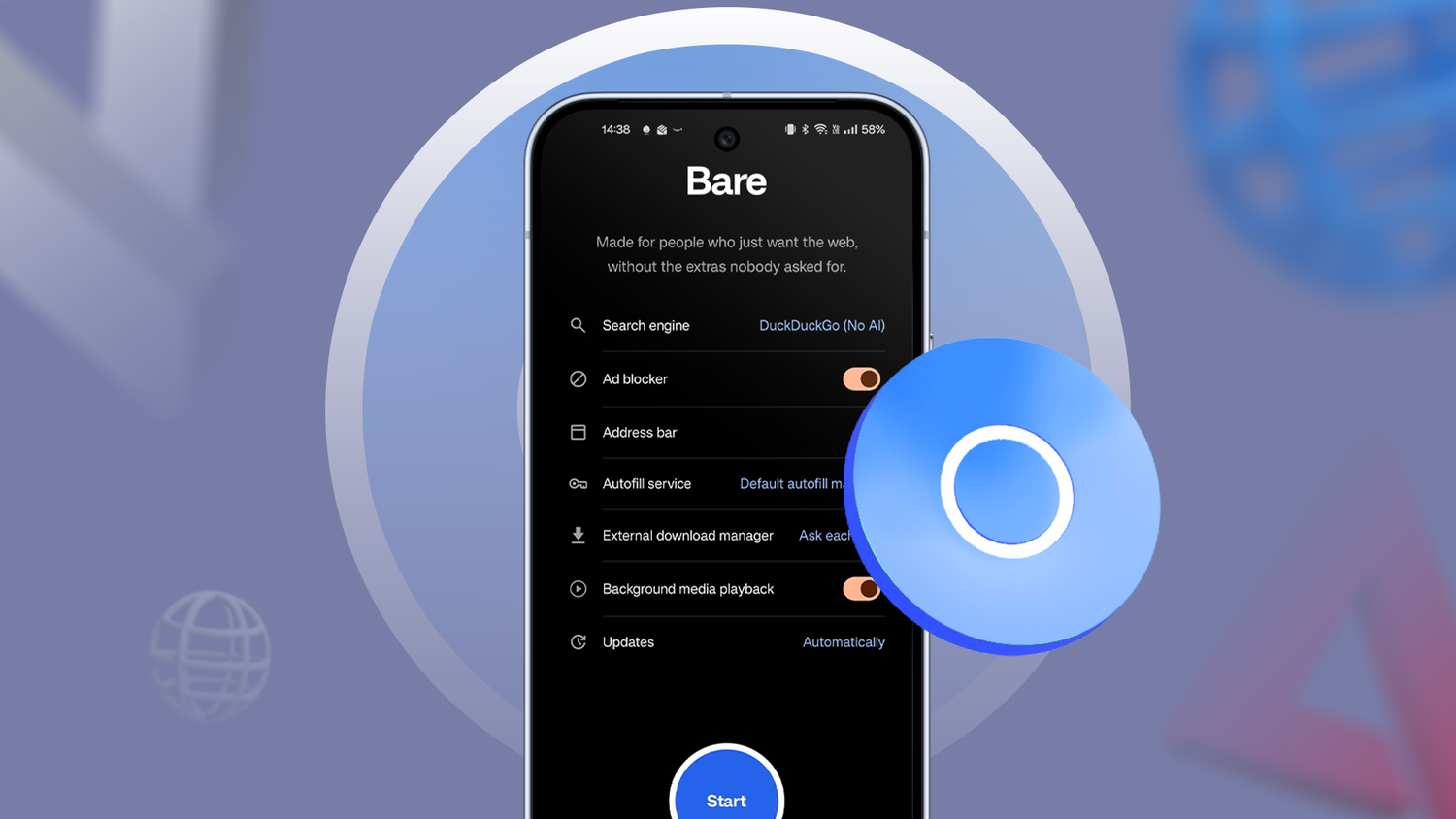
I tested an called Bare that is extremely clean and free of Google bloat.
But Bare's real standout feature is its extensive extension support, letting me install nifty features as I do in desktop browsers.
I can add uBlock Origin, background media playback, and hand off downloads to an external download manager.
It's an incredible browser, deeply rooted in privacy protection while letting me tweak the overall experience with extensions.
That said, Bare Browser is still in alpha, and even though it's actively being developed, it isn't ideal as my daily driver.
Iceraven is an open source fork of a far more popular browser
If you found Firefox for Android lackluster, this open source fork unlocks some incredible features.
Mozilla doesn't officially support these features, but if you want maximum flexibility with Firefox Sync, this is your best bet.
Iceraven adds full extension support that Firefox lacks. You can install any extension from the dedicated menu, but it isn't as comprehensive or reliable as Bare.
While I appreciate Iceraven's tab-suspension feature, it still wasn't enough to make it my default browser.
Since Iceraven is a Firefox fork, I experienced some jank and unreliable performance. Some extensions also don't work seamlessly, which was the final straw for me.
It's still worth checking out, though, and future updates might improve the browser far more than it is now.
Arc Search was the most interesting browser of them all
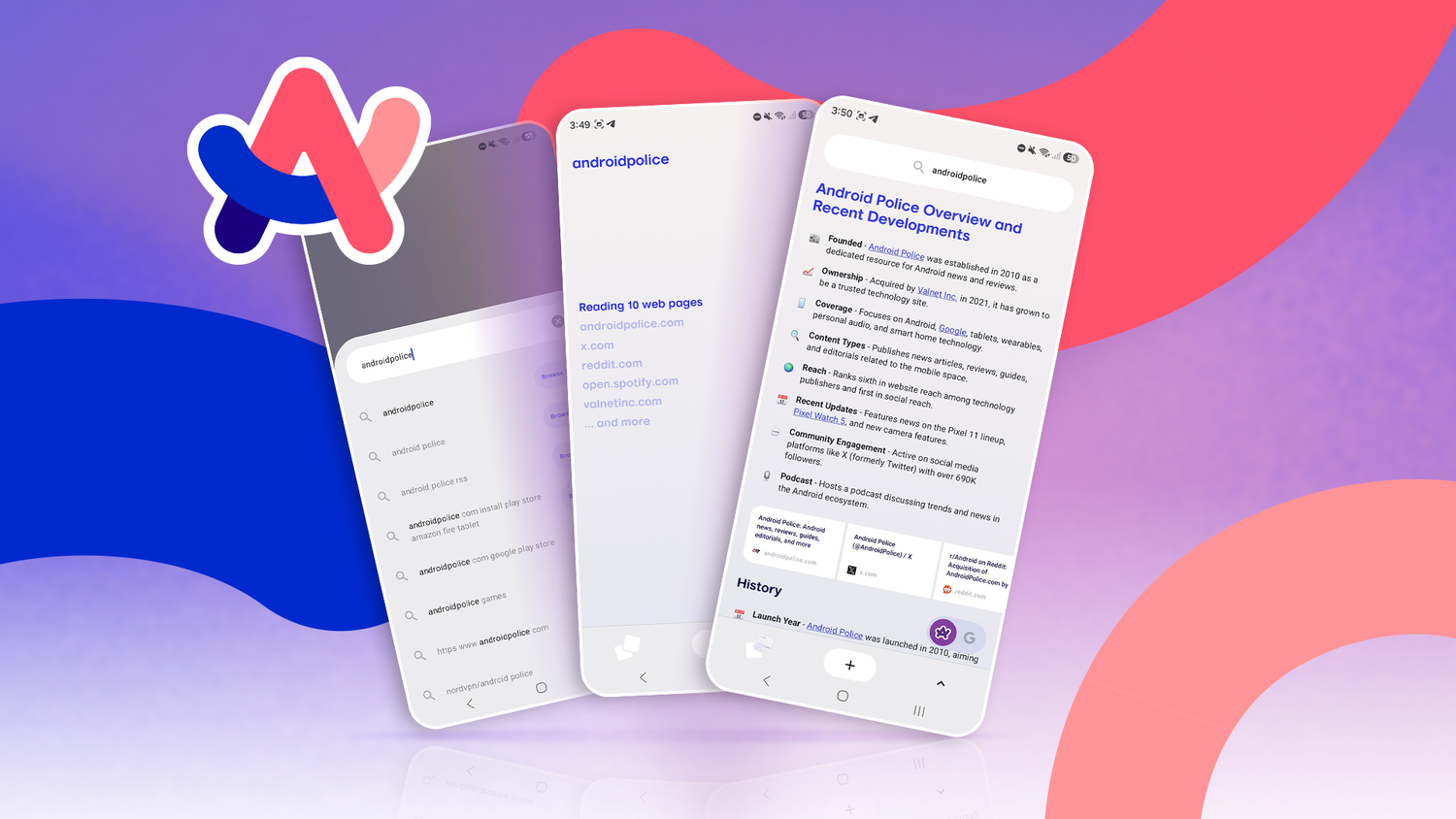
Arc Search is one of those newer browsers that offers something unique. It uses AI most creatively with the "Browser for Me" feature.
The browser also has the staples: ad-blocking and a clean interface that I enjoyed using every day.
It is a great browser if you do a lot of searching and online research, as Arc gives a decluttered, easy-to-read search result within the browser without having to navigate hundreds of websites.
But even though the browser was a strong contender, it is shutting down in November 2026. It was a strong choice for my daily driving, especially because it suspended inactive tabs effectively.
Firefox was the least impressive browser I tested
Even though Firefox is an incredible desktop browser, I found the Android version the least exciting or feature-rich compared to some of the open source alternatives I tested.
Firefox offers limited extension support, but after using Iceraven, I had no reason to stick with Mozilla's default offering.
But when you compare Firefox to Chromium-based browsers, it doesn't match their raw speed and reliability.
Even though Firefox is a competent browser, another browser won my heart and became my default.
Brave was the most feature-rich browser that became my default
Other browsers don't even come close


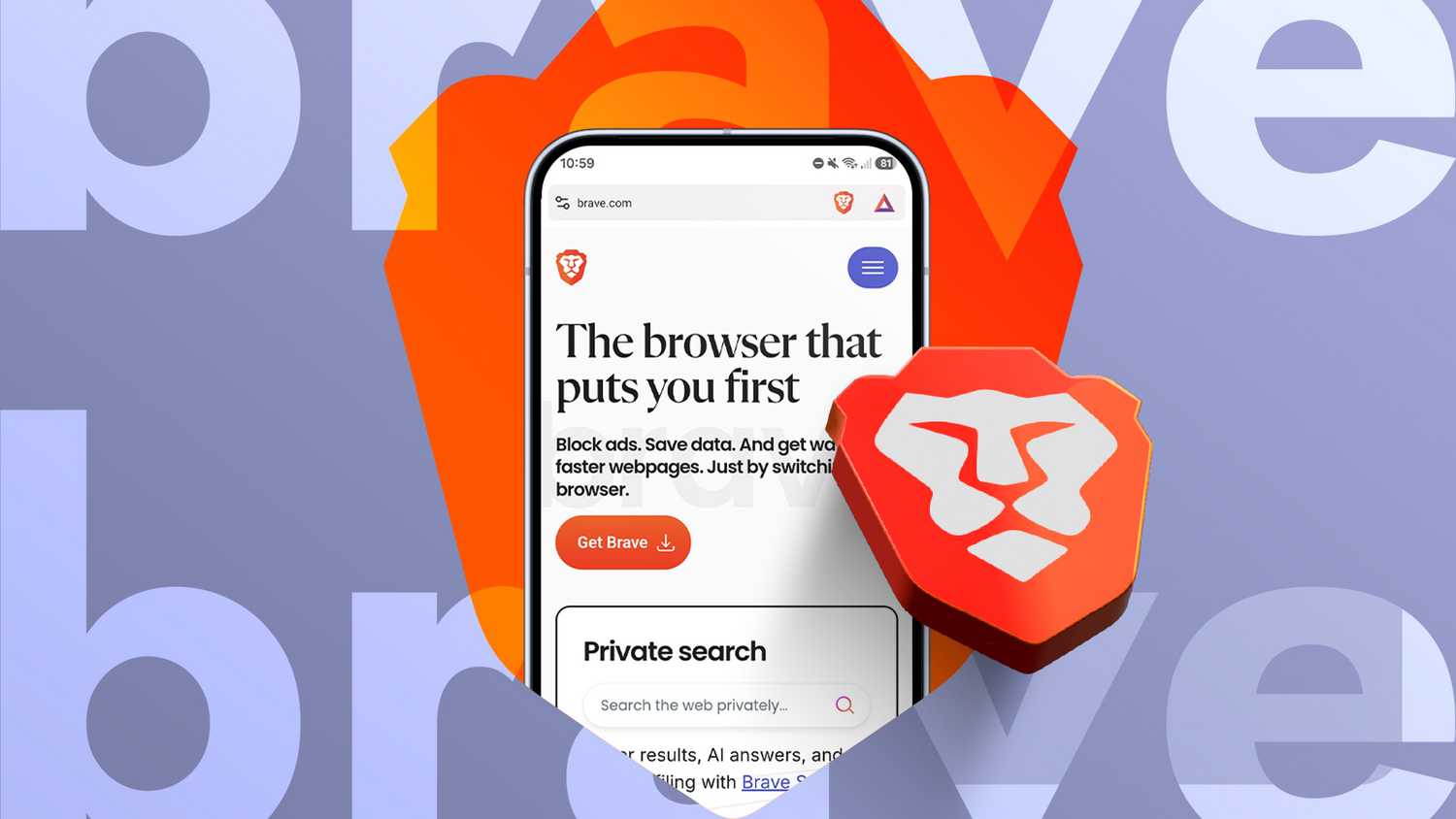
Brave is by far the most polished, feature-rich, and privacy-focused browser I tested. What's neat is that privacy features work out of the box and don't need additional tweaking.
But I highly recommend turning on some of Brave’s hidden features to get the most out of it.
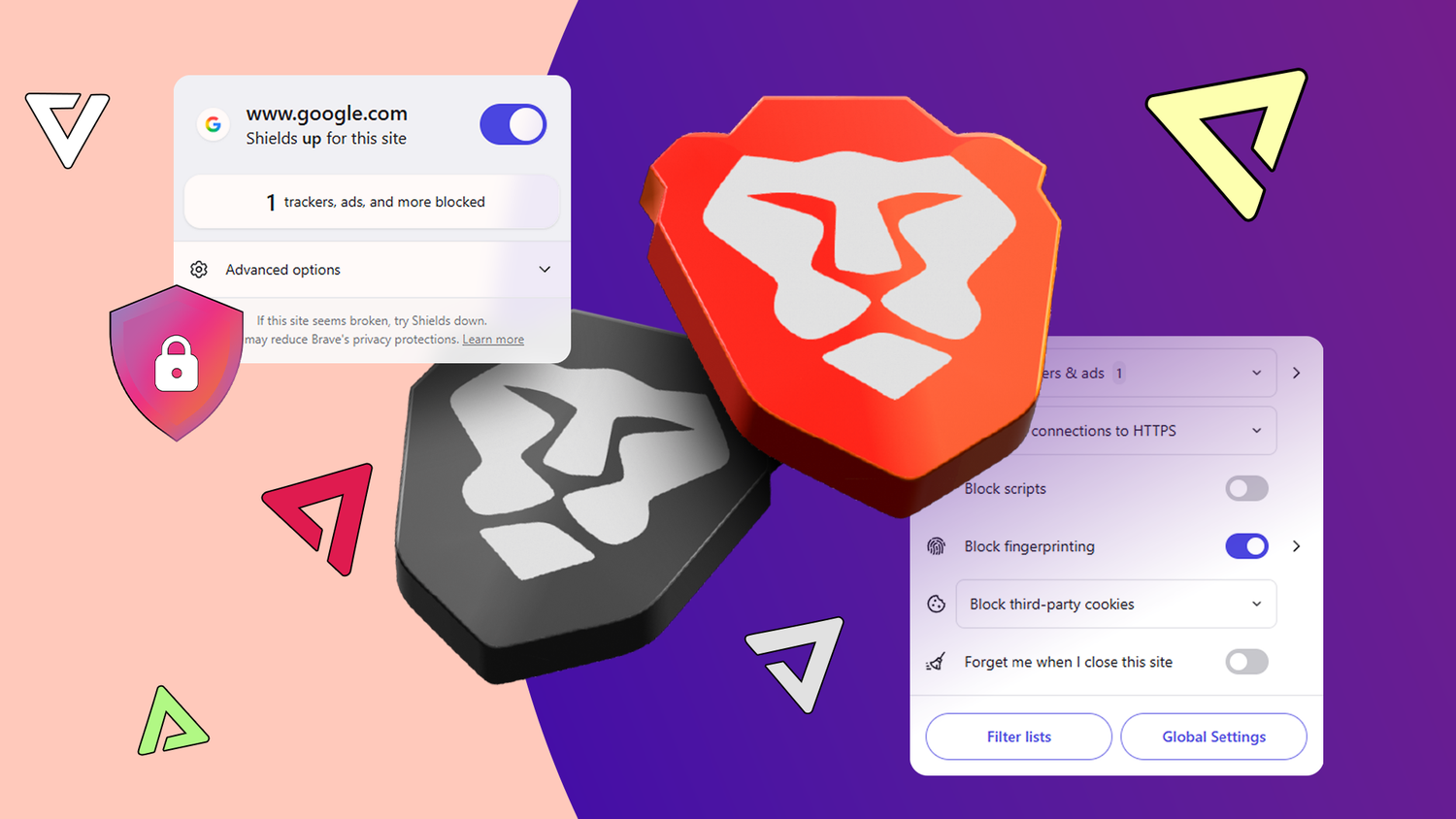
Brave has Shields features that I use to block ads aggressively. You don't need to install extensions, since Brave blocks fingerprinting and cookies by default.
The same goes for background media playback; I turned on the feature within Brave's settings instead of using an extension.
What I love most about Brave is that it can unlock YouTube Premium features for free.
It blocks ads on YouTube, lets you run videos and audio in the background, and download videos for offline playback using the Playlist feature.
These settings turn Brave into a capable media browser that only one other browser can match, and that is Aloha.
But Brave lets me tweak my YouTube experience further. I can use the Content filters menu to block members-only videos, shorts, auto-dubbed videos, and plenty more.
You can tweak Content filters by going to the Brave Shields & privacy settings and selecting the Content filters menu.
The same menu lets you block newsletter pop-ups, cookie notices, mobile app promos, and more.
Beyond these features, Brave offers staple features you might miss from Chrome.
You can sync your tabs, passwords, and bookmarks across devices just like Chrome, making the switch even easier.
One major caveat, though: because Brave blocks ads so aggressively, many websites break on first load.
However, Brave's Dynamic Shield feature lets me tweak Shields per website. I can lower Shields for a specific website, and the browser remembers that change until I tweak it again.
Brave browser is quickly becoming the default replacement for Chrome
Brave browser is one of the few browsers that give users more control over their privacy than any other browser I've used.
While other browsers use extensions for ad-blocking, Brave has it built in by default.
With other useful features like offline media downloads, YouTube-specific features, and the option to block annoying pop-ups, Brave became my default browser across all my devices.