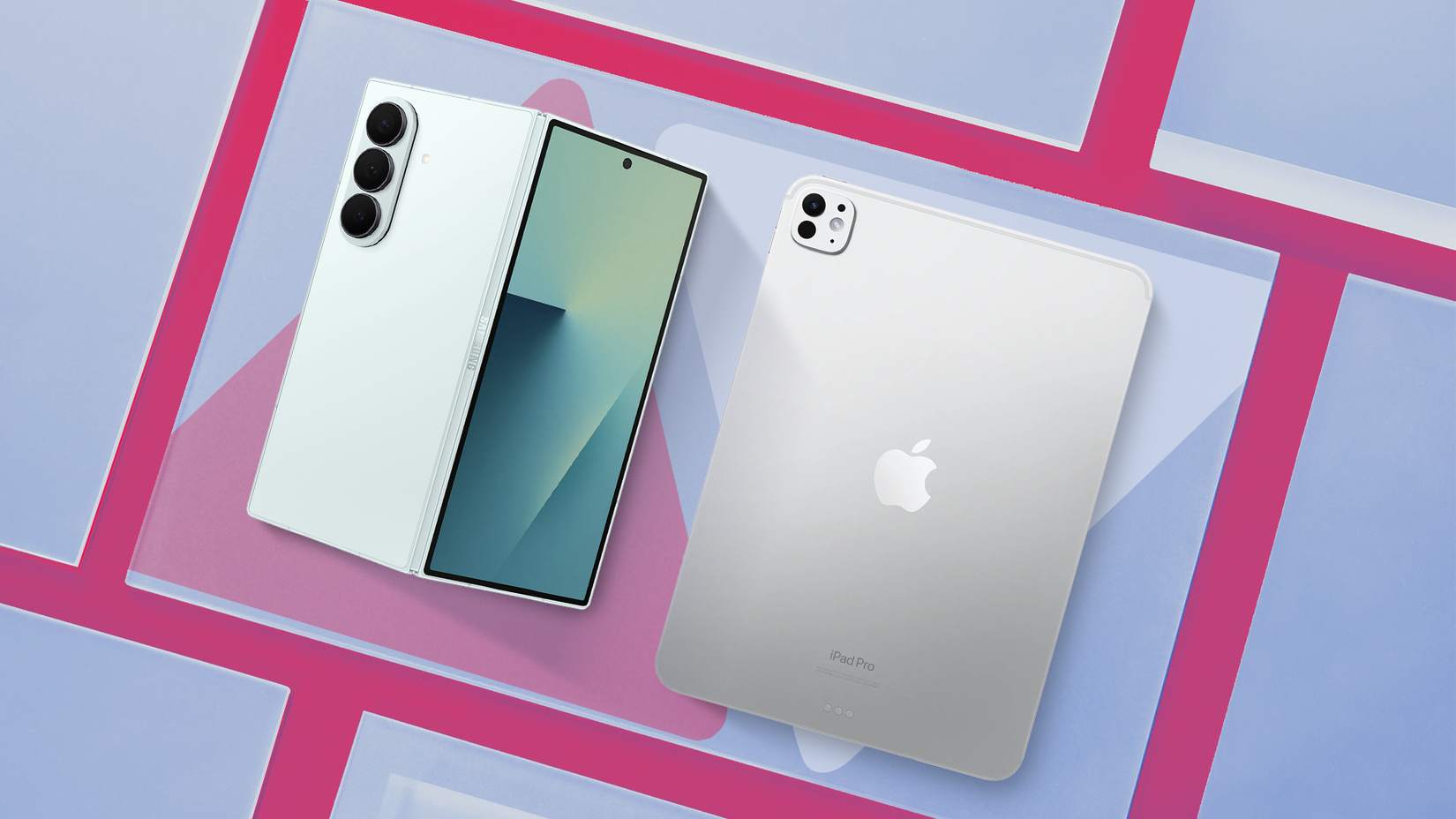
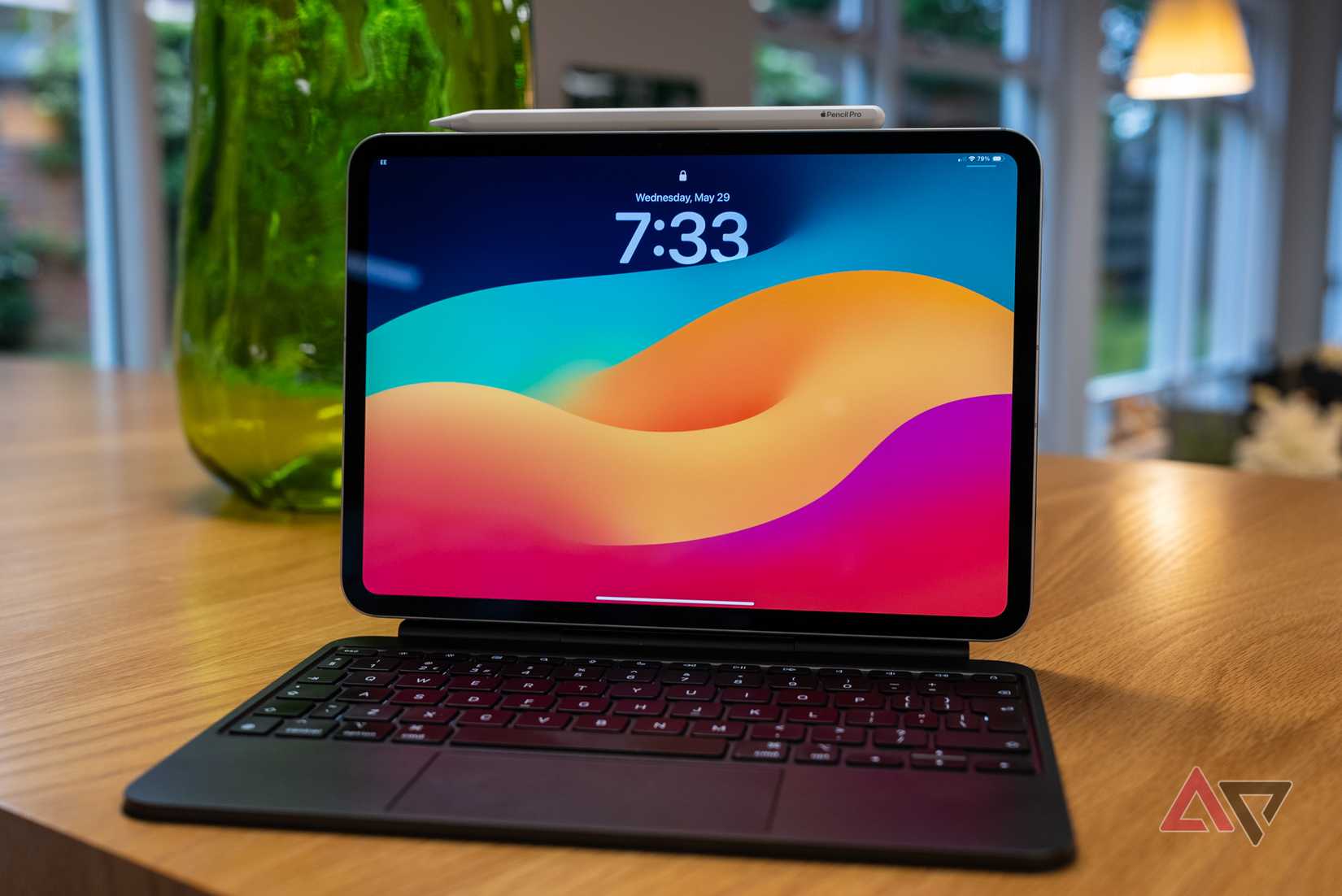
The iPad Pro is one of the best tablet devices you can buy.
Apple's M-series chips are powerful enough to beat many entry-level laptops, and the design feels ahead of the rest. However, the problem is iPadOS.
Even with all that incredible silicon, the software still behaves like iOS scaled up.
Stage Manager was meant to fix multitasking, but Apple, being Apple, didn't deliver the total freedom that power users want. It pushes you into presets, which stops you from fully customizing layouts.
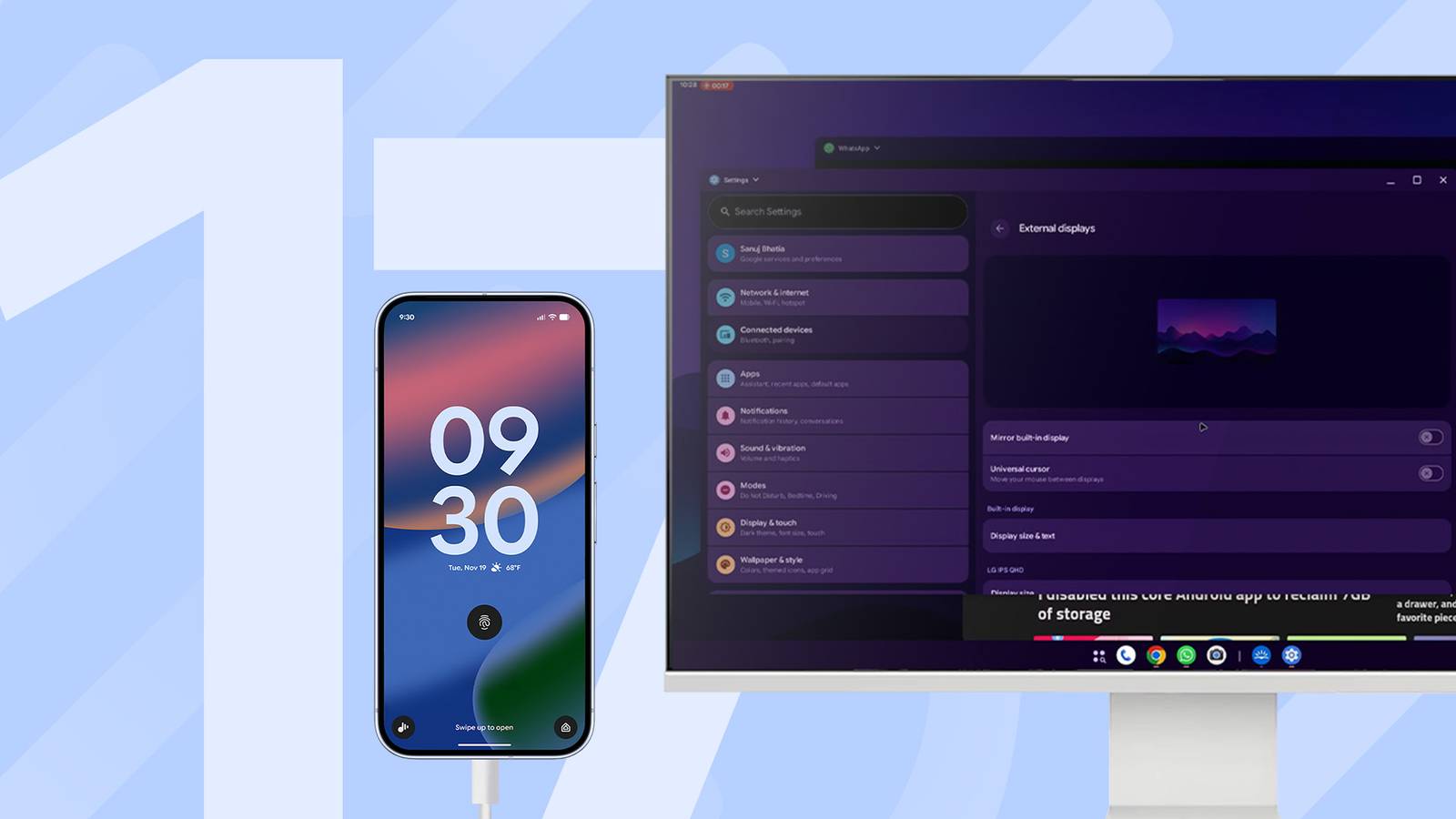
Enter Android 16. Google's latest OS update seriously improves Desktop Windowing, making it feel a lot more like using a laptop.
The desktop experience on Android vs. iPad
Android puts the controls right at your fingertips
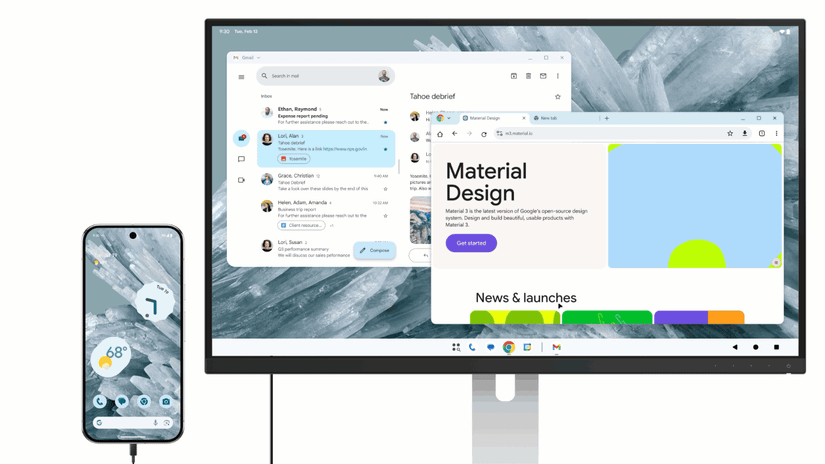
When you connect a monitor to an Android device that supports DisplayPort, Android 16 can start a desktop session.
You'll see a familiar taskbar at the bottom showing running apps and a launcher. From there, you can pin your favorite apps and open the full app drawer.
While the iPad offers the same controls, it's a two-step process that involves tapping or hovering the "..." before the window controls show up. Considering how often you do this, that extra step can get on your nerves.
Another thing I don't like is the disappearing taskbar (the Dock on iPadOS). On the iPad, if an app window goes full screen, the dock hides, and you can't have the window covering the bottom part of the screen where the dock lives.
Android's taskbar is always visible unless you choose to turn it off. Then it behaves similarly to the iPad.
Android's window management beats iPad's Stage Manager
Android's windows stay where you put them
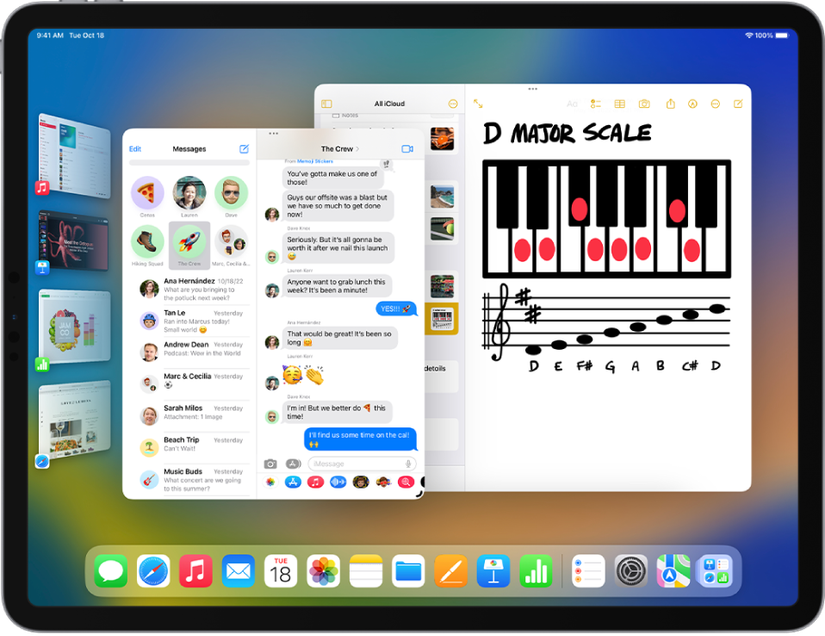
Stage Manager on iPadOS actively manages windows by monitoring when you move or resize one, then adjusting the others to keep things neat.
Though it aims to stop clutter, it can make window movements unpredictable and take time to get used to.
When I'm working across multiple layers of information, this behavior interrupts my flow and takes up more space than necessary.
Android 16 uses passive window management. If you drag Window A over part of Window B, Window B stays exactly where you left it, and the OS doesn't move it around.
You can get something similar on iPadOS by switching to Windowed Apps instead of Stage Manager.
However, using Windowed Apps instead of Stage Manager on iPadOS means losing access to Stage Manager's grouped app workspaces.
Meanwhile, while Android 16 gives you full passive window control, it still lacks native support for multiple virtual desktops.
Bonus: Skip Android and run Linux instead
But you can't run Linux on your iPad
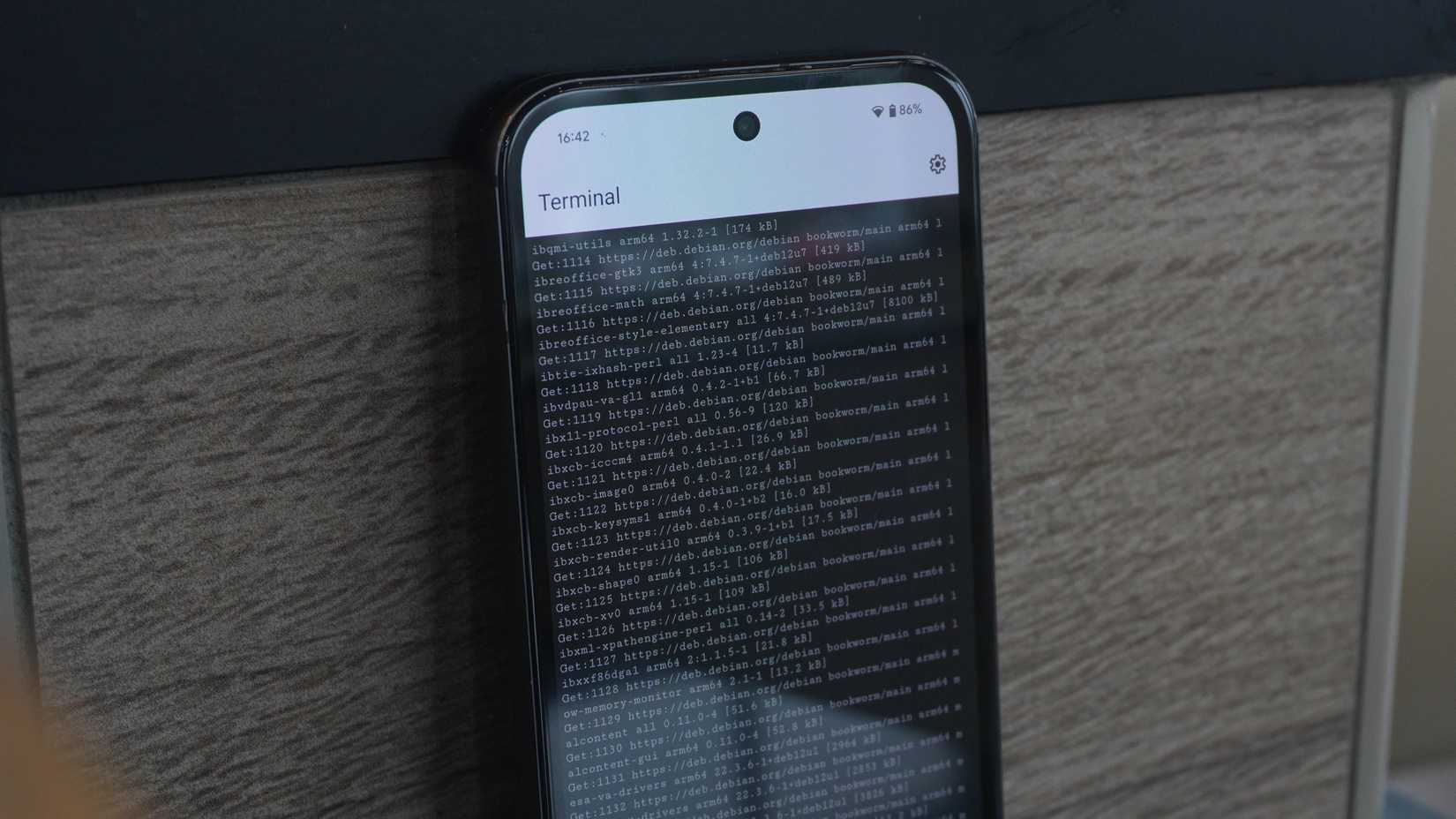
Not a fan? No worries. A major advantage Android 16 holds over iPadOS, proving its value as a workstation, is the Linux Terminal powered by the Android Virtualization Framework (AVF).
With AVF, you can run Debian Linux on your phone. You can run desktop Linux apps like GIMP, LibreOffice, and play DOOM alongside your Android apps.
There's simply nothing like this on iPadOS.
What Android needs to fix for a perfect windowing mode
There's still a bit of instability
While the core architecture is impressive, it isn't without problems. One big problem is Android's fragmentation. The biggest limit comes from hardware requirements.
To get the desktop experience on an external display, your device needs to support DisplayPort Alternate Mode (DP Alt Mode) through its USB-C port, which limits compatible devices.
Also, even though the OS supports freeform windowing, it can't instantly update every existing Android app. Many legacy Android apps were built for rigid phone orientations.
Android 16 does its best to help apps adjust with compatibility tweaks, but resizing windows can still lead to issues like UI elements going off-screen or overlapping.
Moreover, some users say this mode makes text and icons appear too small on certain monitors. This shows that scaling still isn't quite right yet.
These problems should improve as the platform grows, but for now, they're causing instability.
Android's desktop mode changes hardware value forever
Desktop windowing makes a separate desk tablet unnecessary for many productivity users.
Devices like the Google Pixel 10 can turn from a pocket-sized phone into a workstation by simply plugging into a USB-C hub and monitor.
This changes the way we think about hardware value. While has offered something similar, Android will make this a universal feature. It works fully on compatible flagship phones and dedicated tablets.
If you mostly need a windowed setup for office work or research and have a high-end Android phone, you don't need a separate device like an iPad Pro.