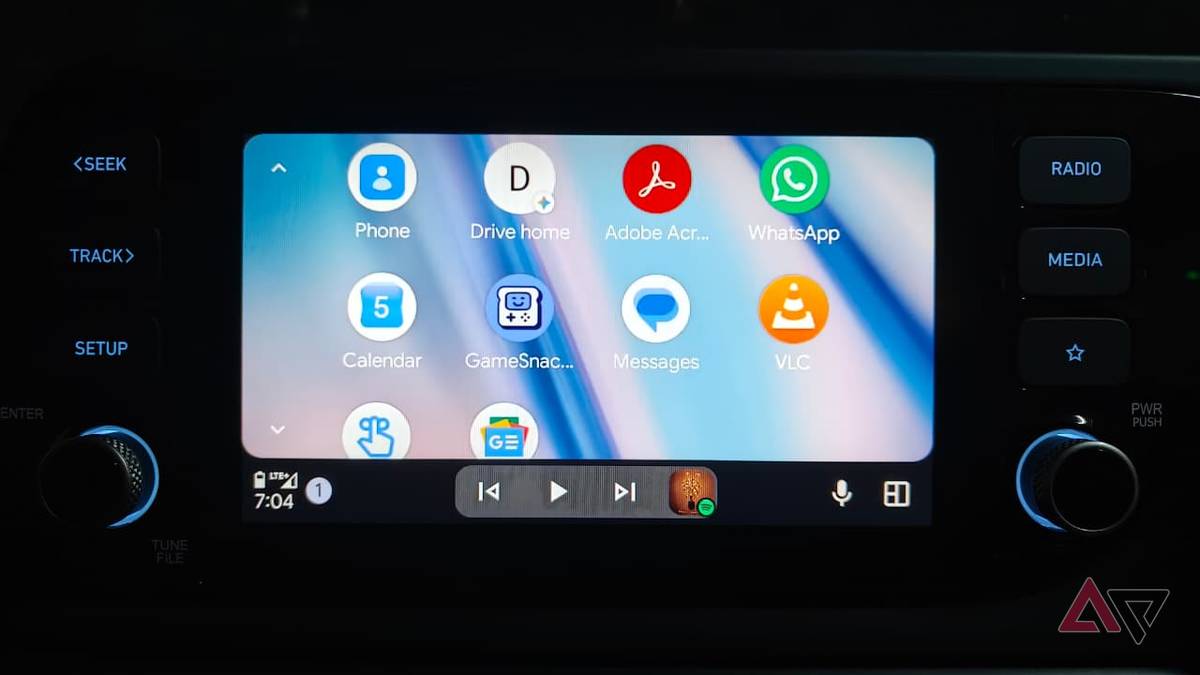
Android Auto 18.2 started rolling out today for beta users, and while it doesn't appears to have any noteworthy inclusions on the surface, the underlying code shows that Google is still continuing work on the light mode menu system, which has been talked about for many years now.
Not much to see here
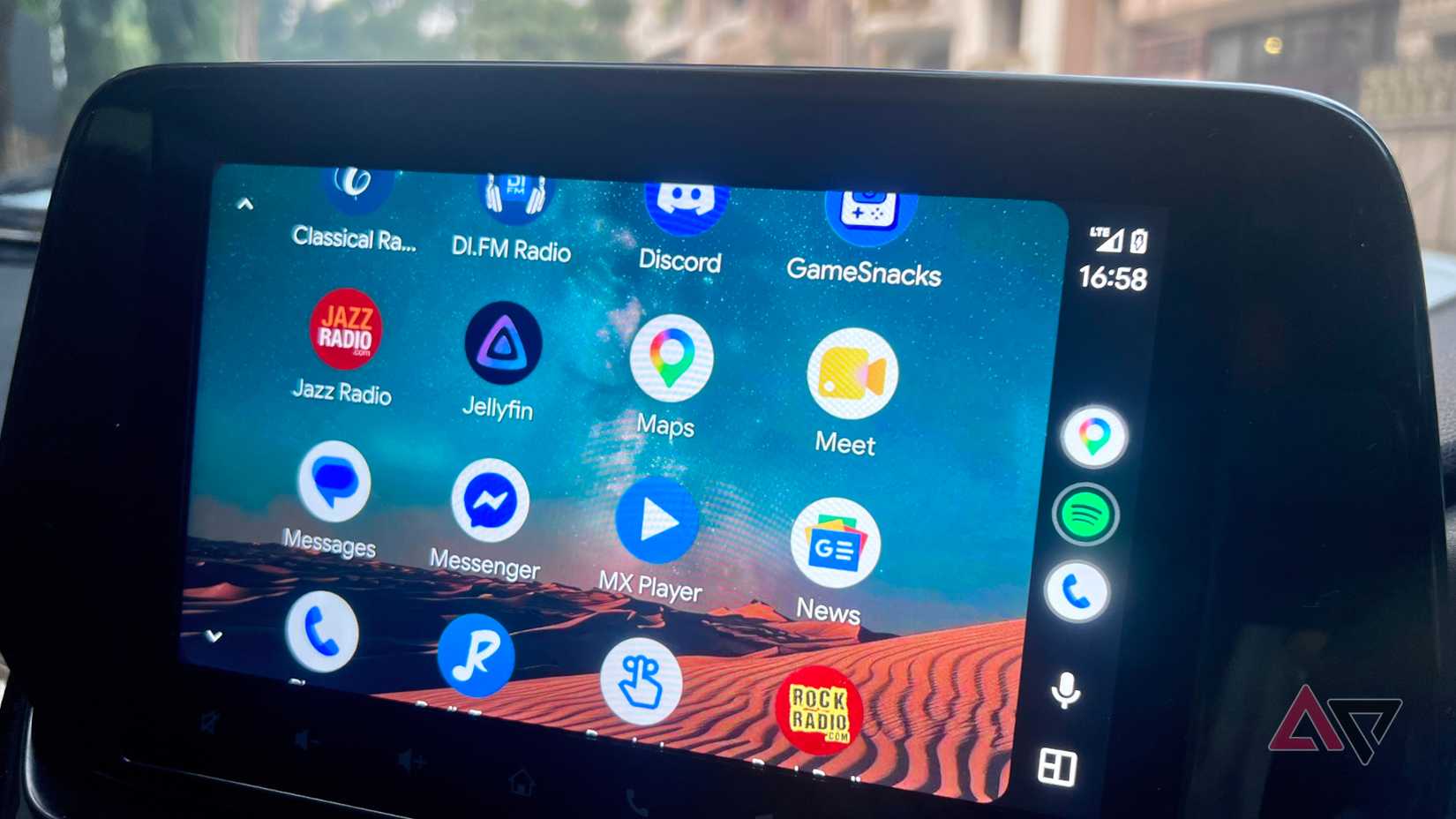
9to5Google took some time to look through the code of the latest beta release and shared what they found. The news outlets highlighted that Google "updated over 100 assets within the Android Auto app in preparation of light mode support."
The focus seems to be on UI elements like buttons, which means that we're inching just a touch closer to an eventual release. While we wish we could get more excited about what was found, the reality is that light mode on Android Auto has been in the talks for years now.
At this point, it almost seems like this feature won't ever find its way to a public release. And to be honest, that could be the case. Google doesn't need to release this feature, and since this is just something found in code, it could end up being nothing.
That said, we know that with every new release of Android Auto, those curious will continue to look through the code to find new things. Sometimes there will be some hits, and other times there are going to be misses.
This is what really matters
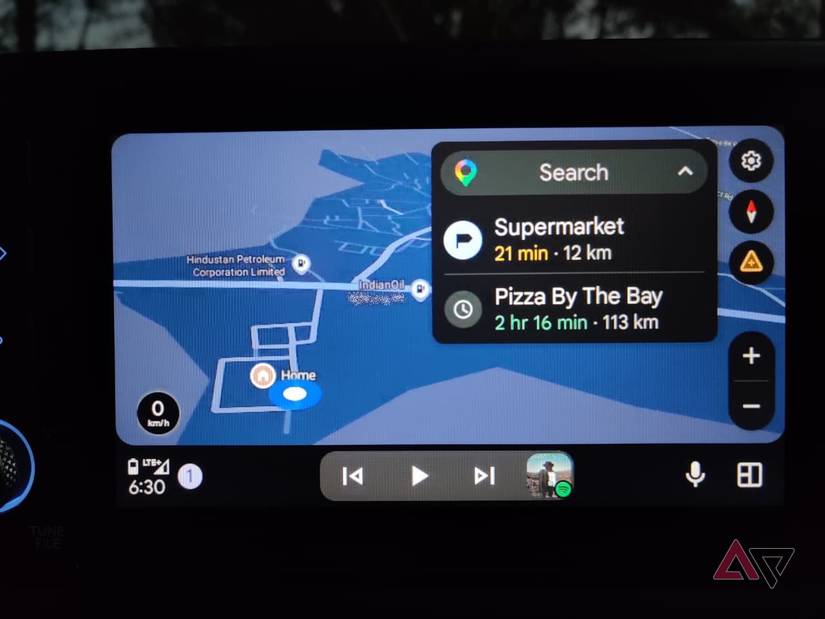
We will say that Google has brought some more impressive features to Android Auto over the past few months. Perhaps the most recent addition has been the availability of Gemini Intelligence. While exclusive to Pixel phones, it's still a feature that's worth talking about.
It seamlessly ties everything together to make your AI assistant really work for you. It's one of those things that we've talked about for years, but now it's becoming a reality. Even with Personal Intelligence, you're getting something that makes your life easier.
It's not all perfect
Naturally, there are still a lot of things that need to change with Android Auto, but that doesn't mean we can't take some proactive moves to make it better ourselves. We've experimented with different looks and settings and found that these five settings are absolutely essential.
We also recommend applying these tweaks in order to further refine your Android Auto experience. While a new UI would be great, I'll take these kinds of updates over just plain visuals any day of the week. That said, like many, I'll continue to wait for Android Auto's light mode.