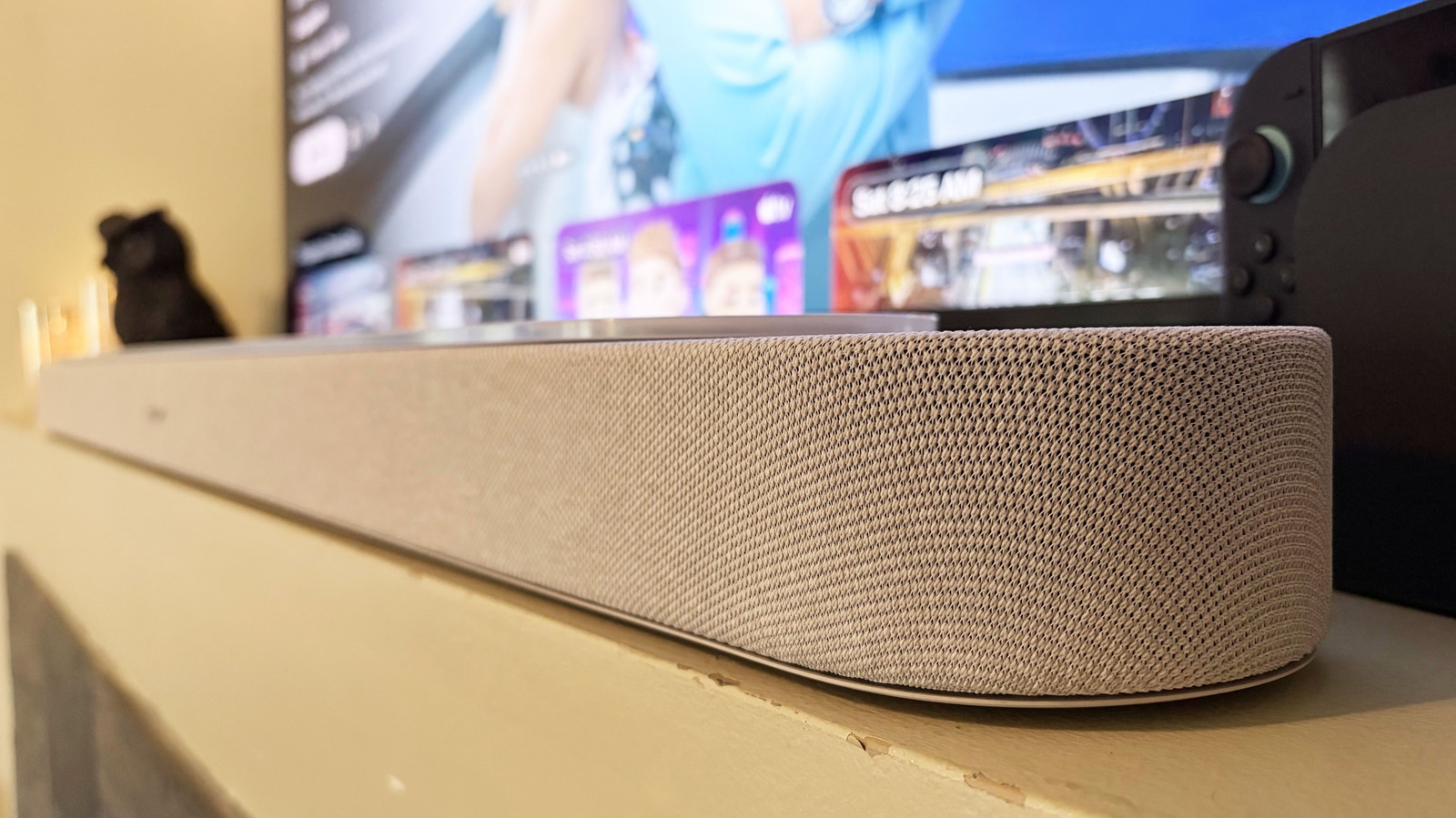
The Lifestyle Ultra Soundbar is very much a plug-and-play device. Once you connect it to power and your TV, it's ready to go. However, you'll want to download the Bose app and run the CustomTune audio calibration ASAP to tailor the soundbar's output to the acoustics of your living room or home theater space. Of course, if you add either the Lifestyle Ultra Subwoofer or Lifestyle Ultra Speakers to the soundbar, you'll need to repeat the CustomTune process.
Once all of that is complete, the Lifestyle Ultra Soundbar provides a solid boost to your TV audio. The up-firing and PhaseGuide drivers offer a pleasant level of immersion and dimensional audio, which is apparent on shows like Drive to Survive and Masters of the Air. The bass output is the most impressive thing about this soundbar, though. It's enough that users in small to medium spaces likely won't immediately feel the need to add a subwoofer. Even after several weeks of testing, I'm still baffled by the low-end performance when a sound effect demands that portion of the frequency range.
This bass is abundantly apparent for music, too. Sylvan Esso's "Flood Season" has ample lows for the bass guitar riffs and kick drum, while more bass-heavy tracks, like Russian Circles' "Empath," maintain the tonal depth without getting muddy. I also appreciate how the center tweeter allows vocals to consistently float on top of the mix. This makes albums like Hayley Williams' Ego Death At A Bachelorette Party particularly enjoyable.
As I already mentioned, Bose allows you to expand your home theater system with the Lifestyle Ultra Subwoofer and Lifestyle Ultra Speakers. Unless you have a larger space, or just crave the extra immersion that rear speakers can provide when watching movies or TV shows, I don't think either are absolutely necessary here.
The speakers are $349 each and the sub comes in at $899, but if you opt for the Home Theater Set or Surround Sound Set (Lifestyle Ultra bundles), you can save a few hundred dollars. (Oddly, Bose doesn't offer savings on the Extra Bass Set, which is the soundbar and subwoofer).
I tested the add-ons one at a time. First, I added the Lifestyle Ultra Subwoofer to the soundbar — perhaps the most likely additional purchase for most people. This achieves the obvious result of adding more bass, which could be preferential if you plan for the Lifestyle Ultra gear to pull double duty as your main music setup. But even in my living room, which is open to the main dining area and kitchen, the soundbar alone was still adequate for music.
I then added two Lifestyle Ultra Speakers as rear units, which I quickly discovered would be my preferred way to bolster the soundbar's performance. Since the Lifestyle Ultra Soundbar holds its own in the bass department, its only true deficiency is directional audio and overall immersion. Add those two speakers to the rear and that weakness is fixed, and disabling the subwoofer doesn't result in much sacrifice to overall output. I only really noticed a big difference in certain scenes with really booming effects, like of the first episode of Masters of the Air (no spoilers from me).
AirPlay, Google Cast and Spotify Connect are all available on the Lifestyle Ultra Soundbar for quick and easy music streaming. You can also opt for Bluetooth, if you prefer, but I find the three methods I mentioned are more convenient for getting audio from a phone or laptop to a soundbar.