
I've always been a big fan of , and the idea of running around with a fully-fledged cyberdeck on my phone has always been a dream.
We're still a long way from that, but I was curious if it was possible to run Linux on a mobile device.
My new Samsung Galaxy S26 Ultra is beefy enough for what I had in mind, but I don't want to root it or replace the OS entirely. Then, I remembered Linux on DeX but found out that Samsung shut it down in 2019, so that was a bust.
A couple of rabbit holes later, I learned it's possible with Termux. It's an exceptional piece of software, but it's not the best experience on a small phone screen.
So, I paired Termux, a free, open source terminal emulator for Android, with DeX on my phone. I spent a full day running Git, Node, Python, and SSH on it to see how close it gets to a proper dev setup.
Why DeX does not ship with developer tools
Samsung shut down the official Linux option
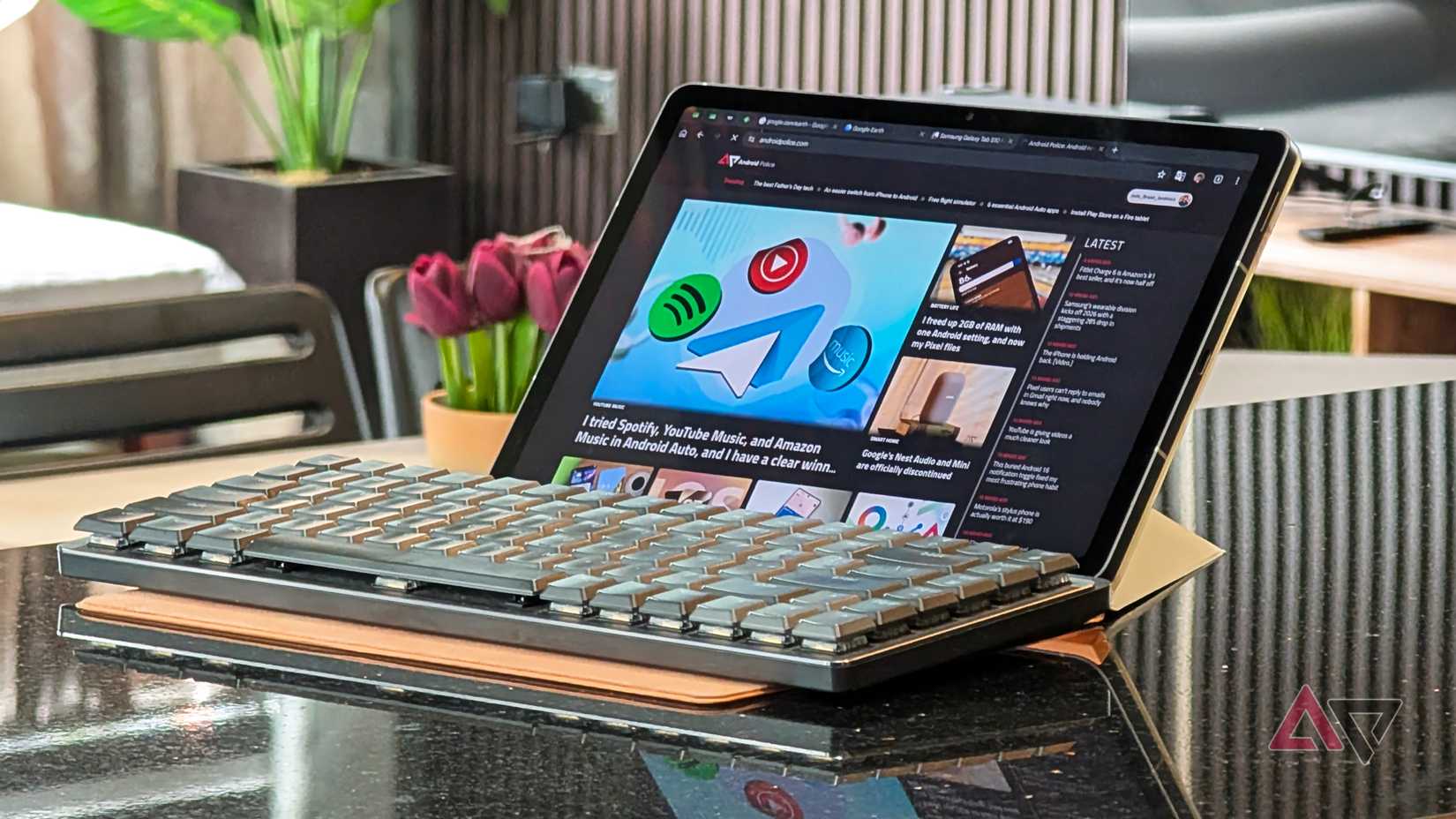
DeX gives Samsung phones a desktop-style interface on an external monitor, with resizable windows and a taskbar. It doesn't include a terminal, package manager, or compiler, so anything outside the Android app catalog is out of reach.
Samsung tried to fill that gap with Linux on DeX, a beta it released in late 2018. It ran a modified version of Ubuntu 16.04 on select Galaxy devices, but the program ended in October 2019 with no support for Android 10.
Since then, DeX has remained a desktop view for Android apps. It handles email, documents, and video calls well, and even lets a Samsung phone match a laptop when an Android app covers the job.
As a software developer, I need Git, package managers, a working shell, and a development environment, none of which stock DeX offers.
The obvious fix would be Google's Linux Terminal app, but the Snapdragon-powered S26 Ultra does not support it, so I don't have that option.
Termux fills that gap without root access. It gives Android a Linux-style command line, and DeX makes that command line practical by putting it on a full-size monitor.
Getting Termux running on the S26 Ultra
Install from F-Droid, then build the toolkit
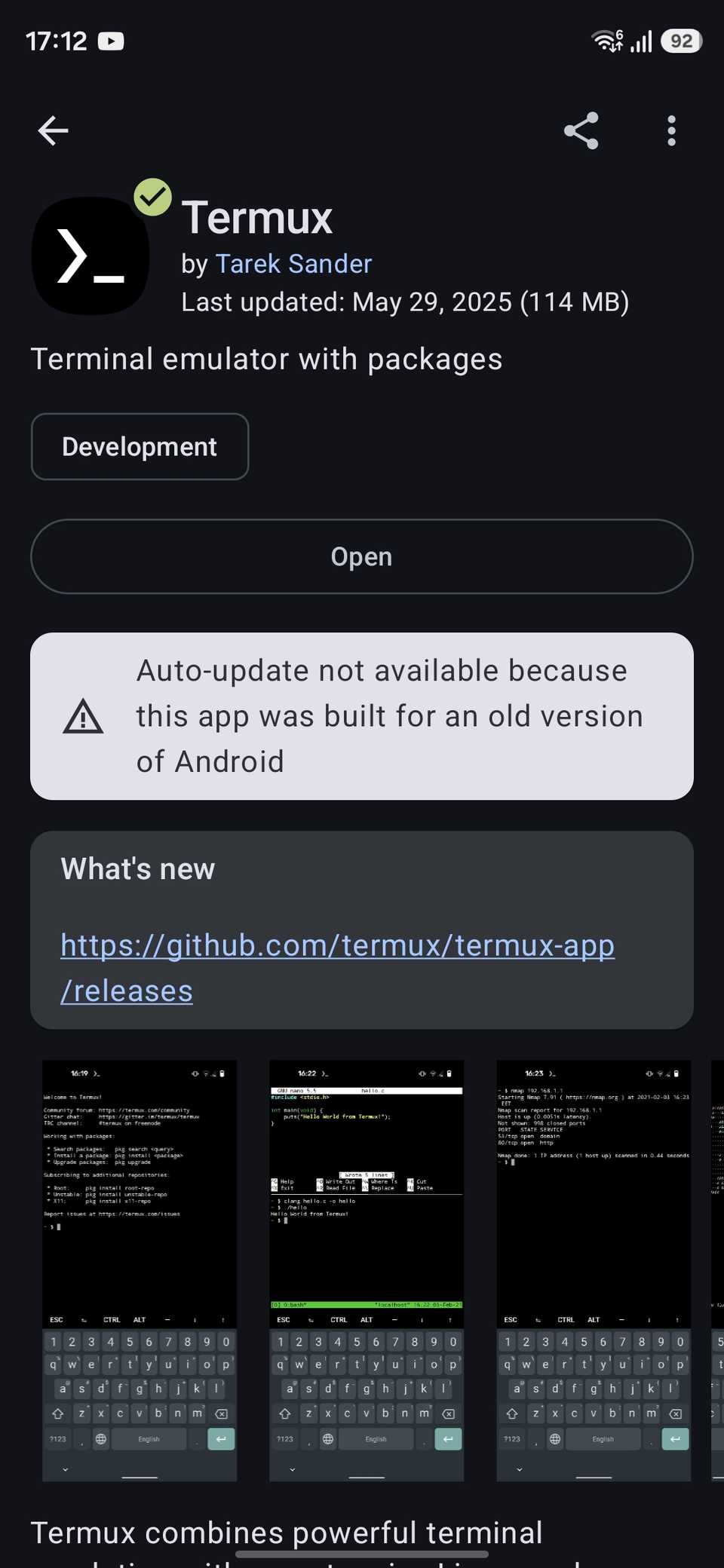
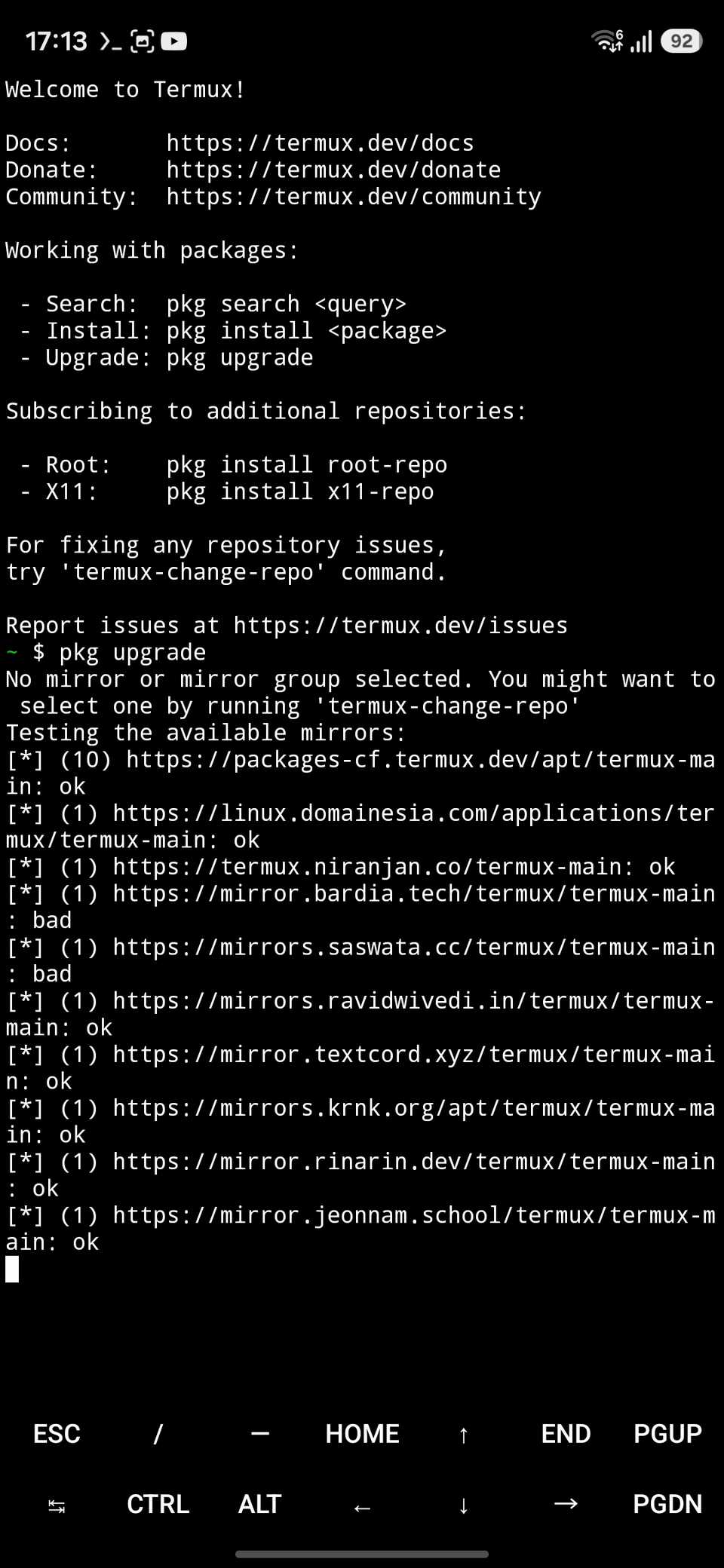
Setting up Termux took me about 10 minutes. I downloaded the APK from the Termux page on the F-Droid website, since that's the source the Termux developers recommend.
The Play Store has an experimental Termux build, but its developers say it comes from a separate repository with changes to meet Google's policies.
Using F-Droid means sideloading and Google’s new sideloading rules could make that step harder after enforcement goes global in 2027.
On first launch, Termux sets up a minimal Linux environment. I ran pkg update && pkg upgrade to bring the base packages up to date before installing anything else.
After that, I ran pkg install git nodejs python openssh, and I had a working dev stack a few minutes later.
Termux also supports graphical Linux apps through its Termux:X11 add-on, but I skipped it because a terminal is enough for most of my workday.
A day of development in DeX
What worked, from Git to code editing
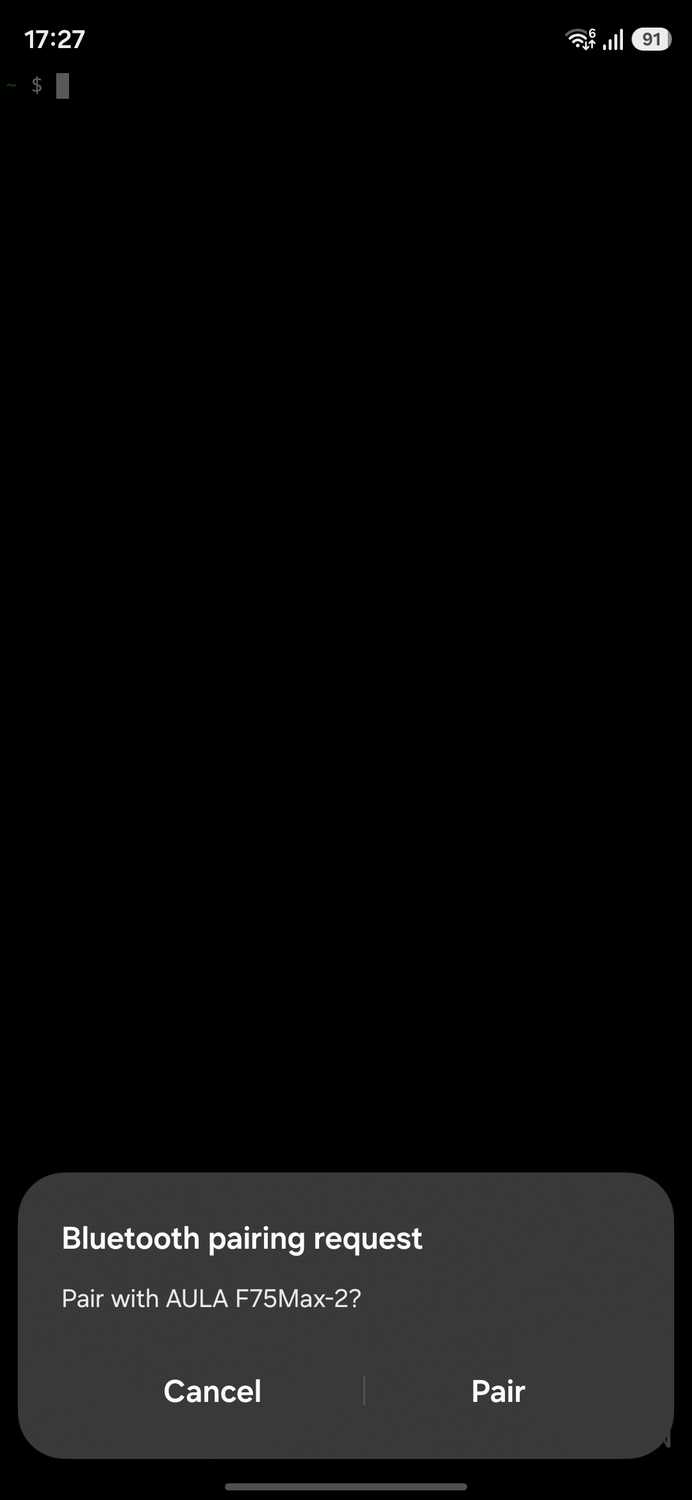
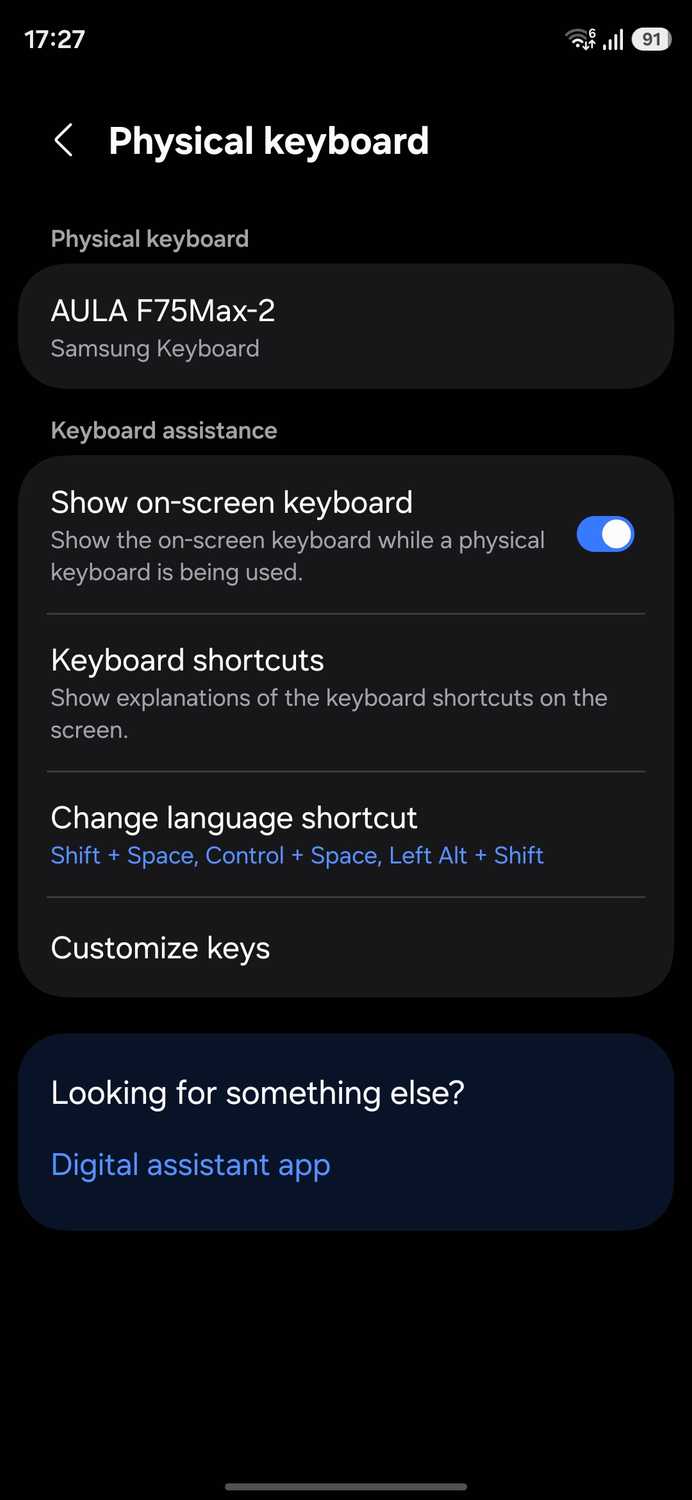
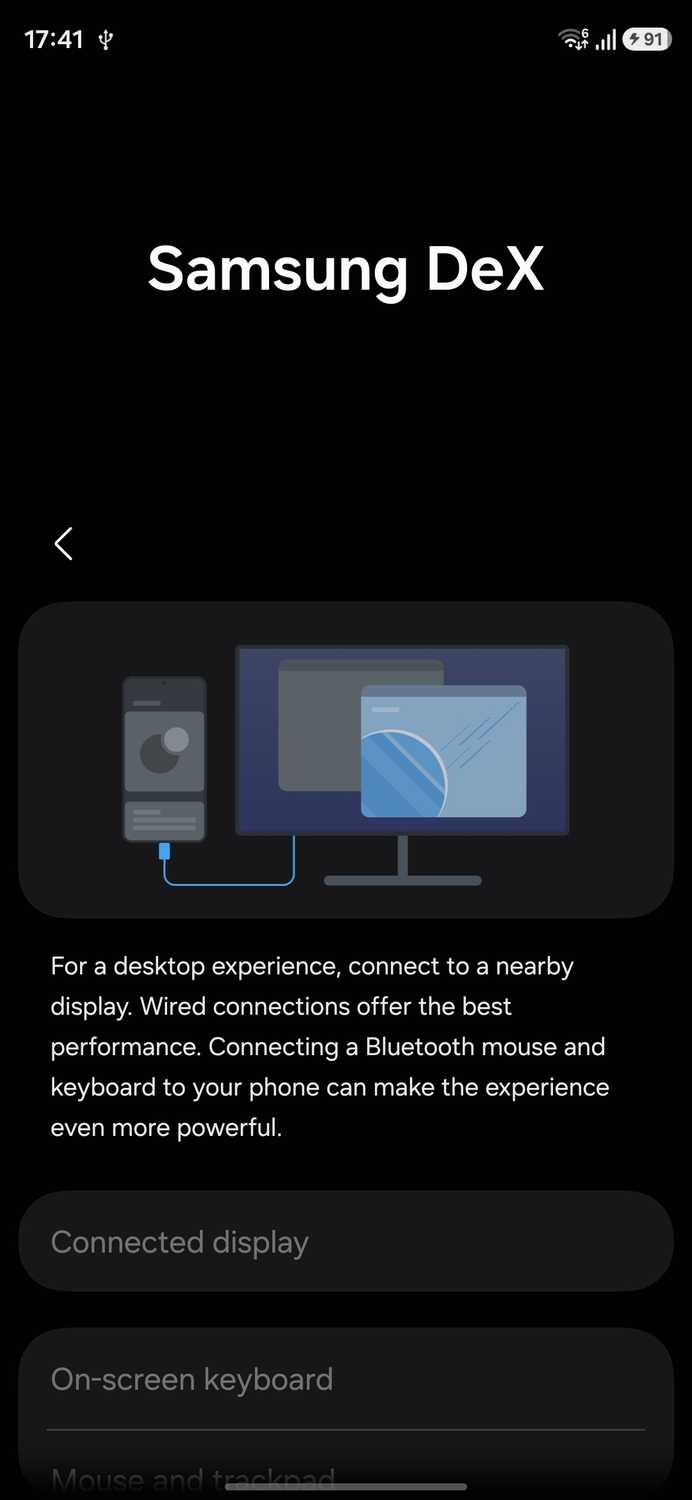
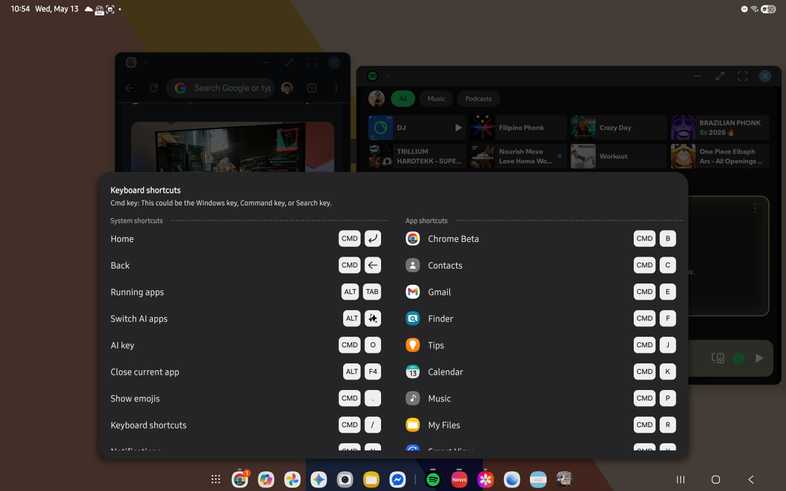
I plugged the S26 Ultra into a monitor and paired a Bluetooth keyboard and mouse. Termux ran in one window next to Chrome, and the setup felt like working on a laptop.
I started with Git, cloning a small repo, editing files, and pushing commits through the terminal.
It took a little more work to get a proper code editor. Nano and Vim run fine in Termux, but I've never been good with either and wanted something more like VS Code. So I set up .
code-server is not in Termux's main repository. I ran to add the Termux User Repository, then , and opened the VS Code interface in Chrome while the server ran in the background.
Unfortunately, extensions don't work well. code-server treats Android as an unsupported platform, so many extensions that run on the server side will not install.
SSH turned out to be the most useful part of the day. I connected to a remote server, ran deploy scripts, and kept the logs open in a second window.
Python and Node scripts ran without errors, and package installations finished within a few minutes.
DeX handles the window management, which makes the entire setup workable. Multiple windows, keyboard shortcuts, and a taskbar meant I didn't have to switch between full-screen apps all day.
Anyone who thought Android desktop mode was a gimmick should try a setup like this one.
I had a routine by the end of the day. I pulled code, checked that everything cloned correctly, made changes in the browser-based editor, and watched server logs in a separate window, all from the S26 Ultra.
Heat, Docker, and Android's limits on apps
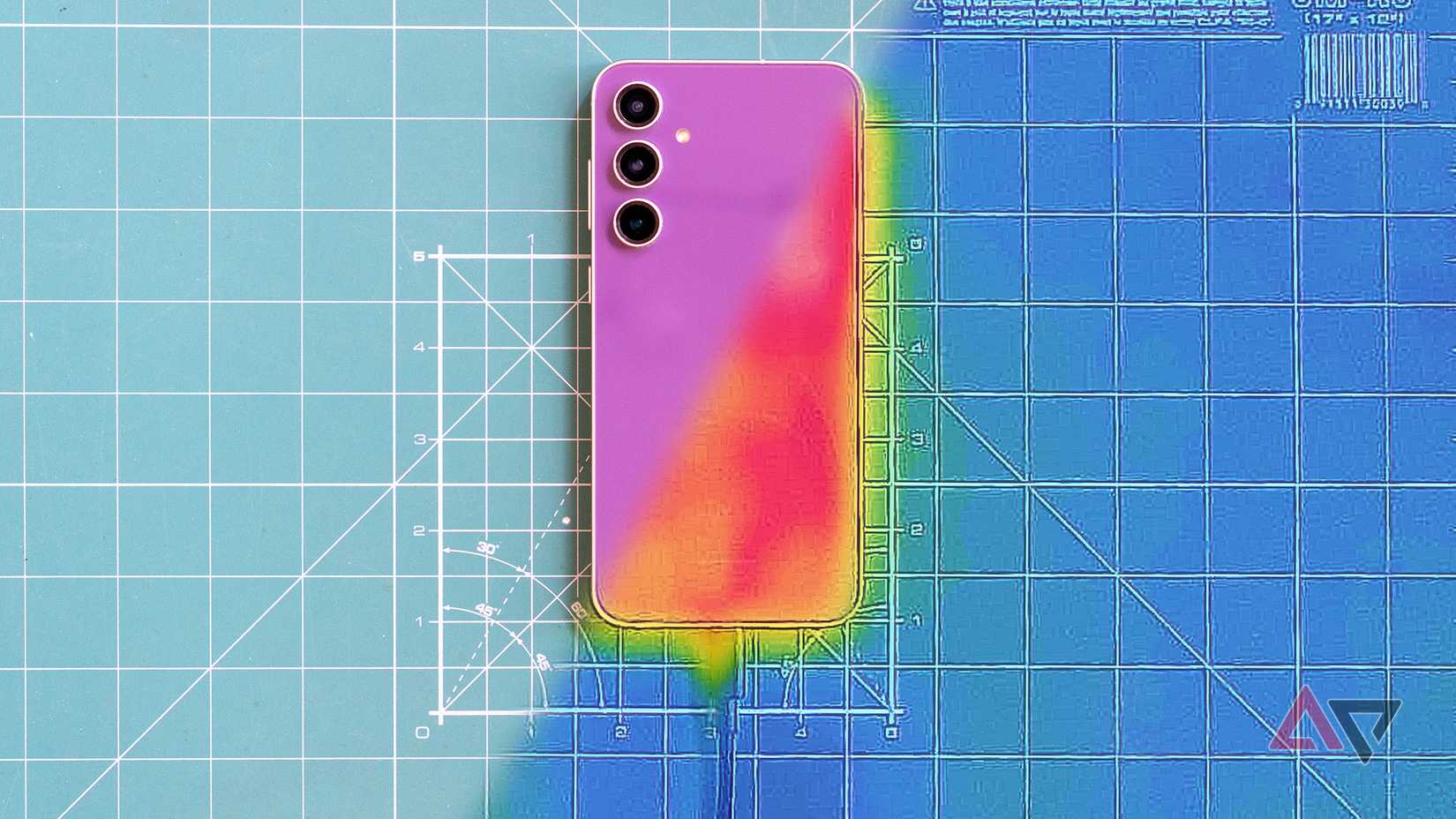
Short scripts ran fine, but long code compilations pushed the S26 Ultra toward thermal throttling. I noticed that longer builds slowed down as the phone heated up.
I couldn't run Docker either. It needs root access and kernel features that Android does not expose to apps, so Termux can't run it on a stock phone.
A workaround is to run a full Linux virtual machine through QEMU inside Termux, with Docker inside that. But the extra overhead didn't seem worth it for the work I do.
Termux is also not a full Linux distribution. It runs inside Android's app environment, so some Linux tools need patches or workarounds, and others will not install at all.
A full laptop replacement? Not quite
Termux and DeX turned my S26 Ultra into a dev machine I would use for Git, SSH, scripting, and editing code in a familiar VS Code interface.
It won't replace my laptop for heavy work, because long builds slow down as the phone heats up and Docker takes more setup than it is worth.
Those are the same gaps that I faced when I tried to replace my laptop with an Android tablet, it's all because of the limits Android puts on apps.
For a day of commits, scripts, and server work, though, the phone handled everything I needed.