Locked chats aren't a form of end-to-end encryption, however.
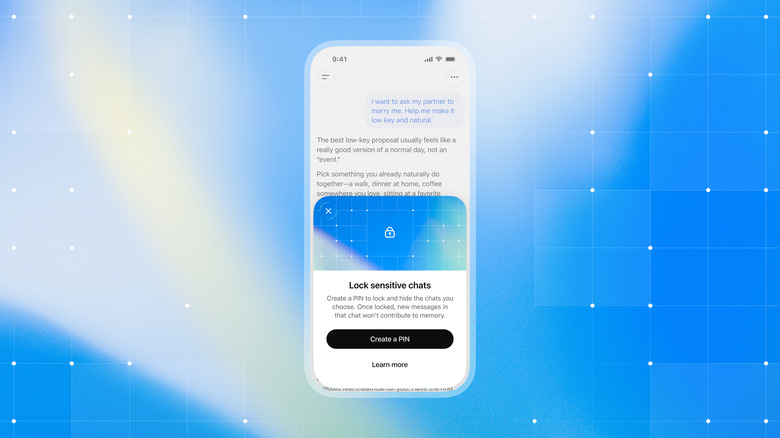
OpenAI is making it easier to protect your ChatGPT conversations from prying eyes with the introduction of a feature called locked chats. With it enabled, you can decide whether a past exchange appears in your regular chat history, pinned chats and conversation search. To access your locked chats, you'll need to input a 4-digit PIN. On an iPhone or Android phone, you can also use authentication systems like Face ID to access those conversations. Either way, you'll find your private conversations grouped under a new project titled "Locked chats."
OpenAI envisions locked chats mostly as a way to prevent people in public or someone you hand your phone to from seeing your conversations with ChatGPT. What they aren't is a form of end-to-end encryption or a way to skirt OpenAI's legal obligations if you get in trouble with your workplace or the law. The company says so explicitly in a newly published support page, where it also notes locked chats won't automatically change your model training settings, or how long OpenAI retains your private conversations. That said, if you need to reset your account PIN for any reason, doing so will delete all of your locked chats, alongside any files you've uploaded to their project space. "This cannot be undone, and OpenAI Support cannot recover the deleted content," the company warns.
OpenAI says it's rolling out locked chats to users gradually. If you don't see the option right away, it may take a few days before it arrives in your account. Availability will extend to free accounts, as well as to those with Go, Plus and Pro subscriptions. On Android and iOS, you can use voice mode in combination with locked chats, though you can't lock your Codex conversations behind the feature.