Replacing preinstalled apps is the traditional next step after setting up a new Android phone. We all have our favorite third-party apps, whether that's Obsidian instead of Google Keep, Proton Mail instead of Gmail, or Firefox instead of Chrome.
However, there's one app you probably don't think about: the clock app. I didn't consider replacing mine for years until . But a year of trying different clock apps has led me to a favorite that has permanently replaced my Pixel's default.
Chrono is the smoothest open source app I've used
No rough edges, just a stylish, practical design
When I look for a new app, I always browse open source apps hosted outside of the Play Store. I'm not concerned about my clock app leaking personal information, but it gives me peace of mind to have total control of the apps I install.
However, the catch with open source apps is that, while packed with features, they are often awkward to use with a dated UI. That was the case with AMDroid, which is why I started hunting for an alternative.
Chrono has a touch of the "iOS-look" to it, but the developers have included a Material You switch that ties the app's appearance to the rest of my phone.
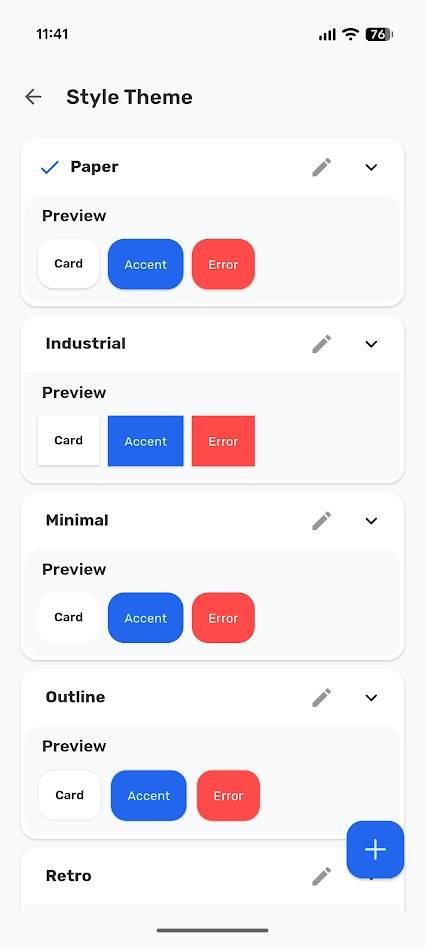
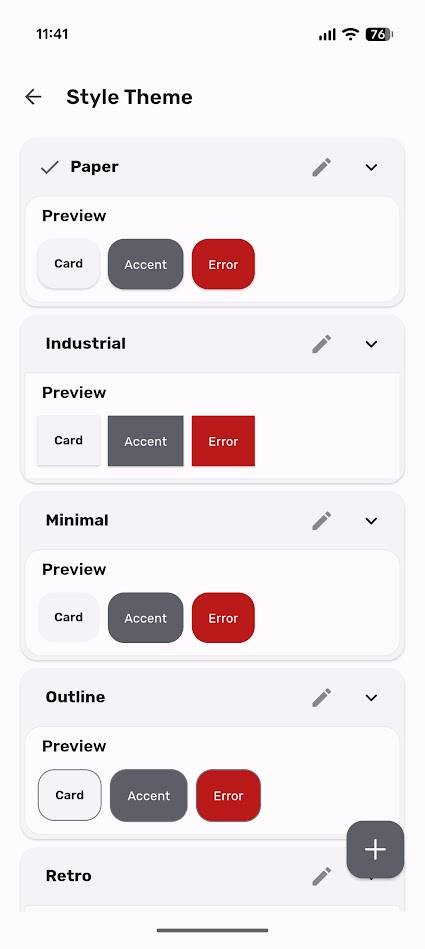
While more is usually better when it comes to customization options, I appreciate Chrono's straightforward UI approach. It's a clock app; I don't need to adjust each window's width to use it.
You can adjust settings like corner roundness, opacity, blur, and outline width. Completely unnecessary in my opinion, but hey, it's nice to have.
What matters is that Chrono is easier to use than the Pixel Clock app, looks better, and packs the same useful features. Being able to adjust shadow depth is a bonus.
All the bells and whistles one would expect from a clock app
Chrono does the basics well with a touch of flair
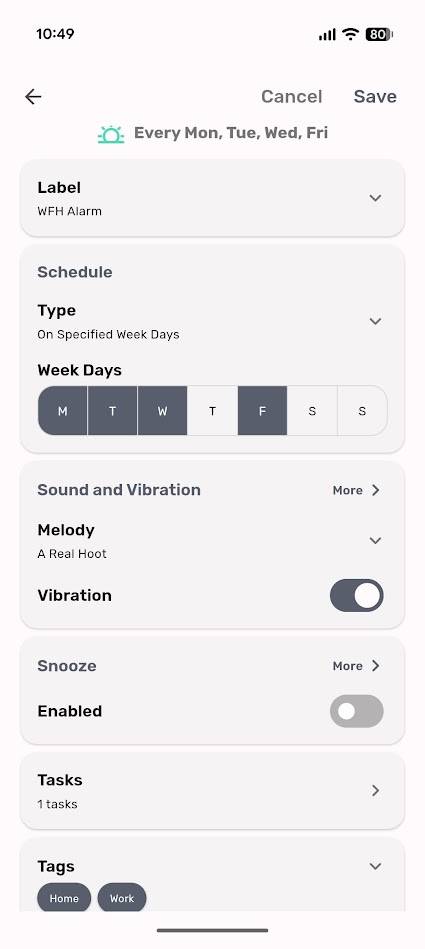
Let's start with Chrono's alarms. I can set an alarm for when I want, at the intervals I want. I can adjust the alarm and vibration settings, and give it a name.
But here's where things get interesting. Unlike Pixel Clock, I can set a task, disable snooze, and delete the alarm when I dismiss it. This last feature is perfect when I need to wake up for a unique event. With Chrono, I don't clutter the app with old alarms.
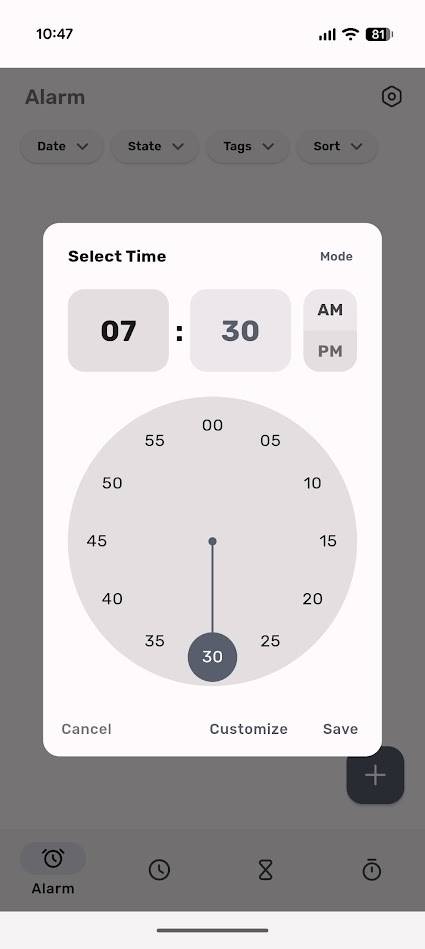
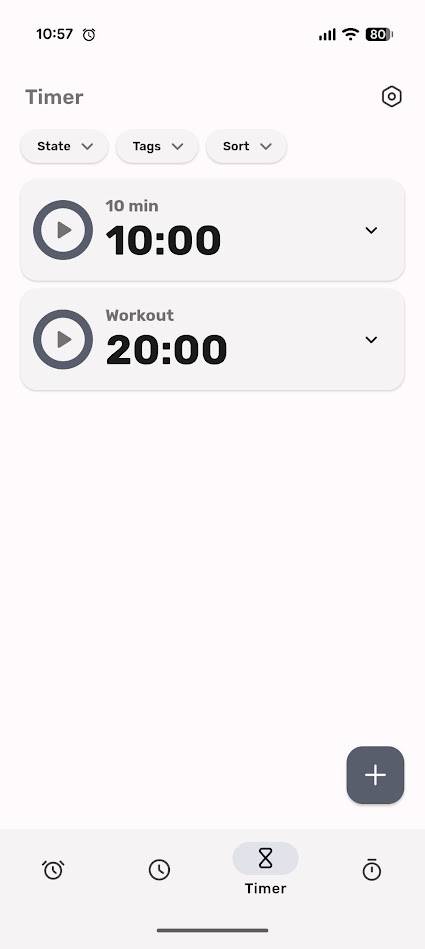
The world clock and timer work. Nothing to report here beyond the timer's quirky dial setting.
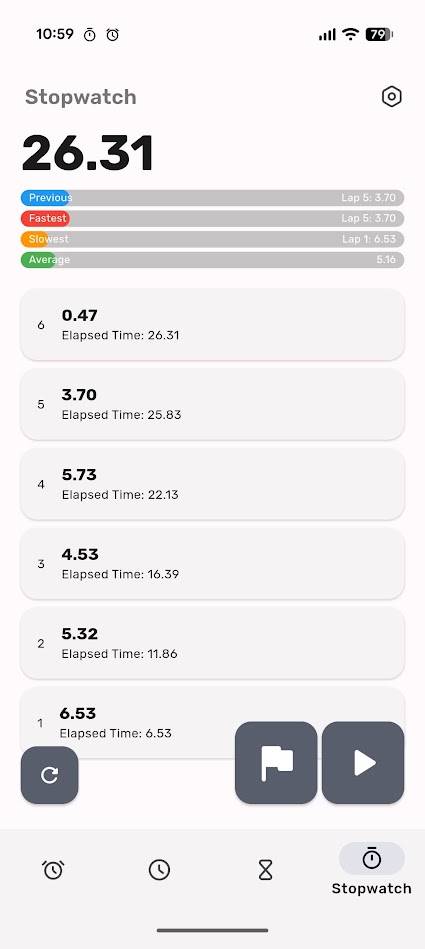
The most fun and useful part was the stopwatch. Chrono has big, bold buttons for pausing and lapping times, but it adds a unique twist with colored progress bars.
These bars track the previous, fastest, slowest, and average times. It's a cool touch that adds immediate visual clarity to any activity.
Chrono is missing a few features found in the Pixel Clock app. It doesn't show local weather in the world clock menu and lacks a bedtime mode.
Losing these features isn't a problem for me, as I don't find technology-assisted sleep features useful. However, it's worth noting that Chrono has no integration with other apps or Android features.
Chrono's widgets are amusingly unoriginal
It's a good thing I don't rely on them
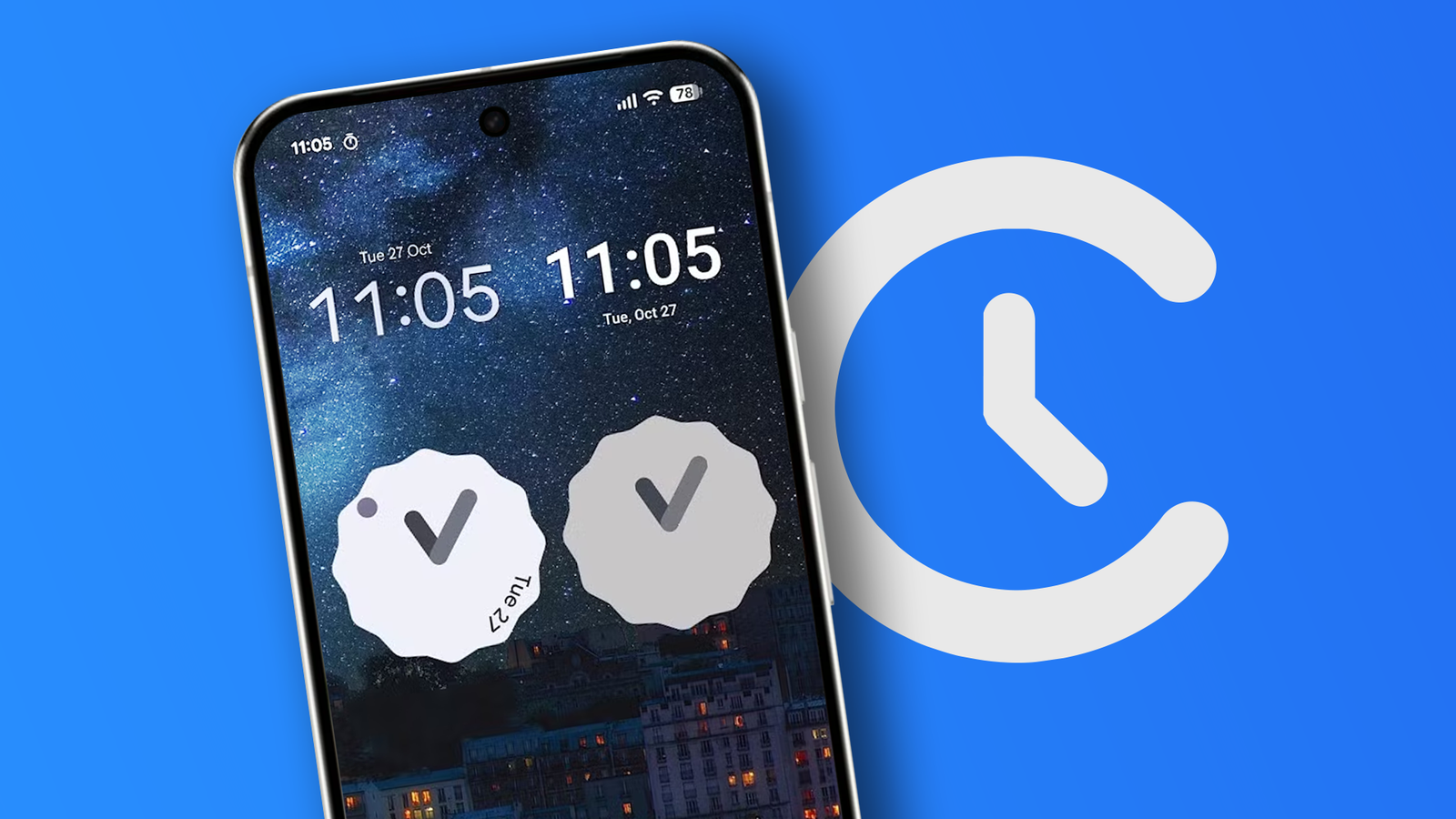
Chrono offers two widgets: an analog clock and a digital clock. Hilariously, these are copied almost pixel-by-pixel from the Pixel Clock widgets.
There are enough differences to mark them out, but beyond the lack of information on the scalloped digital clock design, you get the same widgets you know and love.
I'm not a fan of this method. While I can customize the digital clock's font, color, information layout, and alignment, these tools feel like an afterthought.
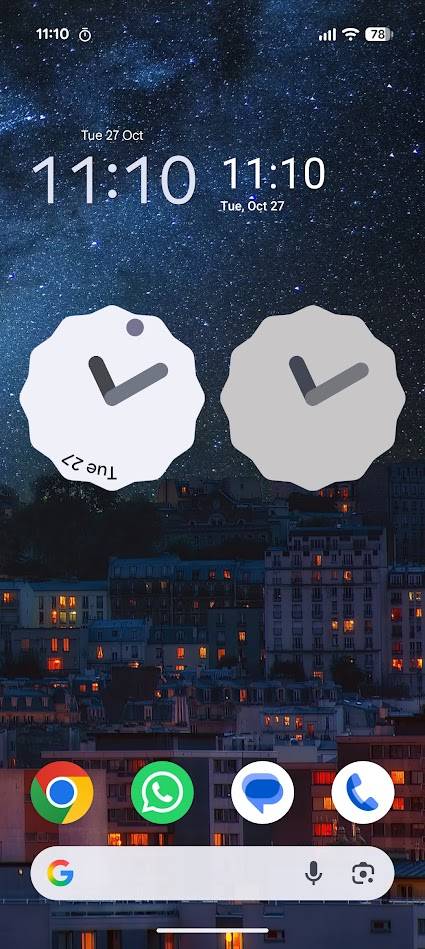
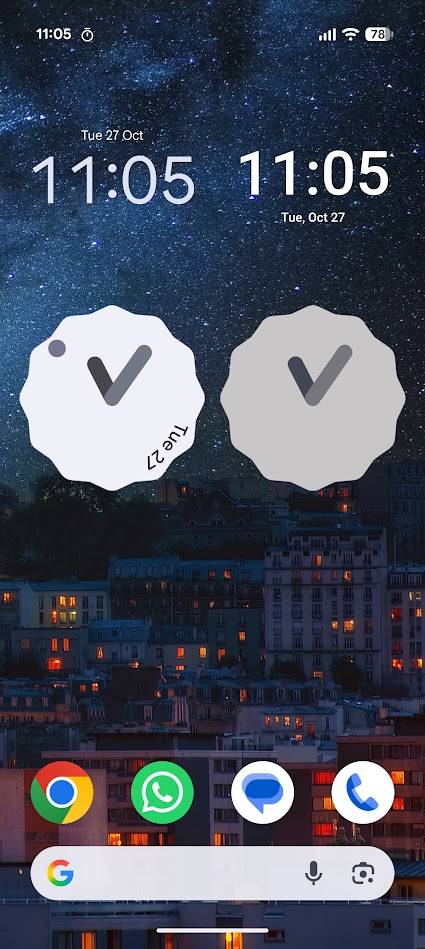
I also dislike that the scalloped design is the only design for the digital clock. I've always found the Pixel Clock's analog watch frustratingly incomplete, so I'm disappointed that Chrono's developers didn't try to improve it.
It's less useful because Chrono's widget doesn't have a second hand or date.
Still, I can tell the time, and tapping either widget takes me to the Chrono app. It's just frustrating that the widgets feel like an afterthought when the core app is so perfect.
Chrono is beautiful and useful
There's only so much a clock app can do. While email apps can wow us with organizational tools and clever UI, a clock app can't do much more than tell the time and set timers and stopwatches.
Beyond that, the app starts to feel cluttered. Chrono strikes the perfect balance between features and style. Does it have as many features as Pixel Clock and AMDroid? No. But it doesn't need to. You can download Chrono from its GitHub page.