The Corsair Skiff 100 is an affordable gaming keyboard with membrane switches done right. Presses are quiet and satisfyingly damped while still being snappy, and I was also fond of the low-profile keycaps and their secure indentations. The inclusion of a detachable palm rest was a welcome bonus, too. For the price, then, the Skiff 100 a generous offering, although those who want more premium switches or wireless connectivity do have similarly priced alternatives available to them.
Reasons to buy
Reasons to avoid
Why you can trust TechRadar We spend hours testing every product or service we review, so you can be sure you're buying the best. Find out more about how we test.
The Corsair Skiff 100 is a budget-friendly clacker that sticks to the basics, with the aim of delivering where it counts.
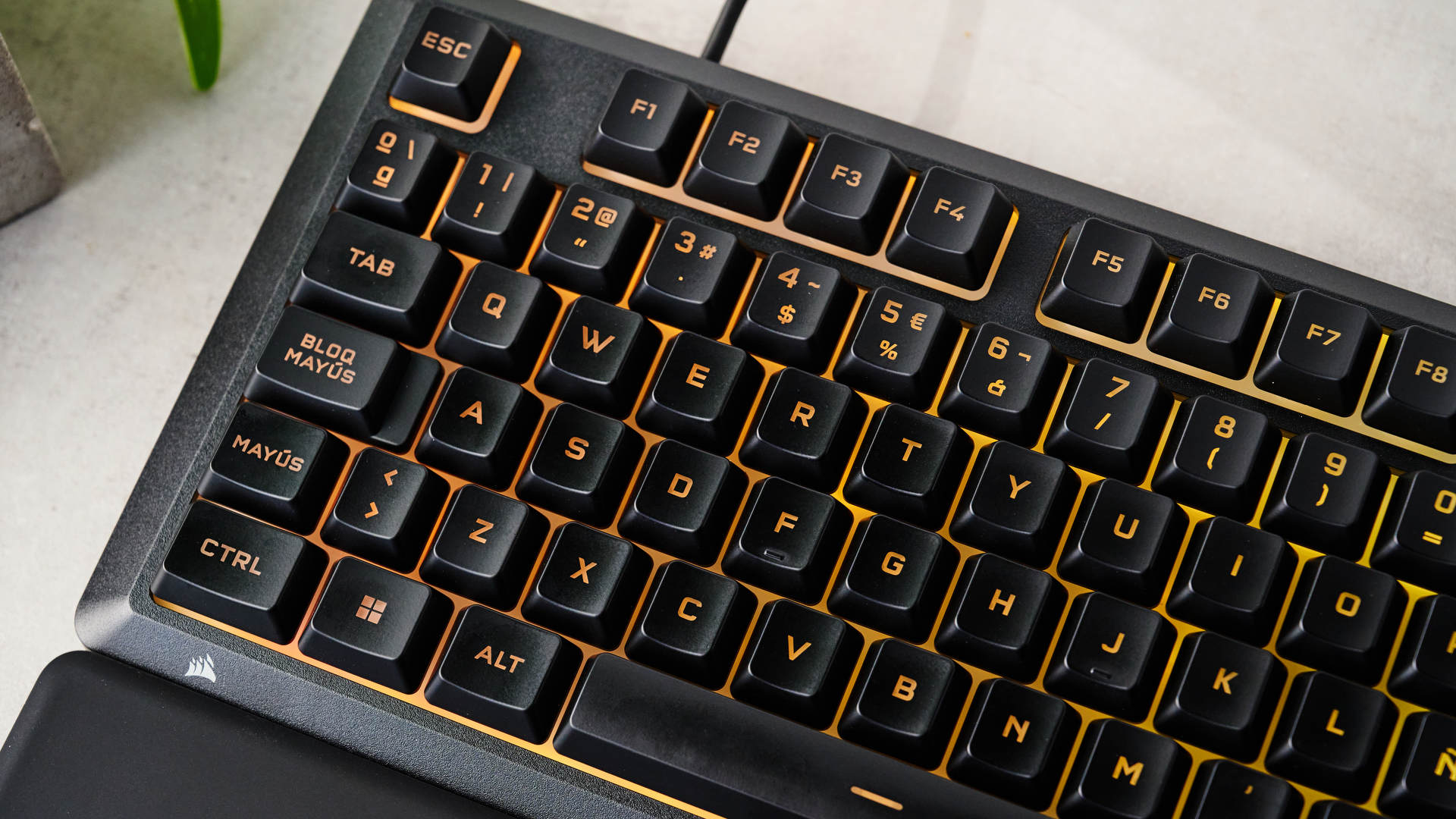
It has a smart and understated — if slightly anonymous — appearance. This is exacerbated by the totally black finish, although the bright RGB backlighting does add some much needed color to proceedings.
Despite lacking a sophisticated metal frame, the Skiff’s build quality impressed me. The plastic used doesn't feel cheap and nasty like other examples, and best of all it’s very light, making the unit easy to move around.
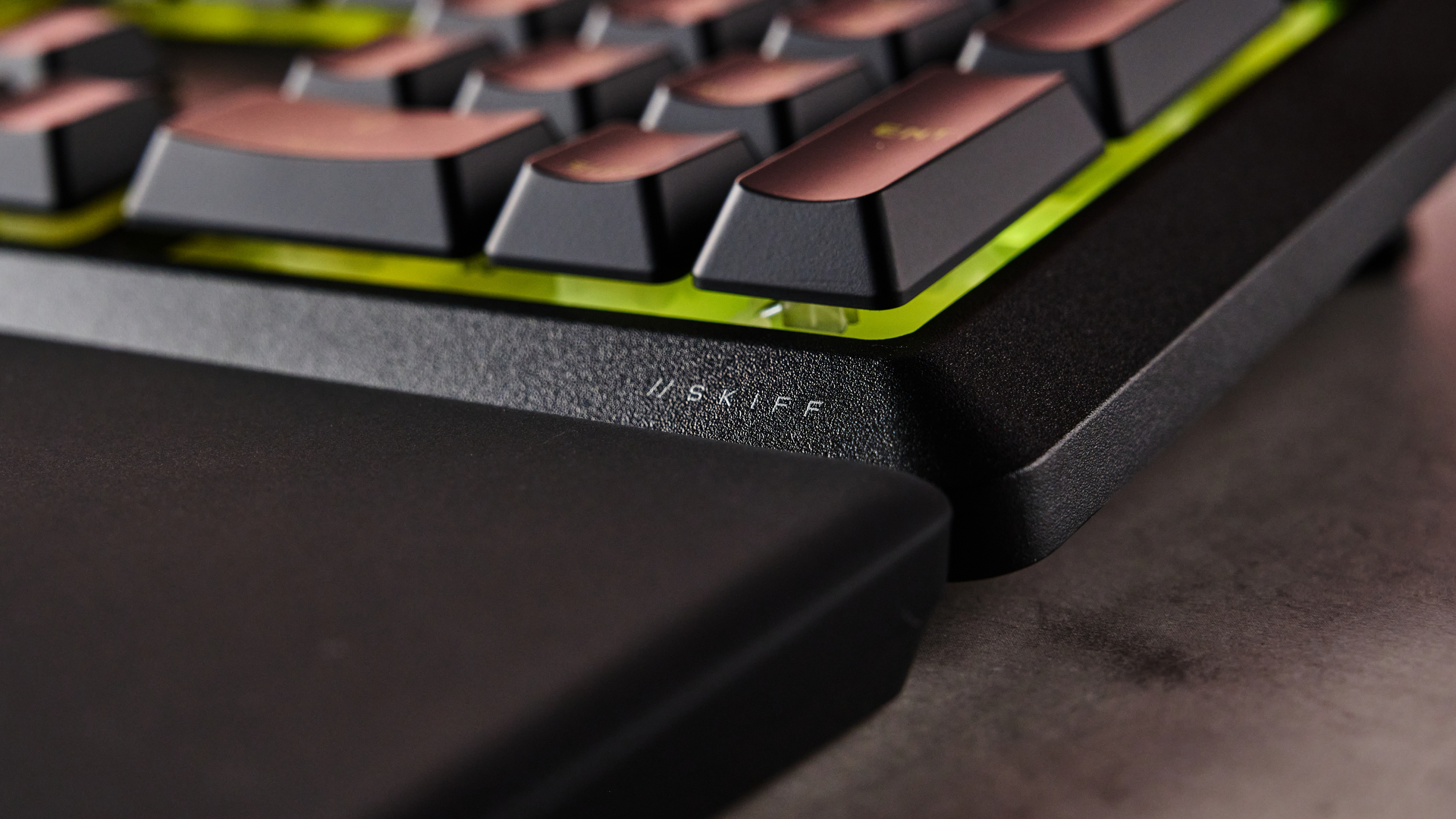
The Skiff 100 comes with a palm rest, which is always an addition I welcome in the best keyboards, but it’s an especially generous offering at this end of the market. It snaps easily to the bottom of the board and remains stable in use, as well as providing sufficient comfort. However, its soft rubber material is an absolute magnet for dust and debris, so be prepared to clean it often.
You can connect the Skiff 100 to Corsair’s Web Hub app or to iCUE, the latter of which not only lets you customize the RGB but also offers a pleasing number of key assignments to play around with. There are very few performance-related options, but this is to be expected at this price point.
Moreover, such an omission shouldn’t be a problem for many, given that the Skiff 100 is remarkably competent in action. The switches might be membrane, but they’re quiet and well-damped while also being snappy and responsive, all of which makes them gratifying to hit. I also found the keycaps very comfortable, thanks to their low profile and prominent indentations to secure my fingers in place, as well as helping to prevent typos and misfires.
There are plenty of budget wired keyboards around the same price as the Skiff 100, including those with superior mechanical switches (such as the Razer Reclusa X Mini 65%) and wireless connectivity (MechLands Vibe99). However, if you care more about having a full-size layout and aren’t picky about switch type, the Skiff 100 is a fine budget choice for your next clacker.
Corsair Skiff 100 review: Price & availability
- $59.99 / £49.99 (about AU$85)
- Available now in black only
- Good price for what it offers
The Skiff 100 costs $59.99 / £49.99 (about AU$85) and is available now in black only. It comes with a detachable palm rest, while the USB cable is hardwired.
This is a very good price for a wired gaming keyboard, especially one from an esteemed brand. Other similarly-specced boards are about the same price. However, if you’re after those elite mechanical switches and don’t mind a much smaller layout, the Razer Reclusa X Mini 65% can be had for a shade more than the Skiff 100.
On the other hand, if wireless connectivity is a must for you, the MechLands Vibe99 is a fine alternative that also occupies a similar price point. It doesn’t come with wrist support, though, which may cause problems given how thick its base is.
|
Full size |
|
|
Programmable keys |
|
|
18 x 5.6 x 0.8 inches / 457 x 142 x 20mm (w/out palm rest); |
|
Corsair Skiff 100 review: Design & features
- Very light
- Detachable palm rest included
- Customizable via iCUE app
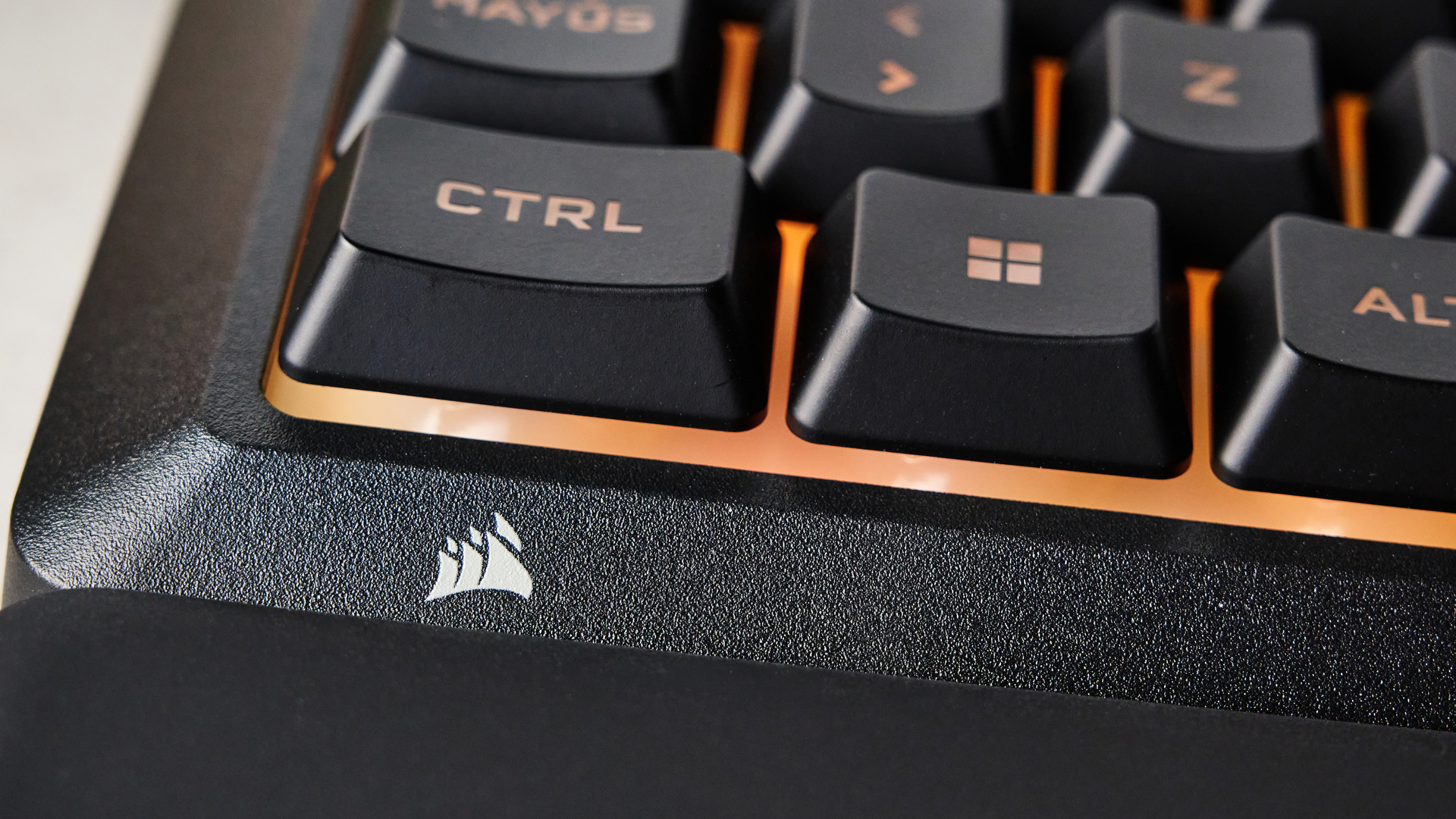
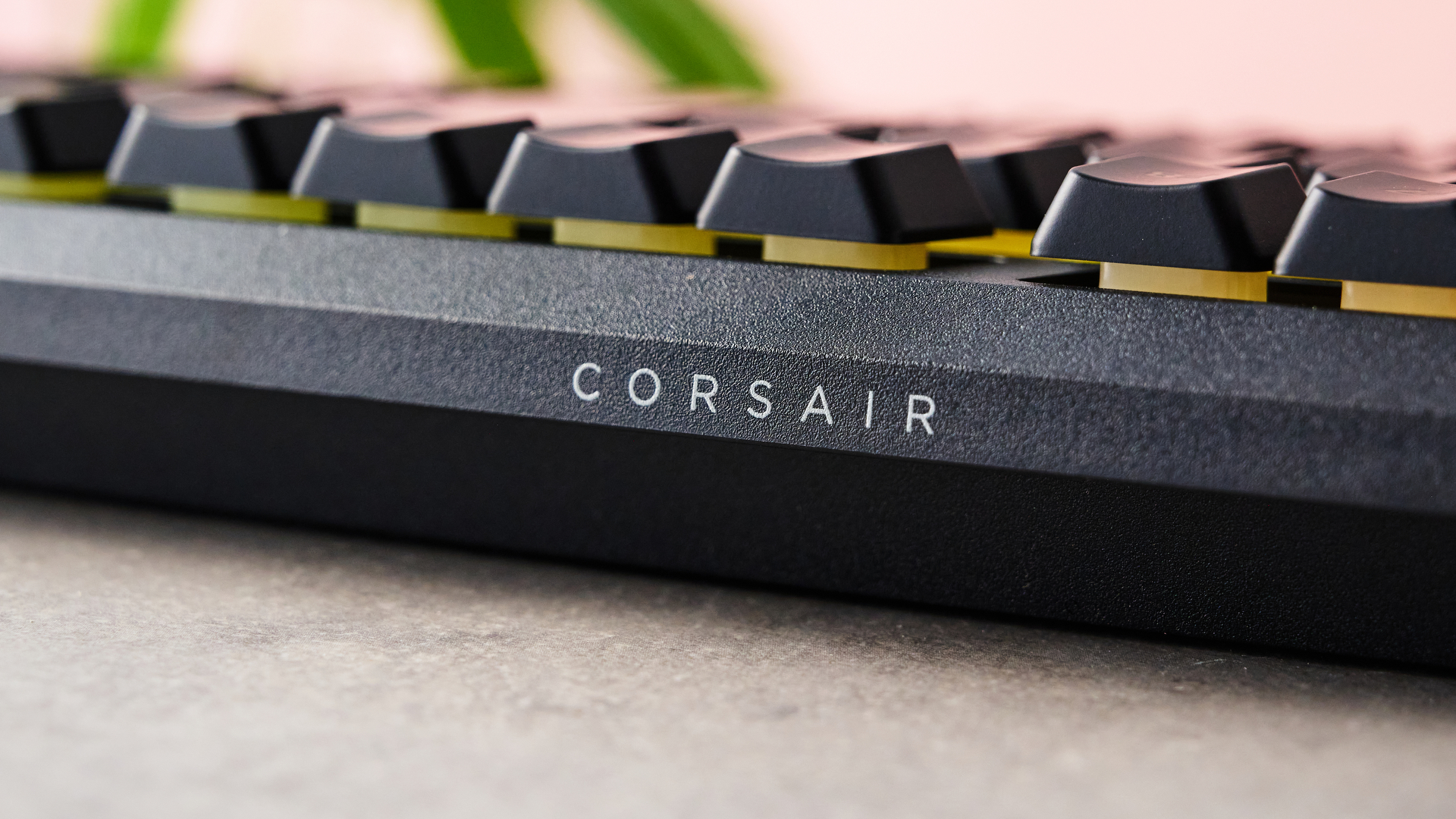
While the Skiff 100 has a plastic body, it feels more upmarket than many other examples, thanks to its smooth yet slightly grainy texture and reasonably solid feel. Best of all, though, is just how light it is, which makes this full-size board much easier to move around than you might expect.
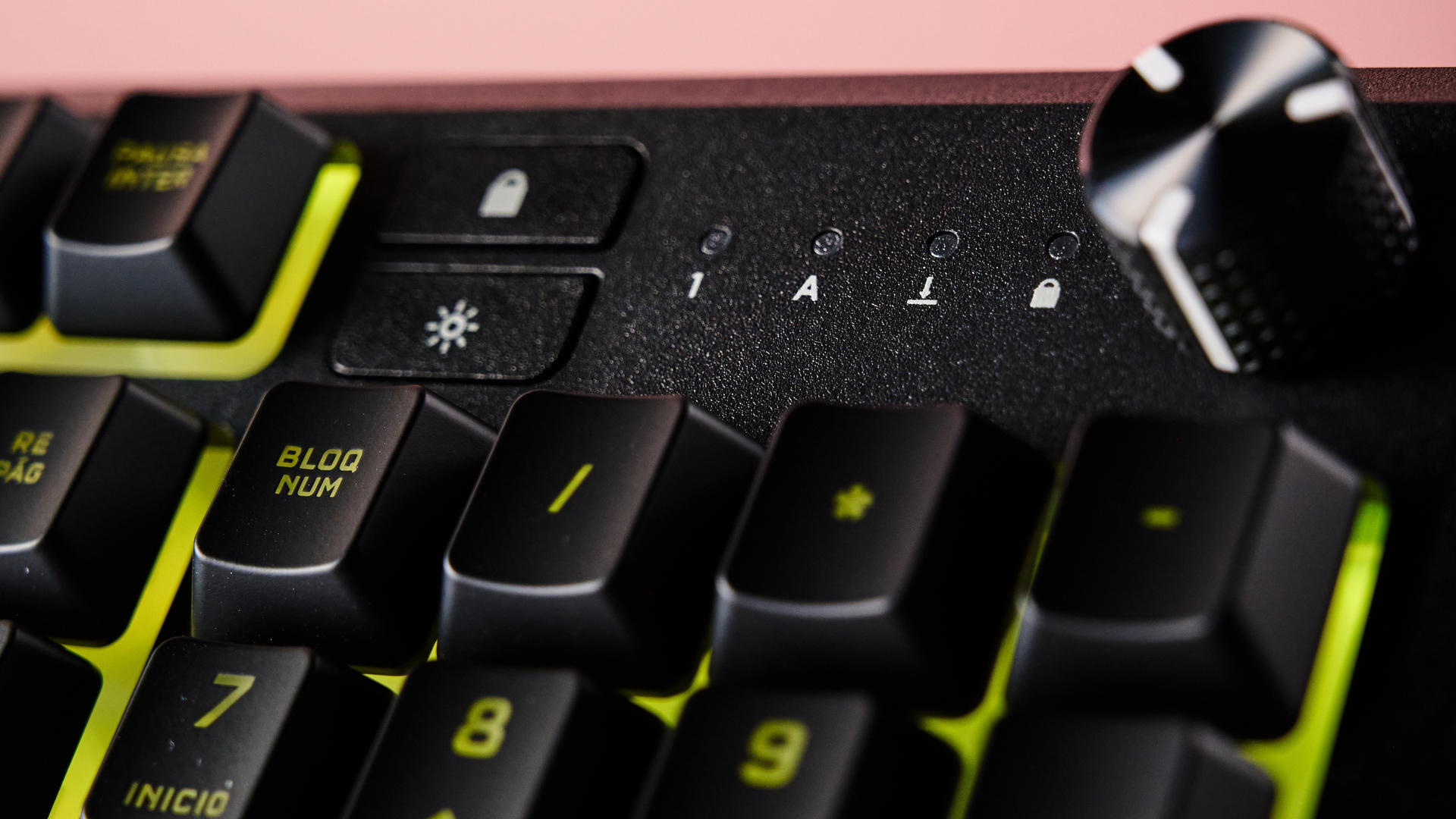
Although the keycaps aren’t double-shot PBT, they still feel pleasant to the touch. The rotary knob for volume and other media controls is solidly notched yet easy to turn, thanks in part to its tallness and grippy texture. Corsair also claims the Skiff 100 to be spill resistant, with it achieving an IP53 rating.
The included palm rest looks smart with its matte black finish. It attaches to the board easily, snapping in with ease. My one gripe is that its coating picks up dust and debris very easily, so I’d recommend having a lint roller on hand to clean it regularly.
The Skiff 100 can be customized with either Corsair’s Web Hub or iCUE. I would recommend the latter, since this gives you access to more features, including key remapping. There are plenty of options for this, including the ability to assign key combinations and mouse inputs, as well as shortcuts for media controls and launching apps of your choosing. There are also options to assign keys to control features for Voicemod, Corsair’s additional AI voice-alerting software. Unsurprisingly, there are no performance customizations for the Skiff 100, aside from the ability to disable certain keys and adjust the polling rating, with a maximum of 1KHz.
- Satisfying membrane keys
- Secure keycap indentations
- Comfortable palm rest
In action, I found the Skiff 100 great to game with. The switches may be of the membrane variety, but I found them suitably snappy, thanks in part to their relatively shallow travel. What’s more, membrane switches have the advantage of being very quiet, and the ones in the Skiff are no exception. They also strike a great balance between being damped and clicky, which only adds to their satisfying feel.
The keycaps have a low profile, which I found great for typing as well as gaming. Prominent indentations on the keys offer good security, ensuring I didn’t slip off them or hit the wrong one in the heat of the moment.
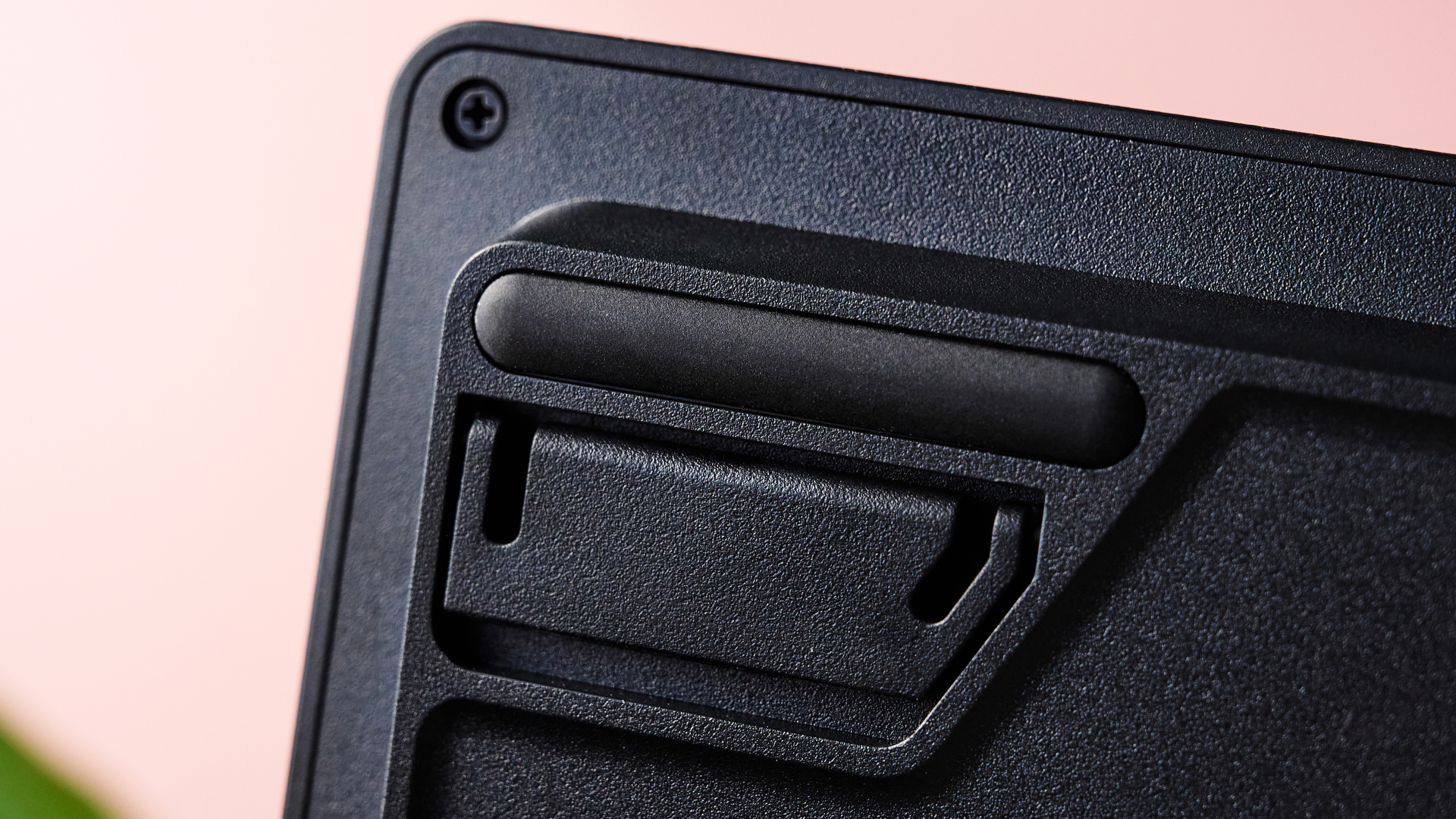
I found the palm rest perfectly stable when attached, and the six rubber feet underneath kept it planted. It was also comfortable, despite not having any cushioning. It’s generously sized, too, which meant my wrist didn’t hang off the edge — a problem I’ve experienced with other examples, such as the rest included with the SteelSeries Apex Pro.
Should I buy the Corsair Skiff 100?
|
Not many budget rivals feature a full-size layout and a detachable wrist rest, although its membrane switches and wired connectivity are compromises. |
4 / 5 |
|
|
Design and features |
Very light yet surprisingly solid, while the detachable palm rest is a welcome inclusion, even if it’s a dirt magnet. |
4 / 5 |
|
Impressive for a membrane board, and the palmrest is comfortable. |
4 / 5 |
|
|
The Skiff 100 is a good choice for those after a comfortable full-size board, but there are a few alternatives worth considering based on your particular preferences. |
4 / 5 |
Buy it if…
Don't buy it if…
How I tested the Corsair Skiff 100
- Tested for a week
- Extensive history with gaming keyboards
I tested the Skiff 100 for a week, using it for gaming, working, and general browsing. I also downloaded both Corsair apps — the Web Hub and iCUE — and tried out the various customizations each had to offer.
One of the games I played with it was S.T.A.L.K.E.R. 2: Heart of Chornobyl, which makes wide use of the keyboard, therefore testing the ease of access to keys beyond the WASD vicinity. I also played , which is a great test for all peripherals, given the importance it places on fast and accurate inputs.
I’ve been PC gaming for over a decade, and have used a wide variety of keyboards in that time. I’ve also reviewed a great deal of them, including other Corsair models.
Lewis Maddison is a Reviews Writer for TechRadar. He previously worked as a Staff Writer for our business section, TechRadar Pro, where he gained experience with productivity-enhancing hardware, ranging from keyboards to standing desks. His area of expertise lies in computer peripherals and audio hardware, having spent over a decade exploring the murky depths of both PC building and music production. He also revels in picking up on the finest details and niggles that ultimately make a big difference to the user experience.