Getting a longer USB connection is easy. Getting the connection you actually expected takes a little more care.
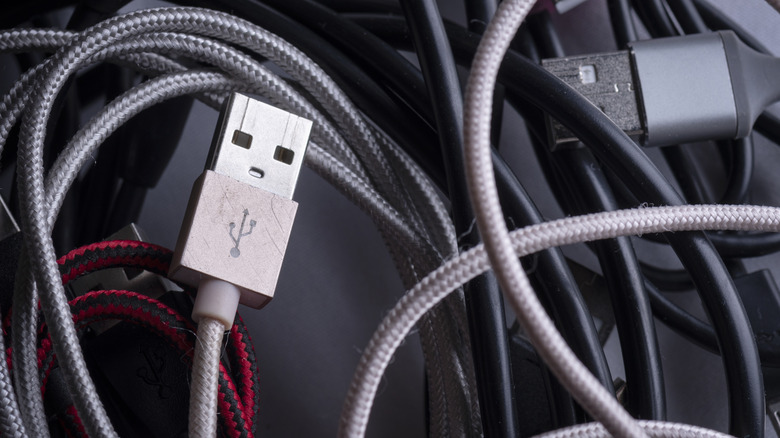
USB extenders do work. The less convenient answer is that the term "USB extender" can mean anything from a passive cable to an active repeater or a CAT/fiber extender. They all extend the USB connection, but don't necessarily preserve the same speed, power or features. They're generally safe to use, as long as a unit is properly rated hardware within its stated limits.
This is important when you get past connecting a keyboard and mouse. A 4K webcam, external SSD or USB-C dock can require significantly more bandwidth; a dock can also transmit video and power. An extender can thus "work" while switching to a slower USB mode, disconnecting from time to time or losing a feature you thought you had.
Distance decides what kind of USB extender you need
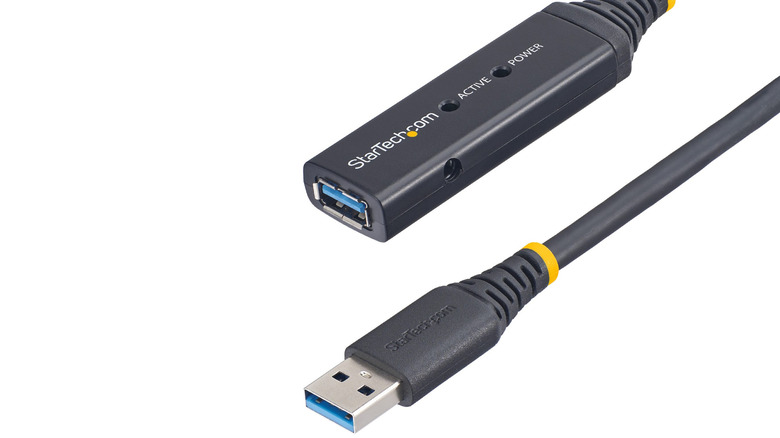
A passive extension cable simply adds more length between the computer and device. This is okay for shorter runs, but as the cable length increases, maintaining signal integrity becomes difficult. USB 2.0 is fairly tolerant up to approximately 16 feet (5 meters) and passive USB 3.x runs are typically kept to around 10 feet (3 meters) before active hardware becomes the more intelligent choice.
Active extenders include electronics to regenerate the signal. For instance, StarTech offers a 33-foot active USB 3.2 Gen 1 cable with a 5 Gbps speed rating and says two of them can be daisy-chained for a ~66-foot run. Icron's Raven 3104 takes it a step further, delivering up to 5 Gbps speeds at a max distance of 328 feet, using a CAT 6a or CAT 7 cable.
The device at the other end is still important. Compared to a keyboard, devices like storage drives, VR headsets, webcams and docks are more likely to reveal connection issues, as they may need more bandwidth or multiple USB features simultaneously. Shopping is even more puzzling with USB-C, as the connector itself provides little indication of the speed or capabilities behind it.
Power is a separate problem from data
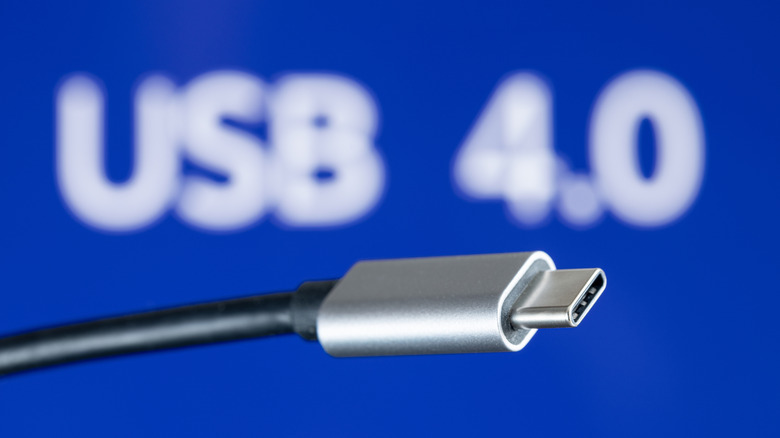
Power transmission is where only checking the connector on the box can become costly. Up to 240W is possible with USB Power Delivery, but the source, device and cable must all support that power level. The source advertises its capabilities and the connected device requests power before the higher-power contract is established. USB-IF requires USB-C-to-USB-C cables passing its compliance program to carry either a 60W or 240W power marking, and all except USB 2.0 cables must also show their supported data rate.
For a given cable, those numbers may not be close at all. Anker offers a 10-foot USB-C cable with 240W charging support, but its data transfer speed tops out at 480Mbps. Icron's 328-foot extender does the opposite: It supports up to 5Gbps, but offers just 6W per remote USB port. There's no guarantee of fast data with fast charging, and vice versa.
Passive USB-C male-to-female extensions need extra caution. C-to-C cables, Type-C-to-legacy cables and adapter assemblies are listed in USB-IF's passive Type-C compliance document, while generic male-to-female Type-C extension cables are not. But that doesn't mean USB extenders are illegal.
If you're looking for USB4, display output or high-power charging, getting the USB-C connectors to fit together is just the beginning of the compatibility test. If the actual issue is that your charger doesn't reach the wall outlet, a properly rated AC extension cord may be cleaner for a temporary setup than extending the USB connection itself.