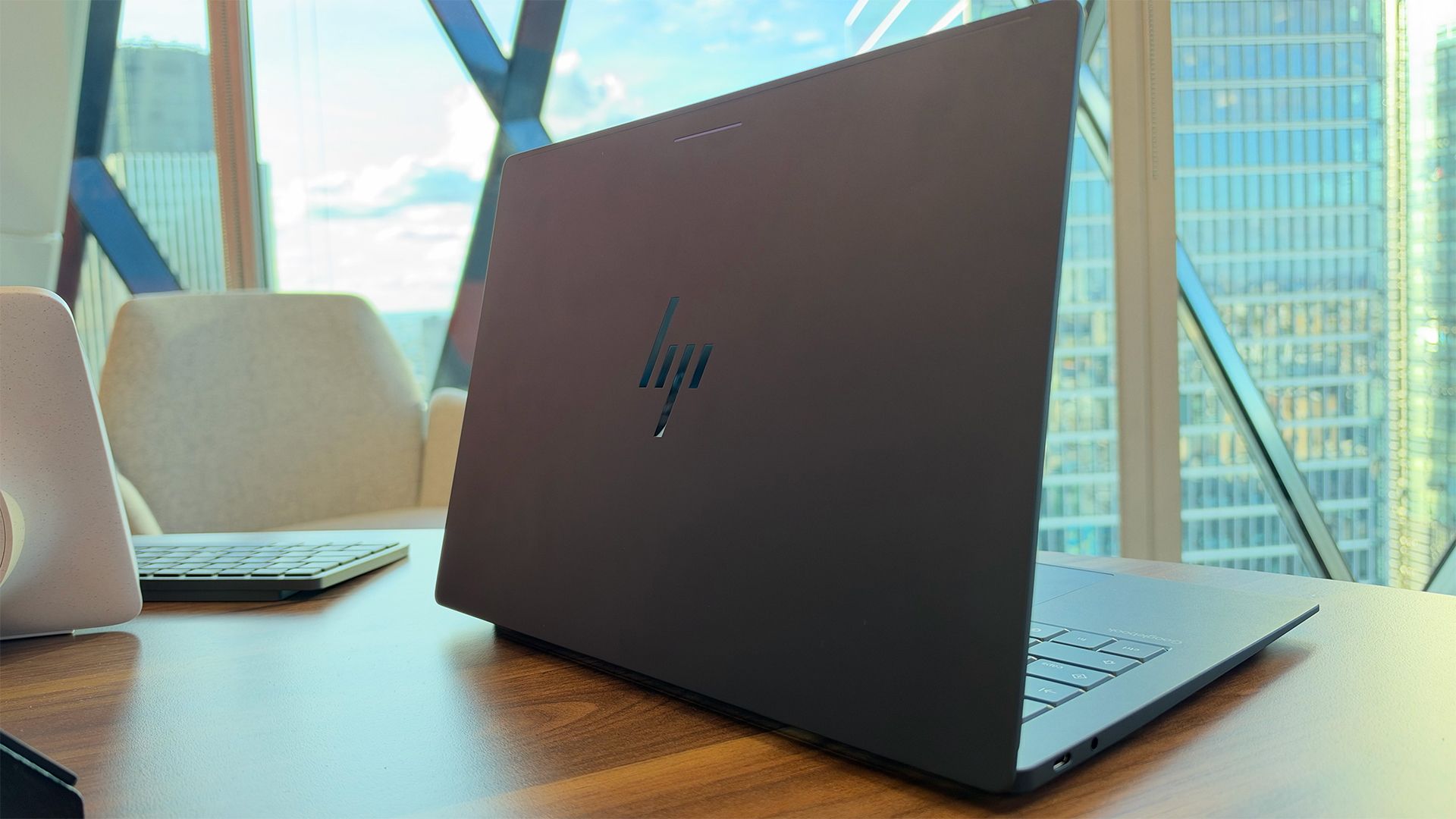
There is a new class of laptop on the scene that aims to give you Gemini AI power and more synchronization with your Android phone (if you use one). It’s called Googlebook, and the first cohort of devices under this branding will be available from 4 October.
Not to be confused with Chromebooks, or even Chromebook Plus laptops, which seem to have disappeared from view, Googlebooks are more premium hardware, with prices starting at $899.
Each manufacturer will have a slightly different design, but Googlebook has a set of unifying features and requirements that we will dig into below.
So far, has seen the HP version – the HP Googlebook 14 – which is set for launch later in October.
This is a very light and thin notebook that has a 14in 3K OLED touchscreen with an adaptive 120Hz refresh rate alongside a Snapdragon X Elite processor with a 45 TOPS AI NPU.
Elsewhere, users can expect up to 19 hours of battery life, with only 45 minutes needed to get 50% charge. Like all the Googlebooks, you’ll also get a specific Gemini key which has a white ‘G’ icon.
There are no prizes for guessing the vendors for the first cohort of Googlebooks: Asus, Acer, Lenovo, Dell, and, as we have seen, HP.
Sign up today and you will receive a free copy of our Future Focus 2026 report - the leading resource for IT decision-maker insight on priorities and investment areas in AI, security and more.
Each vendor’s model will have some similar hardware features, such as the multi-colored glow bar on the lid. The purpose of this is to signal certain things, such as battery life, notifications, or whether the laptop is on.
Much like Chromebook Plus, or even Windows 11, Google has mandated certain specs for Googlebook. This is to guarantee performance and, at least for the initial crop of models, includes:
- An aluminum-magnesium alloy chassis
- Touchscreen displays
- The aforementioned RGB glow bar on the lid
- A ‘G’ shortcut key for Gemini tools
- A minimum of 16GB of RAM
There are seemingly no limits for ports, though HP’s Googlebook only has two USB-C ports (with one on each side) and a single headphone jack. Similarly, there is no specific requirement for processors, though clearly it will need an NPU.
Strangely, we don’t know the specific name of the operating system yet for Googlebook laptops. That detail hasn’t been revealed, so for this article, we will refer to it as Googlebook OS until we know better.
What we do know is that the OS will be a fusion of Android, Chrome, and Gemini. The aim here is to provide a cross-device experience across laptops and mobile devices, as well as a range of AI-powered tools.
For Android phones, there will be lots of seamless synchronization. For example, you can share your smartphone's screen on your laptop and also control the phone via the laptop screen. The sharing of files will also be quick and easy.
At launch, the new models will offer AI tools such as Magic Pointer, which puts Gemini into your cursor (or fingerprint, as they’re touchscreen). A quick mouse wiggle can pull up additional or contextual information, or offer you a chance to ask Gemini questions.
This essentially makes Gemini more prominent in your experience.
Another new feature is Rambler, a voice-based tool that can smarten up and clean your audio.
According to HP and its Googlebook 14 demo, Rambler can not only remove outside and background noise, but it can also work out what isn’t meant to be in the recording.
This can include instances where you might say something off-topic or to someone passing by.
As part of the initial release of Googlebook, users will get 12 months of Gemini AI Pro for free.