I have used Gboard for years without considering what happens to everything I type. That changed after I read my colleague's article about Gboard being a privacy nightmare.
Some details made me uneasy, especially when I thought about the sensitive information that passes through a keyboard I use every day.
I have tried plenty of other Android keyboards over the years, but I always seem to come back to . It's familiar and has the features I've grown used to, so I'm not ready to give it up.
I decided to take a closer look at its privacy settings and see if there were any changes I was more comfortable making.
Gboard's privacy problem goes deeper than I expected
It isn't as private as I assumed
The biggest issue for me is that Gboard has network access by default.
Gboard uses that connection to send usage information back to Google, including which app you are typing in, how long you type, the word length, and the languages you use.
My colleague's report points to a paper in which researchers reconstructed the original typed words from the mathematical updates produced during this training process.
In other words, while Google isn't uploading a copy of everything I type, the information produced from that typing isn't necessarily as harmless as I had assumed.
There's another concern I hadn't really considered: Gboard's usage data can be tied back to a user. The report says the data collected can include an Android ID, which can potentially be linked to your identity through information associated with your Google account.
A keyboard sees an enormous amount of sensitive information, and I wasn't comfortable with so much usage data being collected and with my typing being used to improve Google's models by default.
That was enough to make me open Gboard's privacy settings and start turning things off.
The Gboard privacy settings I changed
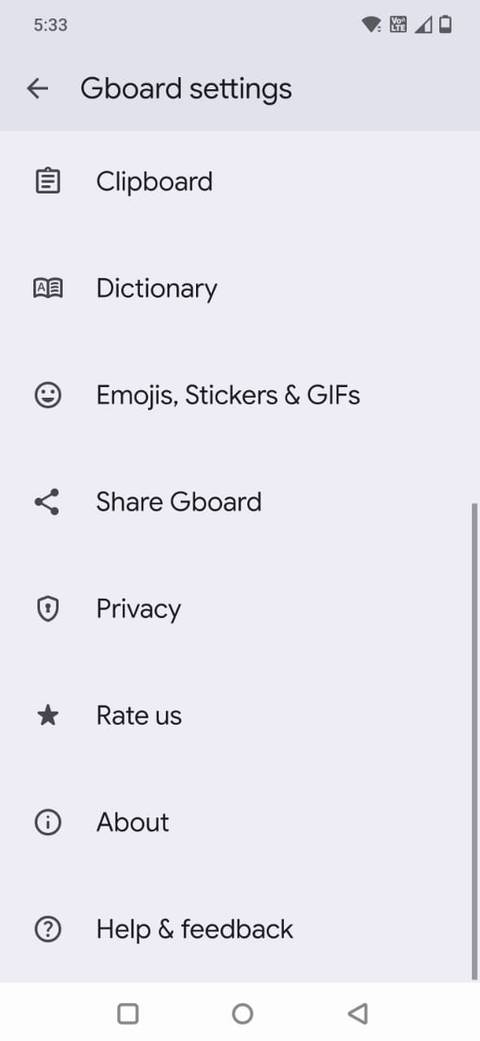
I opened an app where I could type, brought up Gboard, tapped the , and went to .
Here is what I found there, and what I changed.
Share usage statistics
Gboard can collect usage information to help Google improve the keyboard.
Since I don't want Gboard to track my usage, I found little advantage in keeping this feature enabled.
Personalize for you
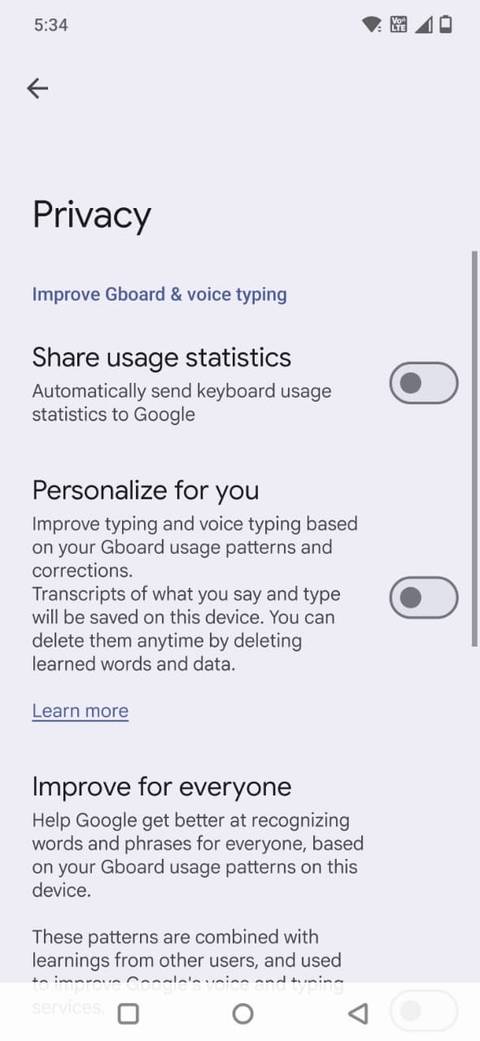
Google says Gboard can learn from my typing and voice-typing habits to improve recognition and personalization.
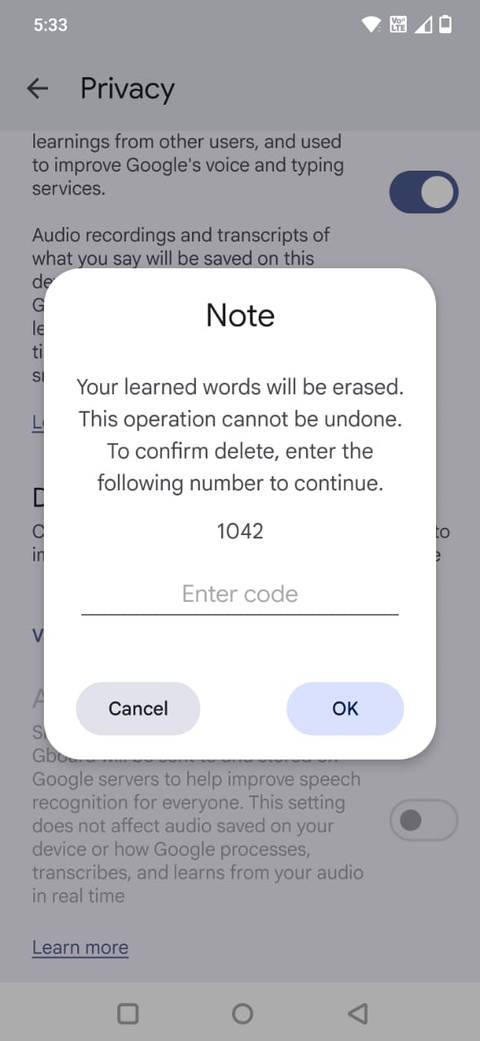
This feature stores what it learns on the device, and I can delete the learned words and data in Gboard's Privacy settings.
I decided I could live without that extra personalization. Gboard already works well enough for me, and I'd rather not have it continually building up a profile of my typing habits to make predictions a little more tailored.
Improve for everyone
Gboard uses federated learning to learn new words. The app learns from your device's activities and sends insights back to Google. It combines this information with data from other users to improve Gboard's typing and speech models.
According to Google, the actual text you type or speak isn't sent to Google through federated learning. The feature is enabled by default, and learning takes place when your phone is charging, connected to Wi-Fi, and not being used.
I understand why Google wants to improve Gboard for everyone, but I'm not interested in contributing my typing patterns to that process. So I switched it off.
Audio donations
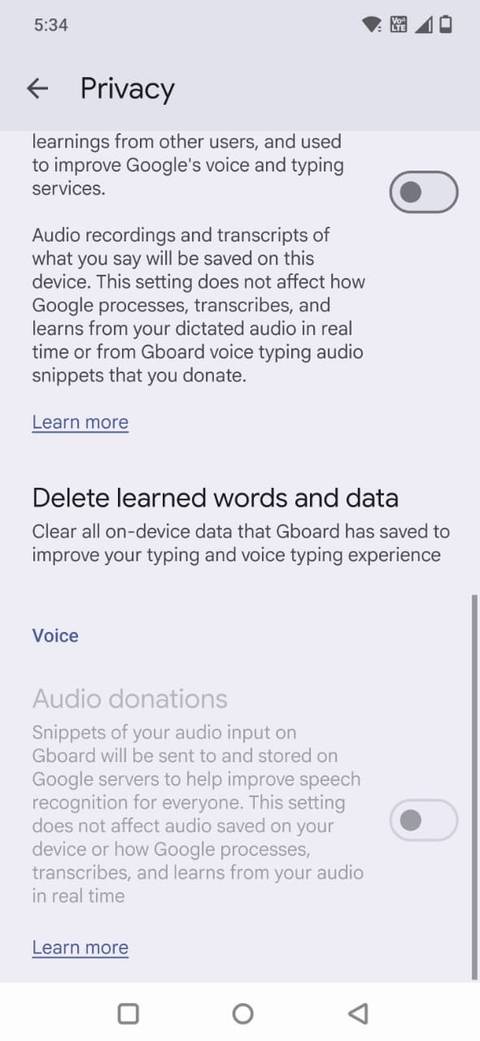
If you use Gboard's voice typing, Google offers the option to donate audio snippets to improve speech recognition. Unlike federated learning, these snippets are sent to Google and are stored there.
The snippets can be up to 15 seconds long, or up to 25 seconds when they contain silence or unrecognized audio, and they aren't associated with your Google account.
Human reviewers may listen to or transcribe some snippets as part of improving the technology.
Audio donations are voluntary, so keeping it off doesn't prevent Gboard's dictation from working. It means I'm not volunteering my voice recordings to help train Google's speech technology.
I'm keeping Gboard, just with fewer privacy compromises
I've tried other keyboards, but I keep coming back to Gboard because it works well for me.
If you use Gboard, it's worth opening the and seeing what you've agreed to. You might be perfectly happy with the defaults. I wasn't, and a few small changes made me feel better about continuing to use the I prefer.