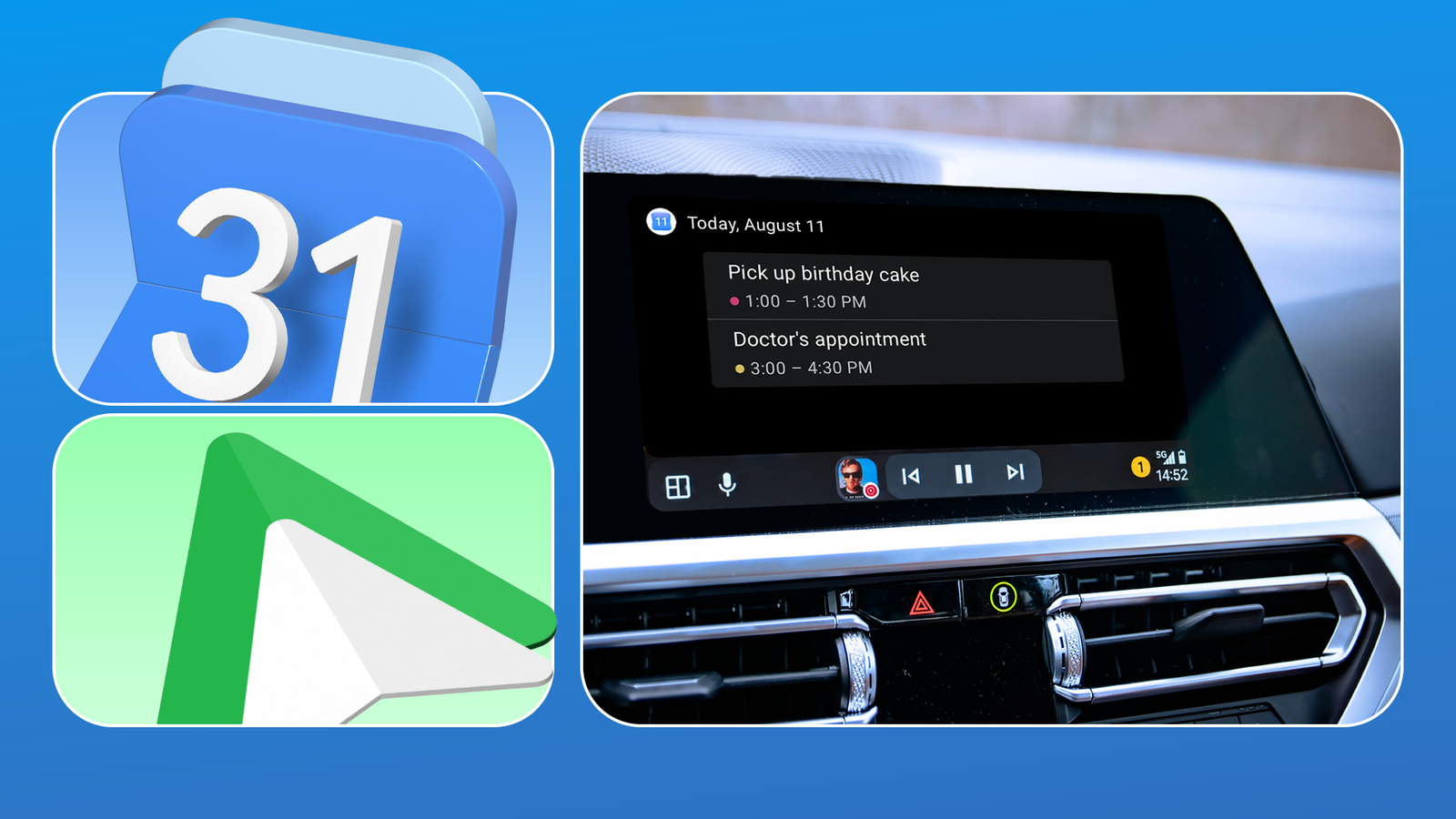
Google Calendar has been my go-to app for staying on schedule. It keeps my appointments organized and sends reminders, so I do not forget important events. But I recently found that Calendar in Android Auto is surprisingly useful.
Instead of checking my phone before I leave or trying to remember what is next on my schedule, I can use my calendar in the car. It is genuinely useful when my day is packed with appointments or errands.
Here is how became an unexpected part of my Android Auto routine and made getting around a little easier.
Google Calendar became a shortcut to navigation
I can now get directions straight from my calendar
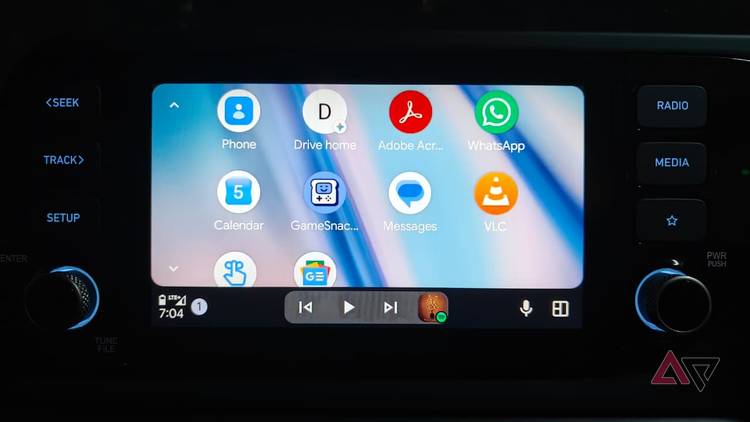
The Google Calendar mobile app lets you add a location when you create an event. You must tap () > , add the event details, and type the address in the field before saving.
You can do the same on your desktop using the Google Calendar website.
If I add a location when creating a Calendar event, I can use that same event to get directions when I am ready to leave.
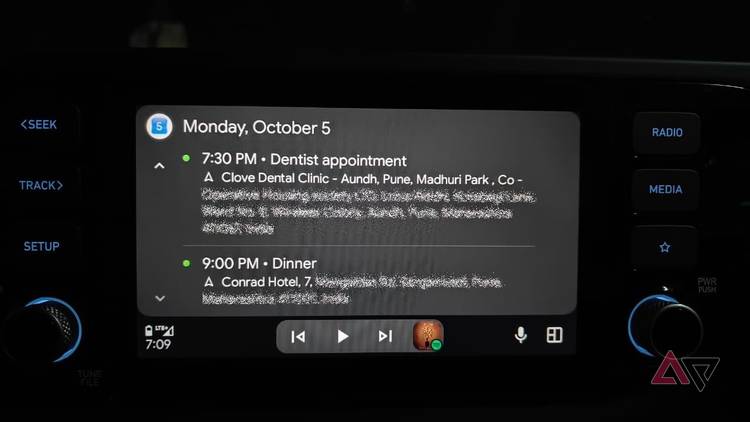
In the car, I open the Calendar app from the Android Auto dashboard. The day's events appear there, along with the locations I added. When I tap an event with a location, Android Auto passes that destination to the navigation app, so it opens in Google Maps, and I can start navigating.
I like not having to search for an address when I am on my way somewhere. The appointment is on my calendar, and the destination is attached to it.
Gemini handles the trip from Calendar to Maps
It's a nifty shortcut while driving
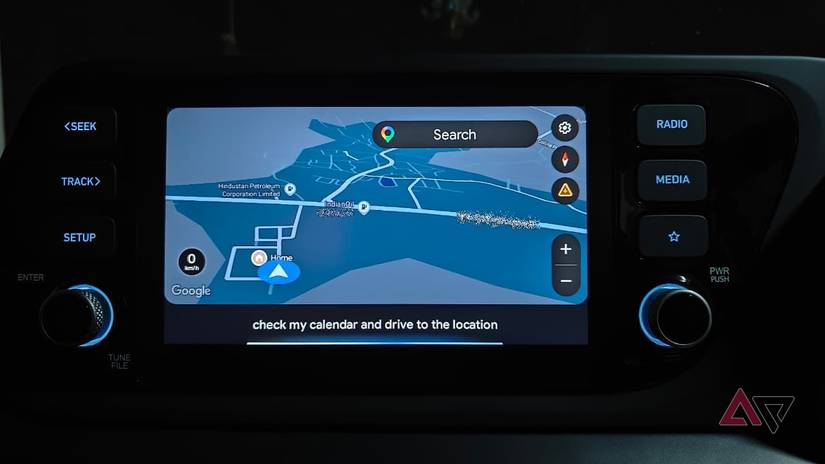
If adding a location to an event and then navigating to Google Calendar feels like too many steps, Gemini simplifies the process.
Android Auto lets you use Gemini by saying "Hey Google," and it can understand natural voice commands for navigation.
I tested this with two events I had scheduled for the same day: a dentist appointment in the evening, followed by a dinner reservation at a restaurant.
I could open the Calendar app in Android Auto and see both events, like I mentioned above. But instead of going through the calendar myself, I asked Gemini to do it for me.
I said, "Hey Google, check my calendar and drive to the location." Gemini looked at my calendar and picked the event that made sense based on the time.
My dentist appointment was the next place I needed to be. It opened the location in Maps so I could start navigating.
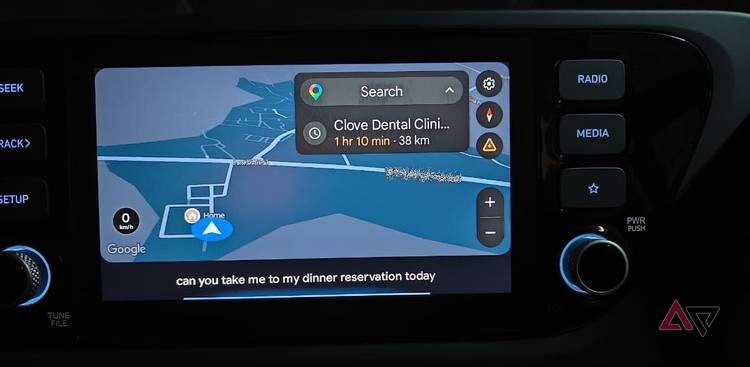
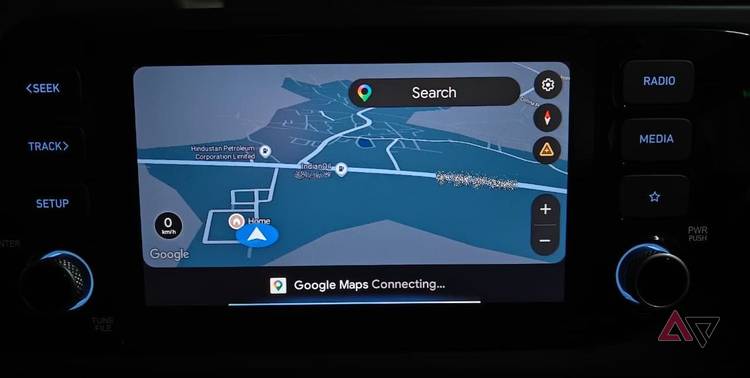
I tried another version later, this time being more specific. I said, "Hey Google, can you take me to my dinner reservation today?" Gemini found the dinner reservation in my calendar, which had the hotel location saved, and opened that destination in Maps.
If I add the location to my Calendar event, I can tell Gemini which event I want to drive to and let it handle the rest.
I plan road trips in Calendar before I even leave
It became my planning tool for long drives
After I got used to adding locations to my Calendar events, I started using the same idea for longer road trips.
If I know I have several stops planned, I add them to Google Calendar ahead of time, along with their locations, rather than keeping the details scattered across different note-taking apps, Maps searches, and other places.
When I am parked and getting ready to leave, I open the Calendar app on the car screen and check what is coming up. I can check my events and choose where I need to go next.
When I am driving, though, I would rather not tap through menus. That is when I use Gemini or press the voice command button on the steering wheel.
Google Calendar is an unexpected driving companion
I never expected to use in my car. But adding locations to my events, checking my schedule from Android Auto, and using Gemini when I am driving has made it more useful than I expected.
The best part is that I can prepare everything before I leave and then avoid searching through different apps when I am on the road. I check my plans in Calendar while parked, and when I am driving, I ask for directions.