A few years ago, Google faced significant backlash from both users and developers for replacing Manifest V2 with . Despite the criticism, the Mountain View tech giant didn't change its plan, and Manifest V3 is now the standard extension platform for developers.
In its defense of Manifest V3, the company said the new platform would improve the privacy, security, and performance of extensions. However, whether it delivered on these promises is still a matter of debate. While that discussion may still be going on, Google is testing something more tangible for extensions: a new feature that will change how extensions work on Chrome.
Google Chrome may soon stop giving extensions access to all websites by default
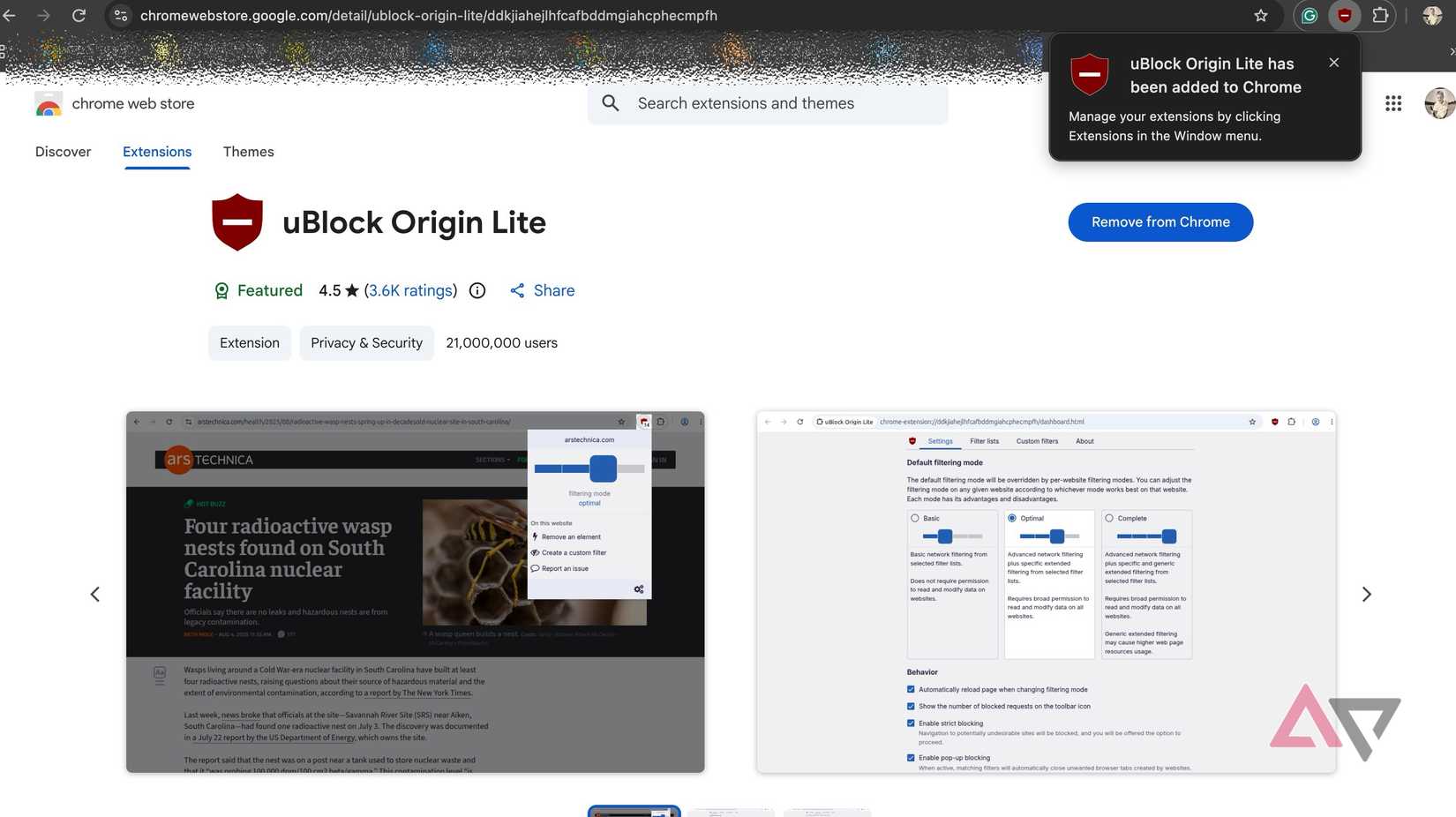
Go to the Chrome Web Store and try adding an extension to Chrome. Once you add the extension, Chrome will automatically grant it permission to access all websites. Of course, you can change this from the "Manage extension" page and limit its function to specific sites.
While that shows how customizable Google Chrome actually is, the company wants to take it a notch higher by giving you these options when you add extensions to Chrome. Instead of granting permission to all websites by default, Chrome will display a pop-up on your screen to choose between two options: "When you click the extension" and "Always on all sites."
Famed leaker Leopeva64 has spotted the feature first, and as per their hands-on demo of the feature, the default is set to the first option. This means if you don't change it for some reason, your favorite ad-blocker or any other Chrome extension won't work until you click the extension. This will likely impact the extensions you'll add to Chrome next, and not the ones you've already added.
So, if you don't pay attention to the on-screen pop-up and go with the default, the extension you just installed may feel broken. Tools like ad-blockers or grammar checkers need to be turned on for all sites, so you need to make sure you choose the second option. On the flip side, a screenshot extension doesn't need to be always on.
But the choice is yours. You decide which one needs to work automatically on all sites and which ones don't. The on-screen pop-up encourages you to make up your mind before you add your favorite extension to Chrome, not after.
Currently, Chrome is testing this feature in Chrome Canary, and there is no official word on when the change will go live in Stable Chrome for everyone.