
Until September 2026, when a passkey was created in Google Password Manager, it wasn't going anywhere, at least not without a lot of manual work on your part.
This changed with the Credential Transfer API. Android now has a native way to move credentials between providers.
The list of supported apps is short, but it covers the known names. You can pull your credentials into 1Password, Bitwarden, or Dashlane today. Naturally, I had to test it myself.
So I moved my 280 passwords and 20 passkeys built up since 2019.
Passkeys traded portability for protection
The CSV export had to go

I always hated moving passwords the old way. My entire digital identity came out as a CSV spreadsheet, and then I had to trust that file sitting in my cloud account or, worse, my downloads folder.
If someone had access to my phone or laptop, they had my whole life in one file. Passkeys ended that approach for good.
A passkey comes in two halves. The site holds the public one, and your password manager keeps the private one encrypted and out of reach.
You can't export it as readable text, so it can't leak like a password file; and since a passkey only works on the site it was made for, a phishing page has nothing to trick you into handing over.
It sounds great until you want to switch apps, which is something few people think about at signup.
Since the key couldn't follow you anywhere, switching managers meant redoing every site individually.
The industry needed a way to move cryptographic keys without exposing them.
The FIDO Alliance answered with the Credential Exchange Format, a standard JSON structure for every credential type.
Android then brokers the handoff between the two apps on the same phone, and Google says raw credentials are never exposed to the OS or to any app that hasn't verified itself.
The transfer starts in the app you're moving to
Four taps from Google to your new vault
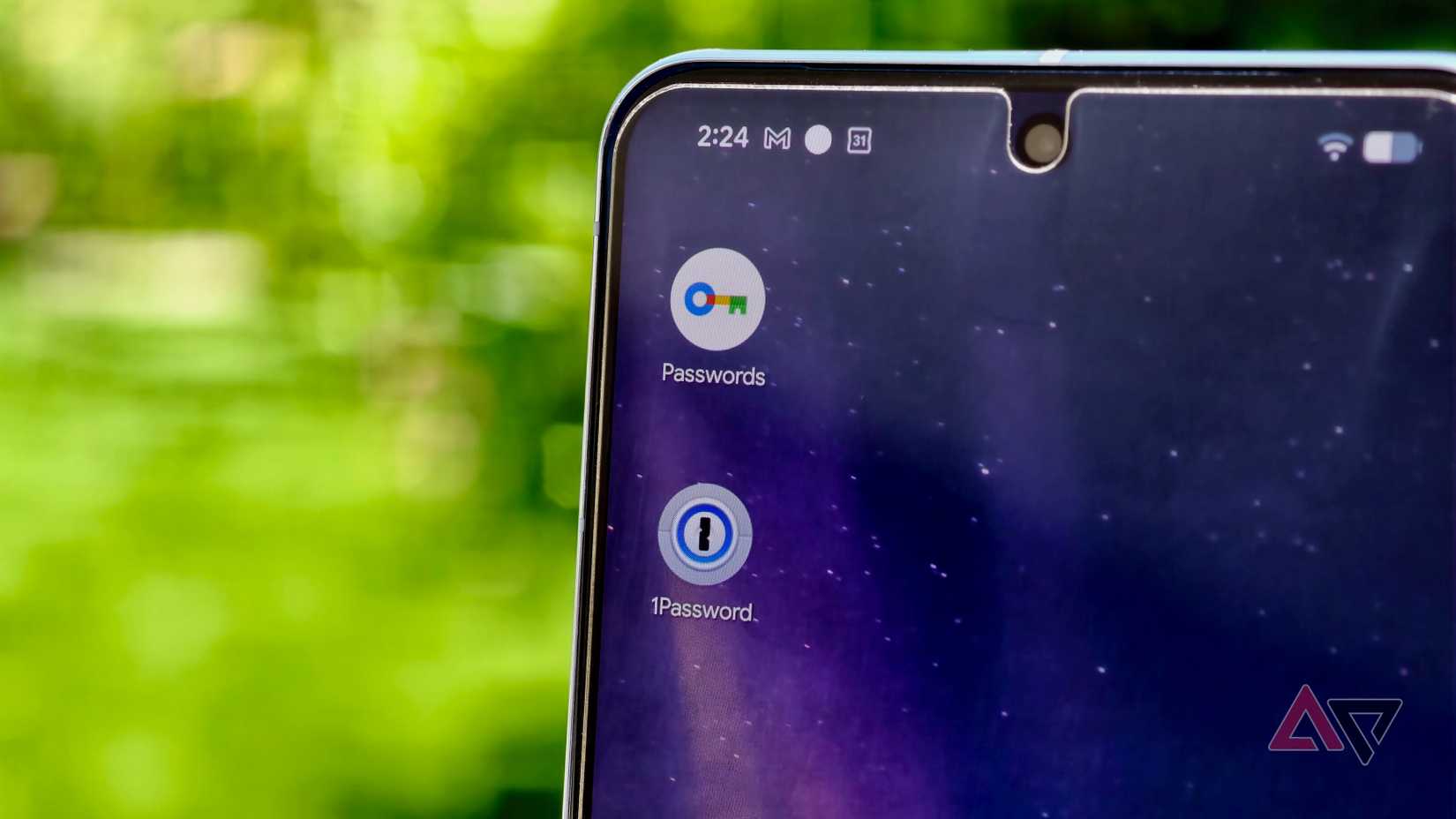
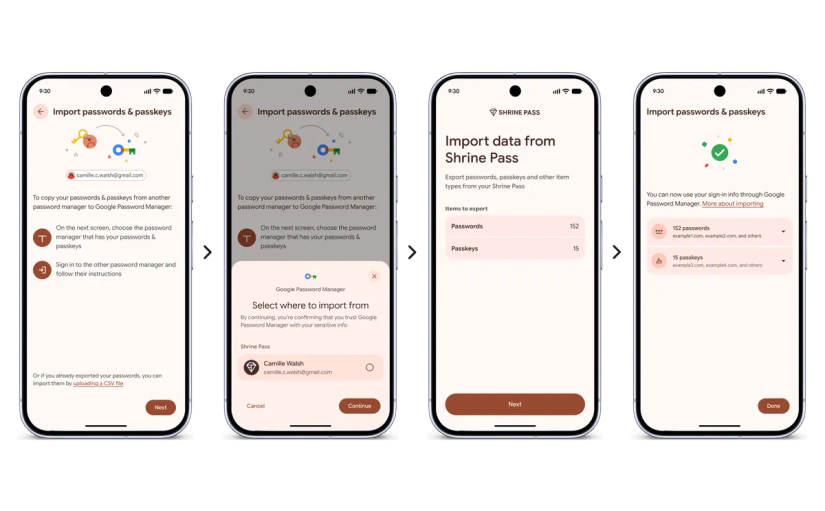
First, install the destination app and choose its option to import credentials from another provider.
At that point, Android steps in and shows you which compatible password managers are on your phone. Tap as your source.
Pick the Google account you want to move, then confirm it's you with your screen lock.
On a new phone, Google may also ask for your old device's screen lock or your Google Password Manager PIN before your passkeys can leave.
You review a summary of what's about to move and approve the release of the encrypted payload. The transfer finished in less than a minute.
Everything that comes with you when you switch
Your SSH keys, API keys, and Wi-Fi passwords come along
The format underneath this is more complete than I expected. Google Password Manager only hands over passwords and passkeys, since that's what it stores.
The standard, however, can move API keys and SSH keys to Wi-Fi passphrases, for apps that support them.
|
Credential type |
What moves |
|---|---|
|
Time-based one-time password seeds for authenticator apps |
|
|
User-defined encrypted text |
|
|
Public and private key pairs for server authentication |
|
|
Payment details used for autofill |
Which phones and apps support the transfer?
Google built the Credential Transfer API for Android 8 and up, which covers nearly every phone still in use, but individual password managers set higher bars.
Pulling data into Bitwarden or 1Password requires Android 14. You also need Google Play Services 26.21 or newer for the OS-level handshake.
This isn't an Android-first story, either. Apple shipped the same kind of app-to-app transfer, built on the same FIDO format, in iOS 26 last September. It's nice to see Android isn't left behind.
There's no excuse left to avoid passkeys
I was one of the many people clinging to recycled passwords out of fear of getting locked in. It was a reasonable call back then, but not anymore.
Passkeys close the security gap since they're harder to phish or steal than any password you could come up with. This transfer protocol closes the convenience gap.
If Google's vault stops suiting you, or Bitwarden changes its pricing, or you want your credentials somewhere else for whatever reason, you can move them in less time than it takes to make a cup of coffee.
I've since set Bitwarden as my default password service and kept the copies in Google Password Manager as a backup for now.