
Google turned the Fitbit app into Google Health 5.0 in May 2026, and the update came with a new home screen widget. I added it right away, since I check my steps and sleep several times a day.
Google Health hides useful options, like the setting that fixes Fitbit Air step counting, so I did not expect much from its widget. It still disappointed me, and I replaced it with a third-party app within a week.
Both read the same data, since Google Health syncs my Fitbit Air readings to Health Connect. The difference is how much of that data reaches my home screen and how it looks there.
Google Health's widget only shows today
Six numbers from the Today tab and a refresh button

At its largest 5x3 size, the Google Health widget shows six metrics. Those metrics mirror the stats at the top of the app's Today tab, and tapping one opens its full page in the app.
Everything it shows is today's number. There is no trend line, sleep stage breakdown, or any way to see whether my resting heart rate is rising across the week.
It also shows when it last updated, with a refresh button beside it. Google has fixed plenty inside the app since launch, including the updates that fixed its widget ordering. The home screen widget still works the same way.
Vital Widgets splits my health data into six widgets
Steps, heart rate, recovery, sleep, calories, and vitals each get a card
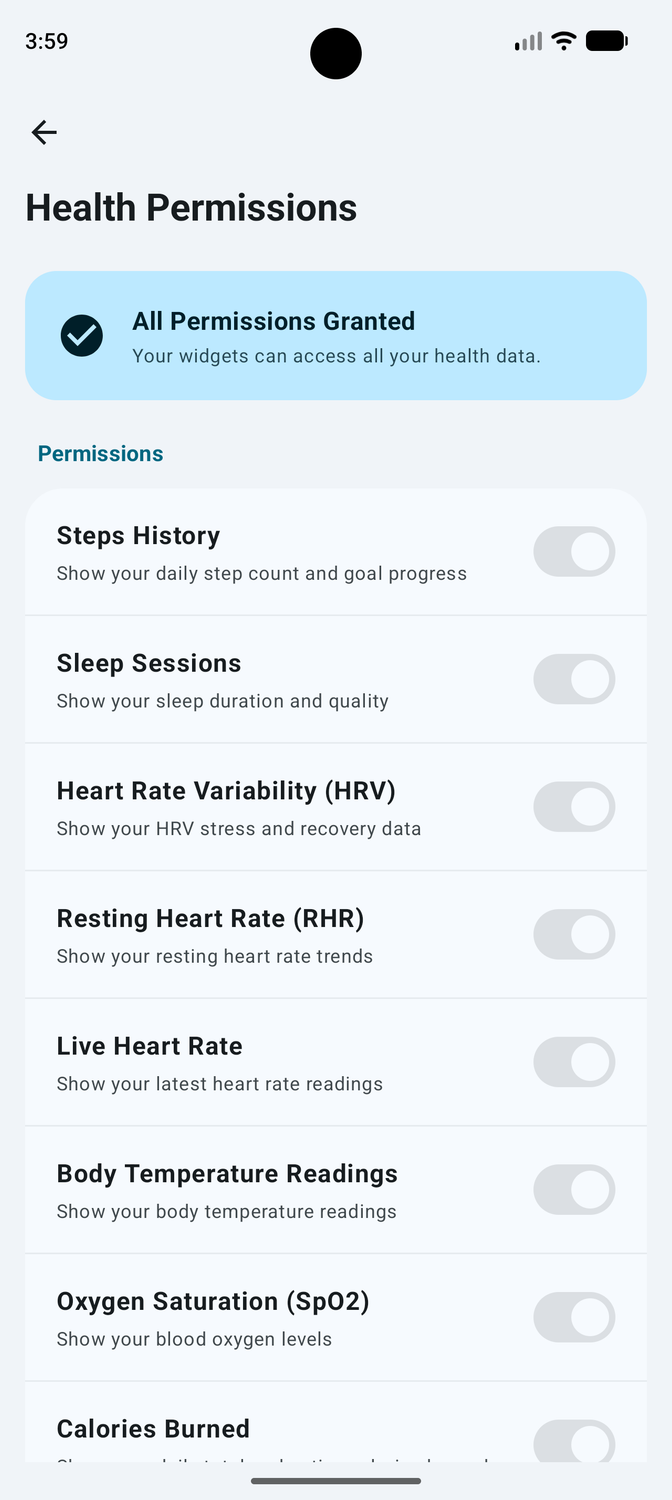
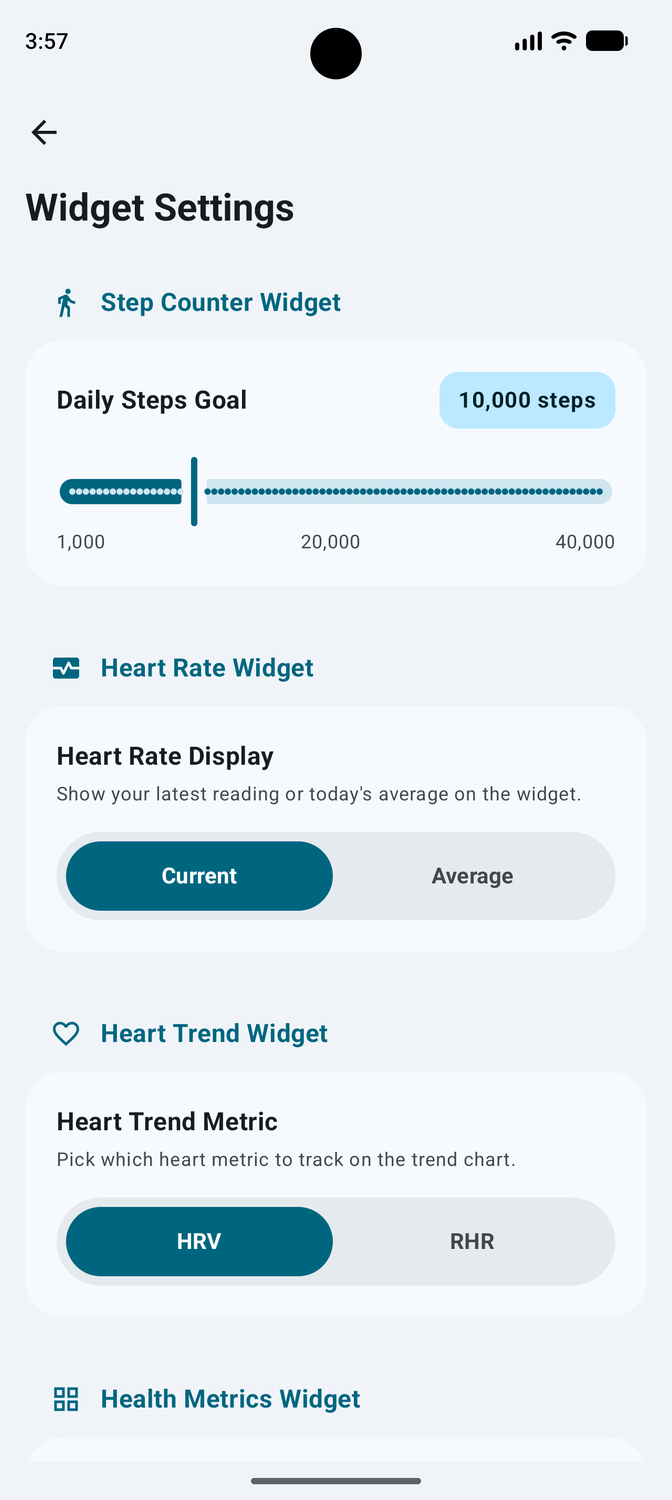
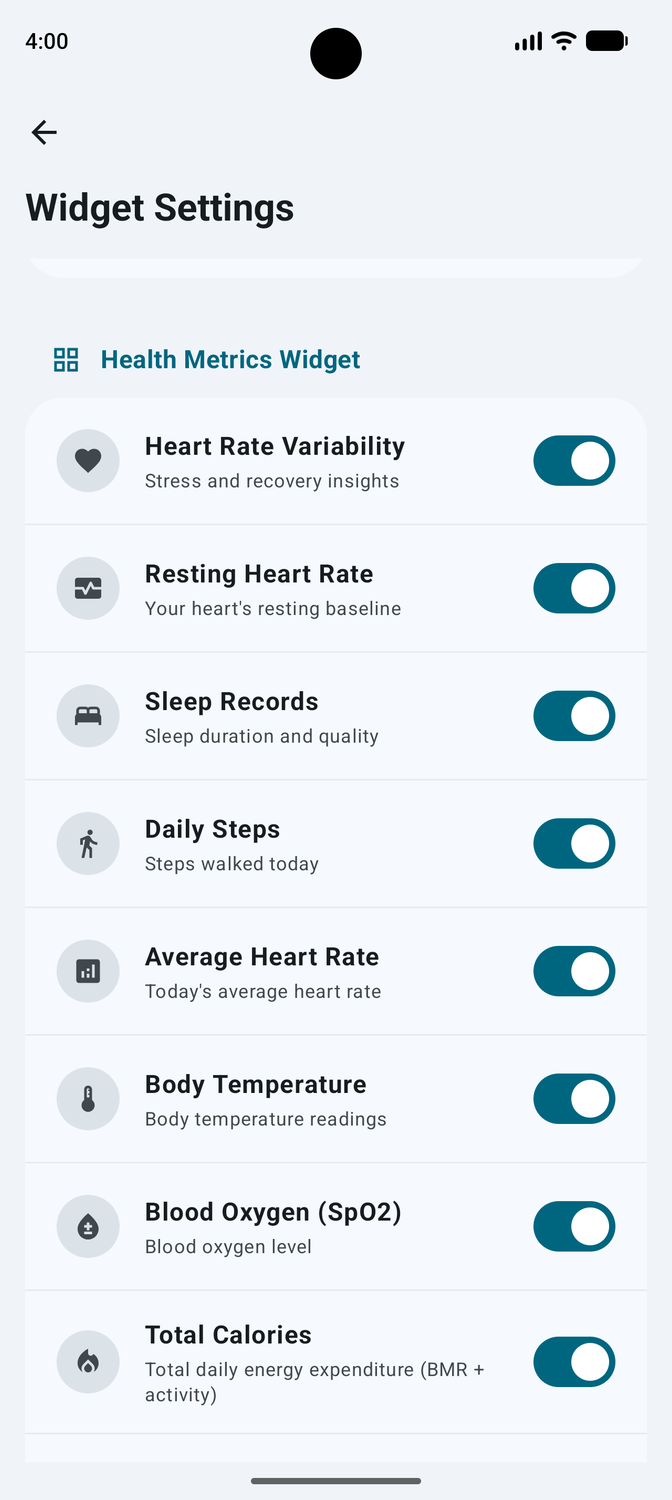
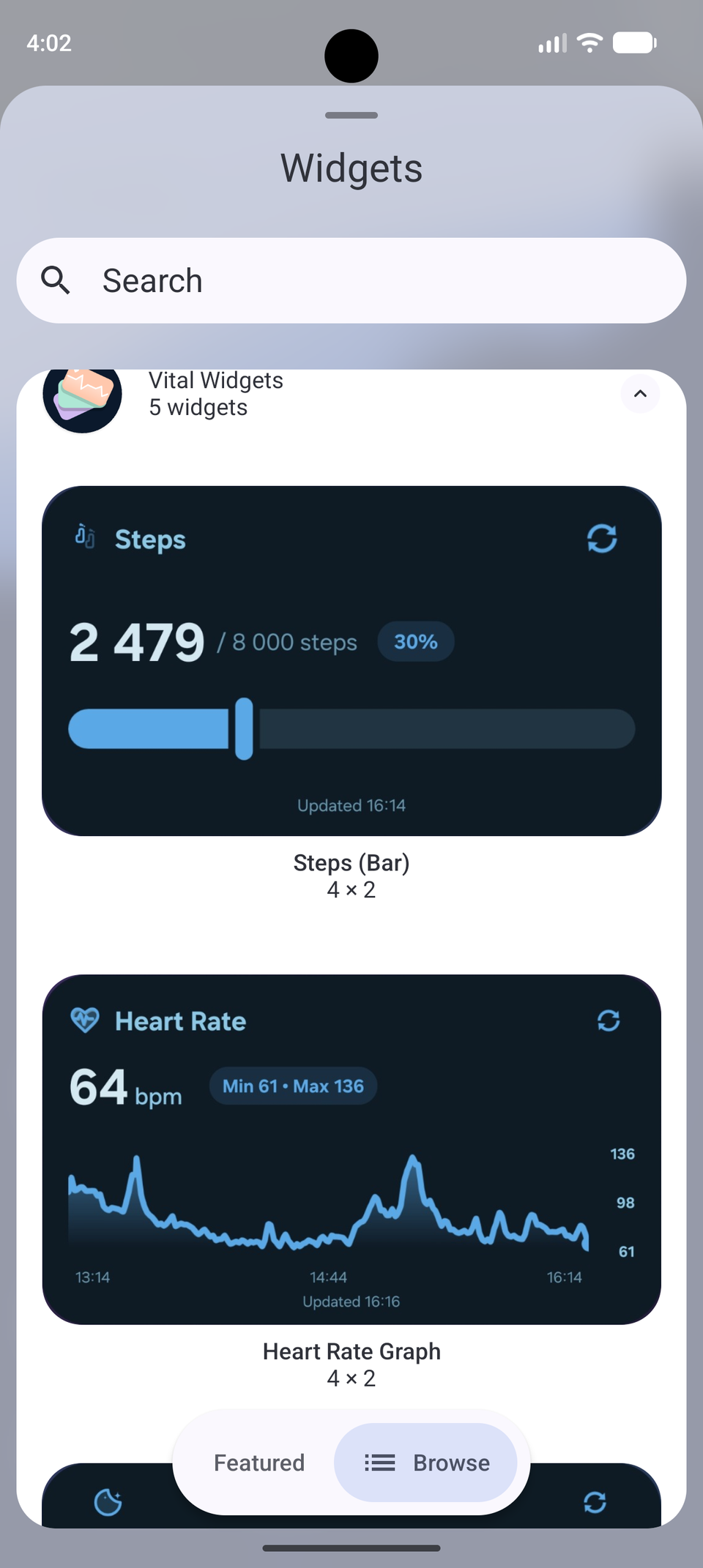
Vital Widgets offers six widgets, each covering a single area of my fitness data. I can place only the ones I care about and size each to fit.
The Steps widget shows my daily count with a progress bar toward my goal. The Calorie Burn widget separates active workout calories from my total daily burn.
The Heart Rate Graph is where the Vital Widgets starts to show its edge over Google's widget. It pairs my latest pulse reading with a sparkline for the day and my daily averages.
The Heart Trend widget tracks resting heart rate and heart rate variability as recovery trends. In contrast, Google's home screen widget has no trend view for either one.
The Sleep Stats widget covers last night's duration, my sleep consistency, and time spent in deep, light, REM, and awake stages. The Health Metrics widget fits blood oxygen and skin temperature into a compact grid.
The widgets match my home screen instead of fighting it
Transparency, Material You colors, and layouts that scale from 2x2
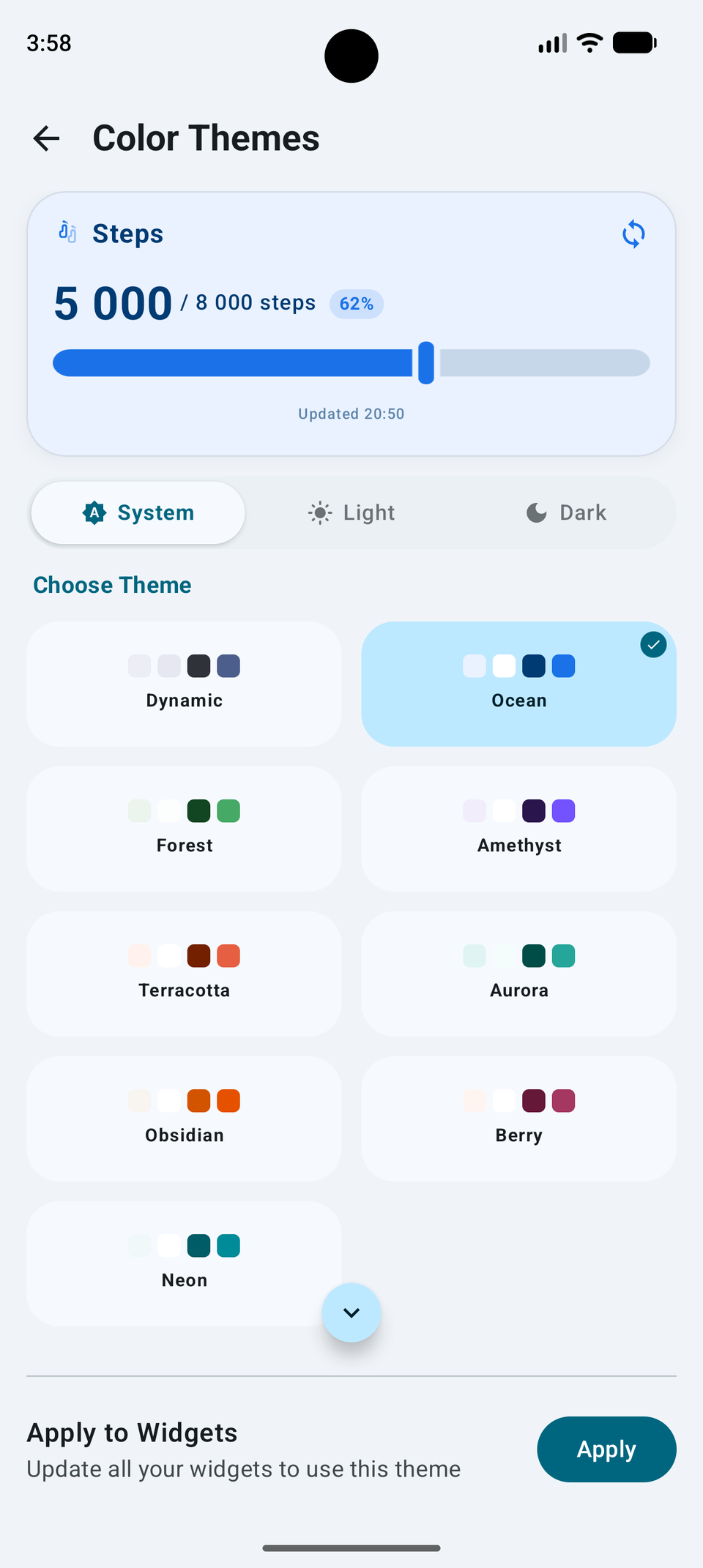
A transparency slider takes each widget from a solid Material 3 card to a fully transparent background. At full transparency, the numbers show up on my wallpaper.
The widgets follow Material You dynamic color, so they change with my wallpaper and automatically switch between the system's light and dark themes. For more contrast, the app also has its own set of color palettes.
The layouts resize cleanly, from a compact 2x2 card to a full dashboard. The latest update also lets me choose which fitness app opens when I tap a widget, and I set it to open Google Health.
Unfortunately, Vital Widgets doesn't let me move individual elements around inside a widget. For that level of control, KWGT is the widget app that fixes a boring home screen, but it also means I have to build every widget.
Setup depends on Google Health syncing to Health Connect
Vital Widgets only reads what another app has already written
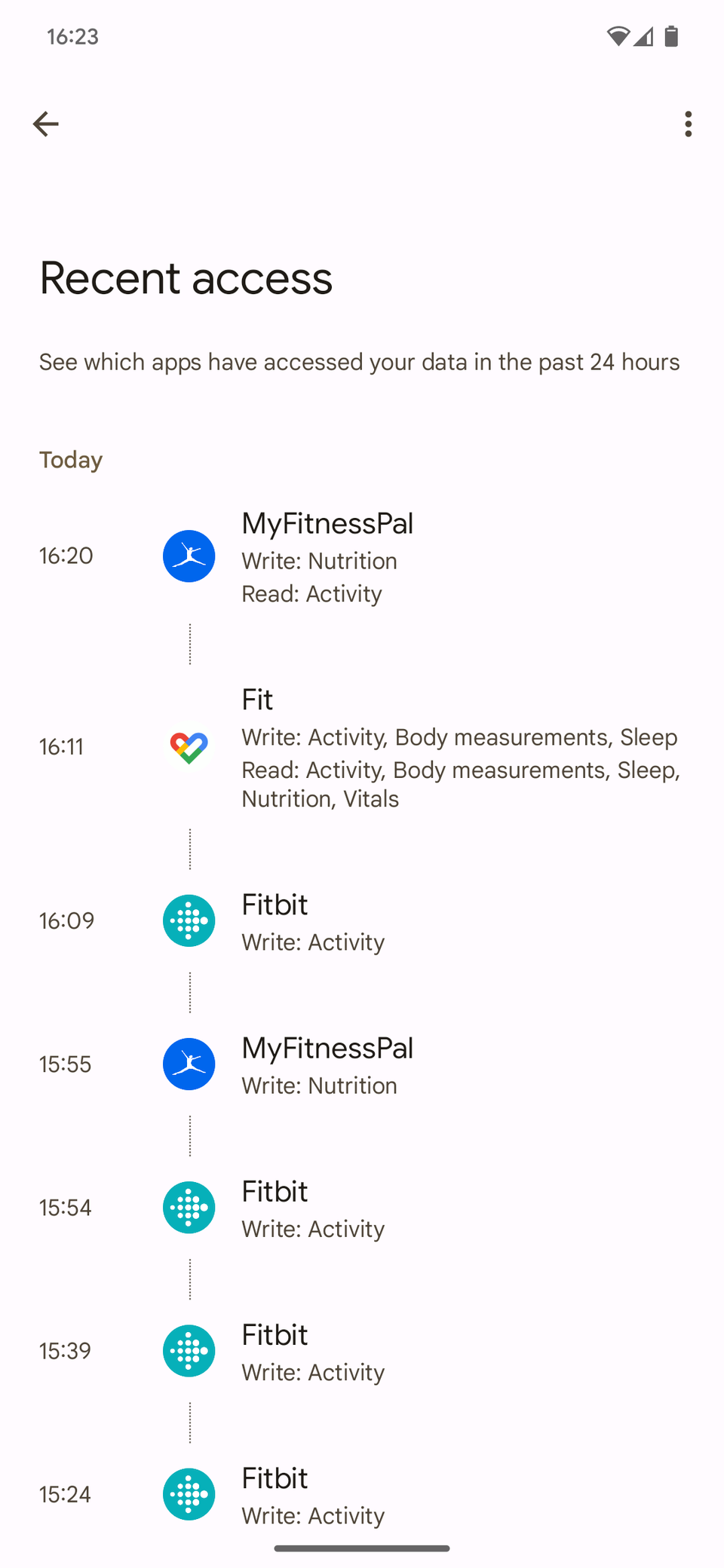
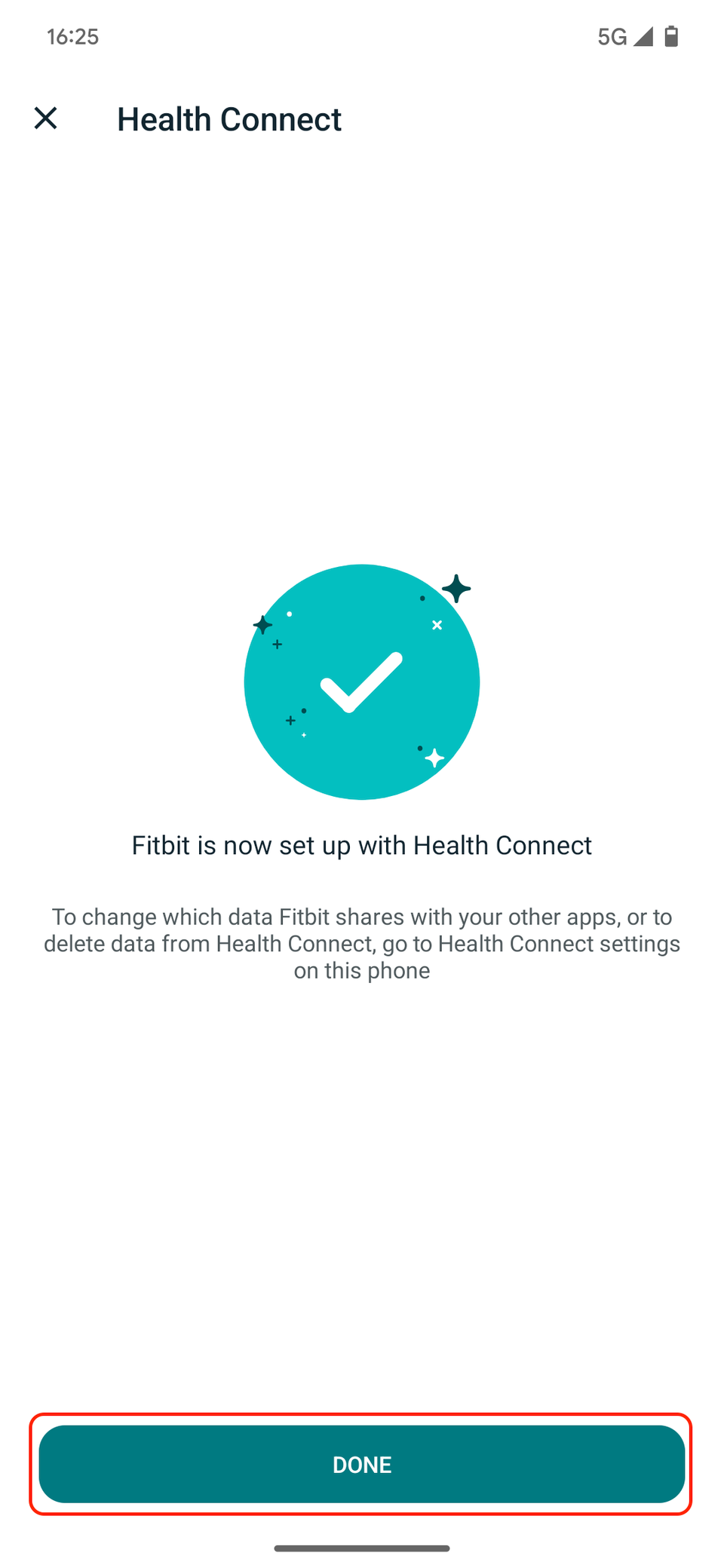
Vital Widgets needs Health Connect and Android 8.0 or newer. It asks for read permissions and shows only data another app has written to Health Connect.
This means that my widgets depend on Google Health syncing each metric to Health Connect. If a metric stops syncing, its widget won't show anything.
At least that's the official explanation the developer gave to a user who couldn't see any data.
I haven't run into this issue yet, but if I do, the first place I'd look is Google Health's write access in Health Connect's app permissions.
The app works fully offline and does not need an account. Its Play Store data safety section says it collects and shares nothing.
This is important for an app that reads my heart rate, sleep, and blood oxygen. I hold it to the same privacy standard as the health apps that can turn a phone into a pocket hospital.
Google Health is still installed, but I look at it less
But my daily driver is now Vital Widgets, because it shows the trends, sleep stages, and vitals that Google's widget leaves out.
Google has demoed an AI tool that builds Android widgets, but until Google Health gets something similar, Vital Widgets is the better option for my home screen.