If you've ever planned a road trip, it can be a gargantuan task, especially when it comes to planning the route.
Even with Google Maps, I used to spend an entire weekend planning rest stops and other stops along the way.
But after trying the Ask Maps feature in Google Maps, I can plan an itinerary with a simple conversation and get every detail I need for a road trip.
How Google Maps' Ask Maps feature works for road trips
A Gemini-powered feature I actually like


When I planned road trips, I started with a simple Google Search, saved lists in Google Maps, and tried to plan the route as best I could.
This involved using multiple apps and sometimes spreadsheets if I wanted to check out more things to do.
I also tracked the weather at multiple locations to make sure I didn't run into issues along the way.
But when Google released the Ask Maps feature, I decided to try it instead of planning a trip the old-fashioned way.
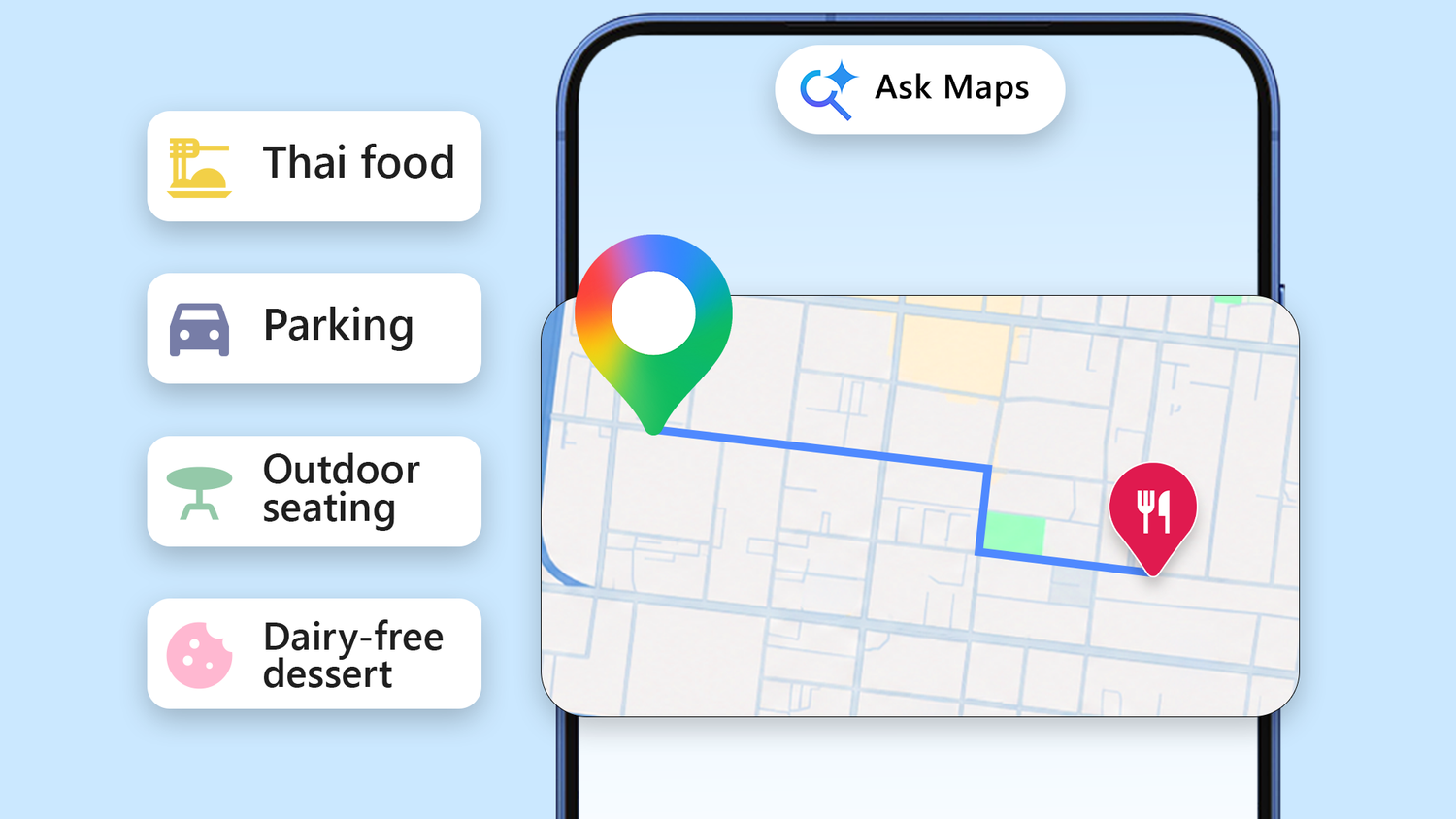
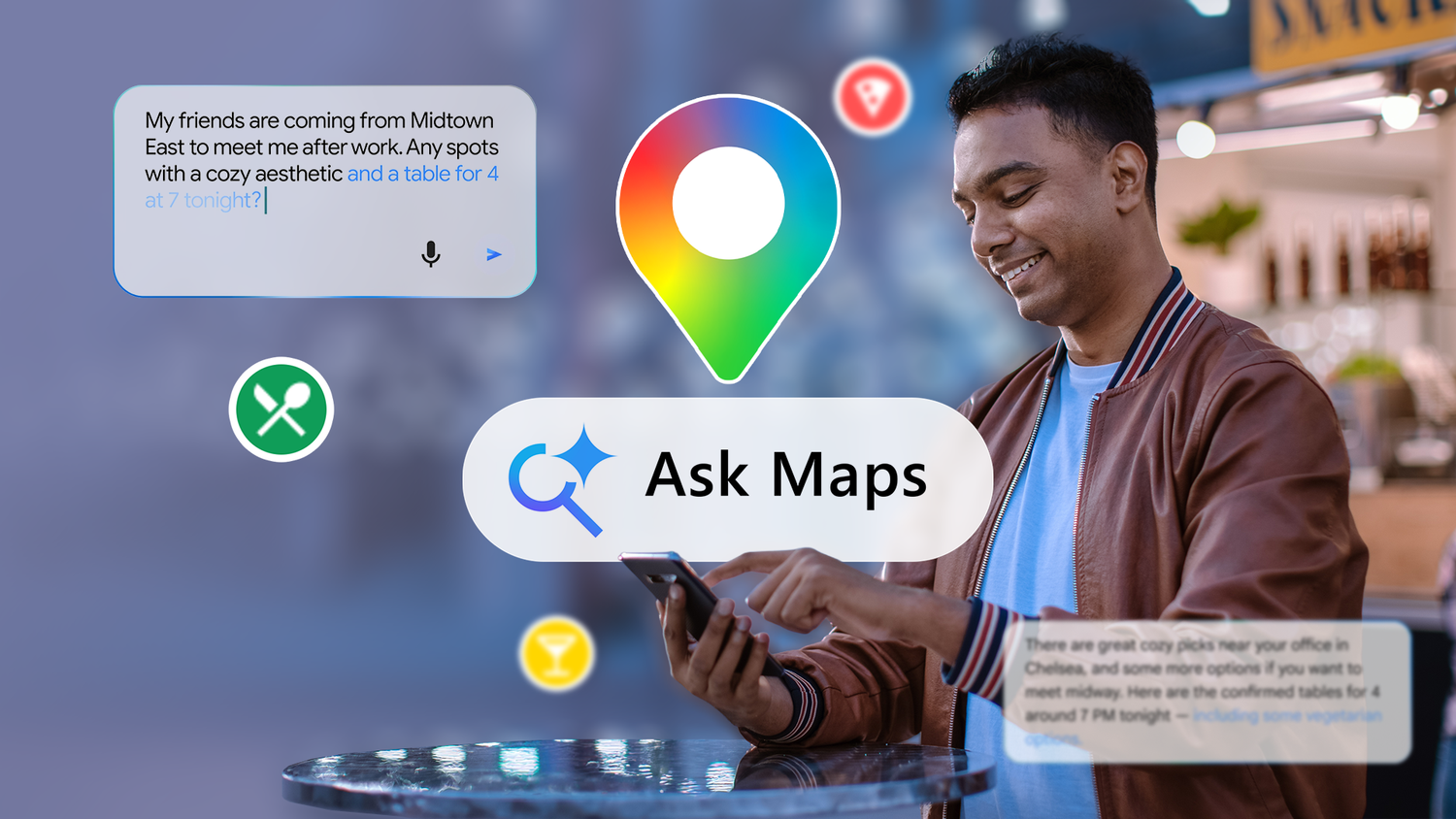
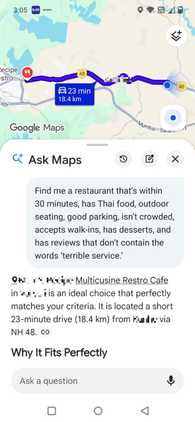
You can find the feature below the search bar; when you open it, you can chat with Gemini and start planning. It understands natural language and answers queries with directions, ETAs, hidden tips, and more during the road trip.
The feature uses Google Maps' live data, including 300+ million places, reviews, and photos, to provide recommendations.
What's sweet is that it also uses places I've saved in Google Maps, food preferences, and past searches to plan the road trip.
The response is always conversational, so it doesn't feel like a task that I would dread. The answers are visual, with a customized map and photos that are easy to understand for road trip planning.
Finally, the response includes summaries of places with reviews, hours, and other details I might need to plan a visit.
After I have a plan, I tap once to save it for directions and share it with others so they can keep track.
In a recent update, the Ask Maps feature can also pull from your Calendar or Gmail, making planning even easier depending on your schedule or any meetings that are lined up.
To let Ask Maps pull from Gmail or Google Calendar, connect Gemini with Google Maps by tapping your profile in the upper-right corner. Tap > Connected apps and turn on .
How I used Ask Maps on a recent road trip to get the most out of it
I asked Maps to plan a full day of driving
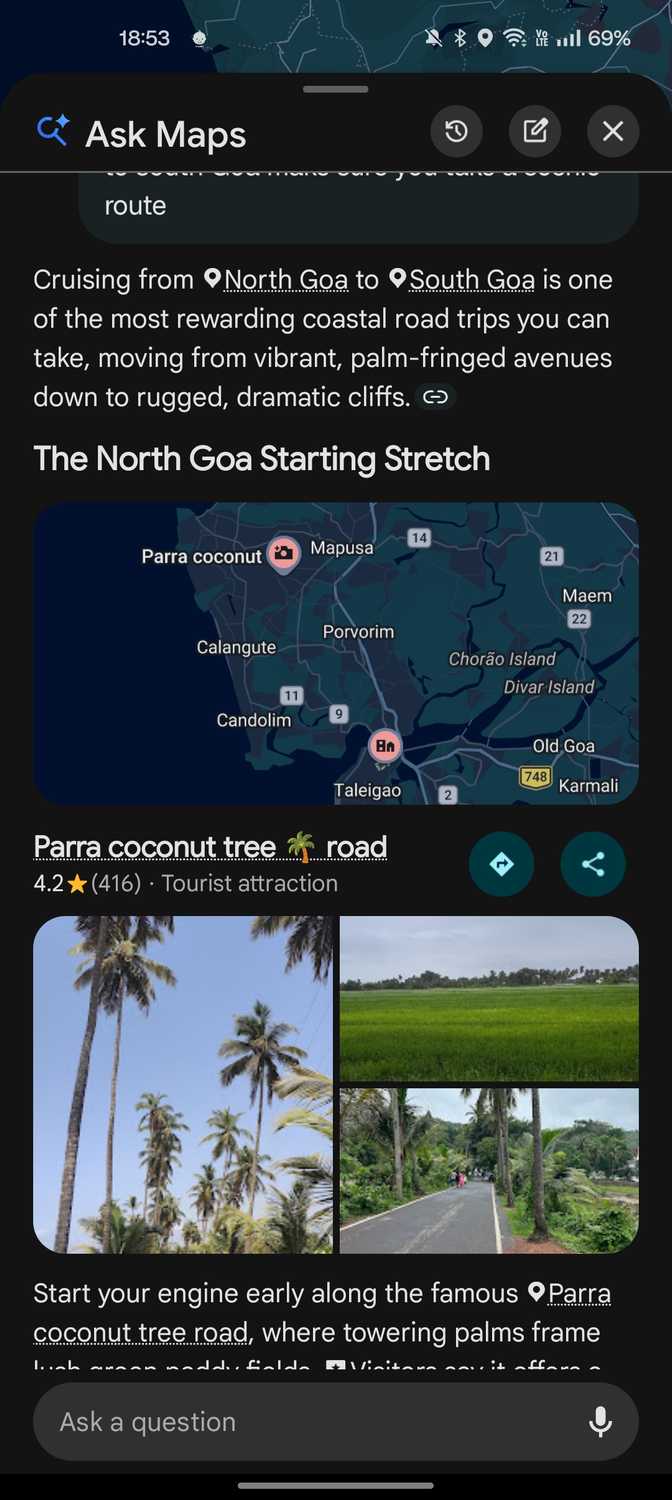
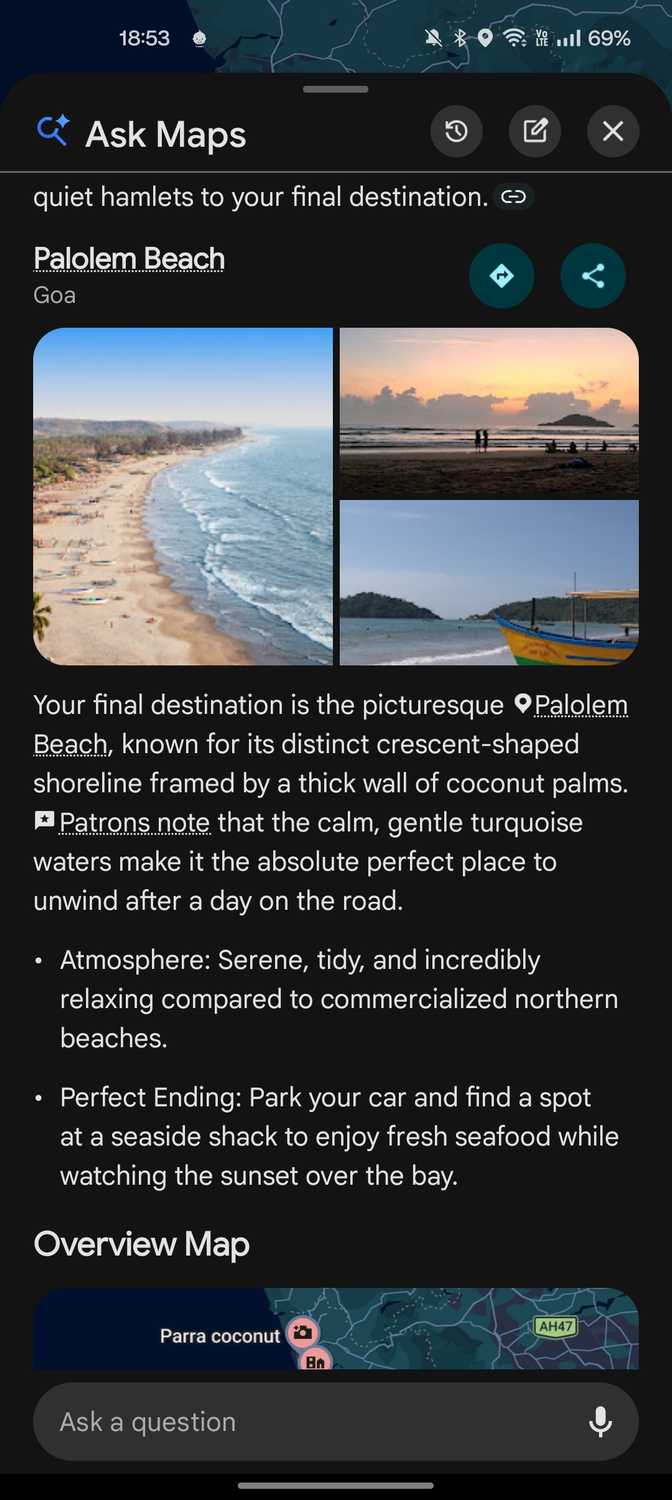
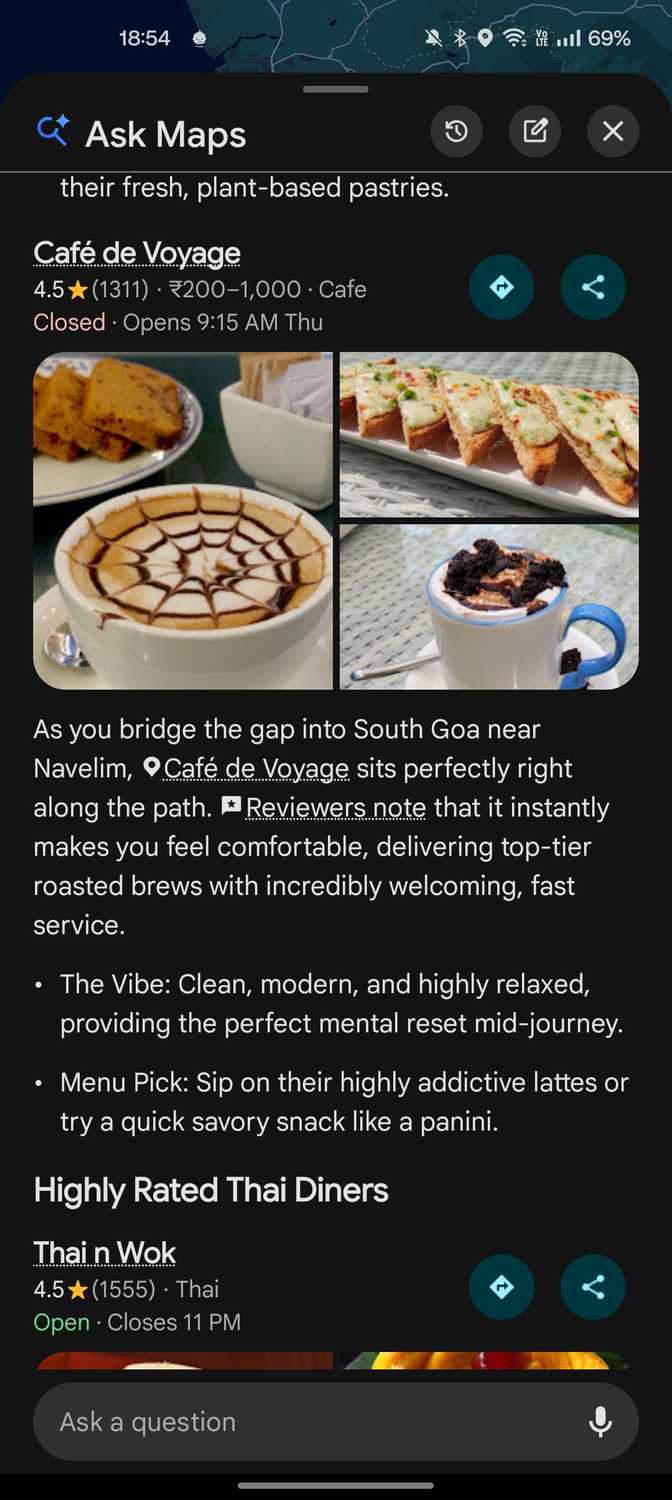
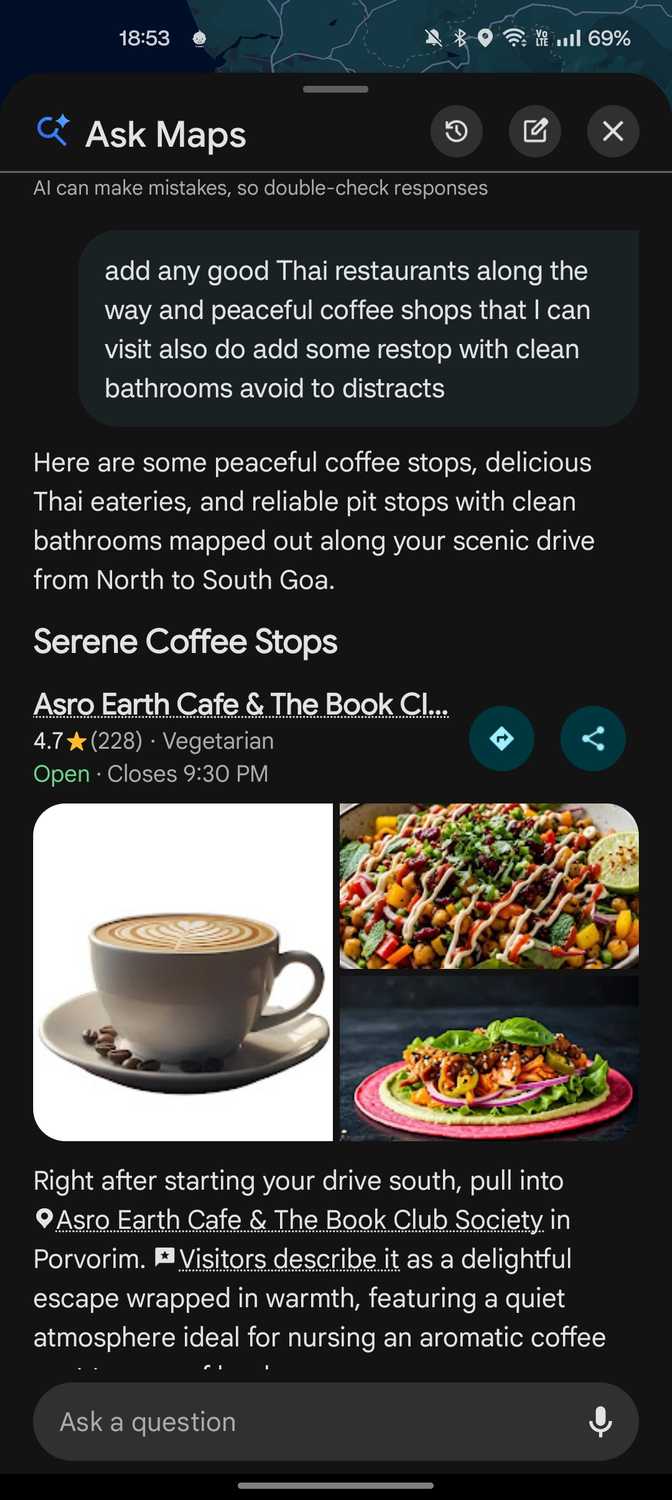
I recently went on a vacation and wanted to visit a different part of the state for a few days. Since it was a long drive, it was a mini road trip with my family.
While the city I was in was quite familiar to me, I wasn't as well-versed in that part of town.
The drive was also about three to four hours without any breaks, so I knew I needed to stop along the way for food, coffee, and bathroom breaks.
But since I was in a tropical location, I also wanted to enjoy the drive with scenic views and good roads.
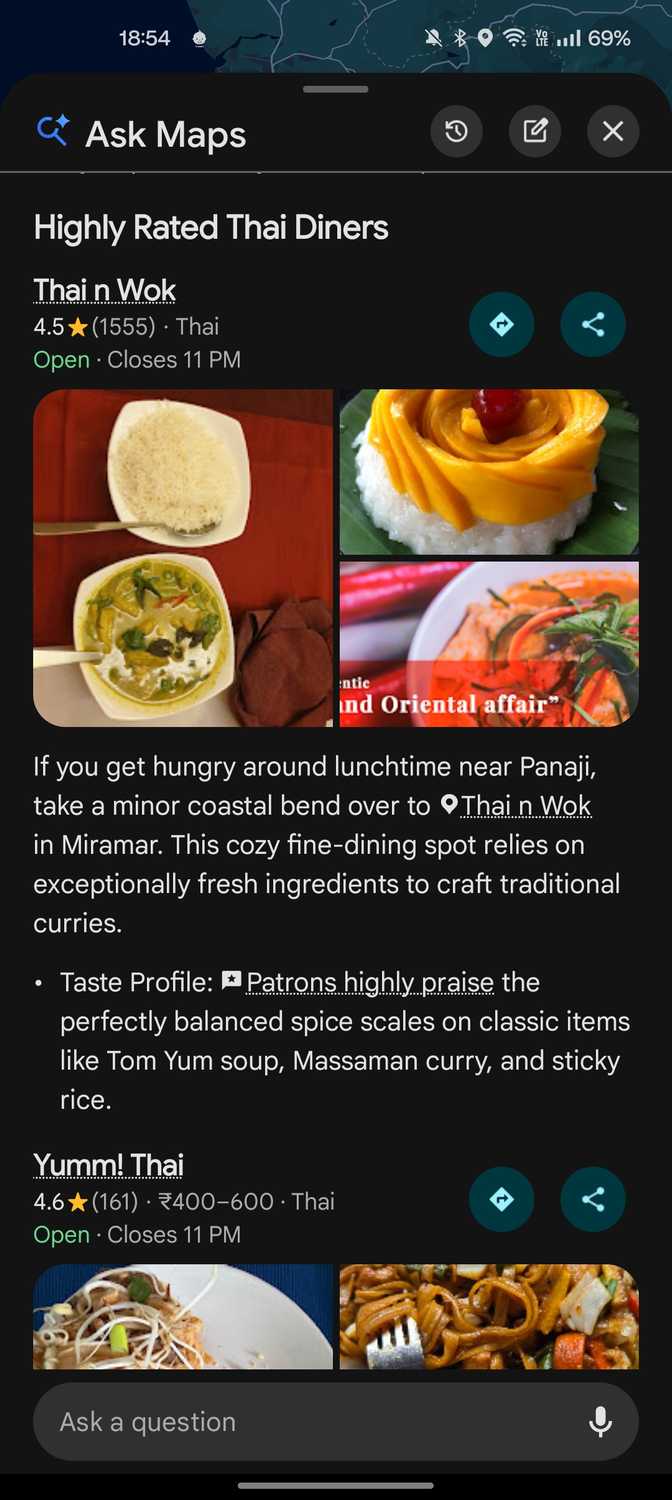
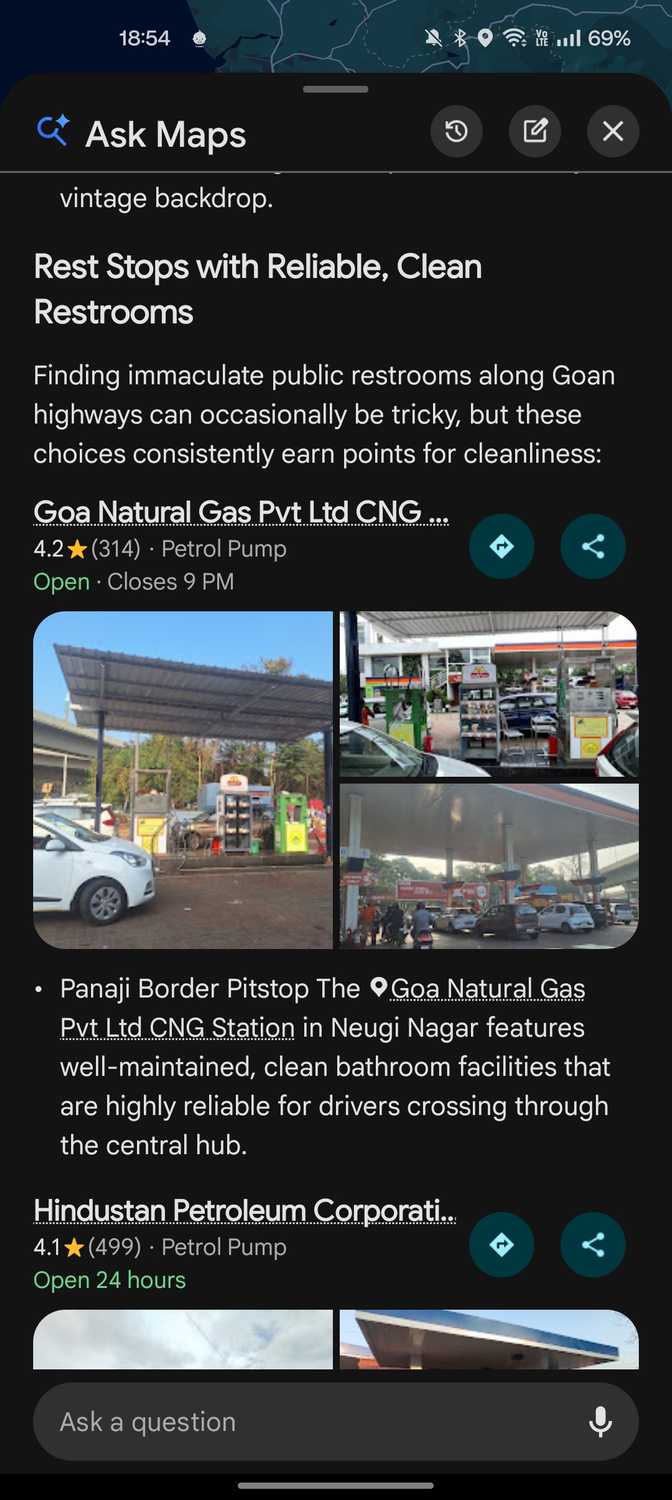
Instead of manually dropping pins on the map, I used Ask Maps to plan a scenic drive. I also asked Google Maps to prioritize good food, good coffee stops, avoid tourist traps, and clean restrooms.
Ask Maps returned a route that was not only scenic, but it also compiled a list of places that served good coffee and food along the way.
If you look at the example above, Ask Maps considered my preferences and recommended a pizza shop I might enjoy.
That's because I'm always on the hunt for good pizza, and since I visit pizza joints every week, Ask Maps made sure I had a good pizza on my road trip.
What's neat is that throughout the road trip, my partner didn’t need to ask me what we were doing.
Since I had shared the Ask Maps chat with my partner and other companions, they could track the entire trip.
I was in a tropical location, and I knew I would encounter unpredictable heavy rainfall at some point during my trip.
But Ask Maps can adapt on the fly when major weather shifts happen. In such cases, I would ask it to pick a faster route when needed.
Since Ask Maps has the same conversation memory capabilities as Gemini, I didn't need to start a new conversation to get a new itinerary.
Why you should try Ask Maps on your next road trip
I highly recommend trying the Ask Maps feature in Google Maps if you have an upcoming road trip.
In my experience, I recommend asking Ask Maps to take a more scenic route and being hyper-specific with your requests.
You can ask it to plan a route based on a vibe or find a dog-friendly café along your route. It can take you via scenic mountain routes or make sure you stop at a great steak restaurant.
Experiment with Ask Maps and plan the road trip you've always wanted to take.