
I love planning road trips almost as much as taking them. I'll pick the roads I want to drive, find a few places worth seeing along the way, and build the trip around those stops.
However, Google Maps has other ideas.
I've lost count of how many times I've planned a route one way, only to watch Maps try to send me somewhere else.
I could drag the route around, check alternate options, or change my departure time, but none of that gave me a reliable way to make Maps stick to my plan. It would reroute me onto what it considers the better option.
I used to keep fighting with the route until I found a surprisingly simple way to get Maps to cooperate.
It changed how I plan my road trips, and now I rarely let Maps decide the entire route for me.
Google Maps kept optimizing my road trips for the wrong thing
It kept picking the route that only looked best on paper
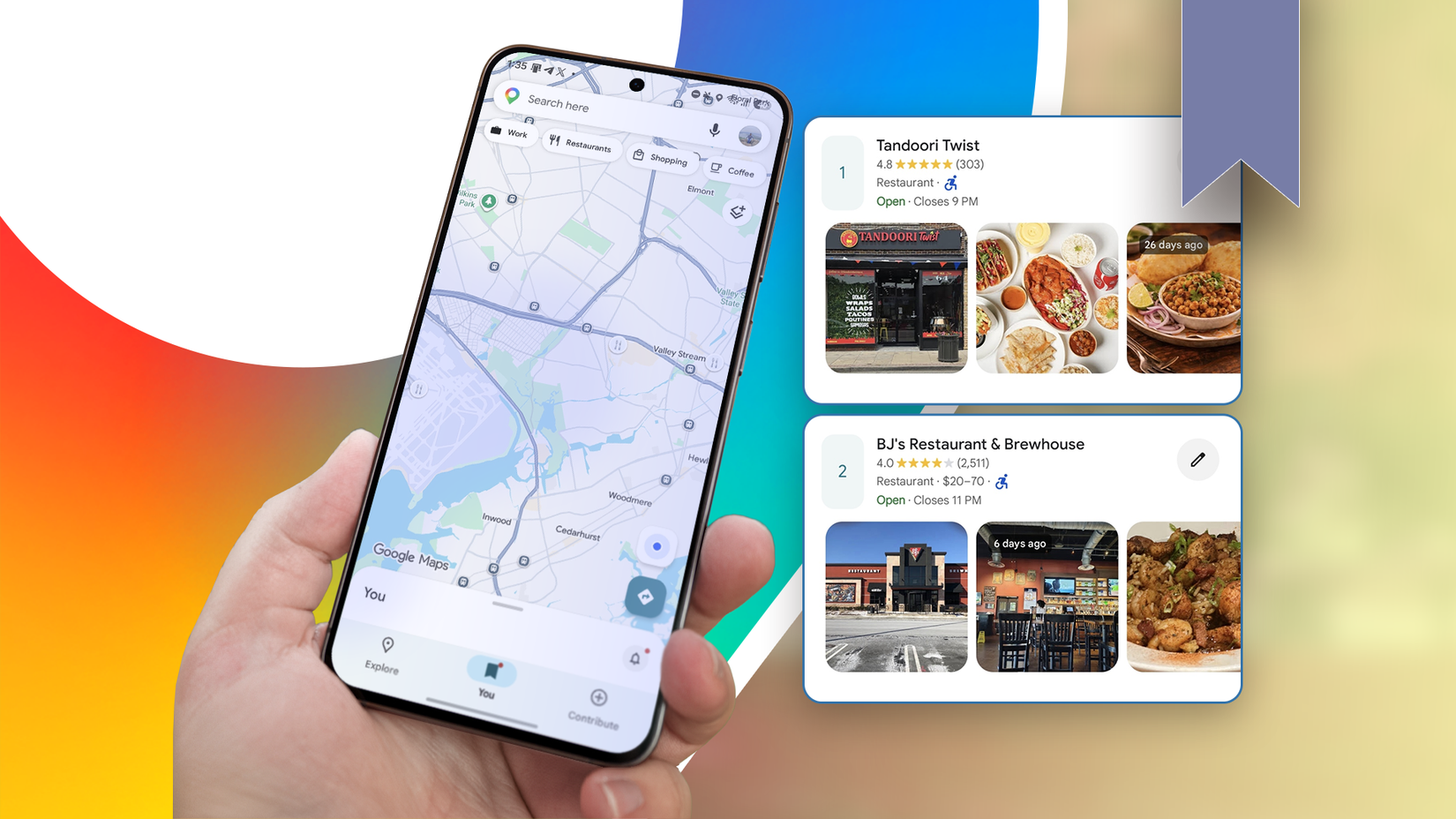
Maps is very good at finding what it considers the best way to get somewhere. It considers travel time and current traffic conditions, and when it finds multiple routes, it highlights the ones it considers best.
The problem is that the route that looks best to Maps isn't always the one I want to take.
I ran into this when a new road opened along one of my regular journeys. It added a little distance to the trip, so technically it was a detour. But it was also a straight expressway with no stops, relatively predictable driving, and very little traffic.
The alternative route was shorter on paper, but it had several choke points where traffic could build up. At busy times, the journey could become painfully unpredictable. A route that looked shorter on Maps could easily become a longer trip when I was on the road.
I wanted Maps to consider the new road, but it wouldn't.
No matter how many times I checked the route, Maps kept steering me toward the same old road. I changed the departure time and checked the alternatives it offered. I even used Gemini to figure out a way around it. Nothing gave me the route I wanted.
Maps optimized the journey based on the information it had. However, I was optimizing it based on what I knew about driving that route. I needed a way to make those two points meet.
I found a simple way to make Maps follow my route
The workaround Maps wasn't giving me
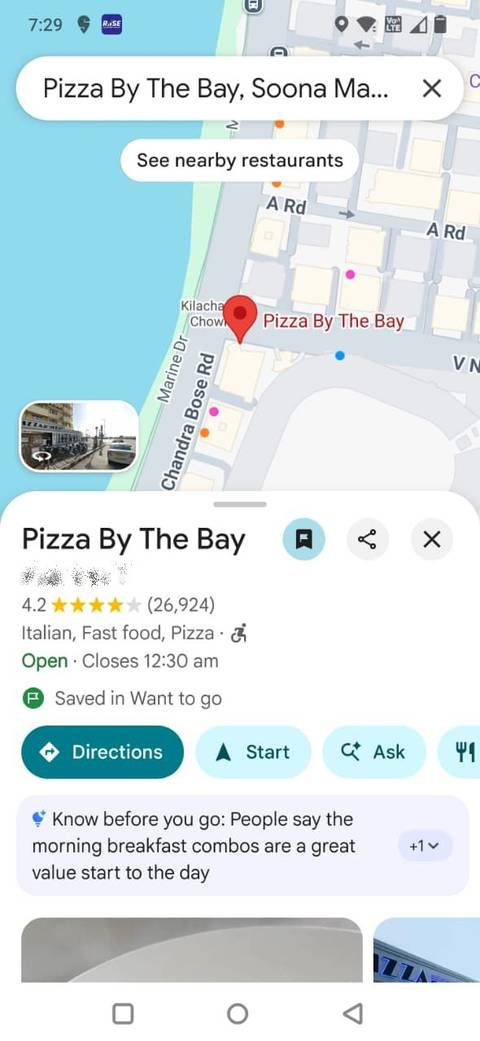
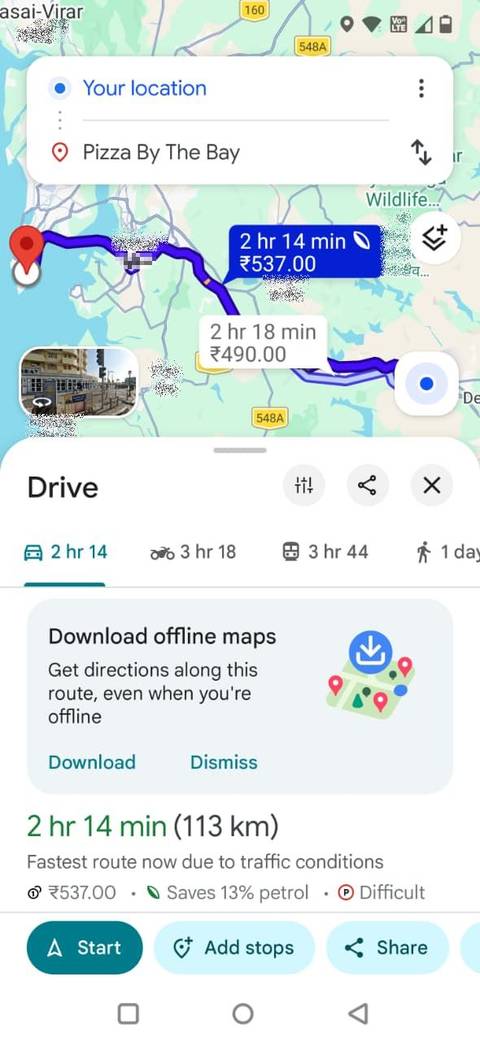
After I realized Maps wouldn't suggest the road I wanted on its own, I stopped trying to find the perfect route in its alternatives.
Instead, I added stops along the route I wanted to take.
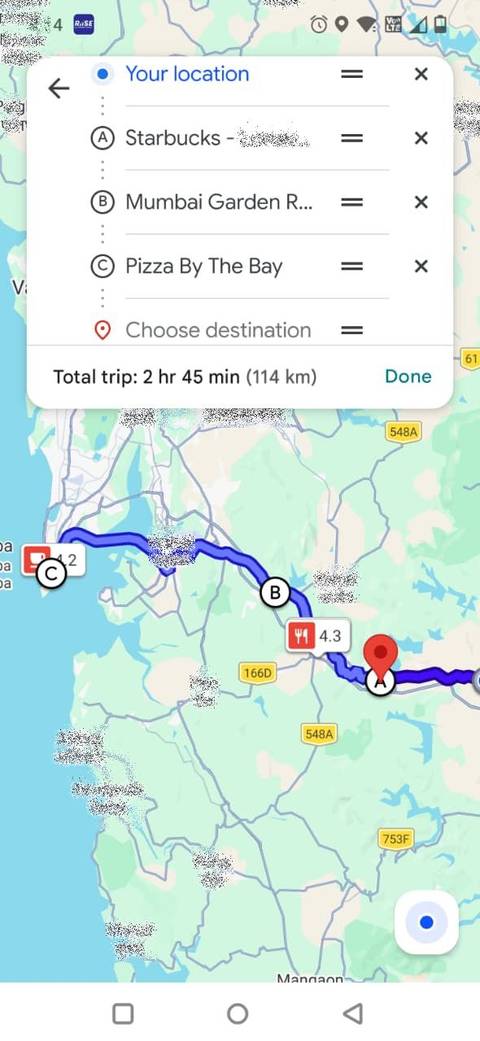
I don't plan to stop there; I'm using it as a placeholder to steer Maps onto the route I want. Maps then routes me to that stop before continuing to my final destination.
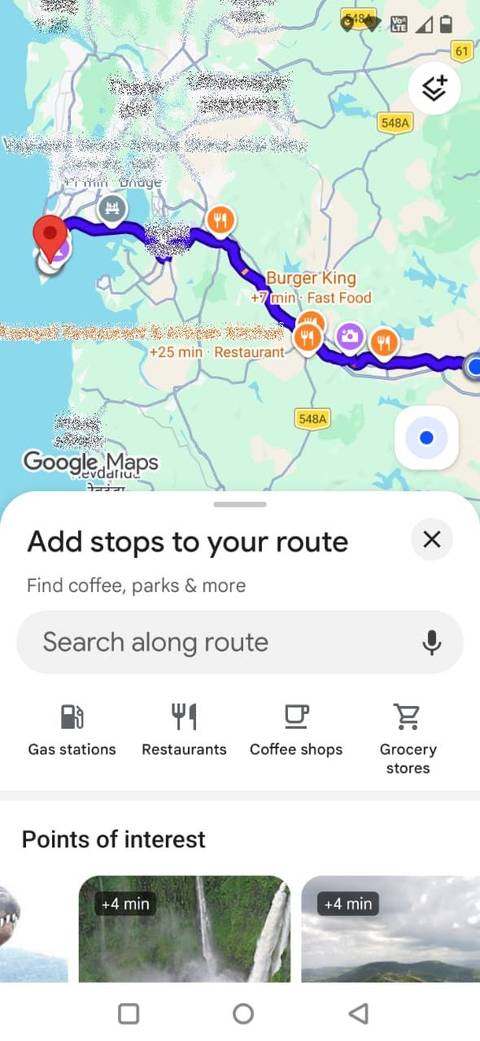
On the app, I enter my destination, tap , and select Add stops. I can search for the place I want to add and rearrange my stops before tapping .
Google allows up to nine stops, including the final destination.
This way, I was giving Maps another instruction about where I wanted the trip to go.
I started using stops to steer Maps toward specific roads
It controls where the route takes me
The same trick is useful when I'm traveling with other people and want everyone to take the same route.
I've run into this problem when sharing a Google Maps route for a road trip. I might carefully plan a route that takes us along a particular road, but someone else opens the destination in Maps and gets a different route from their starting point.
That's annoying if we're planning to meet somewhere along the way.
Instead of sharing the final destination, I now add the important locations along my planned route as stops.
For example, if we're all supposed to meet in a particular town before continuing together, I'll make a restaurant in that town a stop. If there's another stretch of road I want everyone to take, I'll add a place along that road as another stop.
The other drivers can still start from their locations, but the shared route gives us the same places to pass through.
It also makes complicated road trips easier to plan
Connecting all the parts of my road trip
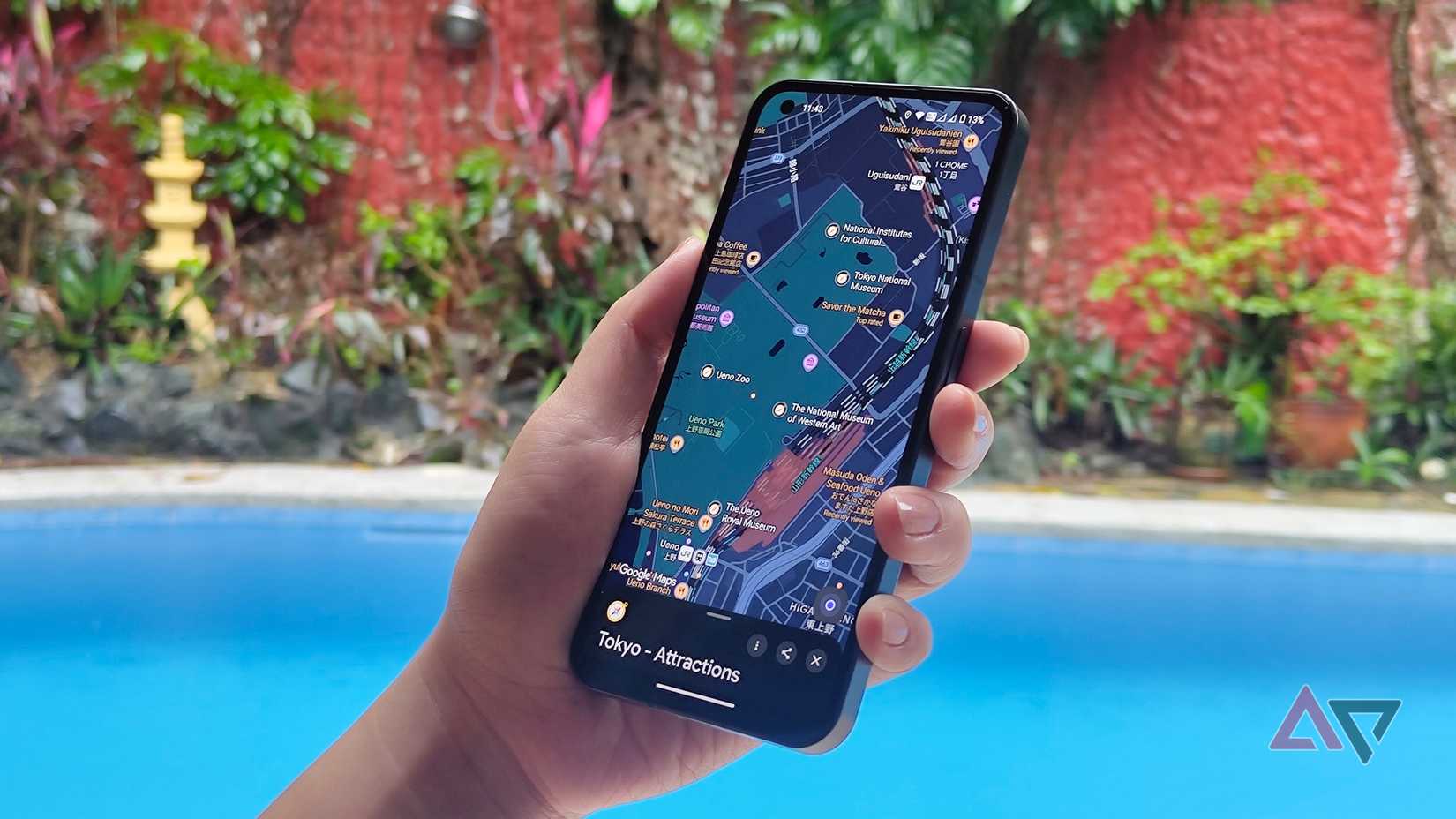
When I'm driving somewhere with several places I want to pass through, I no longer have to figure out the entire route. I can add those locations as stops, put them in the order I want, and let Google Maps calculate the roads between them.
This is useful when I have a few non-negotiable parts of a trip. Maybe I want to take a particular road for one section, stop in a certain town, and then continue to another destination.
I can even mix real stops with strategic ones. A restaurant or attraction might be somewhere I genuinely want to visit, while another location might be there because it keeps Maps on the road I want.
Because I can reorder the stops before starting, I can experiment with the sequence and see how much time each version adds to the trip.
I don't let Google Maps call all the shots anymore
Adding a few carefully chosen stops gives me more control over the roads I take, whether I'm trying to stay on a particular stretch of highway or making sure everyone in a group follows the same basic route.
That has changed how I plan road trips. Instead of repeatedly checking whether Maps has decided to show me the route I want, I can build the important checkpoints of the journey myself.