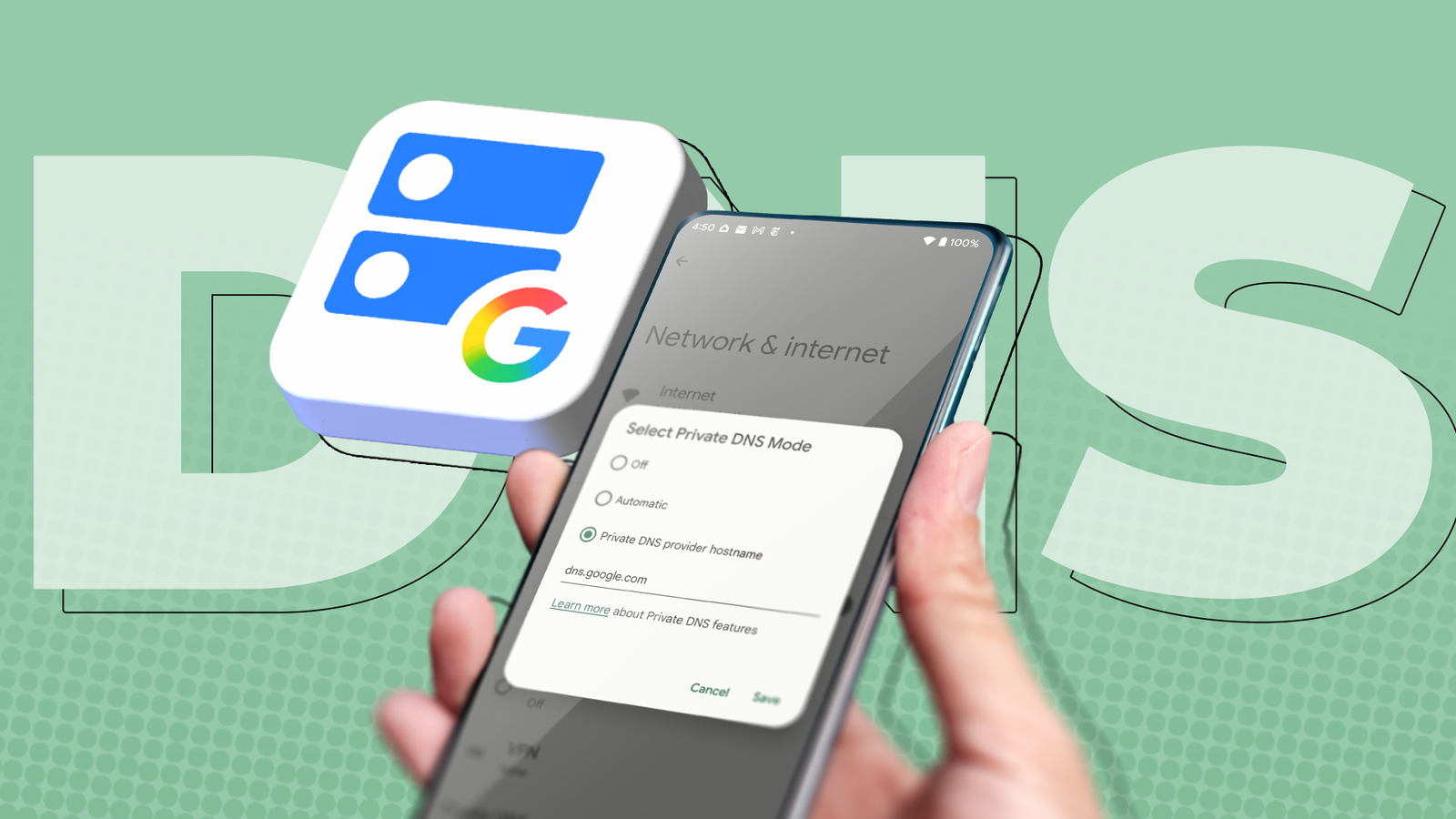
I run AdGuard DNS through the Private DNS setting on my Google Pixel because it blocks ads inside apps without using up my VPN slot.
On some public Wi-Fi networks, that choice prevents me from browsing the internet, and a "Private DNS server cannot be accessed" warning appears.
Switching the hostname to dns.google immediately resolves the issue on the same networks.
Google's resolver gets through because Android gives it a newer protocol that most firewalls don't block, but almost no one else has that protocol.
If you followed the usual advice to block ads with Android's Private DNS setting, your phone is on a more fragile path as well.
Android gives two resolvers a better protocol
Every other hostname is stuck on DNS-over-TLS
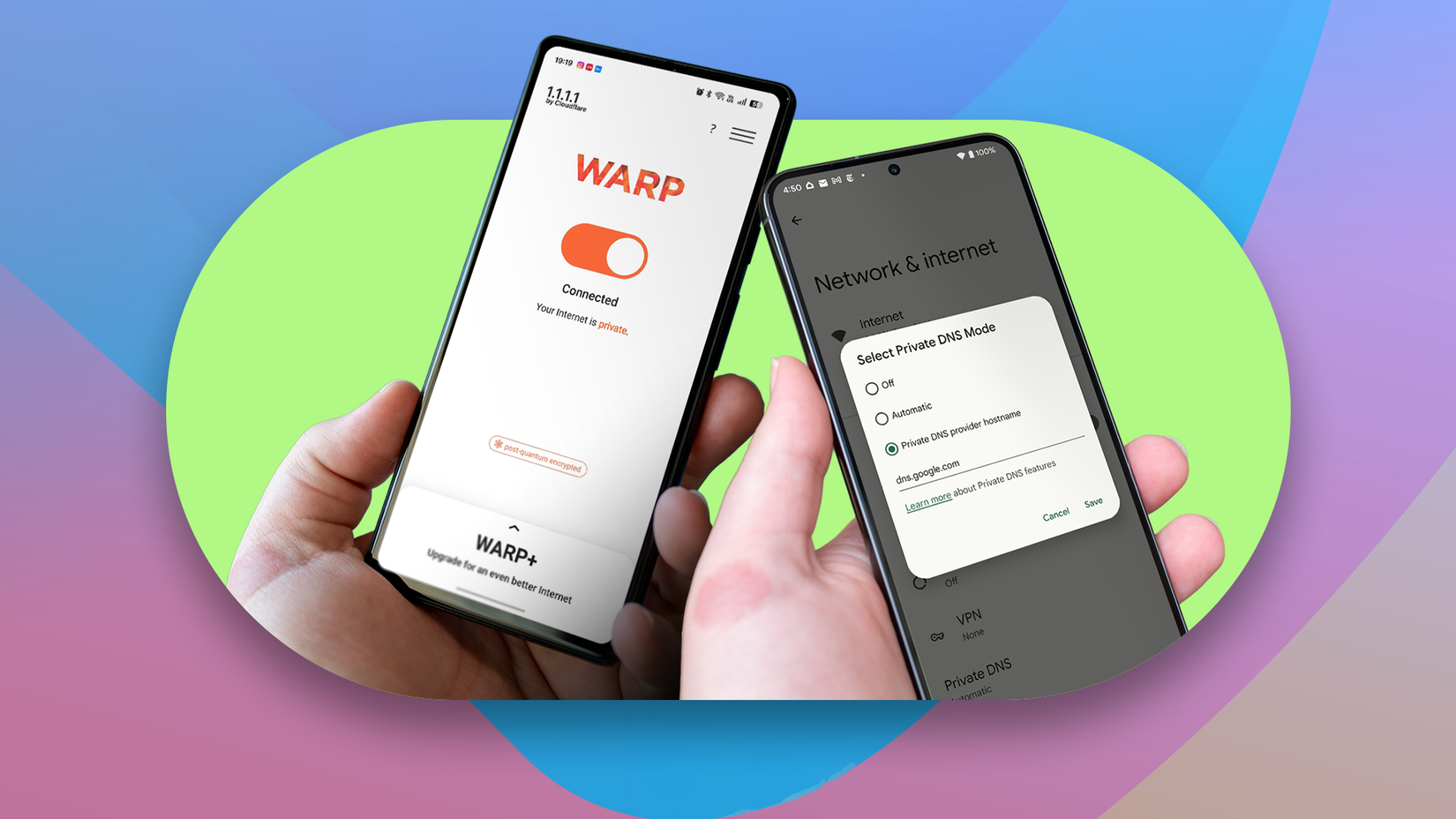
Google announced DNS-over-HTTP/3 for Private DNS on July 19, 2022, delivered through a Google Play system update for Android 11 and above.
The Android team said this faster protocol would replace DNS-over-TLS only for well-known servers, naming Google and Cloudflare at launch. It also said it may add other servers later.
In the public Android resolver code, only Google's dns.google, its DNS64 variant, Cloudflare, and a few test entries are still on that list.
This is a problem because DNS-over-HTTP/3 runs on UDP port 443, which is the same port as ordinary web traffic.
Meanwhile, every other hostname, including AdGuard DNS, NextDNS, Control D, Mullvad, and Quad9, still uses DNS-over-TLS on TCP port 853.
Users have asked Google to open the faster protocol to any server, but Google rejected a request on its issue tracker in January 2025.
I don't think Google intentionally set this up to hurt ad blockers. However, a short, hard-coded list that has barely been updated since its 2022 launch suggests willful negligence.
Port 853 is easy for a network to block
Strict mode won't fall back to plain DNS
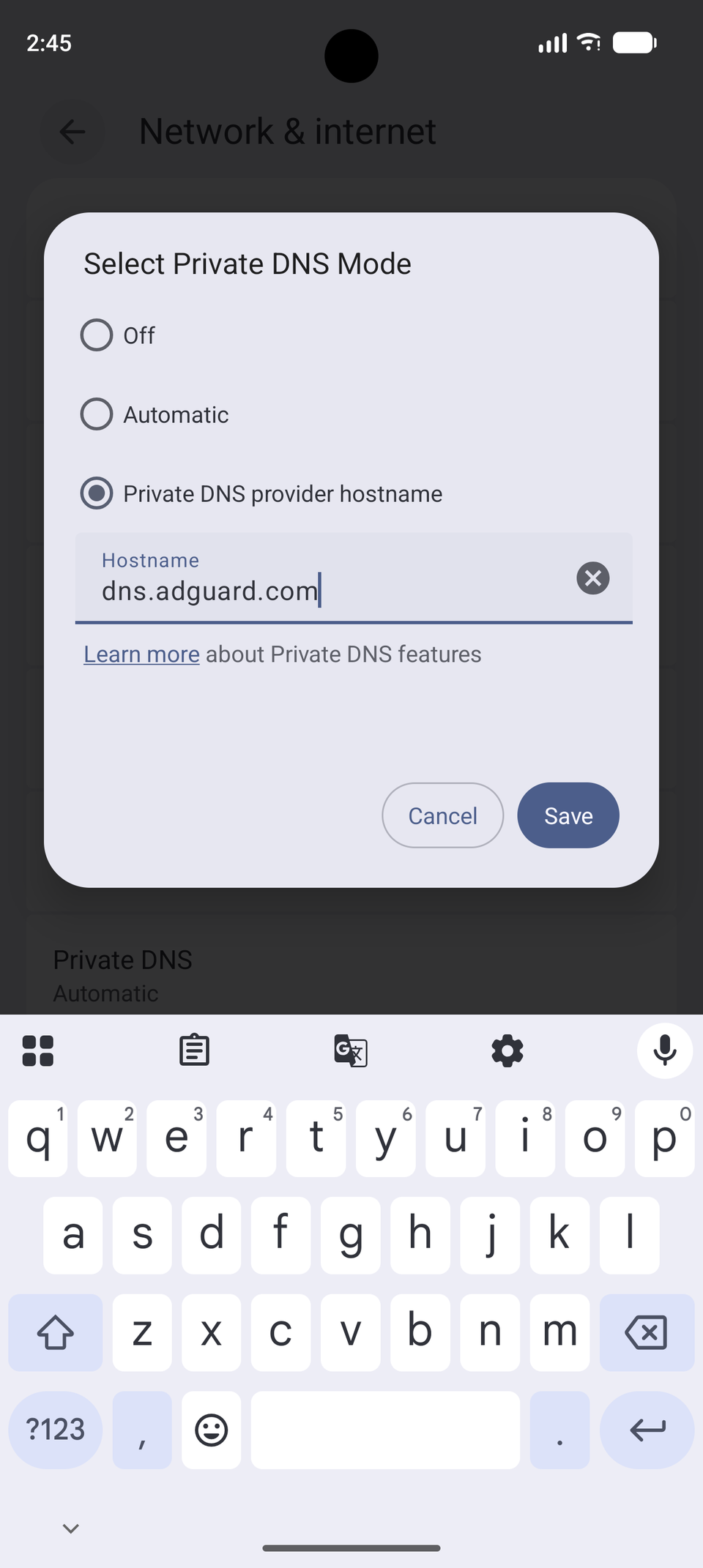
Port 853 carries only encrypted DNS traffic, so a network can drop it with one firewall rule. Captive portals often block it until I sign in, and some hotel and office networks block it permanently.
On the other hand, setting a puts Android in strict mode.
If the phone can't complete the TLS connection to that hostname, Android won't fall back to the network's plain DNS, which means apps can't resolve anything.
With mode, Android tries encrypted DNS with the network's server and falls back to plain DNS when that fails. I can remain online, but my traffic is readable and unfiltered.
TrackerControl, an open source tracker blocker, documented the strict-mode behavior on a Google Pixel 8 running Android 17 in August 2026.
TrackerControl's VPN blocks port 853, and the app's logs show Android refusing to fall back after a hostname is set.
The app now tells users to turn off Private DNS, because a pinned resolver means its VPN blocks anything from loading. This behavior is the same I faced on restrictive public Wi-Fi.
Google's resolver gets a silent backup path
Android hides the DNS-over-TLS failure when HTTP/3 works
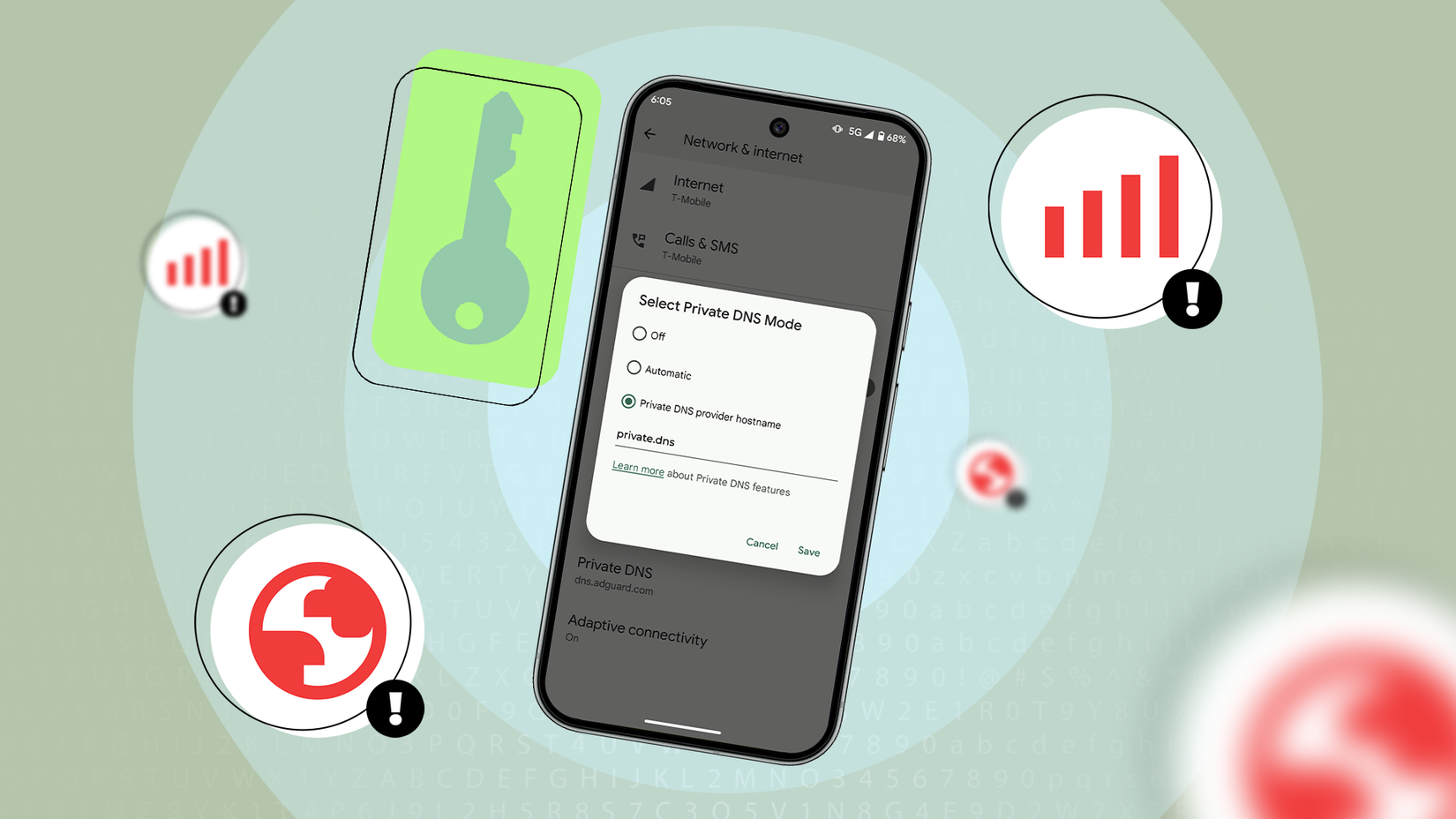
When I set dns.google, Android checks both protocols against Google's servers.
If the DNS-over-TLS check fails on port 853 and the HTTP/3 check succeeds on port 443, Android's resolver code doesn't report the failure.
I won't get a warning or an internet outage because my traffic automatically moves over to the port the network leaves open for web browsing.
There isn't a second path for AdGuard DNS, so the same blocked port shuts down internet access on my phone.
Google's advantage has limits. A network that also blocks QUIC on UDP 443 breaks the HTTPS backup path. Cloudflare users are not guaranteed a backup either.
Android only upgrades the exact hostname cloudflare-dns.com, while Cloudflare's Android guide tells users to enter one.one.one.one, which the code treats like any other DNS-over-TLS server.
Ad-blocking DNS needs a workaround on Android
A DNS app is the reliable way around port 853
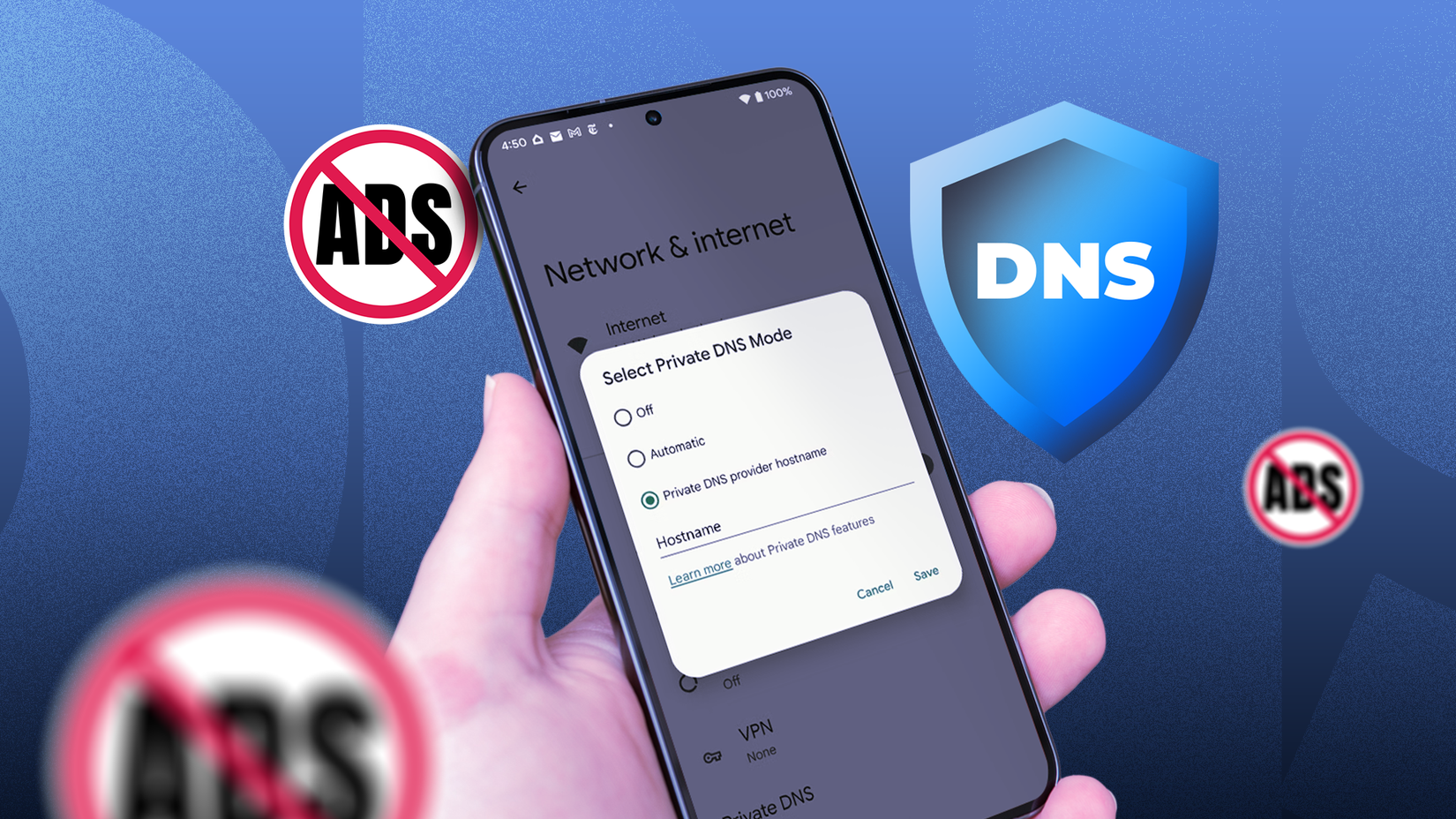
The reliable fix is an app that runs its own encrypted DNS through a local VPN. Open source DNS apps such as RethinkDNS and apps from DNS providers AdGuard and NextDNS can do this.
Those apps send DNS-over-HTTPS on port 443, so restrictive networks treat it like web traffic. This costs you a VPN slot, and Android restricts that to one app at a time.
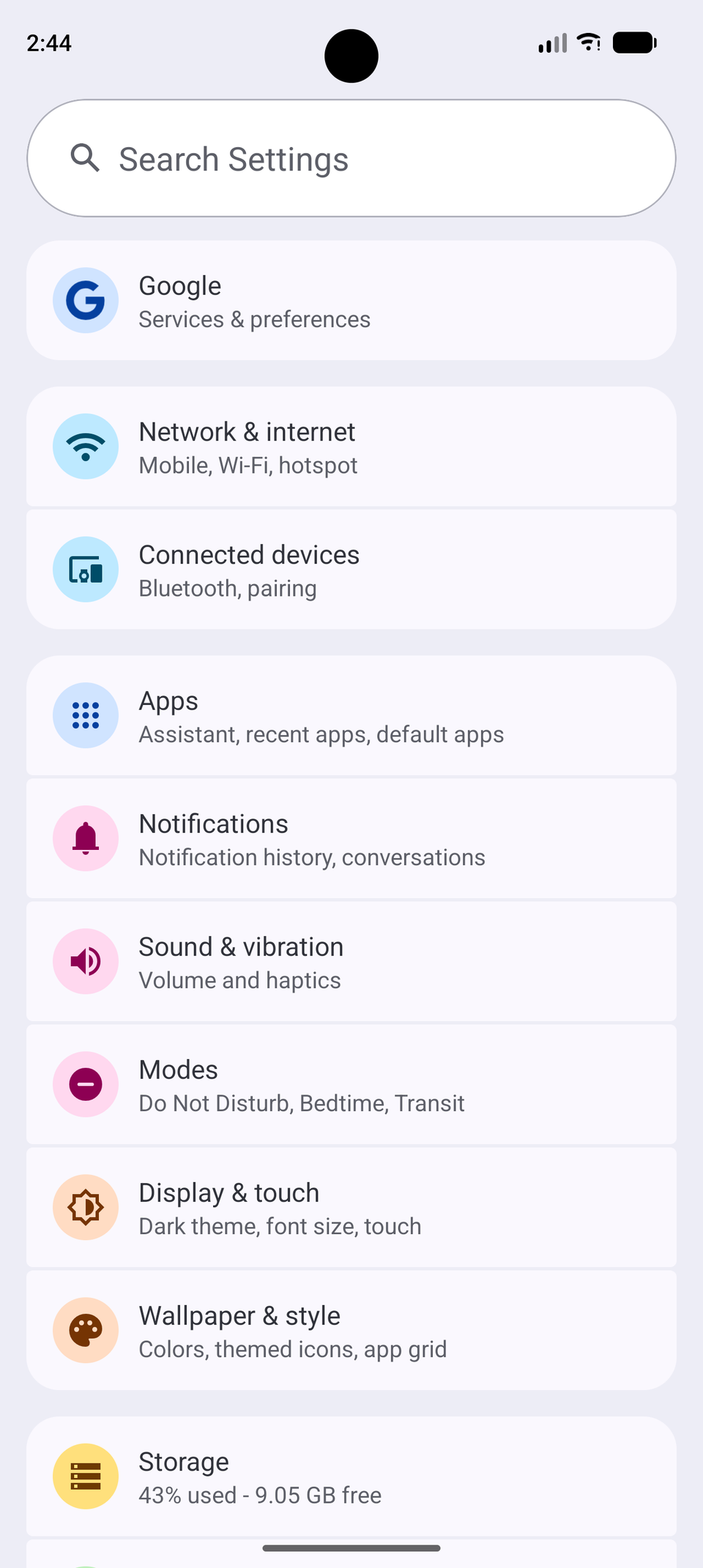
The other option is to set your DNS. On my Pixel, the setting is in Settings > Network & internet > Private DNS.
You'd have to switch it to Automatic before joining a restrictive network, and switch it back afterward. The problem is that a public network is exactly where you want encrypted DNS, so you're forced to accept that tradeoff.
Google could fix this without picking winners. Its 2022 post said Android aimed to support Discovery of Designated Resolvers, and the resolver now has a path for DNS-over-HTTPS settings from outside its hardcoded list.
Nothing I could find uses that path for a hostname typed into Private DNS, which means this initiative has produced little.
Private DNS should treat every resolver the same
Every time AdGuard DNS fails on a restrictive network and dns.google doesn't, Google teaches me to accept its resolver as the safe choice.
But that lesson has nothing to do with privacy, and it pushes people from ad-blocking Private DNS on Android toward a resolver run by Google, an ad company.
If Google opened HTTP/3 to any typed hostname or finished the resolver discovery it started building, AdGuard and NextDNS users would get equal footing.