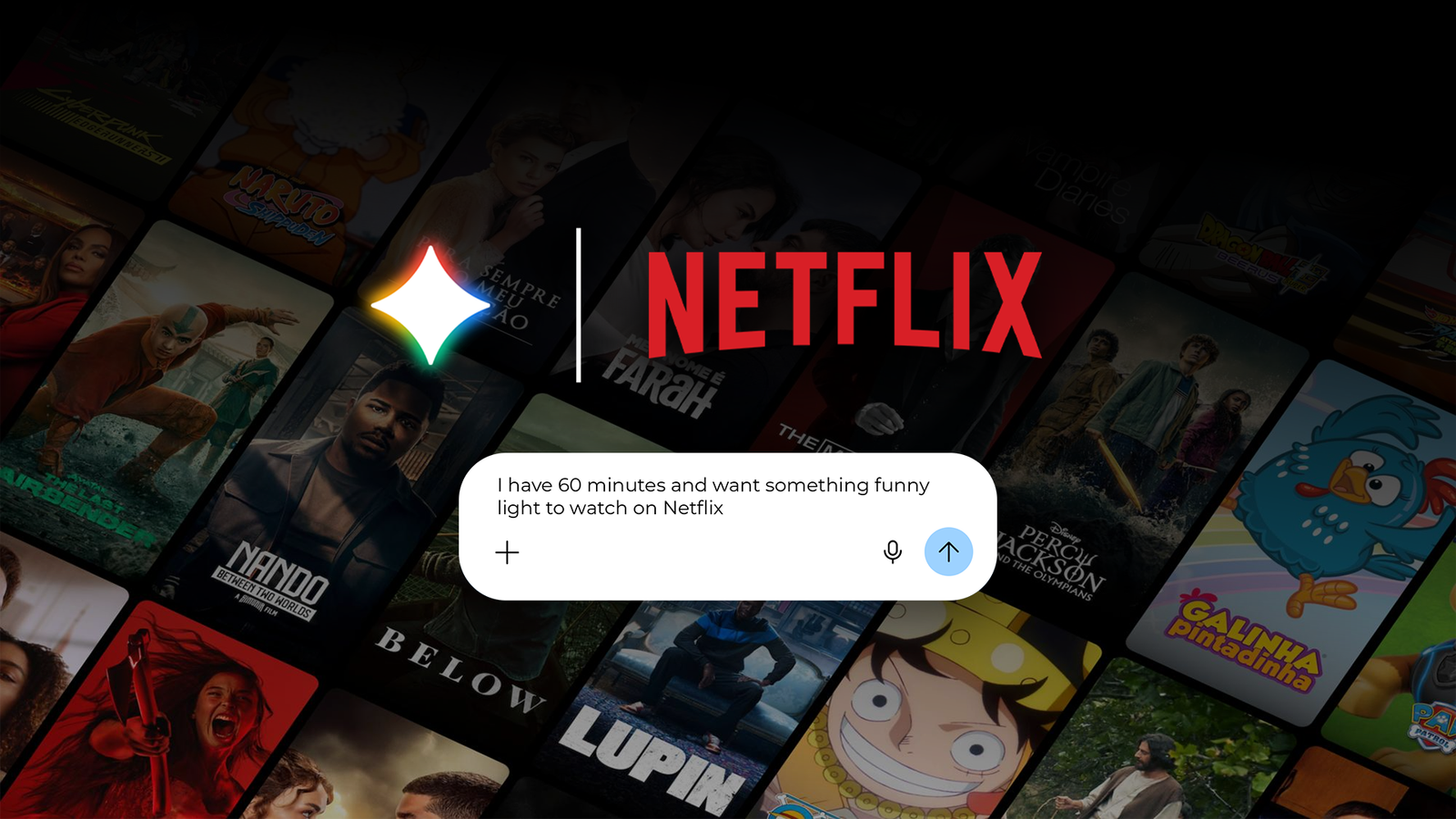
Have you ever fired up Netflix or another streaming app, tried to find something to watch, and quit after a few minutes?
I feel the same decision paralysis when trying to find something to watch on Netflix, so I end up watching something else on YouTube.
But I found a solution that lets me find and watch new shows.
Why I resort to Gemini for recommendations instead of Netflix's algorithm
AI does a better job than algorithms


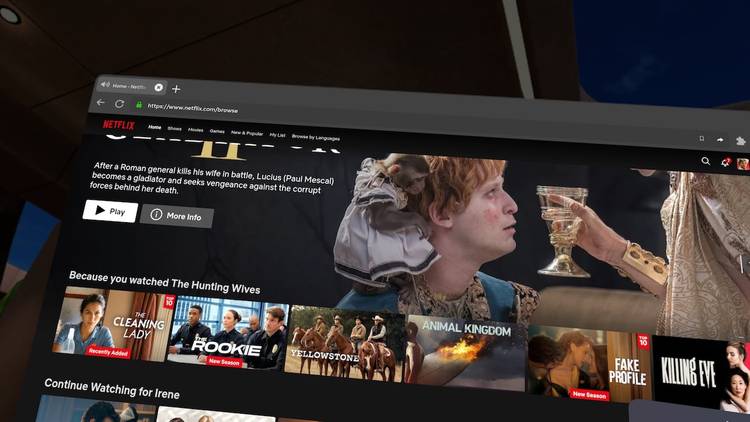
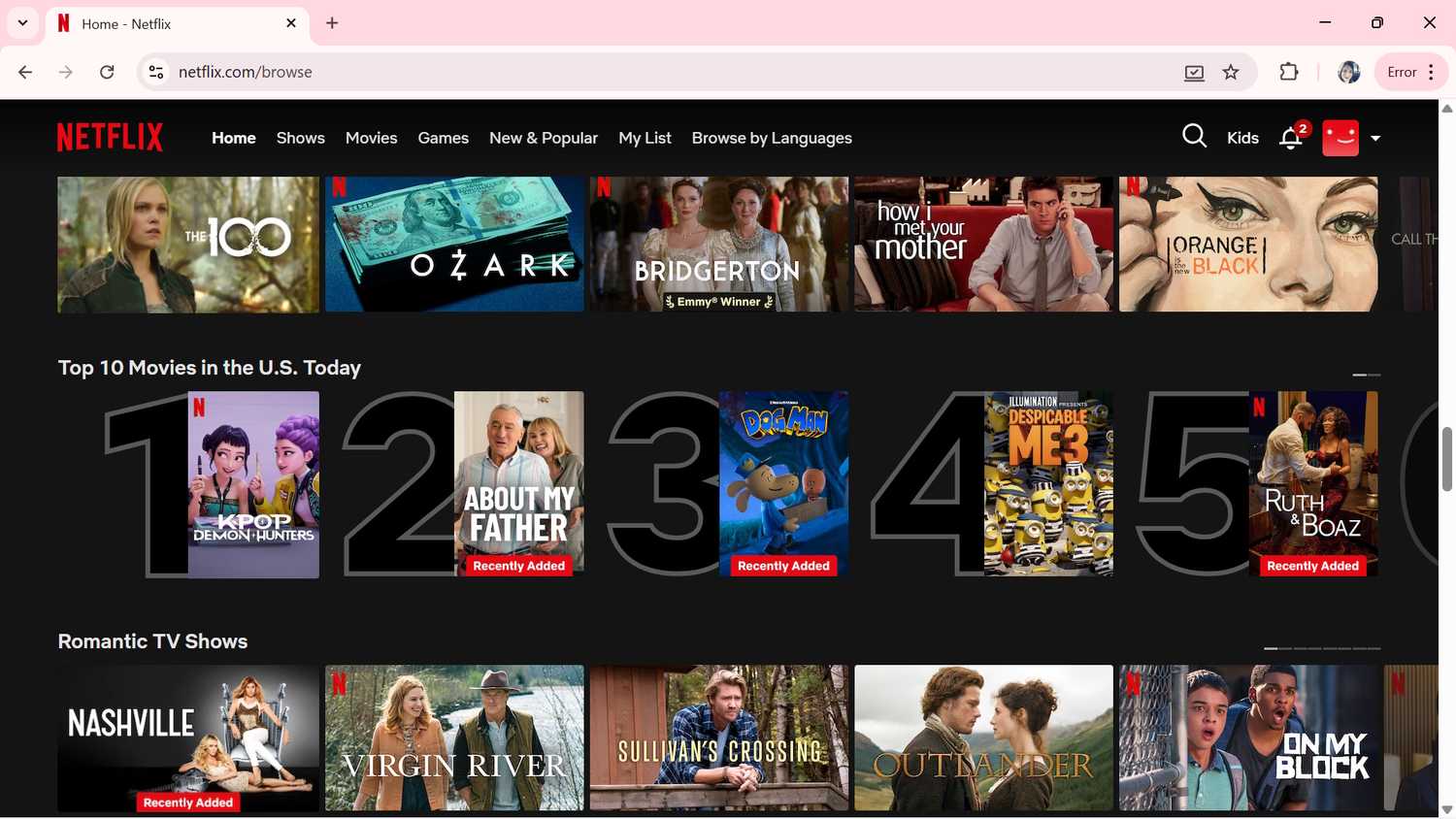
I would spend 20 to 30 minutes trying to decide what to watch on Netflix, but eventually decide not to watch anything because it gets overwhelming.
I end up rewatching shows I've already seen because it's easier to watch something light and quick than to commit to a mediocre show.
Before Netflix got overloaded, I relied on its algorithm to suggest shows that suited my taste.
I had blind faith in the algorithm, but I don't anymore. Instead of showing me shows I might watch, Netflix optimizes for engagement and completion.
It also heavily biases toward what's trending at the moment and doesn't show something similar to what you may have already watched.
The earlier algorithm is how I discovered incredible shows like and ; today, I have to dig through trashy movies and TV shows and still end up quitting the app.
Worse, Netflix has no idea how I consume media. It doesn't know I only have 45 minutes before bed and want something quick and entertaining before I doze off.
It doesn't understand that after watching a heavy movie or TV show, I might want to watch something light. That lack of awareness, and my indecision, is why I chose Gemini to solve this problem.
With a few simple prompts, scheduled actions, and Gemini's memory, I built something for myself that Netflix will never match unless it copies my workflow and introduces it later.
Gemini recommendations aren't foolproof, but they're still better than browsing Netflix's endless, less-relevant carousels.
How Gemini gave me better recommendations than Netflix ever could
Prompts that actually work well
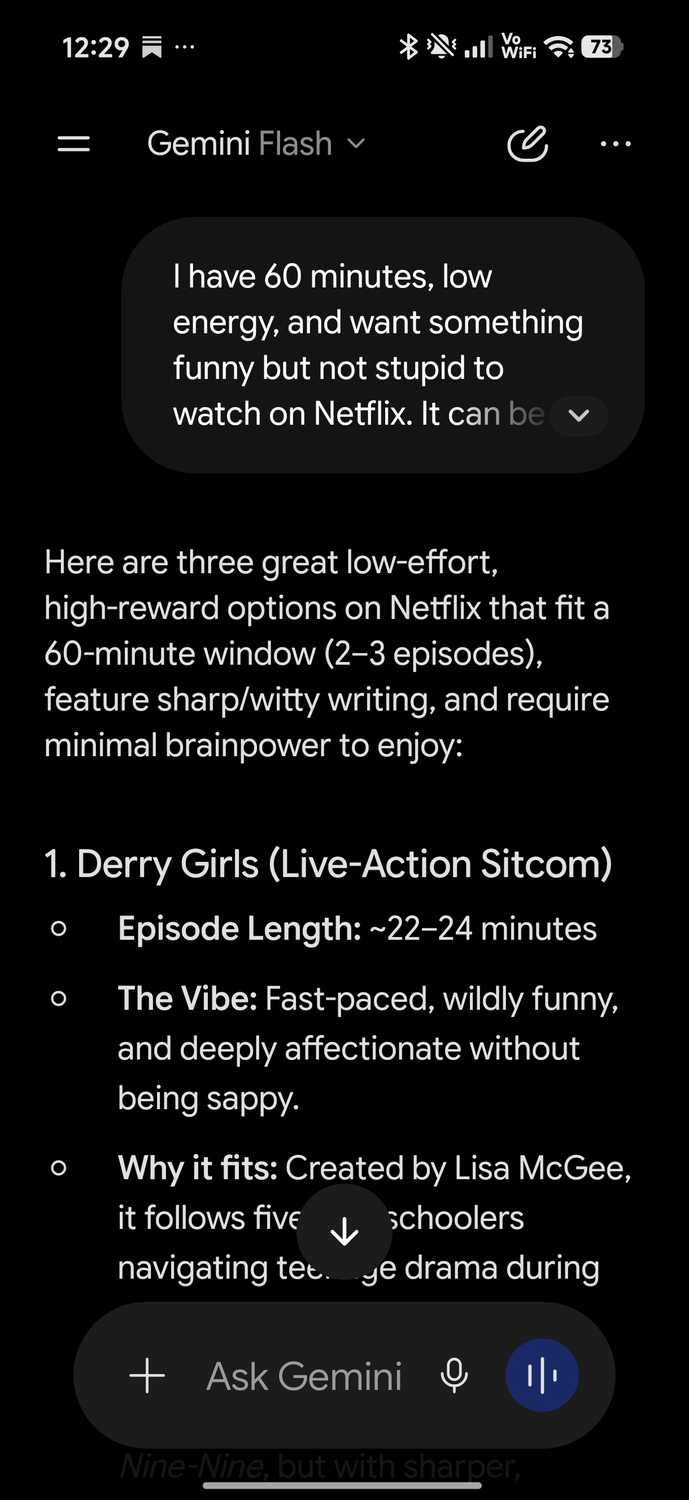
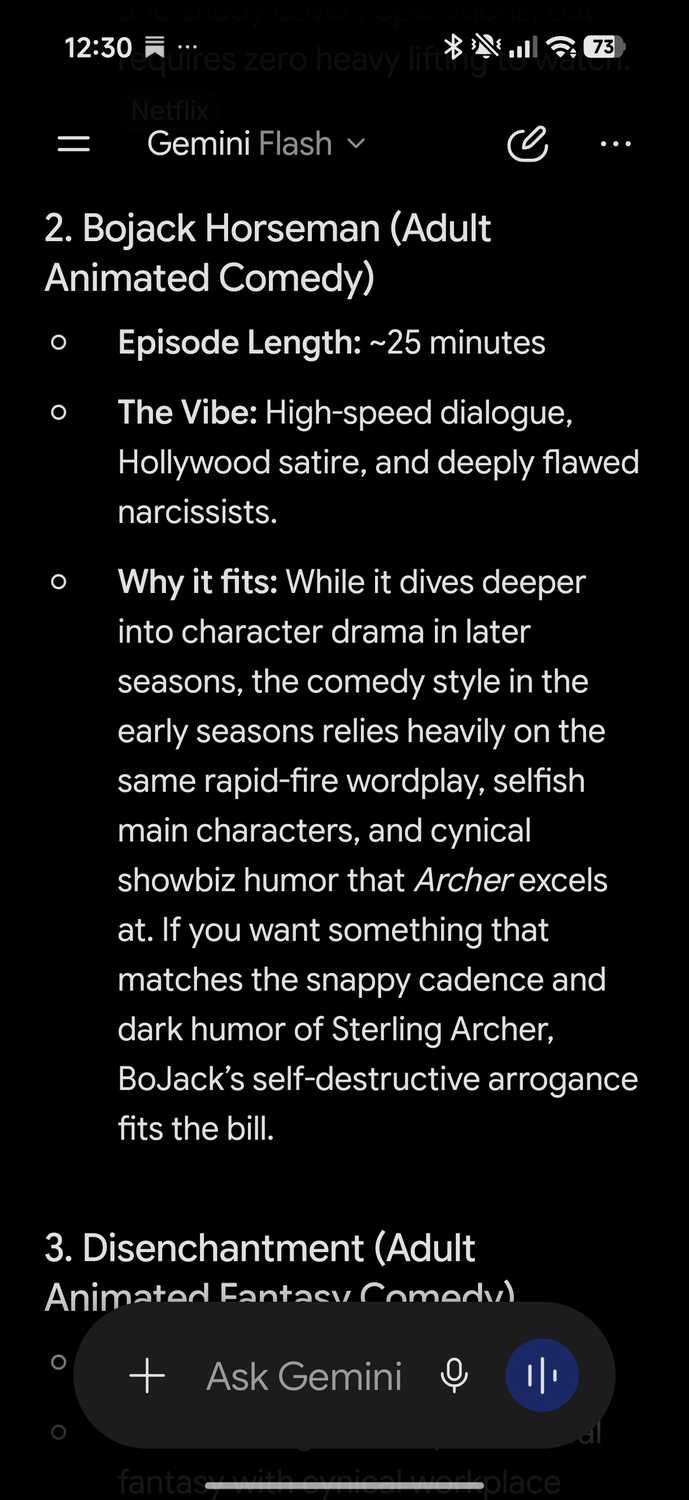
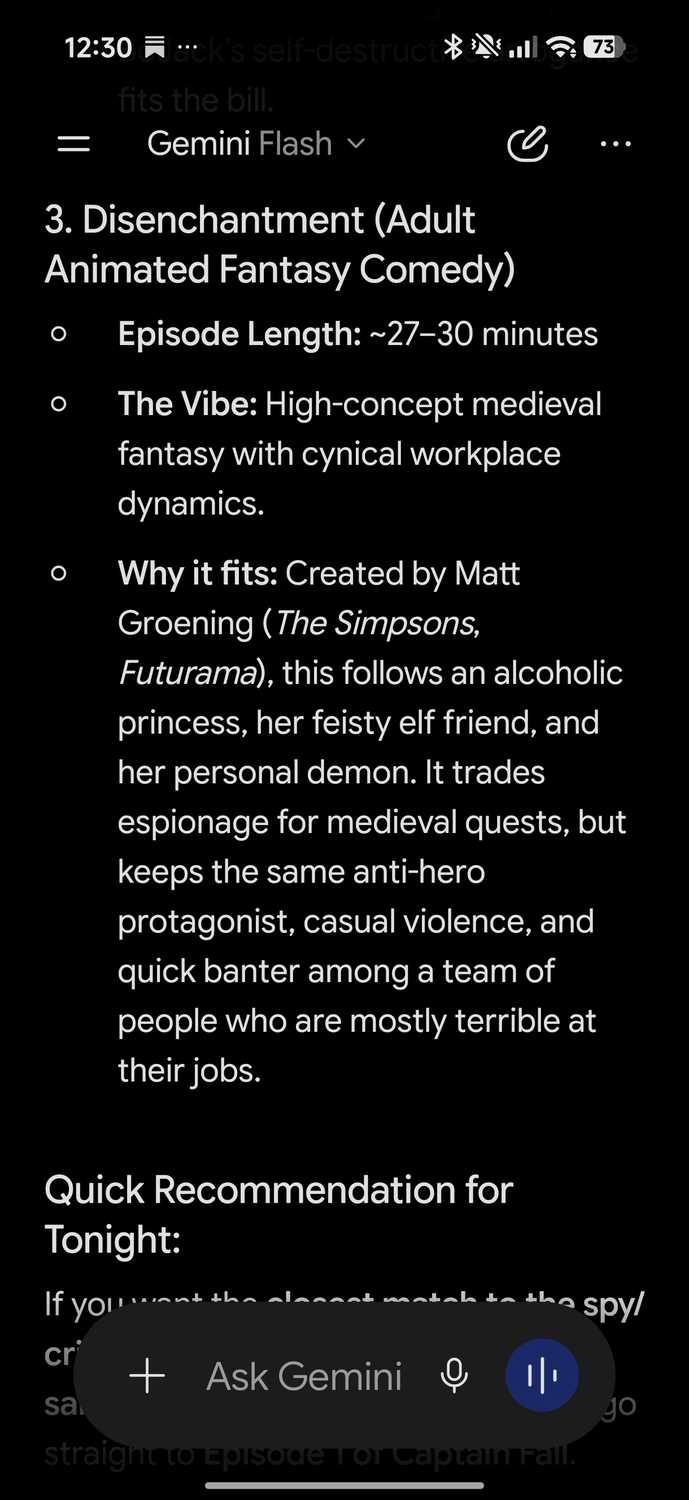
To solve the indecision problem, I gave Gemini my real-life constraints to get recommendations. Since these are situational, a quick prompt was easier to use because my constraints vary.
For example, I'd tell Gemini I have a certain amount of time and want something light and funny instead of a show that requires constant attention.
Here's an example prompt I used:
I have 60 minutes before bed, and want something funny and light to watch on Netflix. It can be an adult comedy animation or a sitcom. I've already watched Rick and Morty, Friends, and Brooklyn Nine-Nine.
Gemini gave me genuinely interesting results that I might actually watch. Some of the recommendations included:
Beyond titles, Gemini also provided more information, including the vibe and each episode's length. It also explained why each would be a great fit for me, something Netflix doesn't do.
With Gemini's memory feature on, it cross-references what I've told it and gives new, unique recommendations based on my preferences and the shows I've watched over time.
The memory feature is the real game-changer here, since Netflix can't do the same with this level of effectiveness.
Over time, if I tell Gemini I enjoyed a show's first season but dropped off by the second, it will adjust recommendations instead of repeating the same titles.
To turn on Gemini’s memory feature, open the Gemini app, tap the three-line menu icon, go to your profile, and select . Toggle on the setting within the Personal Intelligence menu.
To make it easier, I use for voice input, so I don't have to type every time while on the go or doing a chore.
When I'm in the mood for a true-crime documentary or a drama, I adjust my prompt or use scheduled tasks, so I get a new recommendation every Sunday.
What are the caveats to using Gemini for getting content recommendations?
While it may sound rosy, there are caveats you should know if you plan to use this method. For starters, Gemini doesn't integrate with Netflix, so you will need to search or type your query manually.
You can also expect Gemini to hallucinate or confuse similar titles, as AI agents often do. You will also need to give it constant feedback so it can remember your taste and the types of TV shows you dislike.
Gemini solved a common Netflix issue we all face
While Netflix is a great platform for consuming video content, it's dismal at recommending new shows for me to watch.
But I've used Gemini in nifty ways, including recapping fantasy books and scanning video games to create a database. So finding movies and TV shows to watch was expected of me.
I encourage you to try this method if you face the same decision-paralysis problem I do, and see if you actually watch something on Netflix for once.