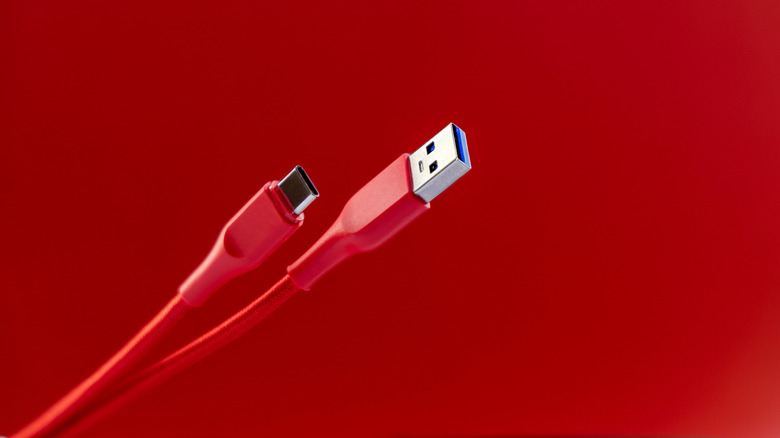
One of the best things about USB is that you rarely need to think about it. Sure, there are some differences between USB generations, but no matter what, if you plug a USB cable into a compatible device, it will work without issues, as long as the cable isn't too long, that is. Of course, you're unlikely to need an extremely lengthy USB cable — unlike, say, HDMI cables — but if you ever do, there are limits to USB cable length that you should be aware of.
The USB Implementers Forum (USB-IF), which defines USB standards, has outlined maximum lengths for different types of USB cables. These range from about 16 feet to as low as 3 feet. The Forum is an industry group, not a regulatory body, so there's nothing stopping manufacturers from making longer cables. The limits are a guide to best practices, as exceeding the USB-IF's specifications could hamper a USB cable's performance.
USB transfer speeds suffer with longer cables
Each generation of USB cables can transfer data faster than the last, but later generations actually have a shorter recommended length. USB 1.0 and 2.0 cables have a recommended maximum of 16.4 feet. For USB 3.0 through 3.2, that drops to 9.8 feet. USB 4 cables are much more limited, with a maximum recommended length of just 2.6 feet. Whether you're using a USB-A or USB-C cable doesn't matter; the maximum length is the same either way.
It might seem odd that maximum cable length doesn't improve over time as transfer rate does, but it has to do with the physical limits of the cables. A signal traveling through a cable degrades over time due to electrical resistance. The farther a signal has to travel, the more cable it has to push through to get there, losing signal along the way. Longer cables are also more susceptible to damage, which can further slow transfer speeds.
A USB cable that's too long won't suddenly stop working. Instead, it simply won't function as well as one that's within spec. Data may transfer more slowly than you're used to, or connected devices won't receive as much power. The higher the potential transfer rate or power delivery, the more you're likely to notice the difference. That's why it's important to know the maximum length of your USB cables.
How to extend the range of a USB cable
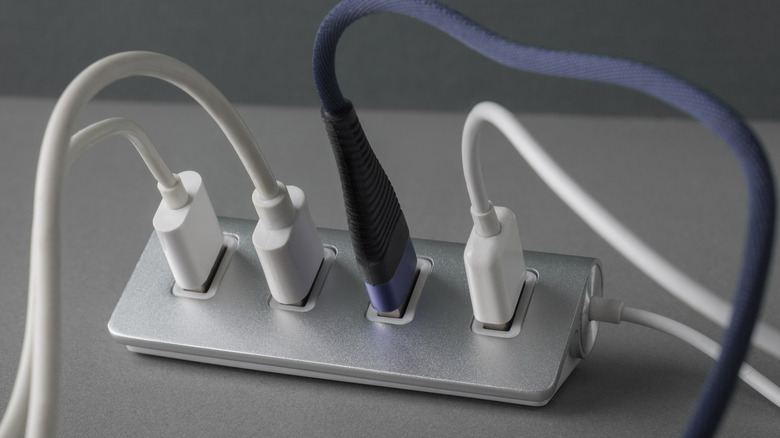
If you can, it's always best to reposition your devices so you don't need to exceed a USB cable's length limits, but that's not always possible. In those cases, you can purchase an active USB cable or an active USB extender, either of which will have built-in components to extend the signal's range. However, active USB cables are significantly more expensive than standard cables. They also draw extra power from the USB port, and thus might not be compatible with older ports.
Another potential solution is to use a powered USB hub and use the longest supported cable between the hub and your computer. Plugging too many devices into the same hub can slow them down, but as long as you don't exceed the USB port's bandwidth, you shouldn't encounter any noticeable performance difference. Powered hubs are preferable, since an unpowered hub can only draw power from the USB port, which can be unreliable.