Purchasing a device for the enterprise has never been trickier, given the varying demands across an organization, the nascent and intensive nature of AI adoption, as well as the sheer insanity of component price surges. That's why HP is banking on enterprises with zero room for error and a demand for limitless compute should sparing no expense at locking down desktop-based high-performance computing (HPC).
The HP Z4 G6i Workstation is a device that's absolutely not suitable for general computing, rather, it's designed for those who need to tap into HPC-level power but in a conventional desktop form factor. This cohort includes data scientists, AI developers, product designers and engineers, architects, CG artists, and many more who handle the most demanding workflows.
There's just one catch. This beastly machine starts at $8,219.00 (roughly £6,000) – so it's certainly a step up from your conventional tower desktop, despite appearances. Our review configuration, however, was fully kitted out with an Intel Xeon 678X CPU, 128GB RAM, and a high-end Nvidia RTX PRO 6000 Blackwell GPU – and came in at a staggering $50,000 (approximately £37,000). This is clearly out of reach for most users, but for those looking to bring data center-level performance to the workspace, could it be the steal of the year?
The HP Z4 G6i's expansive chassis is on the larger side for a desktop machine, measuring 20.98 x 46.99 x 43.82 inches – equating to a 43L capacity. The large Dell Pro Max Tower T2, by comparison, adopts a standard 32L chassis. But the HP machine is much lighter, starting at 13kg versus the Dell's 23kg weight – making it more friendly to shift around a particular space or install in the first instance.
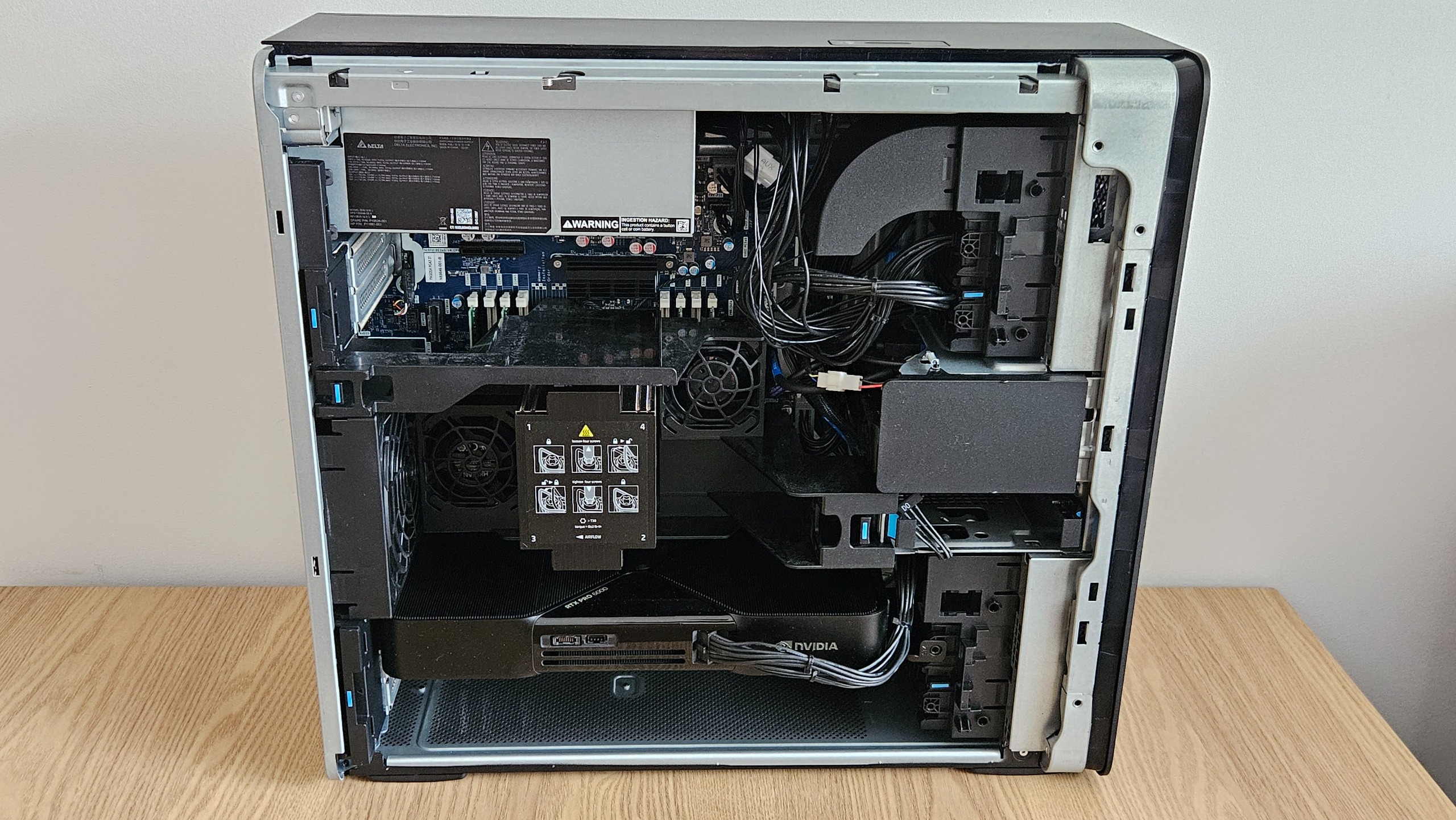
There are plenty of nice touches with the machine, including the front grill with inward curves on the top and bottom, and various LED lights that flicker on and off during operation, including a mesmerizing green hue that beams from the rear and reflects off the wall. It's a little much, but perhaps a subtle reminder of this machine's potency. The build quality is generally sturdy, but we found the front panel where you find a handful of ports a little loose. This line of connections cuts across the middle in a somewhat clumsy way, disrupting the neat design of the grill; we'd much prefer these tucked to the side. But it's not particularly consequential. The machine's best feature is the screwless mechanism to detach the side panel and expose its innards. This easy access mechanism is simple and highly welcome.
HP Z4 G6i Workstation: Connectivity and Features
You can broadly configure this workstation to your liking with a wide choice of physical and wireless connectivity options. Our configuration featured the 'premium' front panel option of two USB-C ports (20Gbps with USB Power Delivery 3.0) and two USB-A (5Gbps, alongside an SD card reader and a 3.5mm audio jack. The entry-level arrangement simply includes four USB-A (5Gbps) ports instead of the two and two.
On the rear, you'll find five USB-A (5Gbps) ports, one USB-C (10Gbps with 15W Power Delivery), an RJ-45 Ethernet (1 GbE) port, four DisplayPort 1.4, and an audio in/out port. Beyond this, you can add optional extras. There are, for instance, a slew of networking options including 2.5GbE or 10 GBASE-T ports – alongside a variety of wireless networking solutions that incorporate Wi-Fi 7 and Bluetooth 5.4. There's no need to compromise, with a high degree of choice depending on how you wish to use the machine.
Sign up today and you will receive a free copy of our Future Focus 2026 report - the leading resource for IT decision-maker insight on priorities and investment areas in AI, security and more.
Although the machine ships with Windows 11 Pro by default, Linux users will rejoice at the optional (but expensive) choice to add a Red Hat Enterprise Linux (RHEL) license on top of the existing OS installation. The Z4 G6i is also Ubuntu-certified, having been tested by Canonical, while you have the option to access your Linux environment directly within Windows via the Windows Subsystem for Linux 2 platform.
This comes alongside a suite of optional settings available for between $1 and $5, such as Ultimate Performance Mode by default, Corporate-Ready Image, and additional security software alongside HP Wolf Security Suite including the Enterprise Security Edition and HP Smart Cover Enable Safety Interlock and Cover Removal Sensor, which rolls off the tongue. It comes alongside an optional Remote System Controller to manage a fleet. Indeed, one of the HP Z4 6Gi's best features is the ability to chain a fleet of these machines in a 4U rack with an optional rail kit to seamlessly integrate them into a combined network.
When you turn on the HP Z4 G6i for the first time, you're met with an almighty roar as if to remind you that you are, indeed, dealing with a beast of a machine.
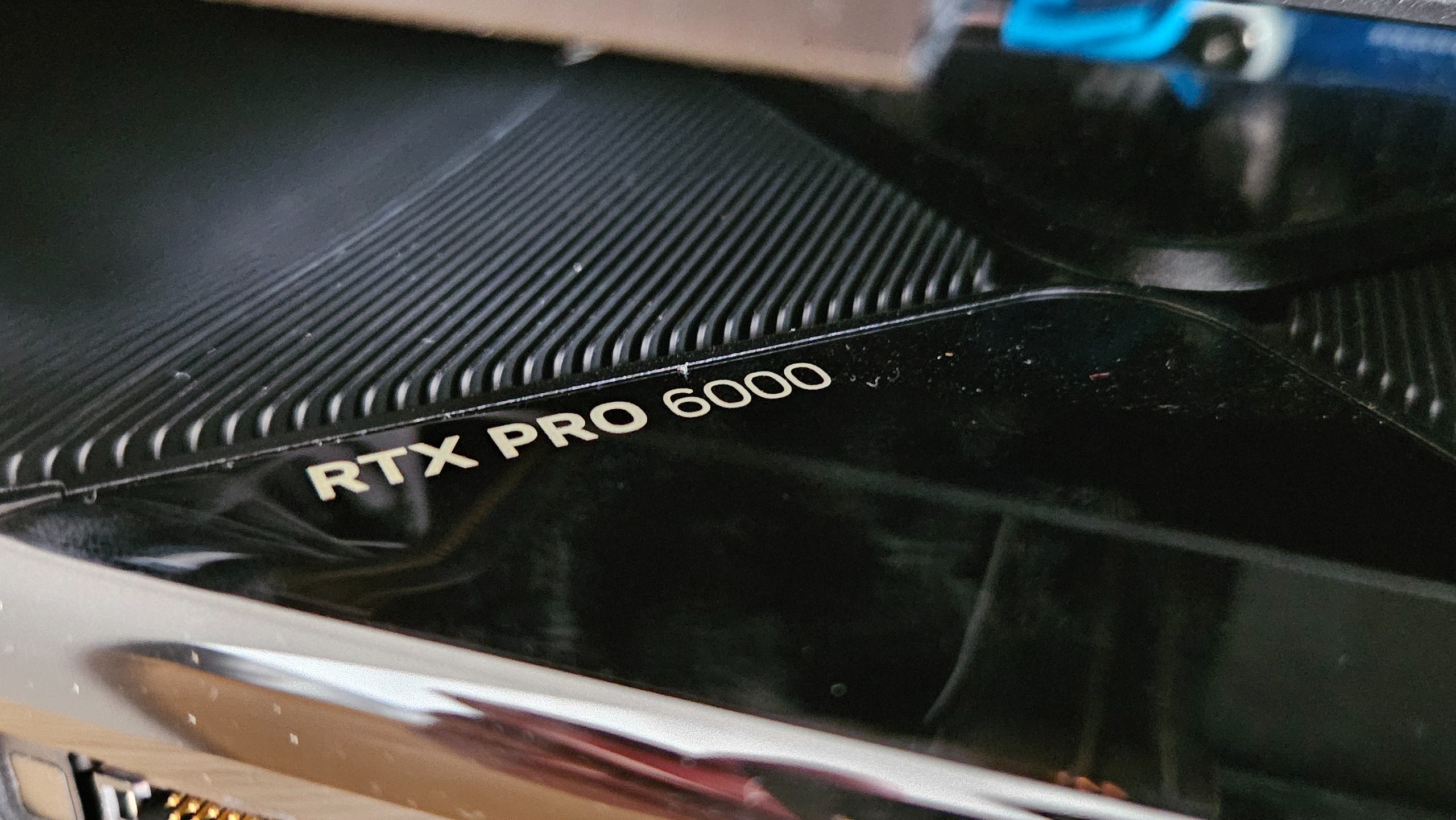
Within, you'll find the new Intel Xeon 678X (48 cores) processor, with a 2.4GHz base clock speed and up to 4.9GHz turbo clock. This processor is specifically designed for heavy and professional computing tasks that demand a monumental amount of parallel processing power. Beyond a simply monstrous 128GB DDR5 SDRAM and 4TB SSD storage (split across two drives), our review unit also included the Nvidia RTX PRO 6000 Blackwell Workstation Edition GPU, which is about as high-end of a graphics card as you can find.
The base configuration of this machine ships with an Intel Xeon 634 CPU and an Nvidia RTX A400 GPU and just 16GB RAM – with our model worth approximately $32,000 more. There is a version of this machine that's relatively affordable (for a workstation), and you'd probably be right in saying our specific configuration was a little overkill. That is, however, unless you're planning on running extremely intensive workloads that include a heavy dose of AI.
In that vein, there was simply nothing we could throw at this machine that challenged it – including running some of the most recent PC games on maximum graphics settings. Sure, the components in this machine aren't really designed to handle gaming, and yet it achieved smooth and quiet performance throughout extended usage.
We also ran benchmarking with Geekbench 6, but the results are to be taken with a pinch of salt. That's because the Xeon CPU isn't necessarily best suited for the sorts of workloads that the benchmarking test challenges it with – unlike most consumer-oriented processors. Nonetheless, the Intel Xeon 678X scored a respectable 2,474 for single-core performance and 22,557 for multi-core performance. Our OpenCL test benchmarking the GPU also achieved 368,849 – a monstrous score that's near-impossible to outpace without investing in the sort of GPUs that Nvidia ships off to AI data centers.
When we tested the SSD, we registered reads and writes on the C: drive of 14,219MB/s and 11,536MB/s respectively, which is phenomenally quick. The D: drive was about half as fast, with speeds of 7,244MB/s and 6,878MB/s, which is less optimal but still faster than all SSDs you'll conventionally find in laptops.
HP Z4 G6i Workstation: Is it worth it?
This workstation is undeniably a brilliant machine in almost every sense. It's near-impossible to assess its value, however, given the sheer number of configurations available, which will likely serve different kinds of users. That might sound like a cop-out, but it's to HP's credit that it gives customers so much flexibility to make their version of the Z4 G6i workstation truly tailored to their needs and their budget.
Most professionals tempted by a machine like this won't need to configure theirs to be anywhere near as powerful as the one we reviewed. The base version retails at approximately $8,000 and offers good value considering how expensive computing has become in the last year or so.
From there, you may consider ratcheting up the power depending on how each component or amount of memory may suit the work you need doing. That said, the price of this machine scales monstrously with the potency of the components, or the amount of memory and storage you want, offering far more power but at a diminishing degree of value for money.
The advantage of a machine like this, however, also comes in the fact that the chassis itself is designed supremely well (barring a bit of looseness on the front panel), and offers very easy scalability should you wish to link up a few in a 4U rack configuration for even more computing power.
|
128GB DDR5 SDRAM |
||
|
2TB HP Z Turbo Drive PCIe 5x4 M.2 SSD and 2TB HP Z Turbo Quad Pro PCIe-5.4 2280 NVMe TLC SSD |
||
|
Nvidia RTX PRO 6000 Blackwell Workstation Edition |
||
|
Optional Wi-Fi 7 and Bluetooth 5.3 |
||
|
1x 3.5mm headphone jack, 2x USB-C (20Gbps with USB Power Delivery 3.0), 1x USB-C (10Gbps with 15W Power Delivery), 7x USB-A (5Gbps), 1x RJ-45 Ethernet (1 GbE) port, 4x DisplayPort 1.4, Audio in/out port |
||
|
20.98 x 46.99 x 43.82 inches |
||
|
13kg |
||
|
Operating system |