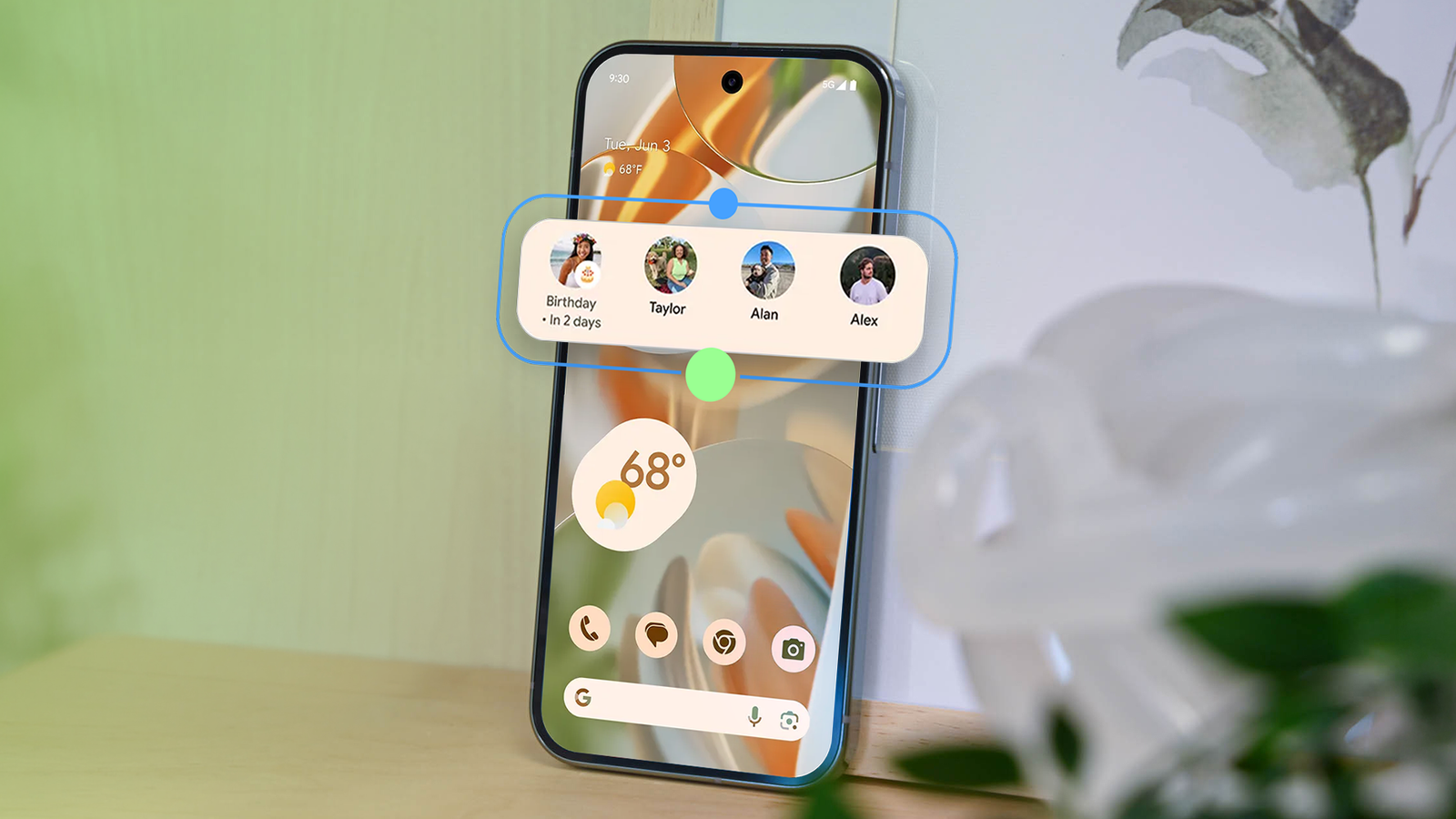
Every time I needed to reach out to the people I talk to the most, I'd pause for a second to decide which app that specific conversation lived in.
Phone for a quick call, Messages for one of them, and WhatsApp for the other two, three separate apps for the same three people.
It's a small annoyance in isolation, but it adds up fast across a full day of switching apps without thinking.
Small automations tend to earn a permanent spot on my home screen after they genuinely save real steps. Pixel's redesigned VIP widget is the first thing that's fixed this particular annoyance for me.
I'm running Android 17 beta on my Pixel 8, and the redesigned widget landed with the September 2026 Pixel Drop earlier this month.
I added those same three people, granted every permission it asked for, and it quietly replaced all three apps at once.
The old VIP widget wasn't actually faster
Two taps just to reach the person you needed
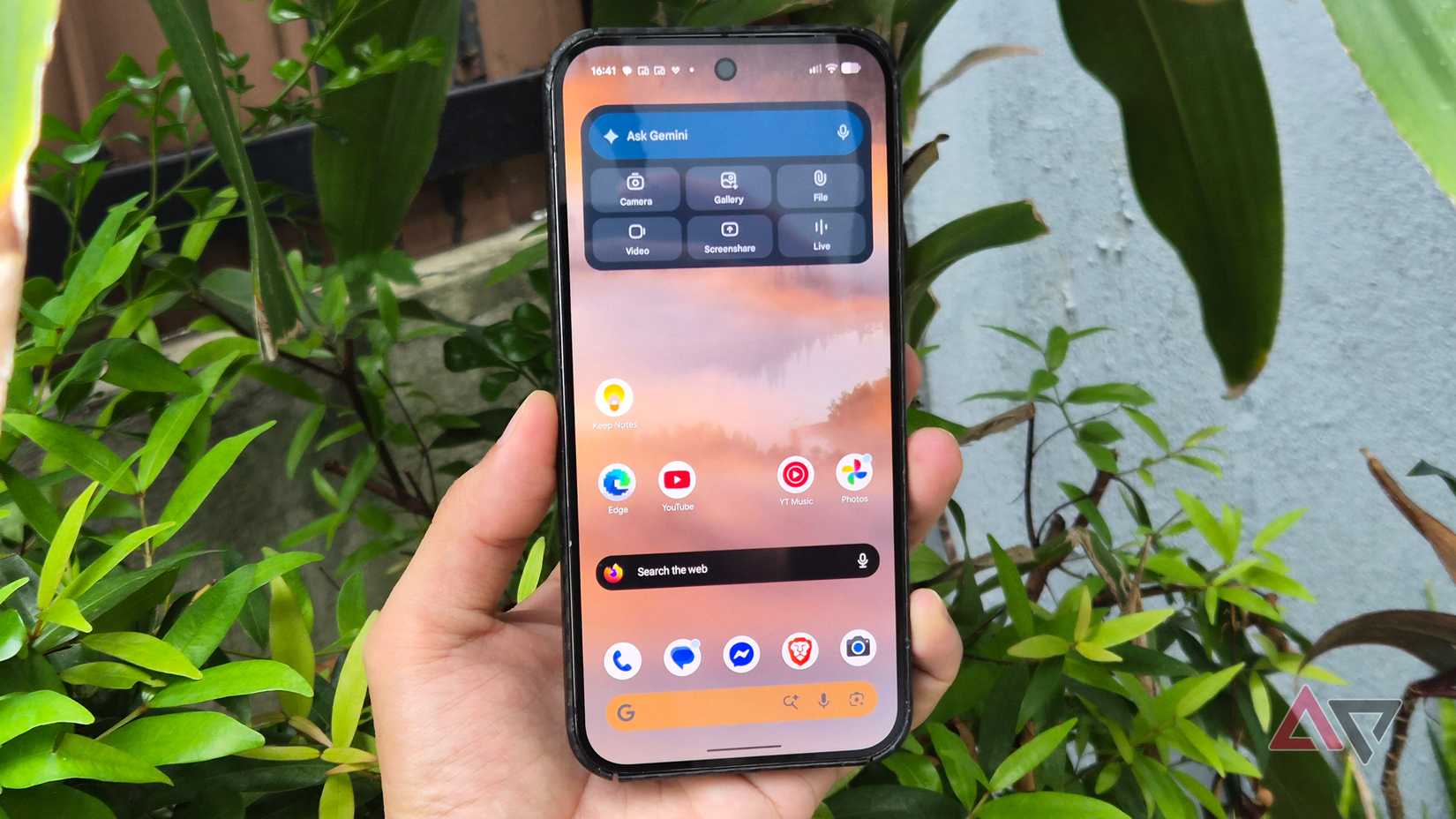
The original version of the widget would let me pin up to eight contacts on the home screen, showing recent calls, messages, and WhatsApp activity in one place at a glance.
Tapping a contact opened a bottom sheet first, and I still had to tap again from there, to call, text, or perform the intended action, no matter how urgent it was.
The extra step meant the widget never saved meaningful time over opening the Phone or Messages app from my home screen. It looked useful sitting on the Home screen, but didn't do much considering it involved extra steps.
In practice, I never reached for it that often and after some time, I realized that it was only taking up space I could use for something else.
The redesign cut it down to one tap
Single-tap calling and texting, right from the Home screen
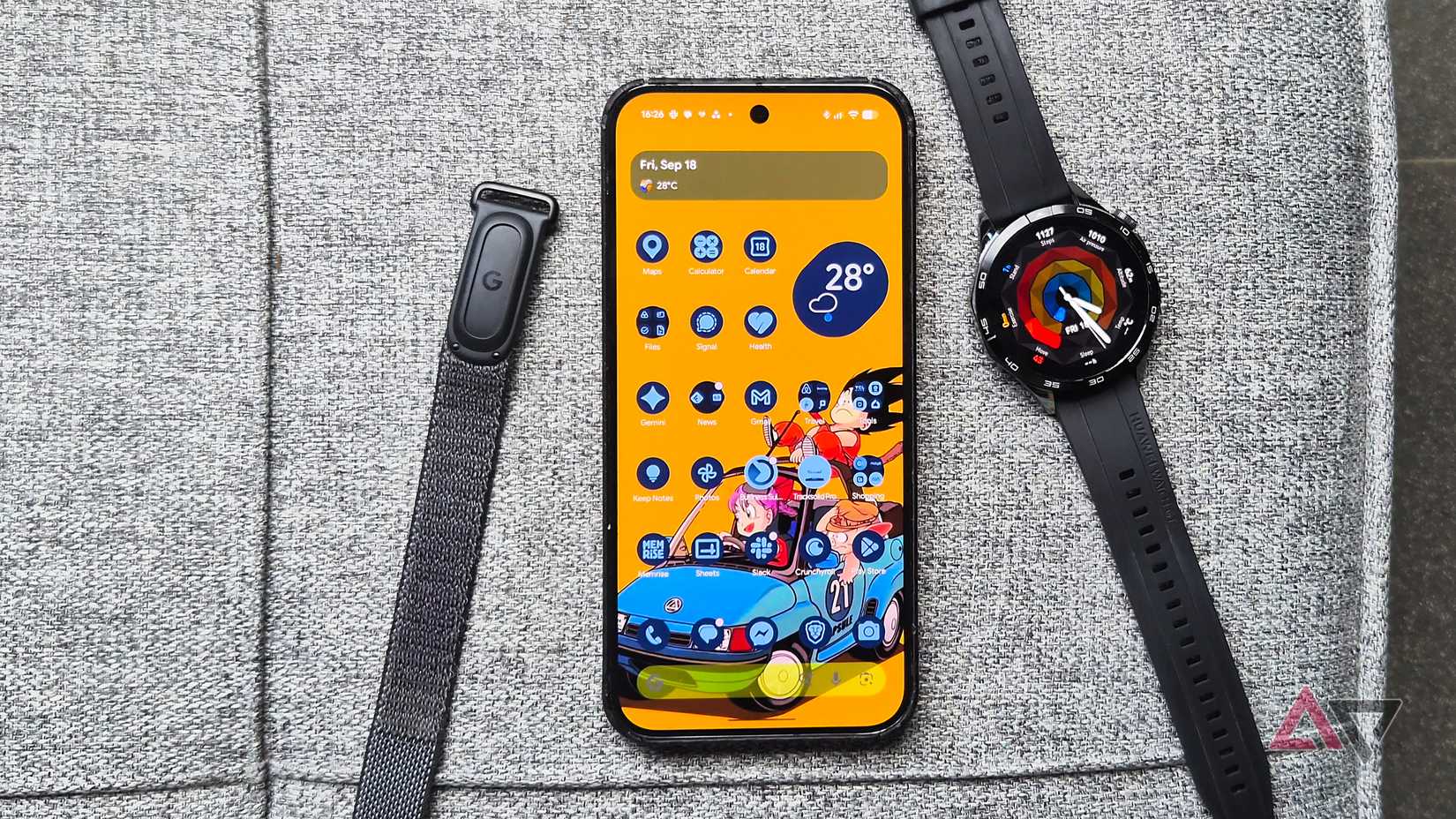
The September 2026 update adds quick actions to each VIP entry, letting you call or text with a single tap instead of opening that bottom sheet first every time.
To top it off, it also adds glanceable notification badges for unread or urgent messages, plus a floating overlay menu for swiping between VIP profiles without leaving the home screen.
Google has been quietly turning its Contacts app into a genuine communication hub rather than just a phone book over the past year, and this redesign is the clearest example of the transition.
The changes are rolling out to Pixel 6 and newer models, paired with a recent enough version of the Contacts app to support the new layout.
I built it around three people, not eight
Wife, brother, and friend
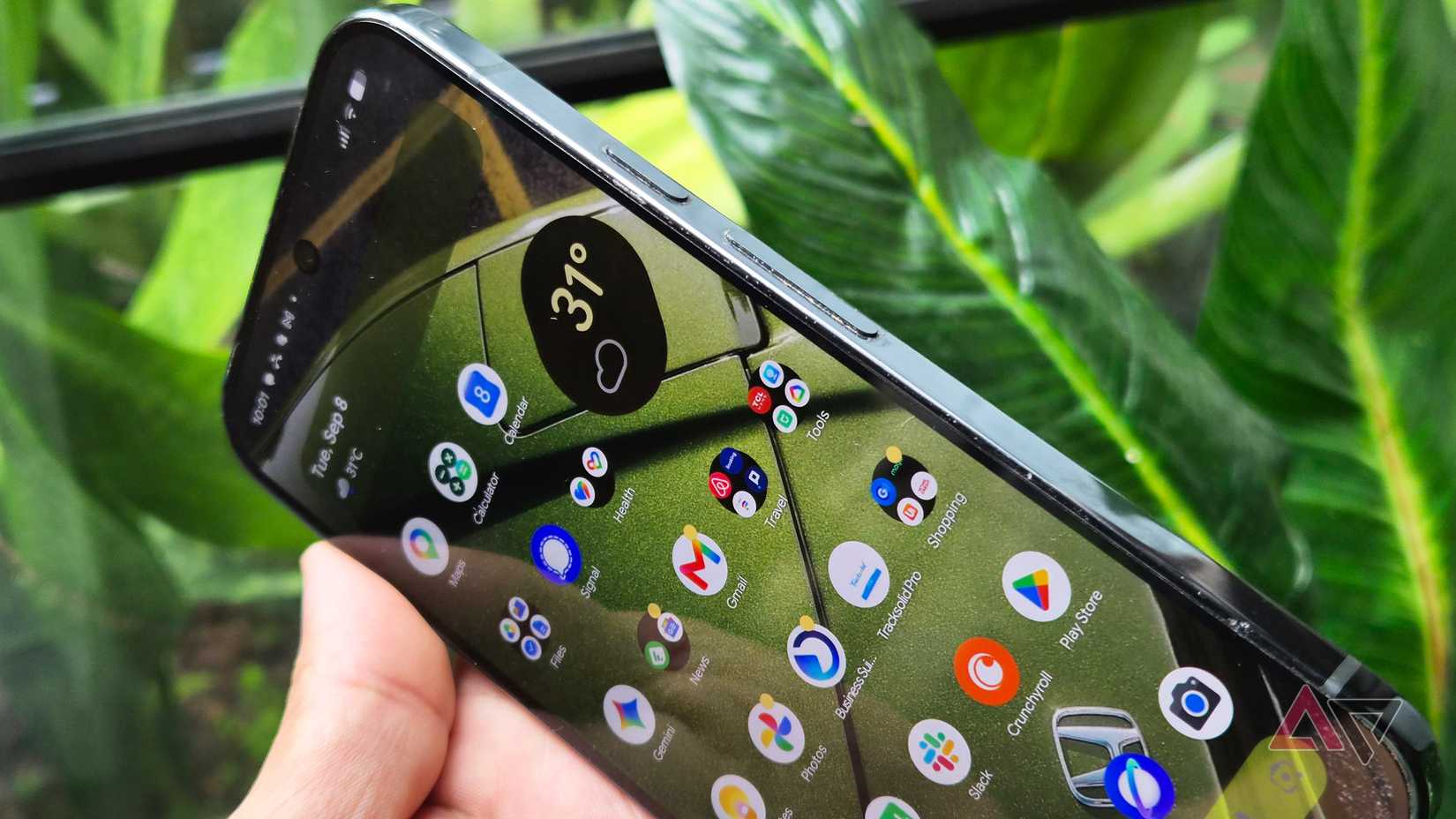
I could technically fill all eight VIP slots, but I only added my wife, brother, and a friend to the mix. Those are the three people I need to reach instantly in almost any situation, not just people I happen to talk to often throughout the week.
I kept the list small because I didn't want too much information on the Home screen that it would confuse me. It also kept the widget small and easy to scan without cluttering things.
Google's own design reverts to a bulkier layout after you add more than four VIPs, so staying well under that threshold mattered more to me than it sounds, especially on a phone with a smaller display.
The permissions are doing the real work
Contacts, messages, calls, and WhatsApp, all in one place
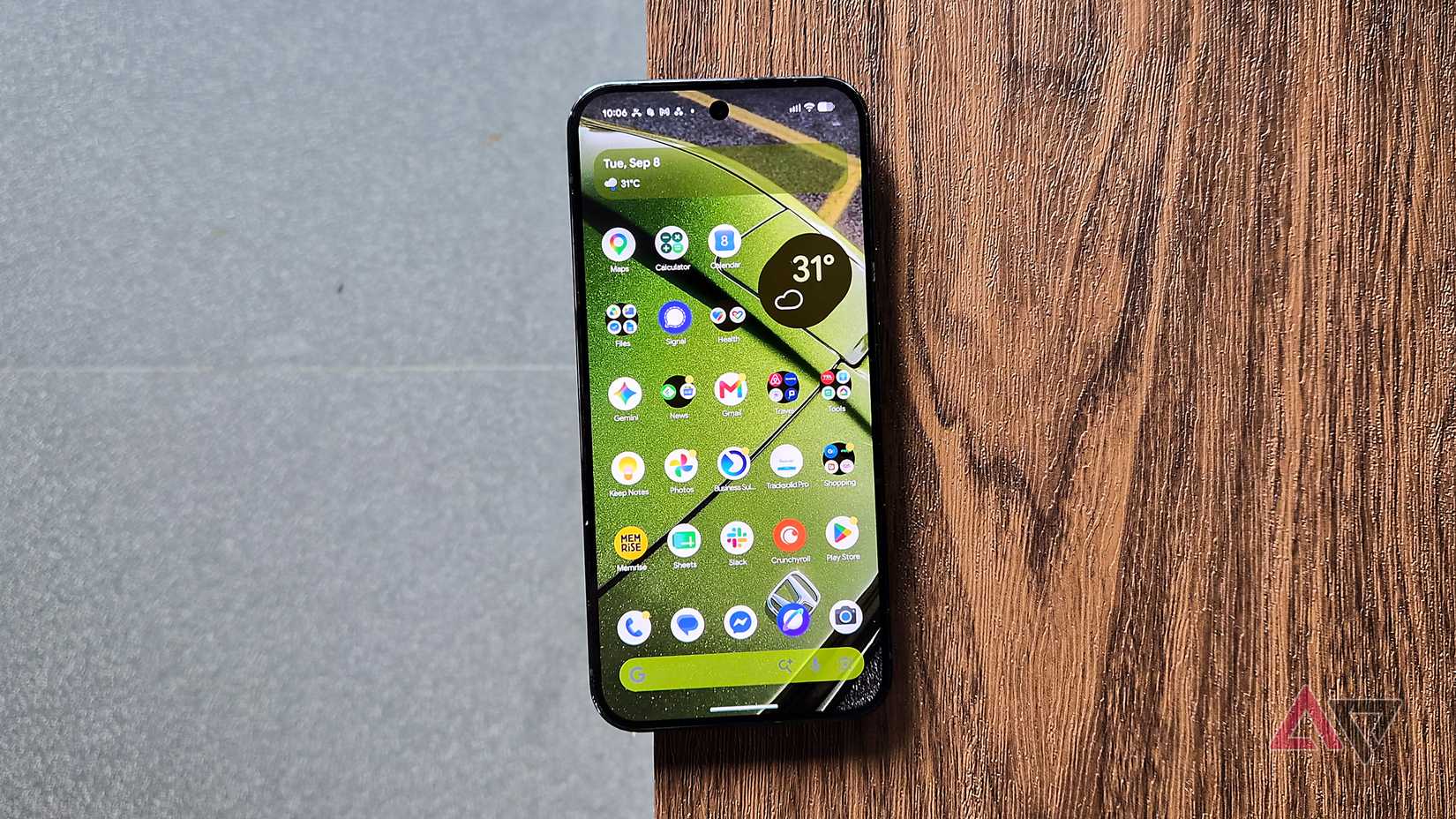
Setting up the VIP widget meant granting Contacts access to manage the VIP list, SMS access so Google Messages previews show up, and call log access for recent call history with each person.
I also granted WhatsApp access specifically, since that's where most of my conversations with these three people happen day to day.
Sounds like a lot of permissions, but it didn't feel like a waste after the widget was up and running properly.
Each permission maps to something specific I do or see straight from the Home screen, which eliminates my need to open separate apps to check after unlocking my phone.
Three apps became one tap on my home screen
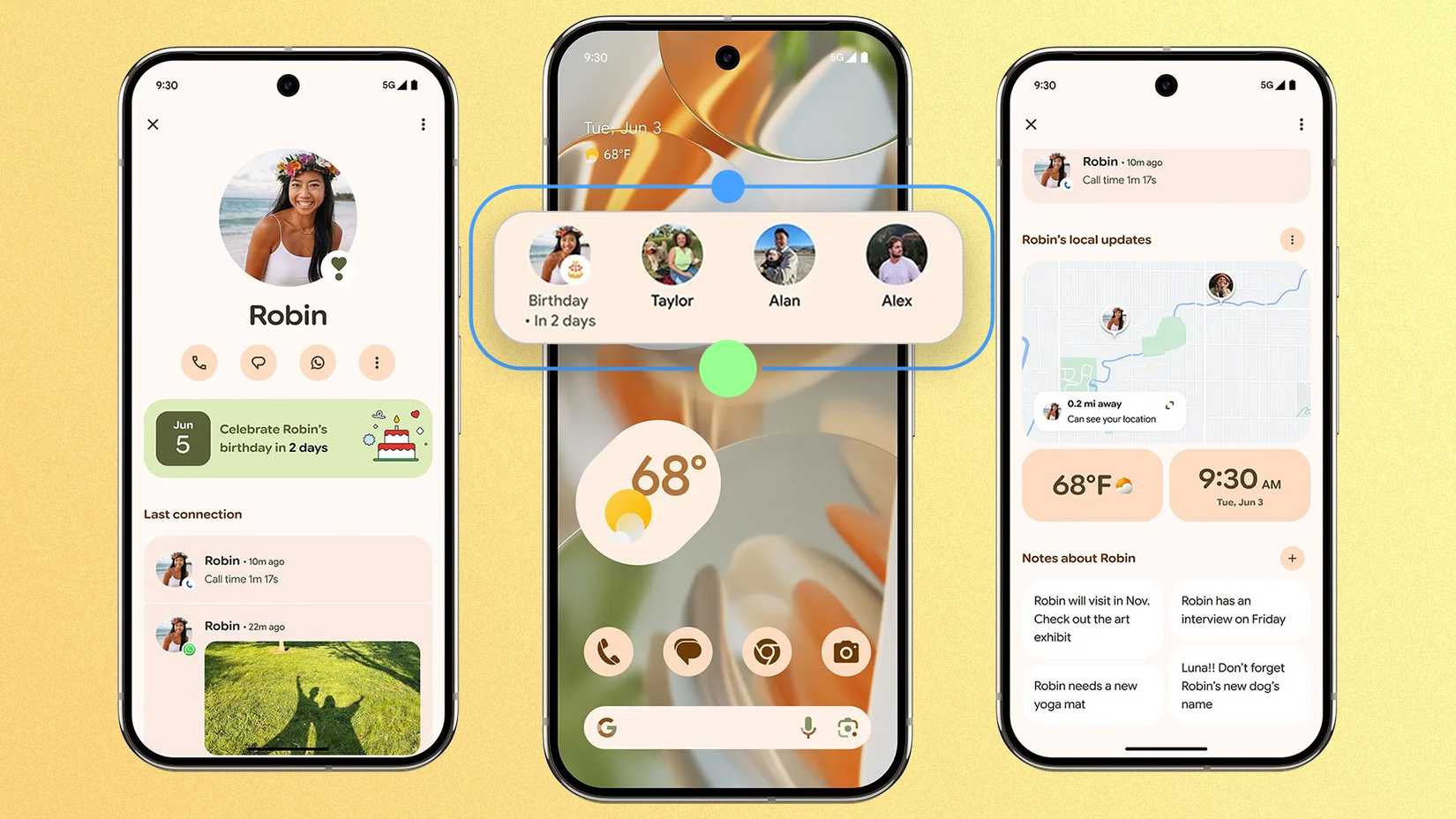
I used to open Phone, Messages, and WhatsApp separately on my phone depending on which of these three people I needed to reach and how urgently.
Now, contacting three people I talk to the most rests on my Home screen with all the permissions granted. A single tap on the widget handles all three, without me deciding in advance which app that conversation happened to live in that day.
Building small automations around a handful of people who matter tends to save more real time than automating everything for everyone at once.
The widget works well for me because I only allowed three people on my Home screen instead of trying to make it do everything for everyone in my contacts list.