If you ask me which Google apps I consider indispensable, Keep sits near the top of that list. I've relied on it for as long as I can remember.
Google Keep remains remarkably quick and efficient for jotting down a grocery run or transcribing a thought.
Yet, as essential as it feels, Google has stubbornly refused to add a core privacy feature to it since day one.
That stubborn omission forced me to seek greener pastures, and I even made a temporary jump to Notes on my Samsung Galaxy devices.
I was ready to abandon Keep entirely until an underutilized Android tool finally saved it.
Keep desperately needs a native lock feature
I can't maximize its potential without a basic tool
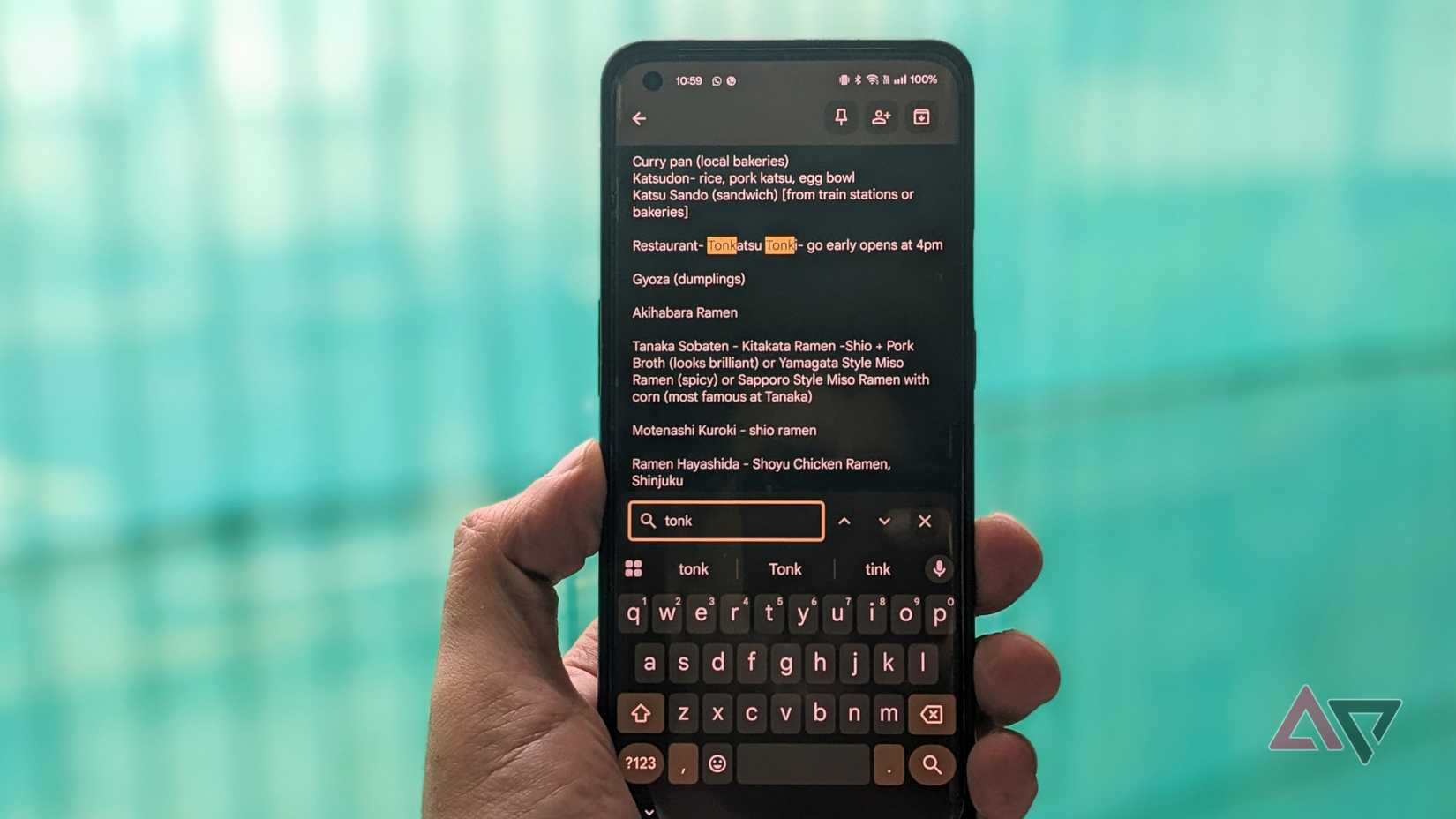
Google Keep gradually evolved from a simple note-taking app into a powerful scratchpad for taking media and attachments.
Over time, I started storing account credentials and recovery details there as a quick backup to Google Password, including activation codes and screenshots containing sensitive information.
I also depend on it to draft lengthy outline projects or share travel and household checklists with my wife, which Keep handles with ease.
However, the more personal information I compiled, the more uncomfortable I felt leaving those notes entirely exposed.
I've imagined nightmarish scenarios, such as leaving my phone unattended in public or having it stolen.
While modern Android anti-theft measures help, my colleague Rahul has shown that automated protections are far from foolproof.
Relying purely on these Android lock tools felt like an unnecessary gamble I am not willing to take.
But there are compromises
I spent considerable time testing potential replacements, primarily switching between , Microsoft OneNote, and Evernote.
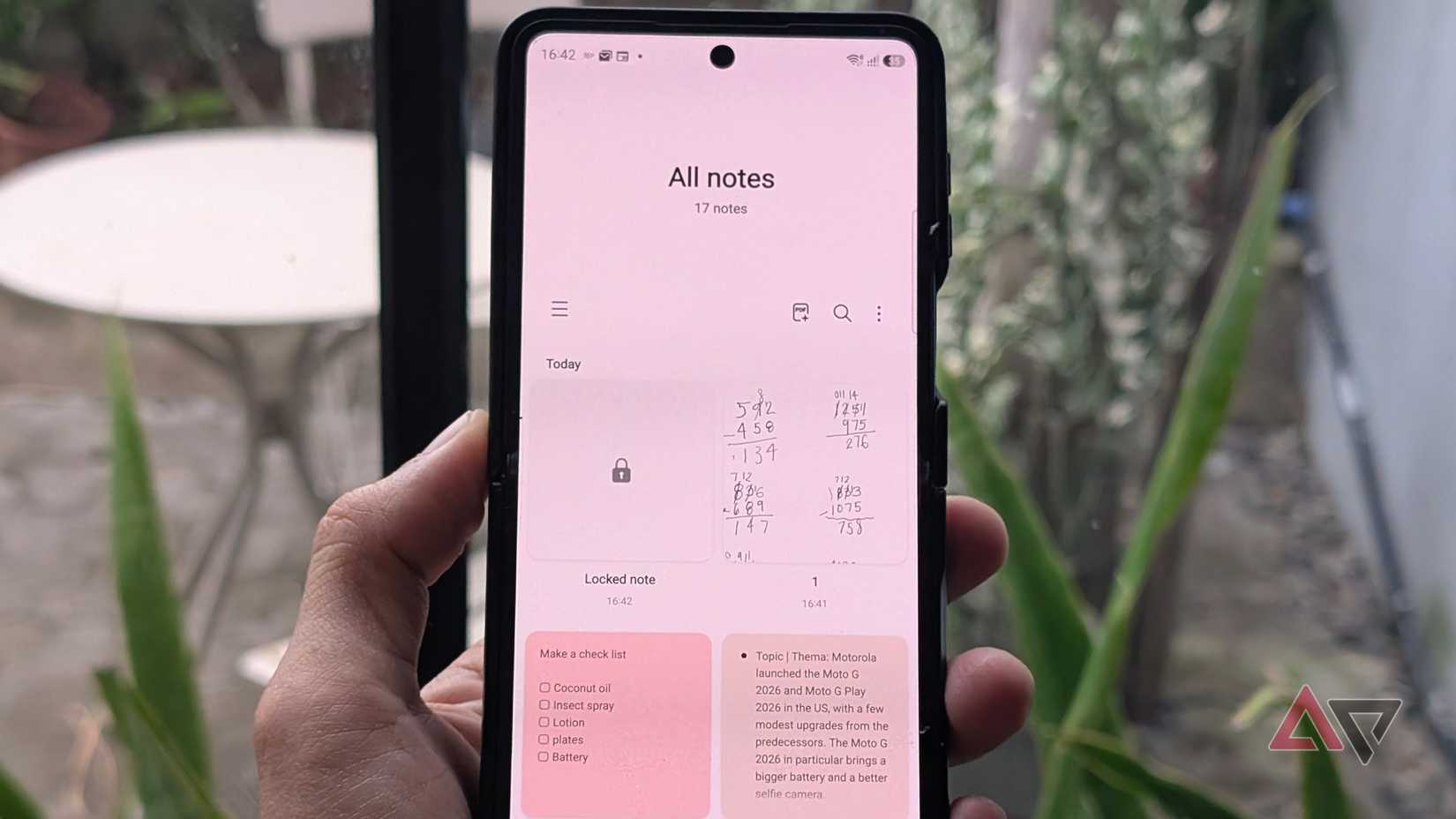
Samsung Notes immediately impressed me when I tested it as my daily notepad driver on my Galaxy Z Flip 7 and Tab S10.
It packs robust note capabilities, ranging from PDF exports and voice notes to dedicated note-locking tools.
Unfortunately, it hits an immediate dead end because of Galaxy ecosystem exclusivity.
Microsoft OneNote is another fantastic replacement, offering password-protected notebooks or locking out advanced features.
However, I find it wonky, especially with sync performance. It often takes a noticeable delay to open notebooks, even with a stable connection and with the file indexed.
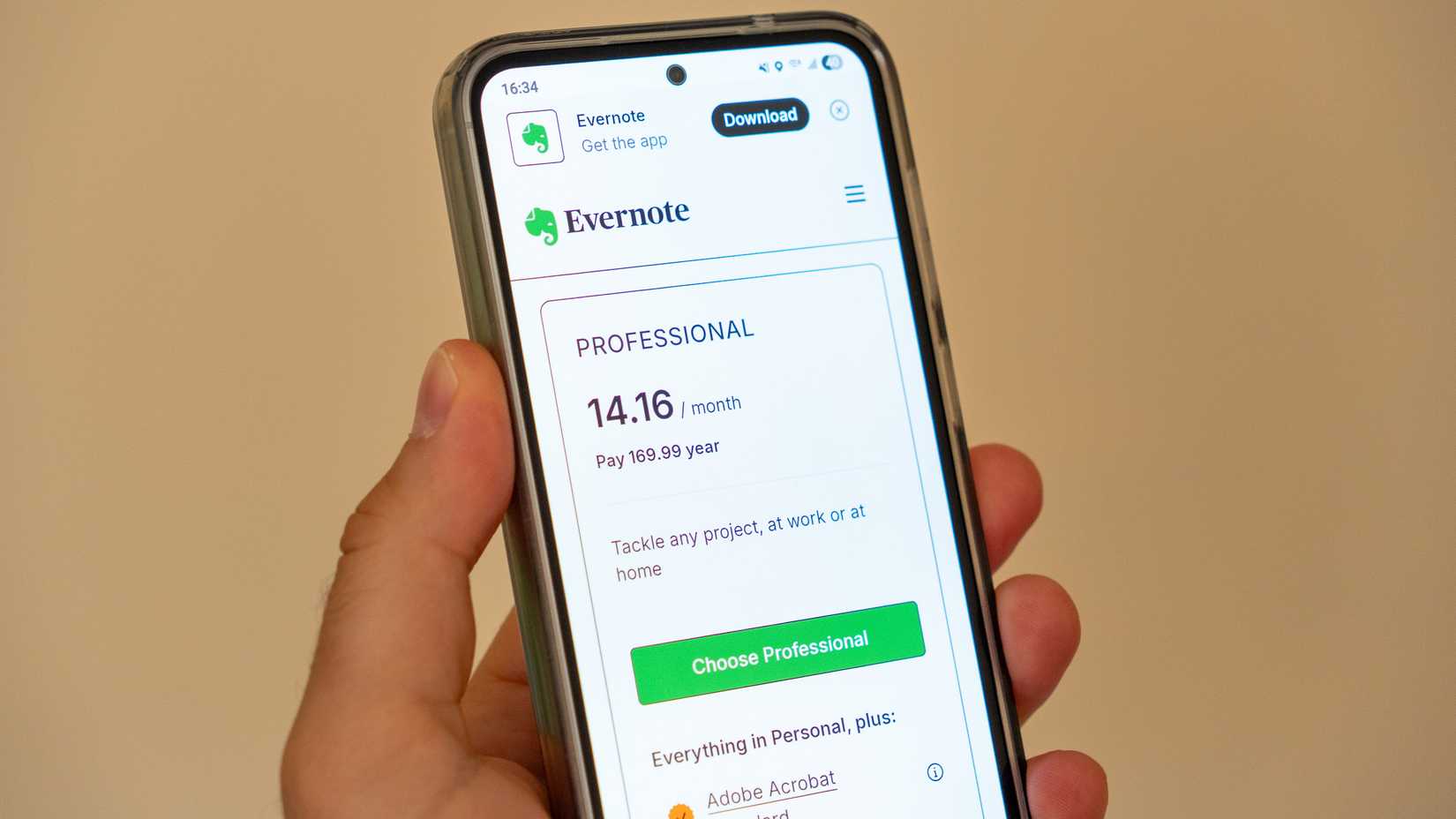
Evernote offers versatile web clippers alongside cross-device sync, but its monetization scheme remains aggressive.
I was stuck without a solid substitute. So I considered purging my sensitive notes from Keep and moving them to OneNote on my Pixel and Samsung Notes on my Galaxy devices.
But even before it started, juggling multiple note apps already felt exhausting, and I didn't finish setting it up.
Fortunately, Android's Private Space arrived before I abandoned Keep entirely.
How Private Space can be useful for my Keep notes
It adds an extra layer of security
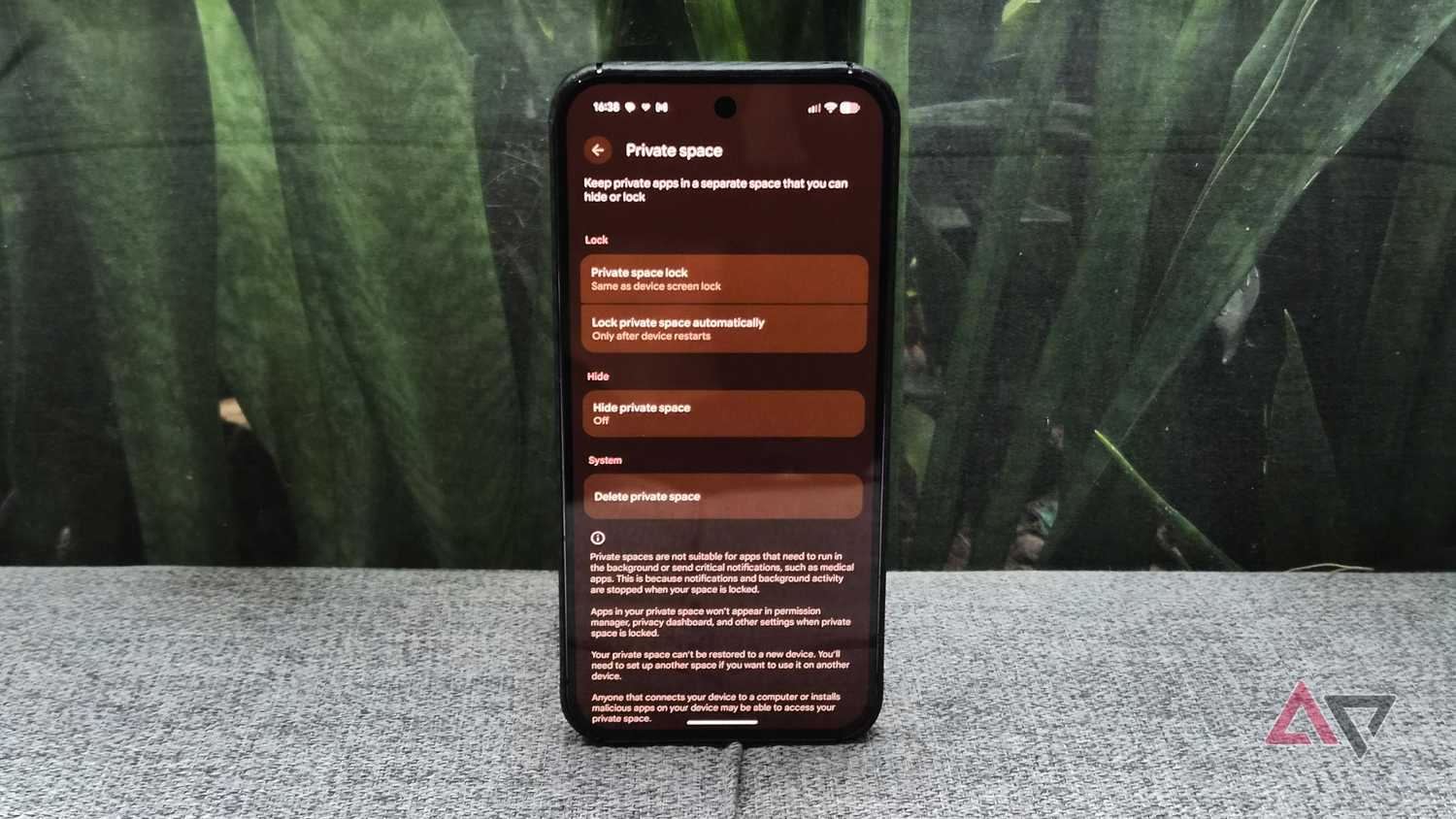
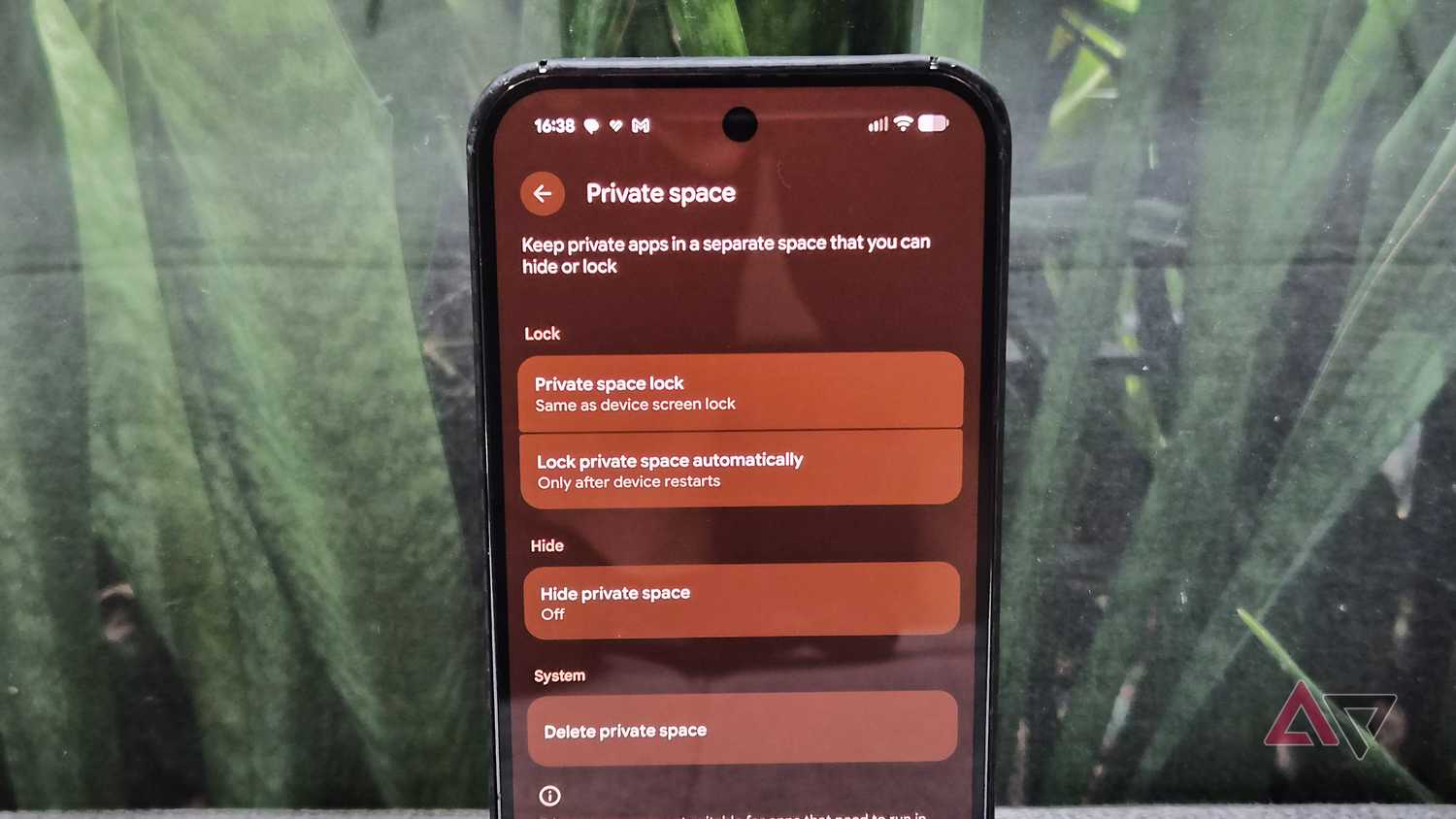
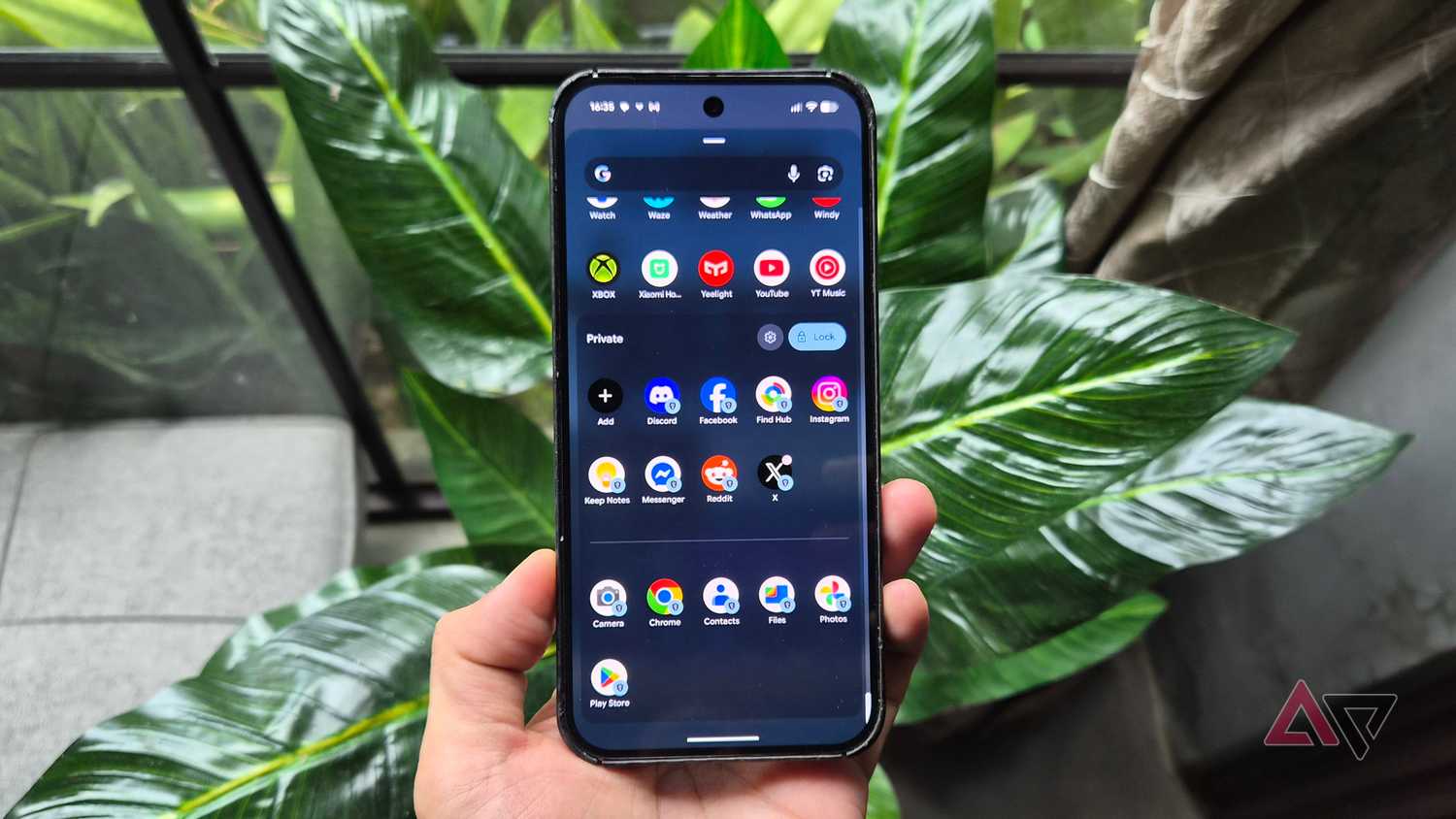
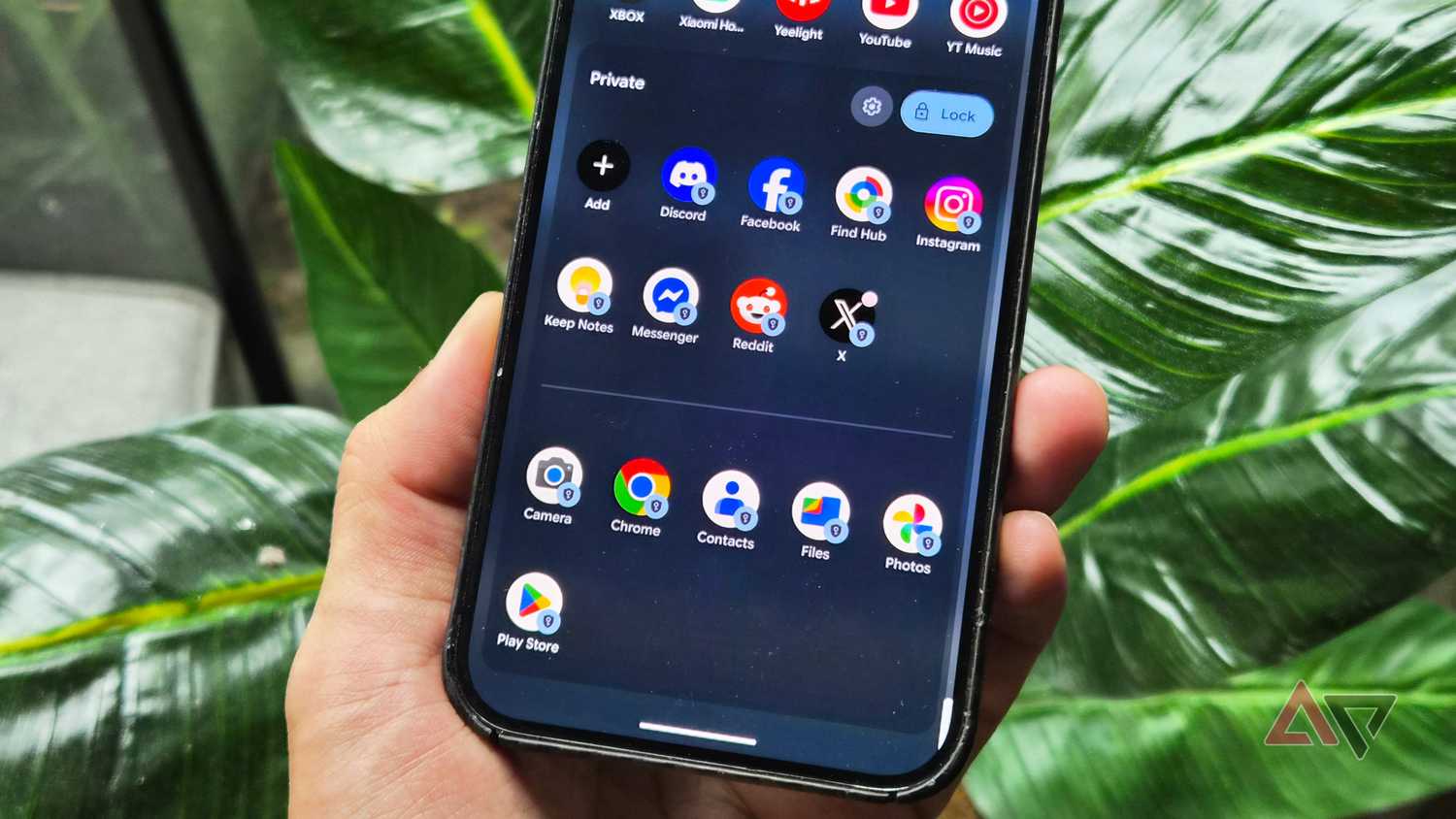
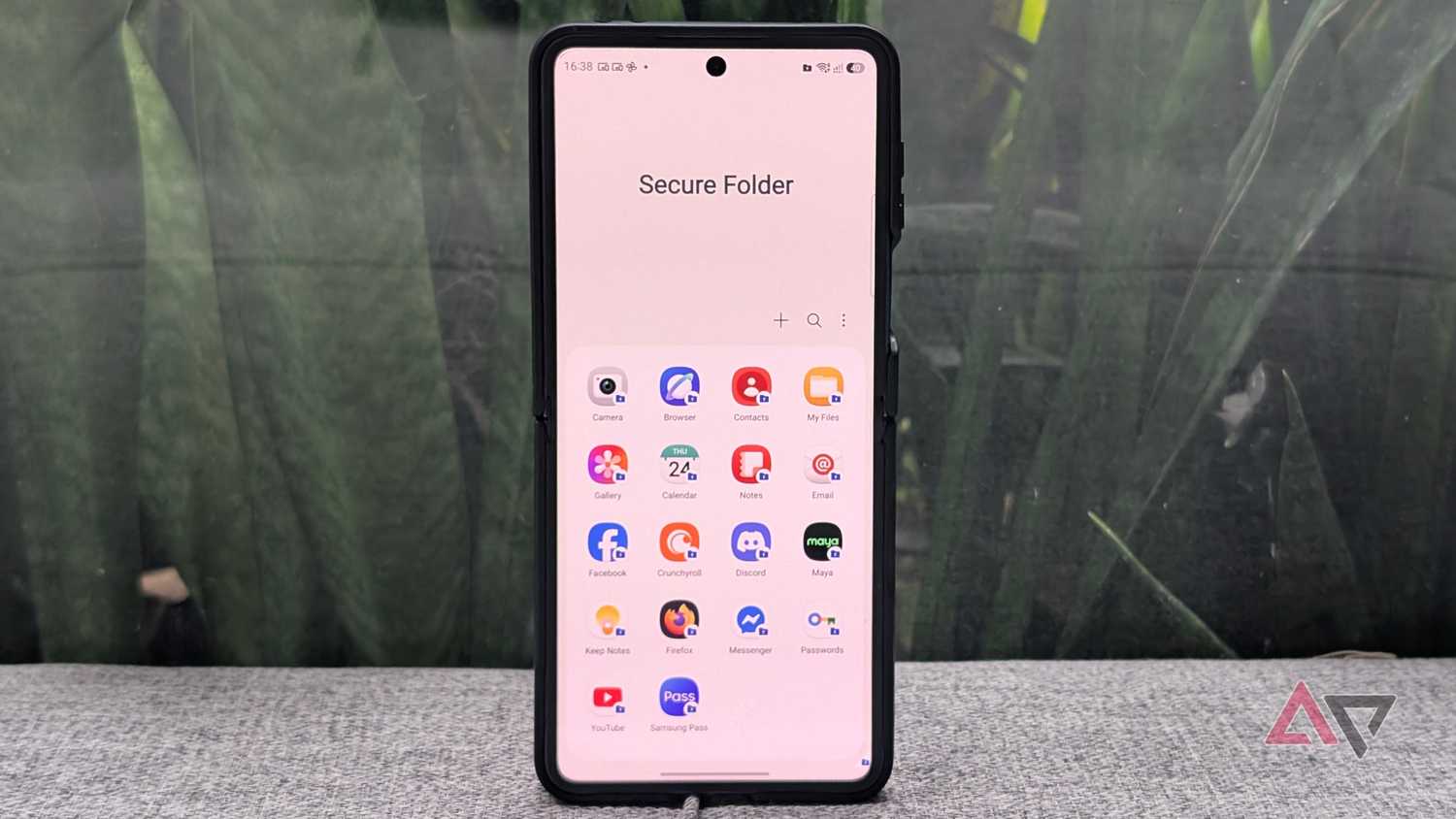
Google rolled out Private Space with Android 15. It is essentially the equivalent of One UI's , which Samsung users have enjoyed for years.
You can also hide it completely from the app drawer for maximum privacy.
Setting it up is straightforward, and I can create a distinct password or separate biometrics different from my lock screen.
Notifications for apps and files in the space are entirely blocked when the container is locked.
More importantly, Private Space serves as the missing security feature on Keep.
I designed it to have only one Keep app, deleting the non-secure app from the public drawer and installing a new Keep in Private Space.
But keep in mind that you can run two Keep apps, each with a different Google account.
Every time I need to access Keep, I have to unlock Private Space with biometric authentication or a passcode.
That adds an extra layer of security for my notes and data in Keep.
Beyond Keep, I use Private Space to curb my screen time for social media apps. The tool adds friction by requiring me to unlock these apps, subsequently breaking my compulsive habit of doomscrolling.
It also blocks notifications for these apps as long as the private folder is closed.
Putting Google Keep in Private Space creates constraints
But it's a small trade-off
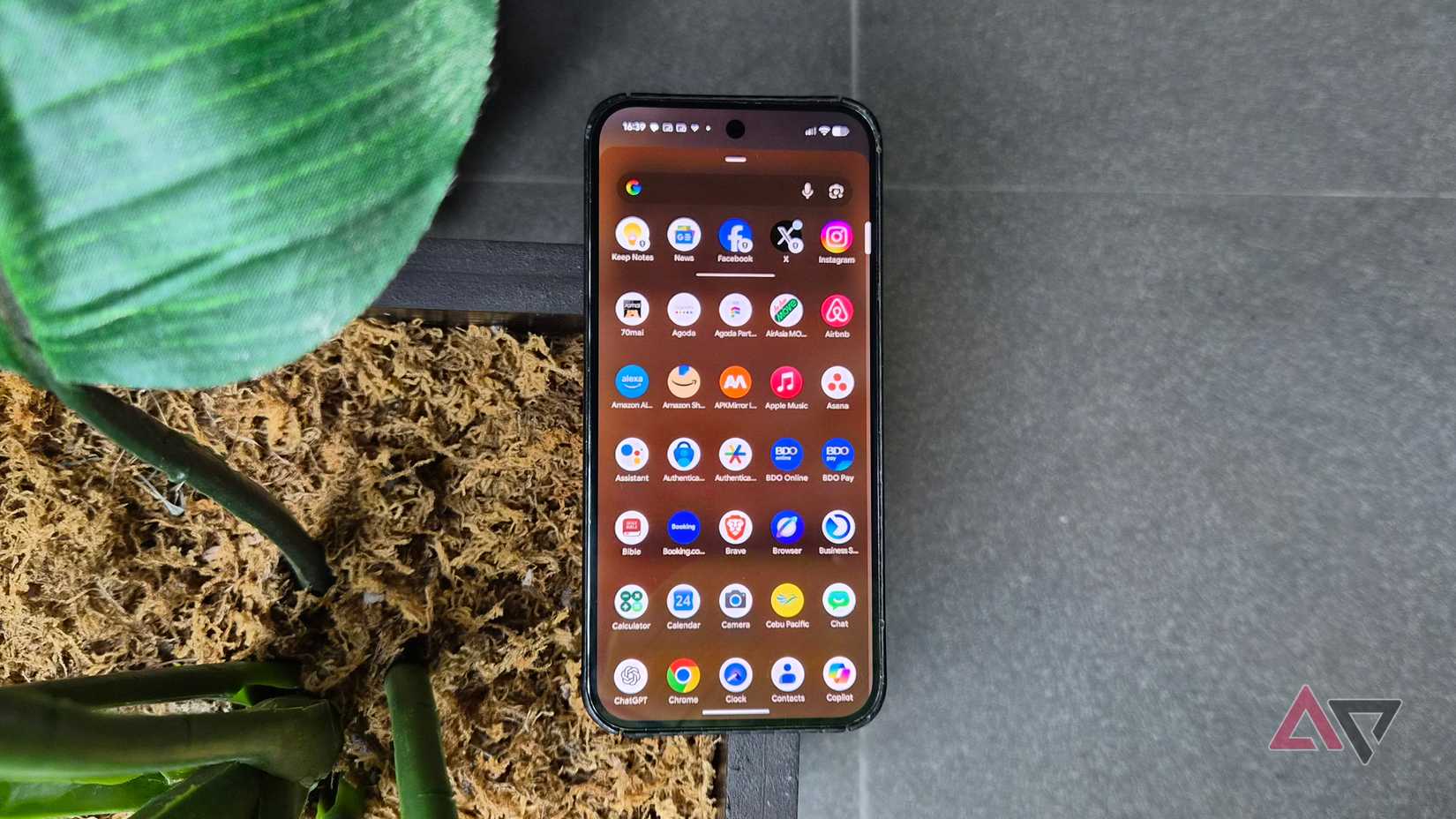
Admittedly, putting Keep in Private Space introduces its own frictions, but the privacy and security gains justify that.
Even if it is inside Private Space, Keep's cloud synchronization still functions, including access to Gemini via prompt or voice command.
This allows me to open notes in Gemini, bypassing authentication in Private Space.
One remaining gripe is that home screen widgets aren't supported, though it's a minor trade-off I'm willing to take.
To set up Private Space, go to > Security and privacy > . You can also use Secure Folder for Samsung devices.
Don't wait for Google to fix basic security in Keep
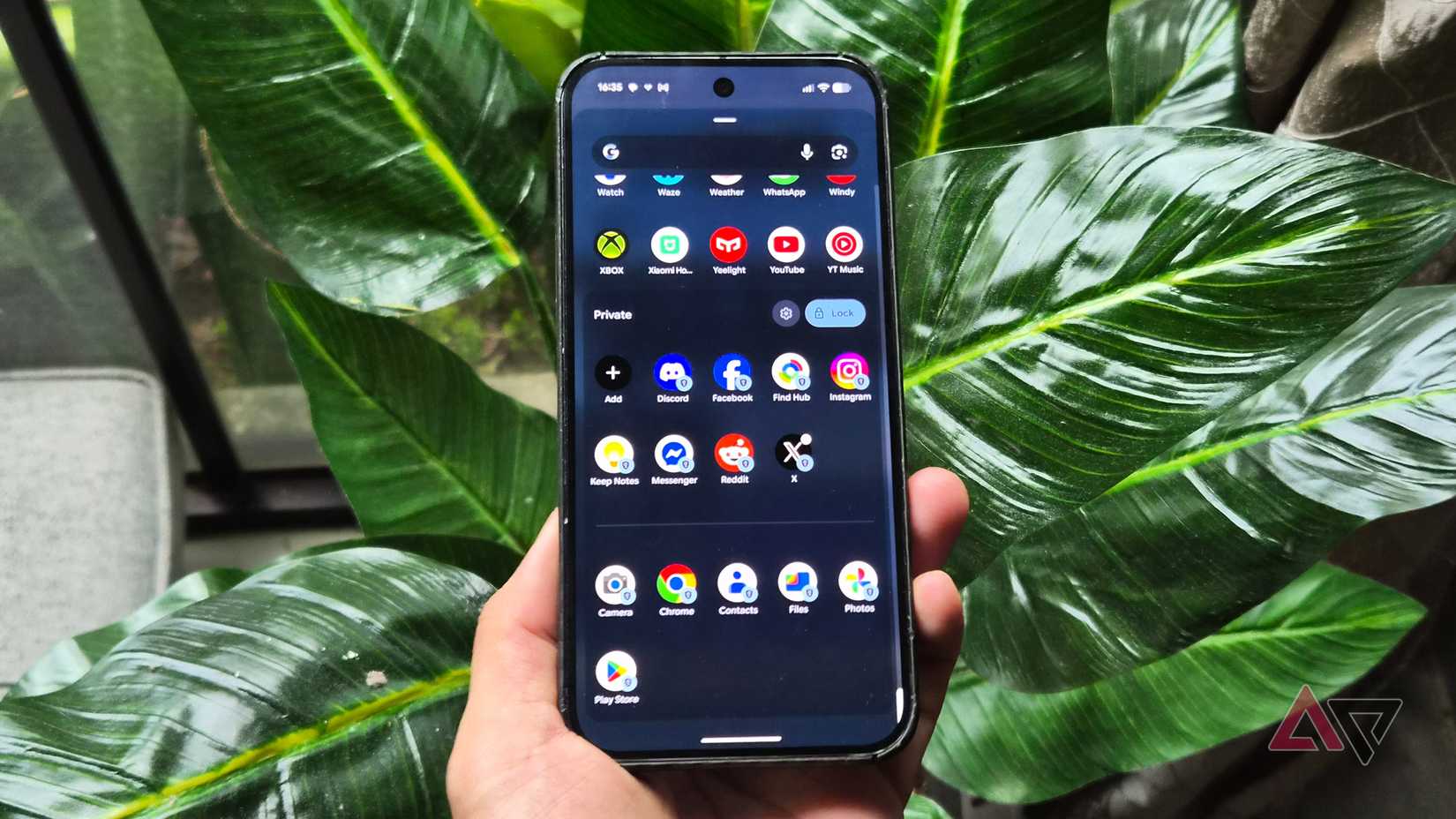
I regret leaving Private Space idling on my Pixel phone for months before realizing how cleanly it solves .
Sure, extra authentication steps can feel tedious, but the added privacy and security are worth the friction.
Until the company adds native security to Keep, Private Space remains the only solution.