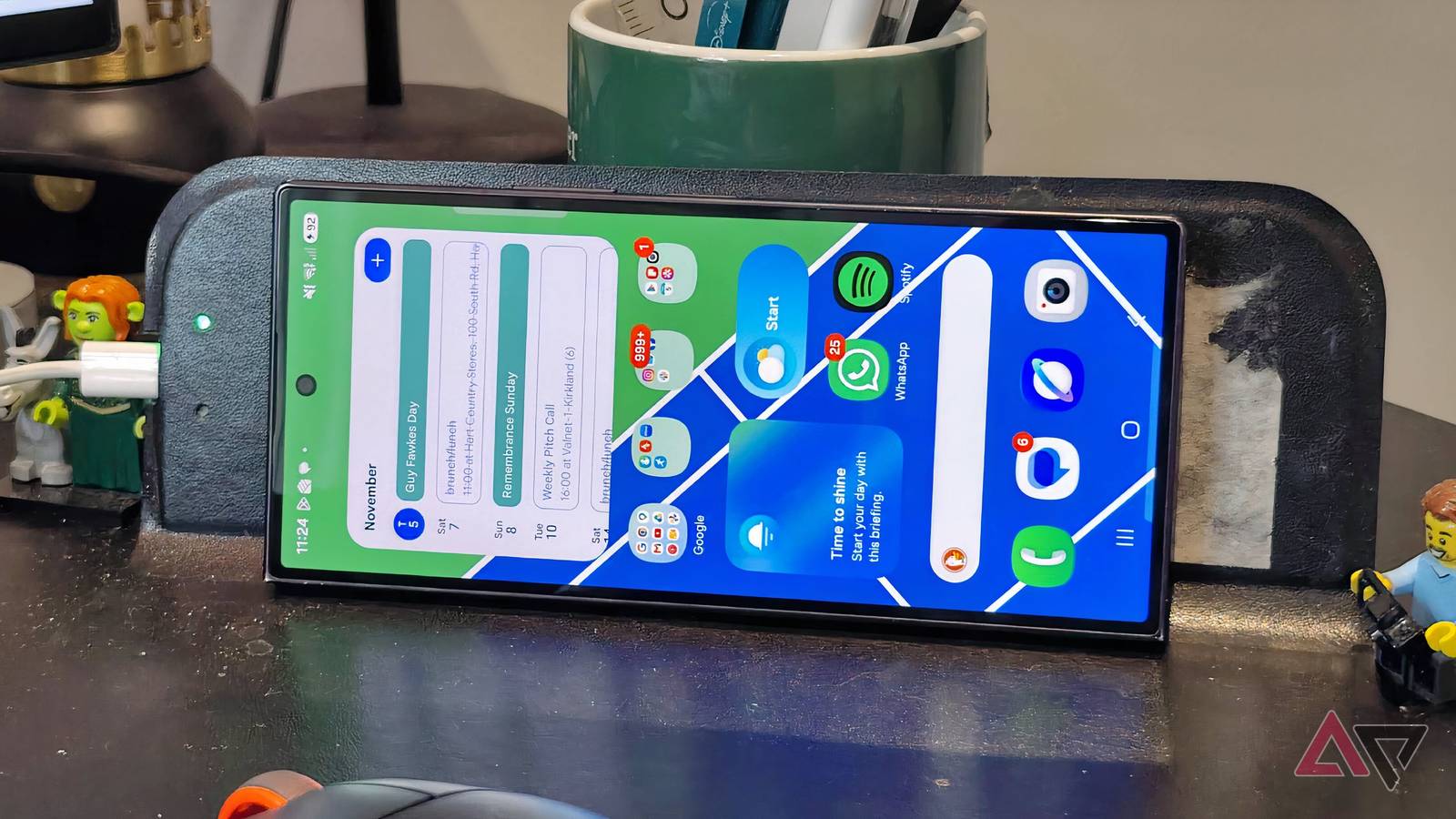
I don't like wireless charging gadgets. That's a controversial view for a tech journalist — I get the impression most of my peers see wired charging as quaint — but it's a stance I've struggled to shake.
Ever since I started reviewing phones in 2019, I've tested devices with wireless charging, and I dutifully put them on stands or mats to see how reliably it works. But for a range of reasons, I find cable-free charging frustrating, and don't use it on my own time.
That was, until I fell in love with an alternative kind of wireless charging pad. It's a device you won't find in round-ups of the best wireless chargers, but it helped me appreciate my phone's capabilities.
The problem with wireless charging tech
Just give me the wires
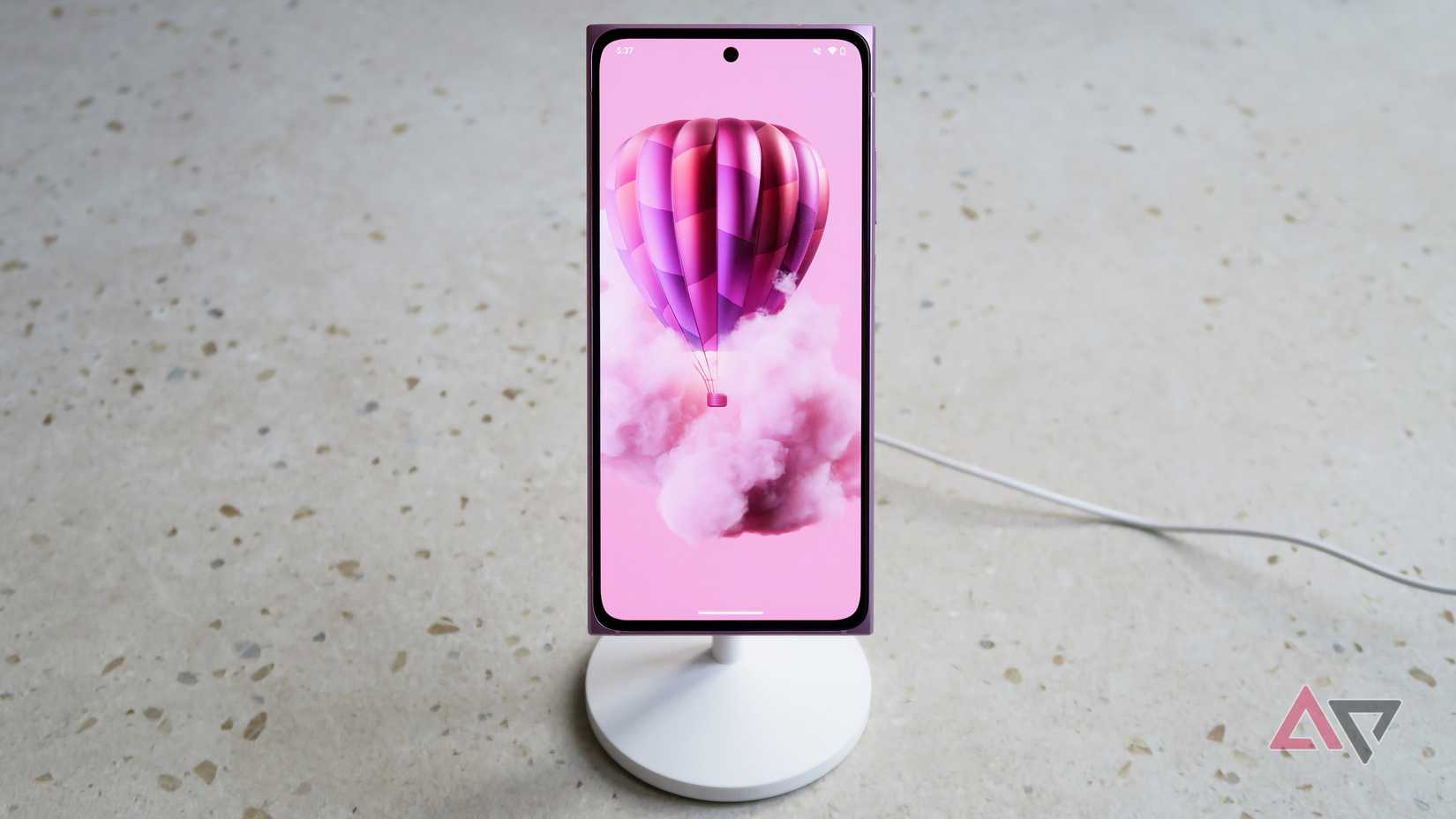
The appeal of cable-free technology like this is convenience: You put your phone on a mat and let it power up at its own pace. But it never works that way, prompting many to completely give up on wireless charging.
Using wireless charging is almost always too complicated. You have to position your device perfectly on the stand for the power to start flowing, which often involves some odd acrobatics, and if it moves a millimeter, the charging stops.
After it's juicing up, I have to leave the phone in place. I have a long wired charger, which lets me wander around my office with my phone while it's charging, but that's not the case with a static mat.
I've tested many wireless power stands, and I get the impression that most are designed with iPhones or Samsung Galaxy S phones in mind. If you use a device with a peculiar shape, like my thin , it doesn't sit right.
The problem is that the phone's wireless charging module won't always align with the one on the pad when it's standing. It's also a problem with flat mats, because large camera bumps mean you can't lay your phone flush on them.
I have a cluttered desk at the best of times, and I don't love the idea of one more gadget filling up my space even further. I don't want to have to choose between a charging hub and my decorative Lego Shrek mini figures.
Even when you get the wireless power to flow, it's excruciatingly slow. My Ultra has 20W wireless charging compared to 45W wired, and that's only if you get full efficiency with a wireless charging pad, which I often don't.
Other phones I've reviewed have even starker contrasts between wired and wireless speeds. It all makes wired charging feel quicker and more convenient than wireless, which is why I stick to the cables. Well, I did.
How I found a solution that actually works
Hidden in an everyday item
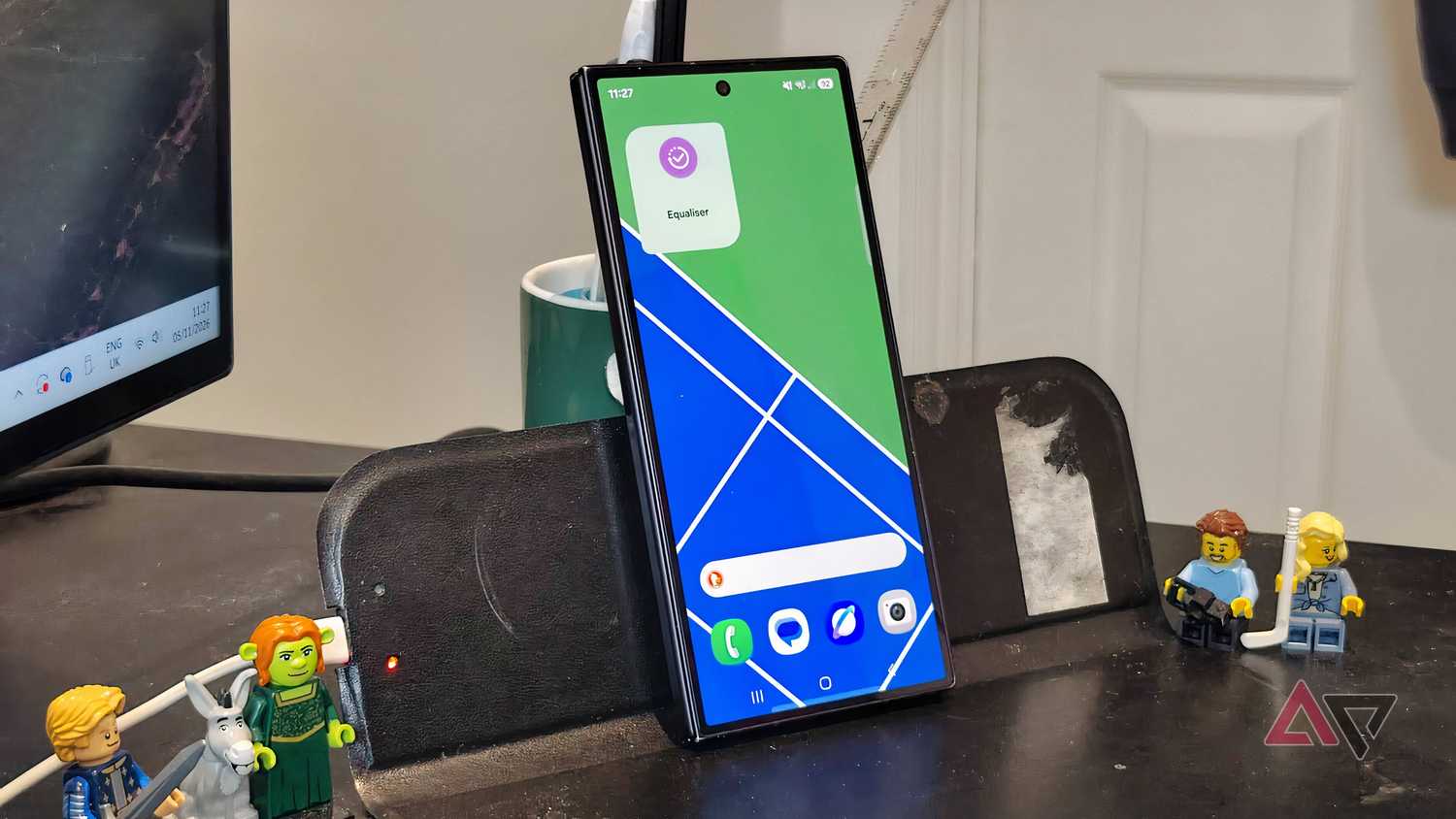
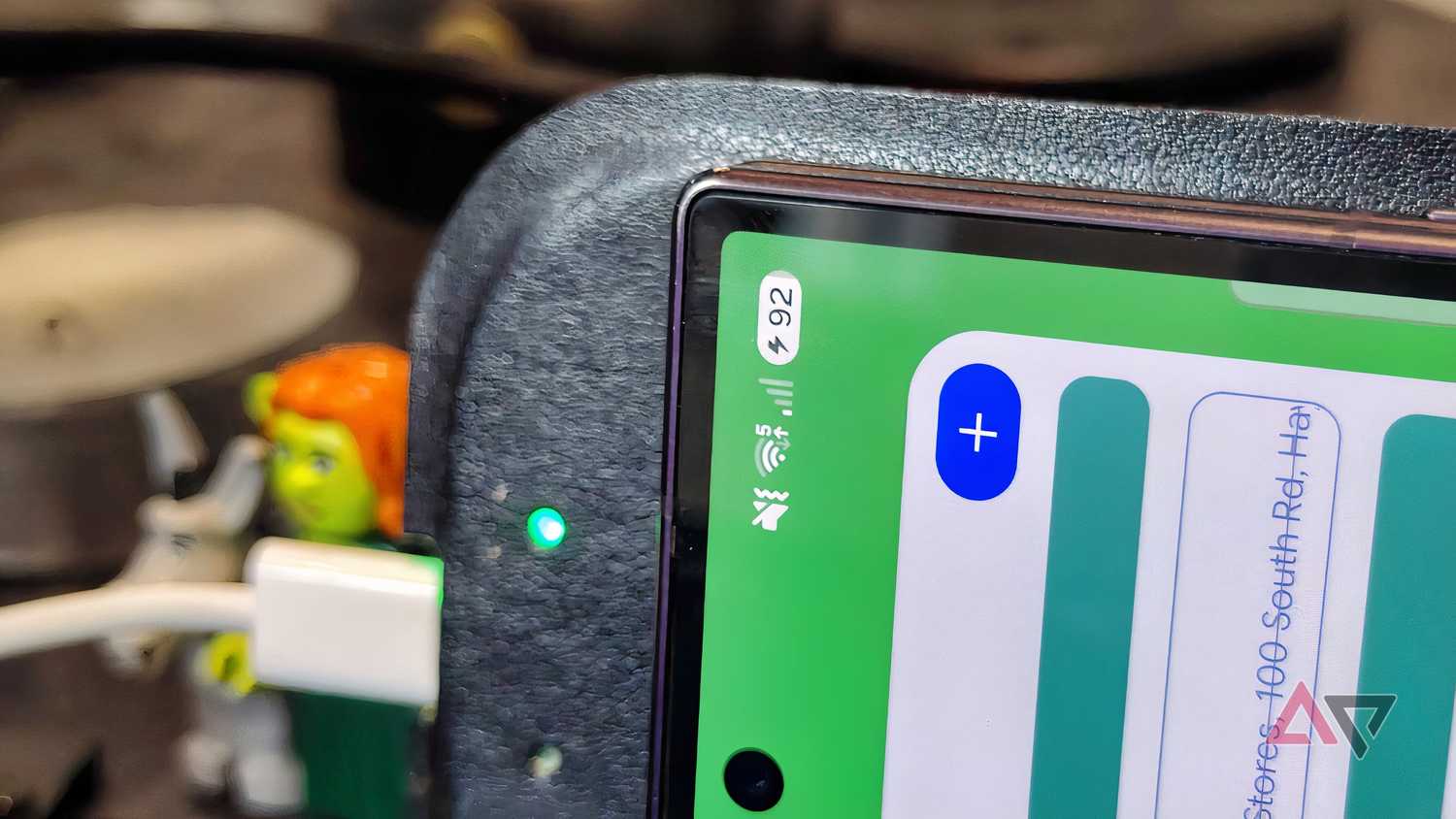
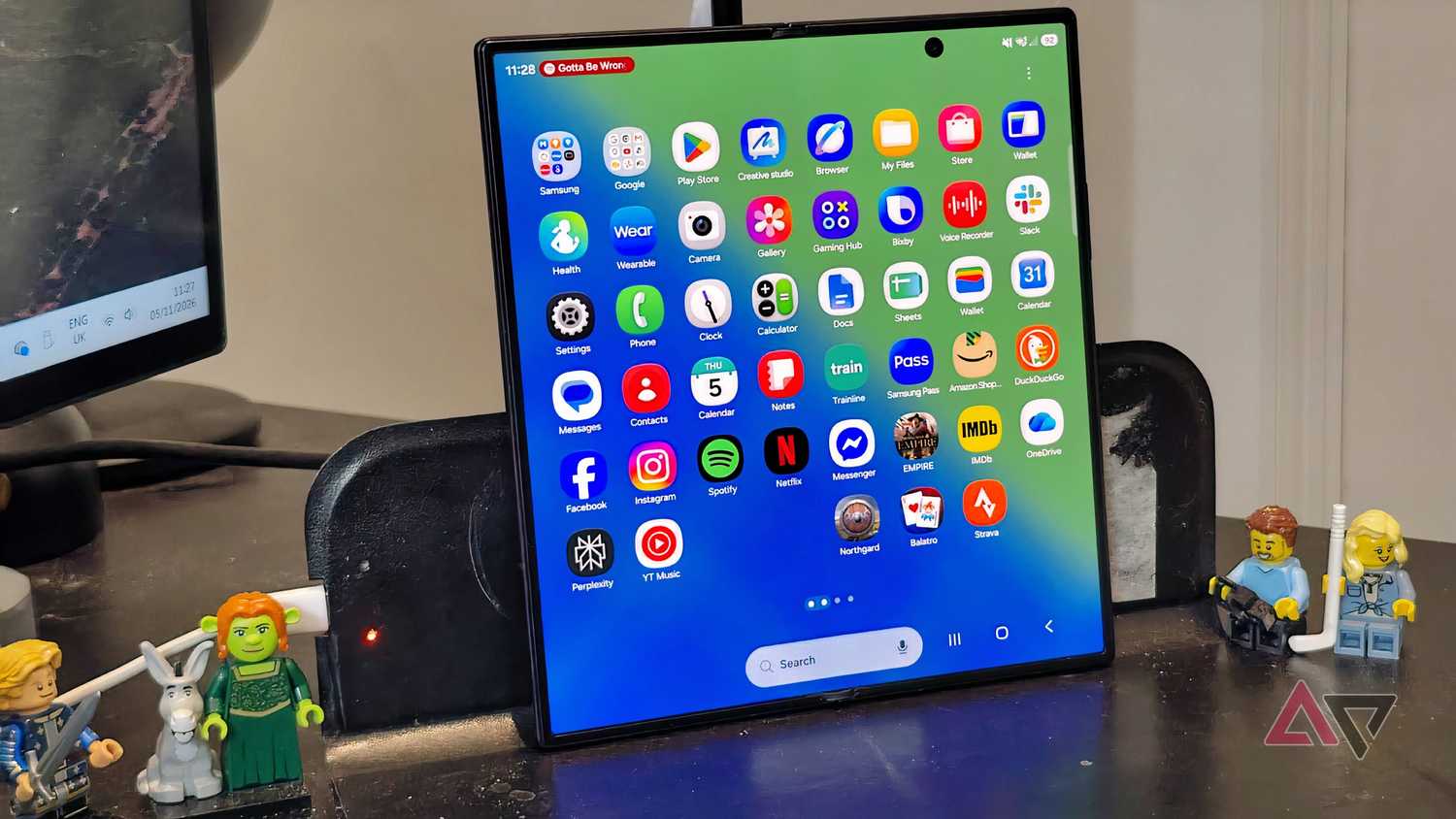
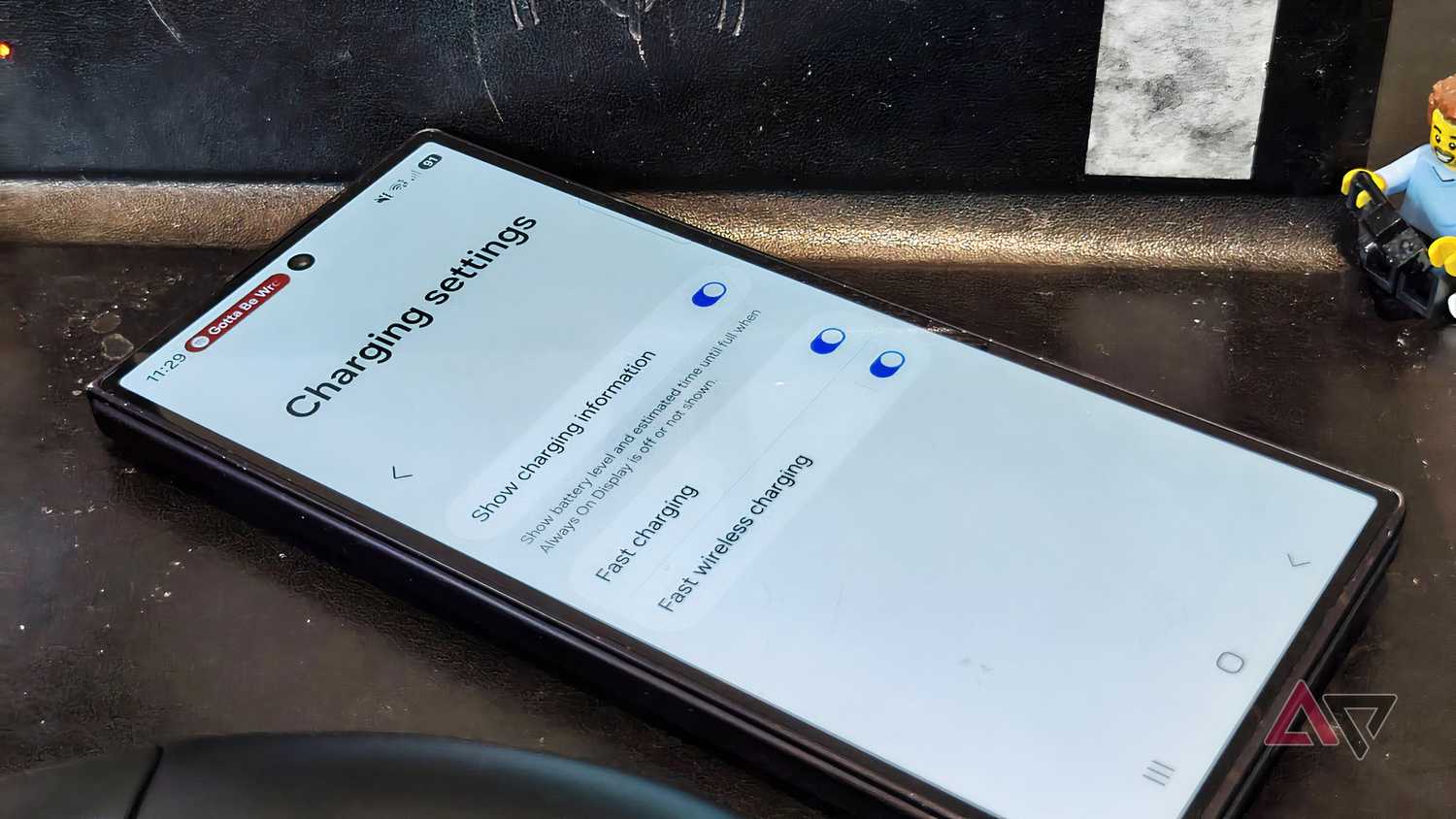
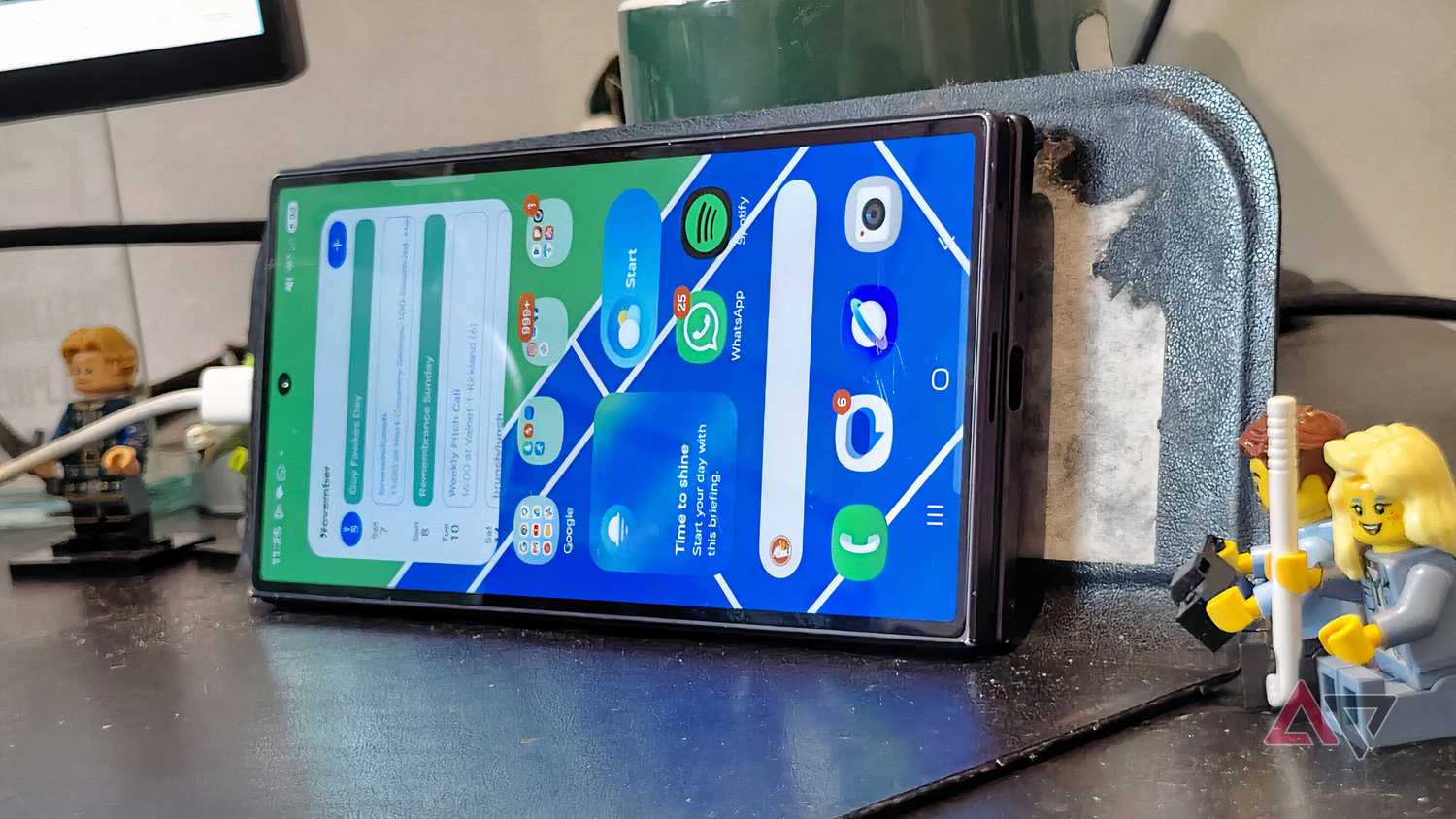
Recently, a friend was disposing of a mouse mat he didn't use, and knowing that I use a notebook in lieu of one, he offered it to me. My interest was piqued when he revealed that it had a wireless charger embedded in it.
Because my notebook was an awful mouse mat, I took him up on his offer and plugged the pad's wireless charging section into a USB port on my monitor.
That immediately solved one wireless-charging problem for me. Since the pad was built into an existing device, I didn't have to fill my desk with an extra mat. So I idly started using it. If it's already on my desk, why not?
Finding the right spot to leave my phone was as difficult as usual, but everything changed when I realized I could angle the charging part of the mouse mat and lay the phone down, as you see in the pictures.
As soon as I started doing this, wireless charging clicked. I'd always left my phone in a random spot on my desk while working, but this solution gave it a dedicated place while still ensuring it got a little power.
With the angled mat, finding the right placement for the phone became easy, and I could drop it into place on my mouse mat without thinking too much about it.
Most charging stands require your device to be vertical, which may be why I've found positioning such a problem. But when my phone was horizontal on the mouse mat charger, it was easy to find the right position.
Sometimes less is more, and this simple little device has helped me realize that many bespoke wireless charging devices are a little over-engineered. My mouse mat offers convenience without taking up extra space.
It was a second-hand mouse mat with wear and tear, and so there's no obvious logo; that is to say, I can't recommend the specific brand. But online, there are plenty of similar options, especially from gaming brands like Logitech and Razer.
Wireless charging won't replace my reliable cables
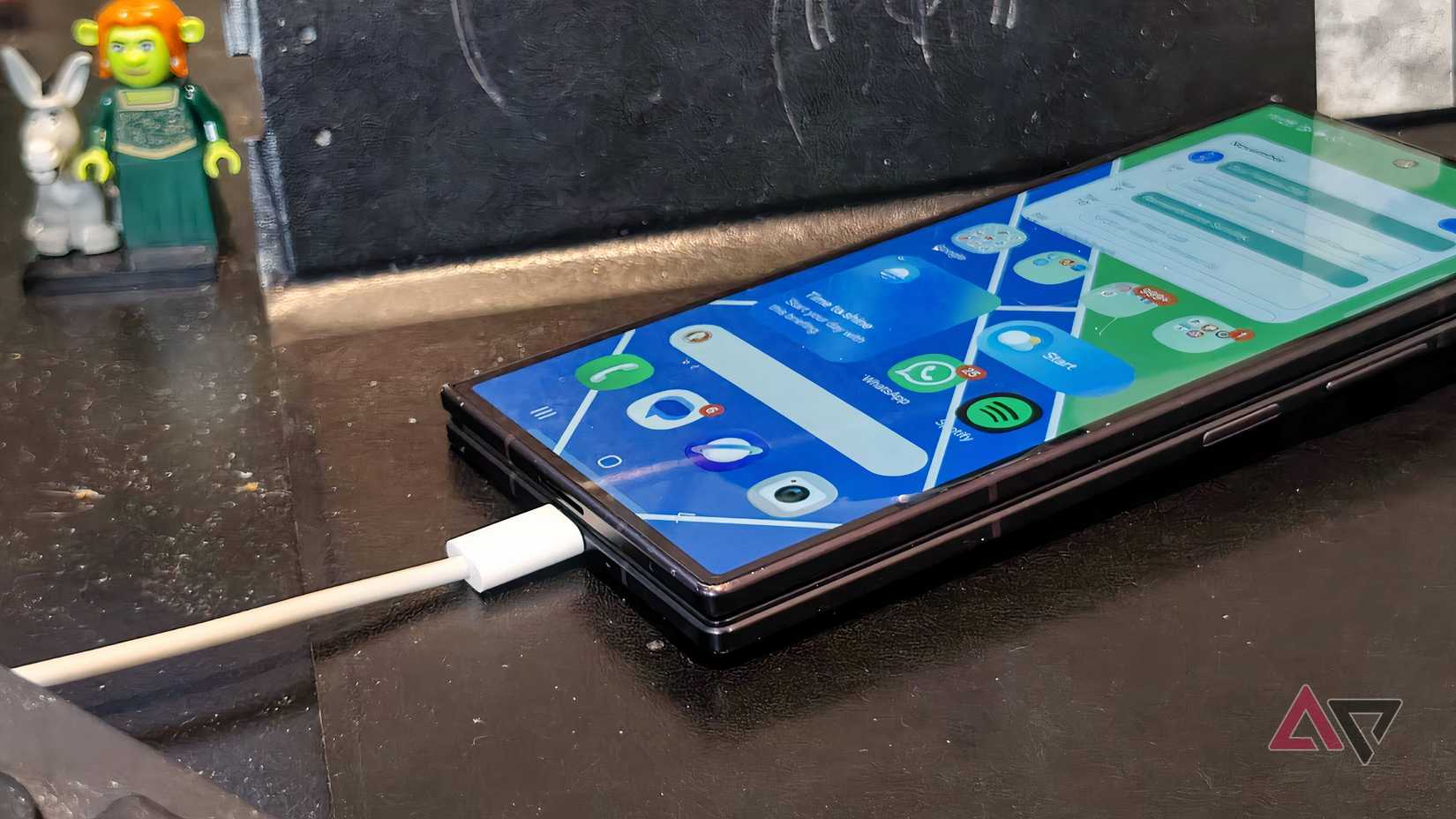
With this wireless charging mouse mat, charging my phone without cables makes more sense. It's helped me understand the convenience of the technology, without some of the annoying drawbacks.
Still, I'll only ever use it to supplement my device's power. Wireless keeps me powered through the day, but wired gets me from empty to full in a reasonable amount of time and is more reliable.
I don't need blazing speeds, either. After all, I once ditched my super-fast phone charger for a really slow one, and found it preferable to high-wattage charging solutions.