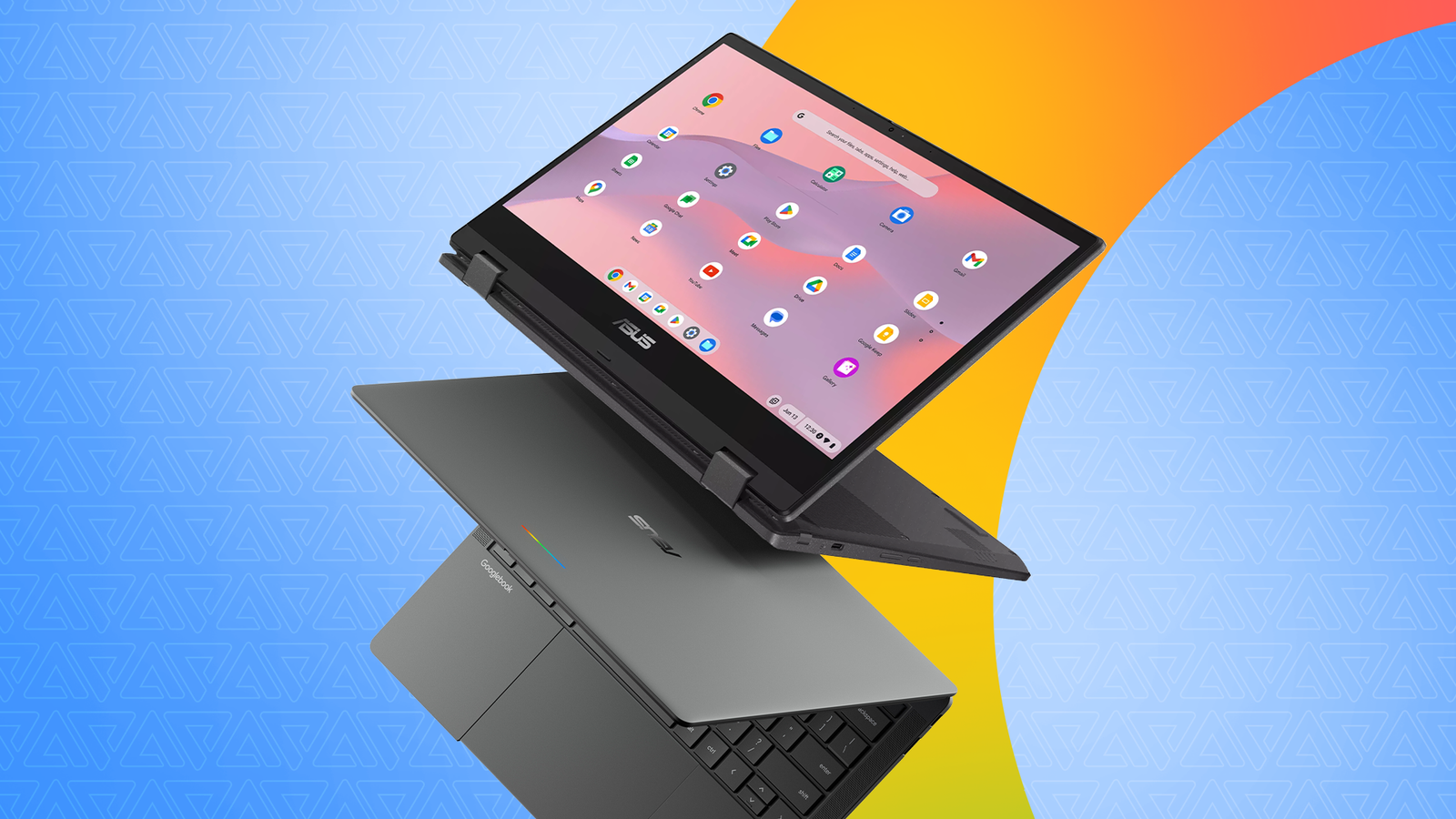
The first Googlebooks are now available for pre-order, making it a strange time to consider buying a Chromebook.
Walk into any electronics retailer, and you'll still see dozens of Chromebooks on display and store shelves, even as Google prepares its new operating system, Googlebook OS.
But even though I've known about the latter and kept up with the many hardware leaks over the past few months, I decided to buy a Chromebook instead of waiting to pre-order a Googlebook this week.
A few weeks later, I'm glad I purchased a Chromebook when I needed it instead of waiting to buy a Googlebook. If you're shopping for a new laptop, I wholeheartedly recommend following my lead.
At the very least, take a closer look at the current crop of Chromebooks, as they might be some of the best-value laptops on the market today.
ChromeOS is now a desktop-class operating system
It's more than a web browser
Before I get into why the imminent release of Googlebooks didn't stop me from buying a Chromebook, I want to point out how capable ChromeOS has become in 2026.
If you haven't used a Chromebook in a while, you may have missed many of the sweeping changes Google made to the platform over the years.
For starters, I was pleasantly surprised by how many Google services are now deeply integrated into ChromeOS.
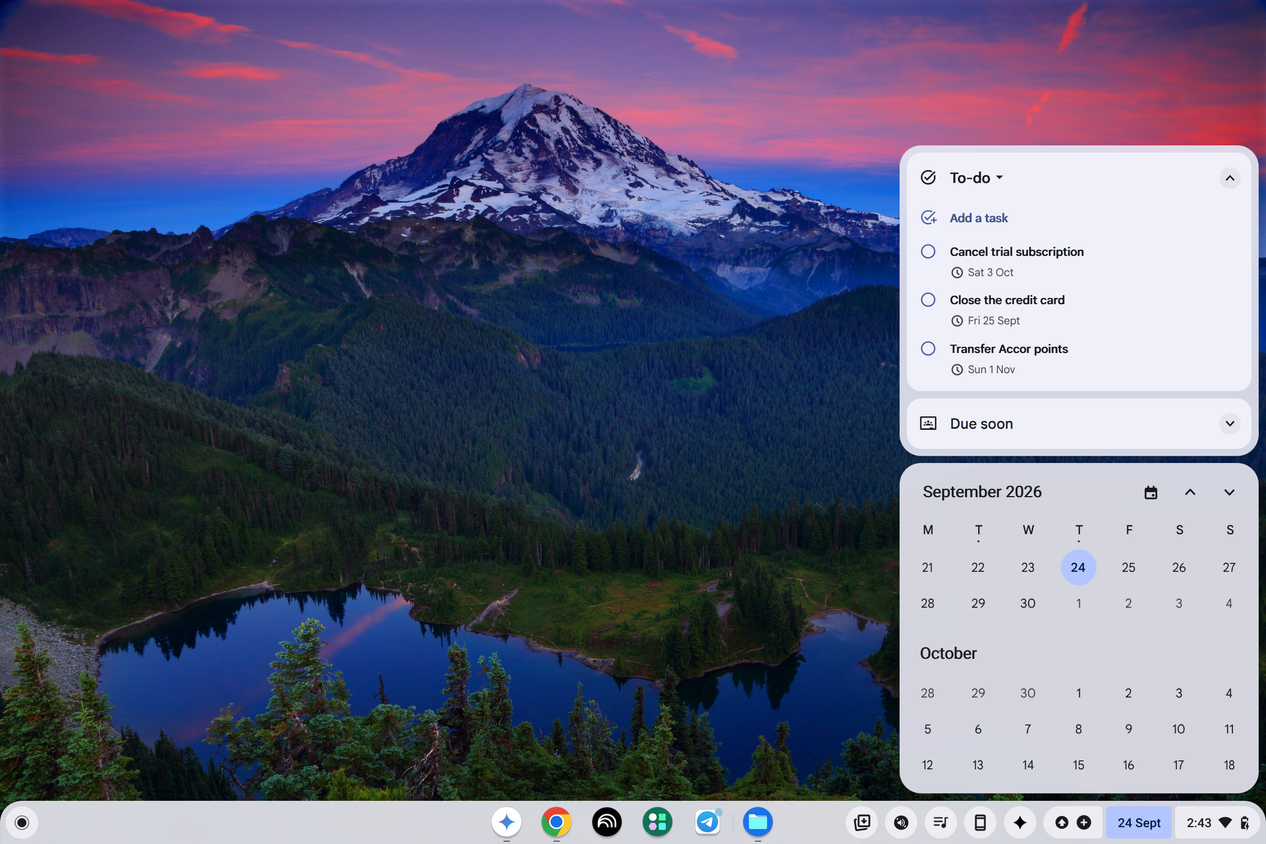
Take Google Tasks, for instance, which you can now access as a widget by tapping the calendar icon in the taskbar. I often use this widget to add a new task or mark an existing one as completed without opening an app or website.
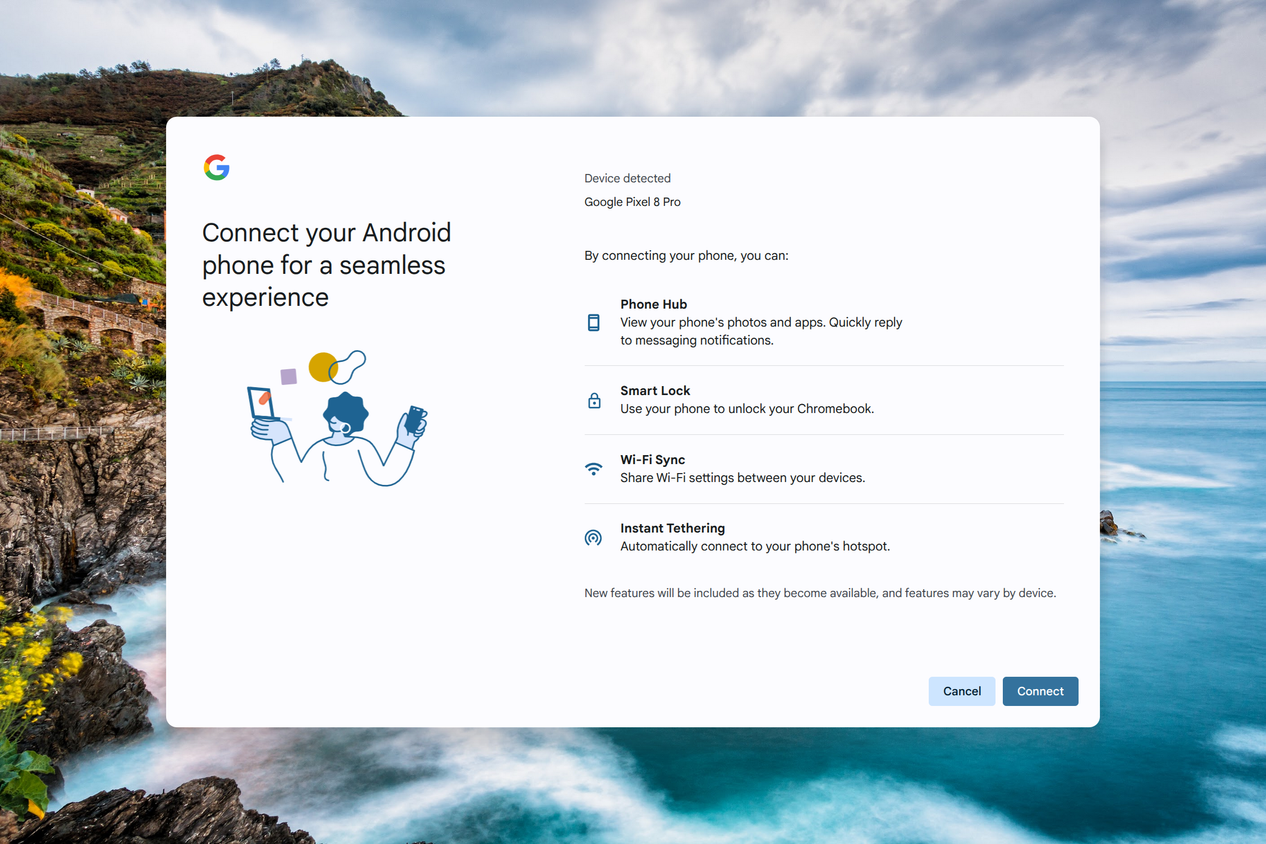
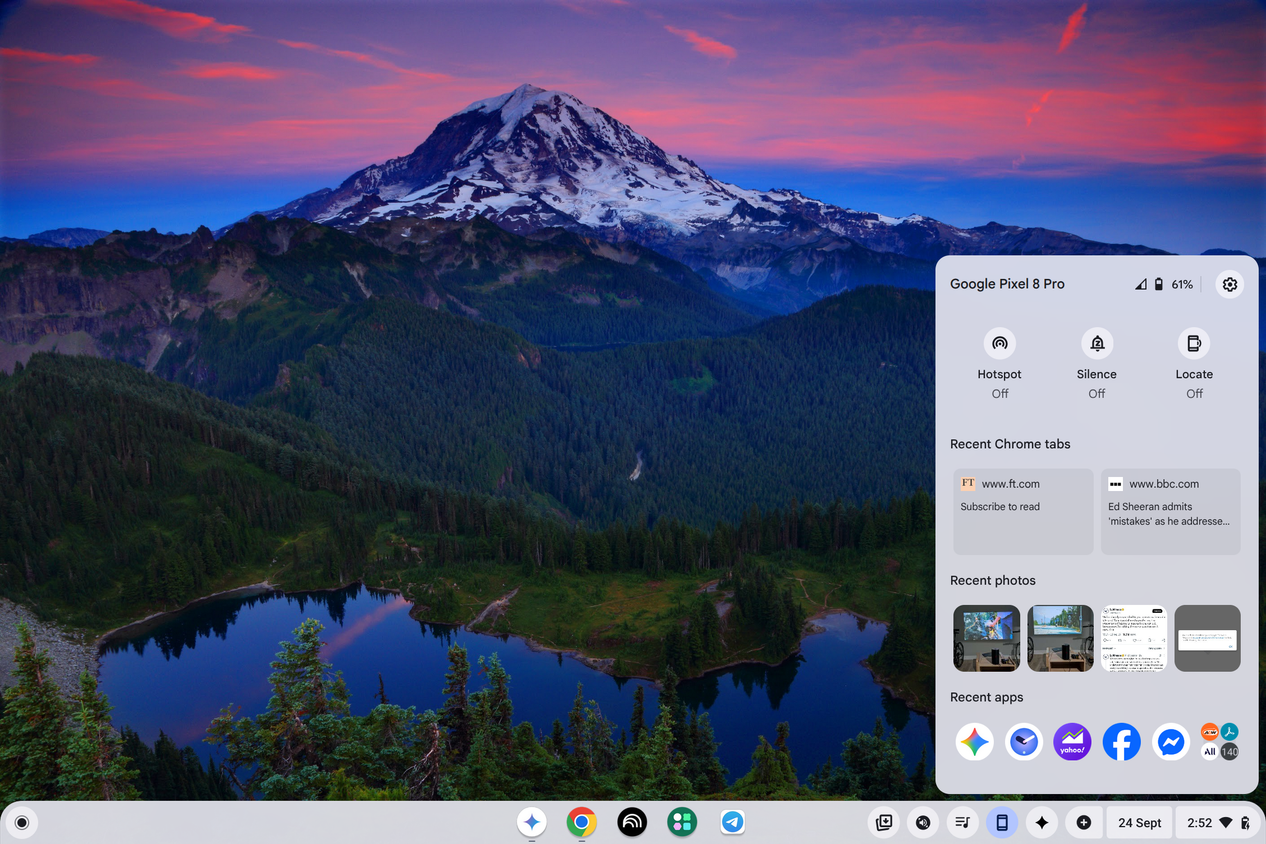
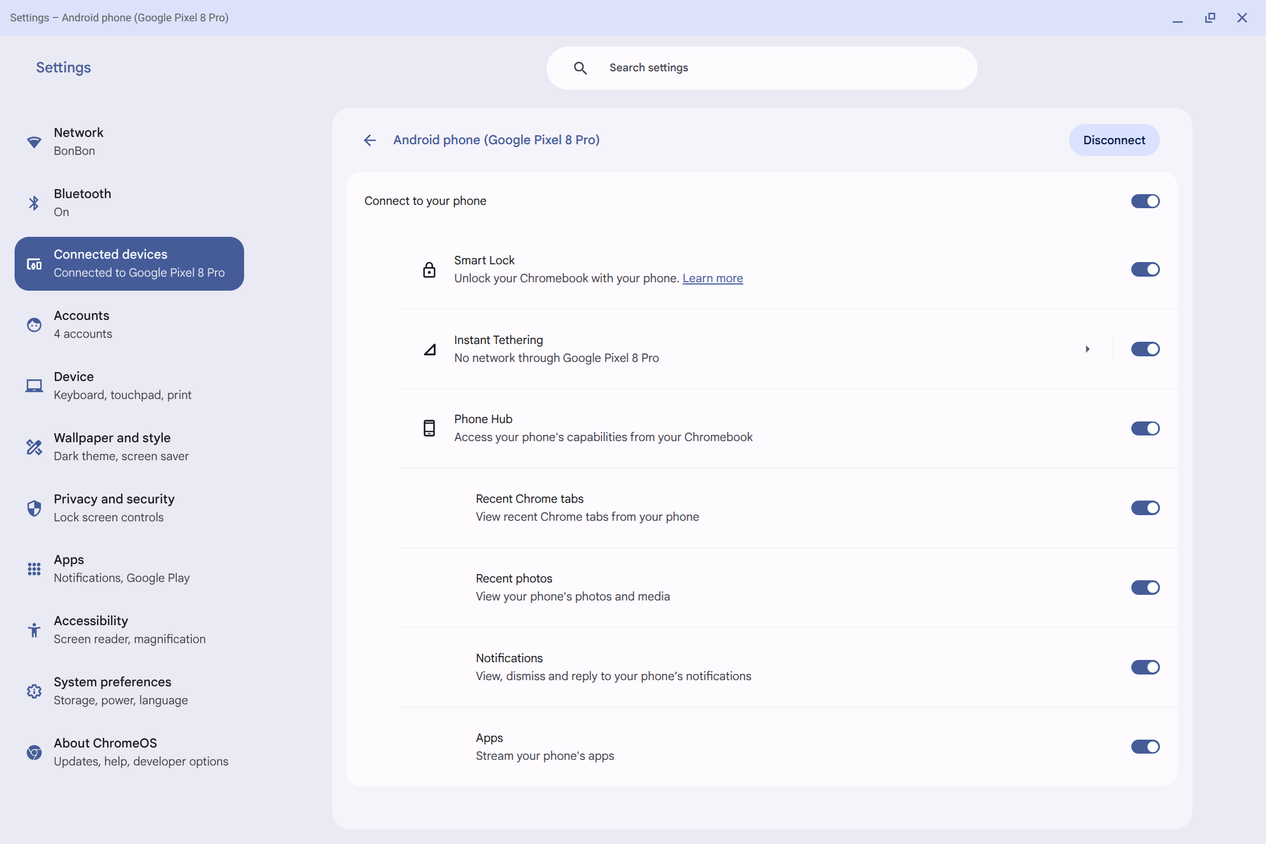
ChromeOS' Phone Hub has also improved leaps and bounds, with deeper integration than Microsoft offers with Phone Link on Windows. The convenience of instantly connecting to my phone's hotspot via the Instant Tethering feature is a big win on its own.
Tethering aside, Phone Hub unlocks my Chromebook when I'm near my phone and surfaces recent photos, messages, notifications, and Chrome tabs. I don't have to fiddle with initiating a Quick Share transfer from my phone, although that's an option.
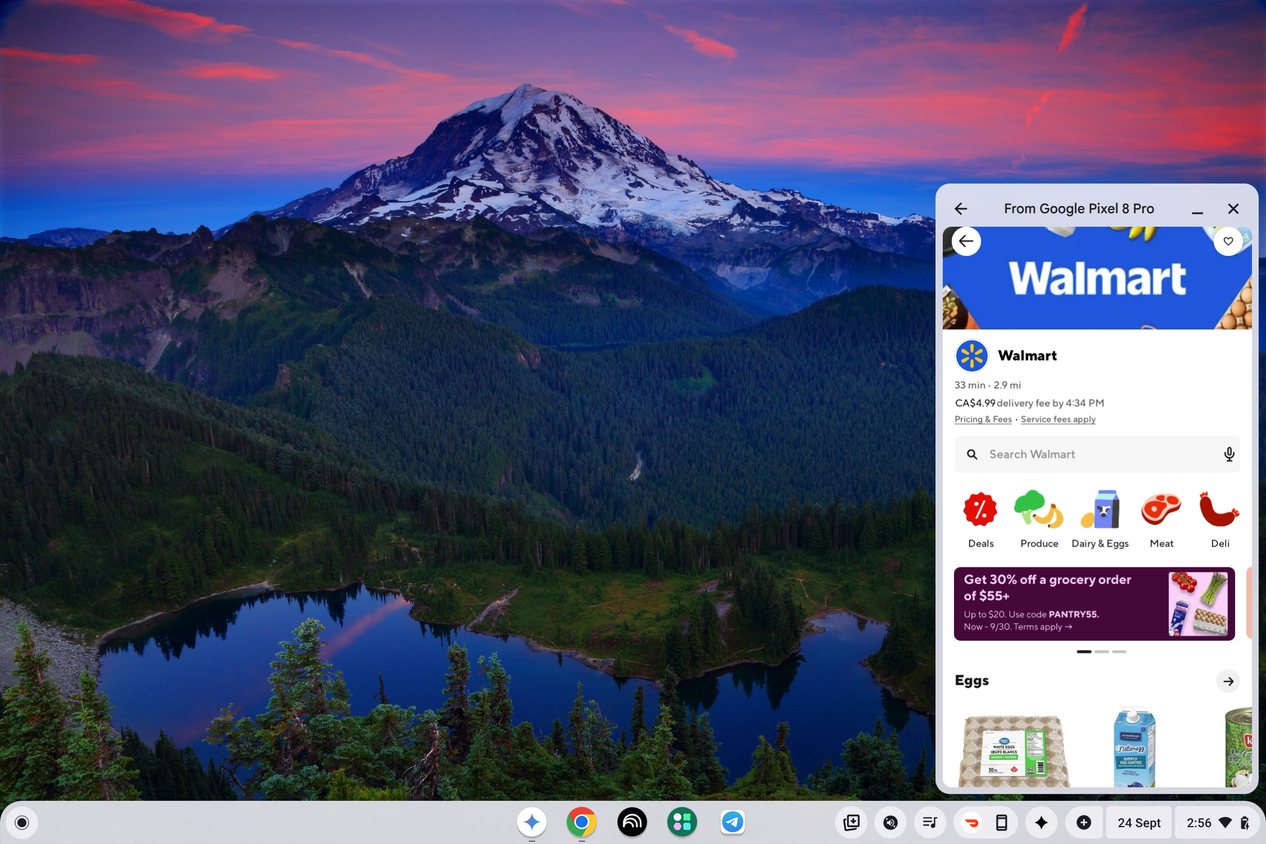
Finally, I discovered that pairing a Google Pixel with ChromeOS allows me to mirror my phone's apps wirelessly.
This has come in very handy for certain apps, like banking and two-factor apps, that I avoid installing on a Chromebook. It's also handy for apps like Uber Eats and DoorDash (pictured above).

Google also added helpful AI features to ChromeOS, and my favorite is a Circle to Search-esque feature that works system-wide.
I've found that Gemini isn't as omnipresent across ChromeOS as it is on Android, but that also means it hasn't annoyed me the way Copilot on Windows has.
ChromeOS is more capable than you'd assume without direct exposure to it. The Google ecosystem has matured to the point of rivaling Apple's Continuity, and it keeps getting better.
Chromebooks still enjoy long support windows
My laptop won't become obsolete overnight
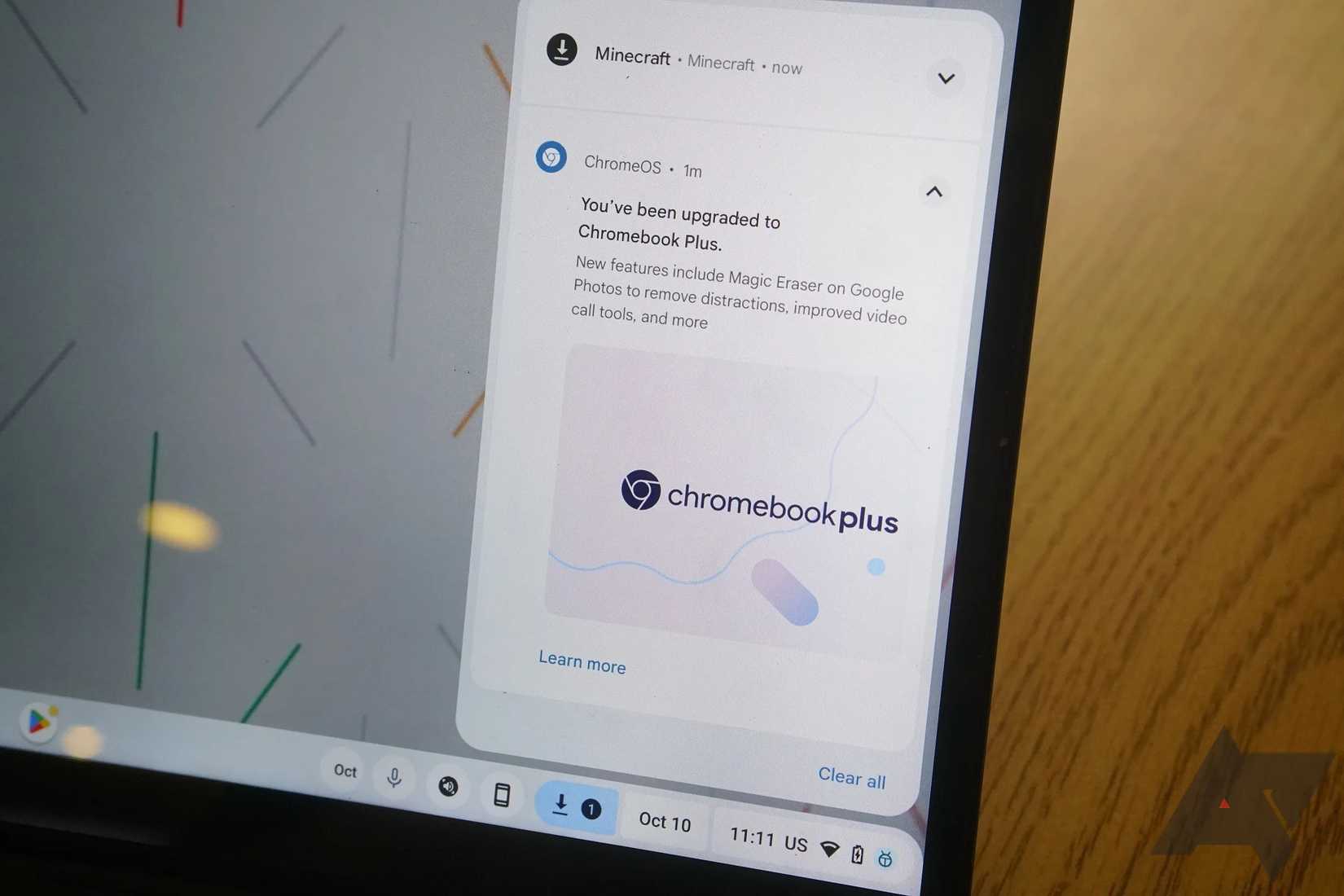
Buying a Chromebook in 2026 may seem risky with Googlebooks now on pre-order, but it's not that outlandish when you consider that Google guarantees long support for all ChromeOS hardware.
You're guaranteed 10 years of updates before a Chromebook hits its end-of-life or its Auto Update Expiration (AUE) date. The 10-year timer begins on the platform's release date, but that's still a long period, and I tend to upgrade sooner.
The release of new Googlebooks doesn't suddenly render existing Chromebooks obsolete.
As part of that 10-year update window, a few Chromebook models are also expected to get Googlebook OS, originally codenamed Aluminium OS. Google hasn't disclosed the minimum hardware requirements yet, but expect higher-end models to make the cut.
Chromebook Plus models seem like the cleanest fit, since Google requires relatively modern processors, at least 8GB of RAM and 128GB of storage.
That's why I didn't back down from buying a Chromebook Plus laptop, even with Googlebooks on the way. The hardware can deliver the ChromeOS features I care about and is slated to get nearly a decade of updates.
We don't know whether existing Chromebooks will get a full-fledged Googlebook OS upgrade or incremental security updates, but the latter wouldn't be the end of the world. ChromeOS is plenty capable and extensible through the Play Store and Linux.
Should you buy a Chromebook or Googlebook in 2026?
The value can't be beat
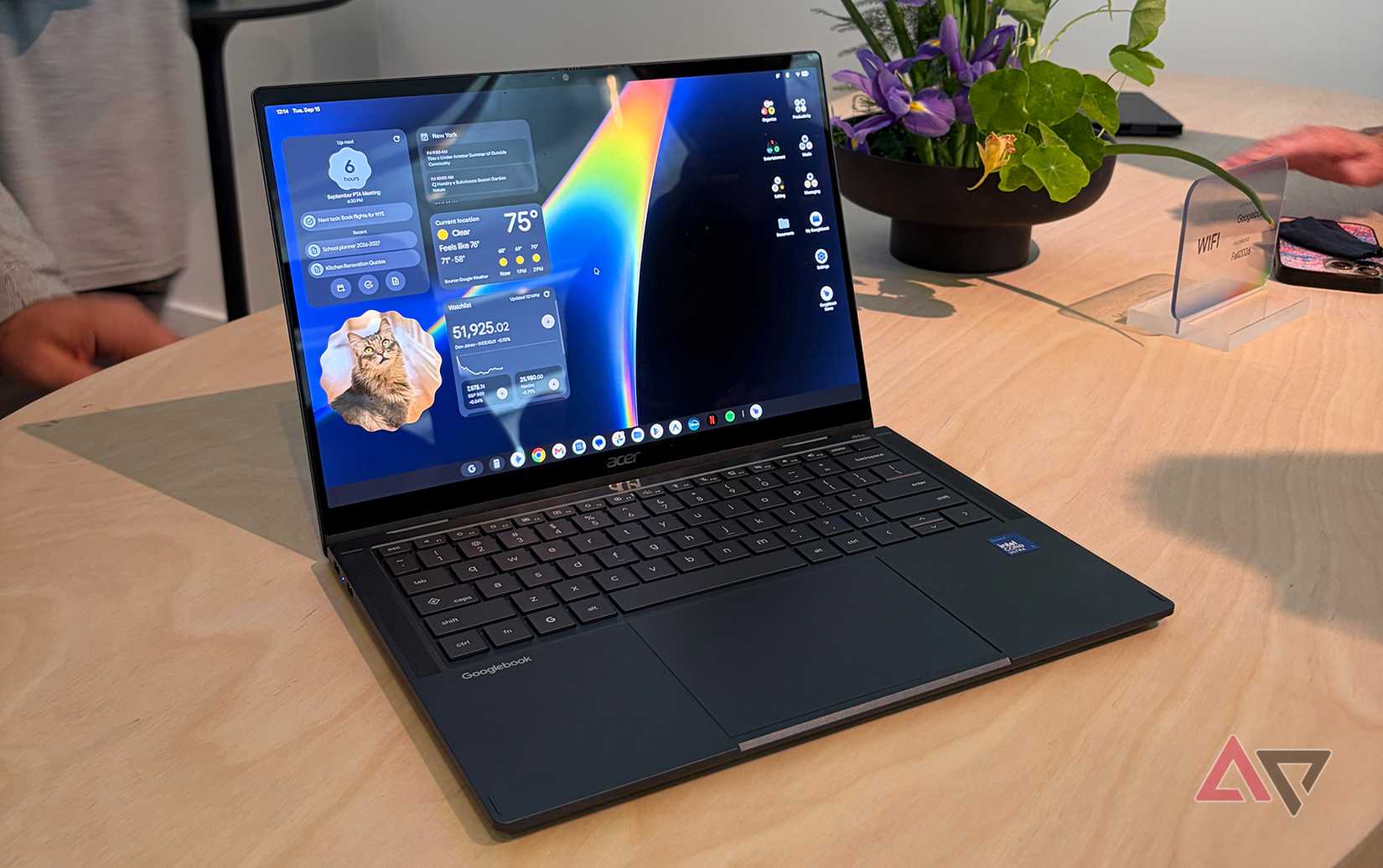
Should you buy a Chromebook in 2026 and beyond? Google has confirmed that Chromebooks are here to stay for budget-conscious shoppers and the education market. Coupled with the long support window, buying a Chromebook today doesn't seem particularly risky.
Chromebook Plus laptops around $500 also offer some of the best value on the market today, given Google's mandated baseline specs and surging component costs elsewhere.
We now know that Googlebooks cost several hundred dollars more than the average Chromebook Plus laptop, and Googlebook OS is still an unknown quantity.
While I appreciate the ecosystem integration Google is promising with Googlebook OS, I find it hard to justify spending a thousand dollars (or more) on a brand-new platform.
The MacBook Neo has proven you can get a great computing experience for little money, and the same goes for a handful of Windows-based competitors like the Dell XPS 13. So, for my money, a Chromebook Plus laptop lands in the perfect sweet spot in 2026, and perhaps even beyond.