As a kid born in the late 80s, retro gaming isn't just a fun way to visit old titles — it's often a flashback to my early childhood.
The rough beeps of 8-bit and 16-bit music cast me back to a time when all I worried about was whether I could beat Dr. Robotnik on the Jungle stage of the original Sonic the Hedgehog. Spoiler: I couldn't.
As such, I have a lot of love for , and I love . But I've always wanted something I could hook up to my TV and keep there. A mini-console of sorts.
So, despite my lack of technical knowledge, I decided to build one. It was easier than I thought, and it only cost me $109.
Building it was far easier than I thought it would be
Don't let a lack of experience hold you back
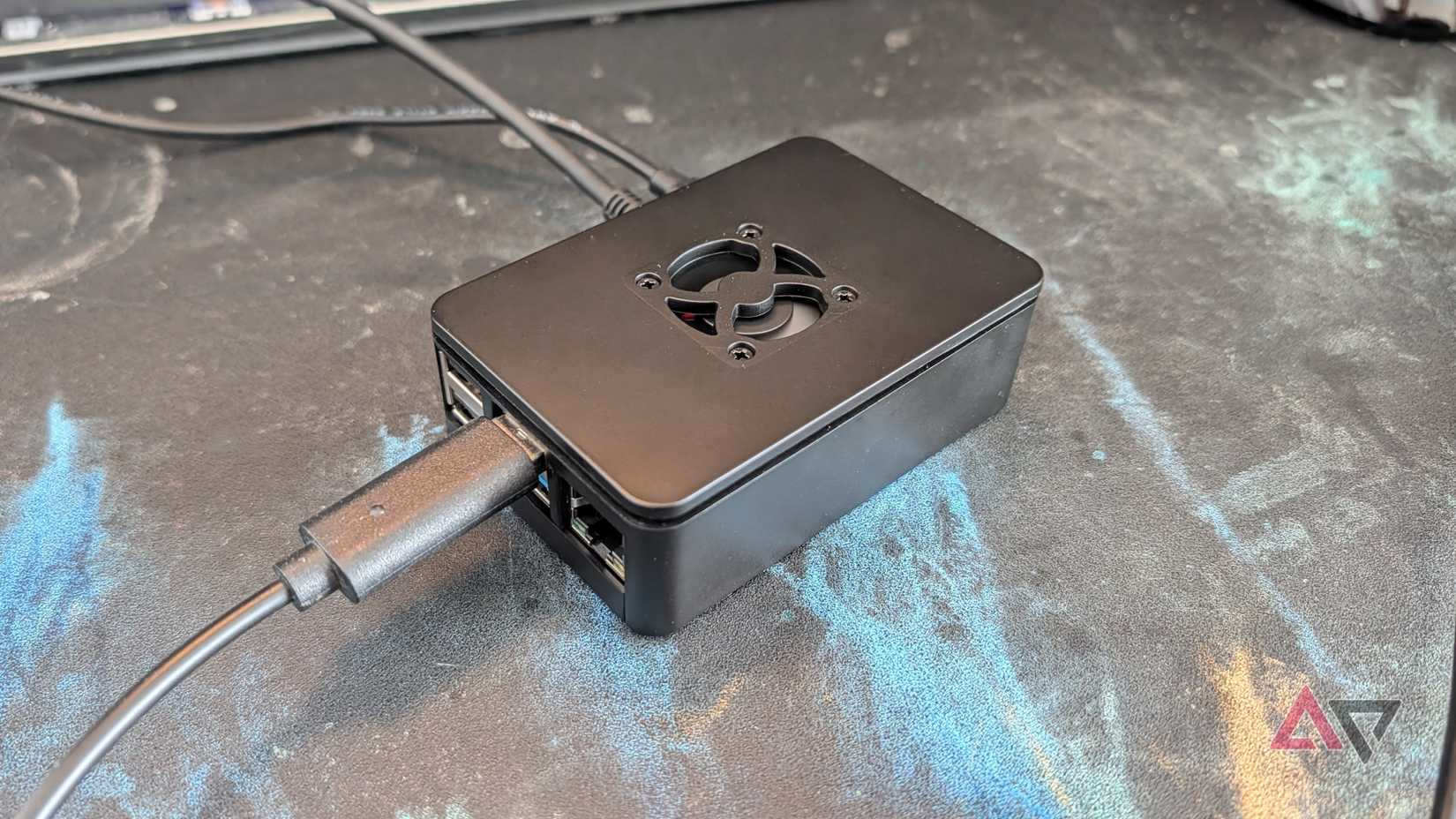
I've always wanted to mess around with a , but a complete lack of technical knowledge has always put me off.
A Raspberry Pi is the most famous single-board computer (SBC). They're extremely small, very customizable, and often used for small projects.
You can build a Pi to do everything from monitoring your network traffic to running a personal cloud storage server, or, in this case, as a retro gaming console.
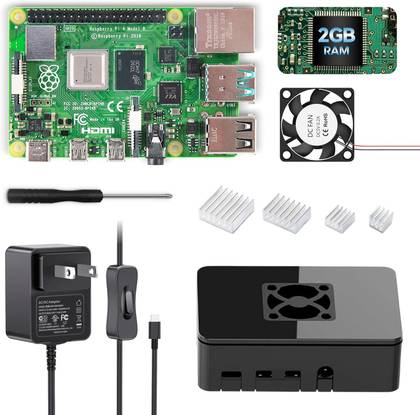
I chose a Raspberry Pi 4B with 2GB of RAM for this task. It's far from the most powerful device, but it's well priced at $109. That way I wouldn't feel too out of pocket if it failed.
I've built computers before, so when the kit arrived, I felt confident I could put it together. The kit also came with a good instruction manual, so creating my tiny computer was a breeze.
The next part was what worried me most. I have zero programming experience, and I assumed building a Pi would require some amount of typing in neon green on a black screen, in the dark. You know, hacker stuff.
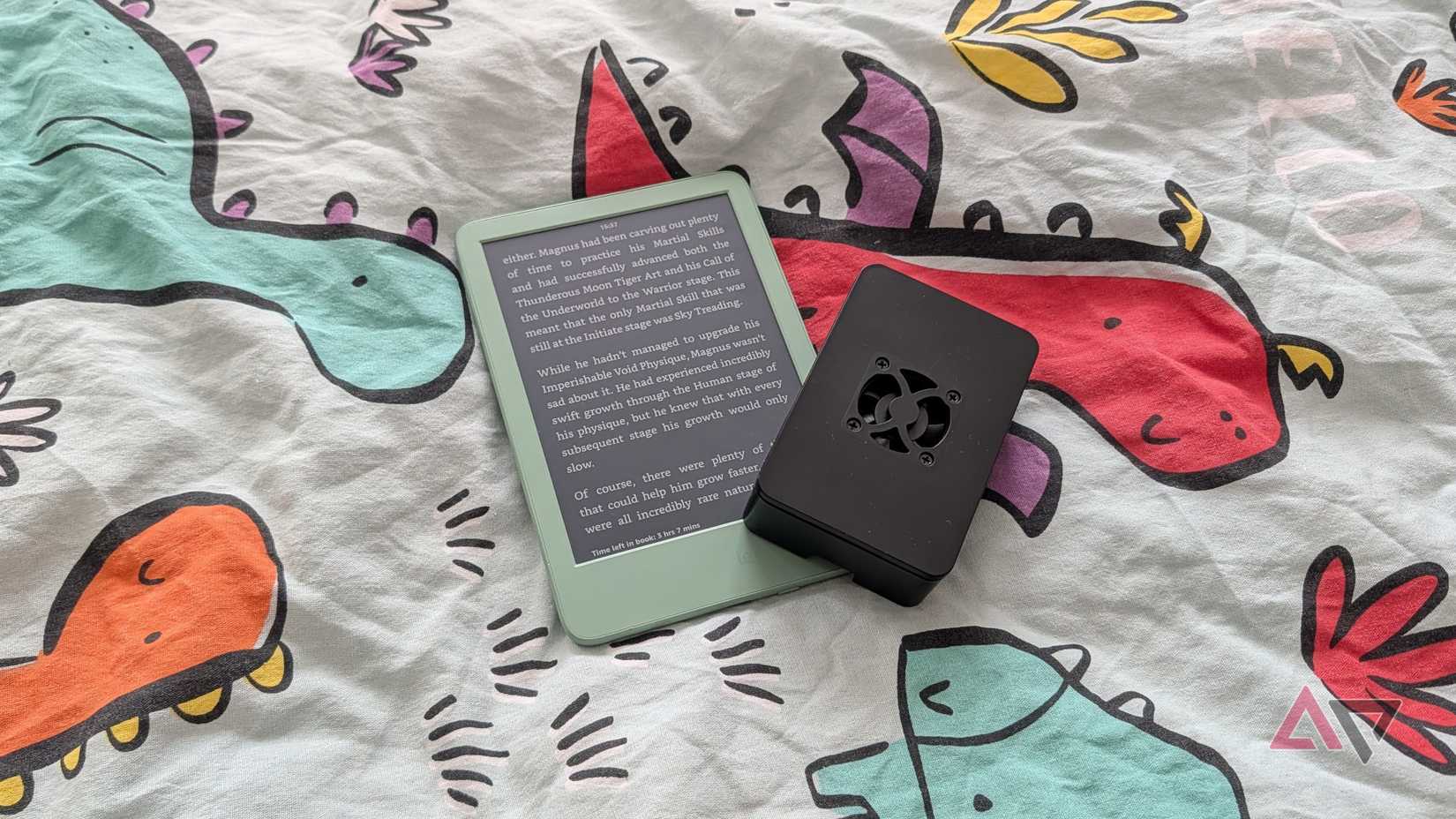
It turns out I inserted the included microSD card into my PC and used the Raspberry Pi Imager to install RetroPie.
Bing, bang, done. Huh.
Finishing the job was as simple as plugging it into the power, a TV, and a wired controller.
I had problems getting the Wi-Fi to work properly. But I diagnosed and fixed it quickly with a quick trip to Gemini and the various Raspberry Pi support forums.
If I'd known how simple this was, I'd have tried this years ago. Notably, before the spike in prices caused by the AI bubble, but hey, what are you gonna do?
It's a great retro machine
But you'll have to pay more to emulate more powerful consoles
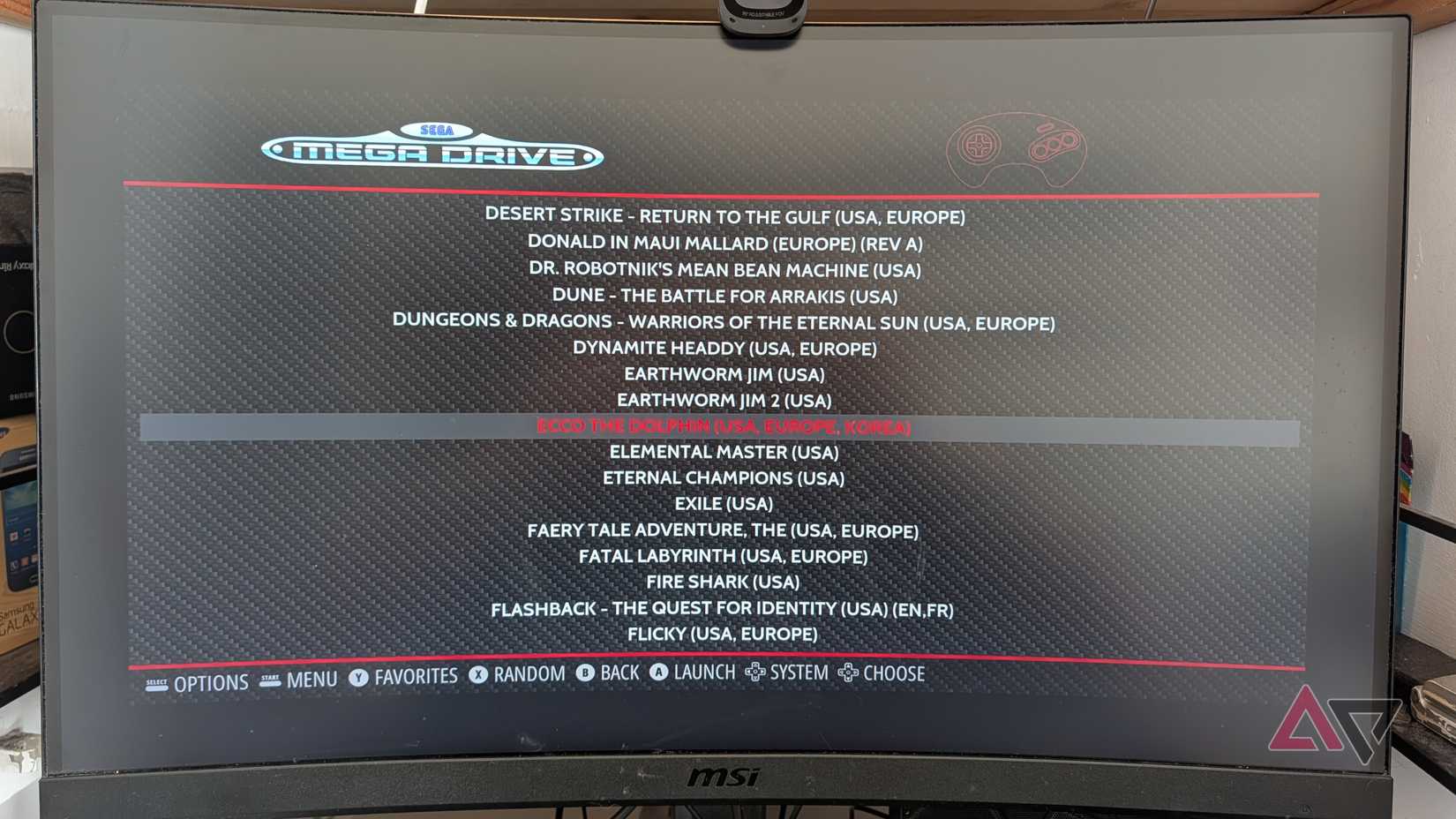
None of that matters if the emulation experience isn't any good. Thankfully, it is.
Loading it with ROMs only required popping the microSD card into my PC again and copying over the ROM files I have for my old games.
I stick it back into the Raspberry Pi, and it detects them automatically. Then it's a matter of booting it up, running through the setup process for your gamepad, and choosing a game to play.
It works extremely well. One big bonus of using a gaming OS like RetroPie or Batocera is that they're built with game controllers in mind.
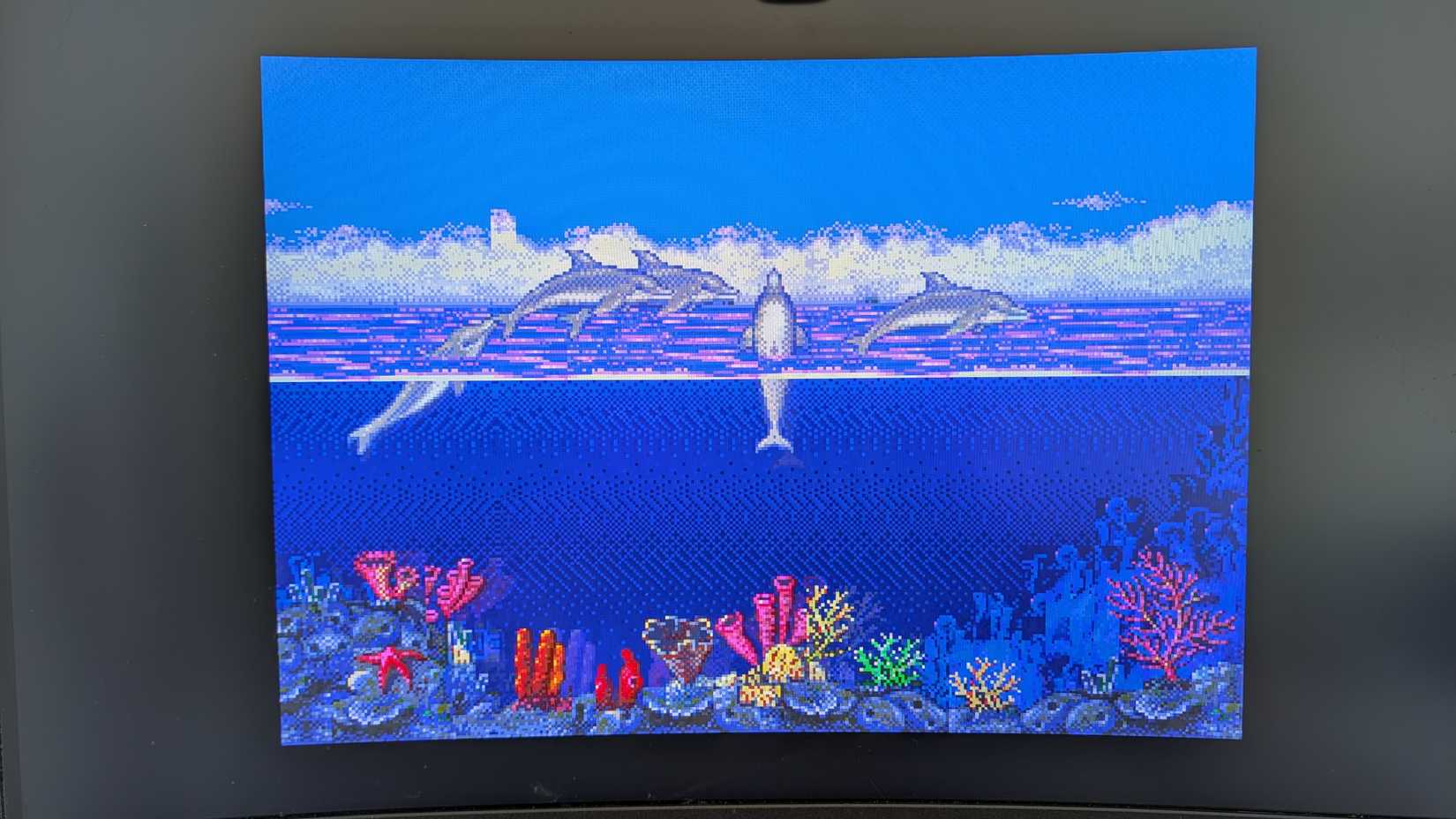
After I could start playing games, I had a blast. Using a wired controller may be a bit awkward, but when you're playing retro games, it feels authentic.
Plus, I don't have to worry about batteries. Though I do have to worry about people tripping over the cord.
While the Pi 4B 2GB I was using was fine for emulating most retro consoles, it tops out at about the fifth generation of consoles — the PS1 and Nintendo 64 era.
Its processing power can just about reach the PSP, but no further. This specific setup I was using will not reach the PlayStation 2 era. It's not powerful enough.
However, spending a bit more on a Raspberry Pi 5 can get you a device capable of emulating most PS2 games — though a fully fledged mini PC may be preferable if you want flawless PS2 emulation.
Money well spent if you want a living room retro console
And it's a fun project
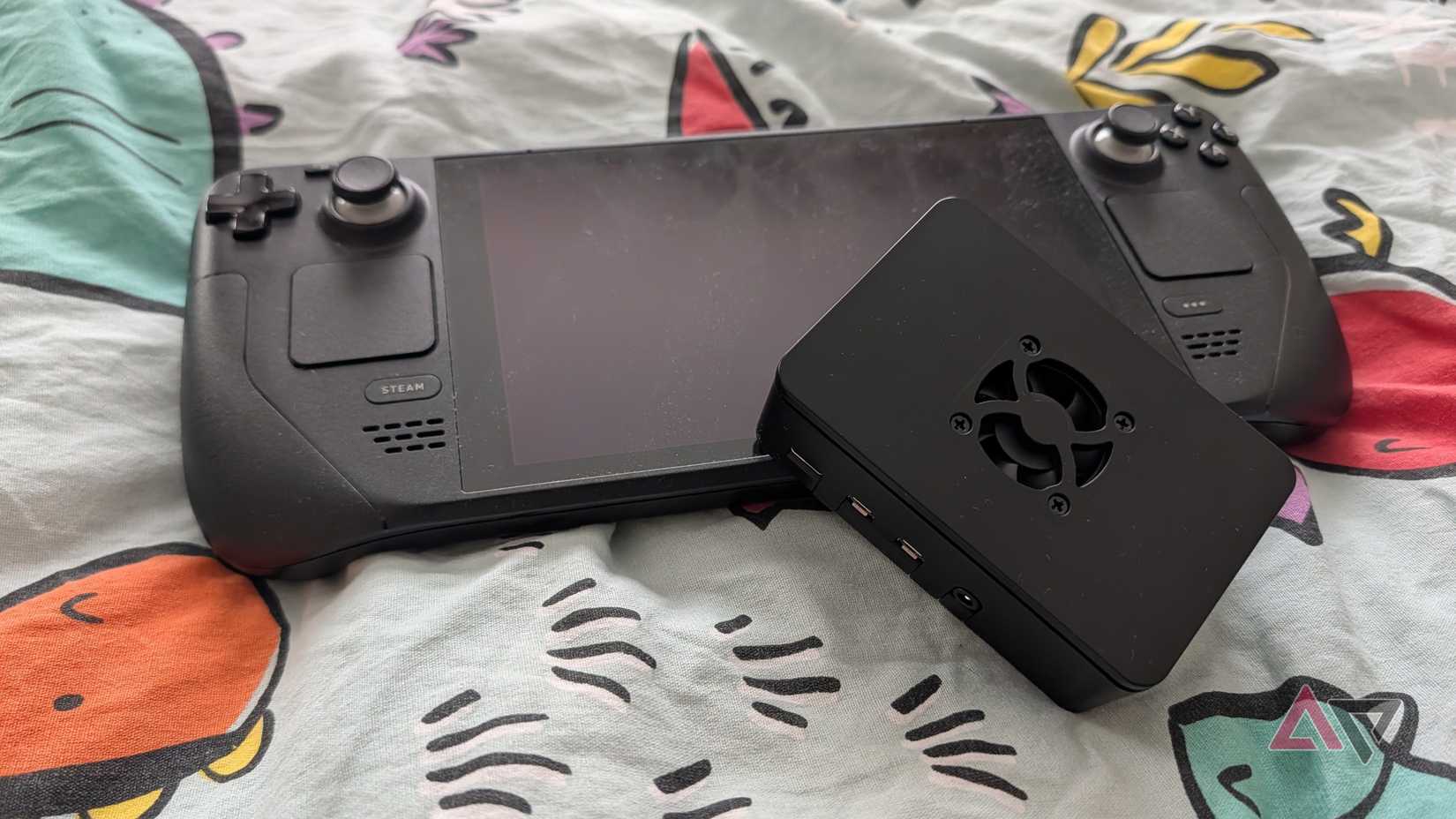
It's possible you already have a device that can handle this sort of task.
Heck, I did. My , smartphone, and Pocket 4 Pro are handy emulators and can hook up to the TV.
But it's always a bit messy to switch between handheld and TV, and there are always minor problems to deal with.
So there's real value in a box that stays connected and serves as your dedicated retro console.
It helps that it's so cheap. $109 is a great price, even if it's been pushed up significantly by the AI bubble. But even so, I find it hard to complain.
Creating my own retro console sounded intimidating, but it was a lot of fun to set up, and it has resulted in a solid little gaming console for slow evenings in. I love it.