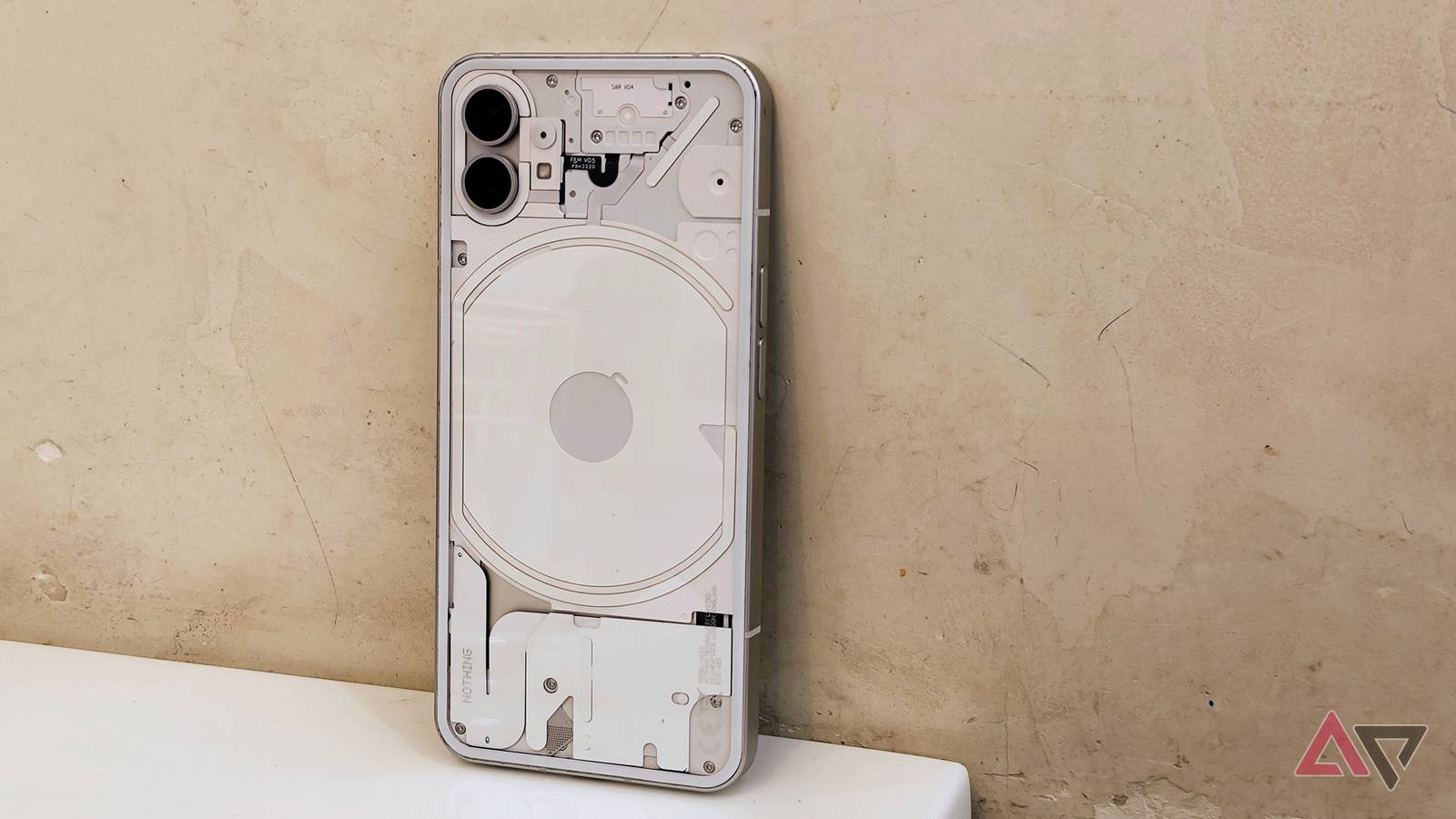
I'm a paranoid Android user. I'm afraid I could lose my phone and its files at any moment.
It could happen today, next week, or on a random Tuesday. With that in mind, I keep everything on my phone backed up at all times.
I back up regularly to both the cloud and external storage. The former is automatic and convenient, while the latter is cheaper and more reliable.
I've developed a foolproof backup plan. Each step ensures that if I suddenly lose my phone, I can continue on another Android phone (or on a Windows device) with zero data loss.
Backing up to the cloud is practically automatic
But it comes at a cost
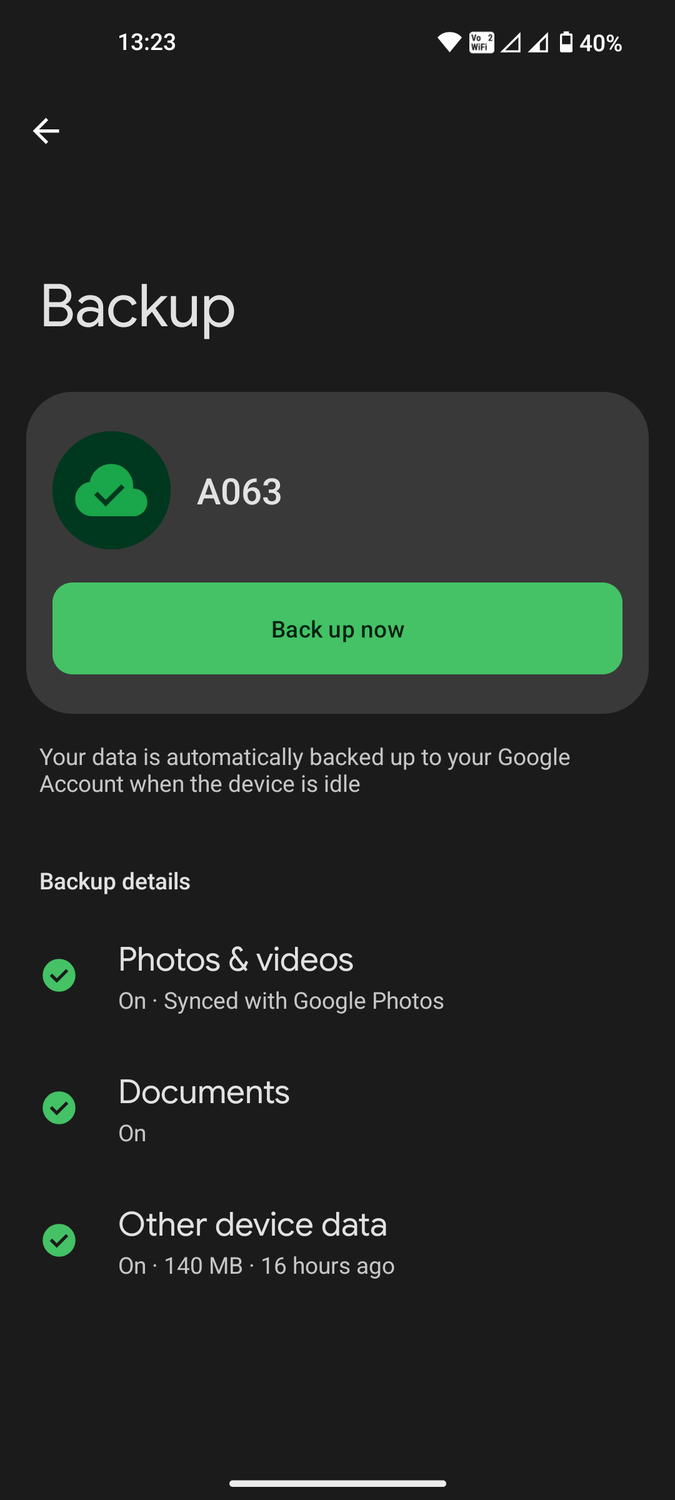
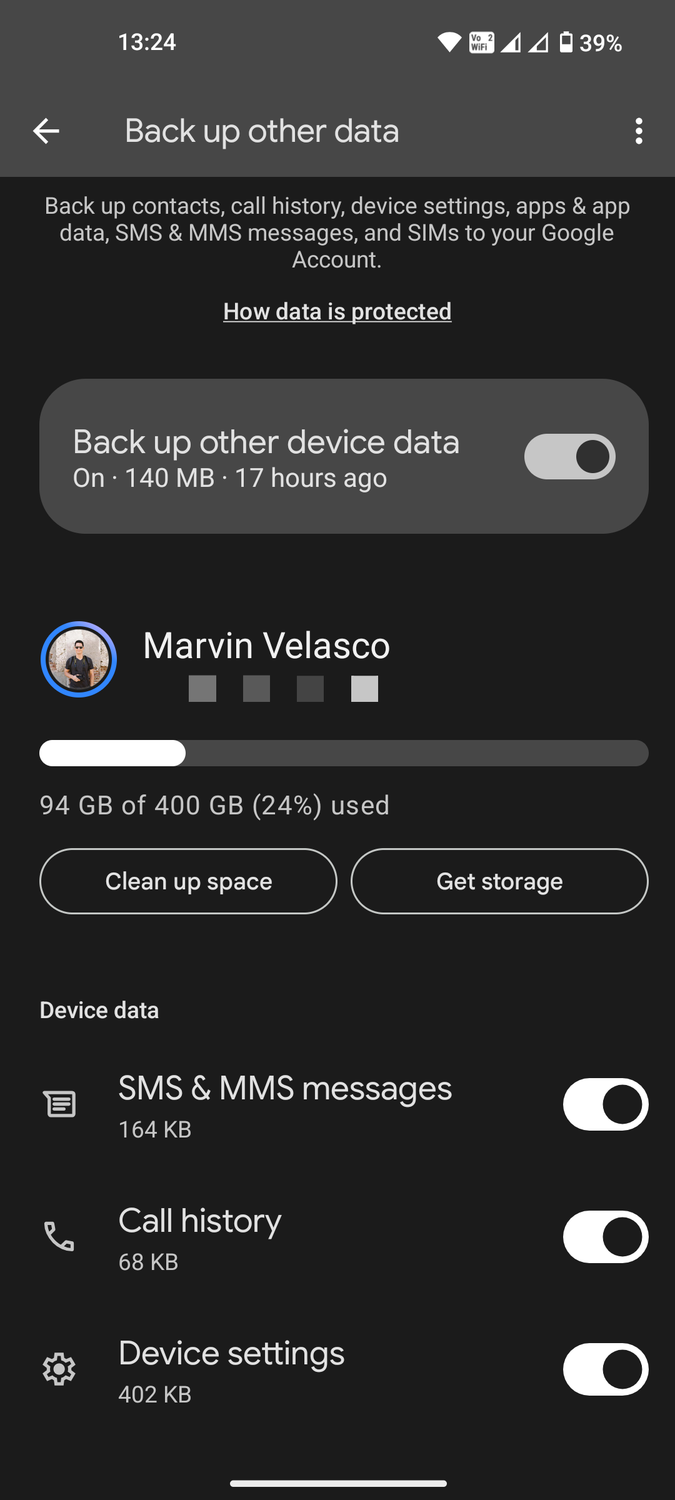
This is the easy part. Android makes backing up to its Google services straightforward. After all, it ties you to Google's ecosystem.
Go to Android's main > > Backup to see the operating system's primary backups. These include , , and Other device data.
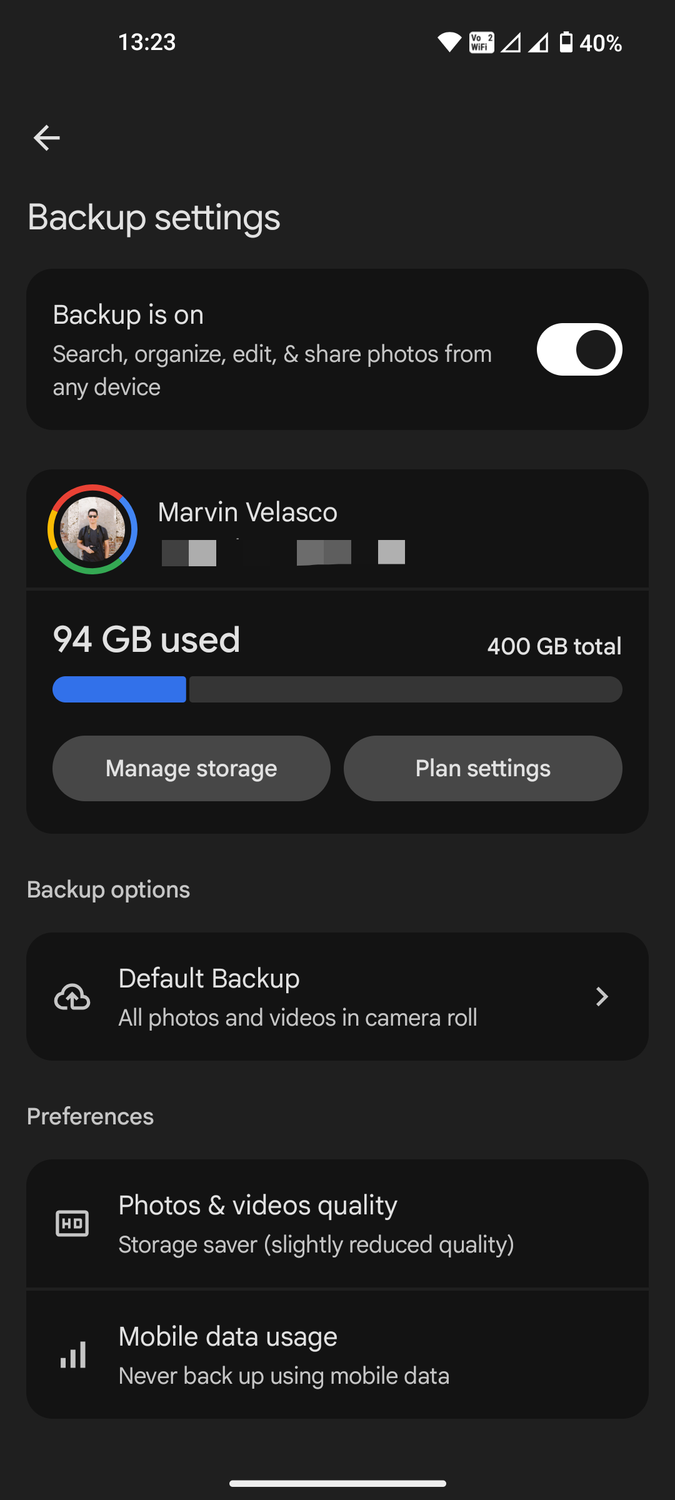
The first option is the simplest. Android uses Google Photos by default to back up every photo and video you choose to automatically upload to your online account. The more cloud storage you have, the more you can upload.
If you have one of the lower Google One storage tiers, select Storage saver as the backup quality on Google Photos. It reduces storage use by lowering quality and resolution, but it's still good enough for a basic backup.
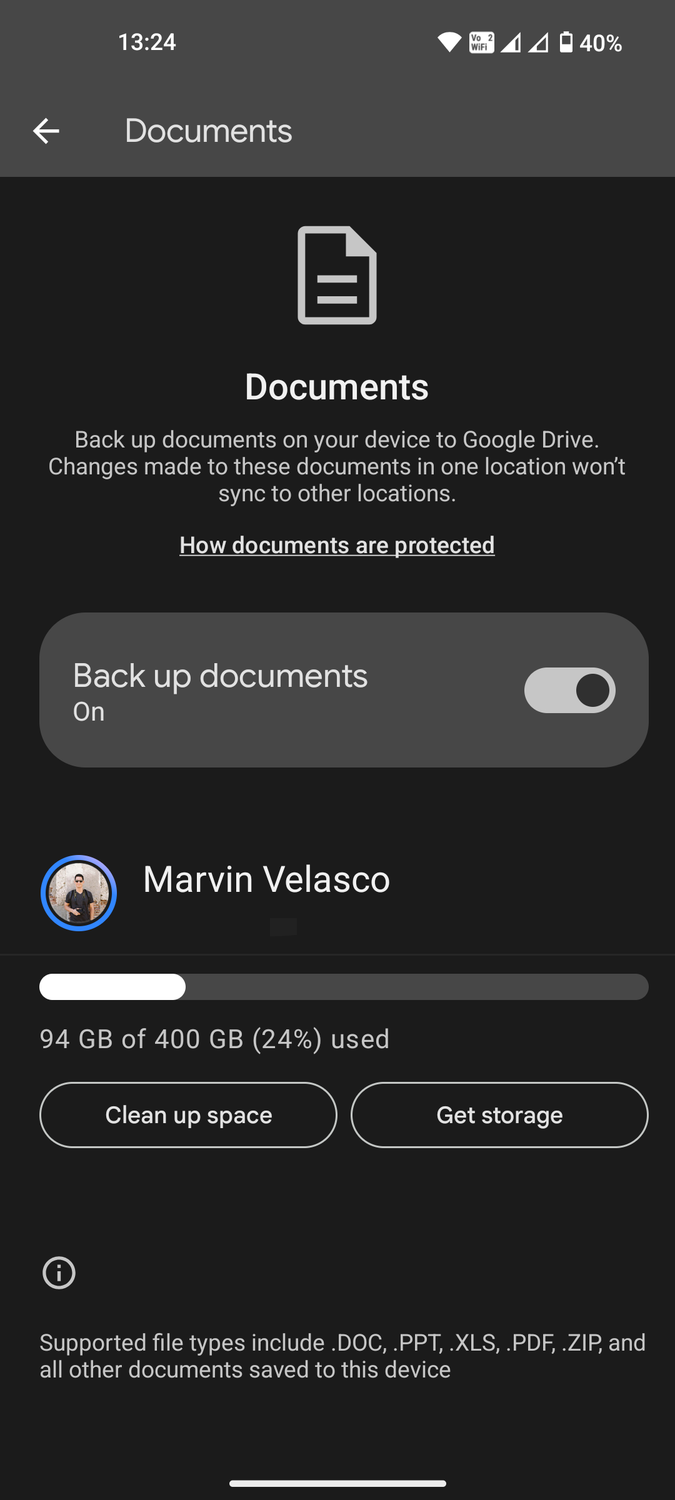
Documents backup is a relatively new feature. It locates DOC, PPT, XLS, PDF, ZIP, and similar file types in your local device folders and uploads them to a single folder on your primary Google Drive account.
It doesn't let you modify the upload parameters, such as which specific files or folders to sync, but it's still helpful for documents you might otherwise forget to back up online.
The third option backs up other important files, including contacts, app data, and SMS messages. You can choose which local data to sync automatically. The data is lightweight, so I turn everything on.
Everything else I have on my phone is attached to the cloud. My banking and shopping apps are tied to their servers, my browser bookmarks and browsing history have their own syncing process, and mobile games rely on cloud saving.
Your backups aren't real until you've verified they're there. Regularly check that your backed-up files can be opened.
Hardware backups do the heavy lifting
Nothing beats the traditional way
Depending solely on the cloud would be a mistake. Server downtime and lost passwords could seal the fate of whatever you uploaded.
That is why I keep physical backups of my most important files. To simplify the process, I follow the 3-2-1 Rule:
- I keep three copies of my data: one primary copy (my Android phone) and two backups.
- I use : one on my laptop or desktop and another on an external hard drive.
- I store one physical backup in a , in case one copy is stolen or lost in a fire.
Transferring large files from my phone to external storage or a laptop is simple. I don't have to search for a data transfer cable and figure out if I need a USB-C or USB-A plug each time.
When transferring between my Android and Windows devices, I use Quick Share. It's fast and easy to pair my gadgets. Since Quick Share works on Wi-Fi Direct and Bluetooth, it can handle transfers while I'm working outside or at a café.
For larger cross-platform support, I have LocalSend. In addition to the aforementioned operating systems, it also works on iOS, macOS, and Linux. It eliminates the need to find a data transfer cable or upload files to the cloud for downloading on another device.
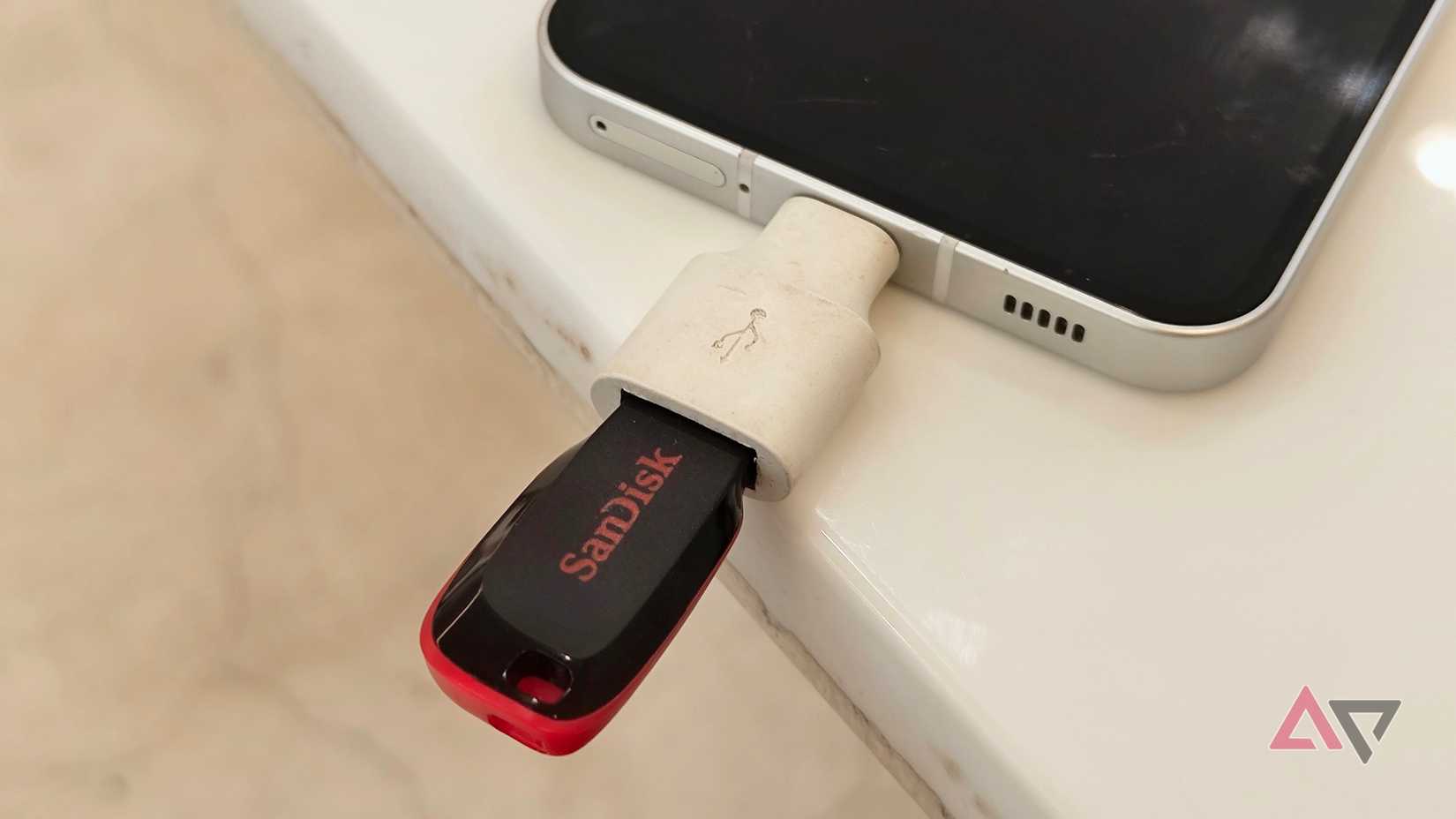
Alternatively, I have a USB-C to USB-A adapter from an old Pixel phone. It's a basic dongle that lets me connect a flash drive or SD card (with another adapter) to my phone.
It's handy when I need a quick transfer without my laptop nearby. I can plug it into my laptop or desktop PC when I get home.
I'll never lose an important file again
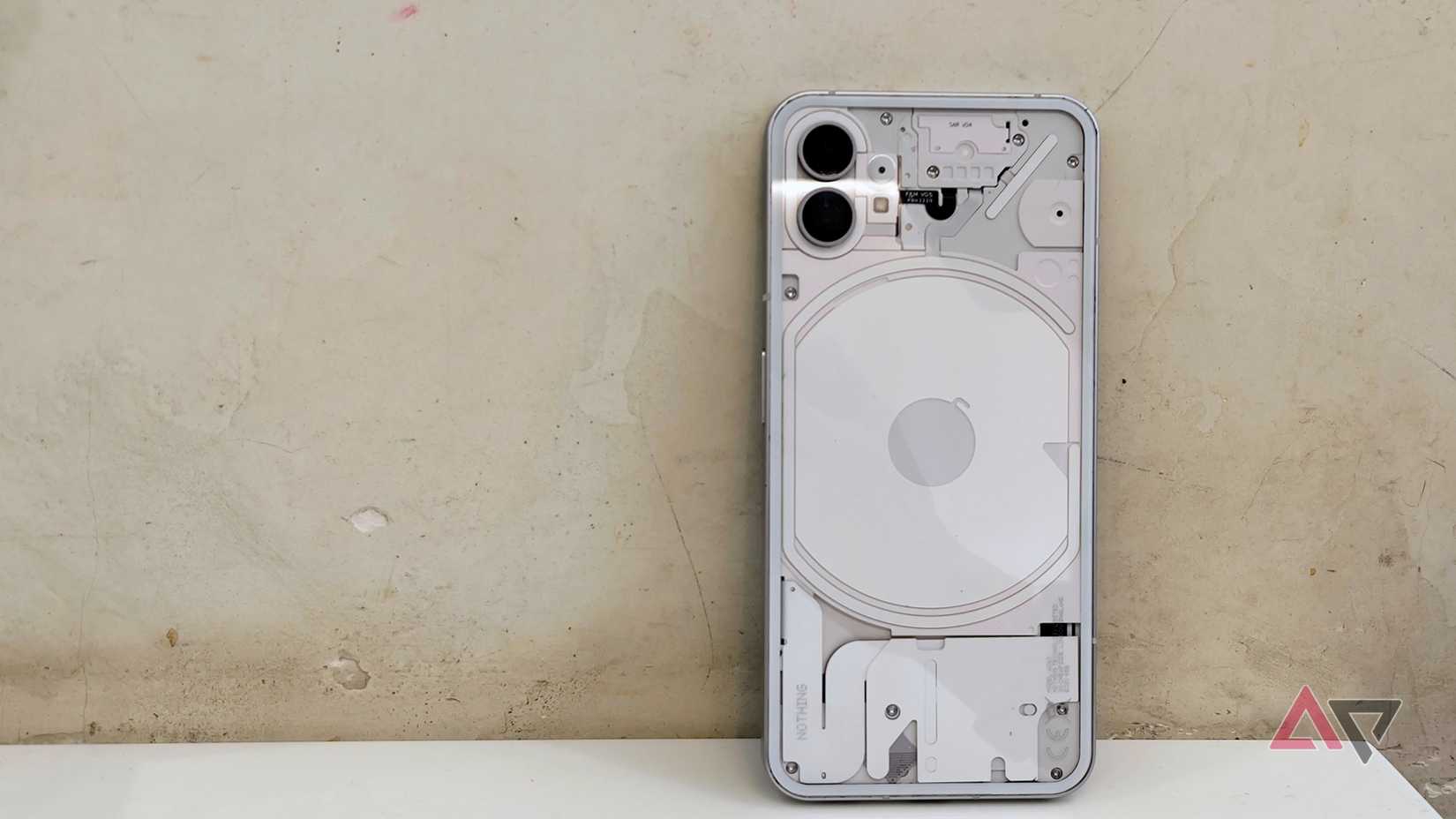
As stressful as losing a phone is, nothing compares to losing important files. Phones are replaceable; certain files are unrecoverable.
Accidentally leaving my phone inside a train during a family trip could mean losing my vacation photos. Dropping a phone on the pavement or into the ocean could spell doom for my work documents and contact list.
Having a single backup isn't enough. I back up my backups to make sure that every Plan B has a Plan C.
It soothes my anxiety and pipes down my paranoia. I go on every trip or commute knowing my files are intact in the cloud or at home.