Running Dungeons & Dragons sessions using the 2024 fifth edition rules means constantly referencing the Monster Manual mid-game, and to be fair, that book was never built for speed.
I had an epiphany. Why not use Gemini's Canvas feature to build a tool for this problem, so I could use my own version instead of fighting with the physical book every session I run.
Flipping through the pages or scrolling a PDF while five players wait for you to find one monster's ability is its own kind of mood-killer. I wanted to build something quick that specifically tackles how I run a game.
Ultimately, I refined it well past the first version, and I never went back to flipping pages.
Flipping through a rulebook mid-session kills the pace
The Monster Manual was never built for speed

The physical Monster Manual is comprehensive, which is exactly the problem.
Finding a creature's stat block, ability, and lore, all in one place, means going back and forth between sections that were never organized for a live session, especially with the 2024 revision reorganizing entries in ways that take time to relearn.
A PDF search bar helps a little, but it still pulls up walls of text formatted for reading cover to cover, not at a glance, and it matters mid-combat.
Every pause to look something up is a pause for the whole table, and they add up faster over a three-hour session.
Building it took one detailed prompt with sections for clarity
Structure, content, and accuracy, all specified beforehand
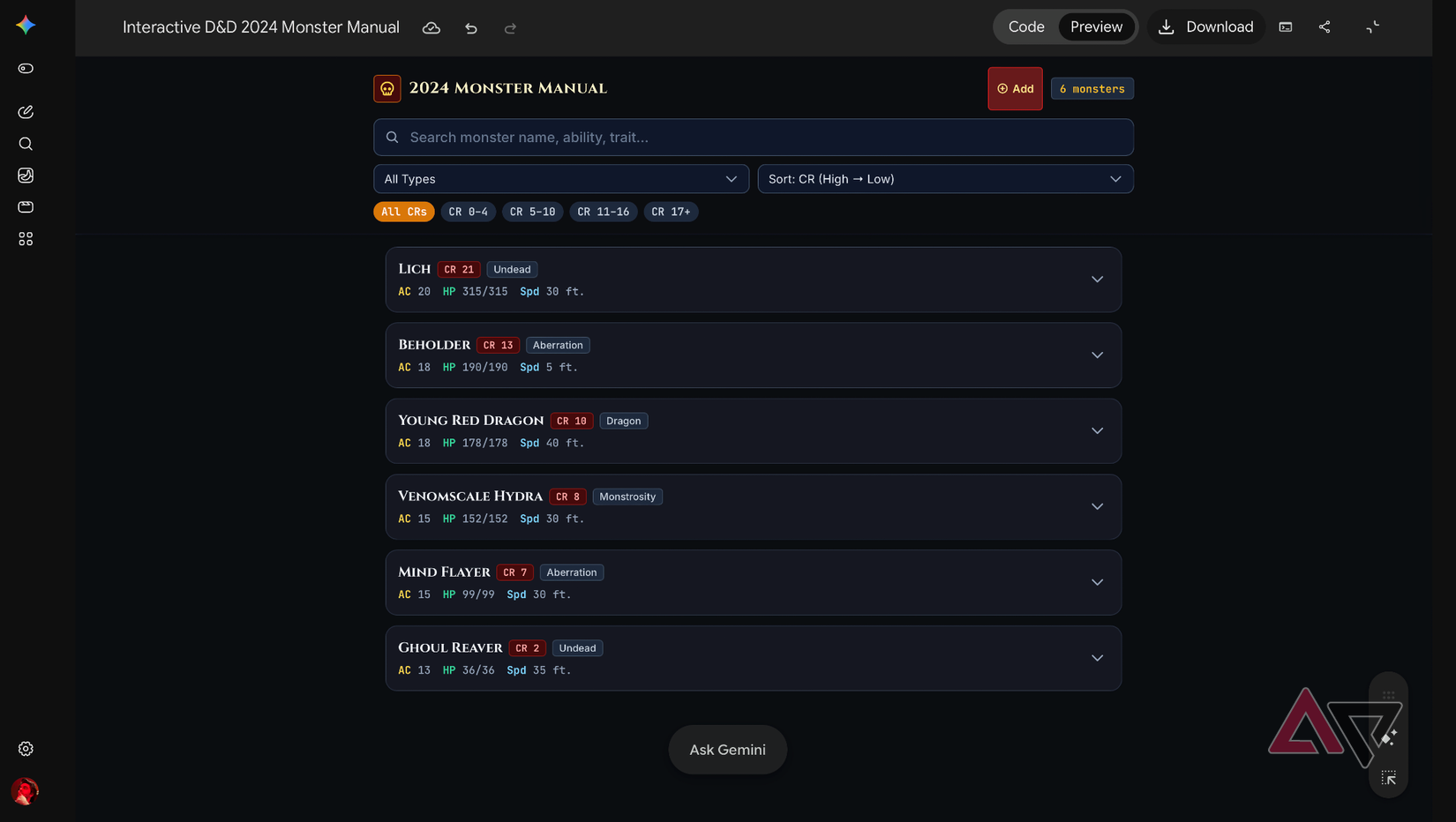
I built this on my laptop, as it has more room to play around. I described the tool in a single prompt broken into clear sections instead of one long paragraph.
Separate sections covered the layout, what each monster card needed to contain, how entries should be organized, and instructions to use accurate 2024 5e stats rather than older edition numbers, which might otherwise slip in.
I also added a section on adding new monsters later, telling Canvas to keep the structure the same for any future changes.
The result was a breath of fresh air for me, with full stat blocks, concise lore, and quick-reference notes on abilities, weaknesses, and encounter use, all inside a single searchable layout instead of entries that are spread out.
I found and fixed a real bug hiding in the search bar
Everything worked like a charm, except one little thing
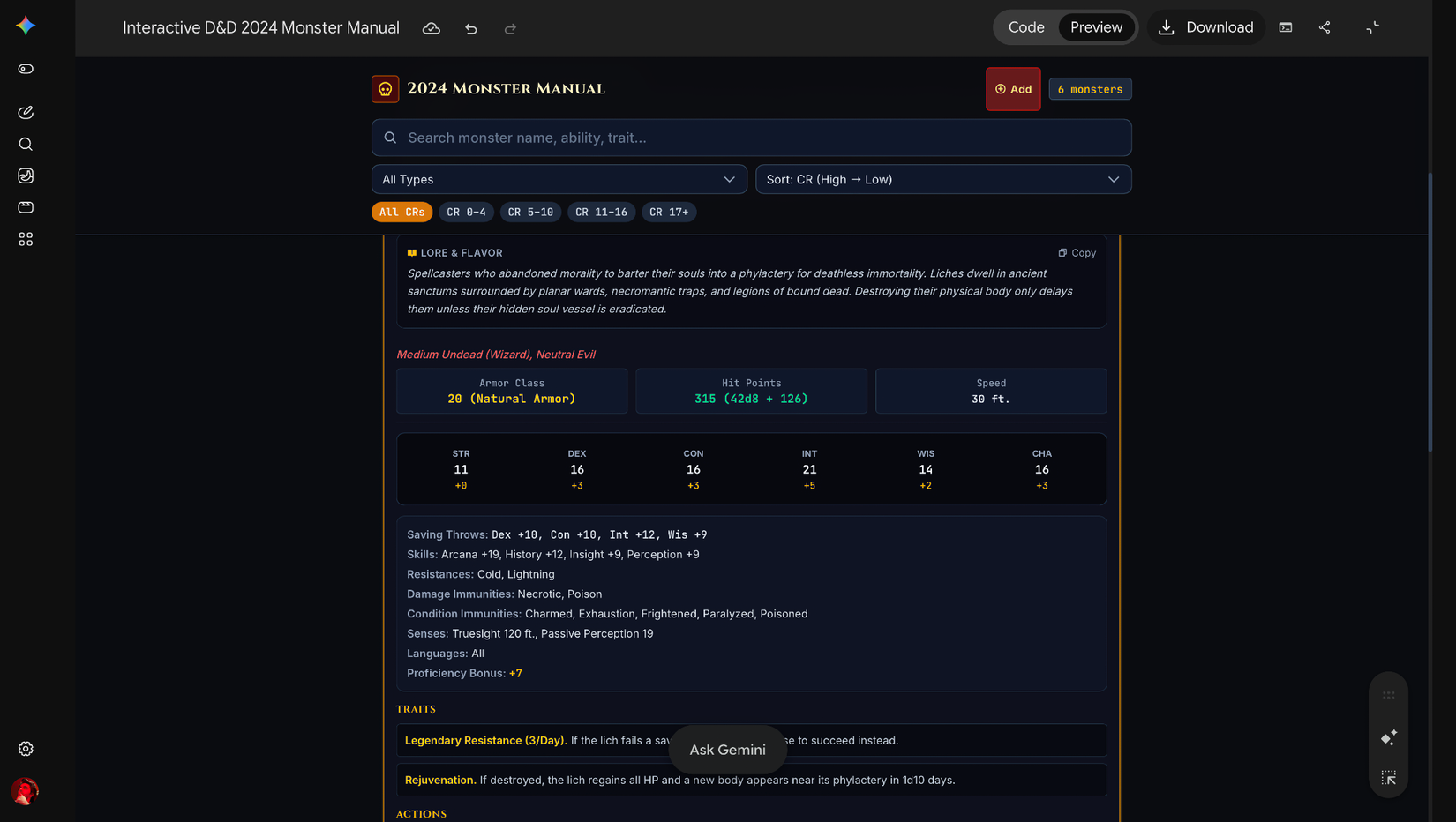
After the system was built, I tested the search bar, which is the most important part of the tool, and the reason I was building it.
I tested the search bar with a handful of specific terms before trusting it at an actual table. "Dragon," "mind," and "li" all correctly narrowed the list, but typing a single letter like "b" returned nothing, which was the one result I didn't expect.
I've made websites with AI design tools before, and I know how it goes. That's a classic sign of a minimum character threshold, a very common search-based behavior that only starts filtering after two or more characters have been typed.
Small bugs like this tend to stay hidden until you test the exact way you'll use something. A follow-up prompt removed that threshold, and everything worked perfectly fine.
Giving it a Monster Manual look, and more searchable elements
Theme, color-coded danger, and searchable spells and conditions
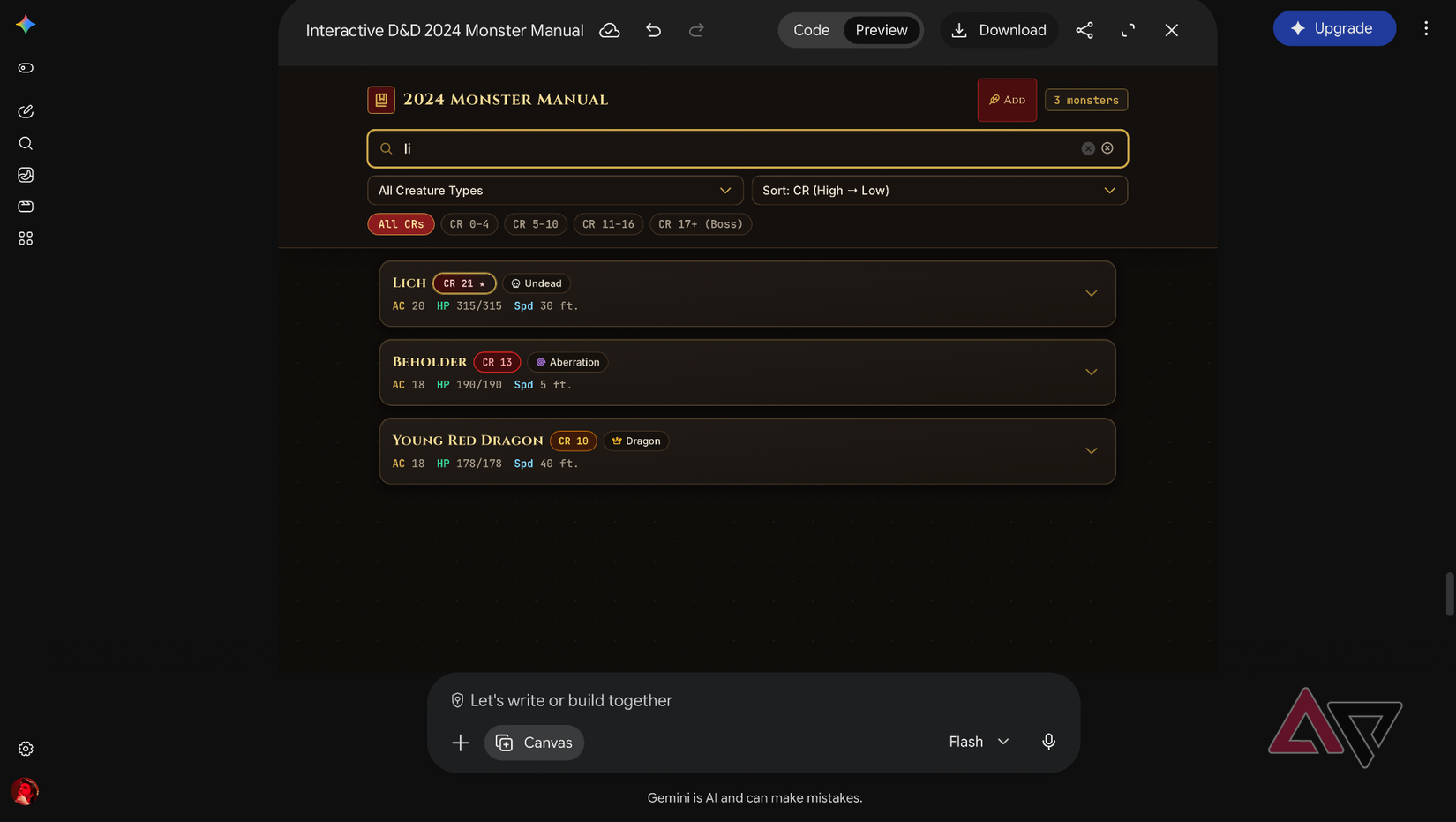
I asked Canvas to restyle the tool with a dark, parchment-and-leather theme, complete with Serif headers, gold borders, and color-coded Challenge Rating badges that shift from green to deep red as danger increases.
The functionality stood its ground, which is something that doesn't happen when you build a website.
I also added three fields over the original stat blocks. The Conditions Inflicted section uses an amber chip for effects like Stunned, Paralyzed, and Frightened, visible before you open a card.
Spells Known sits in a separate badge grid covering innate psionics and full spell repertoire, and Legendary and Lair Actions get a dedicated section detailing legendary costs and Initiative 20 lair effects.
All three of these fields will feed into the same unified search bar as the original name search.
For instance, typing "Paralyzed" would pull up Beholder and the Lich, and Ghoul Reaver together, "counterspell" without me having to touch a single stat block.
Three sessions in, and I'm not going back to the pages
Two honest limits, and a weekend session that proved it

Editing text formatting inside Canvas worked on the desktop for me, not on mobile, and I learned this the hard way, as Google confirms this on its Canvas page.
That's fine for what I need it for, since I only need to view and search during a session. I still cross-check anything unfamiliar with the actual rulebook before treating it as the final word.
I played it only recently over the weekend with my wife and brothers, and pulling up stat blocks, spells, and lore in seconds without needing a book once was a load off my mind.
Finding that one AI feature that quietly becomes part of your routine is rarer than it sounds, and Canvas earned that spot through a hobby I didn't expect Gemini to help me with.