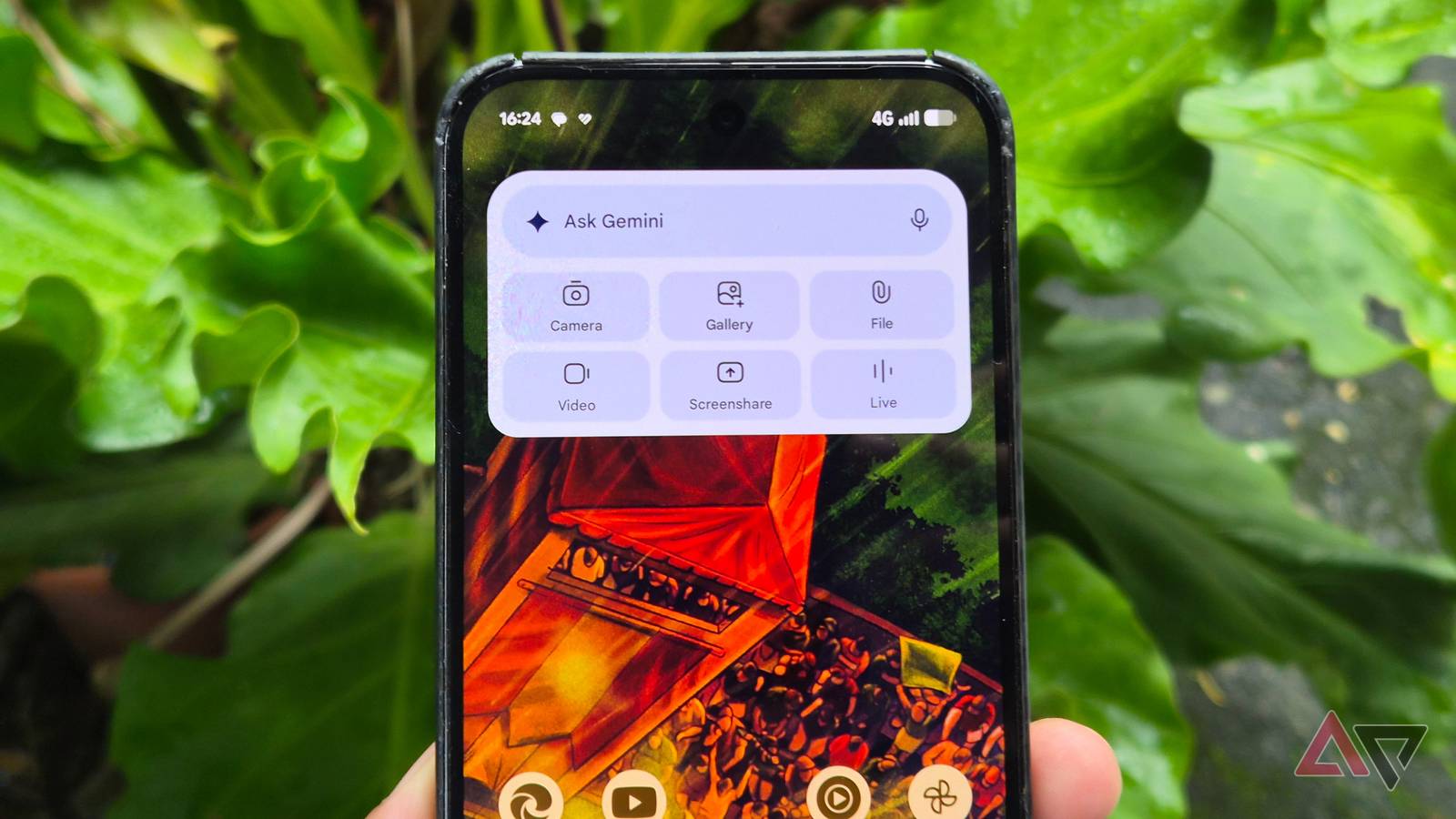
Recently, it seems that with every Gemini-related announcement from Google, the hype becomes more saturated and duller the more I hear or read about it.
Even with Gemini Spark, I was initially not a fan. I thought it was just another iteration of Google's chatbot. But boy, was I mistaken.
I've been testing Spark for several weeks now, and while it's still underdeveloped, I'm surprised by how it has become a I now treasure more than Gemini.
So far, it has replaced many major Google apps I've used. Not that I needed to uninstall or delete these services from my Google Pixel 9 Pro XL, but they made my phone feel lighter and my productivity more streamlined.
What is Gemini Spark?
A 24/7 personal agent
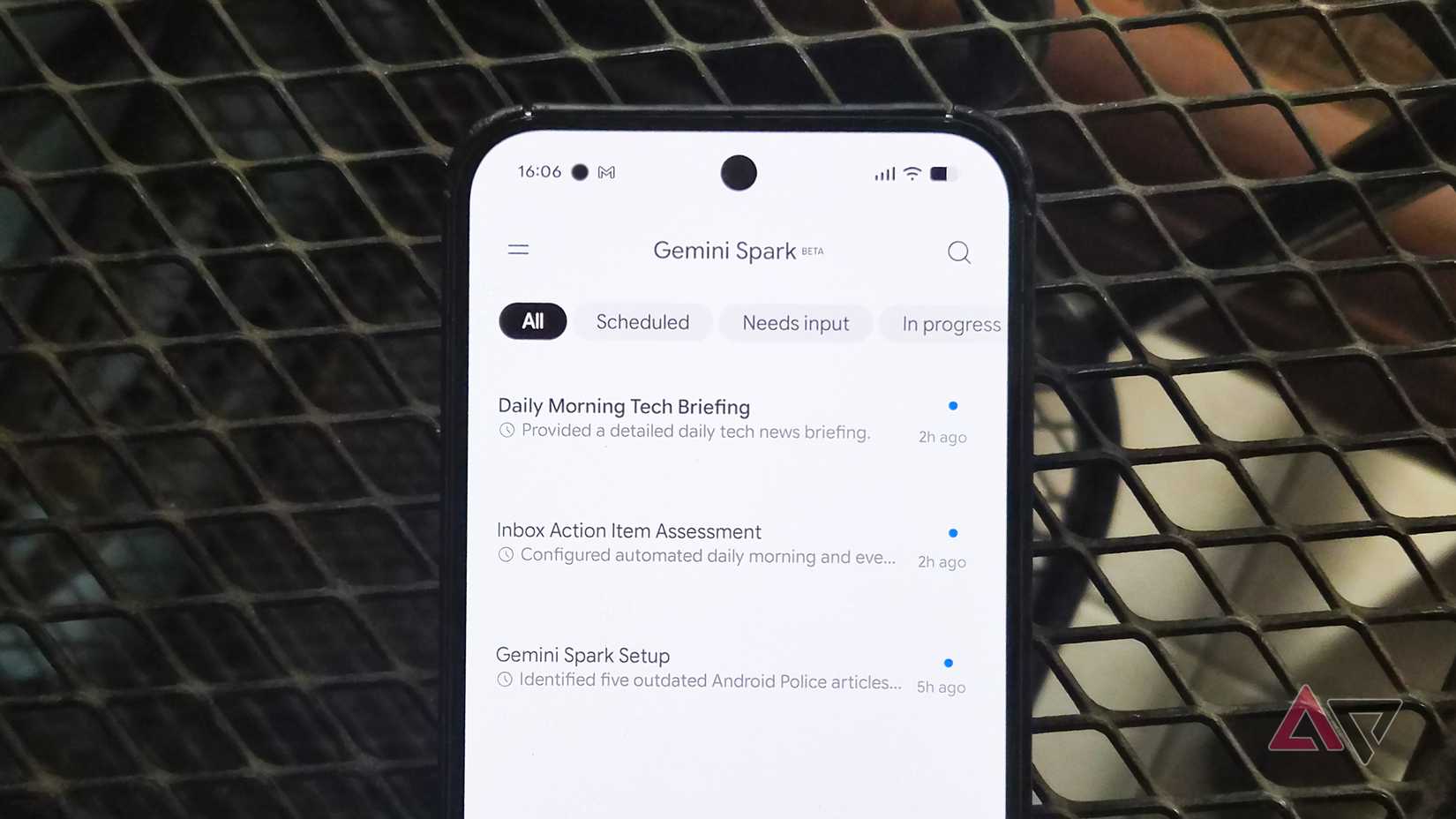
Spark was recently launched as an agent in Gemini. It fills the gaps in Gemini, enabling autonomous tasks around the clock with little to no supervision, depending on the assignment.
Technically, it's also an upgraded version of the scheduled actions I used before for smart home controls and routines.
However, Spark enables true agentic capabilities, and its integration with Workspace and other Android services makes it an indispensable tool for power users.
For instance, I can set up a recurring job that runs daily or a few times a day via Schedules. I can also add Skills to customize specific instructions, styles, or tones for each recurring schedule.
Beyond those basics, it's even more powerful when used to its full potential.
Throughout the entire time I've spent testing it, it has proven remarkably handy for replacing the native software I rely on, or at least for serving as a solid autonomous assistant.
Autonomous browser agent
It replaced Chrome for everyday web tasks
One use of Spark is as a browser agent. It does the heavy lifting of web browsing.
Before Spark, I opened Chrome to monitor online discounts, search and digest evolving stories, or conduct deep web research.
While Gemini can handle basic surface-level queries, it requires me to stay glued to the chat for repetitive tasks. It's a waste of screen time to trigger these tasks by hand.
Spark is a more proactive and sensible agent than Gemini. I configured it to handle those laborious browsing tasks in the background.
For example, I use it to pull out the most interesting tech developments that broke overnight or that slipped past my radar.
It then serves up a curated list with summaries. It's also great to know that it works seamlessly with Google News, providing full articles for sources with active subscriptions.
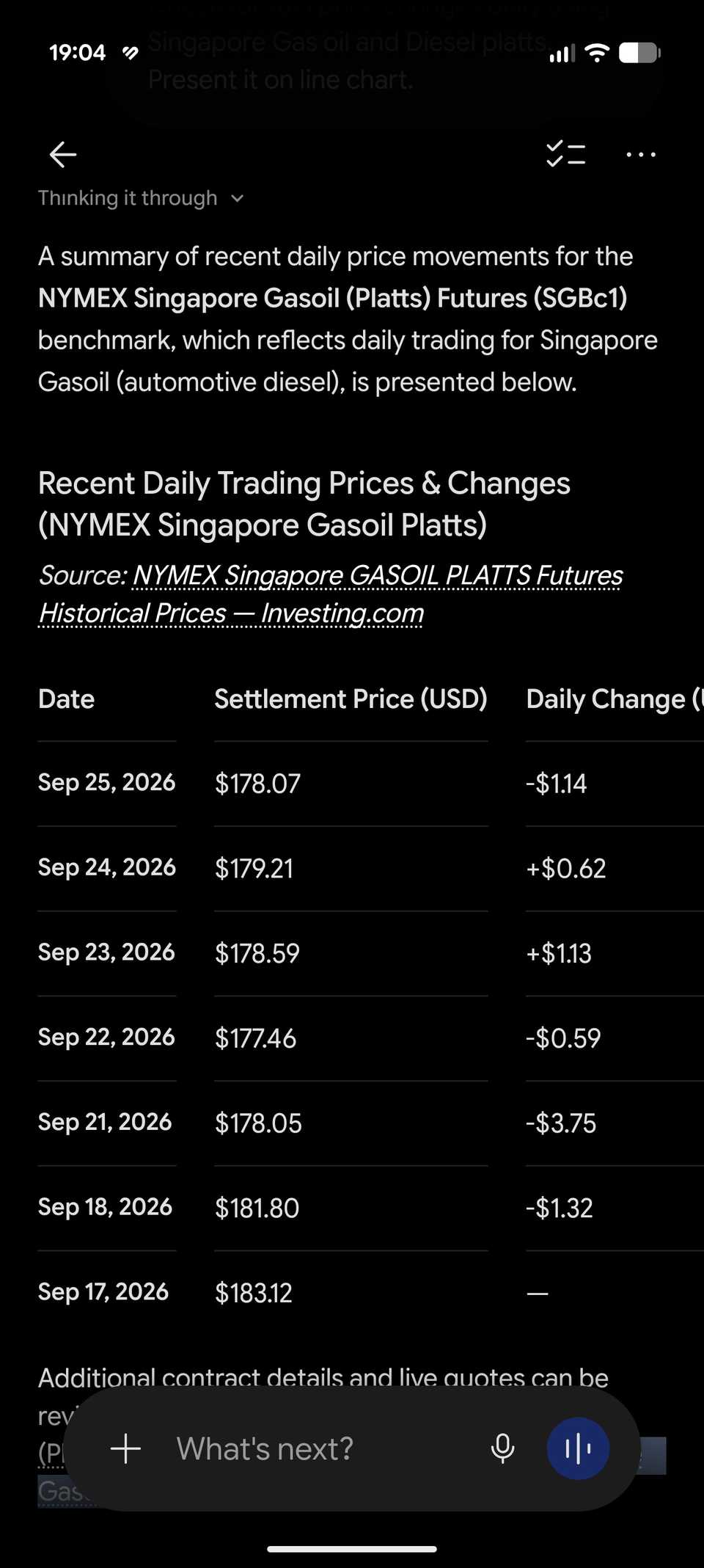
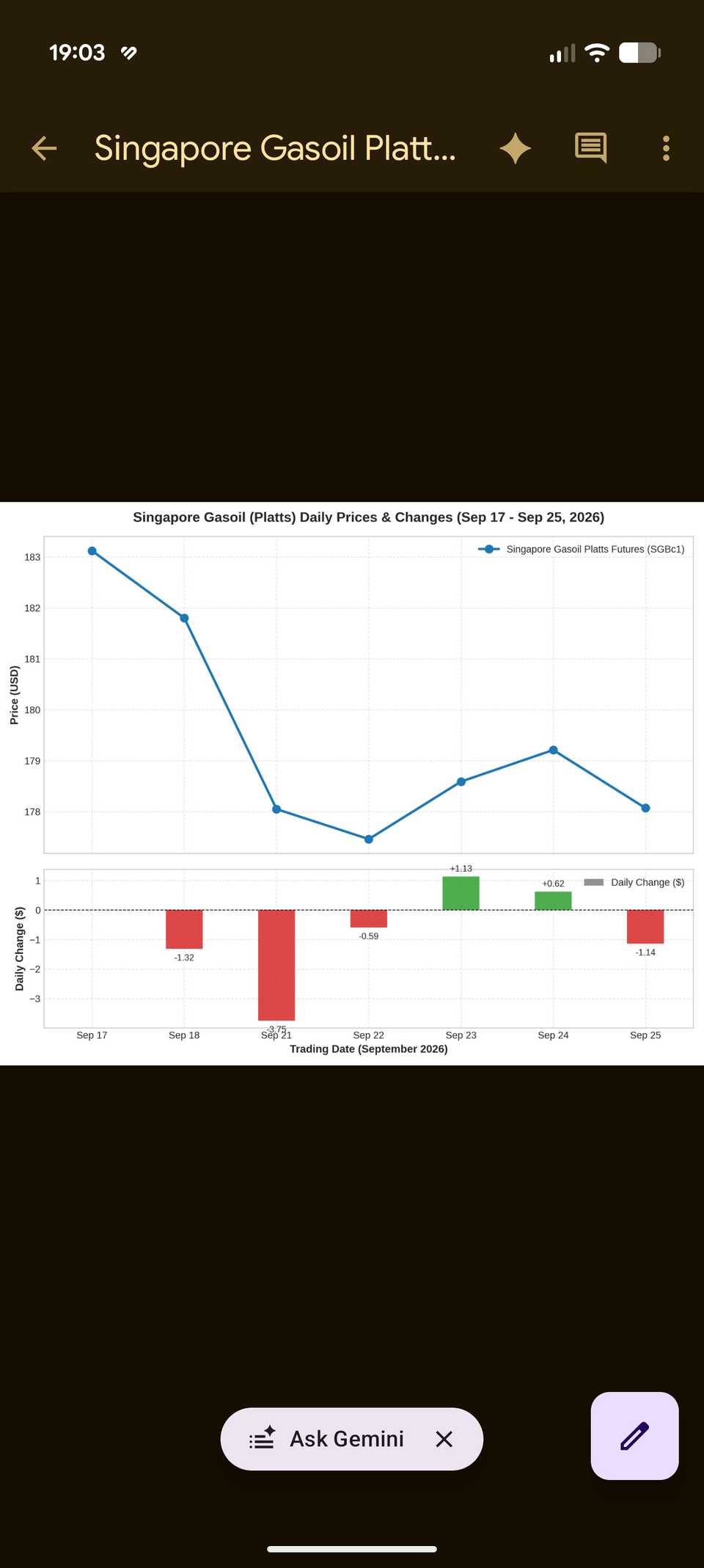
I also programmed it to track fluctuating stock and commodity prices, even generating neat tables and charts for visual reference.
It handles far more than the tasks I mentioned above.
It handles agentic duties, such as scouting local restaurants and making reservations, though the final step still requires human confirmation.
This is a clear example of Google's autonomous vision coming to fruition. That genuinely excites me, even if I was hardly a staunch supporter of Gemini at the start.
Inbox triage
Spark sweeps my Gmail clean
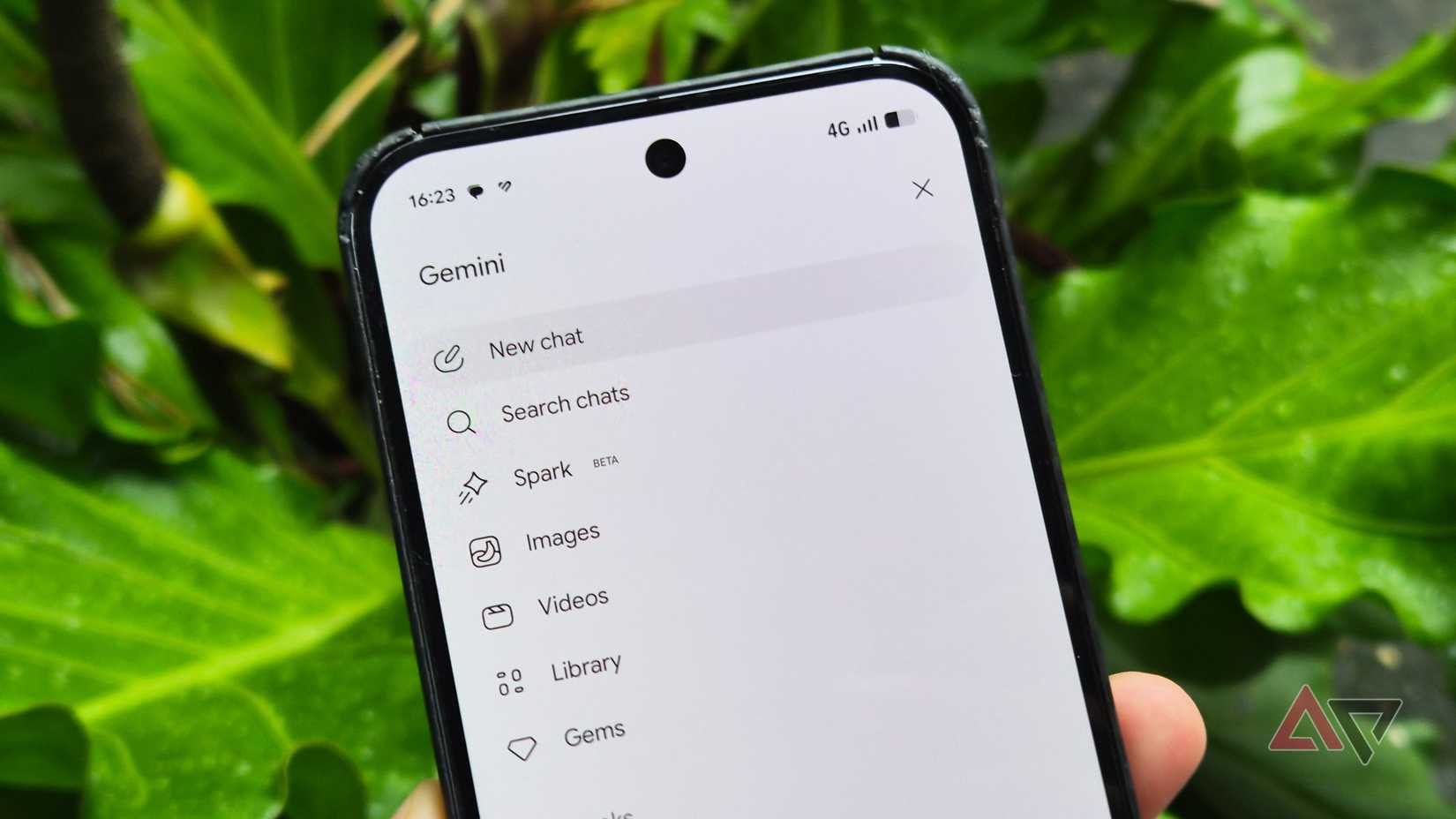
is one of the key services Spark integrates with on a deeper level.
Spark serves as an incredible triage agent, offering a range of tricks that weren't possible with the standalone Gemini.
In my routine, I have Spark sweep my inbox for urgent messages that need an immediate reply, long before I launch the Gemini app.
It provides a concise briefing on new messages and filters alerts based on the rules I set up. More importantly, its bulk actions are easily its most underrated capability.
For example, I can run a prompt to list all recurring subscriptions across news publishers and streaming platforms or highlight expiring trials.
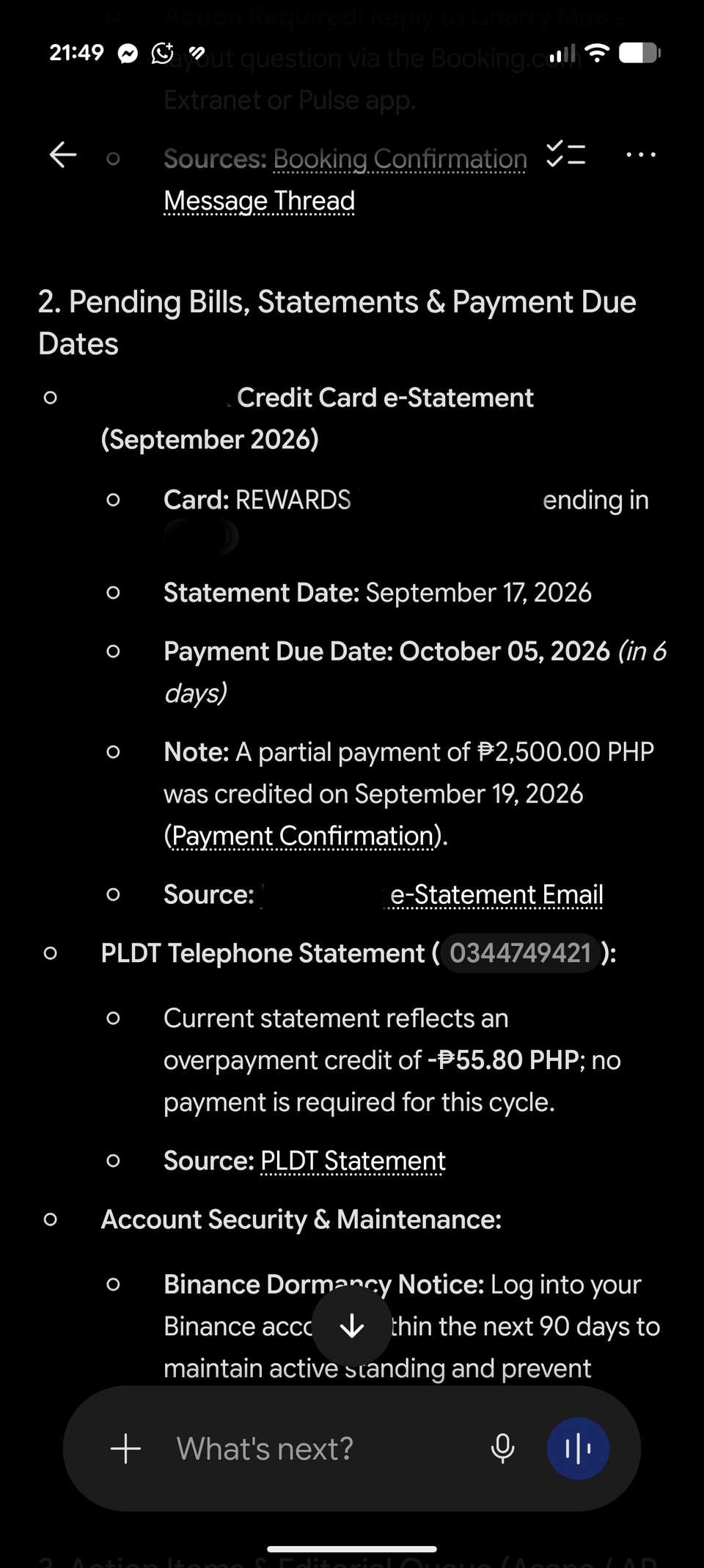
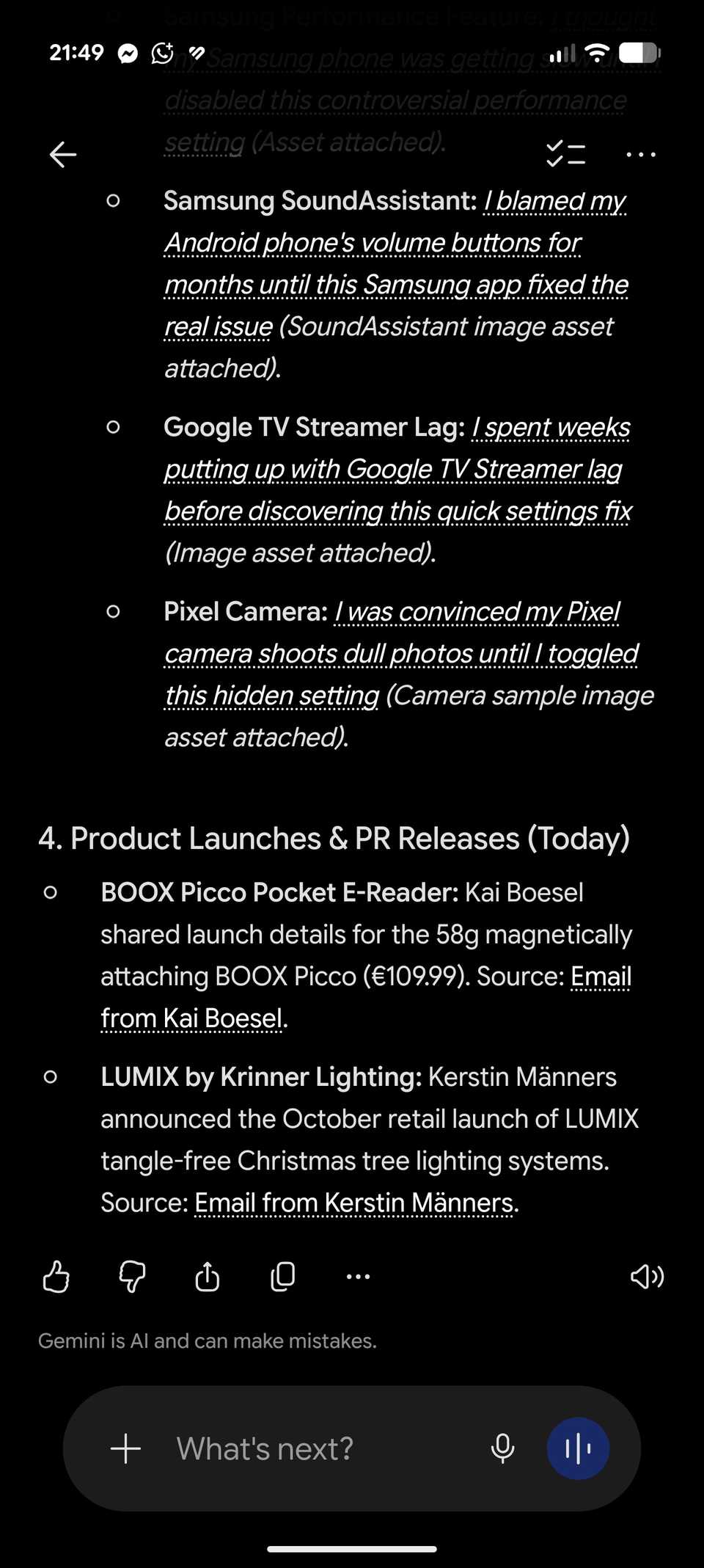
I can also ask it to unsubscribe from multiple newsletters in bulk, which is a real time-saver compared to individually combing through my inbox.
I was also impressed by its ability to surface unread messages from social media accounts that hit my inbox, alerting me when I forgot to respond.
Moreover, it can draft replies alongside every digest of incoming mail that lands in my inbox. While Gemini can do that, Spark can do this in bulk or on a schedule.
Spark's Skills can be handy here. For instance, I created a dedicated composer that adopts a more professional tone for messages coming from brands.
A clever file organizer
It declutters my Google Docs archive
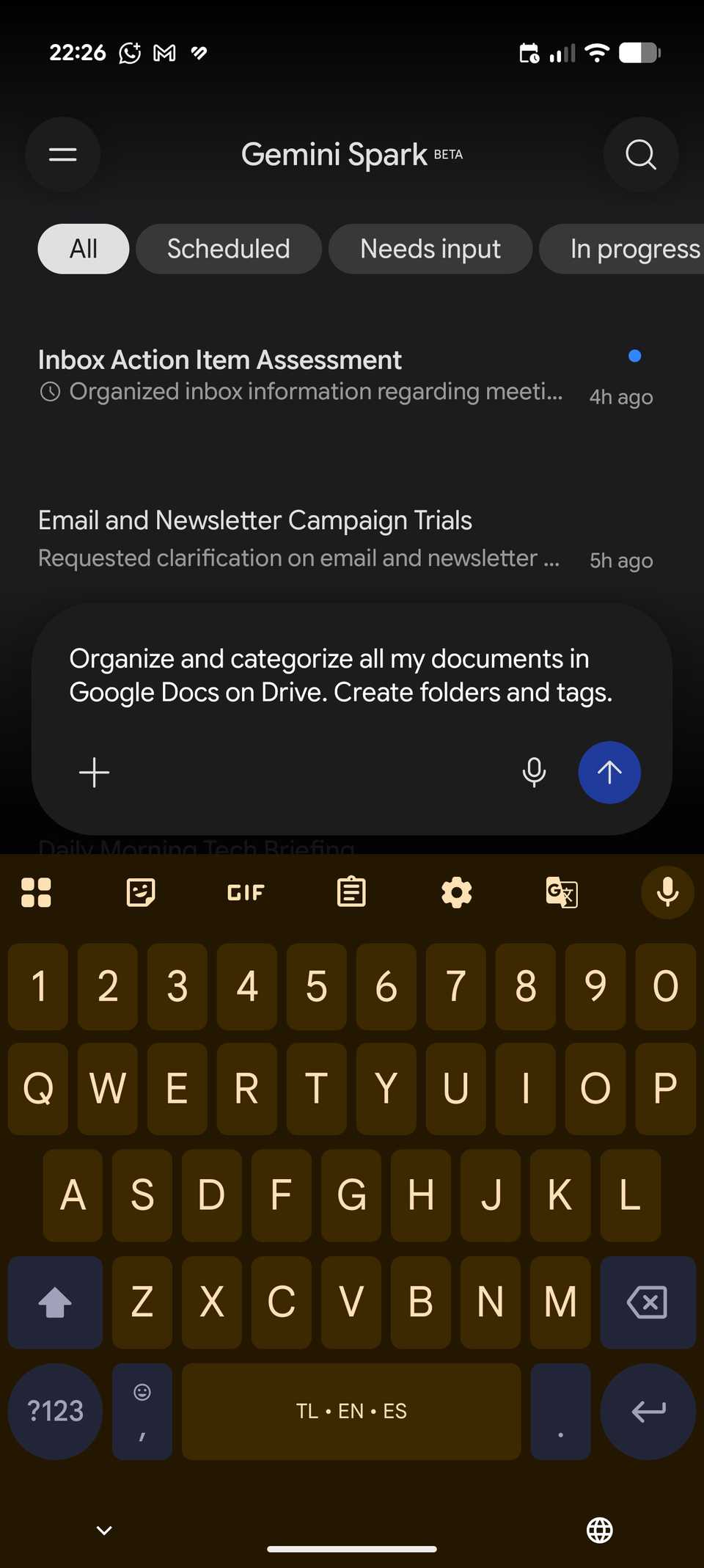
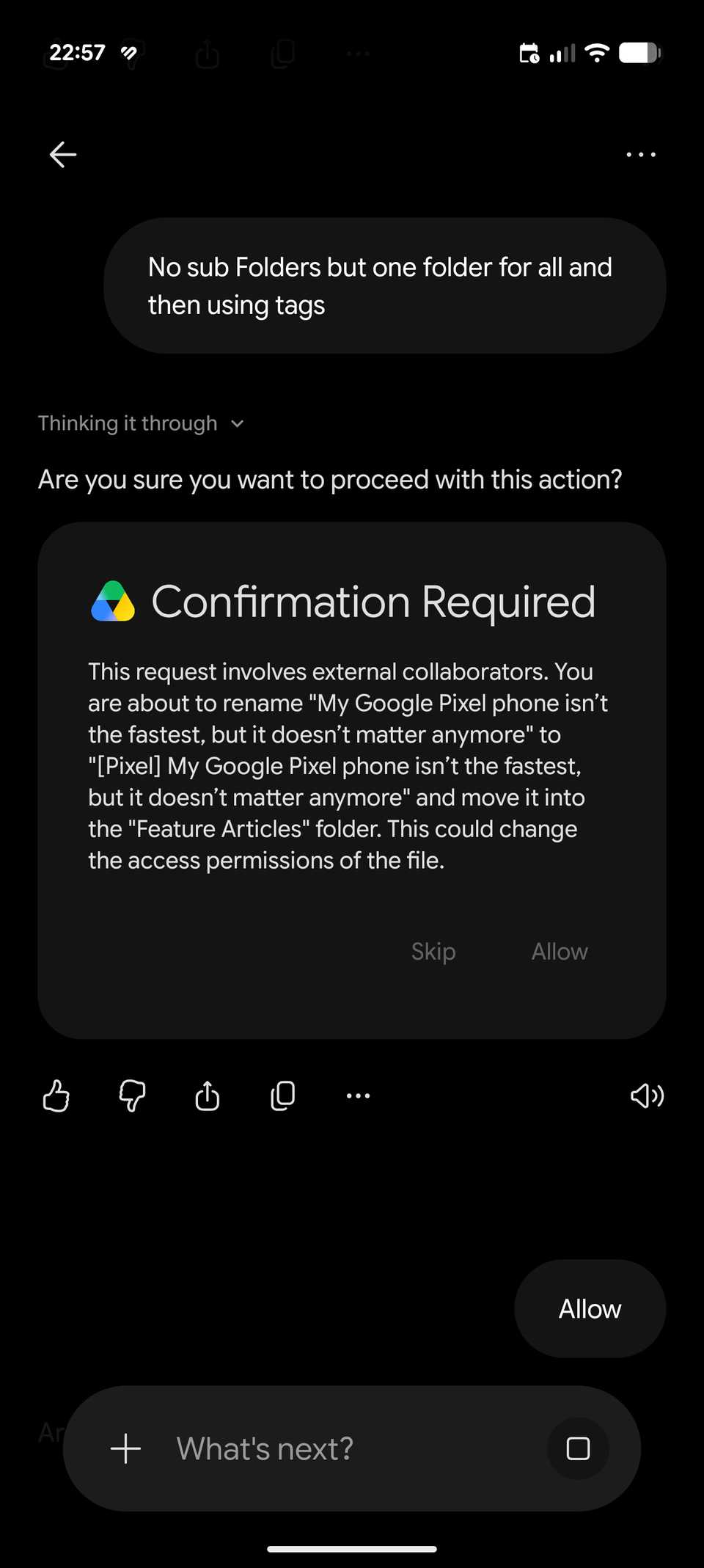
As a heavy user of Google's workspace suite, including Sheets and Docs, Spark is more than a simple gimmick.
I've made it my everyday assistant to organize hundreds of messy files and sprawling data sheets.
For instance, I use it to sort hundreds of documents by creating and organizing them into folders inside Google Drive.
From there, I can categorize them for faster access while also .
It also works just as seamlessly inside Sheets and Slides. Beyond analyzing complex data and creating trends, it flags edits made inside a collaborative spreadsheet in Sheets or a deck in Slides.
It also eliminates the annoyance of opening an entire document just to see what tiny edits have been made.
Why agentic AI will change how you use Android
Admittedly, Gemini's agent isn't entirely replacing the apps and utilities on my Google Pixel phone, but it does show that, when used correctly, Spark is a fantastic tool for boosting productivity and streamlining workflows.
You might find different uses for it yourself. Not a fan of these setups? Spark's capabilities are almost limitless.