
While Google is freezing prices for its One AI services, it has restructured what Gemini bundles in each tier.
It is drawing sharper lines and pushing casual users to get the .
I've used Google AI Pro for over a year, paying $20 a month, which I wouldn't easily swallow if not for the 5TB of storage.
Before that, I was an AI Plus subscriber for a few years. But now, I'm considering going back to Plus.
Over the past week, I've tested both plans to see whether I can maximize the Pro tier or should return to Plus and save money.
After that trial, I realized I needed to choose, and it's clear which plan is the right pick going forward.
Breaking down the new One plans
Which plan actually fits my workflow

At the end of September, Google bundled with Gemini.
Most of that change, which is rolling out now, benefits AI Pro subscribers.
Google added the Spark agentic model, now labeled Task. It's a perk previously reserved for Ultra, but it will now be added to Pro subscribers.
That's a major shift, and it will likely keep many Pro users anchored to their subscription.
Meanwhile, AI Plus is losing the Flash Pro model in November. Meaning, after the cutoff date, it will rely on Flash as its most capable option.
Even then, it remains an older version of Flash compared to the newer Flash 3.8 running in the Pro plan as of this writing.
That's even rougher for Free users, who will only get the Flash Lite engine, whereas before they had access to standard Gemini builds.
Google is splitting access levels, and that's frustrating if you rely heavily on those models.
Google will pull every lever to push Free and Plus accounts to spend more on higher tiers.
After another run with the Plus plan, I realized it might be the ideal sweet spot for most people. Here's why.
Plus retains plenty of artificial intelligence horsepower
The gap is barely noticeable
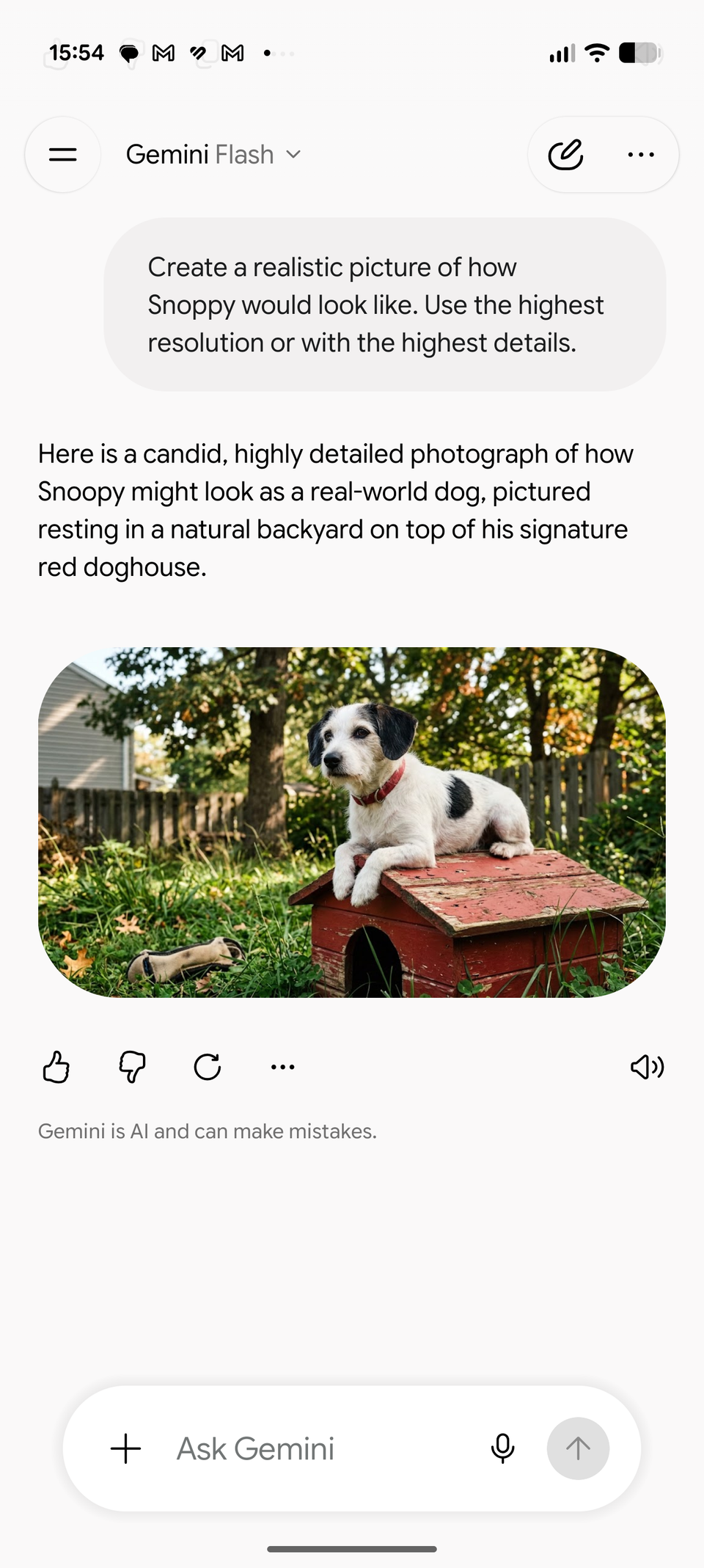
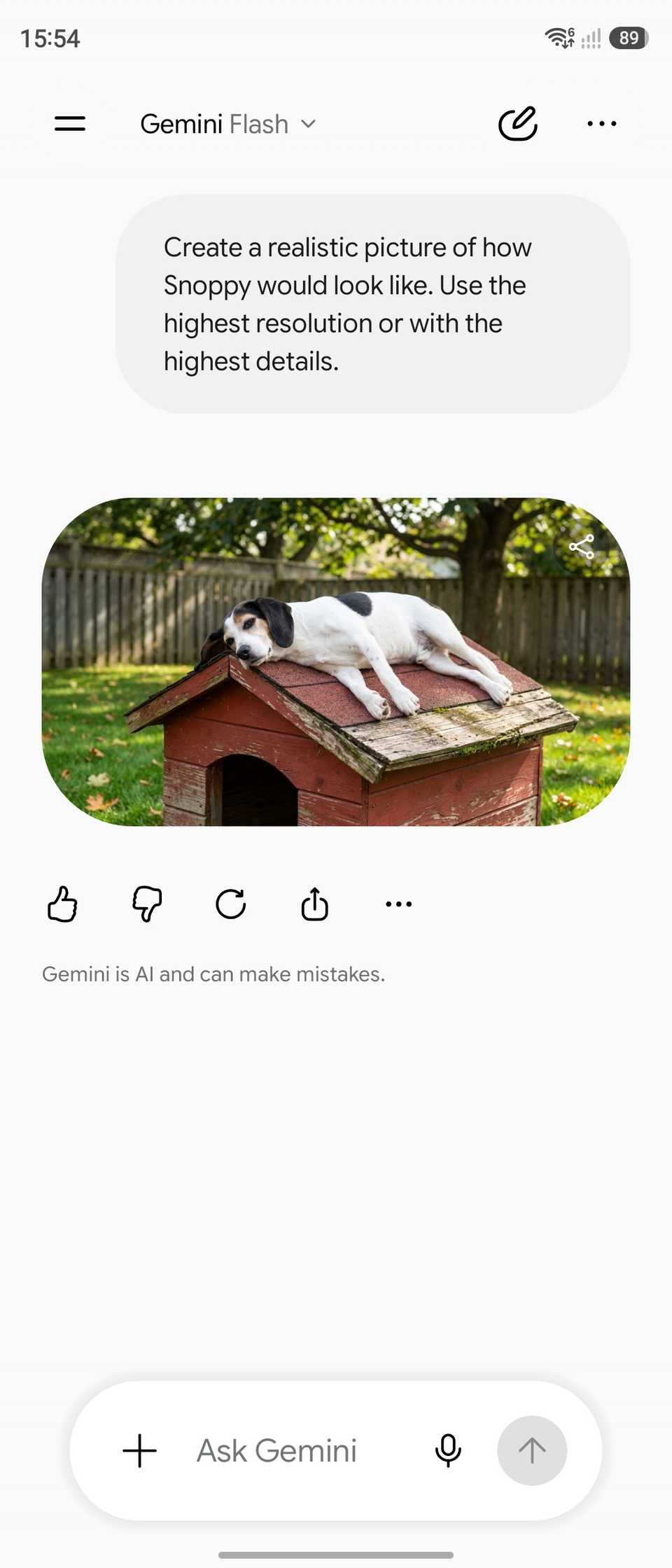
The obvious takeaway is that Google One AI Plus is being downgraded.
While that might look like an unreasonable deal at first glance, it still offers a fantastic package for Android users.
Mainly, it keeps the Flash model, alongside generation tools for images, video, and audio clips. Still, that's a lot of computing power, even if it runs on an older version than the Pro plan.
When testing the two Flash model versions, I didn't notice a significant difference in rendering speed when generating images and video clips.
While there are subtle variations in quality and detail rendering compared to a newer Flash model, someone switching won't easily spot the difference.
If there's a tangible distinction, it comes down to the usage or token limits.
I pushed the model by generating videos, and after five prompts, my account hit the usage wall. It locked the video generation feature until the 24-hour reset window expired.
Compared to Pro, which doubles the limit, the standard Plus should be plenty for everyday use.
Still, it isn't the tokens that make Plus a better value; it's that the Flash foundation delivers competent results along with in-app features.
If there is a distinctive difference, it lies in Spark, now rebranded as Task, and the availability of .
Essential tools are still accessible
Gemini Live, Notebooks, and custom Gems remain

Plus also shines when handling multimodal inputs.
It retains document and photo uploads in addition to the usual text prompts and voice commands.
I also rely heavily on Gemini Live for search and translation compared to text prompts, which makes the package a fantastic utility.
With the standard Flash model, I can wrap up daily workload just as effectively as I did on Pro.
Sure, there are minor nuances and subtle shifts in the output, particularly during deep research and heavy data synthesis, but for everyday use, and even complex prompts, Flash on the Plus tier pulls it off without slowing down.
Another reason I'm leaning toward the Plus plan is that Google still lets me choose the Thinking level: Low, Medium, or High.
It defaults to Low for the quickest turnaround, but I can switch to Medium or High for a more thorough answer with just a fraction-of-a-second delay.
Use alternative AIs like ChatGPT, Grok, or Claude to cross-check Gemini's outputs.
Plus has plenty of cloud storage
2TB of shareable space

I need substantial room for my Google Photos library and Google apps. Google One AI Plus has a 2TB tier, which is tenfold what I get with the base 200GB option.
Beyond Photos, I also use the cloud space for my Google services like Gmail and Drive, which gives me plenty of breathing room.
While 2TB isn't as massive as a 5TB allocation, it will still take a few years before I run into a low-storage alert.
That capacity fits typical users comfortably, and it easily accommodates two or three family members sharing a single pool.
I lose access to an agent and Argon

The biggest downgrade when I downgrade to the Plus model is losing access to Task and the latest Argon model.
But since most people open Gemini without touching the model, having the standard Flash is still overkill for casual use.
I tested Flash and Argon, and while the output is more extensive, the difference from Flash isn't a dealbreaker.
Argon is only useful if I need it for multistep, more complex queries like coding, but for my needs, Flash performs solidly.
There are times when I got answers quicker with Flash than Argon, even with both thinking levels set to low.
Another quirk with the Plus is that it lacks access to Task. This limits it to Scheduled Actions for routines, which are anchored in time triggers, unlike on Task, which is autonomous. The latter also connects with more Google apps like Calendar and Drive.
If you don't require automated Task routines, Scheduled Actions is more than sufficient.
When does paying for $20 Gemini actually make sense?

When do you genuinely need to jump from Plus to Pro? If you render a large volume of images and videos, or you need more storage, upgrading to Pro makes sense.
It bundles Task, unlocks , and widens integration across Google Workspace utilities.
Task can streamline specific setups, but it still falls short of being an autonomous agent because of mandatory confirmation prompts.
As for Workspace add-ons, I rarely trigger Gemini inside Docs or Sheets, so I would rather keep my cash than spend it on those extras.
Flash continues to mature into a solid, responsive engine, so it can handle common day-to-day queries without leaning on Pro or Argon.
It has grown so competent that there is no real incentive to shell out extra dollars for complex generations or advanced problem-solving.
Google also rolls out iterative improvements to Flash over time, eventually bringing those capabilities down to all tiers.