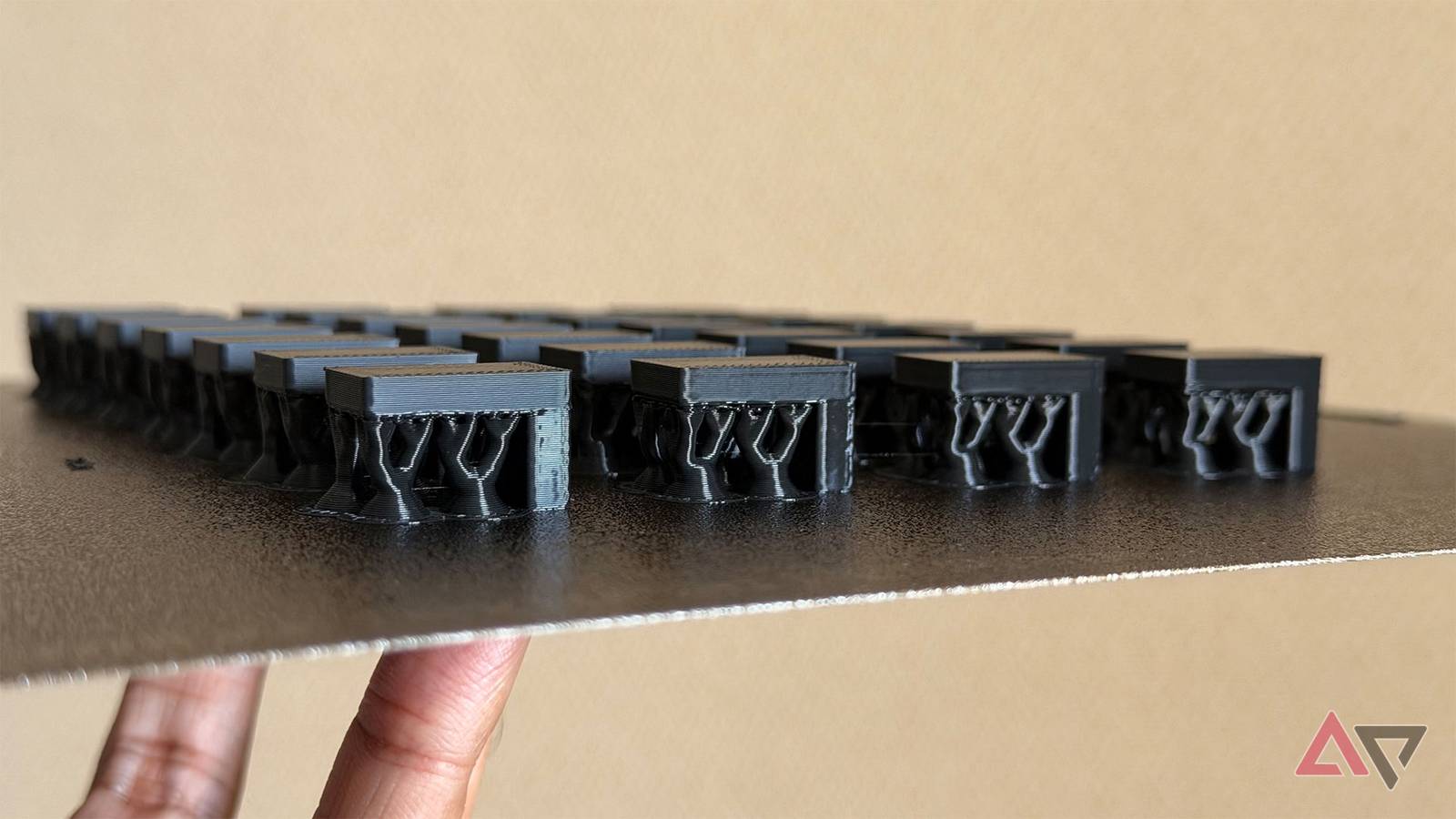
A failed 3D print is more than wasted plastic. It’s a waste of time and electricity.
I’ve been tinkering around with 3D printing for a while now, and I am glad that even big tech is embracing it. Google just handed you the blueprintsfor so you can 3D print your own band.
However, first you need to make sure your 3D prints don't snap off the plate.
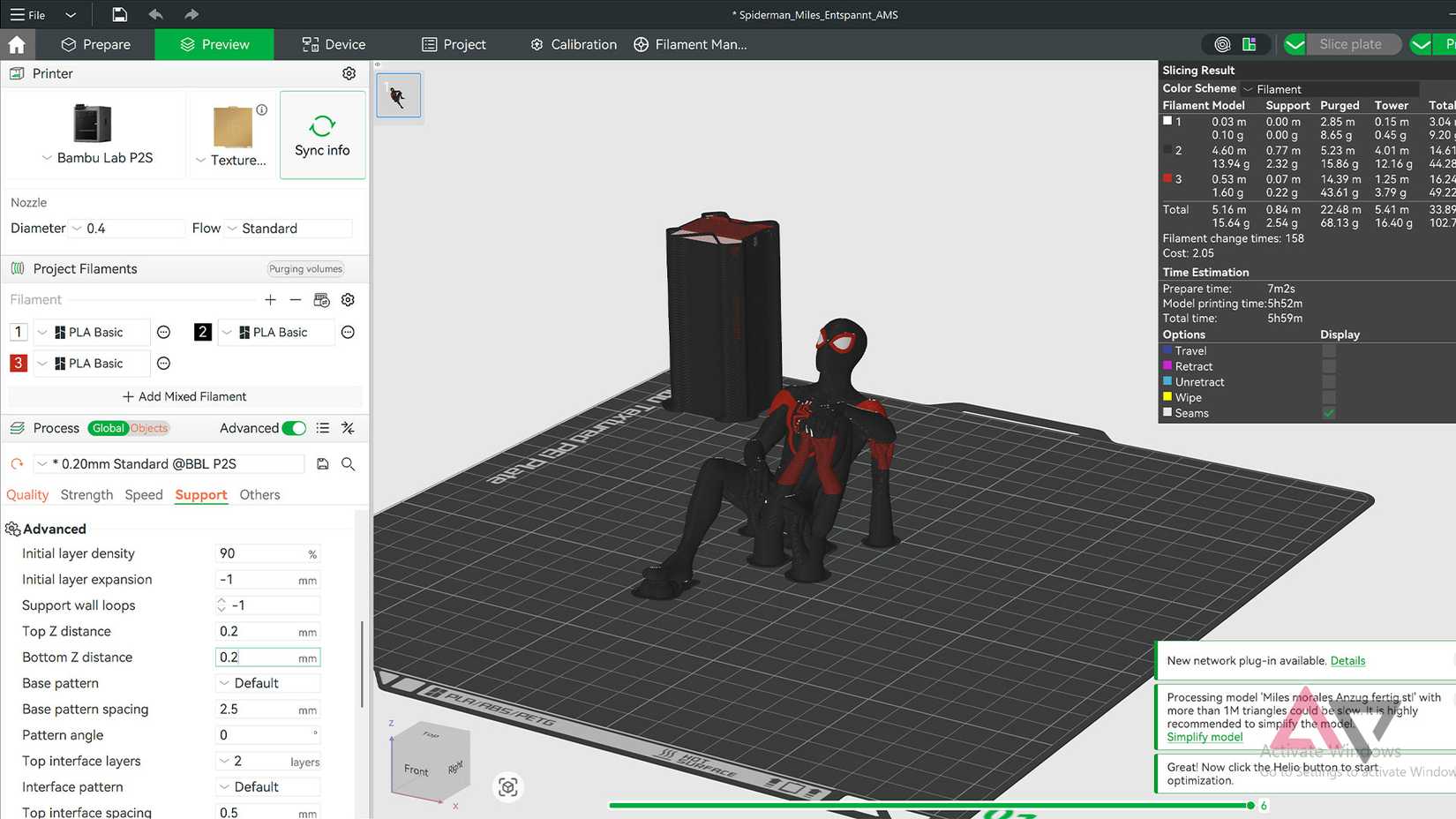
I dreaded anything that required tree supports after my first few 3D prints failed. I thought this issue was file incompatibility, but the fix is in the settings.
It's called Top Z distance support, and I haven't seen spaghetti failure since I learned about it. Tweaking this setting has worked for me every time.
There's a 3D print file specifically for finding your printer's perfect tree support settings. After printing this file, you can adjust the tree support settings based on the plastic type and layer height.
Print me a tree
The solution to the problem is to print
The solution to the tree support problem is to print more tree supports.
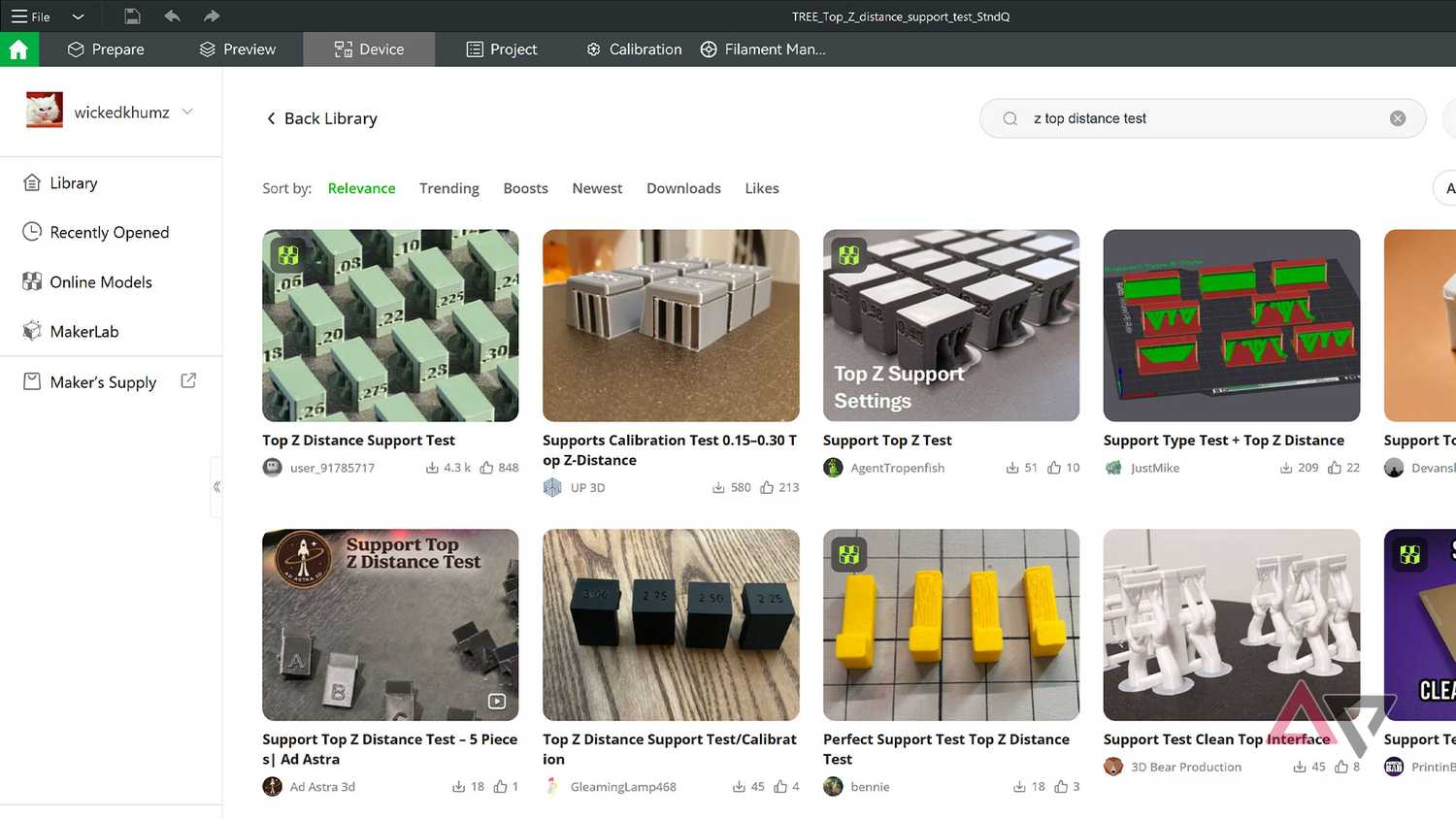
Specifically, you have to print a Top Z distance support test. You will find this file at MakerWorld, Printables, or Thingiverse.
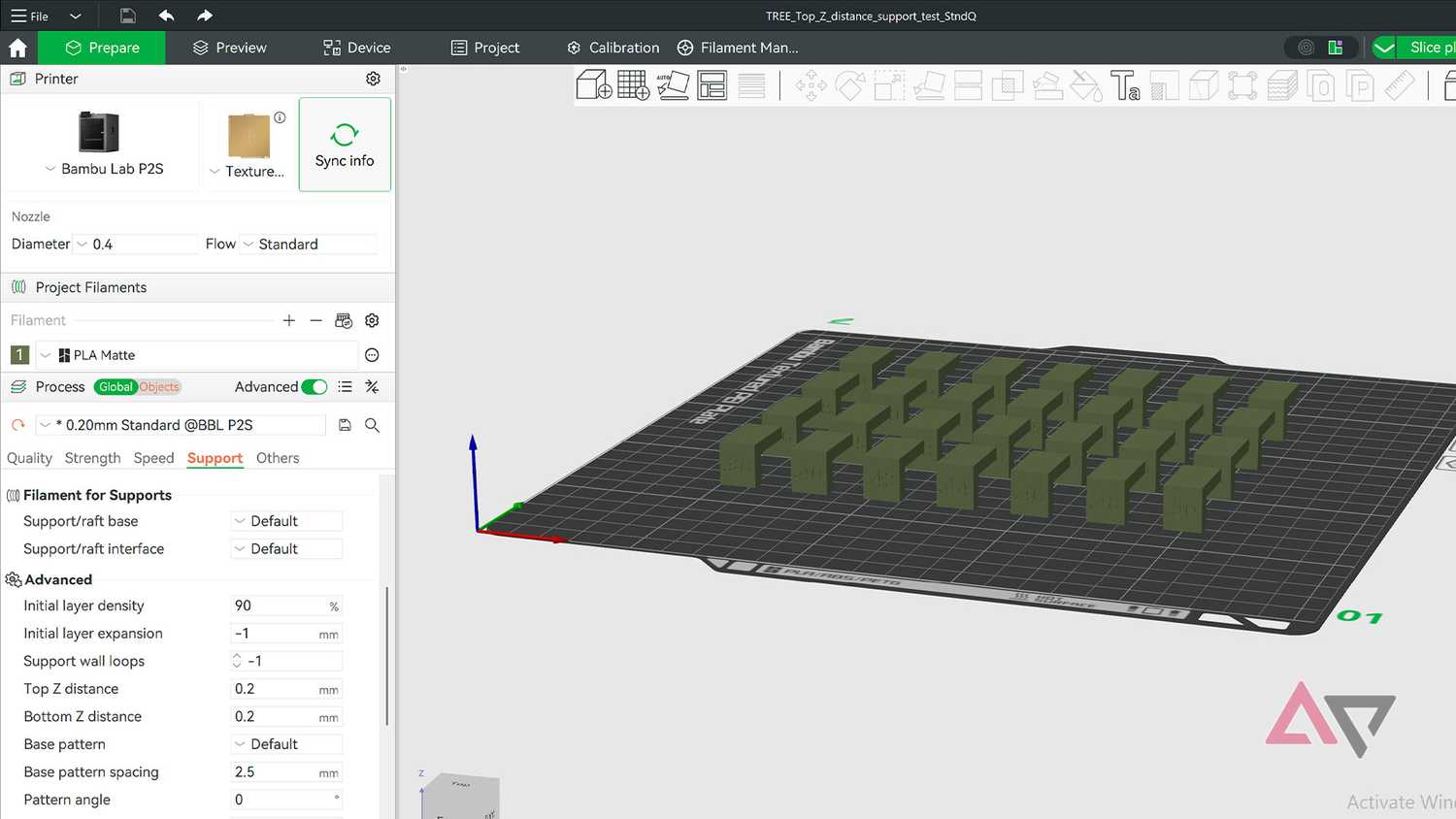
I got my file from MakerWorld because I have a Bambu Lab P2S printer with AMS. You can find the file I used here.
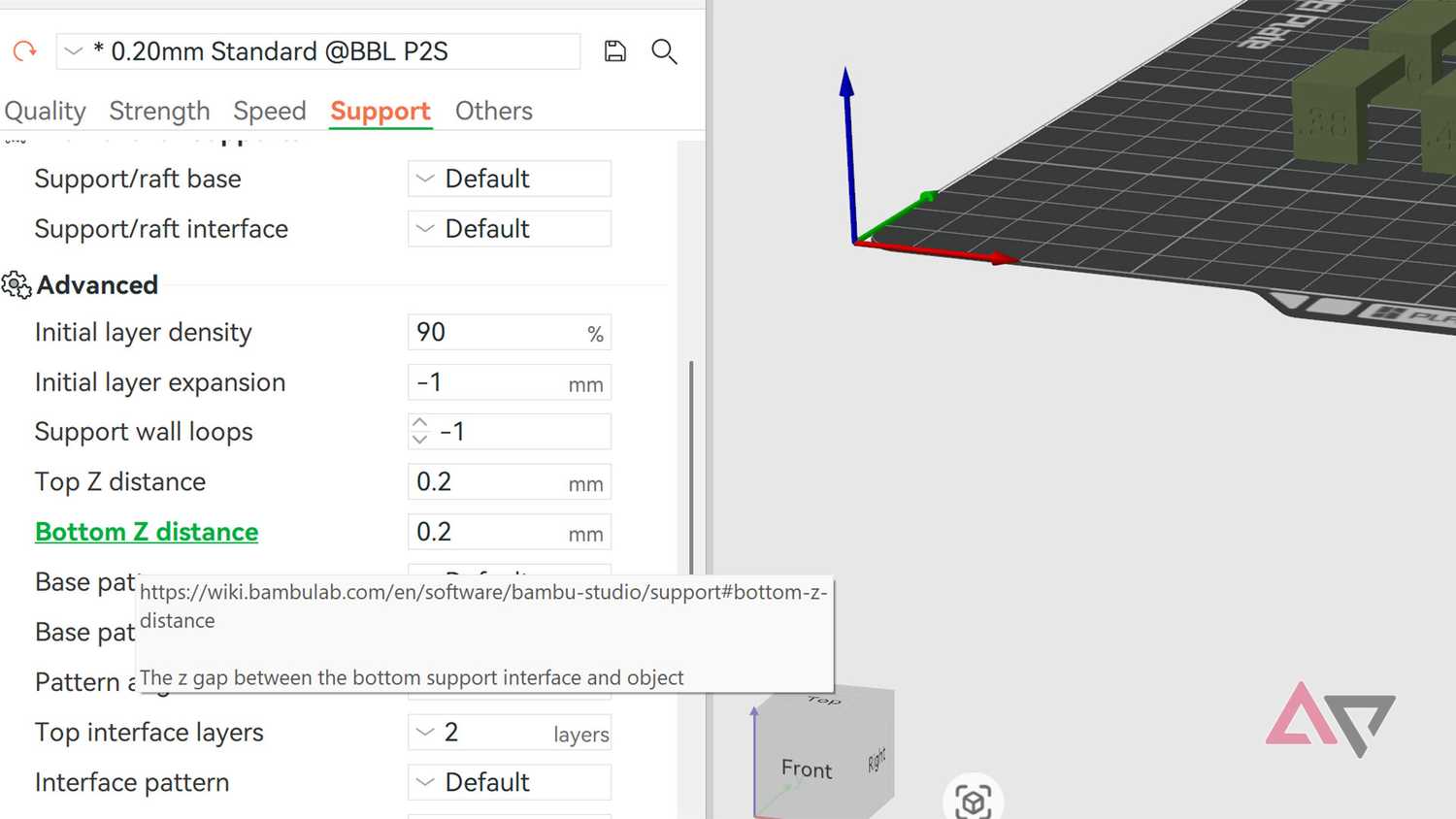
Top Z distance is the gap between the underside of your model and the tree support.
This gap tells your printer how far to keep the underside from the tree support.
3D printers work with millimeter precision, so you can't guess these numbers. If you put too much distance between the underside and the tree support layer, the plastic won't stick, and you'll get a stringy mess called spaghetti failure.
If the distance is too small, the tree support will stick too close to the model. This will peel off the underside and cause jagged lines. In my opinion, this is more common than spaghetti failure.
Thankfully, you don't have to sit with a measuring tape and figure this out for yourself. This Top Z Distance Support Test does everything for you. You can download this file and get to printing.
It's a numbers game
Enter the right digit to save plastic
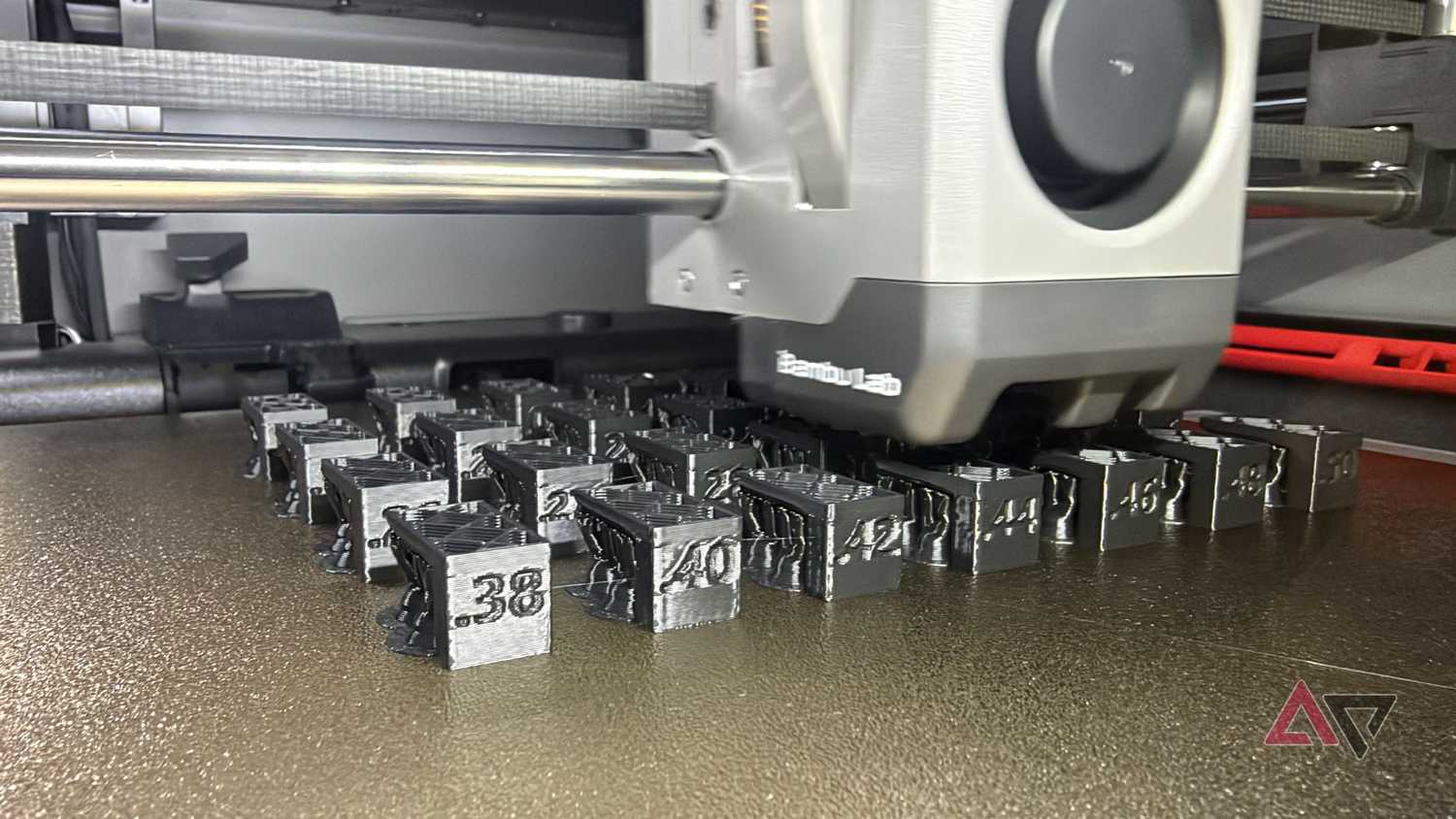
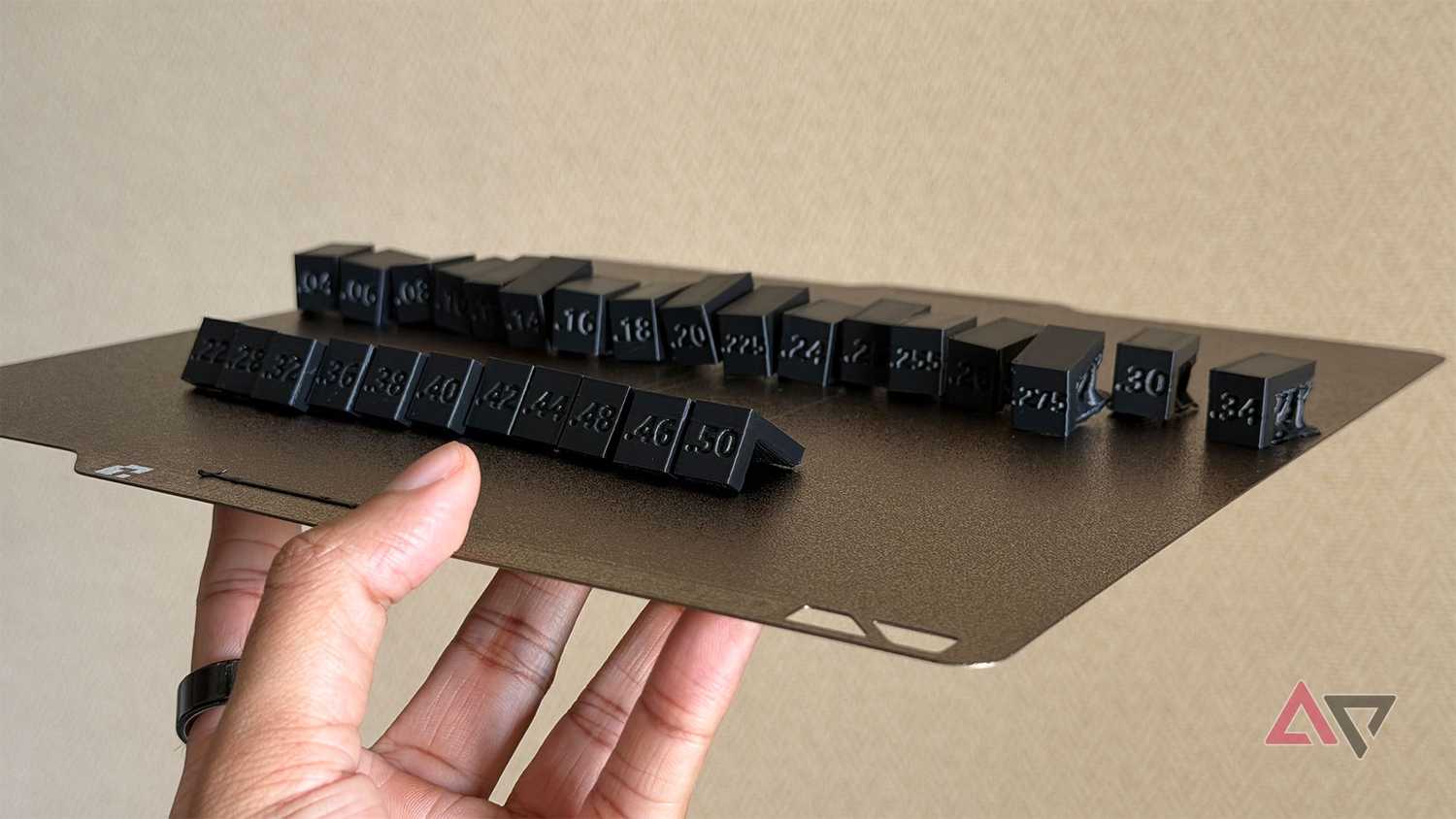
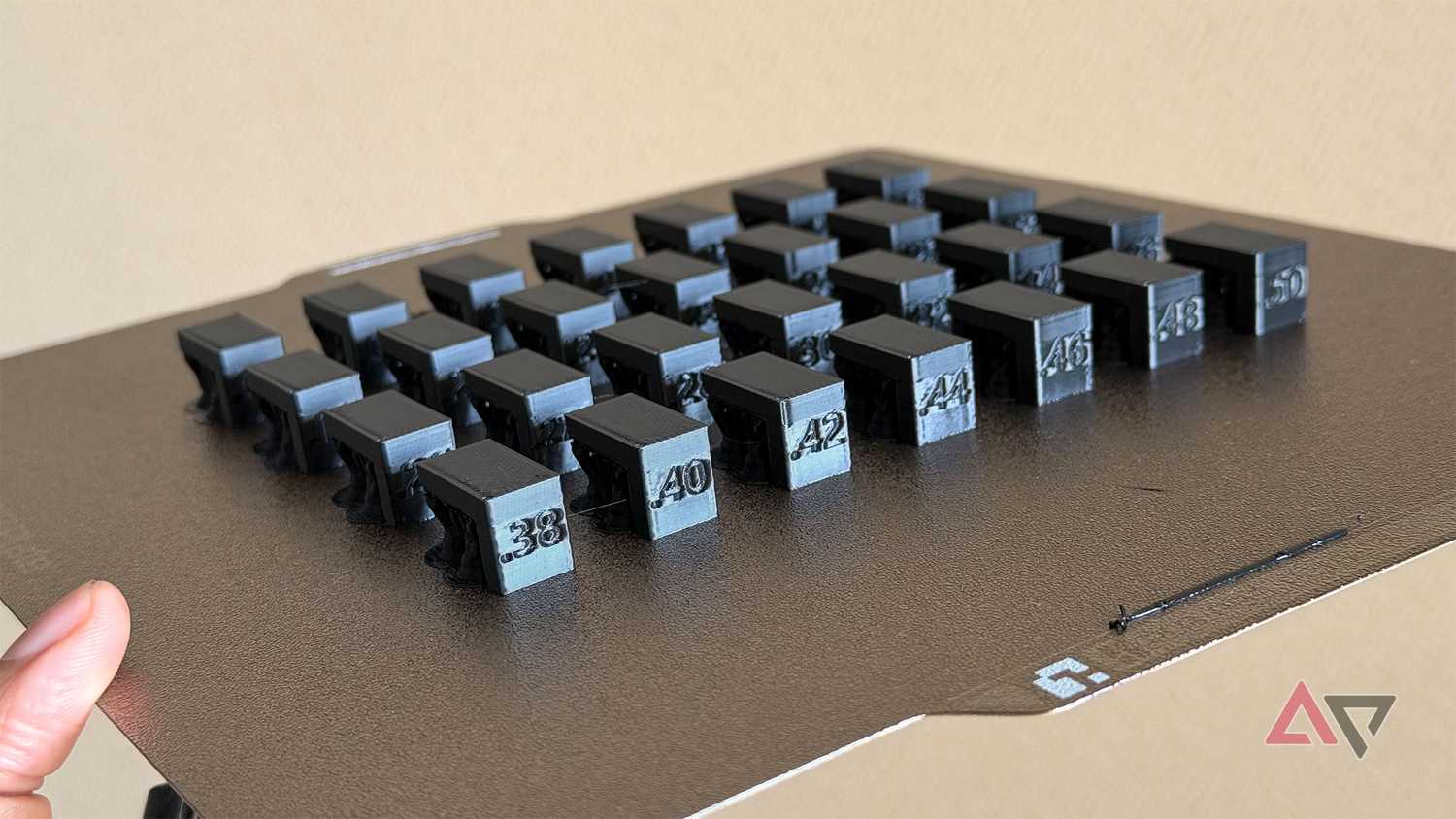
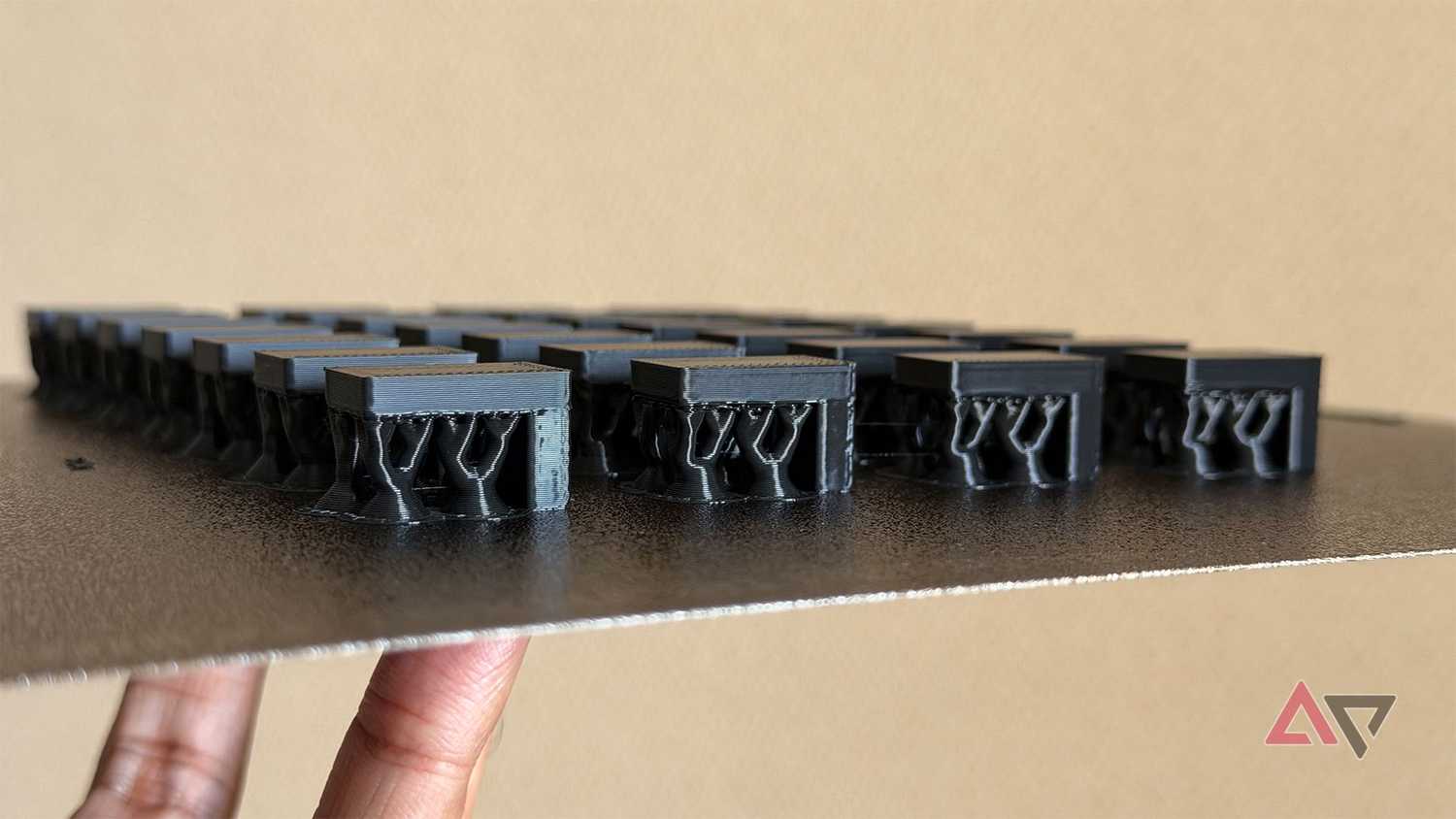
When the print is complete, you'll need to remove all the tree supports from the pieces. The file I printed has 28 pieces.
I suggest trying different files from different creators to find the one that works best for your printer.
I stopped after running one random Top Z distance support test, but it didn't give me the correct distance.
If you're not using the MakerWorld file I linked above, print a file with more than 15 different Top Z distance numbers.
Snap off the tree support from these test brackets and label the ones that snap off easily without stringing or pulling the underside it supported. Don't worry too much about the ones that don't snap off easily; those are the digits you need to avoid.
This way you will have a range of numbers to input in the settings. You will find the Z Top distance setting in the Support section under the Advanced column of your printer's slicing software.
You will also need to repeat this process if you change the filament type. For instance, PLA and PETG will not have the same Z Top distance settings. So you will have to run these tests every time you swap materials.
Don't water this plant
Dried and tested …
Moisture has been the enemy of all things tech, and 3D printers are no different.
I have printed a lot of kitchen gadgets, and the biggest problem that goes unnoticed is humidity. Especially if you're printing TPU material.
If you're using a 3D printer without a dehumidifier, it's time for an upgrade. Moist filament has terrible layer adhesion, which is probably why your tree supports don't work the way they should.
The cheapest way to keep humidity away is to buy silica gel desiccant beads, place them in a 3D-printed container, and store them next to your spool.
However, if you don't have a closed AMS (Automatic Material System) as I have, you may want to look at a dedicated filament dryer.
Sunlu and Creality make single- and double-spool dryers that work really well. If you're confused, I recommend the Creality Space Pi.
If you have a Bambu Lab printer, the AMS from Bambu Lab is good, but it's slower than dedicated dryers.
This process should minimize tree-support accidents and reduce failure rates.