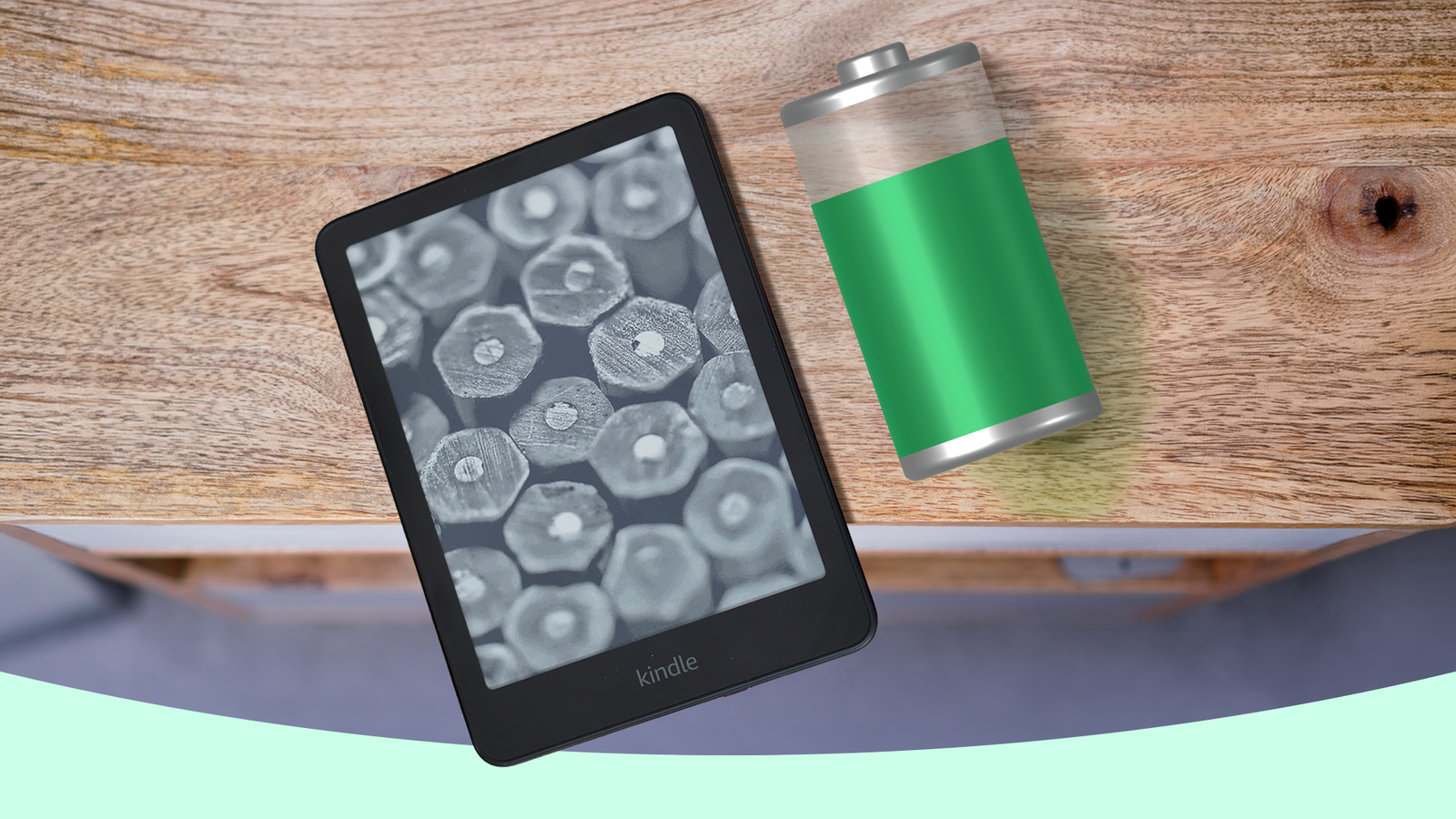
Left to its own devices, a will last for . With a battery life measured in weeks, rather than a smartphone's paltry day, most e-readers are battery champions. At least, until you get into a reading groove.
As any keen reader knows, when you're deep into a book series you really connect with, it can be hard to put it down. When you find a book that pulls you in and doesn't let go, you want to let it sweep you away.
And that's great — but it often means your Kindle's battery takes a serious beating, lasting much less than it used to. Thankfully, there are ways around this, including one great trick I've been using while I burn through a great series of e-books. Tear your eyes off your Kindle's screen and onto this page to learn more.
Leverage dark mode and light mode in a different way
Kindle's different modes have a hidden benefit
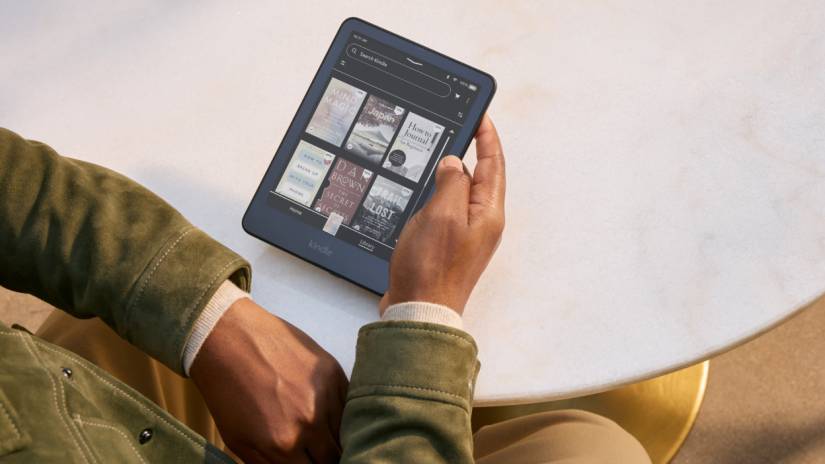
I want to put something to bed before we begin: I'm not about to tell you that uses more battery power than light mode. That's not true; it's a long-busted myth, and I still see it spread in certain communities. So I'm not about to tell you to forgo dark mode for that reason.
However, I am going to tell you that it's a good idea to turn off dark mode in certain circumstances, thanks to a little hidden trick many of us might not have realized the Kindle has tucked away.
Dark mode excels at nighttime reading. The dark background is easier on the eyes in dim environments, and it's often paired with the Kindle's front light to get in a few chapters before bed.
That's great, except for one thing: that increased brightness is a big part of the reason your Kindle's battery isn't lasting.
Sure, you need it at night, so you're happy to take the hit for that. But how often do you remember to turn it off the next day? If you're anything like me, I bet you forget every time. Even worse, it's close to impossible to tell it's on in daylight.
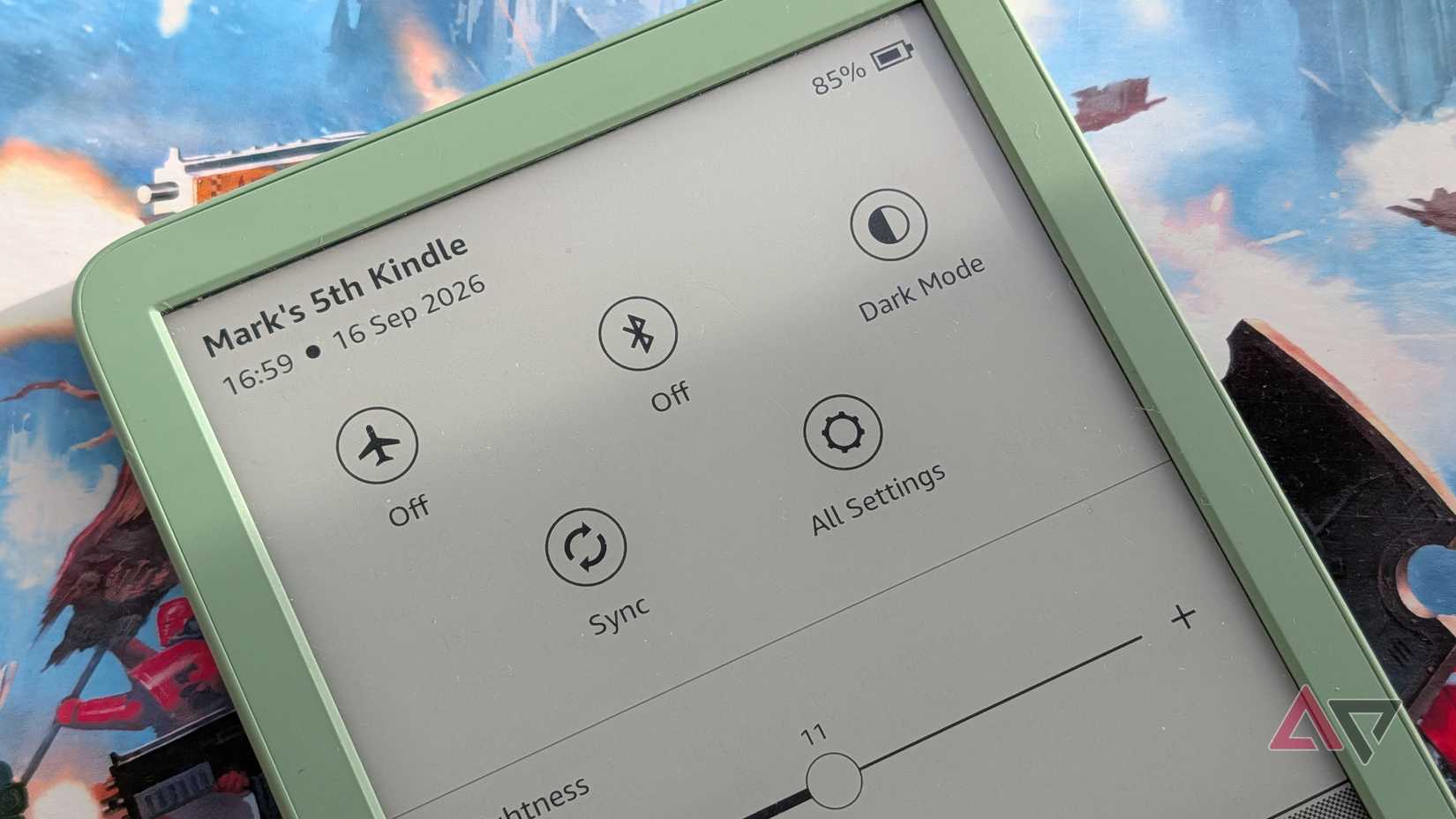
You need to turn that brightness down during the day to save your battery. But it's hard to notice when it's on. So don't — swap over to light mode instead.
An interesting side effect of light mode and dark mode is that each saves its own brightness configuration separately. If you use dark mode with the front light on but have it off in light mode, the Kindle will remember that and change the brightness automatically when you switch.
I'm guessing you can see where I'm going with this.
It might not be easy to see when you've left your front light on, but it easy to see when you've left dark mode on. Simply turn on light mode, switch your brightness to 0, and voilà, you've cut your battery problems.
Easy, simple, and effective.
Still not enough? There are more measures you can take
The old favorites still work well

This isn't the only step you can take to curb your battery's merry draining. Some old favorites are just as effective now as they were years ago.
First, turn off any features you don't need. Bluetooth is at the top of that list, and while it's usually off, if you've ever used your Kindle to listen to audiobooks on a Bluetooth speaker or headphones, remember to switch it off.
WiFi is also on that list, but if you're going that far, you might as well turn on Airplane mode and get everything swept out of the way.
You can find both options in your app, or in the drop-down drawer that appears when you drag down from the top of your screen.
You can also make your font as small as possible to minimize page turns, but that feels a little beyond the pale for my liking. After you start impacting how easily you can read, you're taking it too far. Still, you can do that if you want to.
The Kindle can still be a battery champion
Even if you're reading multiple books a week
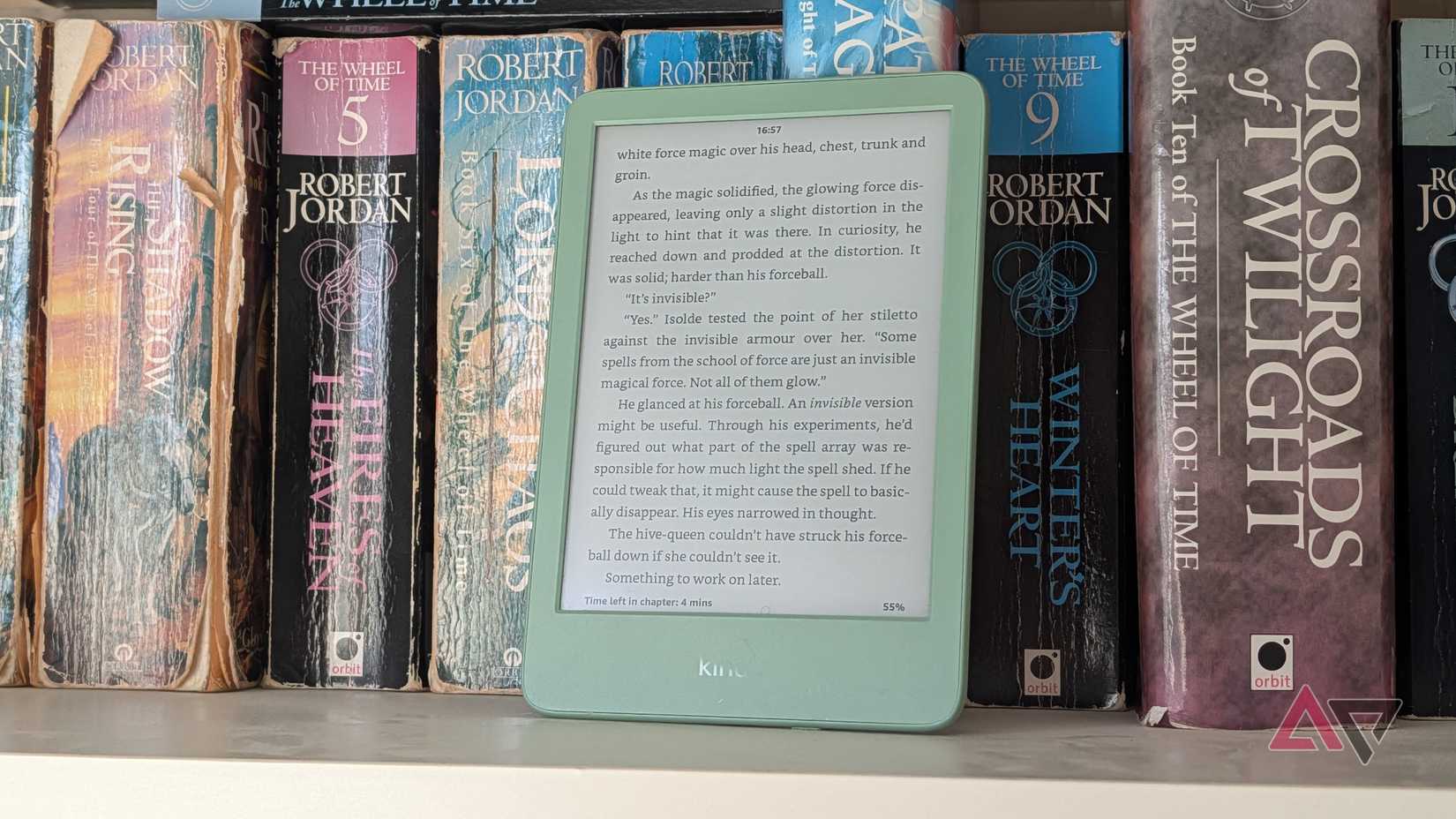
I've been on something of a reading kick for the last few weeks, and so, my Kindle has been getting a lot more action. As such, it's only lasted a few days between charges. Which is why I had to start looking into ways to cut down on those recharges.
Taking the actions above has significantly reduced how often I've needed to , and it's as simple as swapping between light and dark mode every day and night. Even if you only read your Kindle once in a blue moon, it's worth remembering this tip for the next time you're really immersed in a book series.
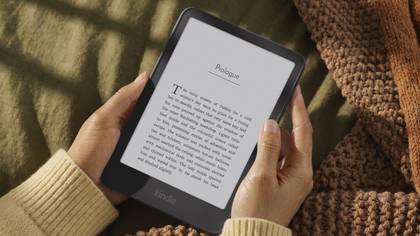
The new Amazon Kindle is the best way to access Amazon's unparalleled selection of e-books and audiobooks.