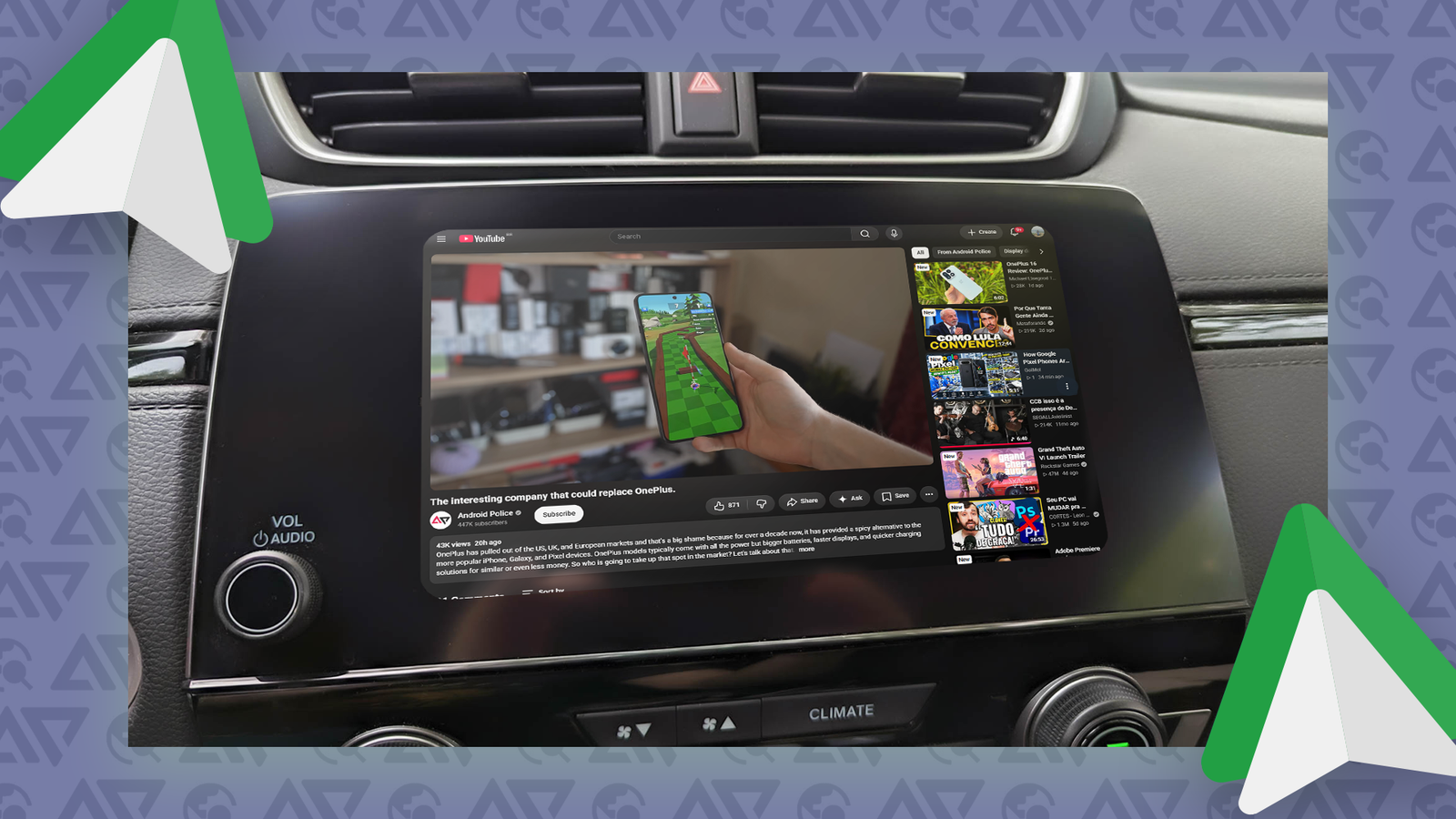
Android Auto is amazing for everyday navigation, music, and calls. However, if you're looking for a bit of entertainment when you're parked, the software falls short dramatically.
You can't open or even your preferred video streaming service. I know Google is taking steps to change this. For now, if I want to catch up on my YouTube watchlist while I wait for someone, I can't.
Meanwhile, as Google plays whack-a-mole with the myriad other third-party in-car streaming apps, I came across AA Browser.
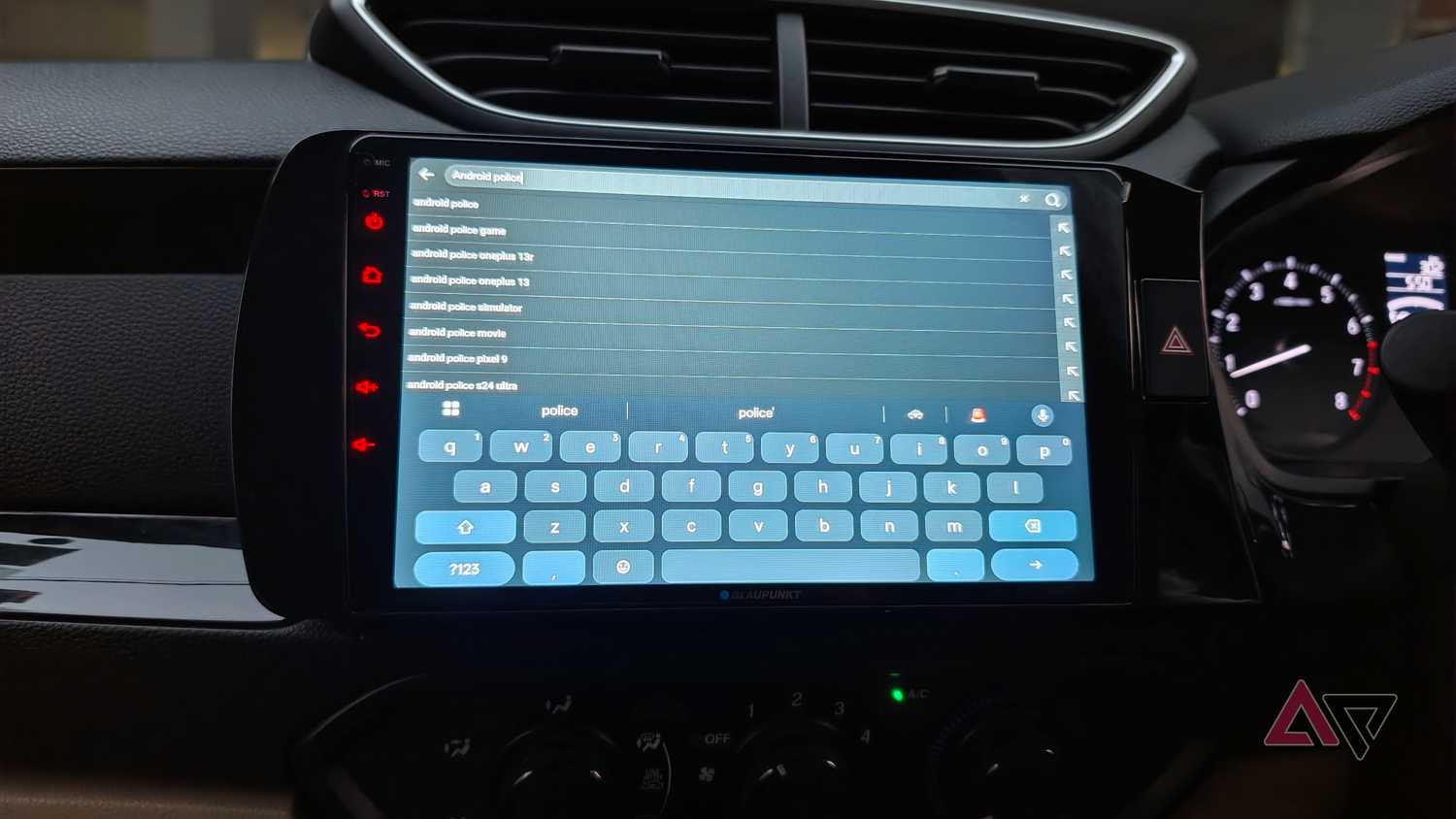
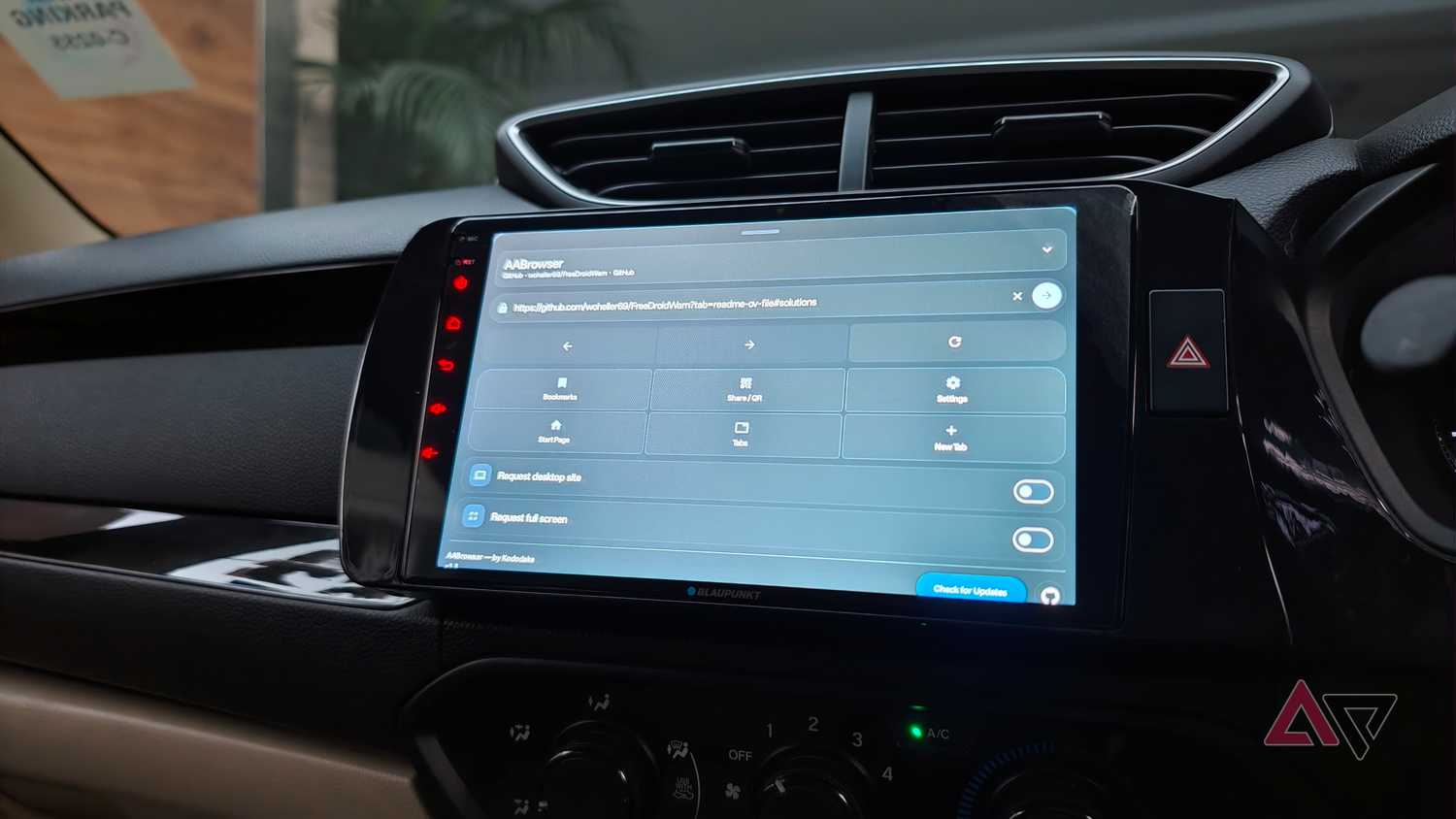
This app takes a wholly different approach to the problem by giving you a full-fledged web browser in your car's -powered infotainment system, complete with video playback and support for streaming websites.
It's a simple solution that makes all that screen real estate useful when parked.
Why I looked for an alternative to Fermata Auto
I spend a reasonable amount of time in my car, and much of it is spent sitting around waiting to pick up my partner or stuck in traffic.
Android Auto's restrictions limit my entertainment options beyond music and podcasts.
I've previously tried workarounds like Fermata Auto, which let me play local videos and access online content. And it was great while it worked.
But Google has made it increasingly hard to deploy third-party apps, especially media players, in Android Auto, and at least for me, Fermata Auto no longer works.
AA Browser takes a different approach that has proven just as useful. Available on GitHub, AA Browser is an web browsing app built specifically for Android Auto head units.
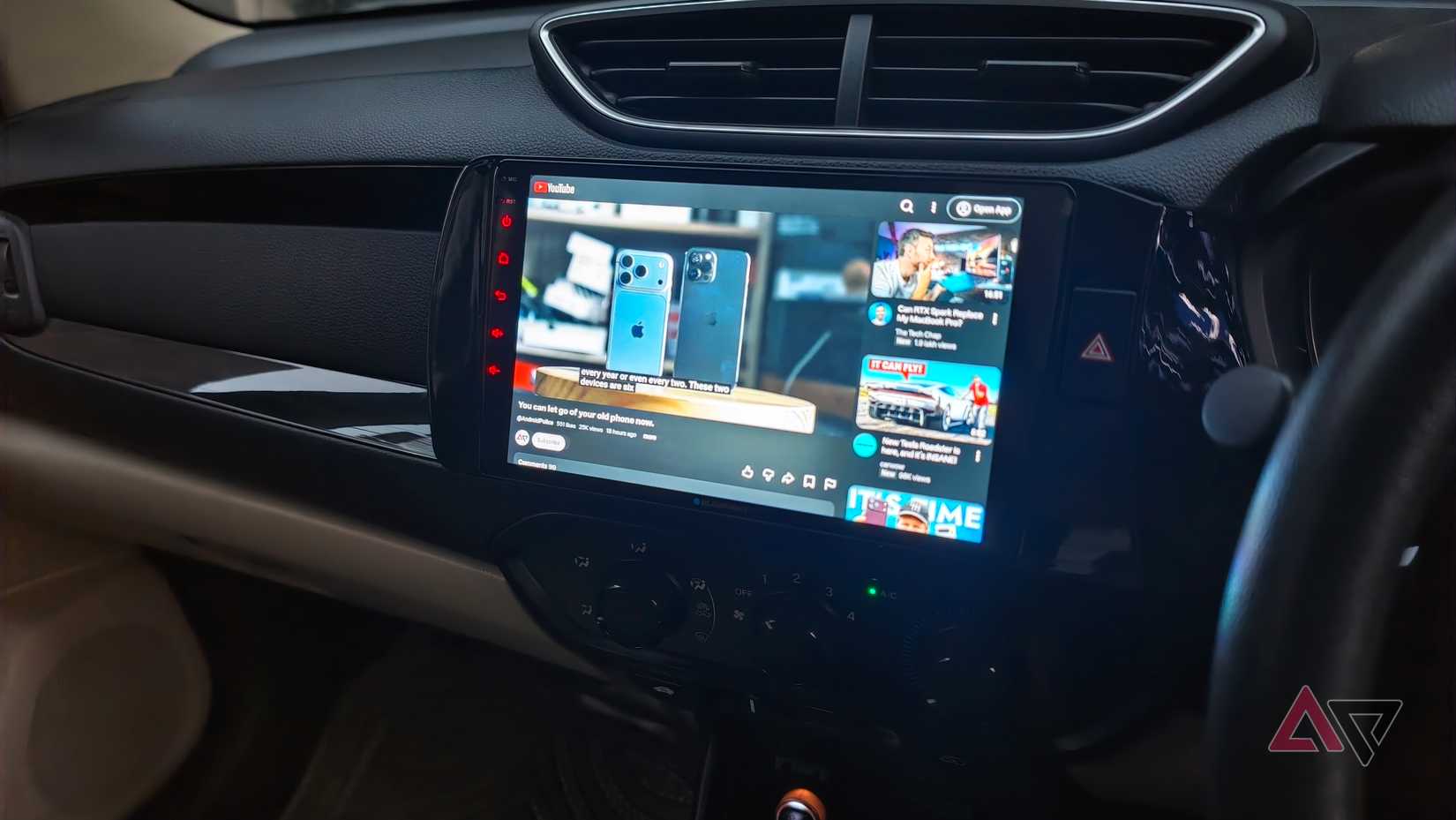
Now, you might be wondering what a browser has to do with media playback. It's a bit of a workaround, but AA Browser lets you open any website, like YouTube, navigate to media, and play it back full screen on your car's infotainment system.
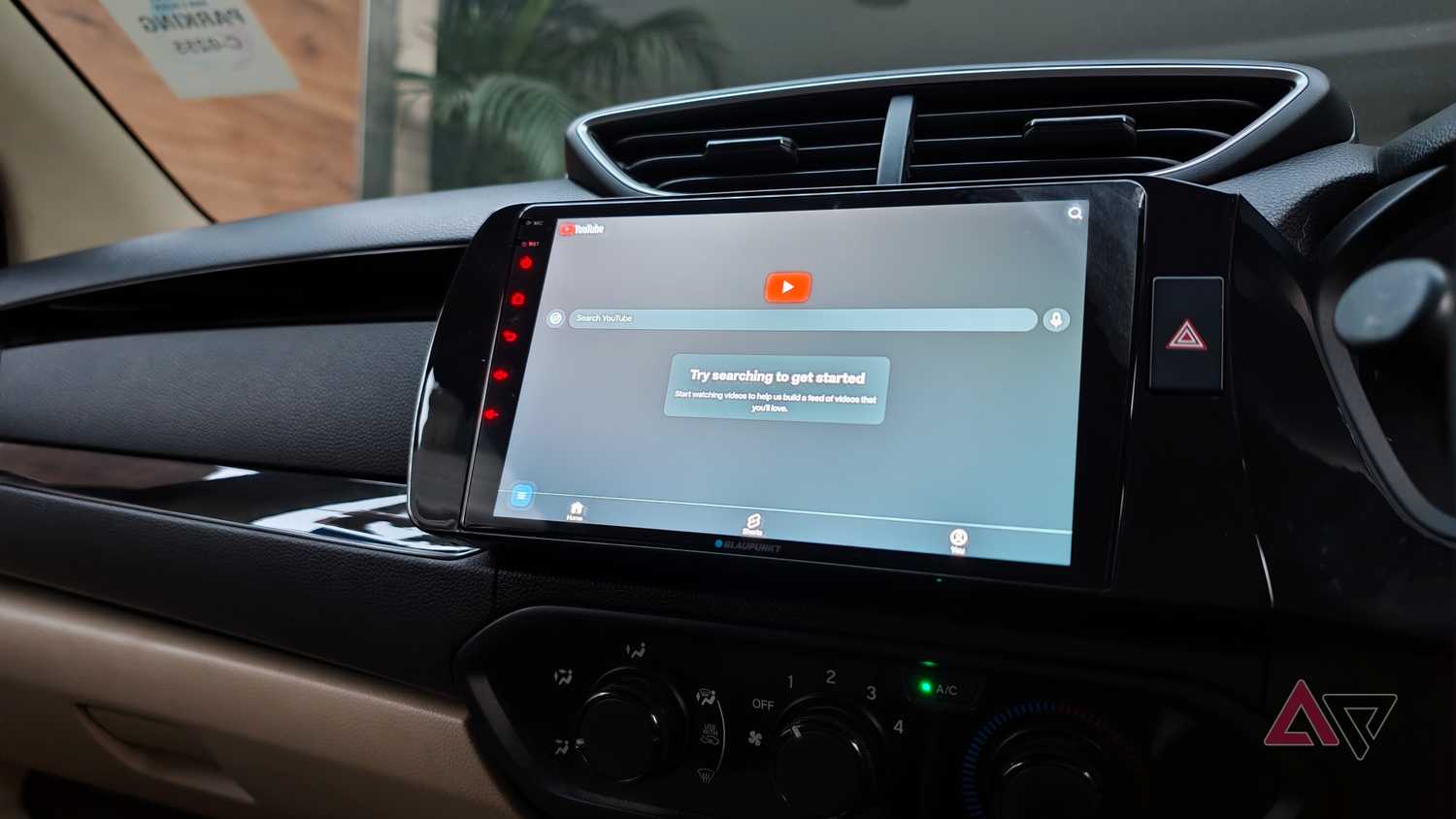
As long as a platform works in the browser, it should work in AA Browser. YouTube is an example and the one I tested.
The experience is about the same as opening the mobile version of YouTube in the browser, with a full interface showing channels, the ability to pull up specific videos, and more.
From there, you can tap the full-screen button and play back your content. I had no trouble navigating to a specific YouTube channel and playing back videos while sitting in a parked car.
Aside from a bit of a learning curve with UI navigation, I didn't encounter a single glitch or error using YouTube in my car via AA Browser.
YouTube works best, but other streaming services work too
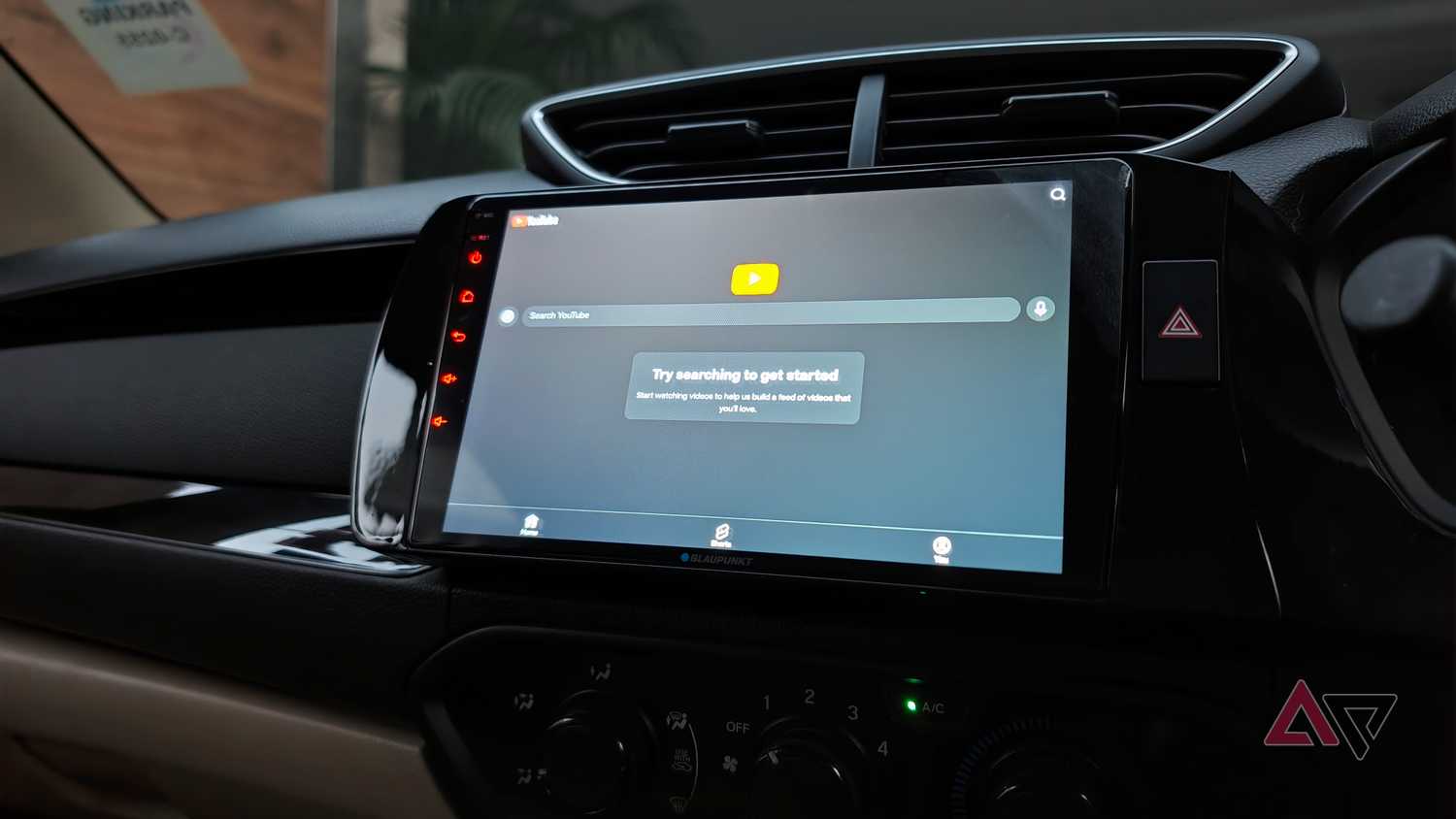
Interestingly enough, AA Browser supports Widevine L3, which means that if your streaming interests go beyond , you should be able to play those videos here as well.
I gave it a brief spin, and for sure, it worked. The experience wasn't as seamless as I'd have hoped, and on more than one occasion, the video failed to play. Suffice it to say that I'd stick with YouTube for the most part.
I can see myself using the app to pop open my preferred video-only podcasts. I can watch when parked, but since it's a podcast, I can keep it running while driving without any distractions.
I also gave it a quick test with Plex. Plex's rather heavy website bogs down the browser a fair bit, but if you stick with it, you can stream media.
However, it's not a very optimized experience, and since my personal library mostly consists of high-resolution Blu-ray copies, the data streaming requirement makes it impractical. But the option is there if you need it.
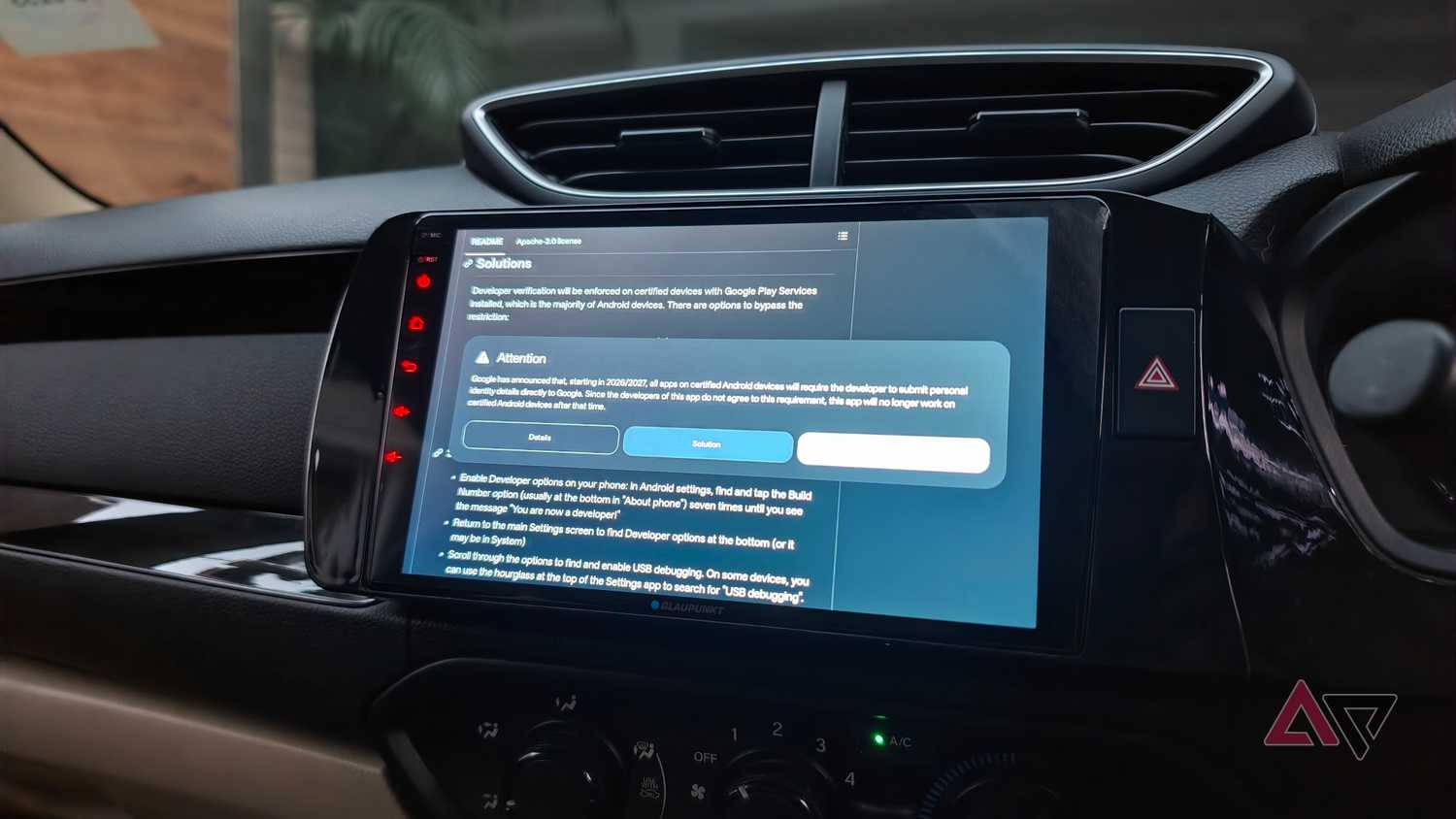
Installing the app is a bit cumbersome, mostly because it's not available on the Play Store. That shouldn't be a surprise. After all, it is circumventing a few Google restrictions.
You'll need to grab the file from GitHub, which I've linked below. You'll also have to enable developer mode in Android Auto. Go to Settings on your phone, search for , scroll down to Version, and keep tapping it until it says developer mode has been activated.
After that, grant the necessary permissions, and the next time you turn on Android Auto, you should see the AA Browser icon.
Since it is a full-fledged browser, it supports bookmarks, so after you navigate to your preferred streaming source, save it as a bookmark. Typing in Android Auto is fairly clunky, so this is a good workaround.
AA Browser adds easy video streaming to your Android Auto setup
Unlike some enthusiasts, I'm not looking for full-fledged tablet-style functionality on my car's infotainment system. I just want an extra source of entertainment or two when I'm parked.
Unfortunately ,safety-focused restrictions veer too much towards precaution and leave no room for flexibility.
AA Browser fills that gap by letting you open a web browser in your car's infotainment system and pull up your choice of video streaming service.
It won't replace a dedicated streaming app or native support, but for now, it does the trick and is an easy way to add video streaming to any Android Auto setup.

AA Browser is an open-source software that allows you to use a browser and play YouTube videos on Android Auto