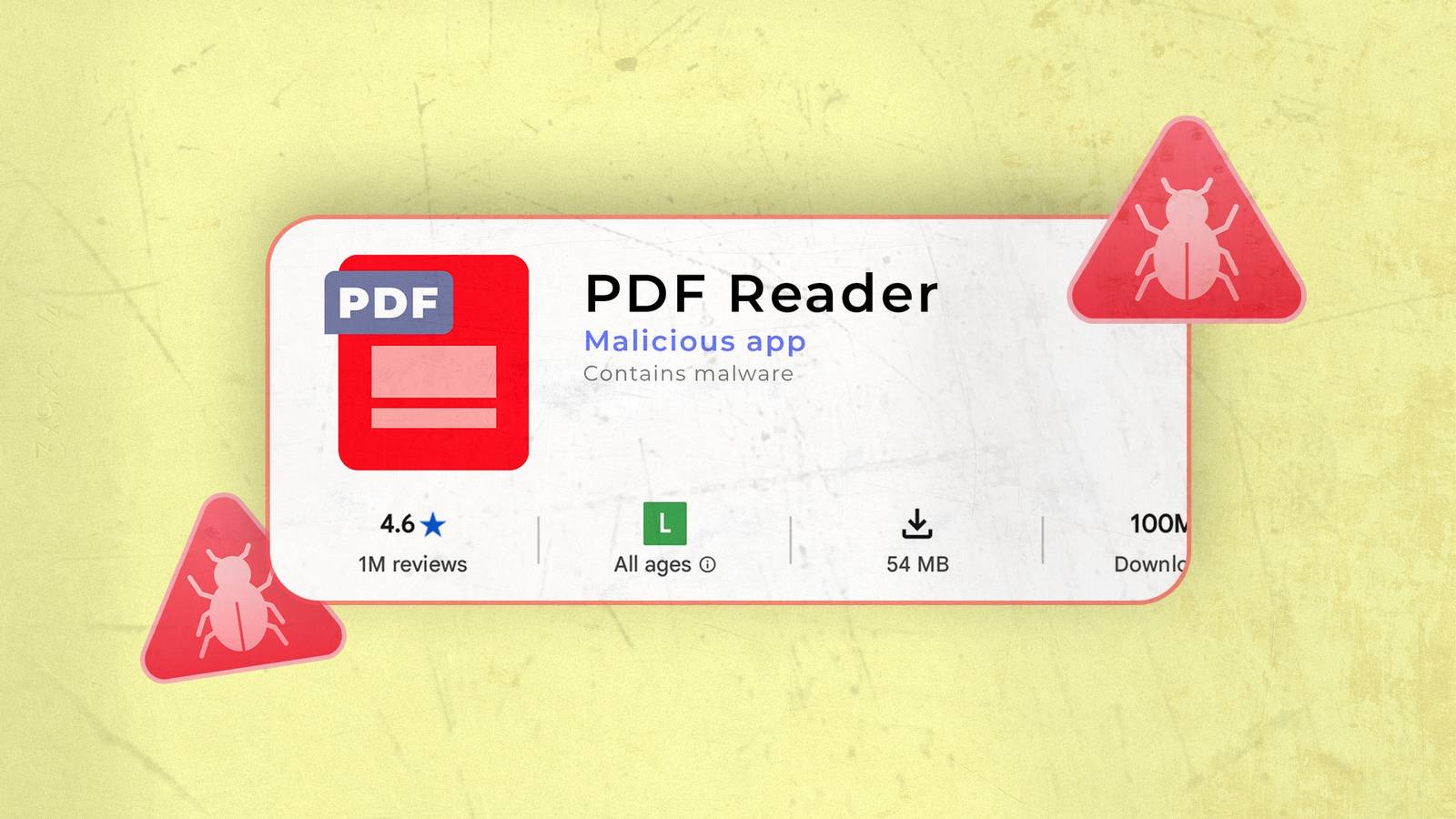
Most people think that as long as you download apps directly from the Google Play Store, you're completely fine, right?
And sideloading is the only way malware and other suspicious software get onto your device.
No, that's not entirely true. According to Malwarebytes, Google removed 77 malicious apps in 2025 that were installed at least 19 million times.
That means those apps had 19 million chances to infect your device, steal sensitive information like banking info, and exploit your permissions.
Even the top smartphones from Google and Samsung can't protect you from malicious activity that you've accidentally introduced to your device.
I thought Google Play Protect and Samsung's app protection were enough, but I was wrong because I encountered a very suspicious app, disguised as a PDF viewer/reader.
One persistent notification turned out to be adware
Sometime in the summer, my mom asked me to help remove a notification from her phone.
I thought, "Why does she need help?" She knows how to clear her notifications, but since we have the same Samsung phone, it would be easy to refresh her.
It turns out this "notification" was persistent, and it was actually an ad that wouldn't go away. It was strange, so I was worried that it was adware.
So I ran two scans: one using the Google Play Store and the other using Samsung's built-in app protection, which you can find in the Security and privacy > App security settings.
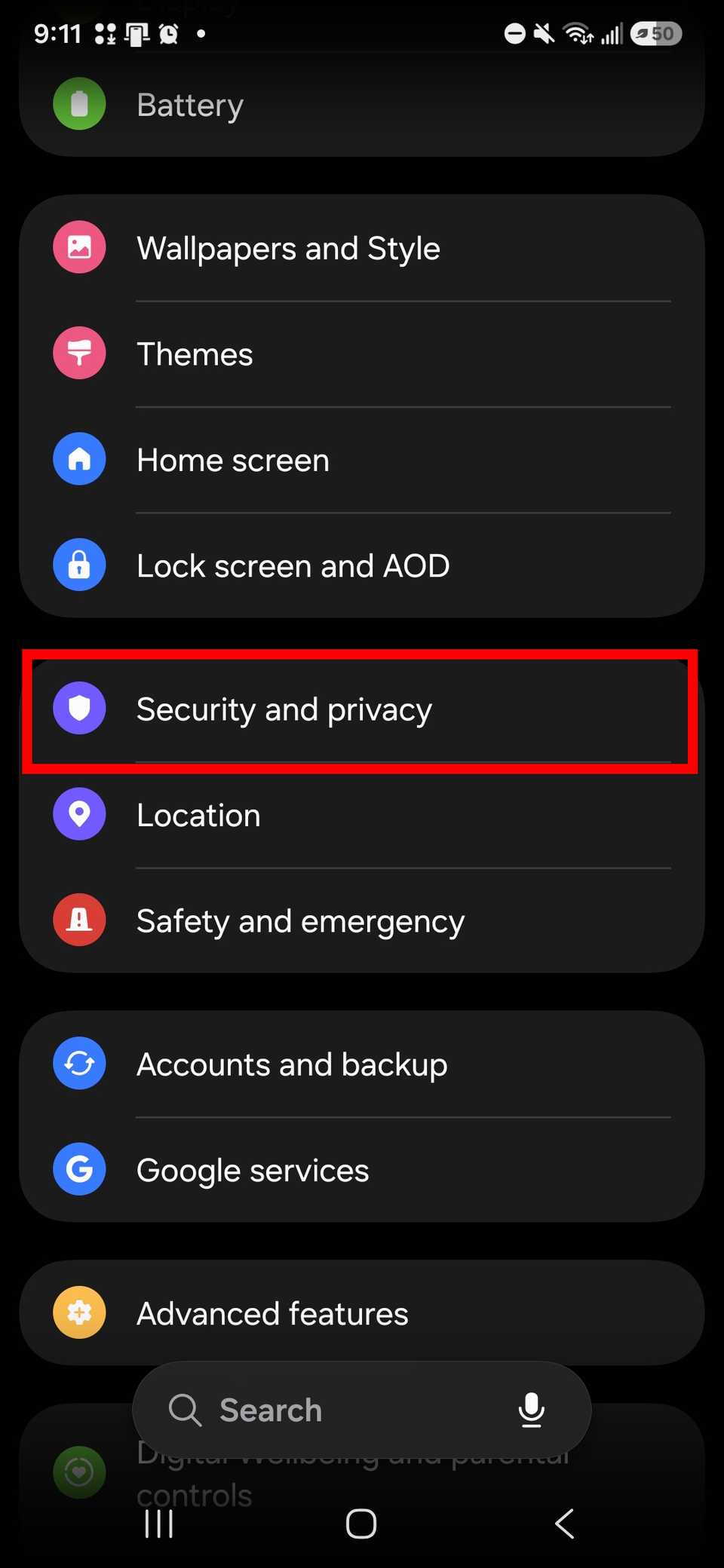
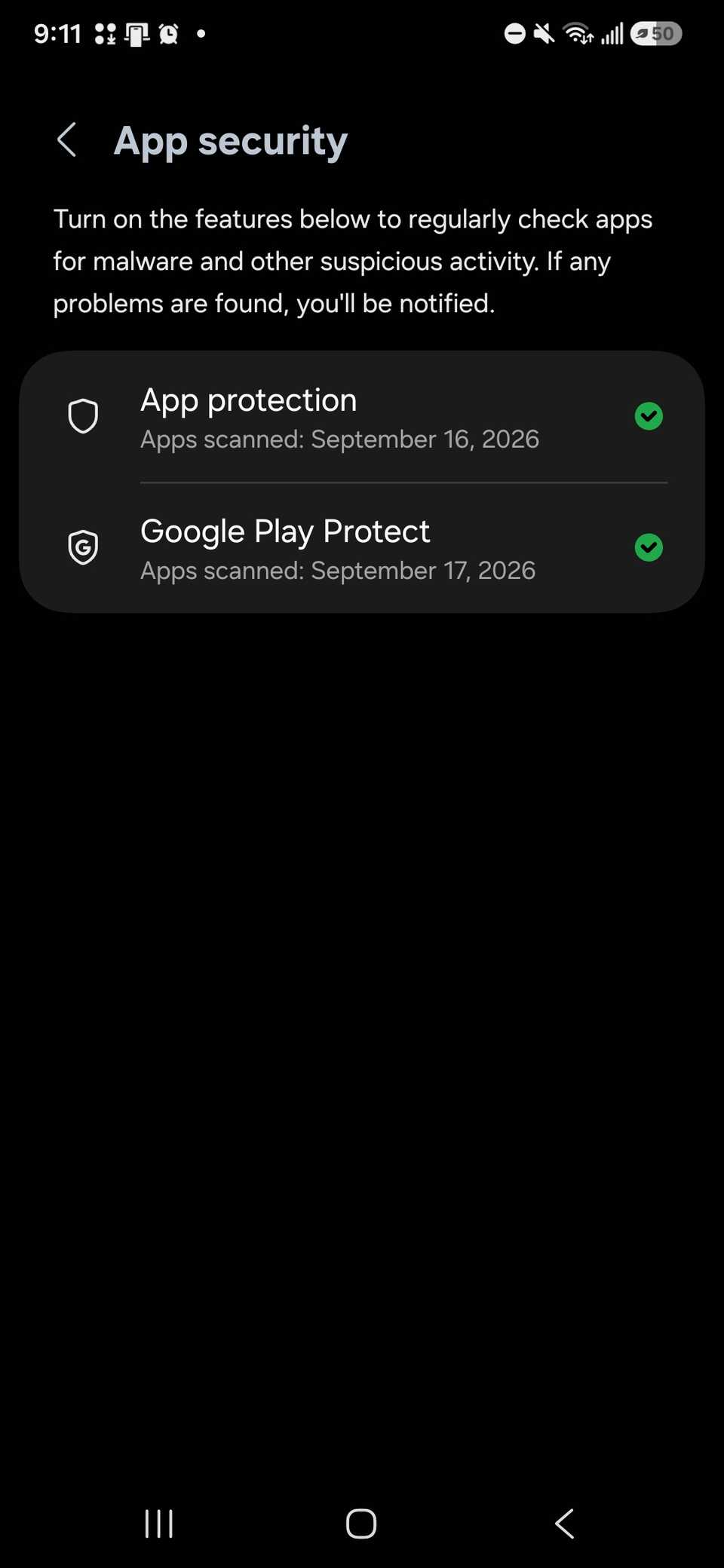
Both scans came back negative, meaning they didn't find malware.
So I checked the banner — the one that kept prompting my mom to tap a link to get full protection for the PDF viewer/read app. Without it, her data was vulnerable.
To me, it didn't make any sense that an app would need an extra add-on or update to protect my mom's phone.
I knew tapping the link would either be a phishing scam or give someone an easy ticket to install malware on her device.
Thankfully, like me, my mom has had some cybersecurity training, so she has the common sense not to click links she isn't supposed to.
It wasn't difficult to remove, since all I had to do was uninstall it (it didn't require booting into safe mode).
If she had interacted with it any other way, I think it could have been trickier to deal with, and my understanding was that she didn't have it for long (so she ended up lucky).
I also suggested she report it to the Play Store to let the team know about her experience, since the app essentially had adware.
Utility apps are sometimes Trojan horses
Mistakes happen. You want to download a document reader app to access a file quickly, and lo and behold, that app has more than you've asked for.
In the same report (cited above), Malwarebytes iterates that these apps are typically utilities: the document reader app mentioned above, keyboard apps, health trackers, and photo apps.
The safest practice is to vet the apps you install, no matter the source — I've let my guard down because it's been published on an official app store used by billions of users.
Still, I wouldn't trust it, like in my example above with the PDF viewer/reader my mom installed.
A few big tells are how many permissions the app wants; you can check the store listing, but you can also do a quick online search to see if anyone published an article about it. If an app reeks of suspicion, someone has probably written about it.
In Malwarebytes publications, I found a 2022 article discussing adware in the "PDF reader - documents viewer" by Fairy games.
The author used Android Device Monitor to track the app's activity and find the underlying adware code, while also highlighting the signs that made it suspicious in the Play Store listing.
The app had a maturity rating, and the developer name didn't seem in line with the genre of apps it should be publishing.
Other apps that might hide aggressive, malicious practices are usually disguised as apps that would "fix" your phone, like battery boosters, and the ones I tell no one ever to install: cleaning/de-junk apps.
Always leave malware out of it
Protecting yourself against malware is up to you. If anything spoofy is going on, it is your job to investigate — that means apps going rogue may need to be purged.
Still, dangerous data-harvesting practices apps can legally do that and never get flagged as malware, so you should be aware of the data-collection practices outlined by those services.
Then, lastly, keep your device's security updated because you will want that extra layer of protection to safeguard your data.