
Google Keep is great for quick notes, OneNote gives me plenty of structure, and Obsidian can do almost anything with enough customization.
Yet none of them quite hit the sweet spot I want on Android. That's what made Bundled Notes such a pleasant surprise. It gives me everything in one clean package.
After spending time with it, I started wondering why I had been when this overlooked Android app was quietly doing so many things better.
It looks like a proper Android app
A beautiful Material Expressive UI
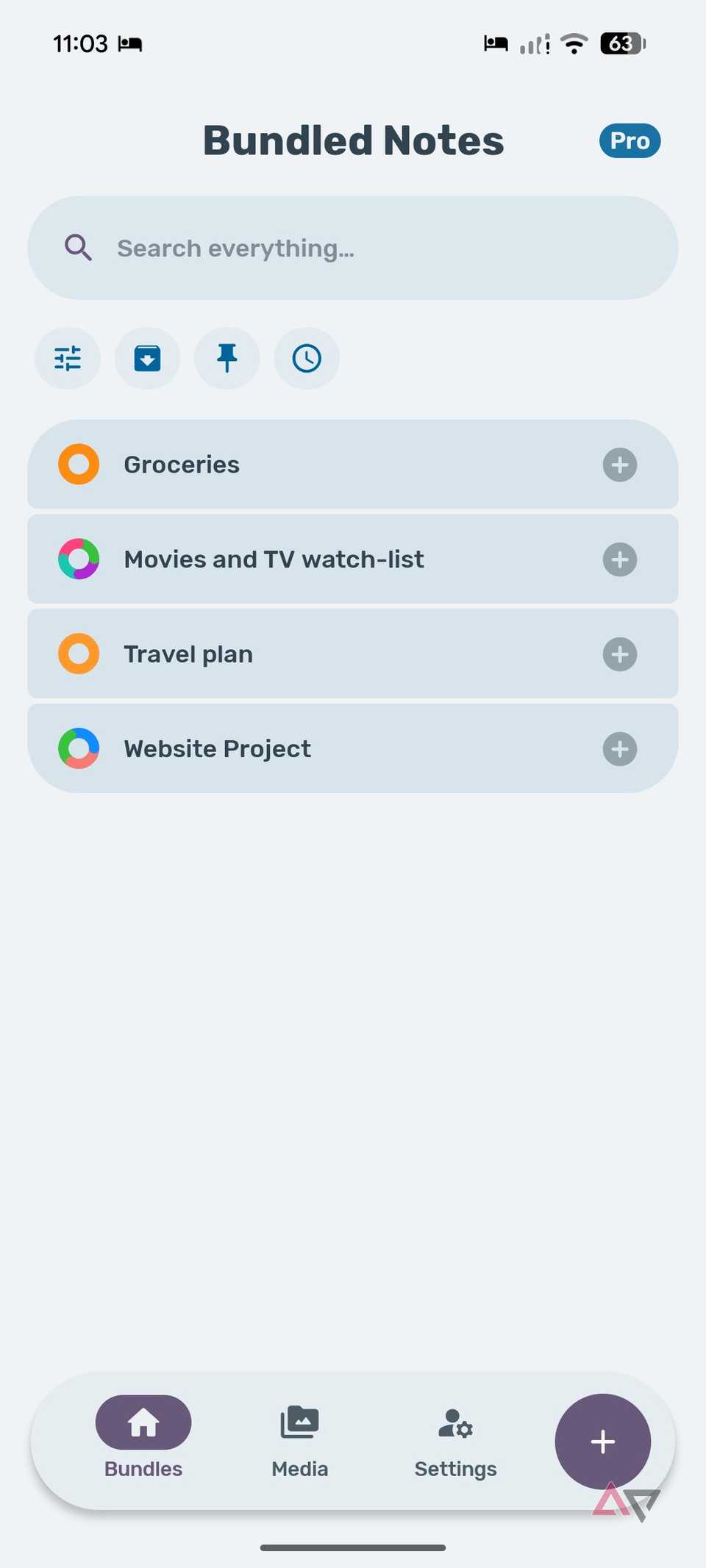
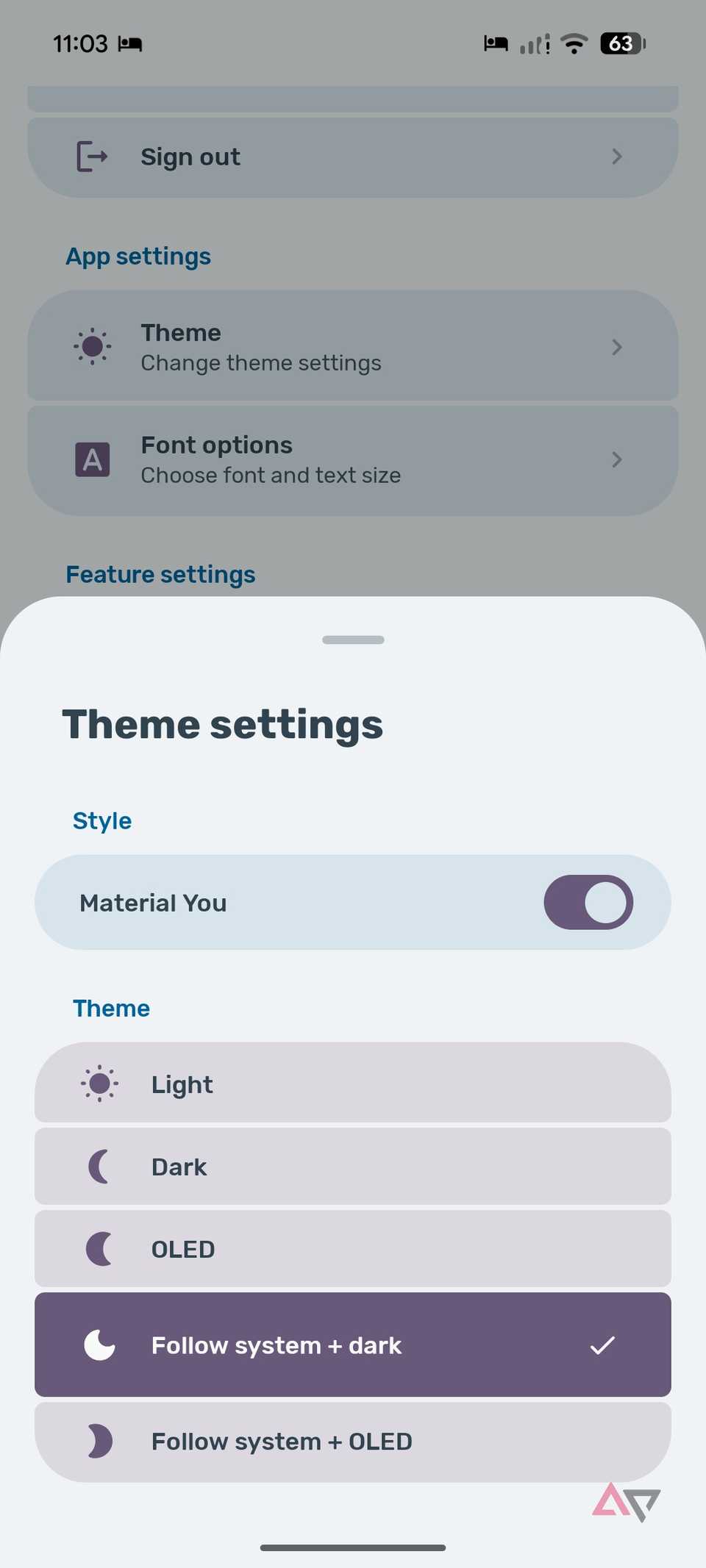
One of the first things that won me over about Bundled Notes was how good it feels to use.
The interface is clean, modern, and clearly designed with Android in mind rather than feeling like a desktop squeezed onto a phone.
Animations are smooth, transitions feel polished, and even small interactions show the attention to detail that makes the app feel premium.
Compared to OneNote, Bundled Notes feels lighter and more refined on Android.
Obsidian is powerful, but its mobile interface can still feel more utilitarian than modern.
Even Google Keep, which has always been one of the better-looking Google apps, feels a little plain next to Bundled Notes.
The spacing, colors, card layouts, gestures, and subtle animations work beautifully.
Bundled Notes is a joy to navigate, and you can tell the developer has spent a lot of time polishing the experience.
It can replace more than notes
Can do the job of several productivity apps
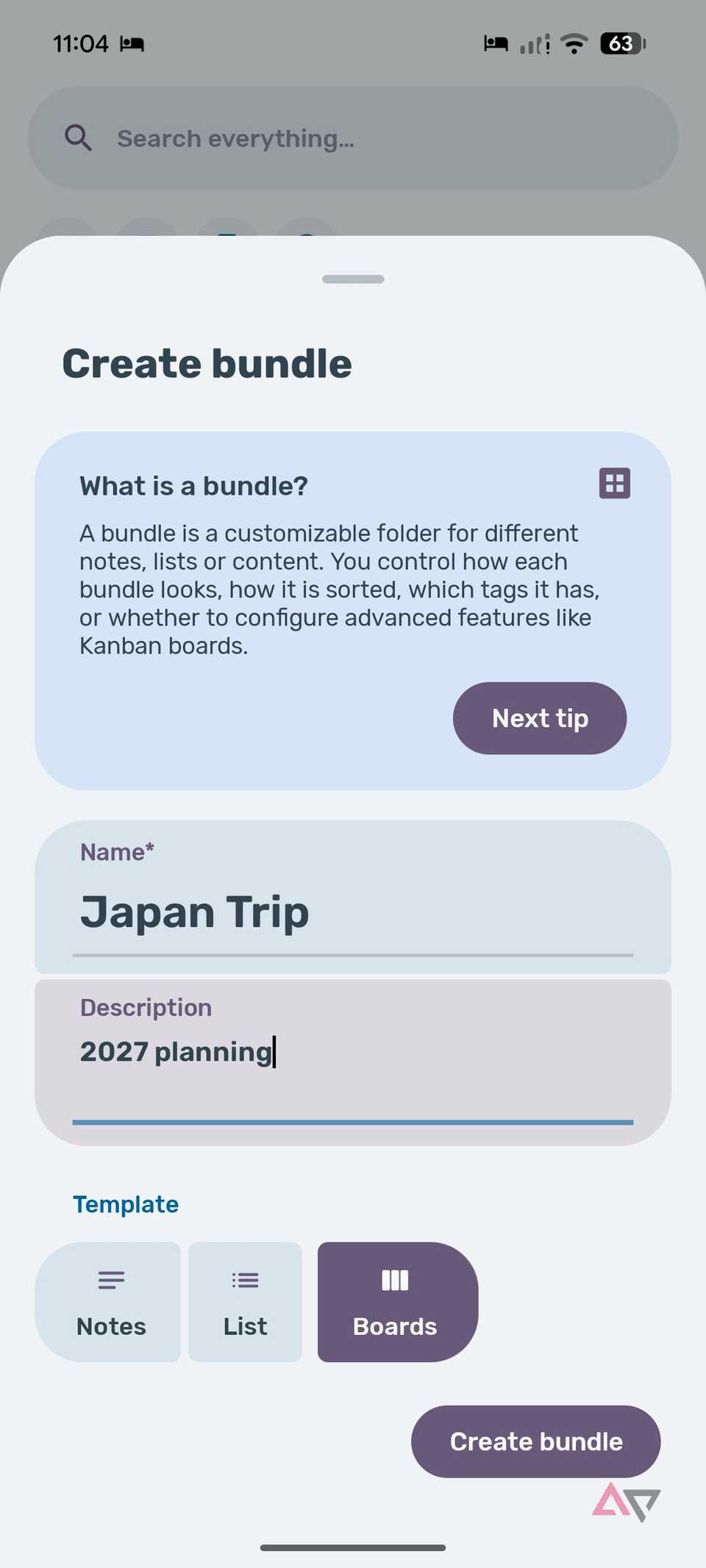
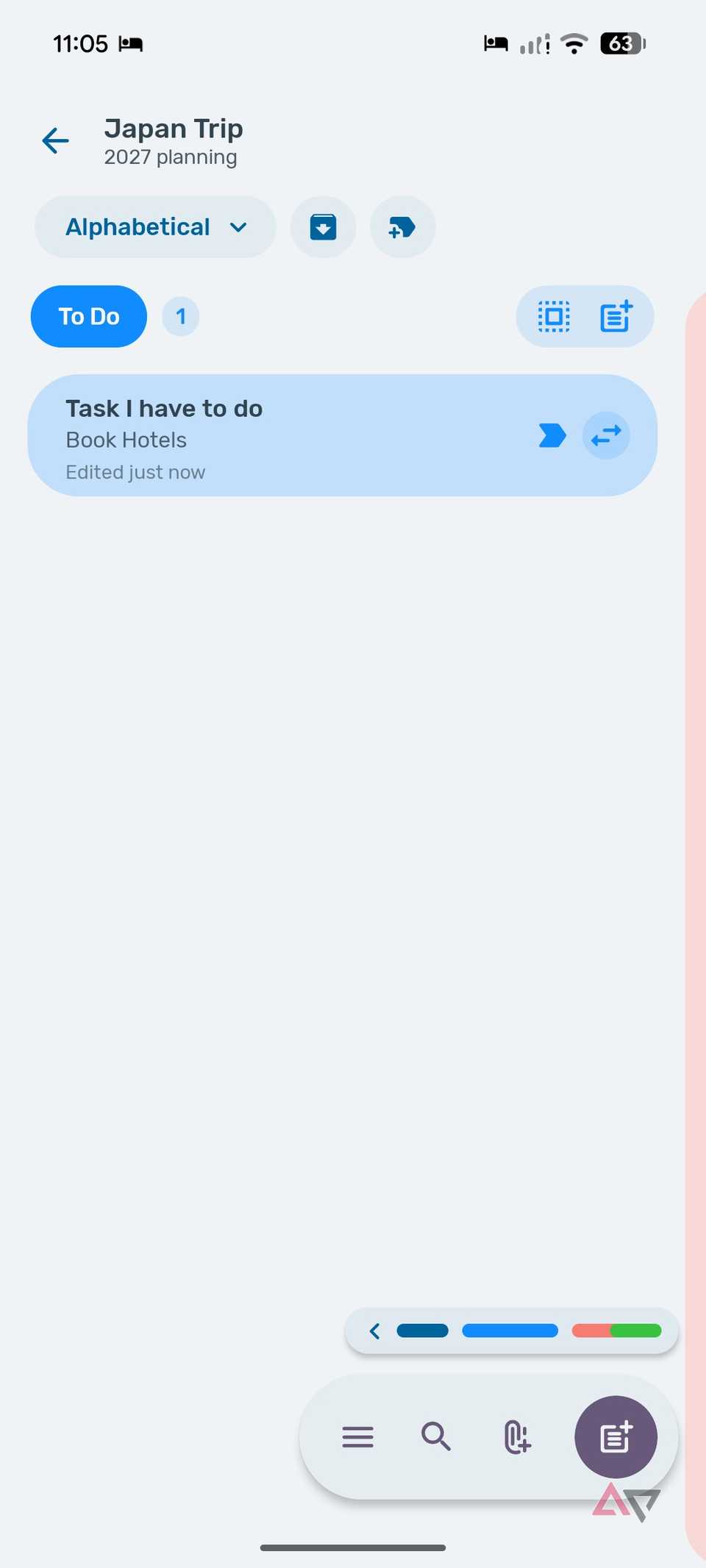
I can shape each one around a specific part of my workflow instead of forcing everything into the same structure.
For example, I can create an Article Ideas bundle and use tags for Android, Windows, AI, Android Auto, and productivity.
When I want a more visual workflow, I can switch that bundle to a Kanban layout with columns such as Ideas, Researching, Writing, Editing, and Published.
That means I can track an article from a rough headline to completion without moving it into Trello, Notion, Obsidian, or another project management app.
I can do something similar for personal projects. A Home Renovation bundle could have cards for the electrician, furniture work, plumbing, pending purchases, and payments, while a Japan trip bundle could keep hotels, places to visit, restaurant ideas, a shopping list, and more organized with tags.
With different layouts, tags, task options (more on that in a minute), and Kanban boards, each one can behave like its own lightweight productivity app.
The concept of Bundle may take a while to get started, but after a couple of weeks, you can have a robust setup that keeps everything under one roof.
It gets the balance right
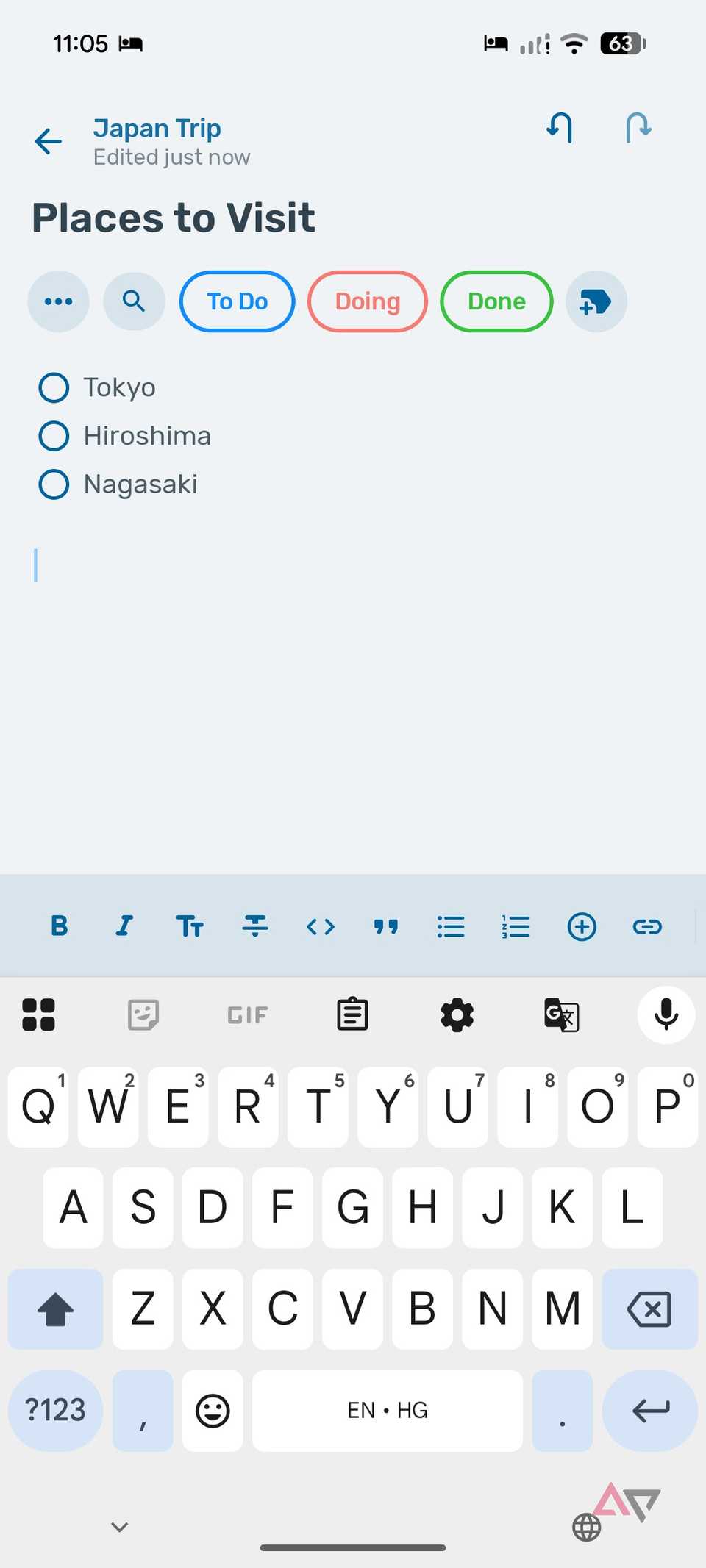
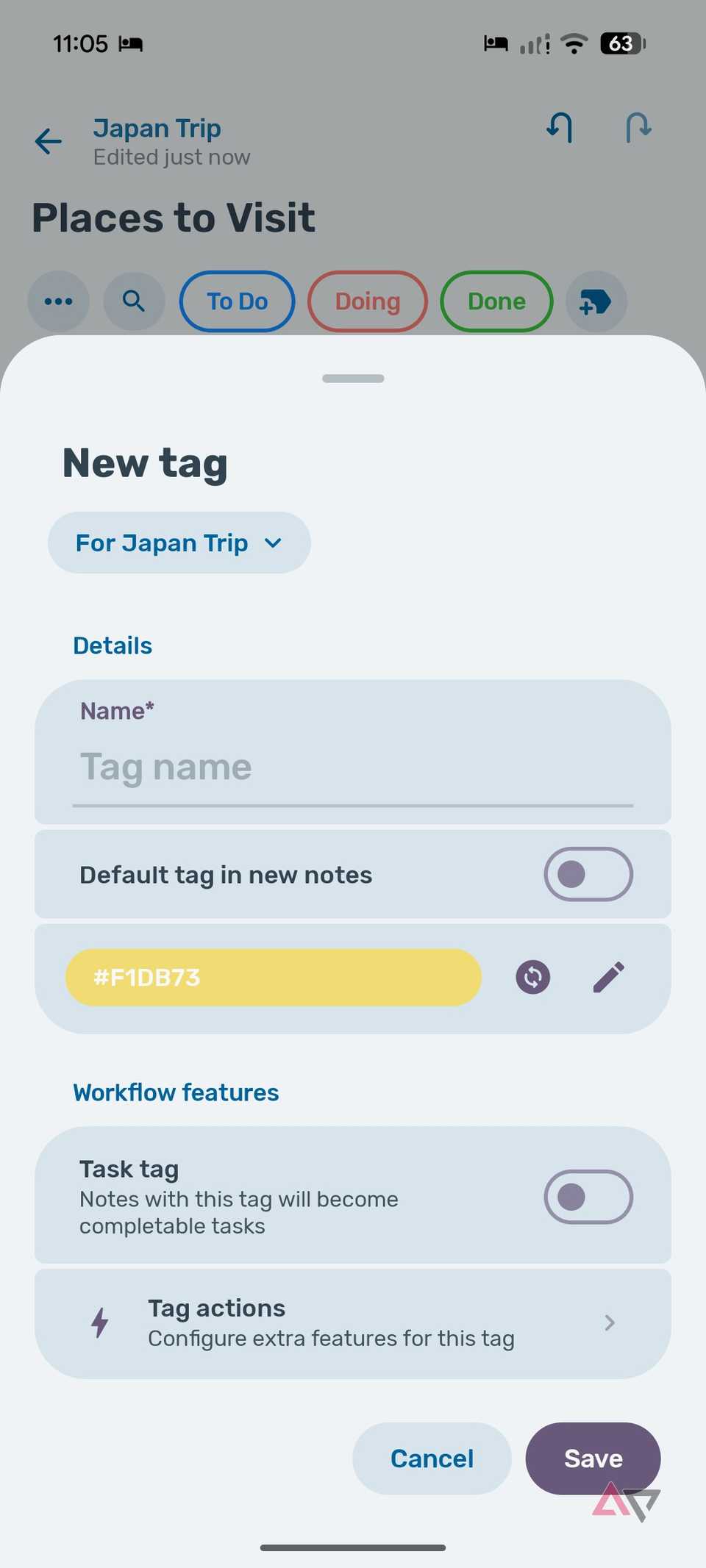
It gives me enough formatting options to create detailed notes without making the writing experience complicated (looking at you, Obsidian).
Everything stays clean and easy to navigate.
Task management fits nicely into the same experience.
I can use checklists for smaller steps and set a reminder when something needs my attention later.
I can set the notification type, choose a date and time, and mark the task as important from the Reminders menu.
I don't need to jump between a notes app and a separate task manager for smaller projects.
Bundled Notes gives me enough structure to manage both without breaking a sweat.
There is a web app, too
It's not limited to Android only
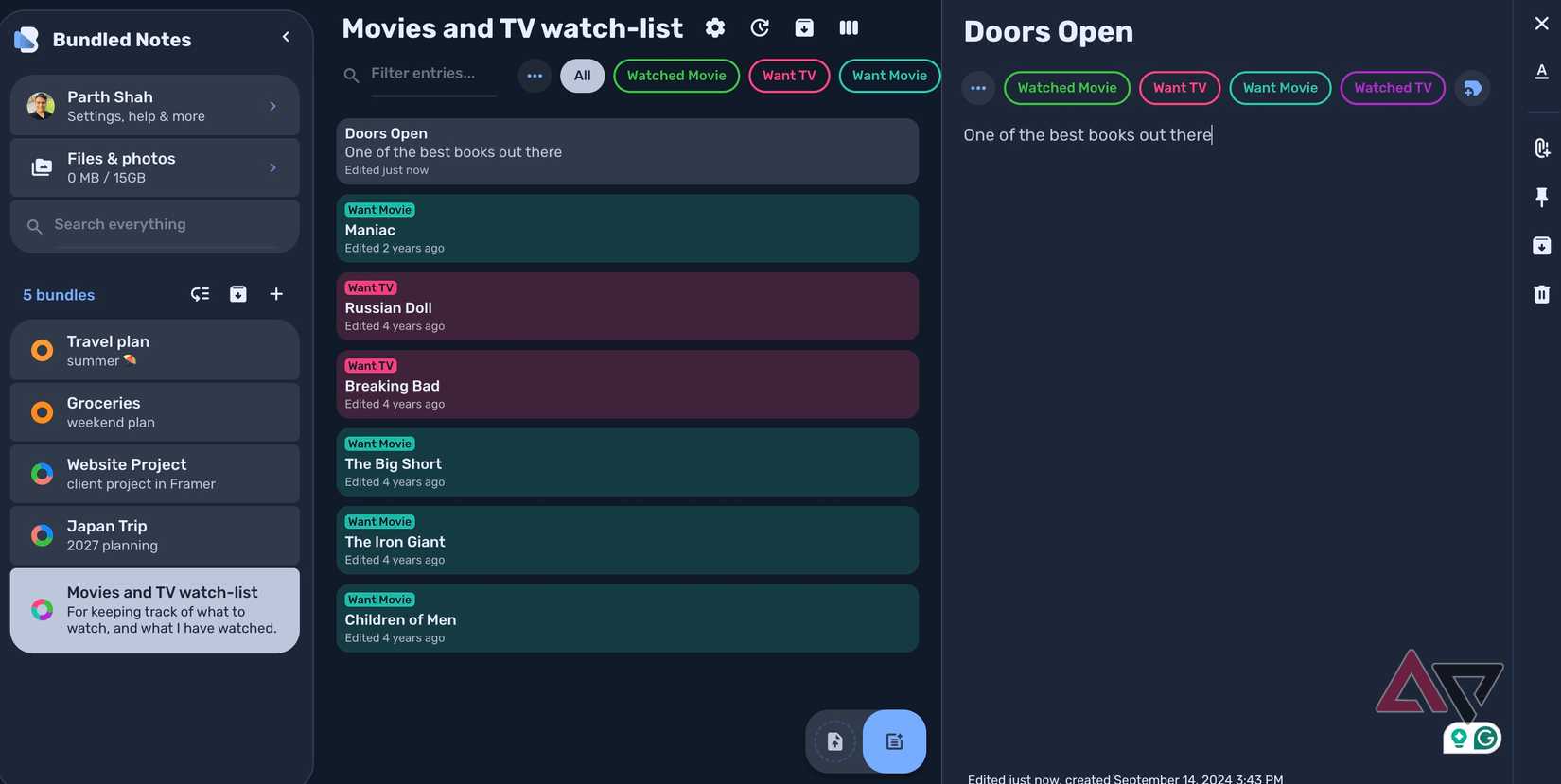
Bundled Notes is mainly an Android app, but I appreciate that it also gives me a web version.
I regularly jump between Windows desktop, my MacBook Pro, and my home lab's Linux machine, and I don't want my notes locked to whichever phone happens to be in my pocket.
The web experience is still fairly basic compared to a polished Android app, but it covers what I need most.
More importantly, its roadmap shows the developer's plans to improve the web version with more features in 2027.
That gives me more confidence in using Bundled Notes as a cross-device system.
The Android app remains the star of the show, but the web version means I am not stuck the moment I sit down at my Windows PC.
A better balance than the giants
Bundled Notes isn't trying to outdo Google Keep, OneNote, or Obsidian feature for feature.
It combines the best parts of all three into an Android app that still feels fast, feature-rich, and beautifully designed.
Granted, it has a few limitations, especially on the desktop, but for an Android-first workflow, it gets a lot right.
If your current note-taking app feels too basic or unnecessarily complicated, I recommend trying Bundled Notes.
It surely deserves a place on my Android home screen.