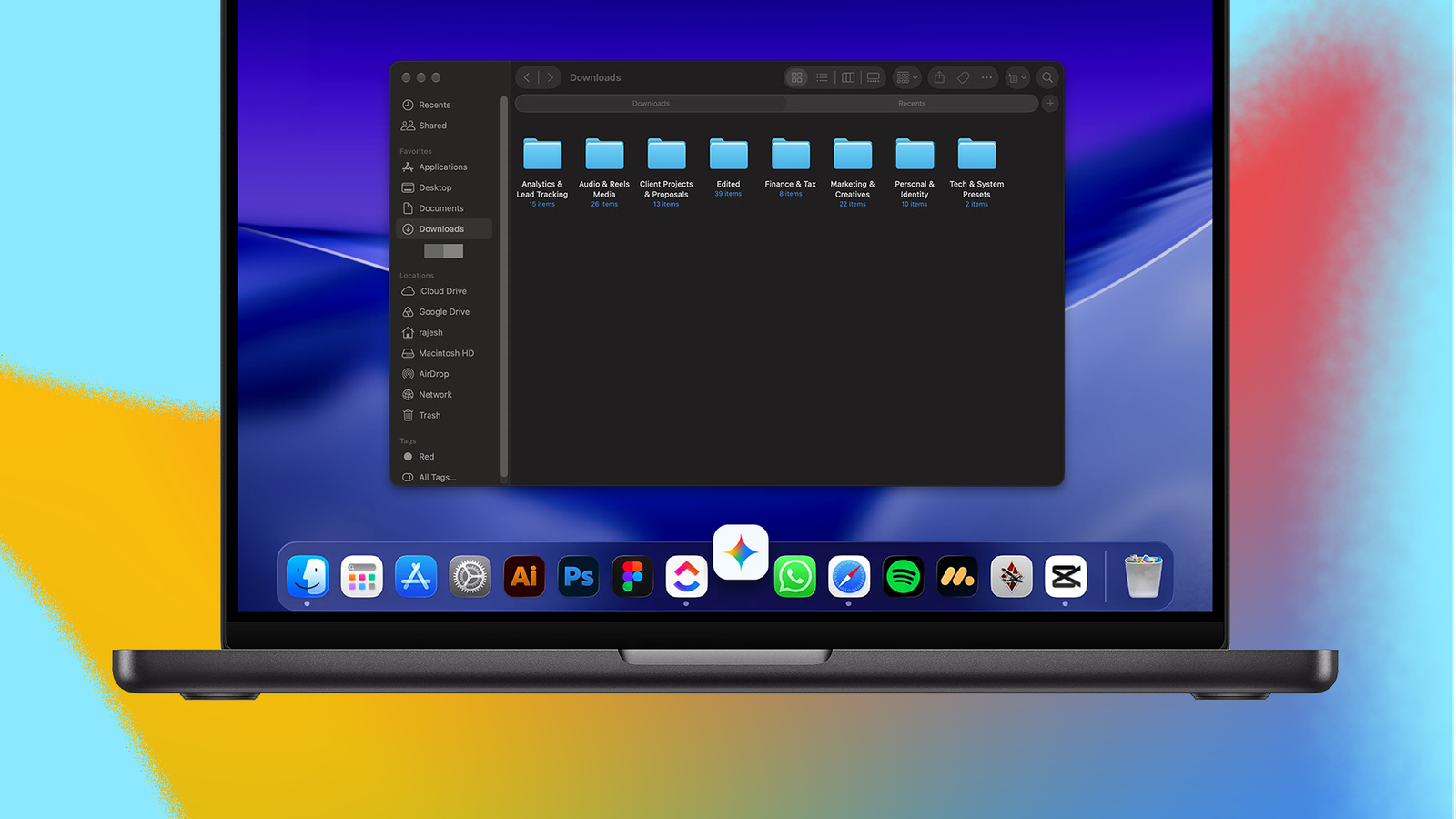
My Mac's Downloads folder collects a lot of junk and gets messy fast. I try to clean it up once a week, but I don't always get around to it because it's boring and mundane.
I want the clutter gone without spending time sorting through everything myself.
So, I handed the . I expected basic sorting, but Gemini's organization was surprisingly thoughtful.
I gave Gemini a task I kept putting off on my Mac
My messy Downloads folder was a perfect testing ground
I have been playing around with Gemini Spark for the last few weeks. Beyond helping me build detailed holiday itineraries and finalize my hotel and trip reservations, Spark has been surprisingly useful for several everyday tasks.
Gemini Spark is available on the web and Android, but it's also accessible through the Gemini Mac app. More importantly, it can handle local tasks on the Mac, meaning I can ask it to work with files on my MacBook.
I wanted to see if Gemini Spark is smart enough to automatically organize my Downloads folder and save me the hassle of manually sorting files into folders.
This started as an experiment, but everything turned out surprisingly well. Gemini grouped files by content, not just by filename or file type. For example, it gathered files related to a client proposal and discussion into a dedicated folder for that client.
That's how I'd want those files organized myself, so I was pleasantly surprised that Gemini figured it out.
Gemini's organization was smarter than I expected
It organized my files the way I would look for them
What impressed me most was how practical Gemini Spark's organization was. It could have put all my PDFs in one folder and all my audio files in another to organize my Downloads folder.
But that wouldn't have been practical, since I'd then have to dig through unrelated files to find what I needed.
The client folder is a good example of why Gemini's approach worked better. When looking for something related to that proposal, I'd think of the client and the file's content, not whether it was a PDF or a Word document.
I want the file's content, not the file type. Gemini got that right.
Likewise, Gemini handled all the music I downloaded from Meta Music Library well. It gathered all the tracks into one folder instead of leaving them scattered with everything else in Downloads.
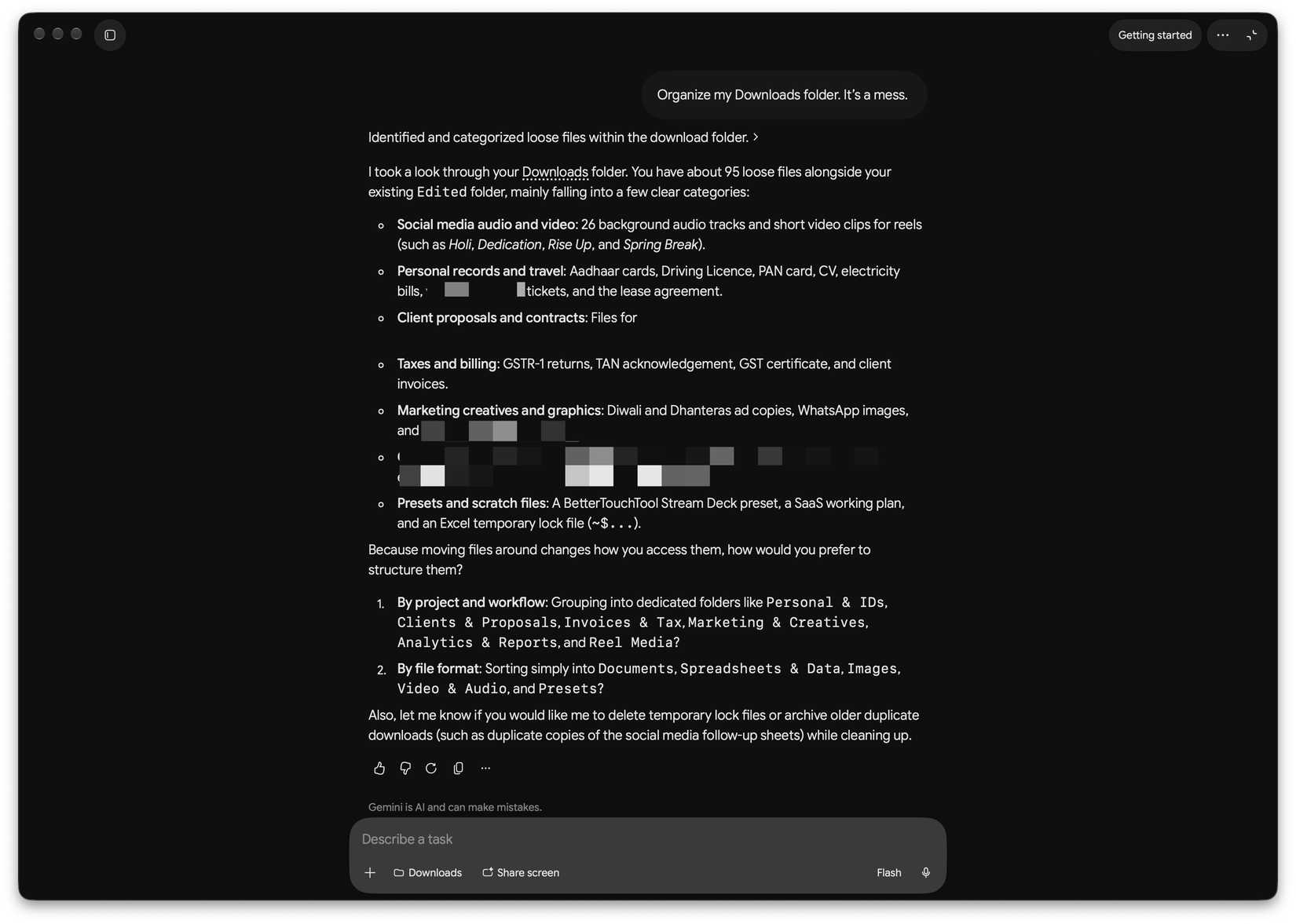
The best part is that Gemini did all of this on its own. My prompt was a relatively simple one: "Organize my Downloads folder. It's a mess."
Gemini asked whether I wanted to organize the files by project and workflow or by file type. But that's about it. I never had to give Gemini more detailed instructions. This was a useful clarification, since my idea of an organized Downloads folder might differ from yours. So Gemini asking about my preference made sense.
Still, Spark handled the task surprisingly well, without creating a complicated folder structure that would be hard to navigate.
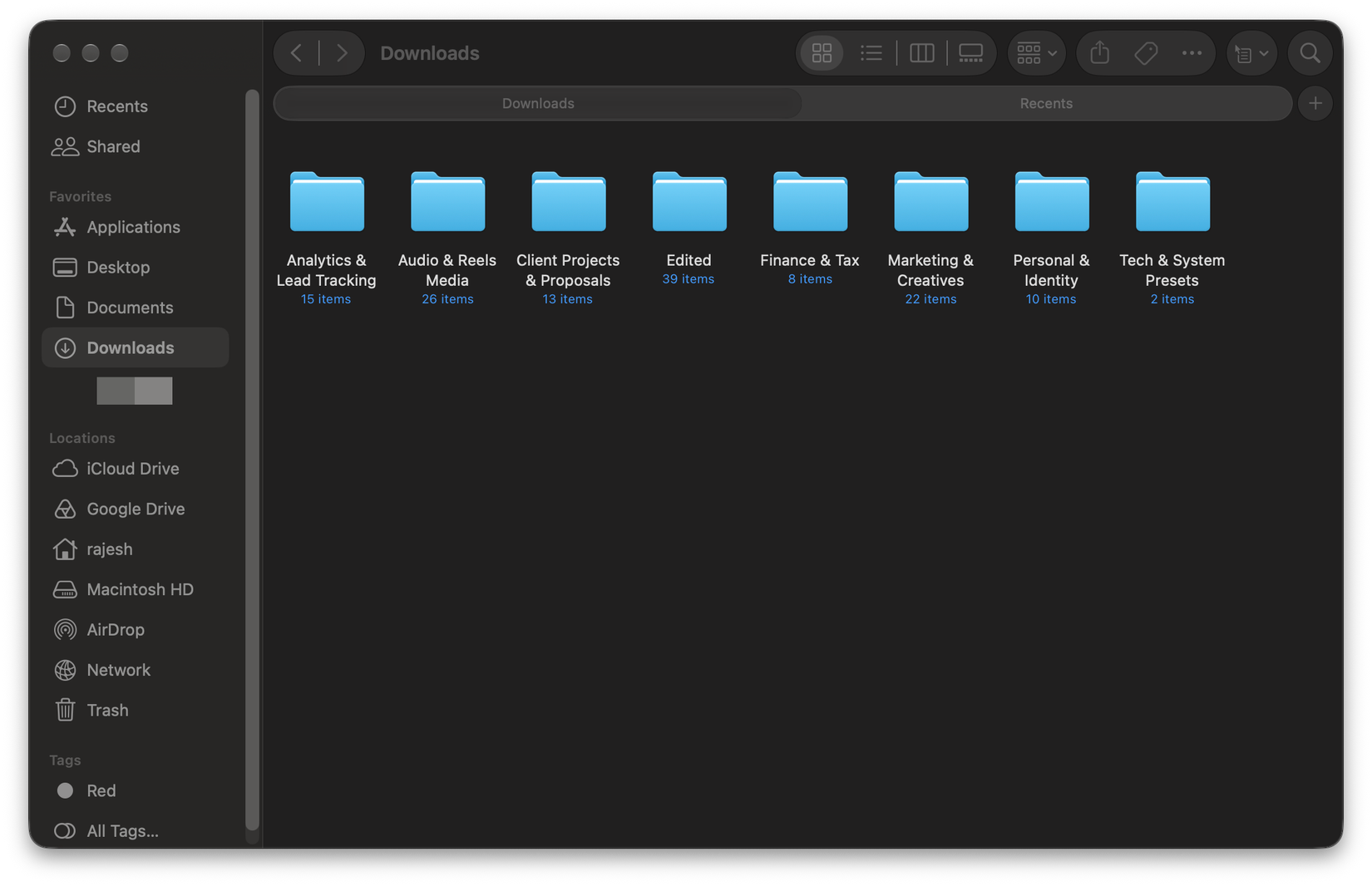
Gemini has lagged behind ChatGPT and Claude in almost every other AI task I've put it through. I was surprised by how well Spark organized my messy Downloads folder. I gave it a simple prompt, answered one question about how I wanted the files grouped, and it handled the rest.
I know I won't follow the folder structure Gemini created and keep the Downloads folder on my Mac organized. So, I set up a scheduled task in Spark to organize the Downloads folder every weekend.
The ability to schedule this task makes this one-off cleanup even more useful. I don't have to keep telling Spark to do this to clean up my Mac's Downloads folder manually every week. It can do so automatically, removing another task from my to-do list.
While this one experience will not change my overall preference for using ChatGPT and Claude over Gemini, it has given me a reason to use Google's AI more often. If Gemini Spark can handle such minor everyday tasks this well on my Mac, I can see myself using it more.
Gemini earned a recurring task on my Mac
I did not expect Gemini would do such a great job of organizing my Downloads folder. Spark handled the task I don't like, made sensible decisions, and asked the right questions.
This has encouraged me to use Gemini to organize my Screenshots and Documents folders next. If Google's AI can deliver similar results, Spark could become a regular part of how I keep my Mac tidy, even if ChatGPT and Claude remain my preferred AI assistants.