With smartphones improving only incrementally year over year, I’ve become less enthusiastic about upgrading as often as I once did.
My Google Pixel 8 Pro still does everything I need, and there's little reason to spend over a thousand dollars to replace it just yet. But Rambler is one of the few new features that's made me envious of the latest .
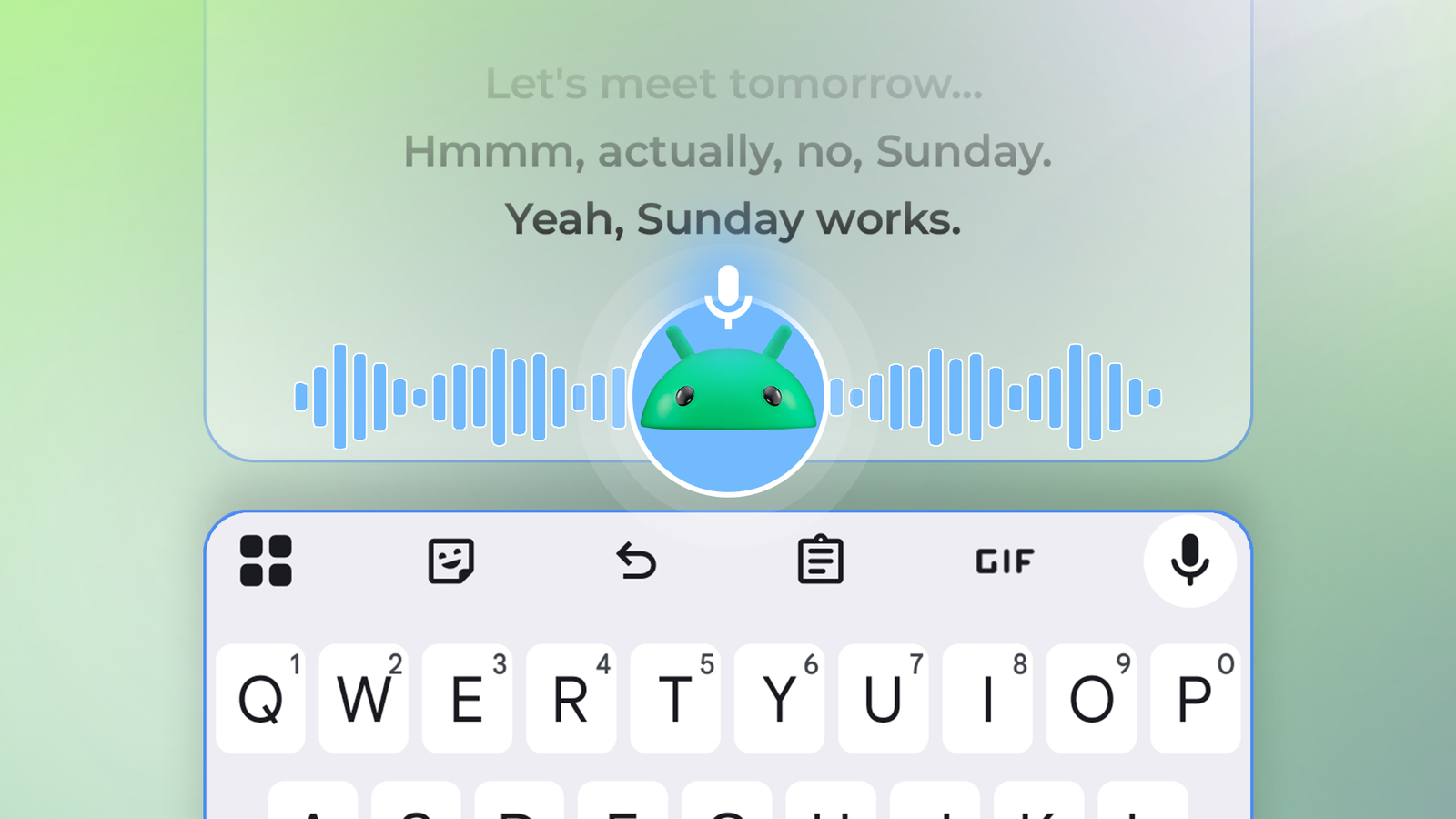
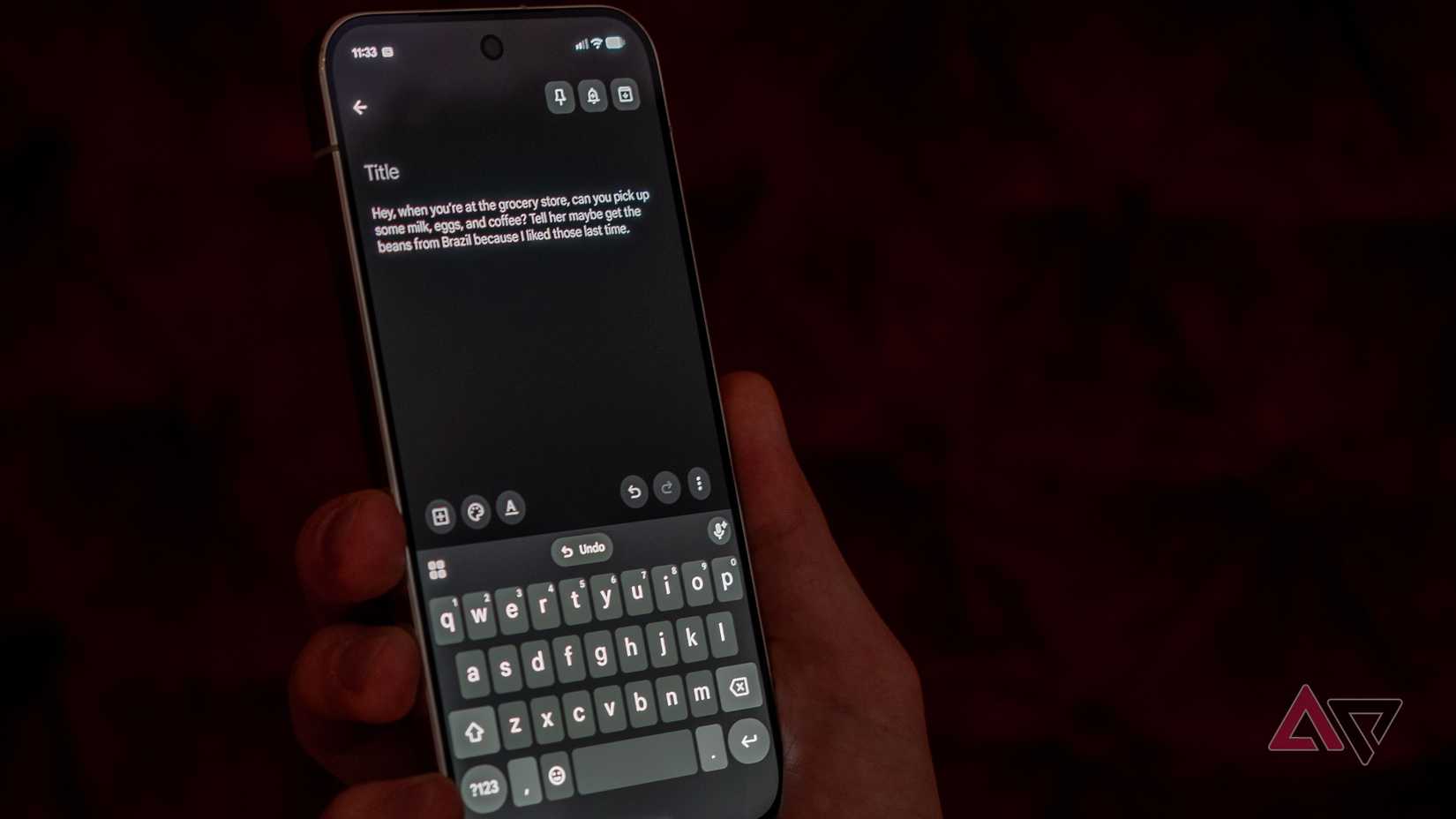
Rambler can turn a stream of disorganized thought such as "Let's go there tomorrow — no, Sunday" into clean output like "Let's go there Sunday." It quickly cleans up broken chains of thought in a way no other speech-to-text feature has achieved.
Rambler debuted on the Pixel 11 series as a headlining AI feature. But like the Google Camera mod from years ago, an enterprising developer has now proven you don't need the latest Pixel's processing chops, or even a Tensor chip.
All you need is a modded version of Gboard, dubbed PixelBoard.
I took Rambler for a test drive on my Pixel 8 Pro, and the results were impressive.
How I enabled Rambler on my Pixel 8 Pro
It also works on any Android phone
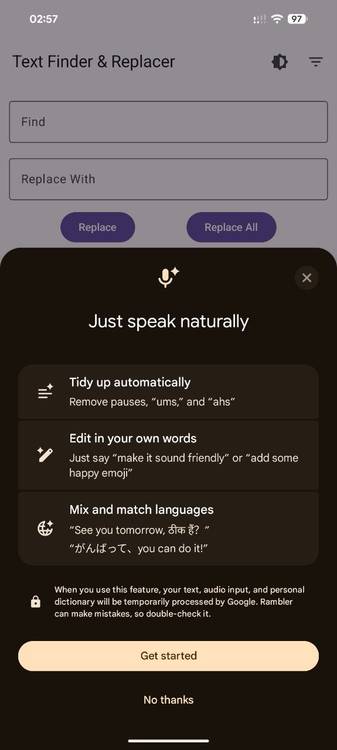
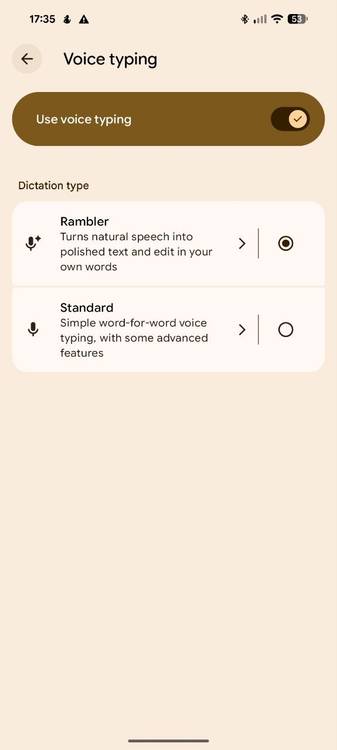
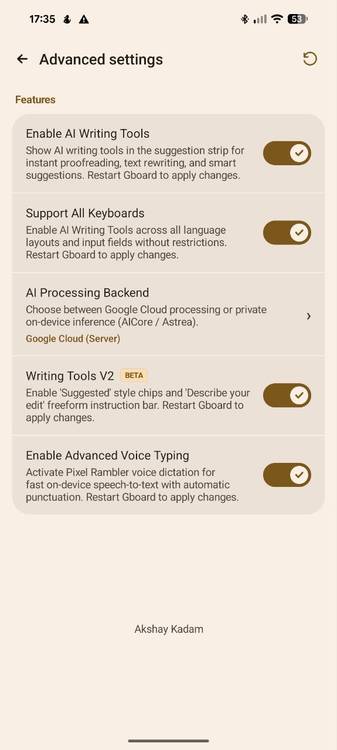
Getting Rambler to work on any Android device is as straightforward as I made it sound above. I started by downloading the PixelBoard APK from the project's GitHub page. It installs like any other third-party keyboard alongside the official Gboard app.
When installed, I enabled Rambler in the app's > Voice typing sub-menu. The next time I tapped the microphone icon in a text field, I saw the official Rambler introduction screen (pictured above).
I stress-tested PixelBoard's Rambler on my Pixel 8 Pro over several days and found it works just as well as Google advertises on the Pixel 11. It removed filler words, added punctuation, and left out my vocal meandering and double-takes in the final text output.
Rambler feels like a genuine upgrade compared to even the Pixel's advanced voice typing feature, which leapfrogged basic speech-to-text. This isn't too surprising, though, since Rambler relies on Google's cloud servers to post-process dictated text.
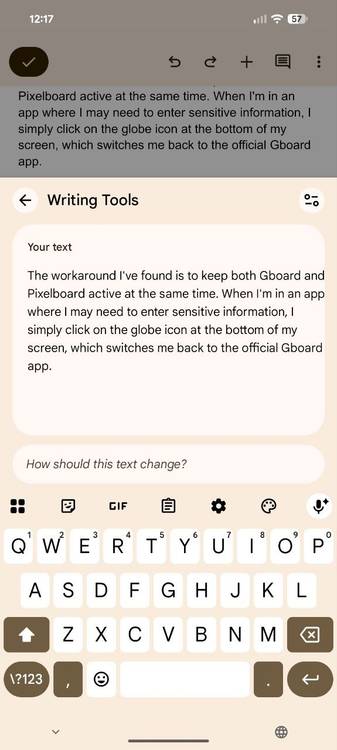
I was surprised to find that PixelBoard unlocks other Gboard features. Writing Tools can summarize, proofread, elaborate, or shorten any text field, even if you didn't type it with the keyboard.
On the Pixel 11, Gboard offers these tools as chip suggestions, which PixelBoard now lets you unlock on older Pixel phones. The other Writing Tools have been rolling out more broadly, but my phone's Gboard app still doesn't surface them.
Regardless, I find the proofread feature especially handy for formal communication. I've enjoyed using a similar Gemini-powered proofread feature in Gmail through my for a few months. Having it built into the keyboard means that it works system-wide and in any app.
Does PixelBoard's Rambler work offline?
On-device models work on older Pixel phones
The PixelBoard app allows you to switch between Google's cloud AI and on-device models through AICore on the Pixel 8 Pro and Pixel 9 series. These models have powered Gboard's advanced voice typing for years, going back to when it was named Assistant voice typing.
I switched to the on-device model in PixelBoard's Advanced settings menu on my Pixel 8 Pro. Rambler then continued to work as expected, and I didn't notice a decline in output quality or inference time. However, it only worked with an active internet connection. I got an error as soon as I turned off Wi-Fi and mobile data.
So, unlike on the Pixel 11, PixelBoard's Rambler implementation doesn't seem to work when you're offline. For some reason, the app also doesn't fall back to Gboard's legacy voice typing feature.
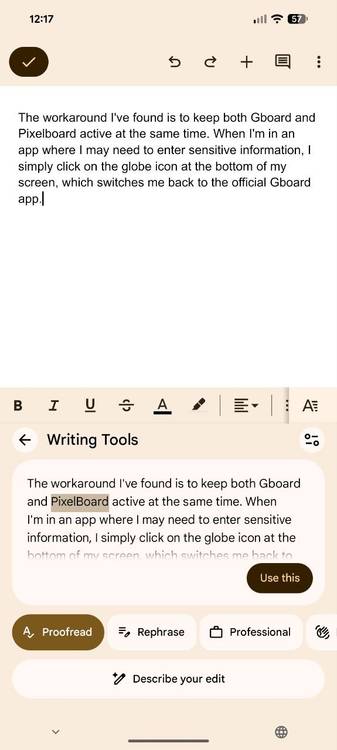
The workaround I've found is to keep Gboard and PixelBoard active at the same time. This way, I can tap the globe icon at the bottom of my screen and switch back to the official Gboard app with regular voice typing.
Should you replace Gboard with PixelBoard?
Some tradeoffs apply

Besides the confusing offline functionality, there's another reason I haven't made PixelBoard my daily-driver Android keyboard yet: potential privacy leaks.
Installing a third-party keyboard on your phone requires trusting the app and its developer to some degree. This is why Apple doesn't allow any third-party keyboard to interact with password fields on iOS.
Even though PixelBoard is open source, I don't have the expertise to audit the codebase. But the developer claims the app has no code capable of capturing your keystrokes.
Still, I wouldn't use PixelBoard as my default keyboard, but I'd keep it enabled as a secondary option. Switching only takes a second, and I prefer the legacy speech-to-text for many use cases.
Unlike Rambler, the Pixel's former advanced voice typing feature shows you a real-time transcription of your speech. If you're dictating a structured paragraph, like I often did while writing this article, using Rambler can sometimes feel like talking into a void.
I've decided to keep PixelBoard installed as a secondary input method, at least until Google brings Rambler to older Pixel phones.
If you're looking for a safer alternative, Microsoft recently added an AI voice typing feature in SwiftKey that also works on any Android device.