
One of the best parts of owning a Google TV is being able to control it from your Android phone. Google made the remote accessible through the Google TV app and Quick Settings, which comes in handy when you can't find the physical remote.
But despite Android TV, and now Google TV, being around for years, Google still doesn't offer a proper remote app for Wear OS.
For some reason, the functionality remains limited to Android phones, meaning you can't use your Google Pixel Watch or Samsung Galaxy Watch to control your TV out of the box.
Thankfully, I recently found an app that turns my Pixel Watch into a Google TV remote. I've been using it to control my Google TV from my wrist, and since setting it up, I don't think I can go back.
This Wear OS app turns your watch into a TV remote
It puts all the essential Google TV controls on your wrist
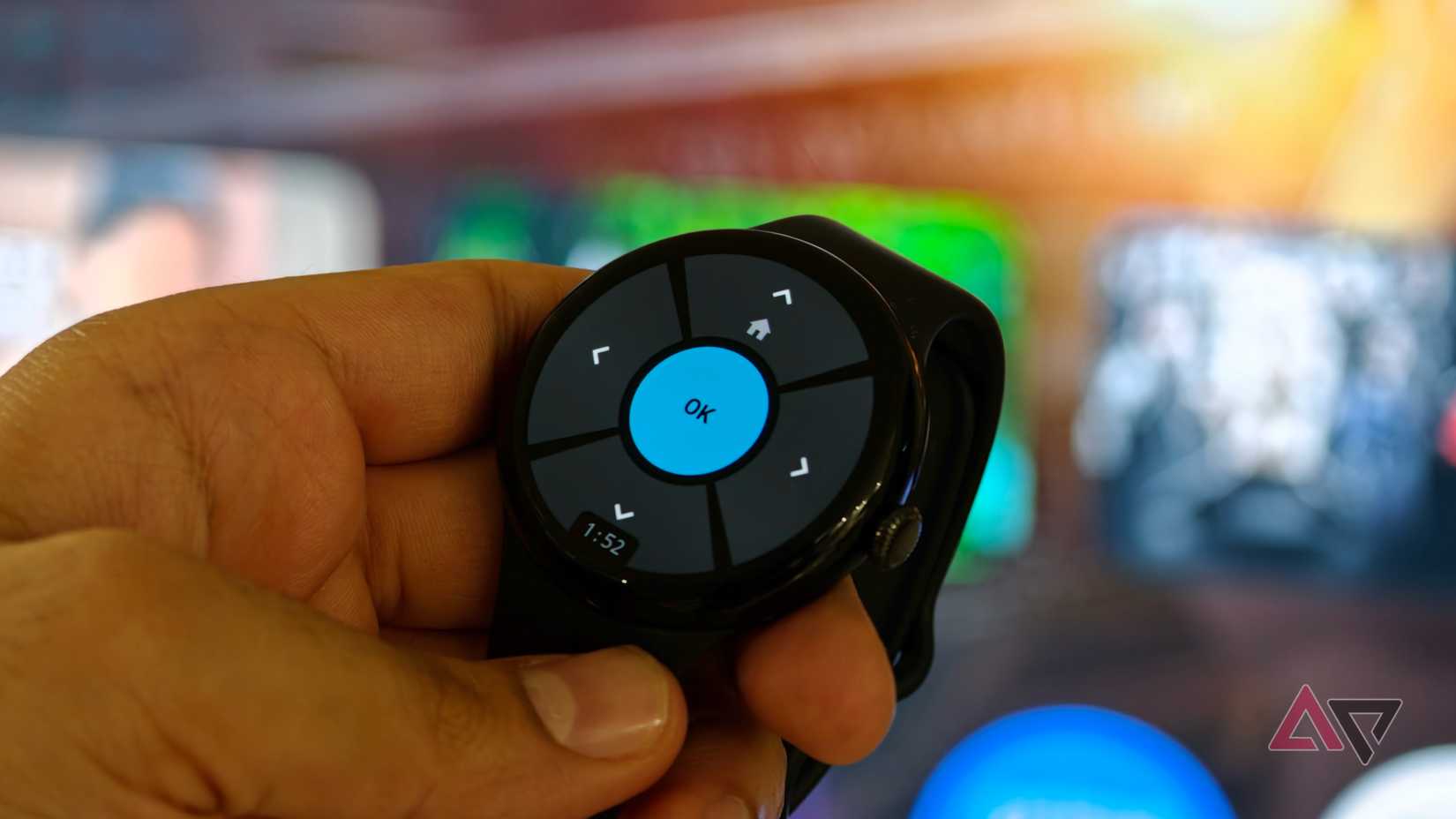
You'd think Google would have solved the problem of controlling an Android TV or Google TV from a Wear OS device by now, but it still hasn't.
Thankfully, a developer (via Reddit) has stepped in with an app called Remote for Android TV that brings much of the same remote functionality you get on your Android phone to your wrist.
The app is available on the Google Play Store and can be downloaded for free on Wear OS devices.
According to the developer, it supports Wear OS 3 and newer, which means you can use it on all Pixel Watch models as well as the Galaxy Watch 4 and newer.
It's also compatible with some older Wear OS devices, including the TicWatch Pro 5, Fossil Gen 6, and several OnePlus watches.
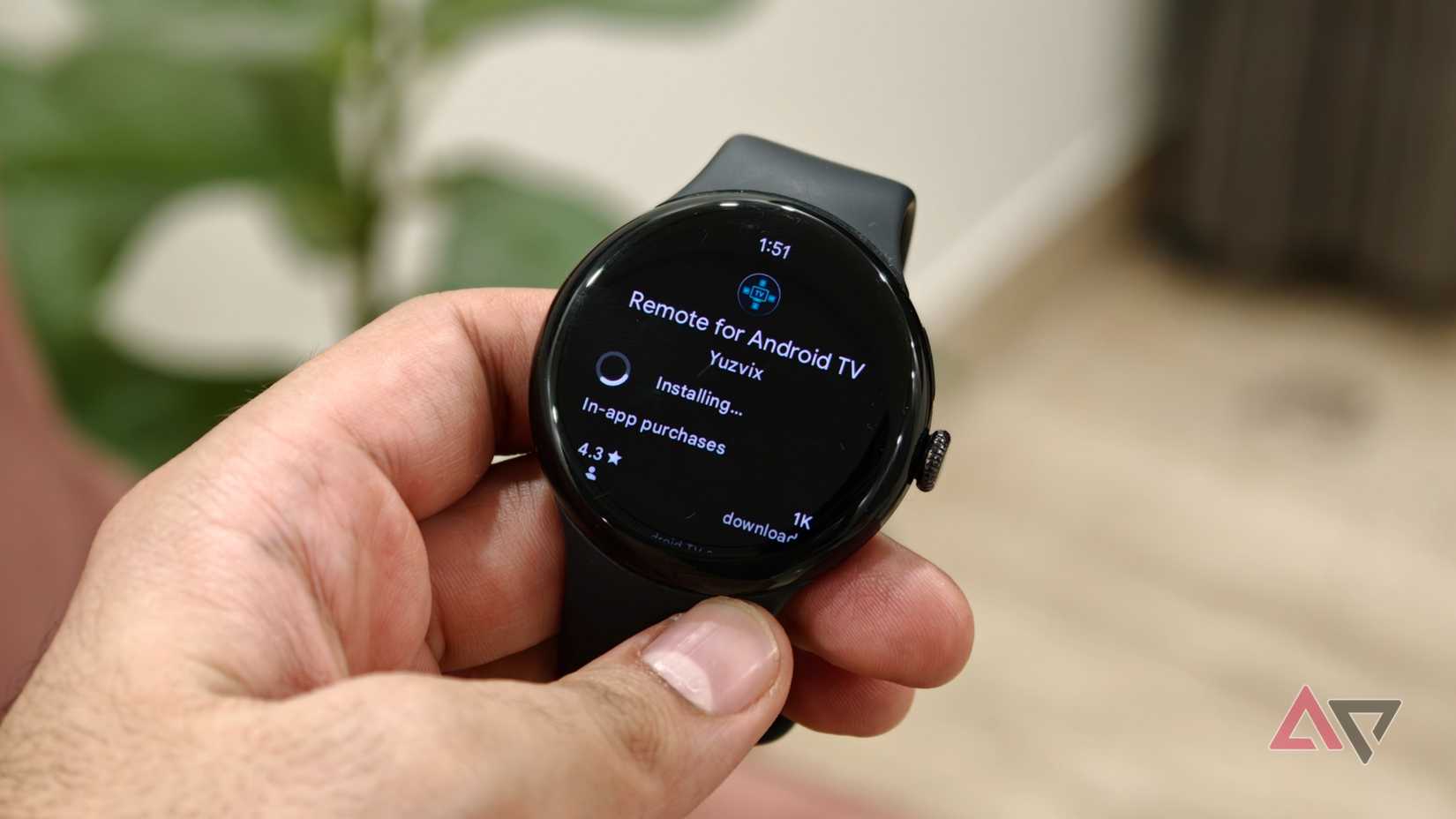
The app brings your Android TV controls to your wrist. You can navigate around the TV interface, play or pause content, control playback, and do most everything you'd expect from a software-based Android TV remote without reaching for your phone.
The developer says the app uses Android TV Remote Protocol v2, the same protocol Google uses for its Android TV remote functionality. As a result, it works much like an official Wear OS remote.
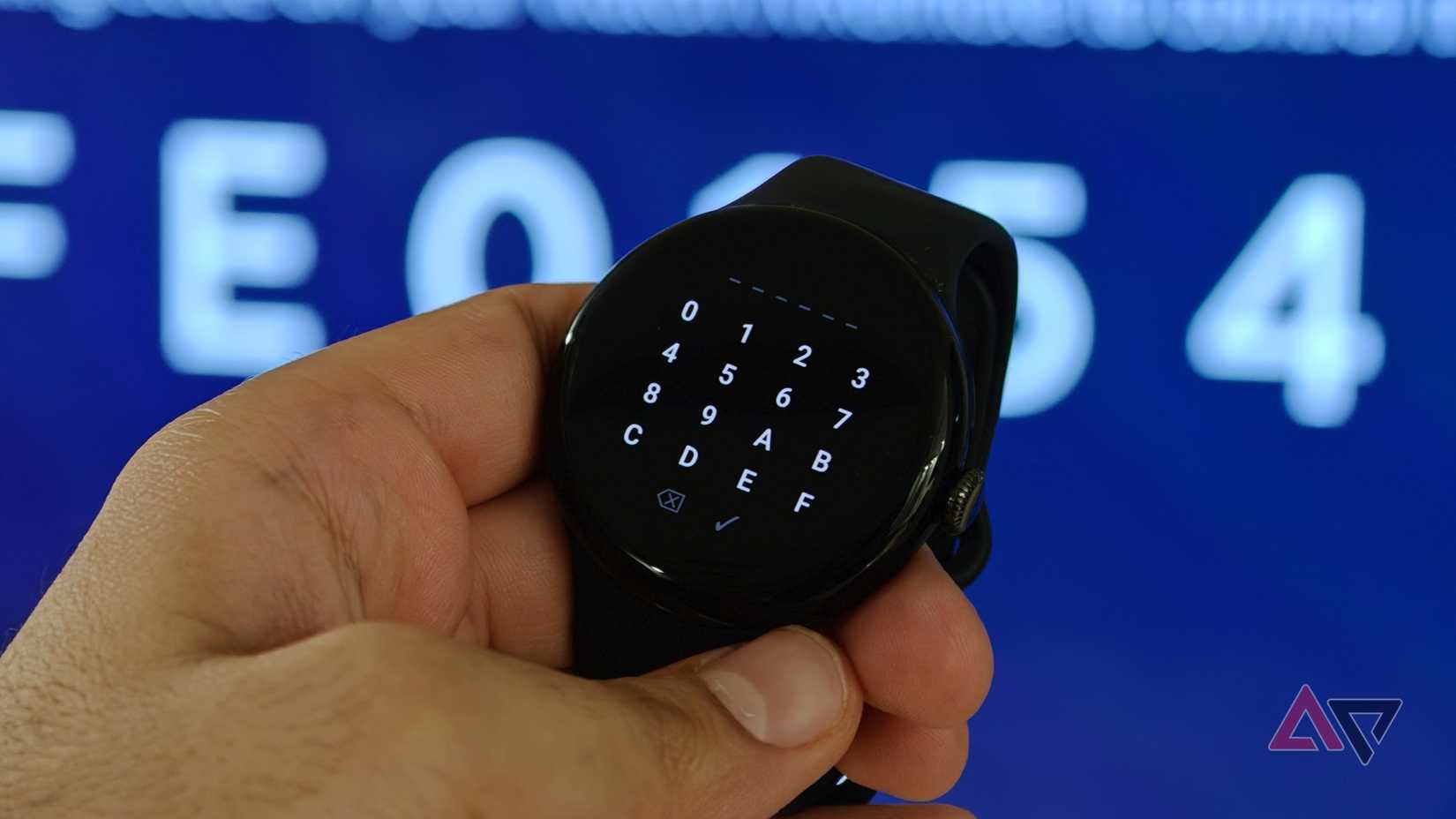
Setting it up is straightforward. When you first connect to your Android TV, a PIN appears on the TV that you enter on your watch, similar to how you'd pair your Android phone.
When connected, you get a large OK button in the center surrounded by up, down, left, and right controls. The interface also looks right at home on Wear OS with a very Material You Expressive design.
Long-pressing the takes you to the home screen, which is a neat shortcut.
Tapping and holding the blue brings up additional playback controls. From there, you can control things like playback and volume level.
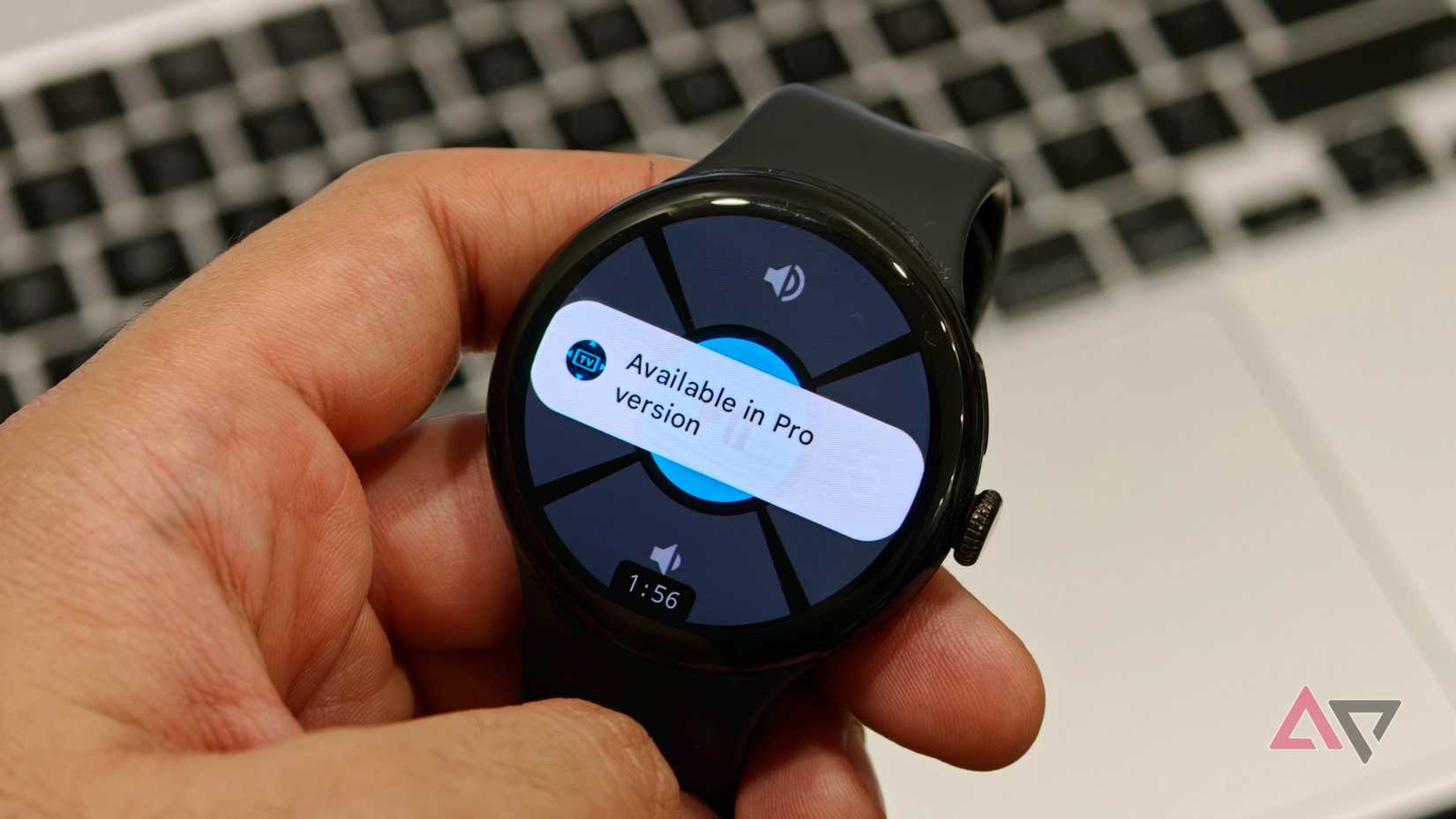
The app can also store multiple TVs, which is useful if you have more than one Google TV or Android TV device at home, although switching between multiple devices requires the Pro version.
Most basic navigation features are available for free, but Pro unlocks some useful extras.
For example, you can control the TV volume with your watch's crown by rotating it to increase or decrease the volume. There's also an always-on mode with an analog clock and burn-in protection, making it easier to jump back into the remote.
Pro also lets you remap buttons to perform different actions, including launching your favorite apps. It even includes a built-in catalog of popular services like YouTube and Netflix that you can assign to those shortcuts.
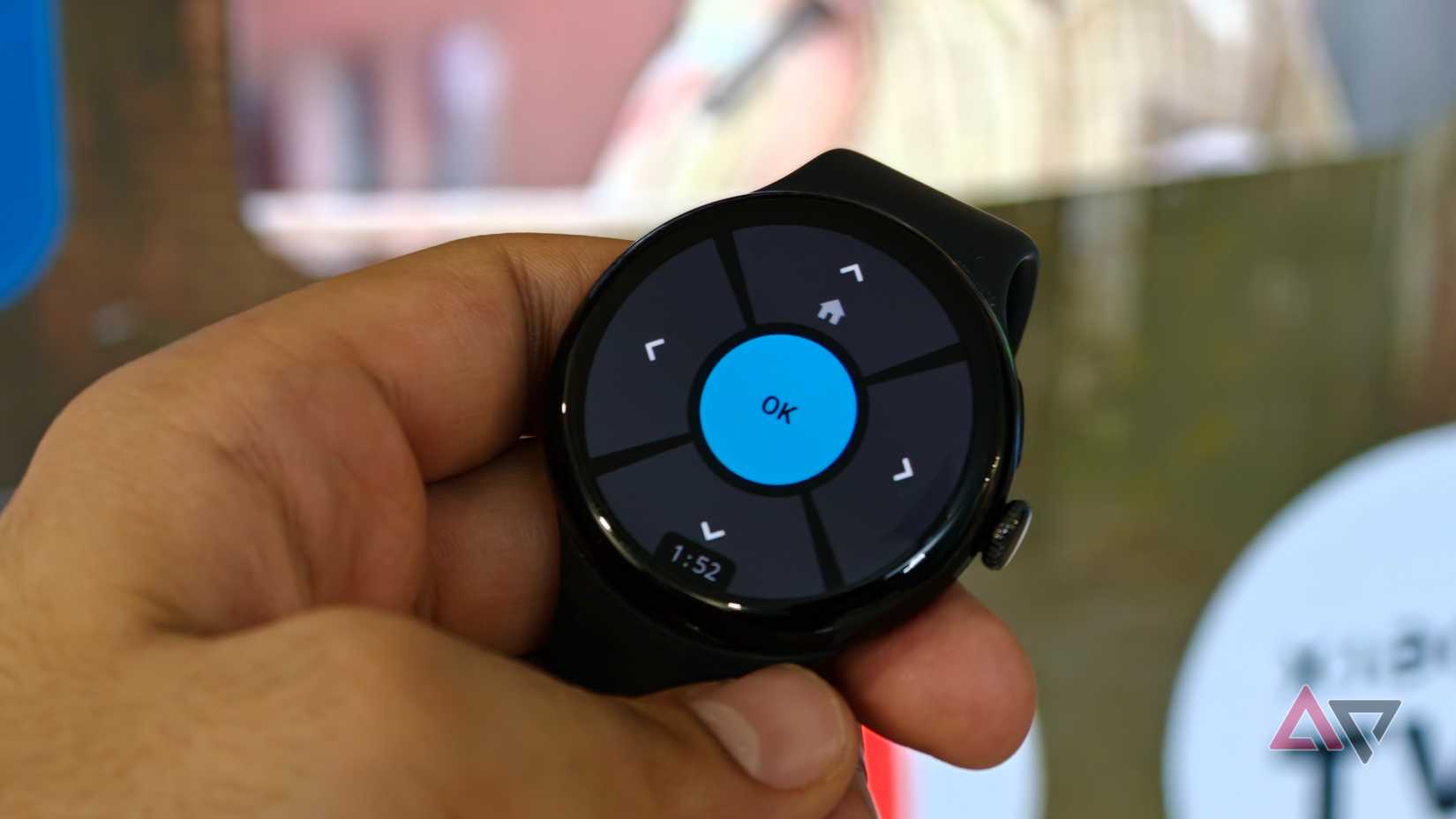
The one thing I found missing from the free version was the Back button. There are plenty of situations where you need to go back one screen inside an app, and I couldn't easily do that without the paid features.
Apart from that, the app worked smoothly on my Pixel Watch 3. I had no trouble pairing it with my Xiaomi Google TV box or navigating around the interface from my wrist.
Google really should have built this into Wear OS
Using this app has mostly made me wonder why Google hasn't built something similar into Wear OS.
Thankfully, this is Android, and developers can step in and fill these gaps when Google doesn't. And this isn't the only little Wear OS trick I've started relying on either.