Claude can do a lot more than peek at my Google Calendar these days. Its Calendar connector has full read and write access to my schedule.
That means it can get its hands dirty and edit my events. So I thought, why not, and let it run the show for a week.
By the end, I knew which jobs Claude could take off my plate and which ones I'd hang on to. Here's what happened.
Claude found a time that worked for everyone, buffer included
Raising the bar for Google Calendar's native features
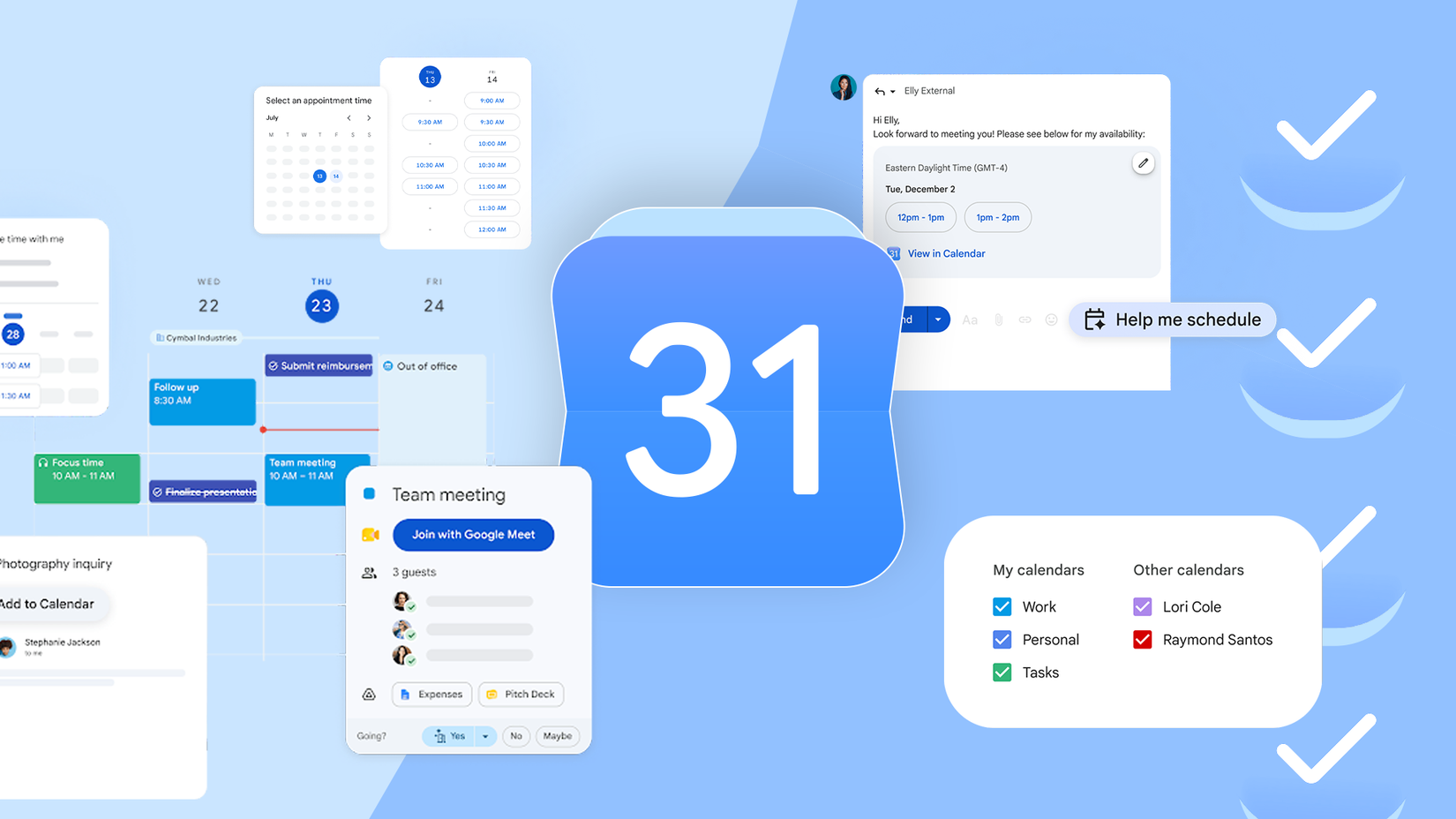
Nobody likes the email ping-pong it takes to find 30 free minutes across three calendars. Google Calendar's Find a time feature gets you halfway there, but it can't use a specific rule like "nothing on Friday afternoon."
So I made it Claude's problem. Under the hood, Claude pulls your schedule and reads the calendars of any colleagues who share them with your Google Workspace account.
I asked it to find a time when three particular coworkers were all free, and it handled that without breaking a sweat.
I raised the bar. I told Claude, "Everyone needs at least 30 minutes of breathing room beforehand, so nobody shows up fried from another call."
As before, it took the extra rule without trouble and came back with three picks.
Working out who's free when is my least favorite kind of math, but it's not a problem for AI. You can throw some gnarly rules at it, and it won't flinch.
Making and moving meetings with one prompt
It even works through a to-do list
Claude did just as well here. When I asked it to move my afternoon stand-up to Thursday at 10 AM, it did so with ease.
I wanted to see how far I could take it, so I asked it to set up a call with a colleague in another time zone.
This is where I usually end up Googling "3 PM Sydney time in New York." Claude handled the conversion like it was nothing.
You can even give it a list of tasks. Claude follows your tasks, and if something is impossible, it tells you in the chat.
The one edit I won't let Claude make
Recurring meetings are its blind spot

Even the best tools have a blind spot, and Claude's is recurring meetings.
It can create them, but it lacks a purpose-built tool for recurrence rules, so it uses the same logic it uses for one-off events.
Google Calendar runs recurring events off a parent event ID. An AI editing that parent to move one meeting can throw off every other meeting in the series.
I learned the hard way that I have to handle those edits, so now I leave recurring series out of my prompts to avoid surprises.
Claude declines meetings, so I don't have to
Goodbye pointless Friday meetings
For me, RSVPs were the headline feature. The connector has a dedicated tool for them that lets you accept, decline, or mark yourself as tentative.
I told it to "Play defense in my morning focus blocks, decline whatever conflicts, and accept every direct invite from my manager, since that one isn't really up for debate." It followed both.
Want to decline seven nonessential meetings on a Friday afternoon? One prompt lines them all up, and after a quick approval for each, they're gone.
Claude has no sense of your office politics
Claude in Google's ecosystemruns like clockwork. Same story with Google Calendar until two meetings land in the same slot, and somebody has to pick a winner.
A make-or-break client call on top of a run-of-the-mill team sync is a triage job. Someone has to be the bad guy.
Claude doesn't have the full context to make the call. It won't know whether an urgent one-on-one with your manager matters more than coffee with a rich new client.
Connecting Gmail and Drive might help a little. With your email threads and docs in view, Claude could make an educated guess about which meeting matters more, but plenty of what decides that never makes it into a digital file.