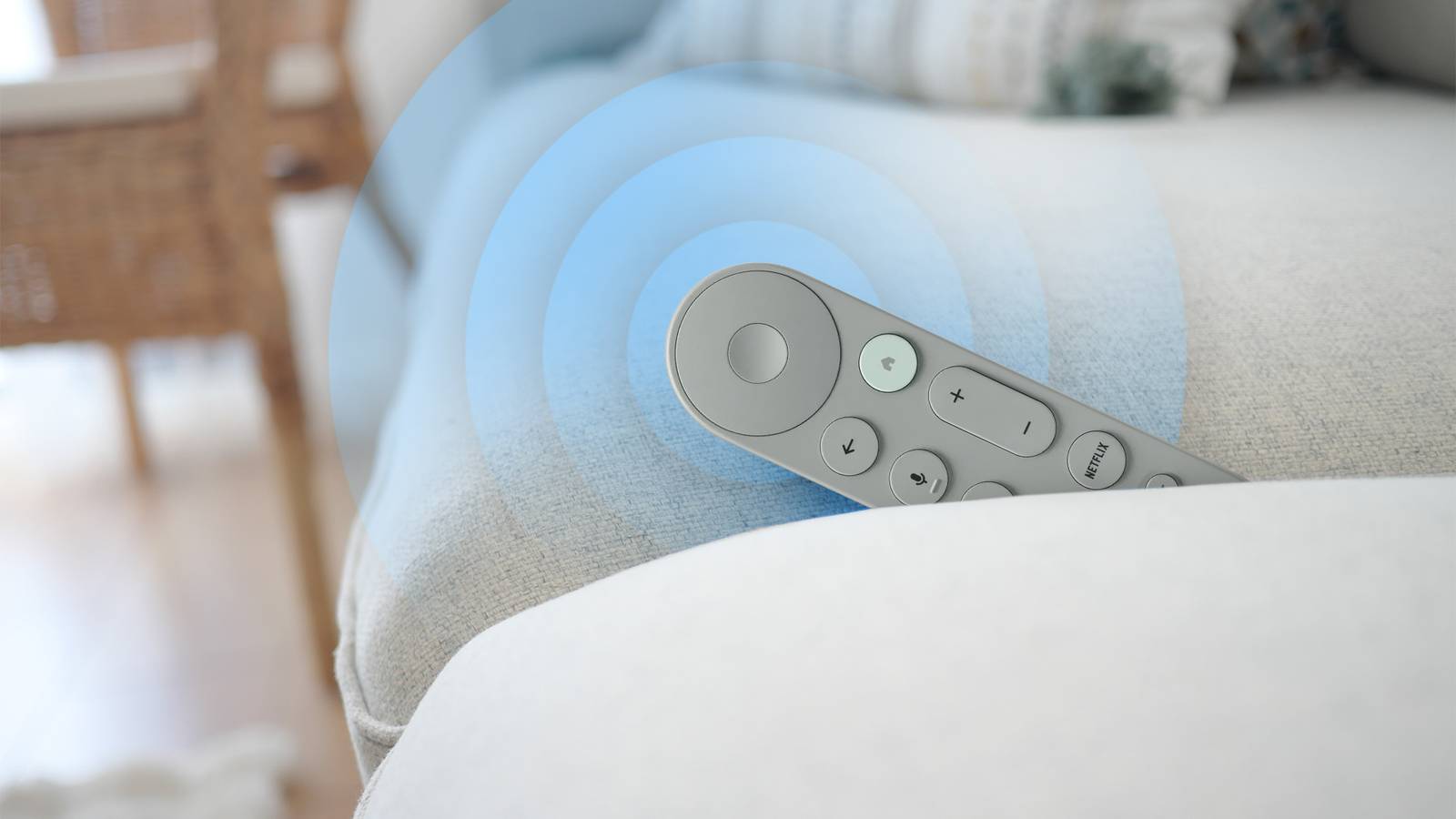
Even with today's technological advances, most smart TV boxes or streaming sticks still rely on the good ol' remote. I'm guilty of preferring that classic setup.
Physical buttons always beat voice control, and they outshine digital alternatives like tapping through a smartphone screen.
However, with these clickers getting slimmer and smaller, keeping tabs on them is never easy, especially if you live in a house with 37 sofa cushions or a whirlwind youngster.
While I initially blamed those culprits during a recent scramble to locate my lost remote, I was sorely mistaken.
Fortunately, I recovered the misplaced stick, though it was not easy. However, that ordeal would have wrapped up in seconds if I'd remembered this Google TV feature.
The Google TV Voice Remote is noticeably sleeker
But its refined form makes it remarkably easy to misplace
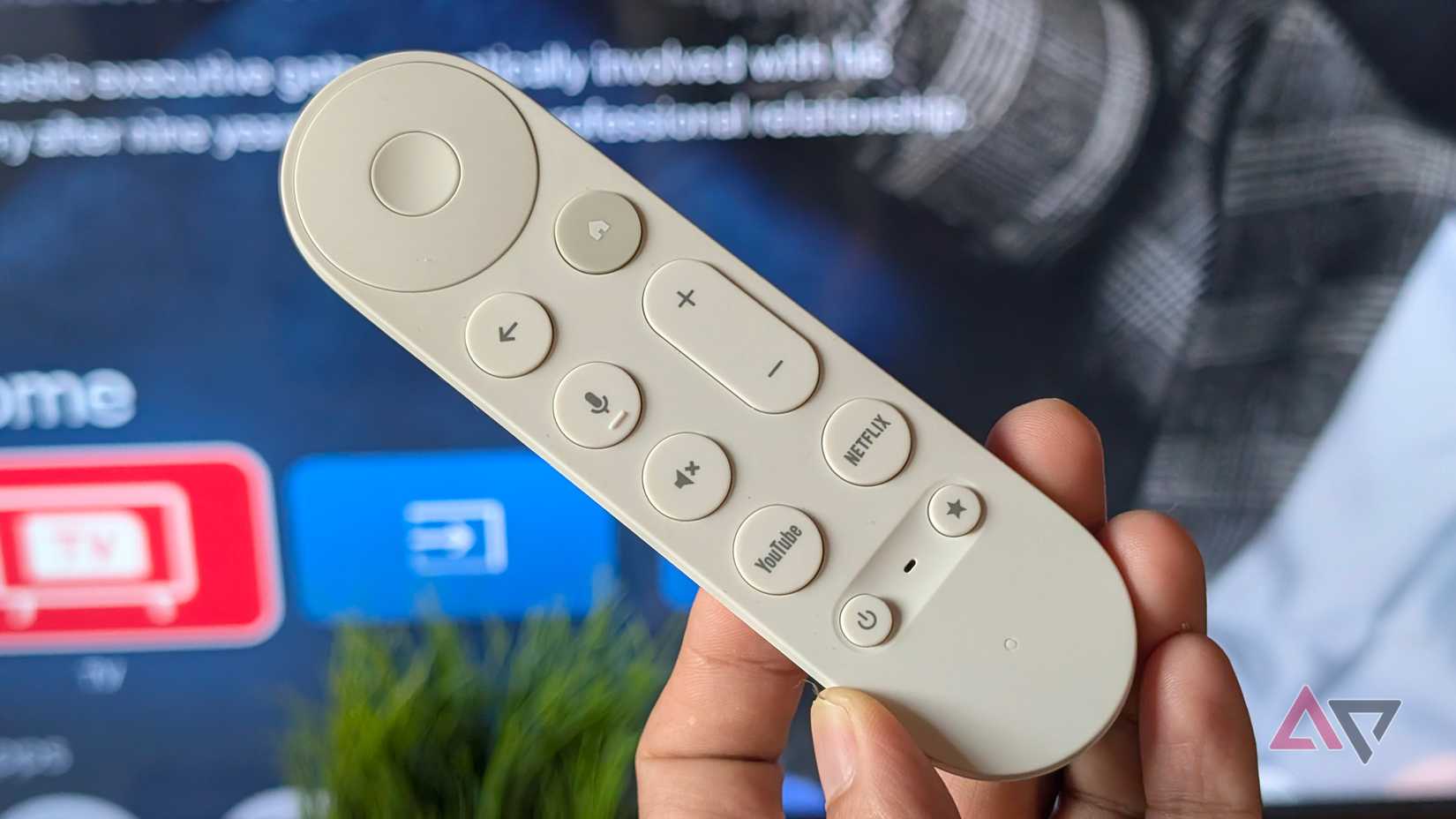
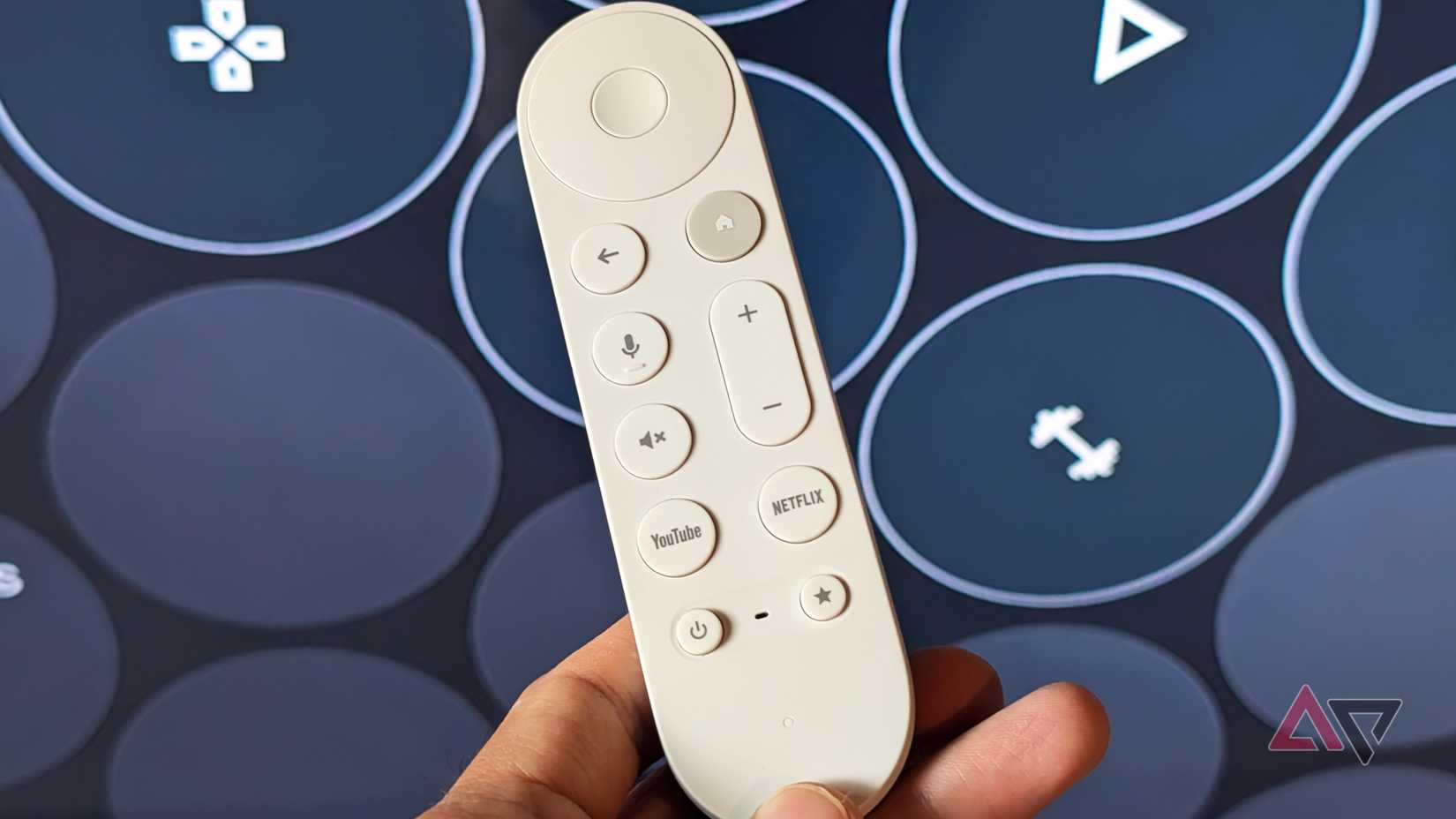
Google redesigned the remote bundled alongside the Streamer 4K, adding a customizable shortcut button and a more ergonomic shape.
Its elongated profile makes it more comfortable to hold than the stubby Chromecast 4K remote that came before it.
Yet even with that extra length, it remains easy to misplace, largely because Google only ships it in neutral Porcelain and Hazel finishes.
Those colors complement modern living spaces, but they can blend into furniture and light decor, making them hard to spot.
If you don't have razor-sharp vision, it is easy to misplace it, and spotting it becomes a real challenge.
I recently lost track of my Google TV Streamer 4K controller. I almost gave up finding it and thought I'd need to order a replacement after scouring our entire house.
If not for the built-in Find My Remote, I likely would have shelled out $20 for a replacement, leaving me with two remotes cluttering our desk.
My favorite Google TV Streamer feature isn't the set-top box
The built-in finder steals the entire spotlight
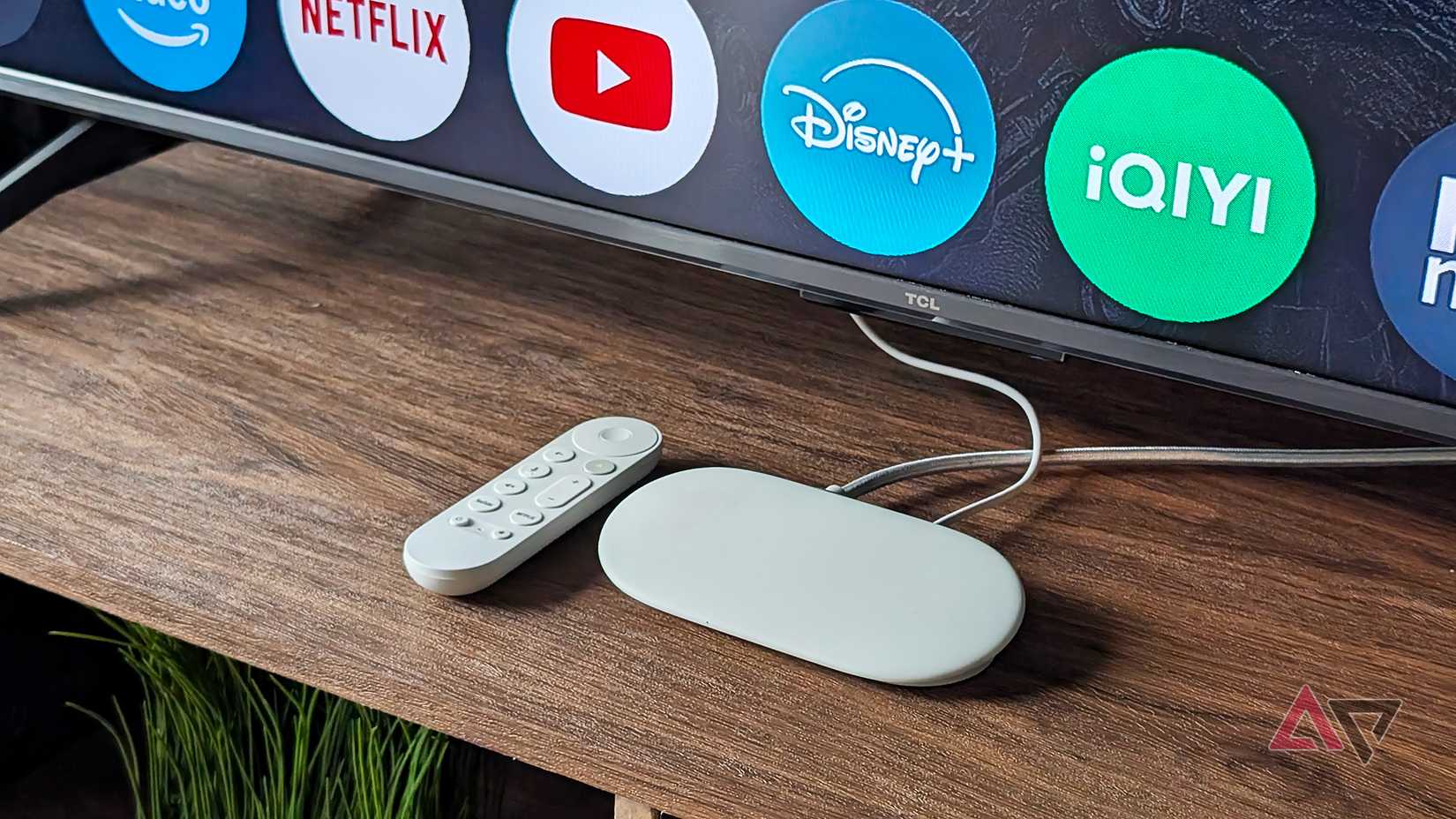
The finding function is easily one of the most underrated upgrades in the new Google TV Voice Remote.
It comes with an integrated speaker that produces an audible alert or rings the moment you trigger the feature.
The speaker can be loud enough to be heard several yards away, especially in open spaces.
The feature relies on Bluetooth LE (Low Energy) for the wireless connection.
That means it works flawlessly when the remote is closest to the streamer, such as in the same living room or bedroom.
It can occasionally connect if you unknowingly place it on the kitchen counter, but the connection might drop if you try to ring it across rooms.
The finder is a nifty feature, and I wonder how many lost remotes could have been saved from the void beneath these cushions or trapped under furniture if it were added to every smart TV remote.
Summon Gemini for completely hands-free tracking
You can trigger the finding feature in a few ways, making it versatile.
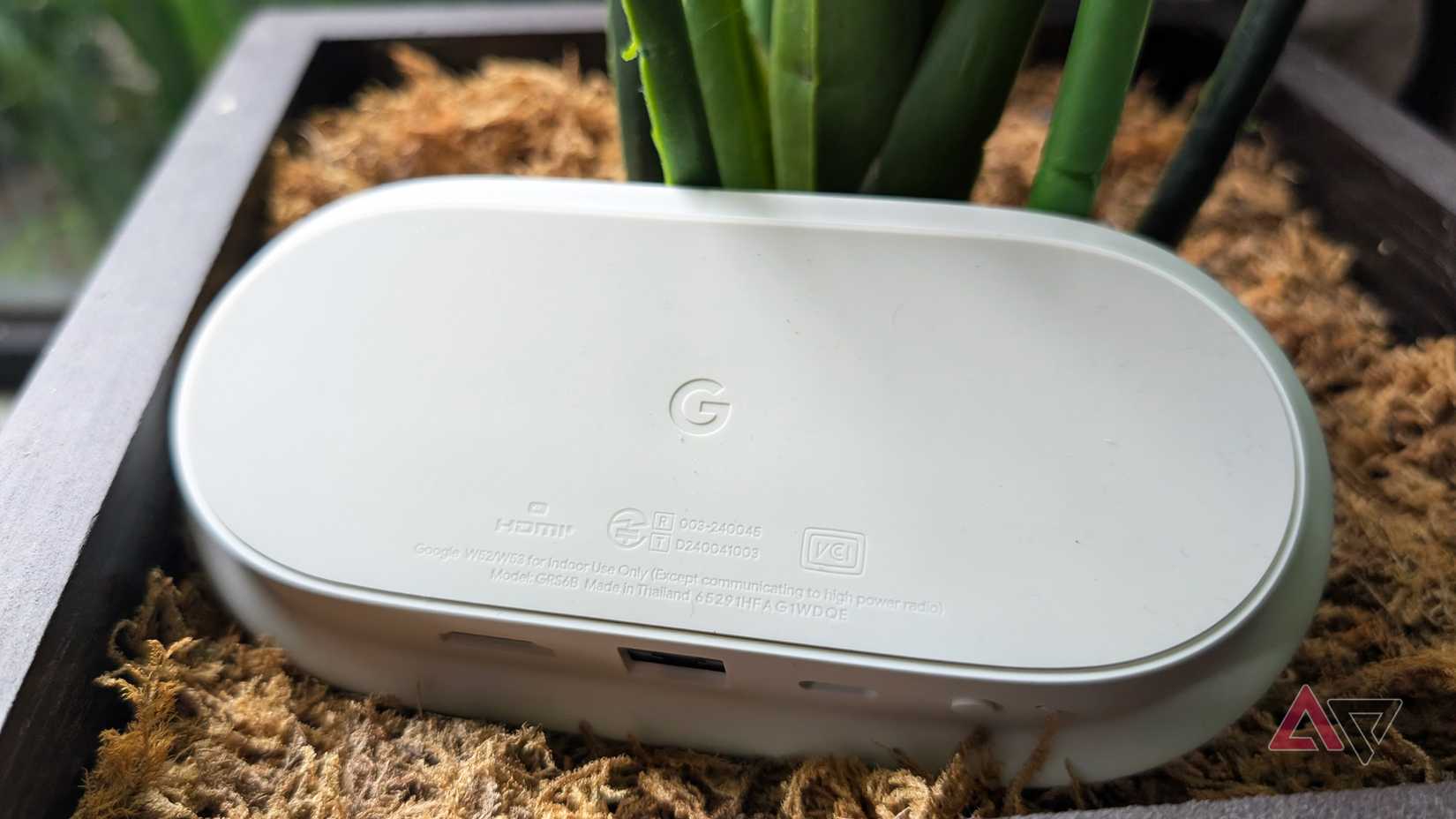
The most direct route is the dedicated button positioned on the back of the Google TV Streamer.
To start, make sure the set-top box is powered on and connected to an active Wi-Fi connection.
Press the , and the paired remote will ring continuously for 30 seconds as long as it stays connected or within range.
When you find the controller, pressing any button immediately dismisses the alert.
There's also a built-in LED that flashes while ringing. It helps you locate the controller faster, especially at night.
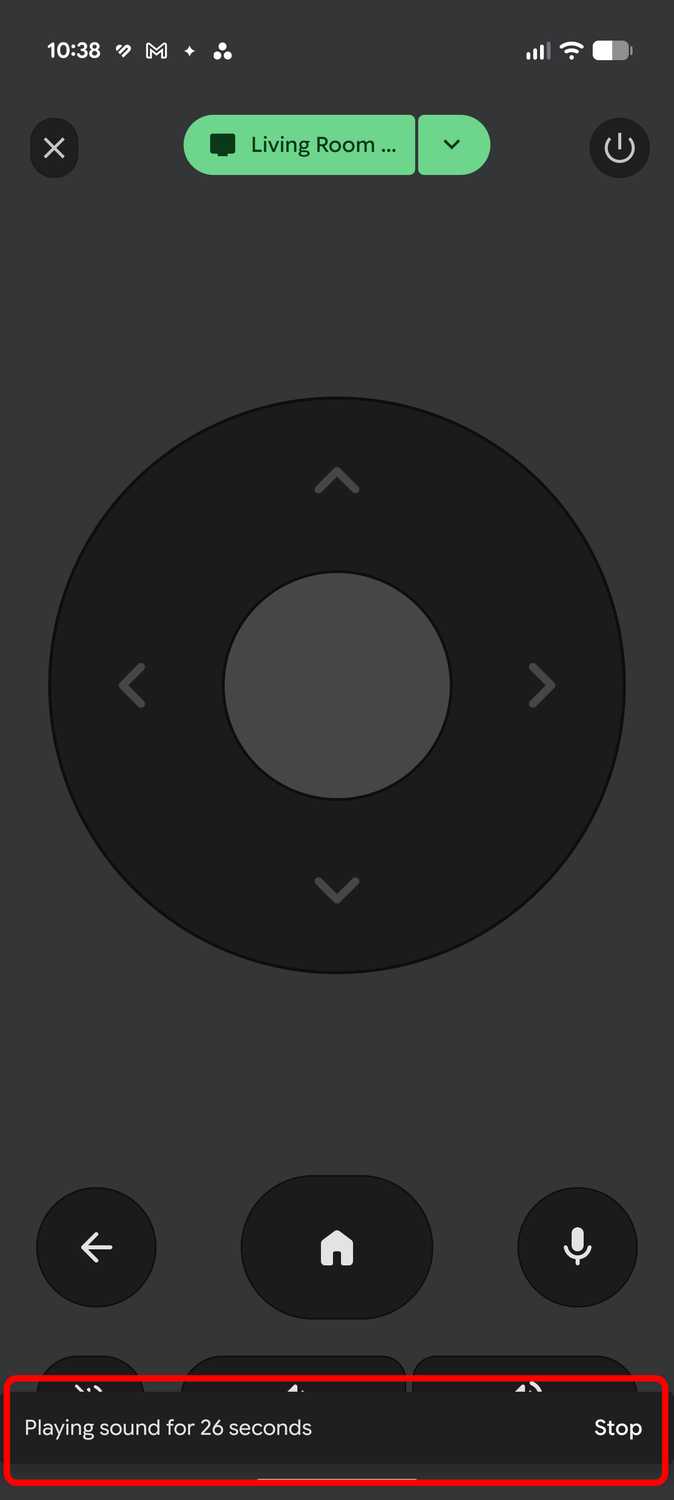
The second method is via a voice prompt in Gemini, which is faster if you have your phone with you.
Ensure the streamer is running. Next, on your handset, say, "Ring my Google TV Streamer remote," or tell it to "Ring my voice remote."
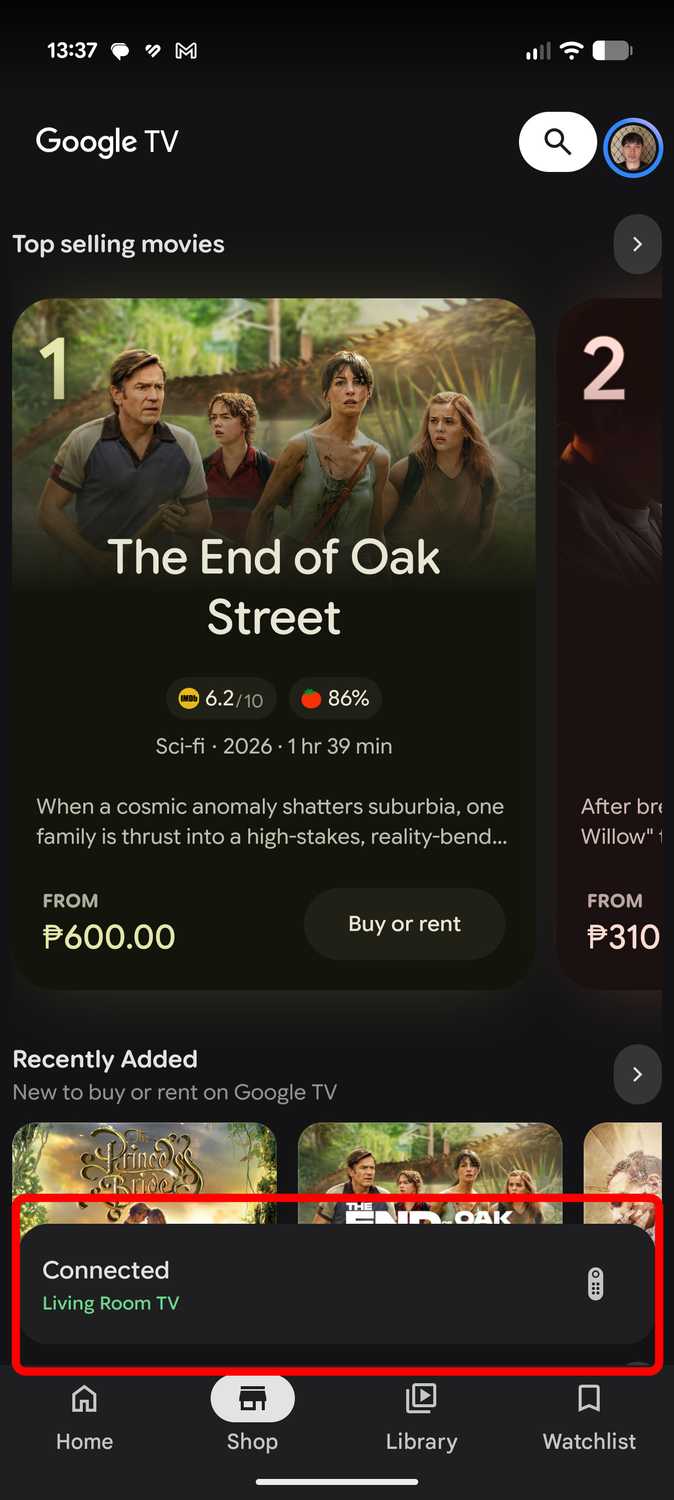
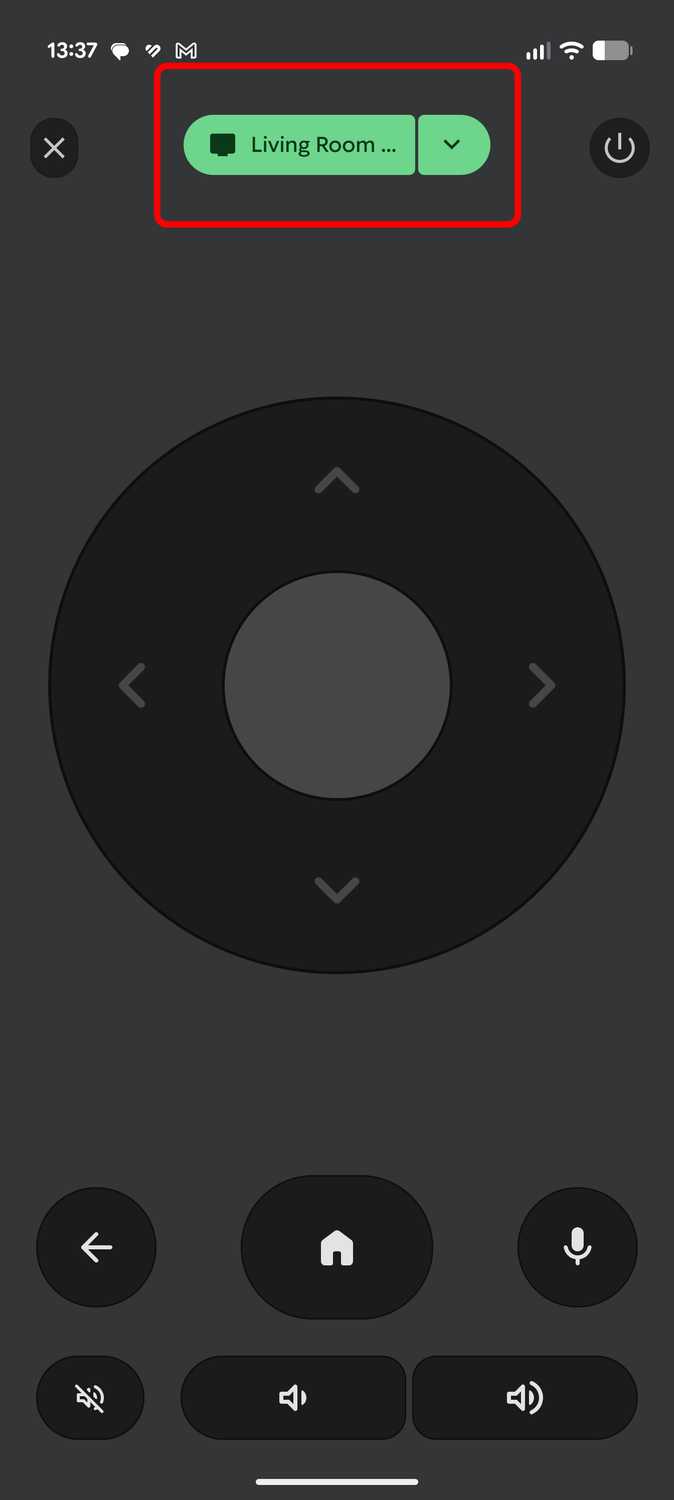
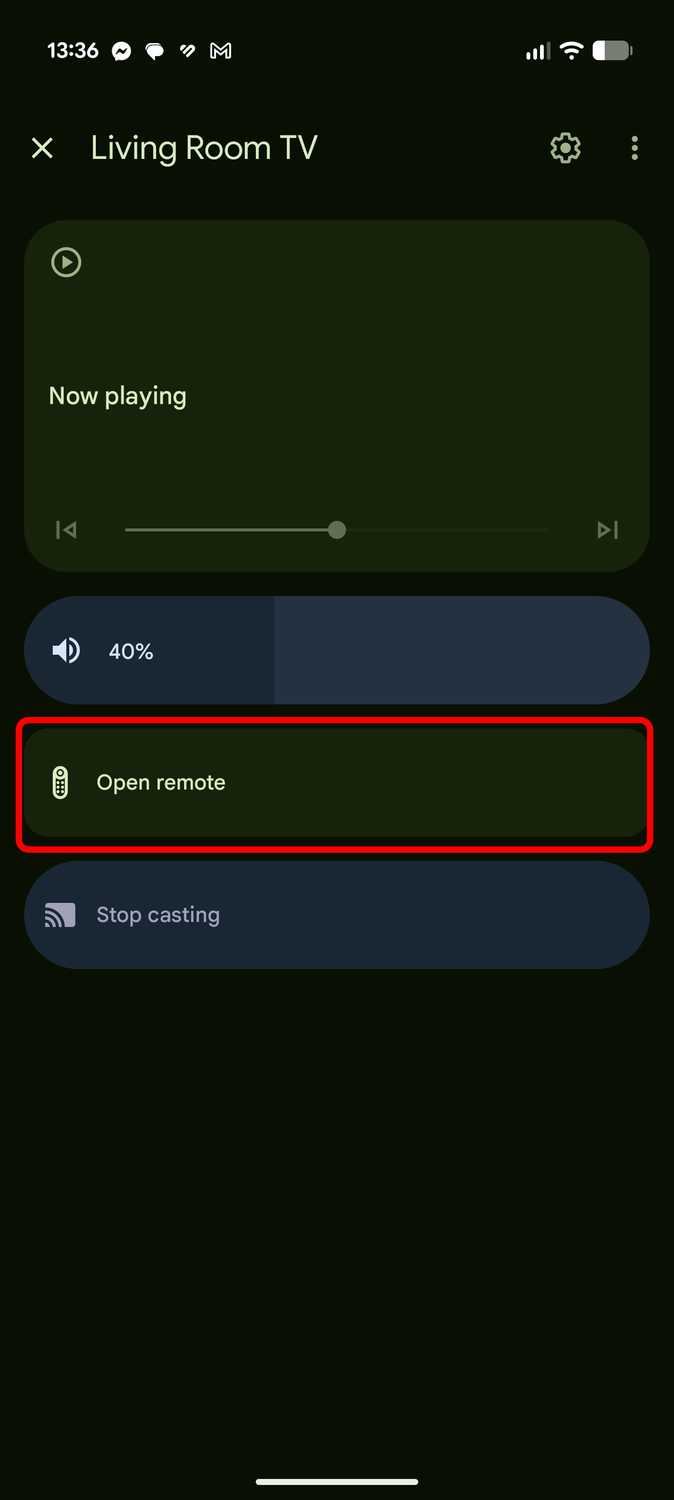
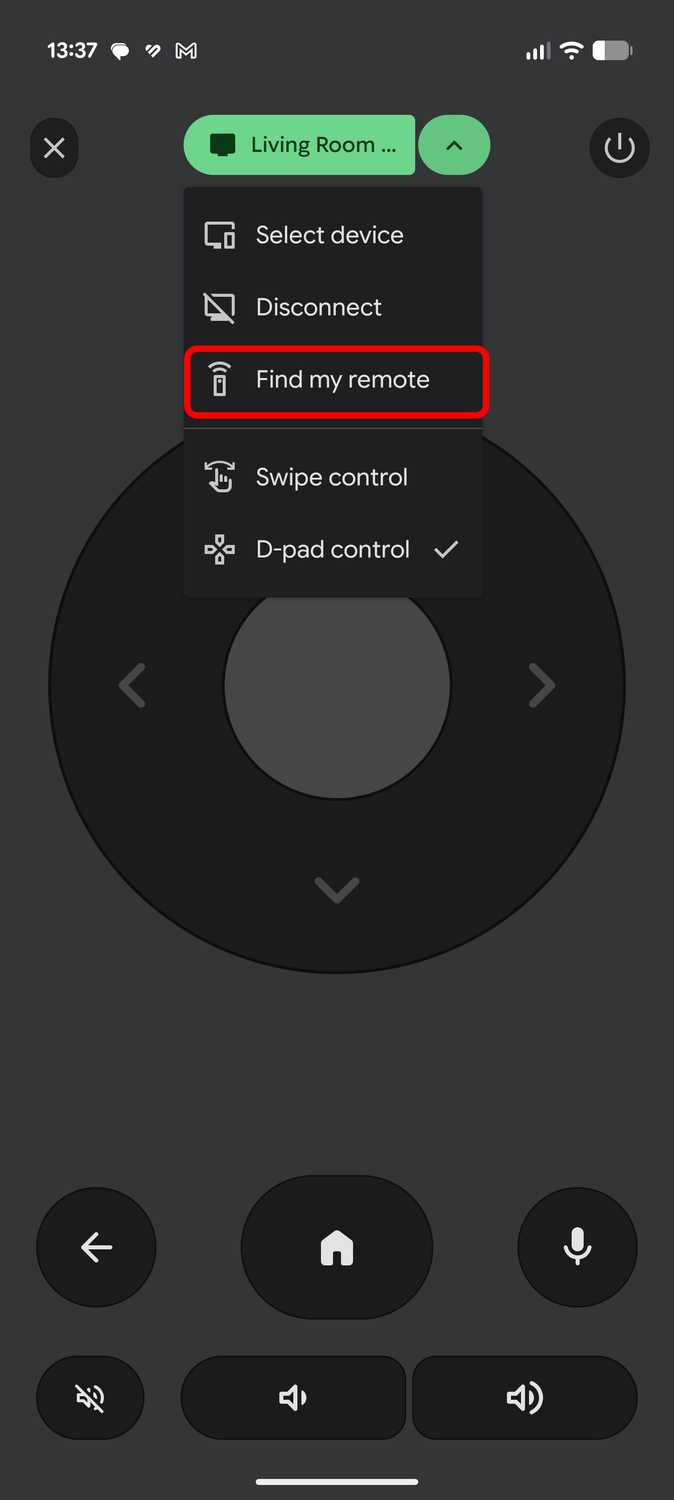
Another option is the Google TV mobile app, though it takes a couple of extra taps to navigate the menu.
Open the application, select the, open the virtual remote interface, pull down the secondary menu, and tap to start the chimes.
Find My Remote has one glaring blind spot
It must stay connected to your streamer
There is a non-negotiable rule to keep in mind before using Find My Remote: the remote must be connected to the Google TV Streamer.
If it is out of wireless range, it won't chime even if you've triggered the feature.
During my search, I activated the tool repeatedly to no avail.
However, I tried repositioning the Google TV Streamer around the house to narrow down the zones. Surprisingly, this ridiculous trick worked.
Though I was relieved, it quickly turned into pure embarrassment when it led me to the gap in the driver's seat of our parked car.
Don't ask how a living room remote ended up tucked beside a seat.
Still, I count myself lucky it never dropped onto the road and got rolled over.
You can also trigger Find My Remote from the settings, which works if your Android phone is connected to Google TV.
This feature should be added to every Google TV
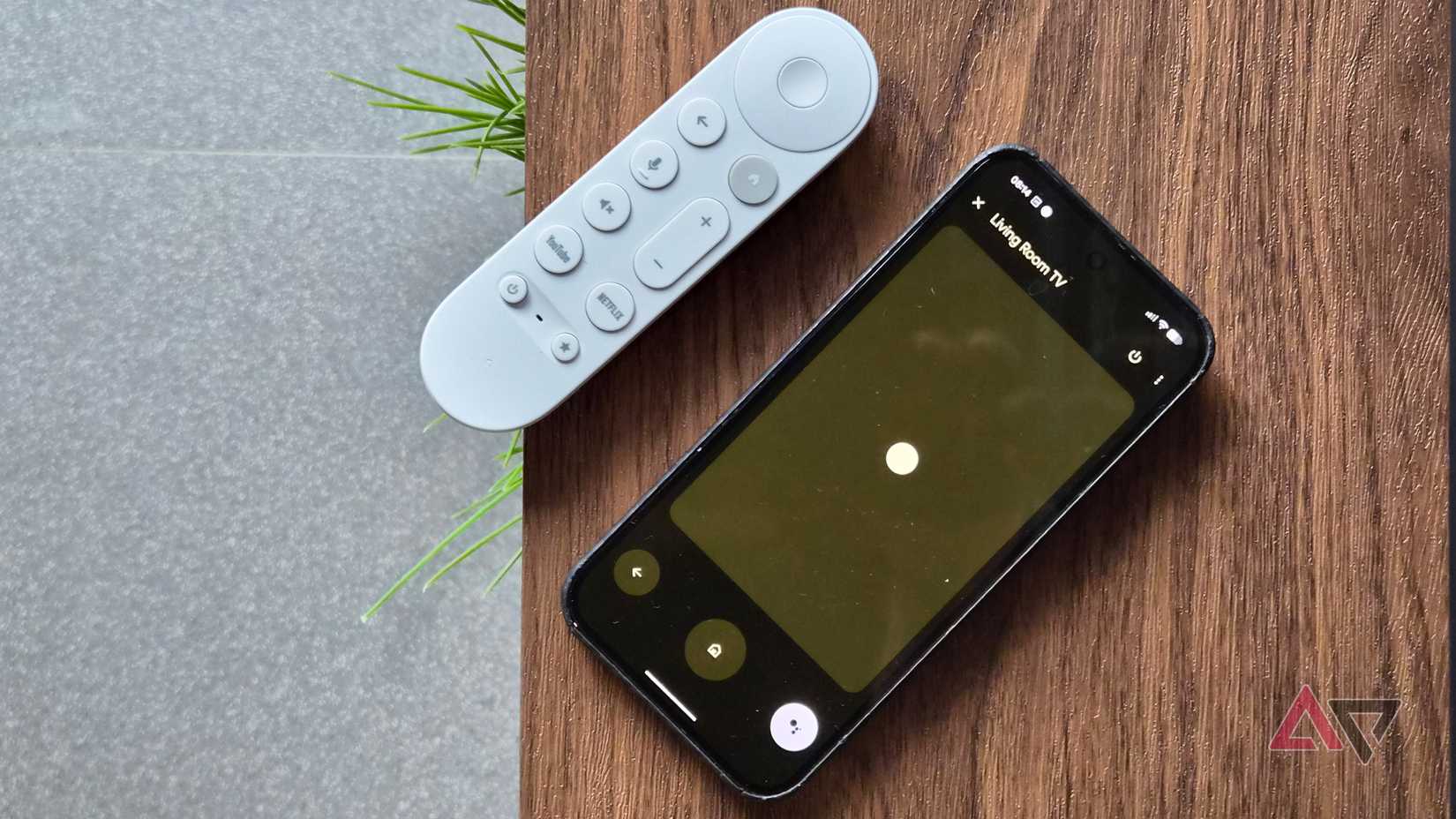
Find My Remote is an that I truly appreciate after I almost tore up our living room.
Although the finding feature with its built-in speaker is useful, I found it particularly thoughtful to have a few straightforward options for using it. This skips the convoluted menus and works when you need it most.
I wish every Google TV brand would adopt this feature on their smart TVs.