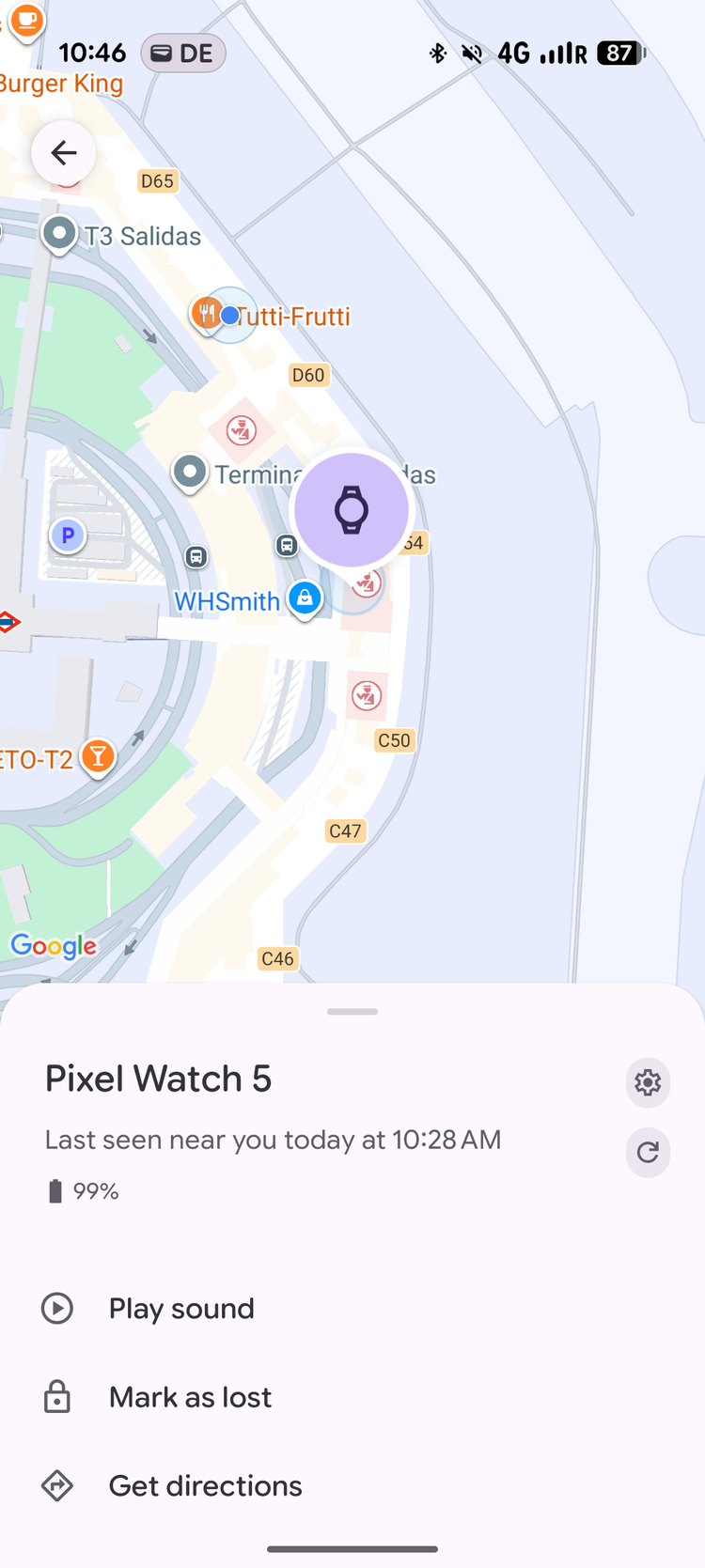
I seem to have a thing for airports and lost or mismanaged items. Last year, my luggage and that of a dozen other passengers was forgotten right outside the plane in Athens, and I used the inside it to inform airport officials of its location and get it quickly delivered, instead of making claims and waiting for days to hear back.
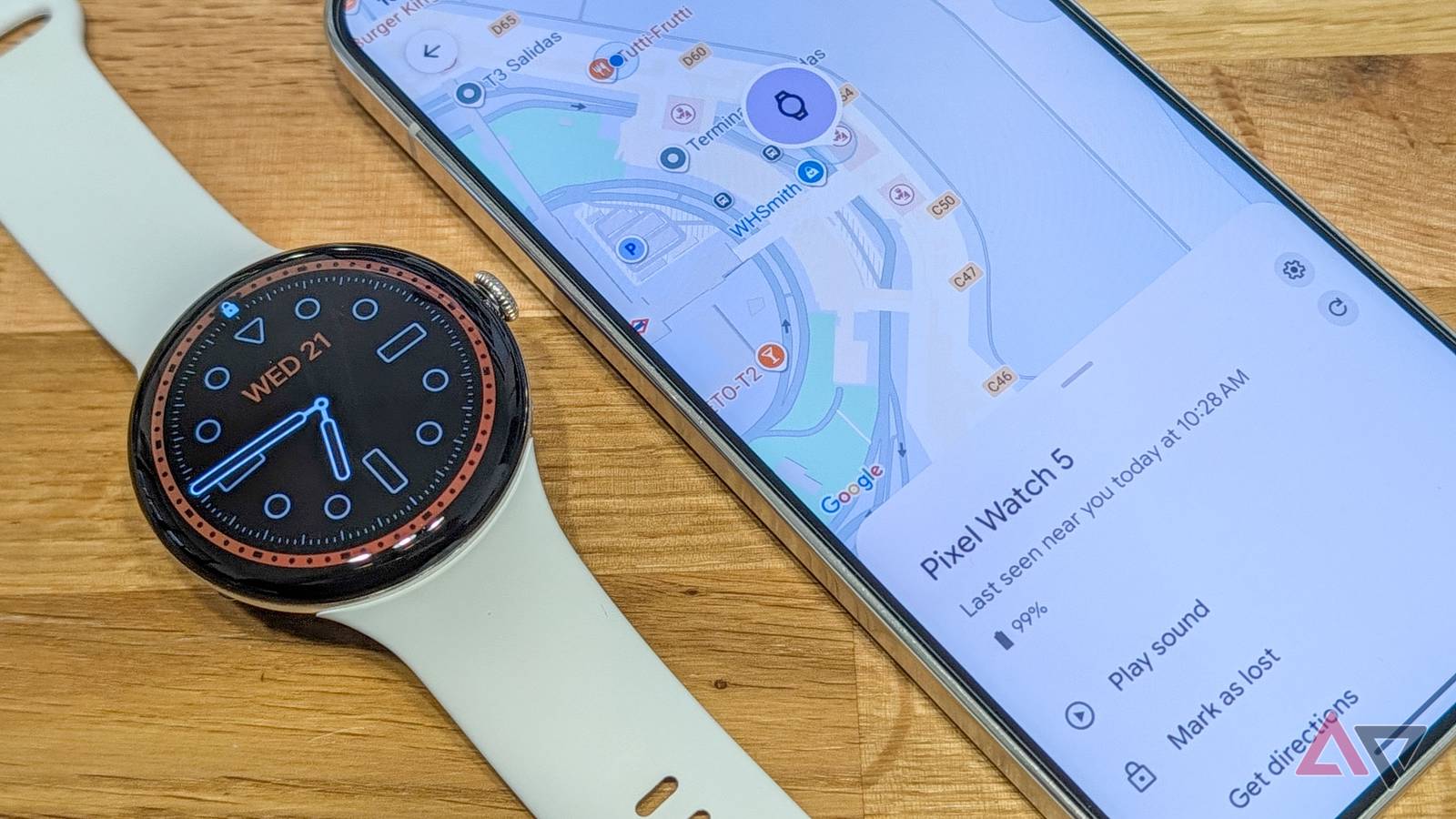
A couple of days ago, I had another mishap when flying back from Madrid. I lost my Pixel Watch in the most annoying spot — the security check belts — and I was able to recover it in less than 10 minutes because I had enabled one setting on it: Find Hub. Here's the story, and why that setting is crucial for your smartwatch and accessories.
How I lost my Pixel Watch 5 during security check
Confusion and sheer luck
When I get to the security line in any airport, I have a well-oiled routine: take off my Pixel Watch, take off my Oura Ring, take off my earbuds, put them all in my backpack or my jacket, and place everything in the plastic tray that goes into the scanner. Easy. Nothing gets lost or mishandled.
I don't know why I missed my Pixel Watch 5 this time around. I still had it on my wrist, and the security officer pointed at it and told me to take it off. So I did and, as far as I remember, I put it inside my tray right next to my jacket and backpack. I passed the security point, got out, picked up my tray, my jacket and my backpack, and was about to walk away when I realized I didn't have my watch.
I looked in the tray: nothing. I looked at every other discarded tray before it and around it: nothing. I went to where they stack the trays that go back to the start of the security line, lifted a dozen: nothing. I was confused and I started panicking.
I speak a bit of Spanish, I understand a bit more, but I couldn't go back to check anything because I've already cleared security. So I got the attention of a security officer and tried to explain to him that my watch was probably lost somewhere on the conveyor belt. Then I remembered: Find Hub!
Find Hub helped us locate my watch throughout its journey
Ring ring amid the noise!
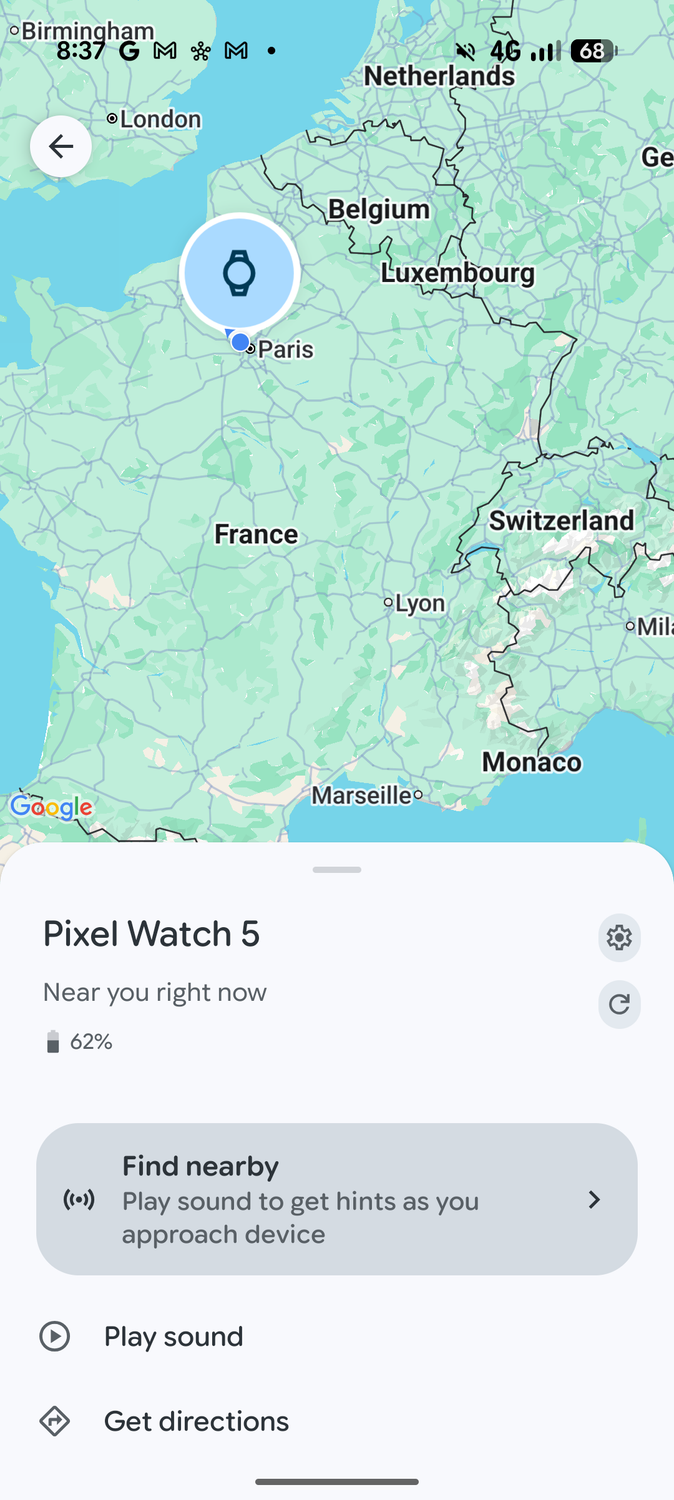
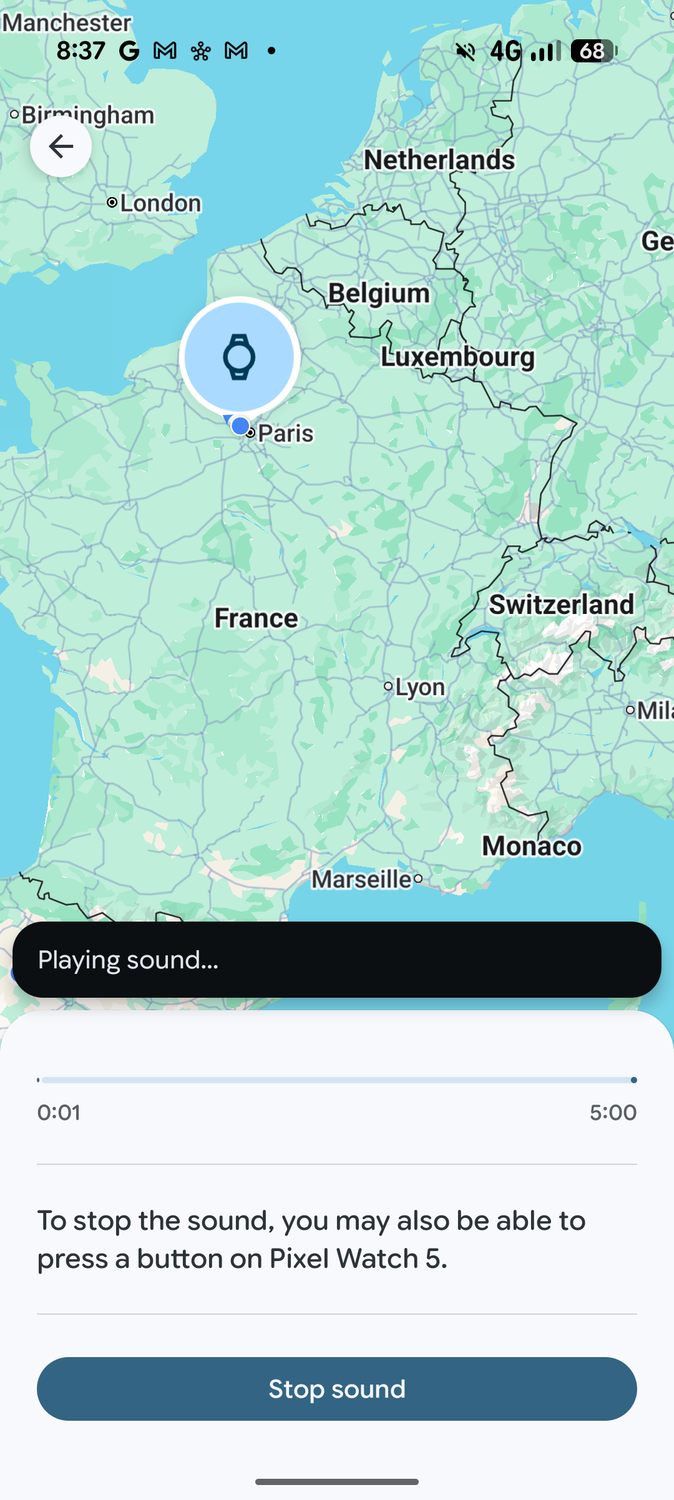
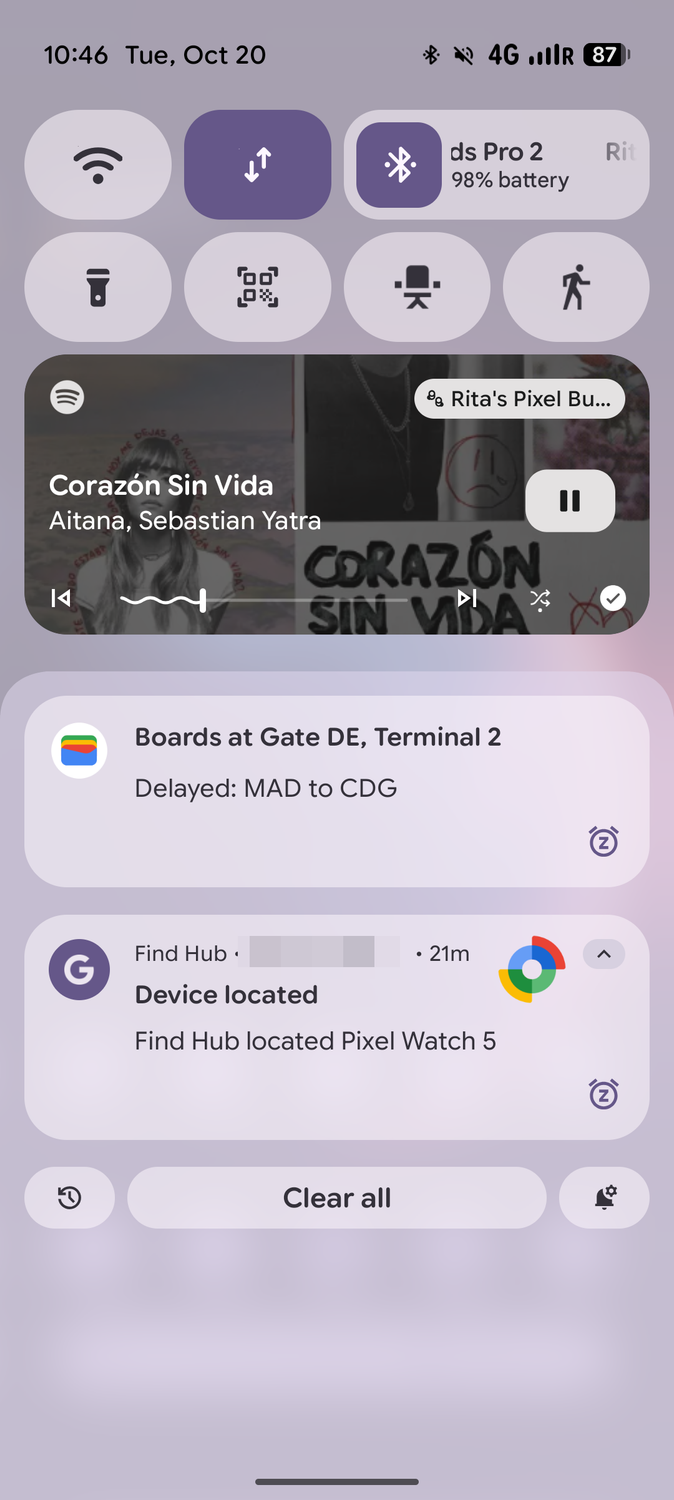
See, every Pixel Watch is part of and can be remotely located if it's near another Android device in the same network. Som I opened Find Hub on my Pixel 11 Pro XL, tapped on my Pixel Watch 5, and chose to ring it.
Even in the very noisy airport with the hum of the conveyor belt and all the people around the security area, we were able to hear the sound. It was a little faint, but it was still very easy to spot when I stopped it and resumed it from the Find Hub app.
At first, the officer pointed at me, but I re-checked all my pockets and there was nothing. By then, a few officers were huddled and were discussing things in Spanish. I couldn't argue with them, so I stepped away, the sound remained near the conveyor belt, and did not move back with me. This is what convinced them I didn't have the watch.
They started checking left and right, until they realized the sound was coming from inside the conveyor belt. Fun. In my limited Spanish, I understood that it was one of two things: either the watch was stuck there or it was inside some tray moving along to go back to the start of the line. We all wished for the latter.
Slowly, the ringing sound moved back and back, and we all breathed. It kept ringing even when it was far enough to disconnect from my phone (due to interference, I suppose), and I was still able to keep an eye on it then.
An officer walked back with it, made sure it popped up at the start of the line, gave me a thumbs up, and brought it through the X-ray back to me. Whew! A few smiles, some "muchas gracias," and I was on my way to my gate, with my Pixel Watch 5 back on my wrist.
Make sure Find Hub is on right now
Plus another important setting
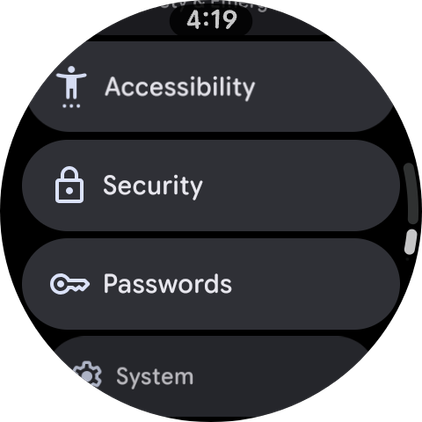
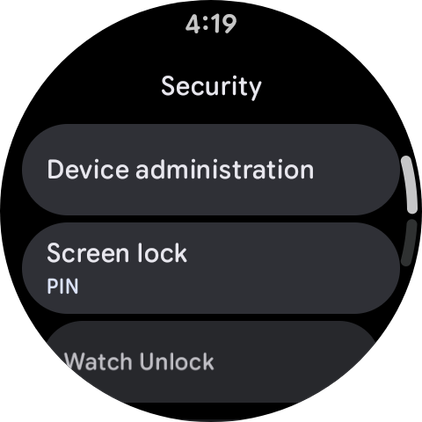
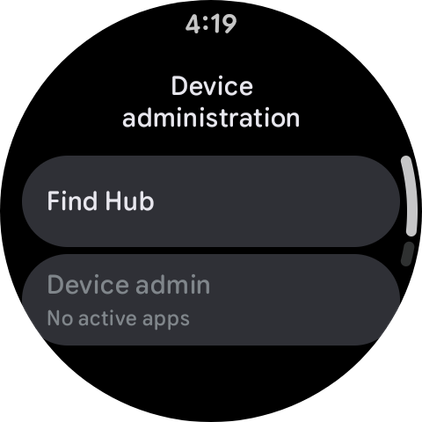
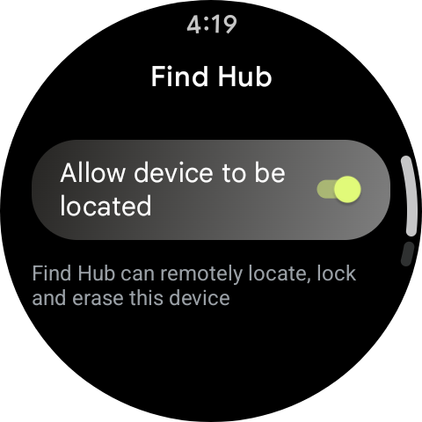
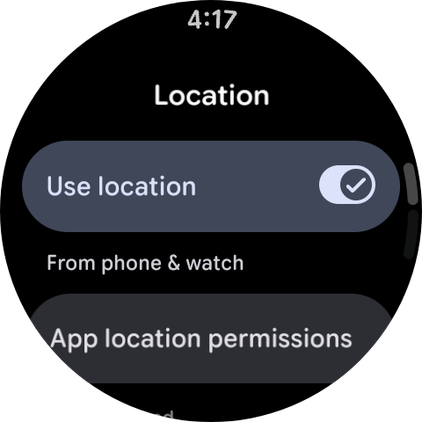
So, how do you make sure this works on your Pixel Watch? Well, usually, when you first set up a Pixel Watch, you'll be asked whether you want to enable Find Hub or not. If you're not sure if you agreed to that, here's where to find the option and enable it again:
- Open on your Pixel Watch, go to , and make sure Use location is turned on.
- Go back to Settings > Security > Device administration > Find Hub.
- Enable Allow device to be located if it's not turned on.
This will ensure that you can use the Find Hub app on your Android phone, or even go to google.com/android/find to locate your Pixel Watch. This works on any Pixel Watch, starting with the first gen until the latest one.
You also need to make sure location is enabled on your watch by going to and ticking the location box. This is what ensures that the watch uses Bluetooth, Wi-Fi, and GPS (even though only the first one is necessary here) to locate itself.
With these two settings turned on, you should spot the Pixel Watch in your Find Hub app on your Android phone. If you don't have the app, you can grab it from the Play Store.
Google Find Hub is more reliable than ever
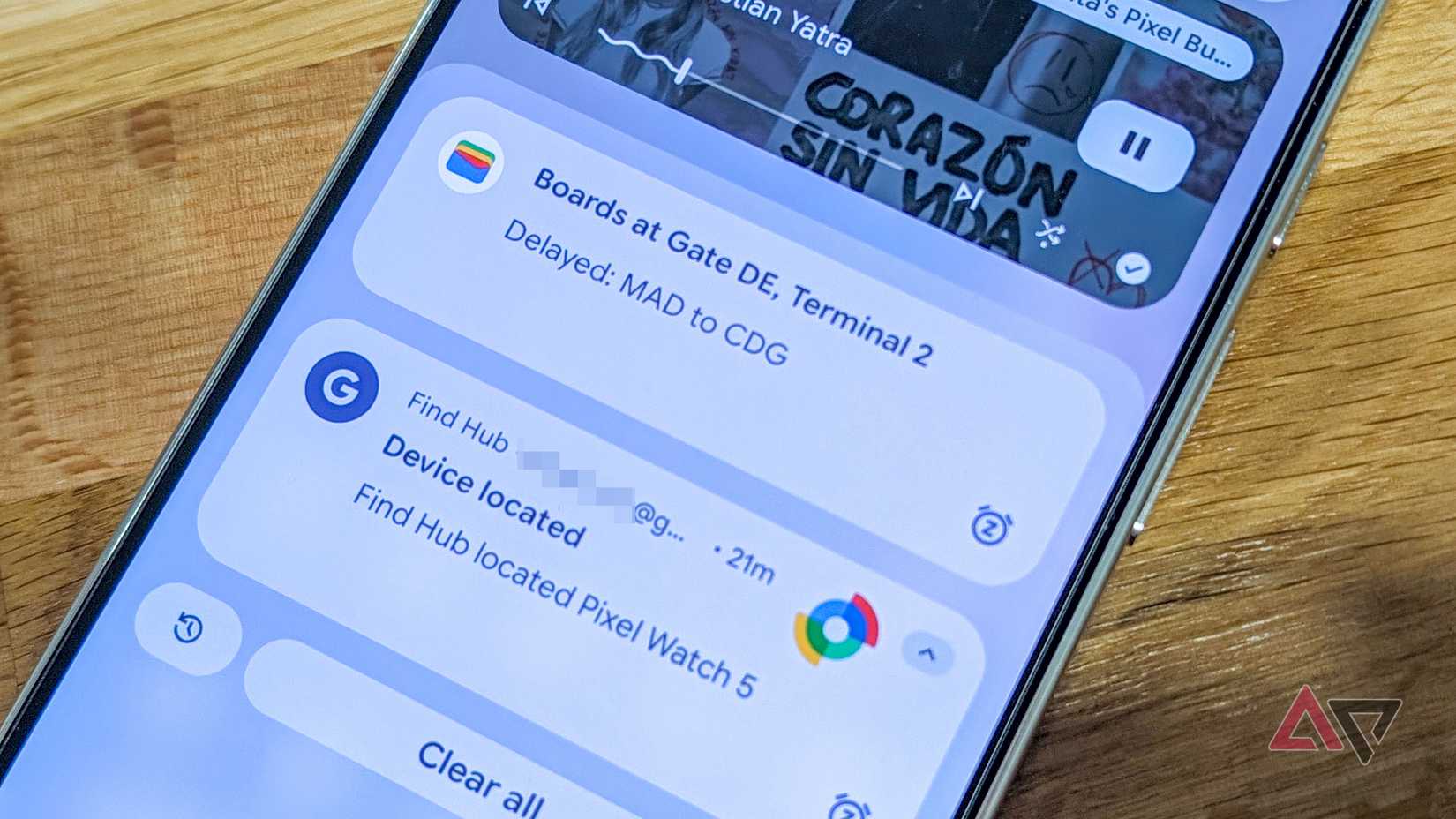
Google Find Hub, and the option to locate and ring the Pixel Watch from my phone helped me find my expensive Pixel Watch in one of the most crowded and complicated places for lost tech. I absolutely love that, and I love how accurate Find Hub is becoming nowadays, even when items are disconnected.
However, I wish Google had a setting to enable a notification on your phone when you walk away from your Pixel Watch and leave it behind, but so far this option doesn't exist. There's one to notify you on the watch if you leave the phone behind, but not the opposite.
So, if I hadn't noticed that my watch wasn't with me anymore, I would've walked away, someone might've picked it up on the belt, and I might have lost it for good. That notify when disconnected would make this entire experience a little smoother.