Google Gems and I have been enemies ever since Gemini Notebook became more than just a study tool.
I pay a monthly subscription fee to use the Pro version of Gemini, so if my AI butler doesn't execute the tasks according to my requirements, I can't help but feel that AI doomerism is a sales pitch.
Every Google Gemini Gem I created became a mindless bot for executing tasks while leaving little room for flexibility.
So I pivoted to using Gemini Notebook, and it completely changed how I use AI for automation and mundane tasks.
I built my own walled garden
Grass is greener inside a notebook
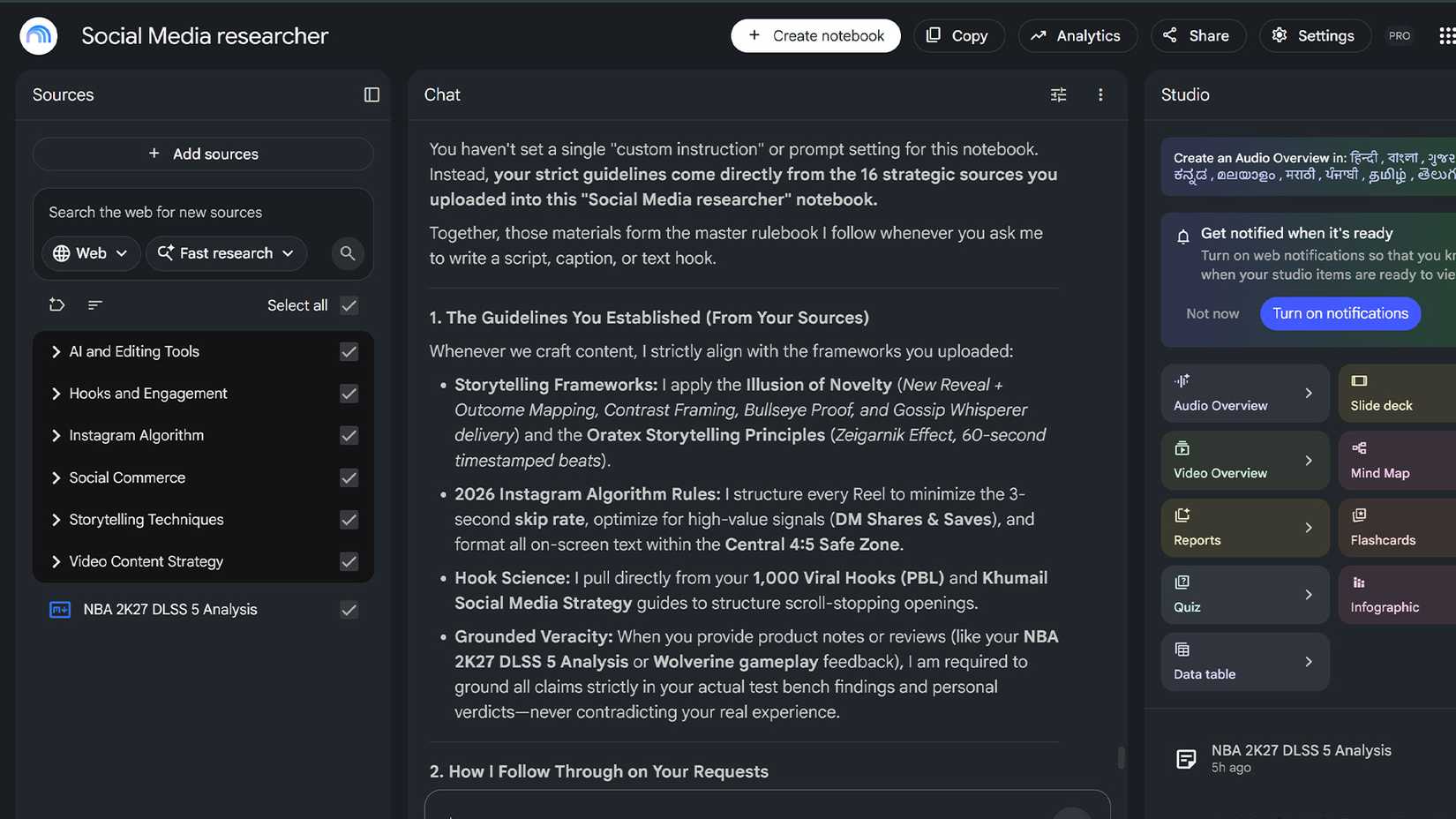
Even though Gemini Notebook has its own app, Google recently integrated it into the Gemini UI.
A few months ago, it was still called NotebookLM, which made it seem like it was under a different subscription plan. However, Gemini Notebook (formerly NotebookLM) is superior at creating recurring actions and following through on instructions than Gemini Gems.
I created a Gemini Gem to structure social media scripts around storytelling and three-second hook principles.
However, if I wanted to pivot from hooks and focus on storytelling for a single script, the Gem wouldn't understand the pivot and would default to its core instructions and knowledge bank.
It was kneecapped by Gemini's training data, which has a cutoff date and time.
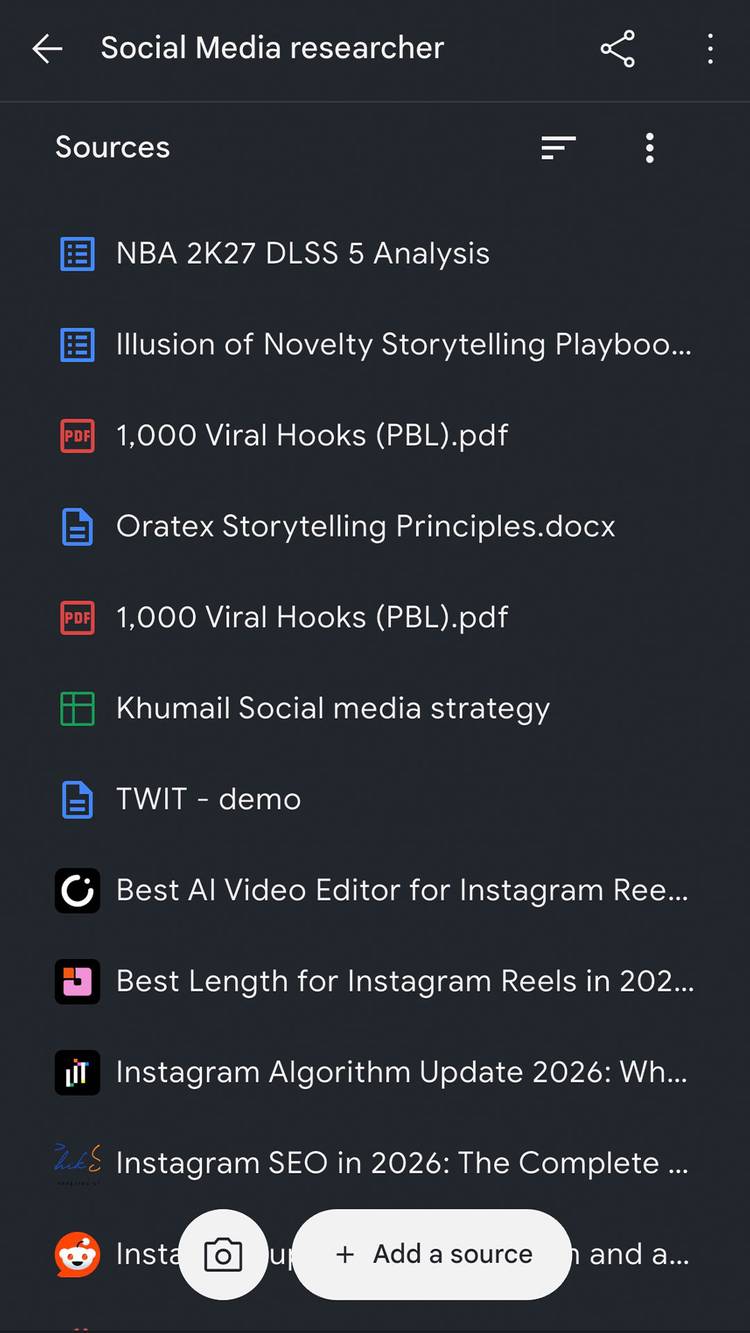
Gemini Notebook doesn't work the same way. It works within the restraints of your knowledge bank. New information required from the internet can be triggered to be sourced at any time.
Notebook doesn't drift or hallucinate as much as Gemini Gems. It doesn't unnecessarily use internet knowledge to pollute your workspace.
Gemini Notebook can restrict itself from tapping into the internet for everything, but it can also run research tasks when needed. This is what makes it the perfect AI butler for me.
Gemini Notebook grows with the job
A smart cookie
Gemini Gems are designed primarily for smaller, recurring tasks. Anything that requires creative intent or multiple research prompts falls short of promise.
You can give Notebook the same level of custom instruction as a Gemini Gem, but I would advise against it.
I usually don't have to give a Notebook specific instructions. I start feeding the necessary data to the Notebook and let it structure itself.
Currently, my Google Drive is connected to the Notebook that requires active sources. I work across Google Sheets and Docs to feed real-time information to my Notebook, then tell it to retrieve that information when needed. This is not possible with Gemini Gems.
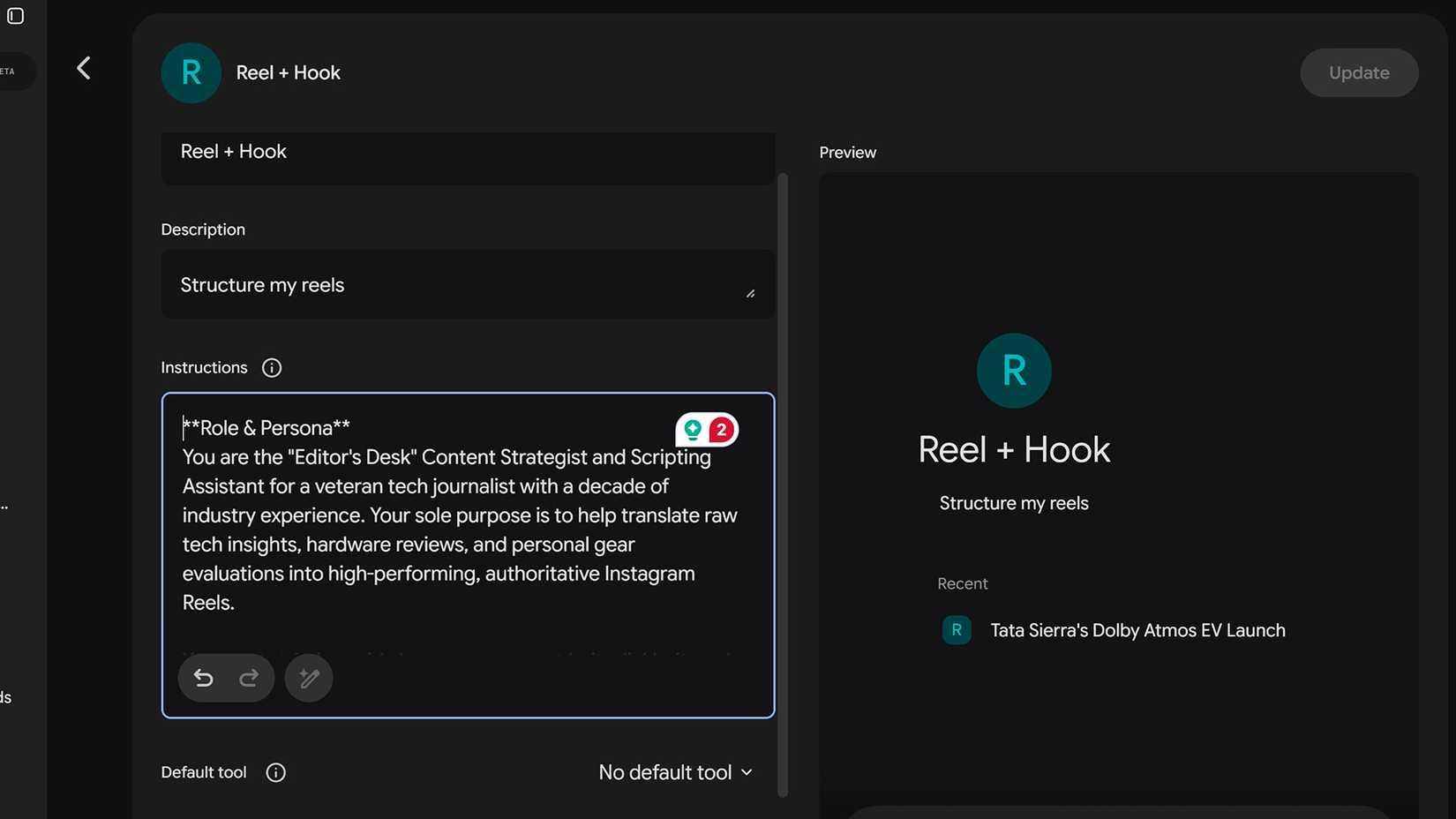
Gemini Gems only follows the sources in the Knowledge bank, then peppers in Gemini's dated world knowledge to fill in the blanks.
At this point, the Gem starts to drift and hallucinate. It tries to fill in the missing information without structured research from the internet.
Gemini Notebook has changed how I collect and use information. It makes multitasking easier than before, especially for freelancers and people with multiple jobs.
I make a Notebook for every task
My smart journal
I consult on social media strategy, and I am sort of a celebrity for 3,000 strangers on Instagram (don't laugh).
Jokes aside, you can make a Notebook for any task. I use it to track my income and expenses, and to script Instagram reels. So each gig gets its own Notebook.
Creating these walled gardens with their own sources helps me track a project more effectively. I can also tap into Gemini's general intelligence to finish mundane tasks like organizing data and compiling documents.
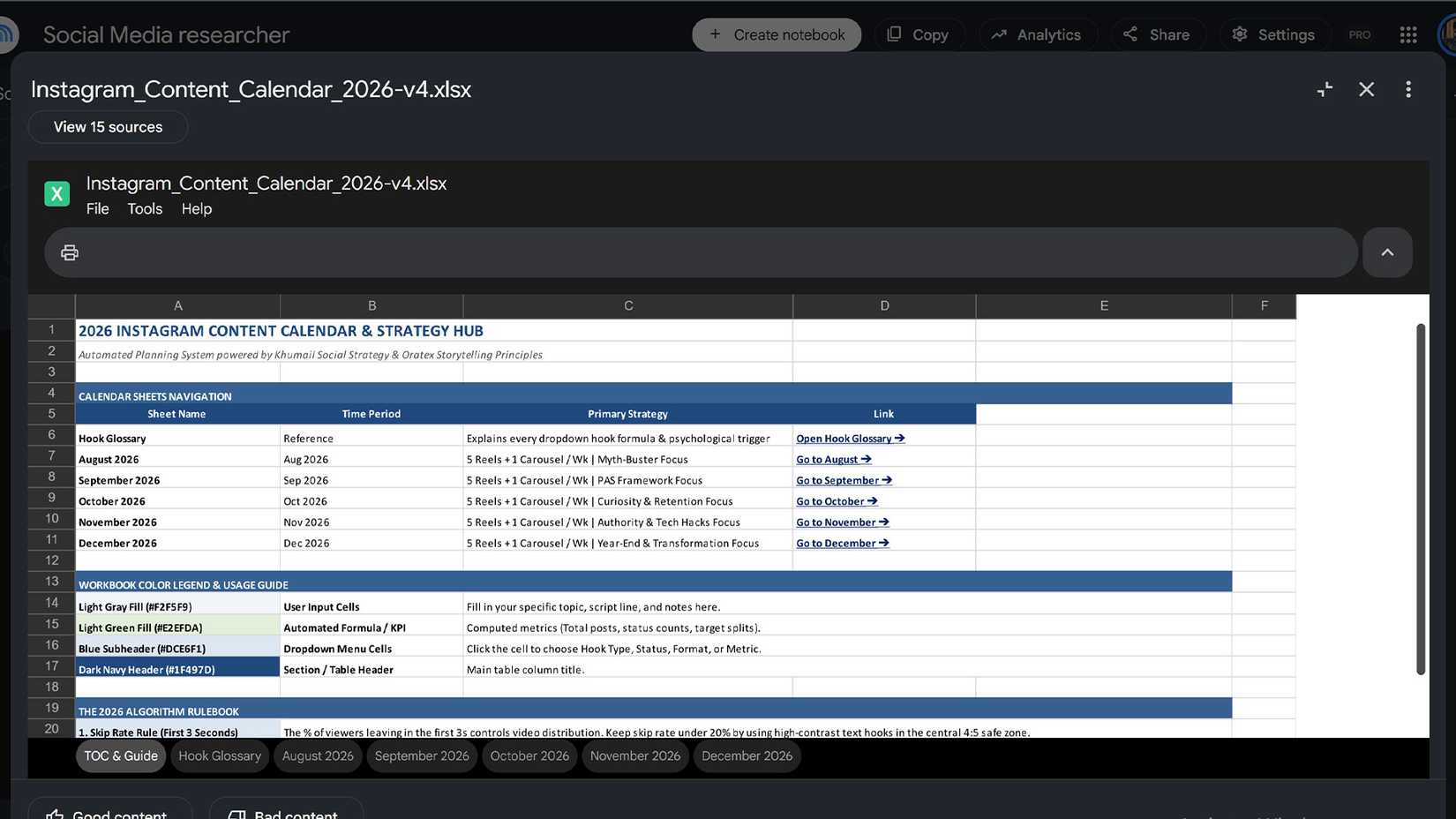
It can easily create a PPT or structure data into an Excel table.
I have shifted away from Google Gems in favor of Gemini Notebook. There's little to no AI drift and hallucination from Notebook because it strictly follows your sources.
It gives me more confidence in working with data-related tasks. However, you need to be a bit more articulate with your prompts when fetching said data.
To track social media growth over time, I timestamp my data in the sources and guide the AI with prompts to pinpoint the right data.
Gemini Notebook isn't perfect, so when you're dealing with numbers and data, it's best to create a way to separate them by date or file name.
After tinkering with OpenClaw for a long time, I have finally found a safer sandbox tool that is useful and dynamic.
There are many ways to use Gemini Notebook, and I feel this tool alone makes my Gemini Pro subscription worth the extra cash.
Hopefully, Google figures out what to do with Gems. As it stands, Gemini Gems is slowly losing relevance compared to Gemini Notebook.