
I often write down what I need to do in Google Keep as soon as it crosses my mind. It could be something I need to buy, a household repair I've been putting off, or an idea for a weekend project.
Over time, my notes became a growing list of tasks I kept putting off and rarely opened again.
Eventually, I found a better way to turn ideas into actionable plans by combining Keep's quick note-taking with Tasks' reminders, deadlines, and checklists.
Here's how I use both apps to build a practical system for managing everyday tasks.
I turn select notes into actionable tasks
Stop letting important notes sit idle
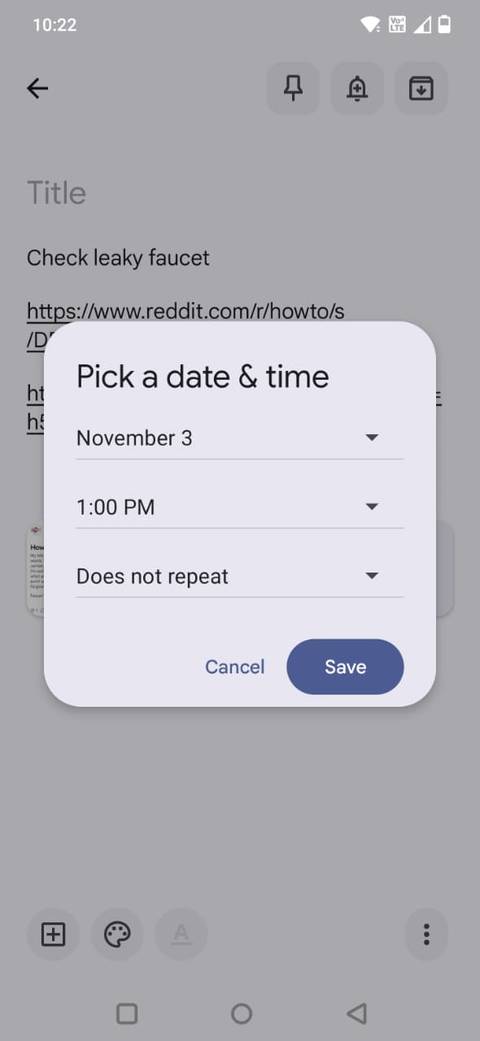
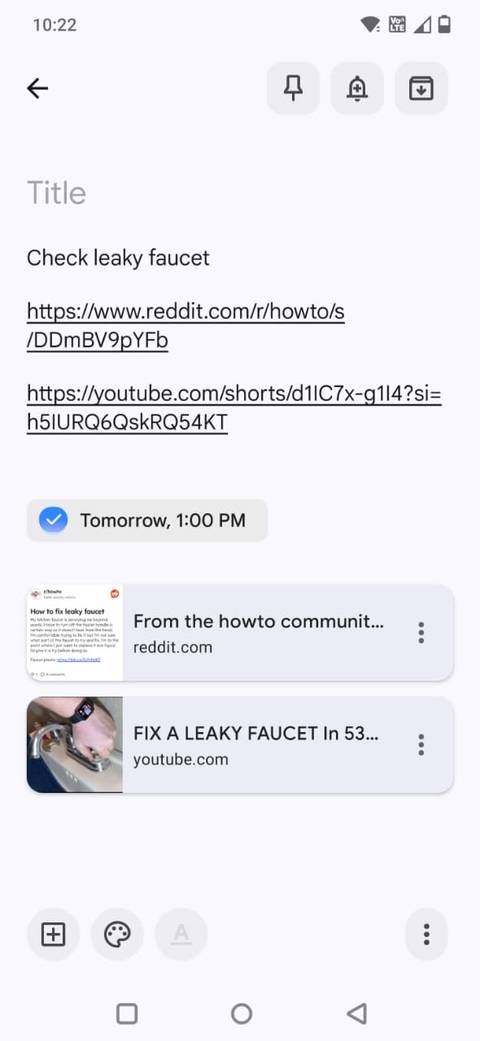
Not every note I jot down in Google Keep needs a deadline or a reminder. Some are ideas I want to remember, while others are tasks I intend to act on. I use Google Tasks to separate the two.
When I come across a note that requires action, I tap the and choose a date and time. Google automatically saves that reminder as a task, which I can access from the Tasks app or Google Calendar.
I don't have to copy the information into another app or create a duplicate entry.
For example, if I create a Keep note about replacing a leaking faucet, I can add a reminder to deal with it over the weekend.
The task appears in Google Tasks with a label, which also lets me jump back to the original note whenever I need more information. I keep the note's photos, links, and other reference material in Keep while using Tasks to track the deadline.
I can also manage these reminders from either app. If my plans change, I can adjust the date and time from Keep, Tasks, or Calendar. I can even mark the task as complete from any of these places.
I use separate task lists to keep everything organized
Create dedicated lists for different priorities
As I added more reminders to Google Tasks, I realized that keeping everything in one long list wasn't helpful. A household repair, a work assignment, and a shopping errand don't belong together.
When everything is in one place, it becomes challenging to identify tasks I need to prioritize, and less urgent items can easily get lost. To address this, I use separate lists in Google Tasks to allocate different types of responsibilities their own space.
For example, I have lists for personal errands, household tasks, and work-related responsibilities. I can switch between lists whenever I need to focus on a particular category without scrolling through unrelated tasks.
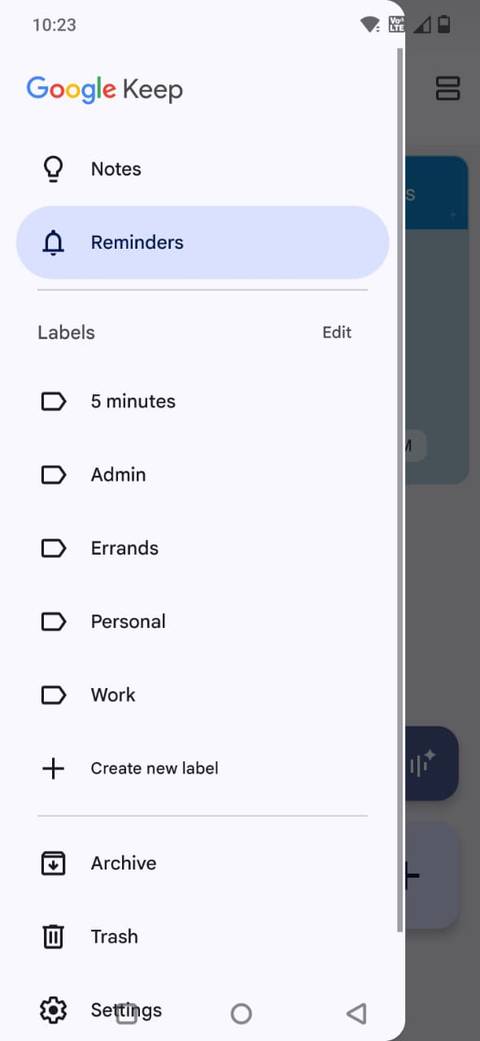
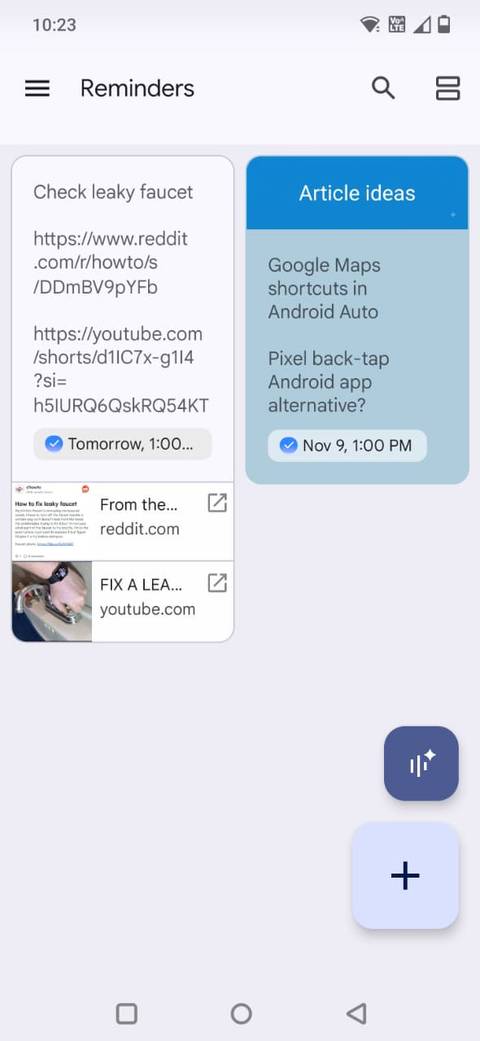
It's also convenient that tasks I create from Keep notes continue to show up in Google Keep's section. I can open it from Keep's navigation menu and see all my notes that have reminders attached, without switching to Google Tasks every time I want to revisit them.
I break big projects into smaller steps
Use subtasks to keep bigger plans on track
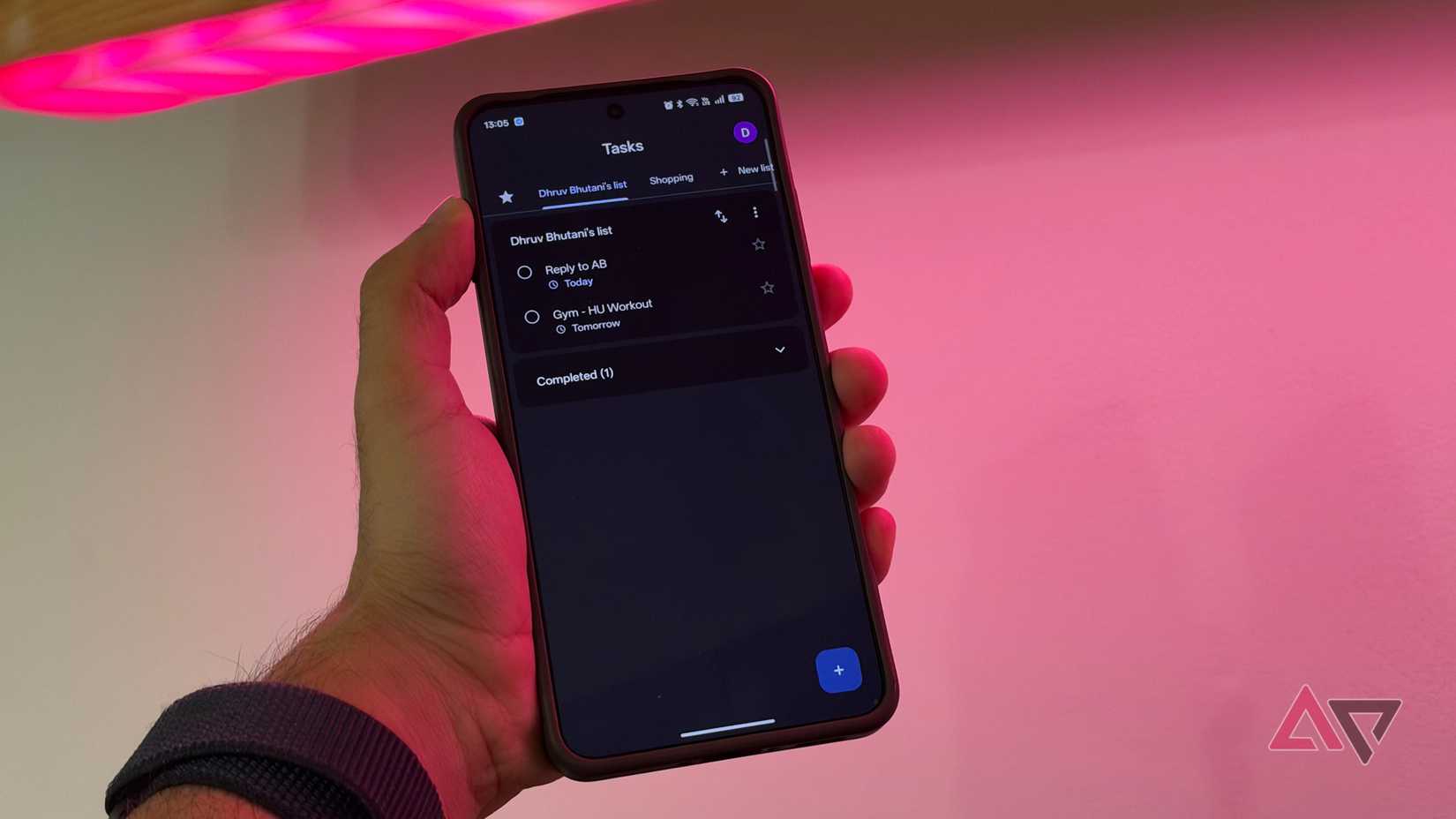
One reason I like combining Google Keep with Tasks is that I don't have to treat a big project as one overwhelming to-do item. Some projects involve several smaller jobs, and it's easy to keep postponing them when I don't know where to start.
I use Google Keep to collect everything related to a project in one place. For example, if I'm planning a home improvement project, I can create a note containing measurements, photos of the space, product links, shopping ideas, and things I need to consider.
This gives me a convenient reference point without cluttering my task list with every little detail.
For larger projects, I take things a step further by turning the main task into smaller, manageable steps in Google Tasks. The app supports subtasks, so I can keep the overall goal visible while tracking the individual actions needed to complete it.
For example, instead of adding a vague task like "organize the garage," I create subtasks for sorting tools, clearing shelves, discarding unwanted items, and buying storage boxes. Each completed step brings me closer to finishing the project.
I find this approach useful for projects that take several days or require planning. Instead of staring at one intimidating task and repeatedly putting it off, I have a clear list of smaller actions I can work through when I have time.
Google Keep and Tasks make a practical combination
I use to capture ideas, save useful information, and collect everything I might need for a project. Meanwhile, helps me turn those ideas into concrete actions, break projects into smaller steps, and keep track of what I've completed.
The best part is that I don't have to maintain two separate systems. Reminders sync between the apps, so I can revisit them in Keep or manage them in Tasks alongside my other responsibilities.
Whether I'm planning a home project, tracking errands, or managing my work, this combination helps me move beyond writing things down. After all, a to-do list is only useful if it helps me get things done.